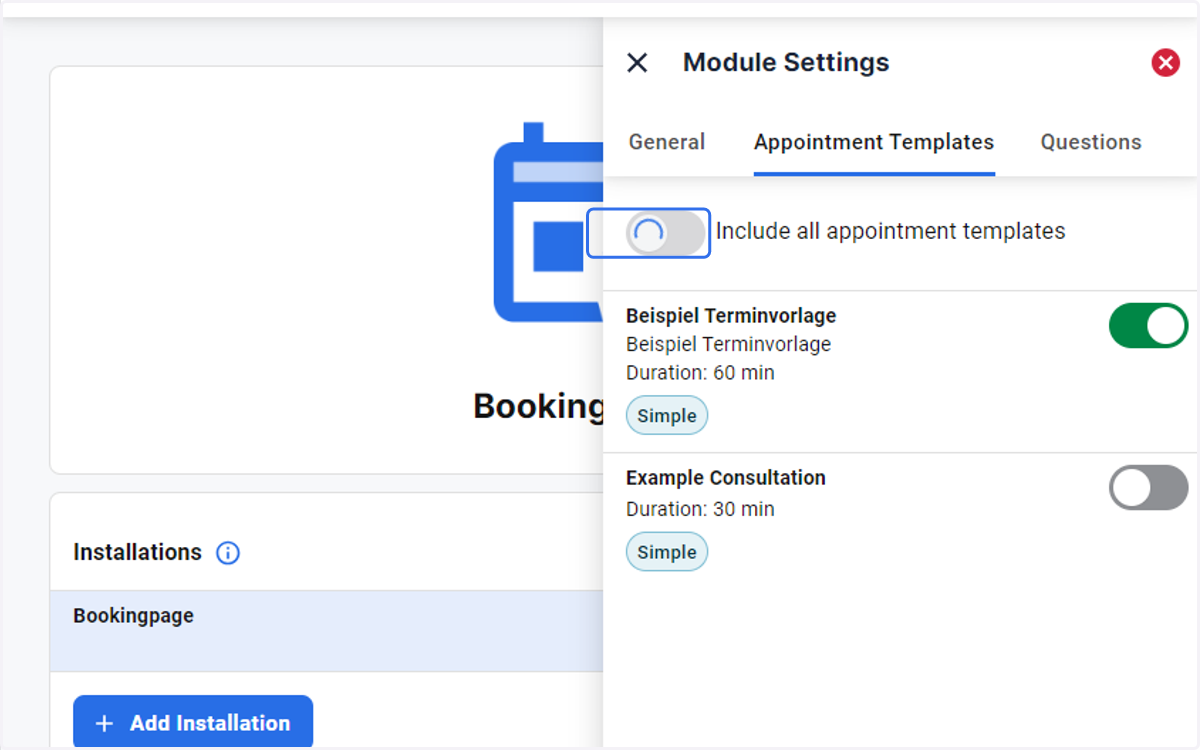
Configuring Appointment Templates in the Booking Module
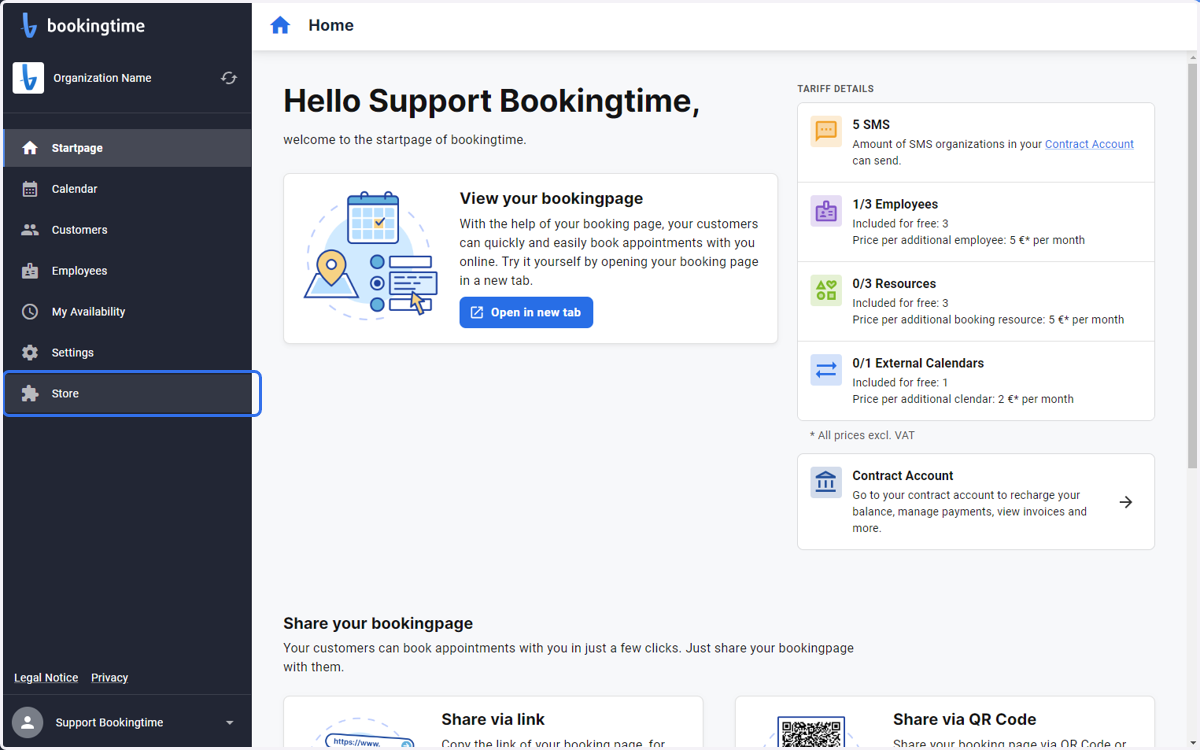
Go to the startpage
1. Open the Store from the side menu
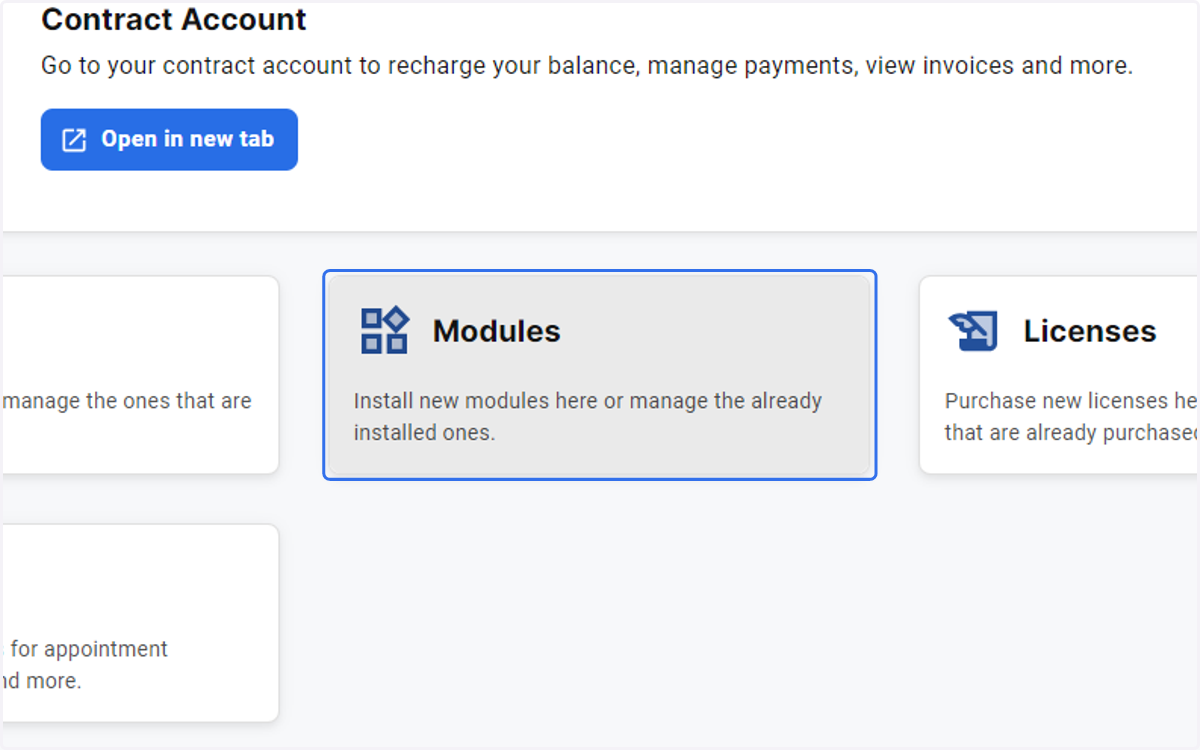
2. Click on Modules
3. Select Bookingpage…
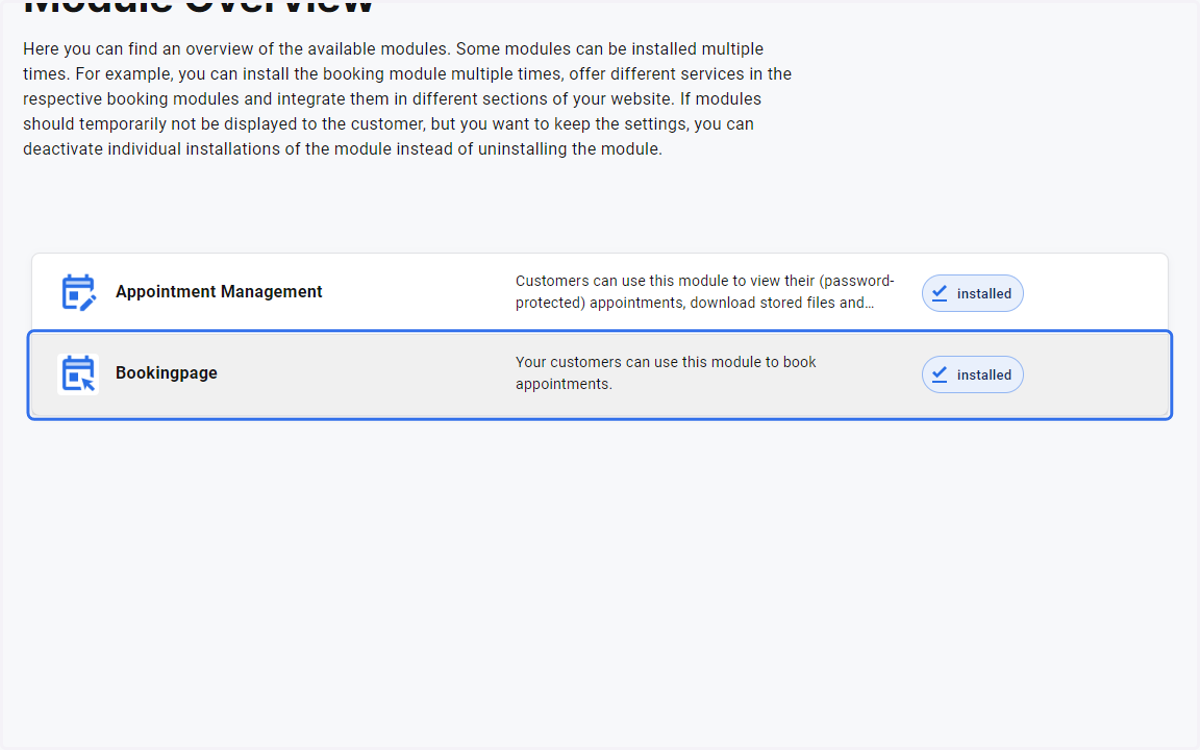
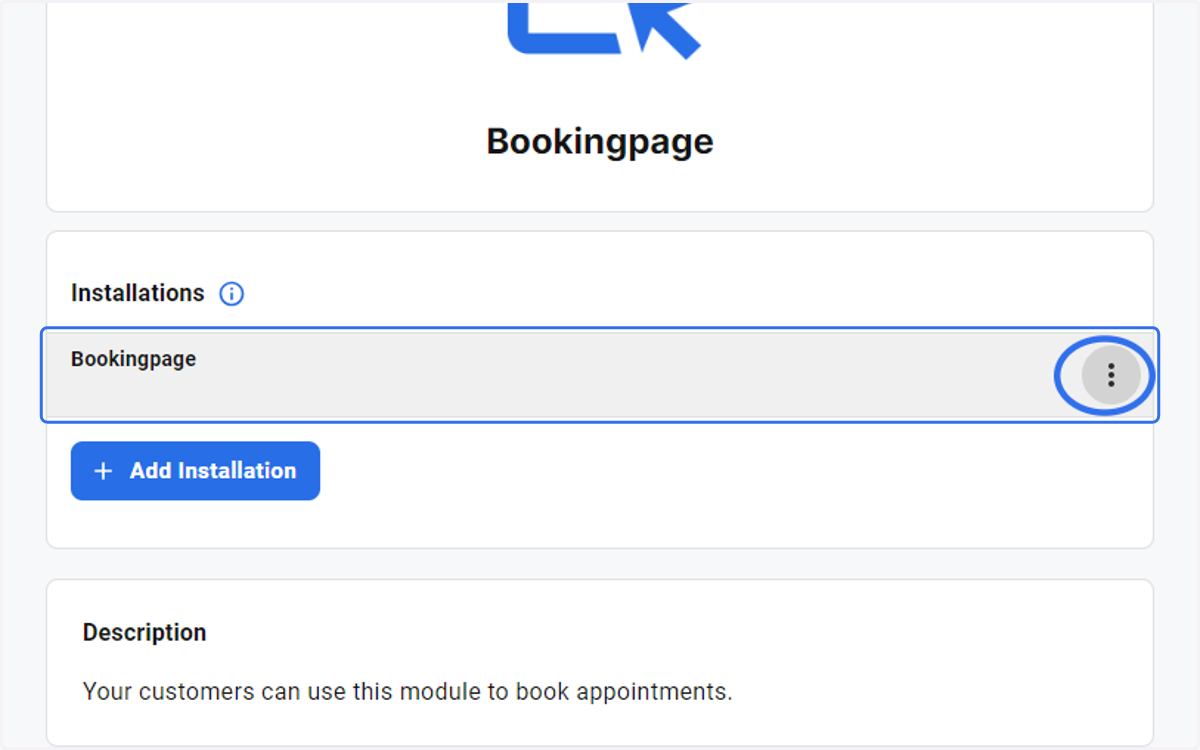
4. Click on hamburger menu next to Bookingpage
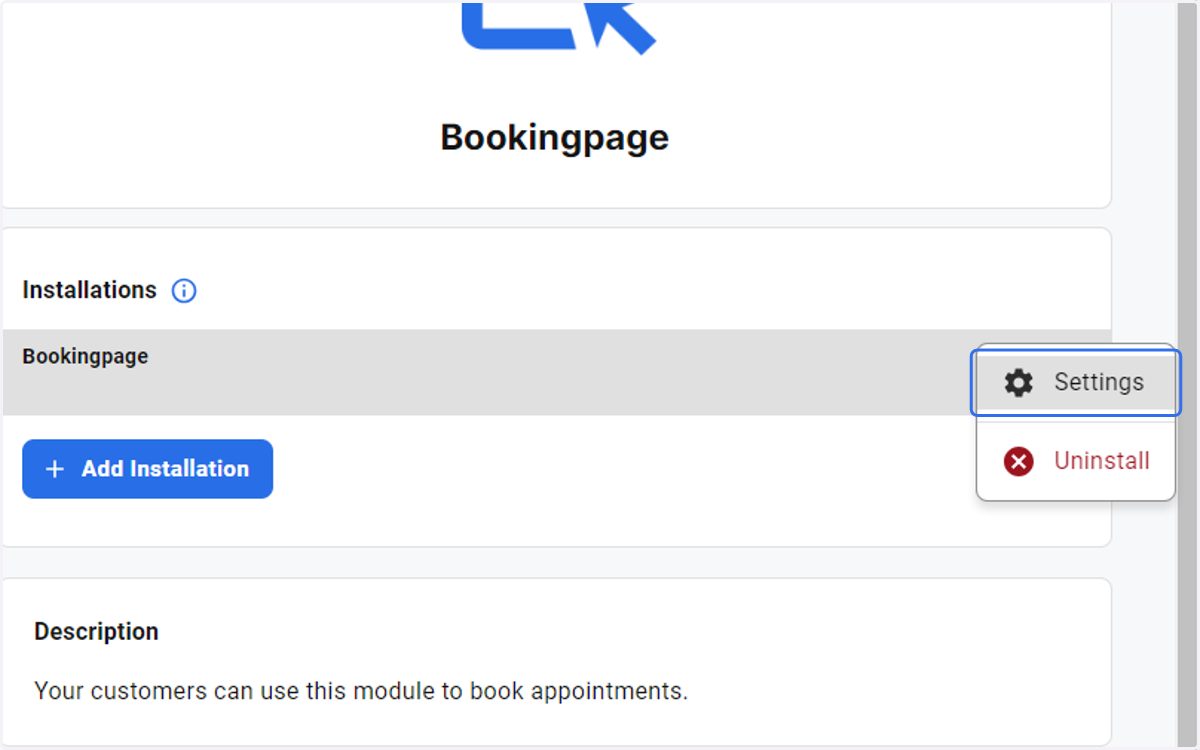
5. Click on Settings
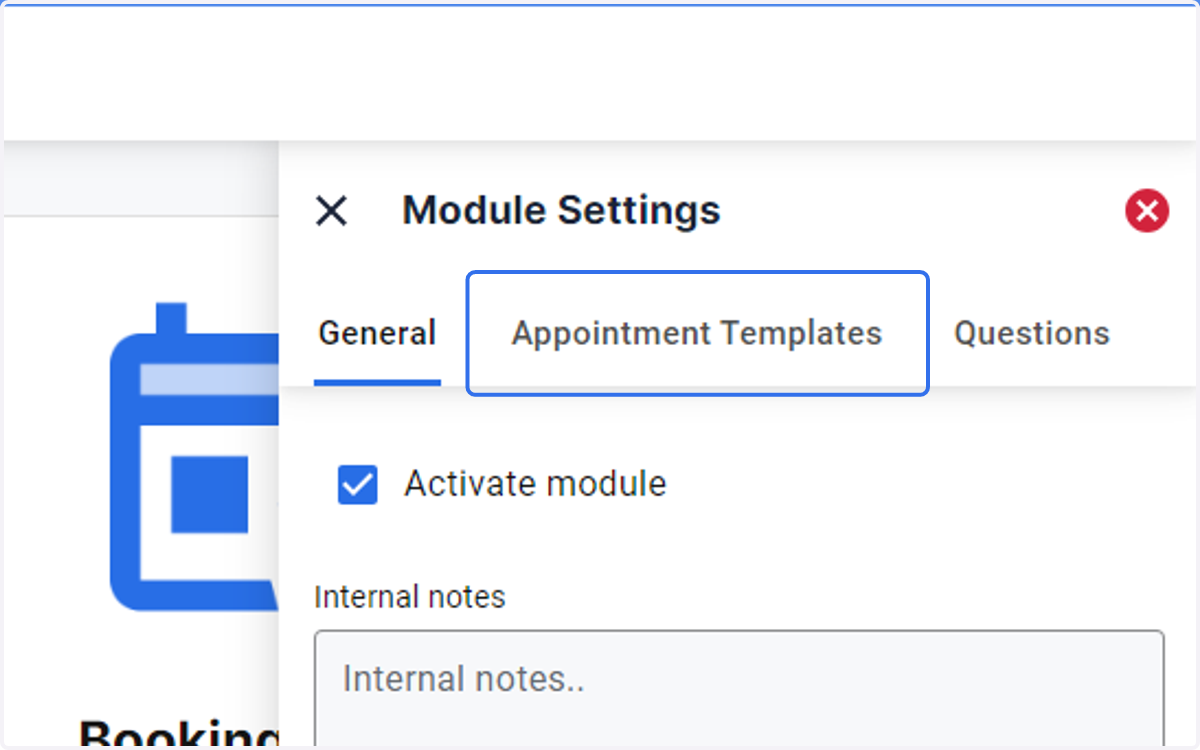
6. Click on the Appointment Templates tab under Module Settings
7. Select individual Appointment Templates
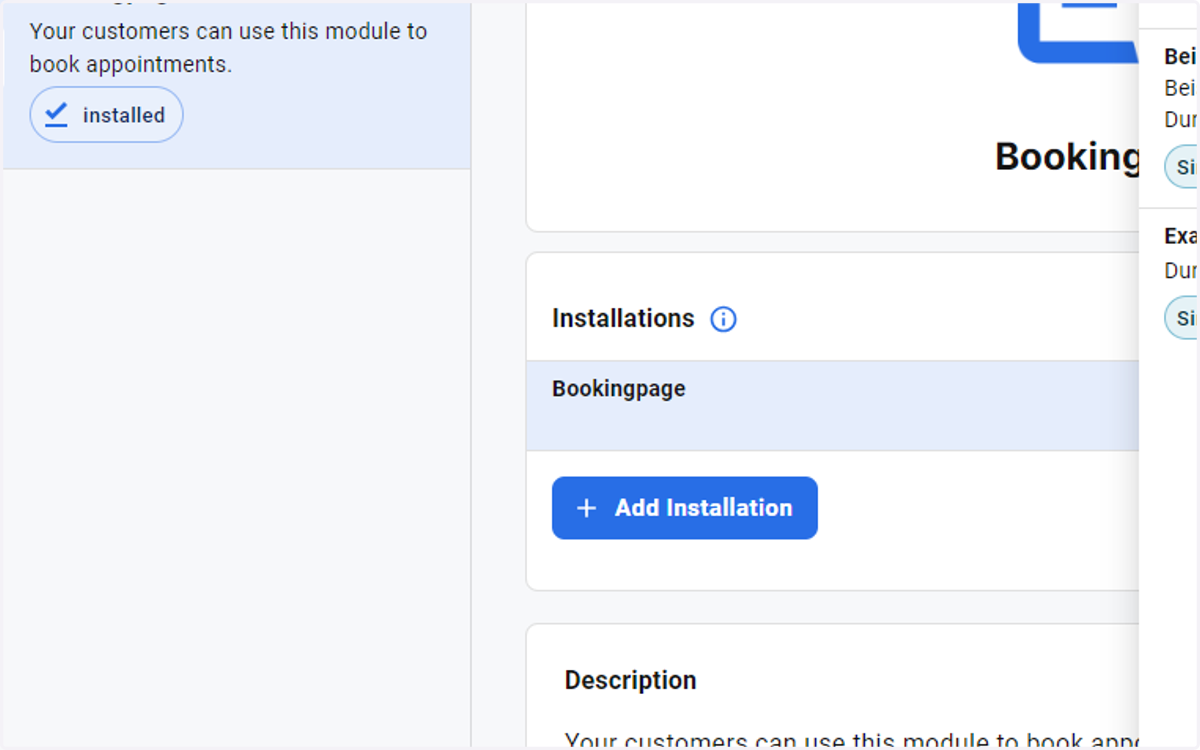
8. or select Include all appointment templates