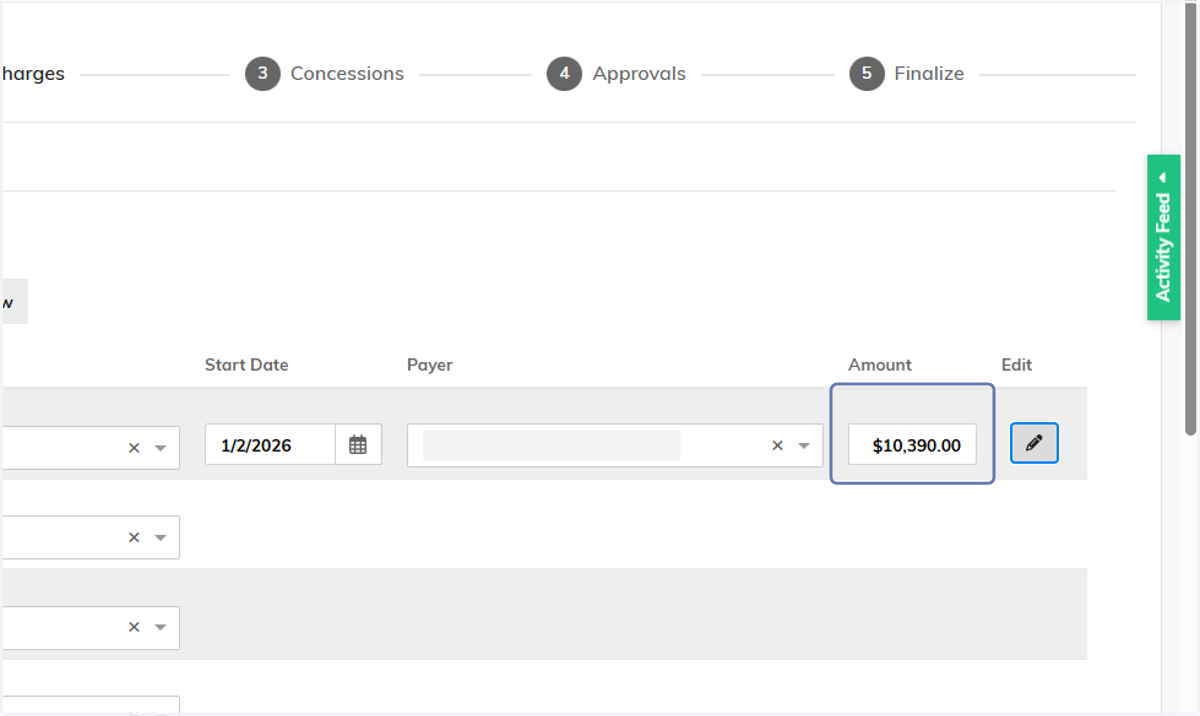
2026 Accommodation Rate Information
Review Apartment Rates
2026 Rates will not show on the CRM Dashboard or the Voyager Dashboard until the effective date: 1/1/2026. Until then, you can review 2025 rates on the Unit Dashboard and the 2026 on your community pricing sheet. Follow steps 1-3 for more information. For 2026 leasing tips, skip to step 4.
1. Open the Unit Dashboard

2. Open Unit Listing
Located in the Units By Resident Status widget. For instance, Vacant to show available units.
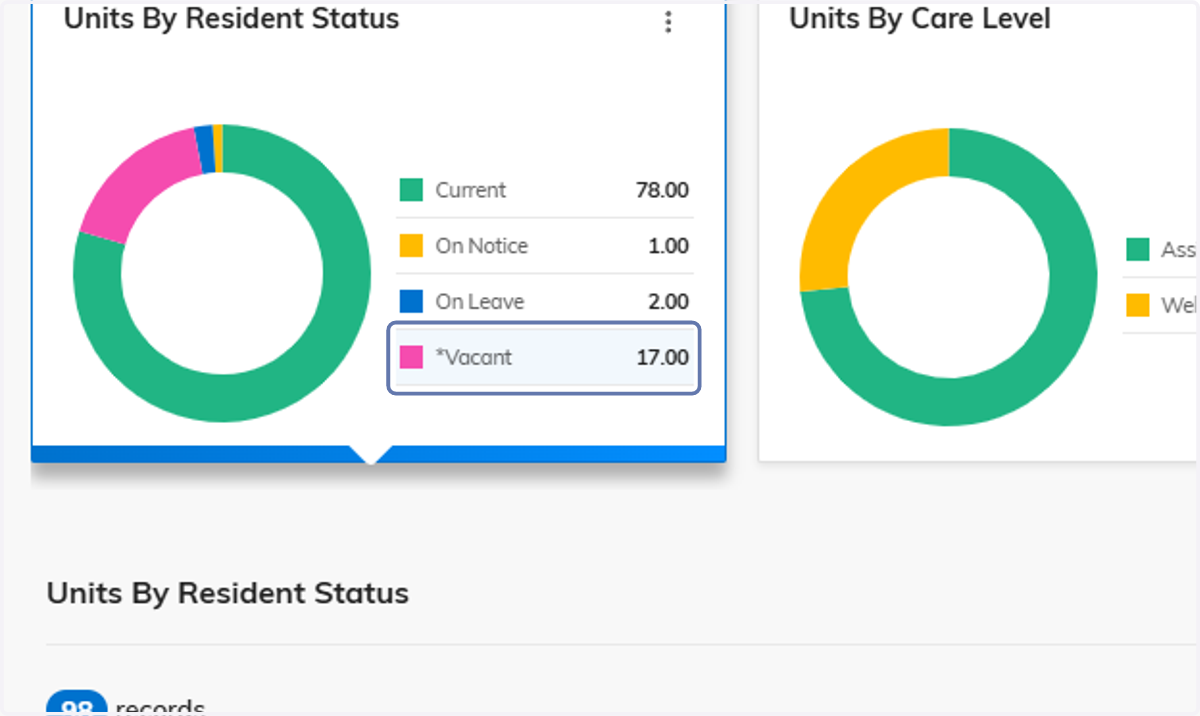
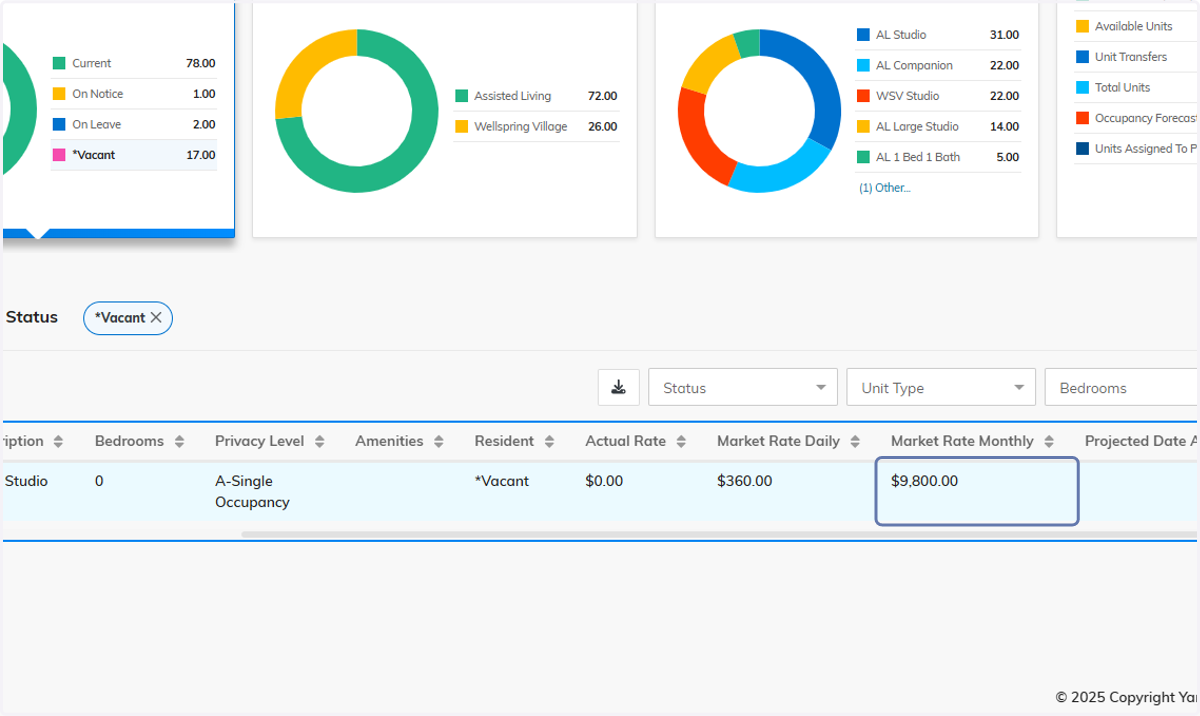
3. Review Market Rate
2026 market rates will be loaded in Yardi the week of Dec 8th. Once loaded, this column will still reflect the 2025 date until Jan 1, 2026. The Leasing Workflow and Manage Services will capture the correct rate based on the move-in date.
If you encounter any problems, please contact HelpDesk@bvsl.net.
Creating a 2026 Quote/Lease (RentCafe Leasing Workflow Users Only)
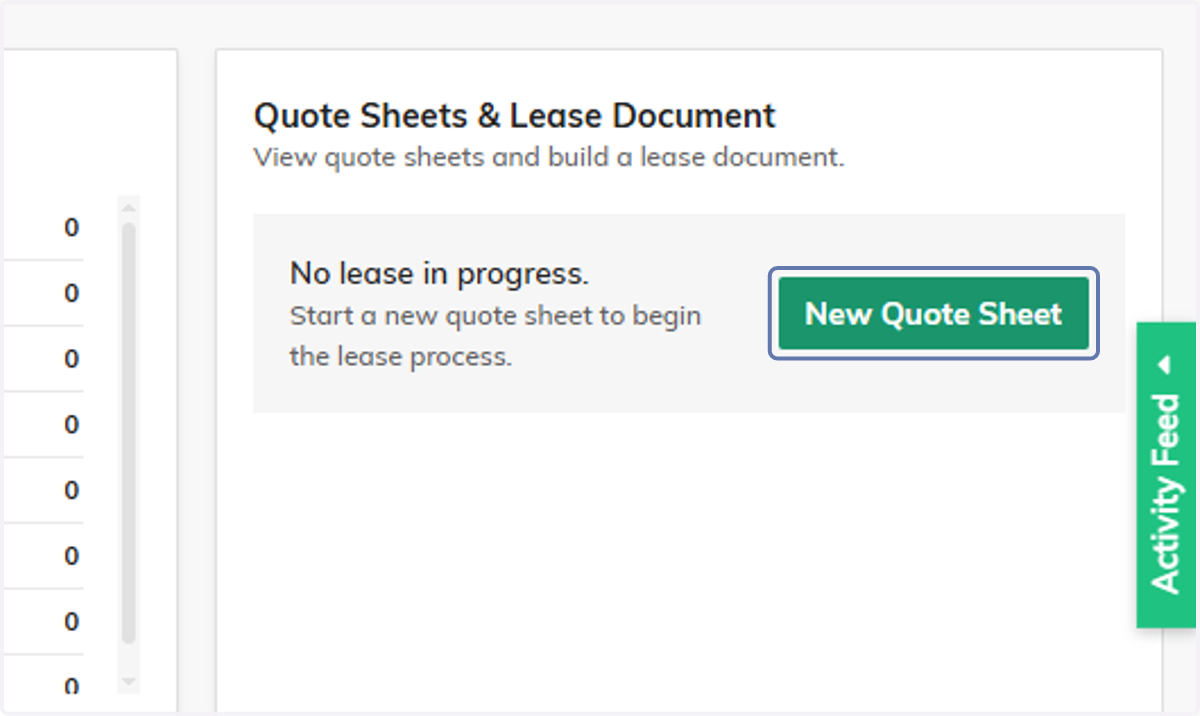
4. Click on New Quote Sheet
From the Documents menu of the resident profile
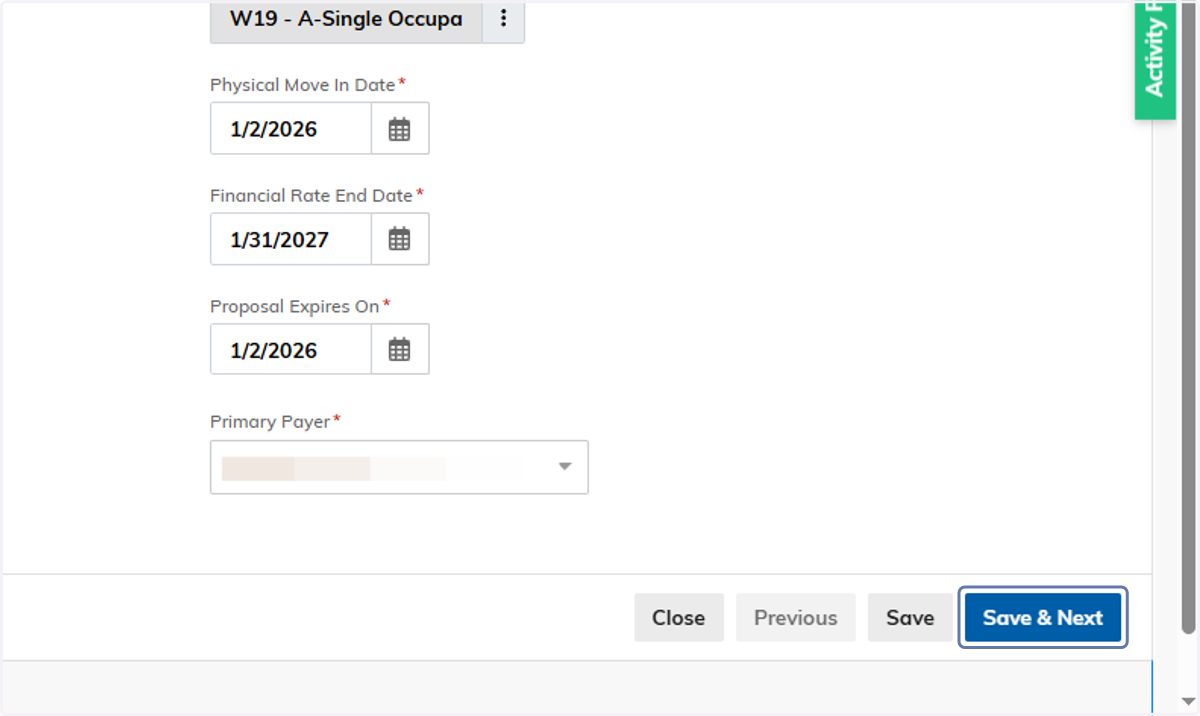
5. Select the 2026 Move-In Date
Enter all other applicable term data.

6. Click on Save & Next
7. Select Accommodation Type
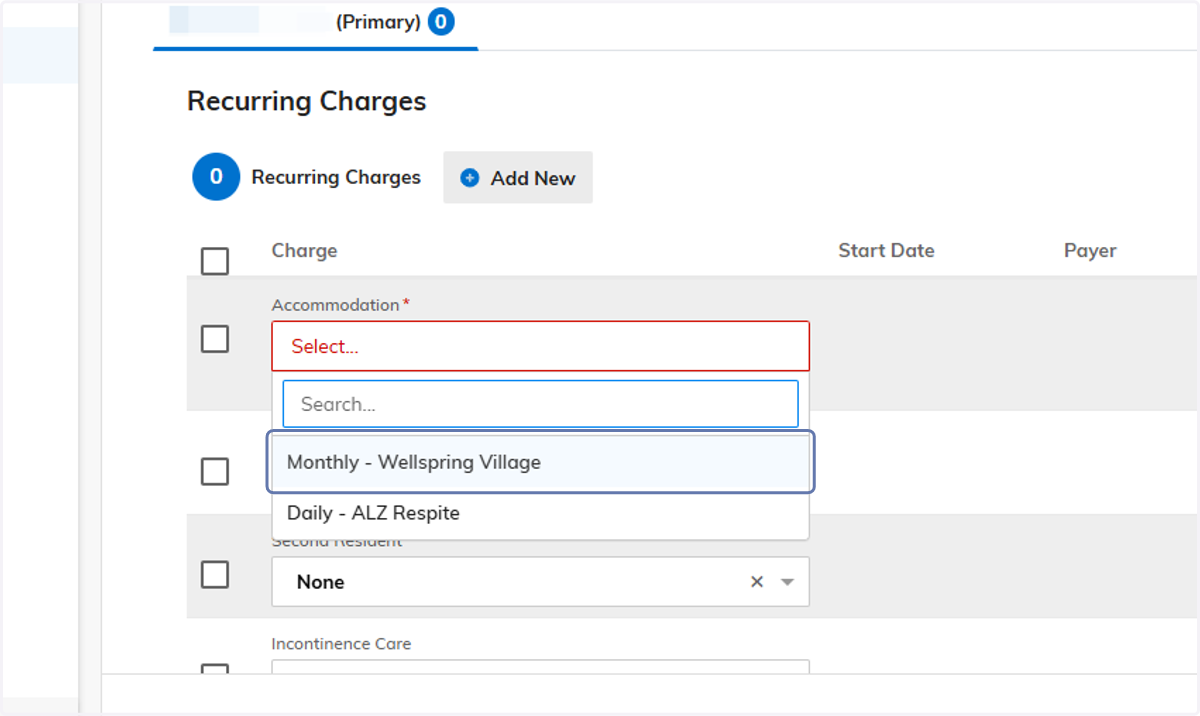
8. Review Accommodate Rate
IMPORTANT: Pay close attention to the amount that populates in this field. If the resident is taking financial possession in 2025 with a physical move in and you are honoring the 2025 rate, the workflow will not automatically update to the 2025 rate. If you need to update the rate, have your BOD or RDBO open the workflow and manually make the change.
For any other issues or questions, contact HelpDesk@bvsl.net.