Email Lists with Engagifii
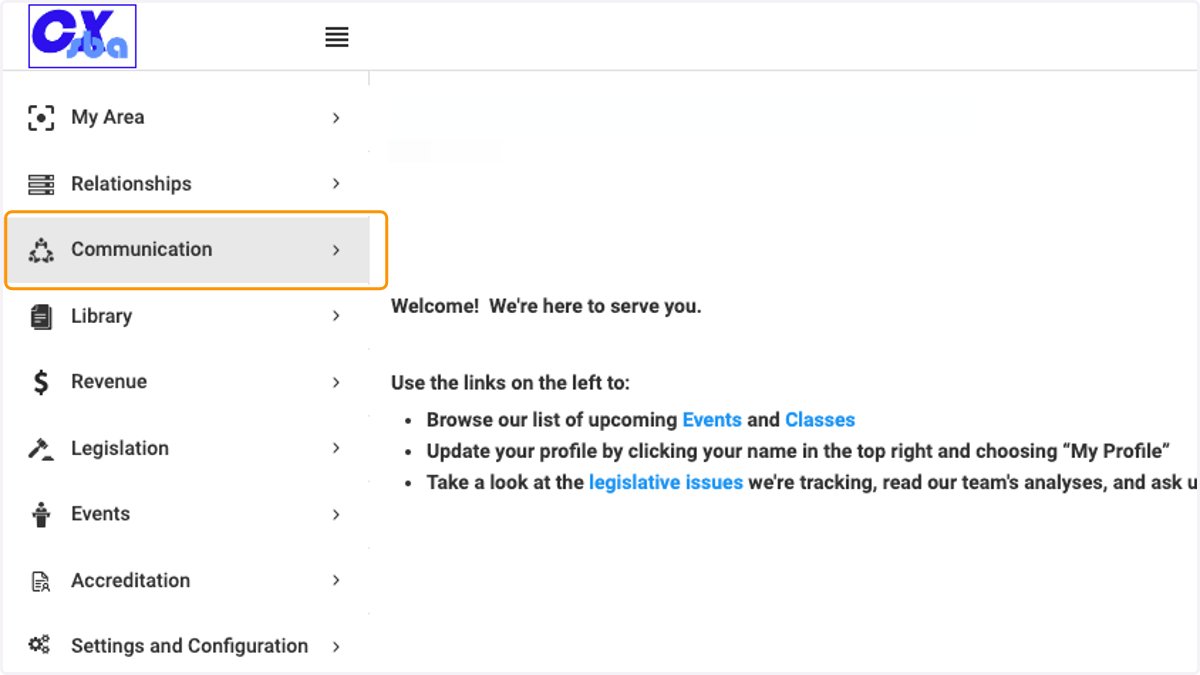
1. Click on Communication
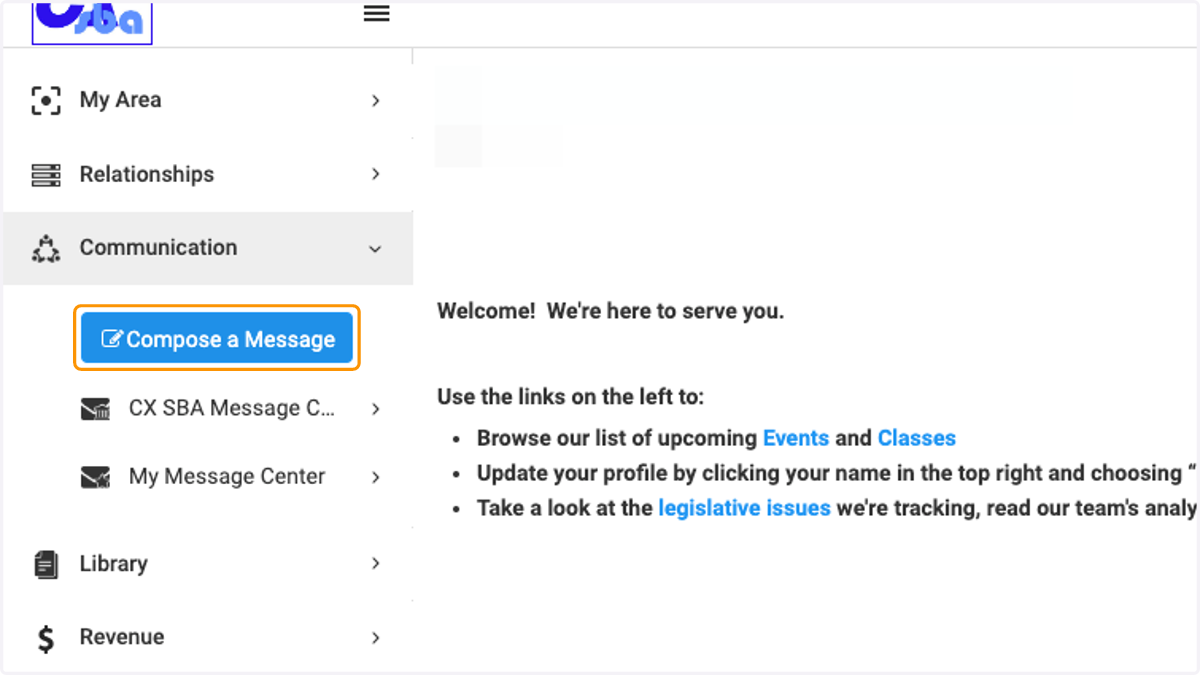
2. Click on Compose a Message
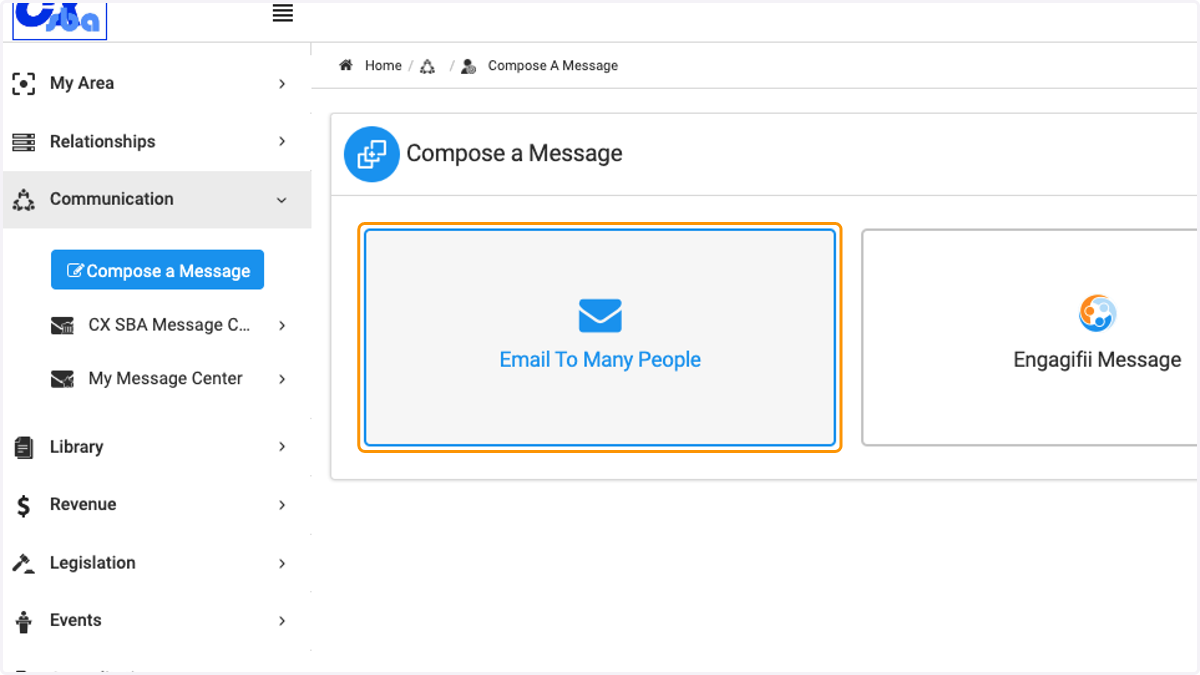
3. Click on Email To Many People
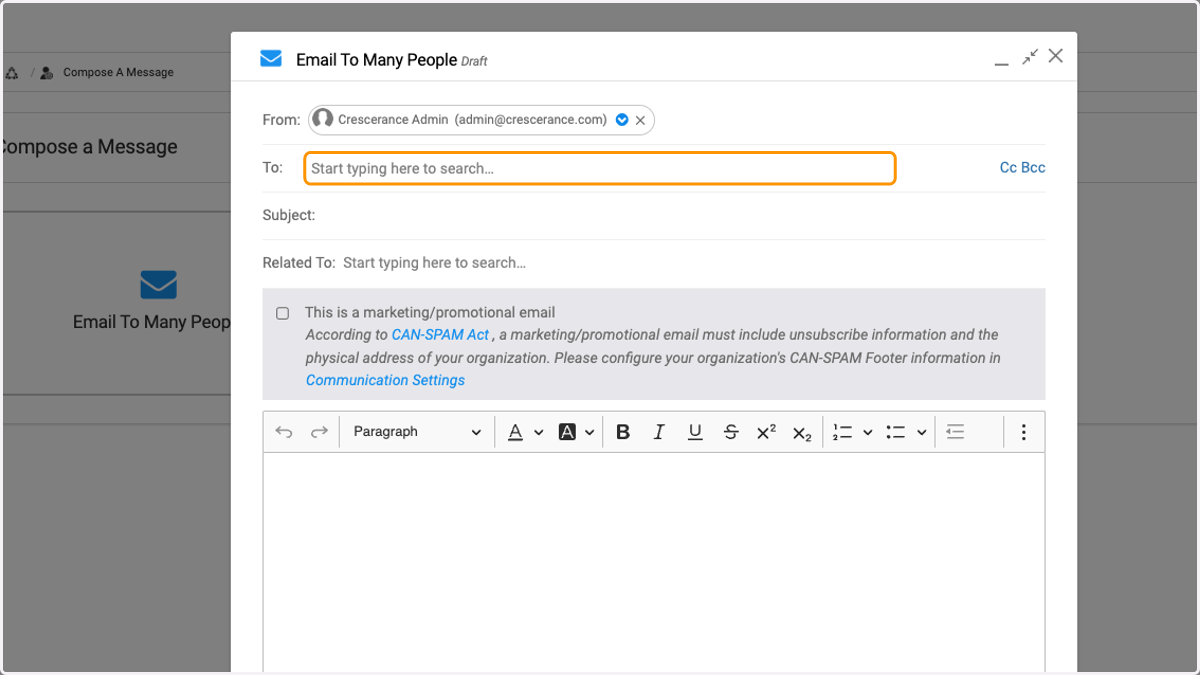
4. Click on Start typing here to search
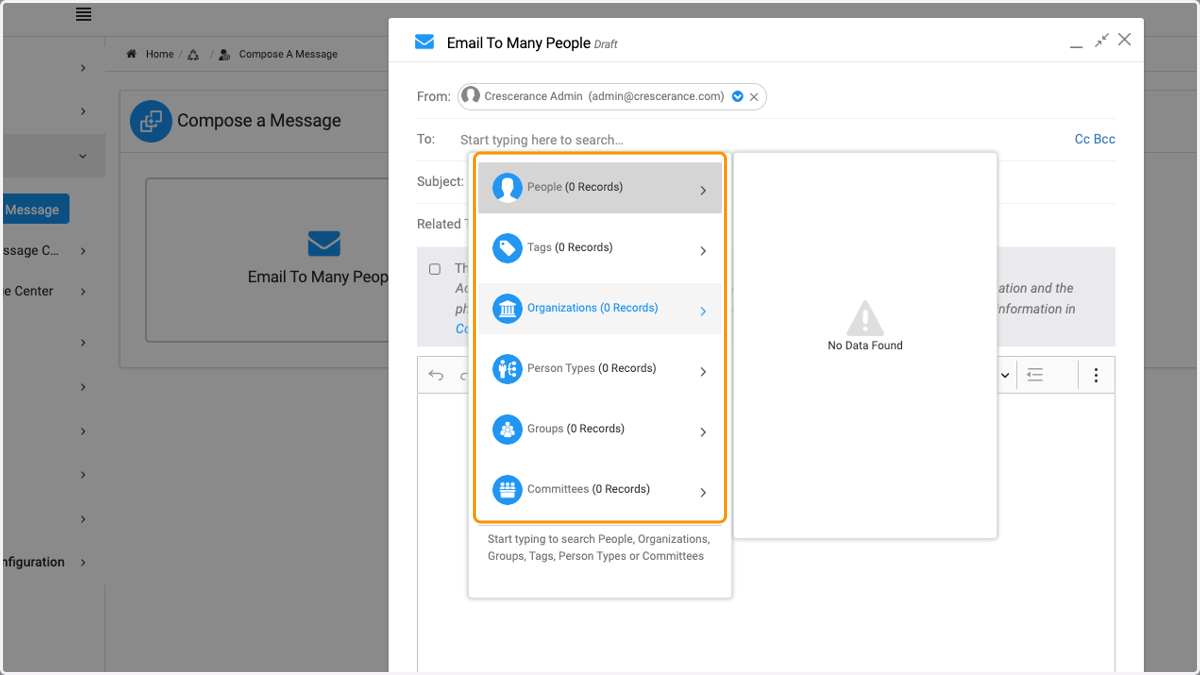
Searching in the text field to find your people, tag group, organization, groups or committees
5. Click on the category you are looking for after you've entered the search words
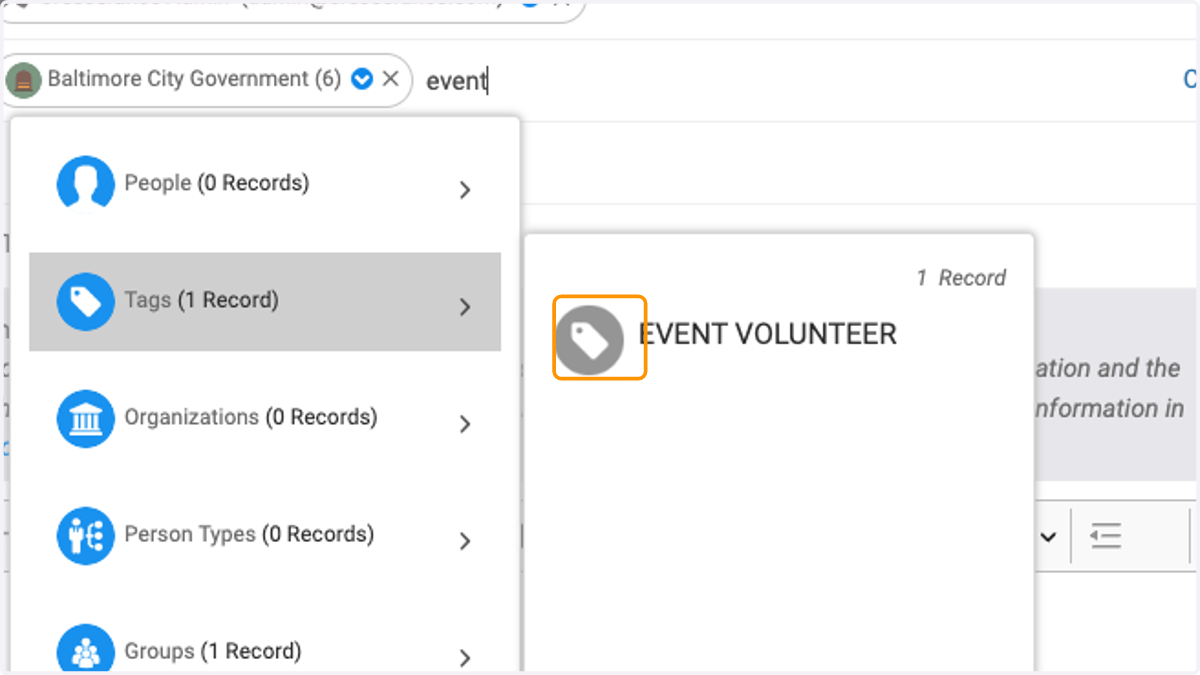
6. For example, by typing event, you can see one tag for 'Event Volunteer'
7. Type your subject
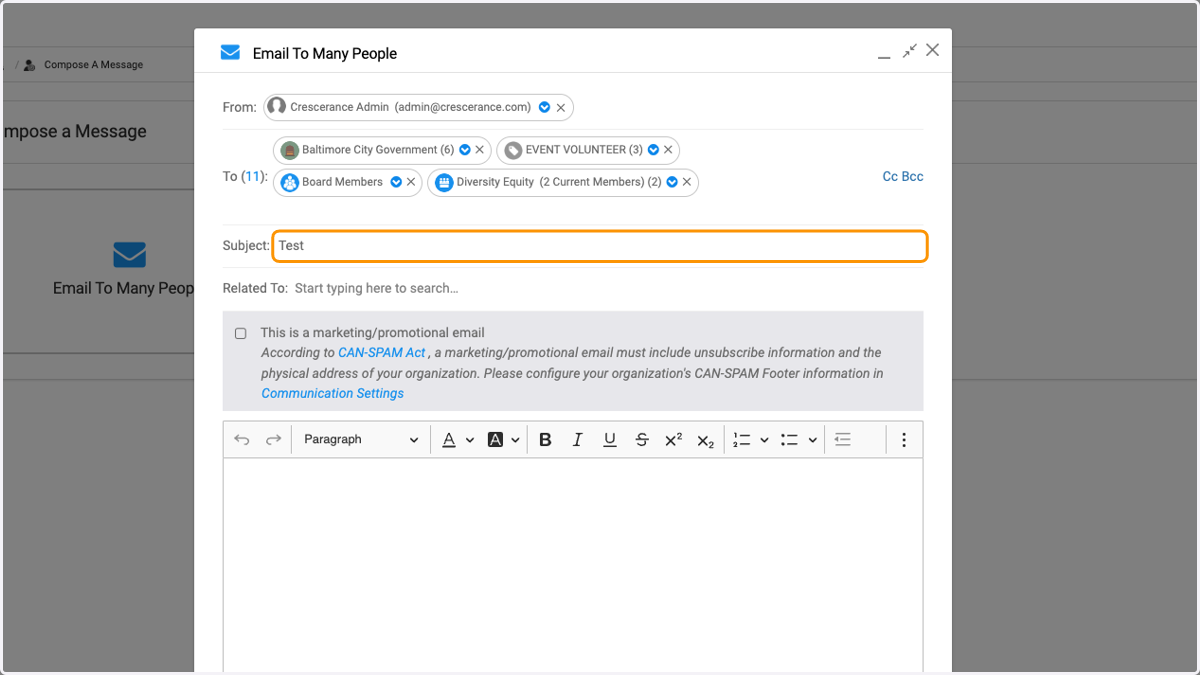
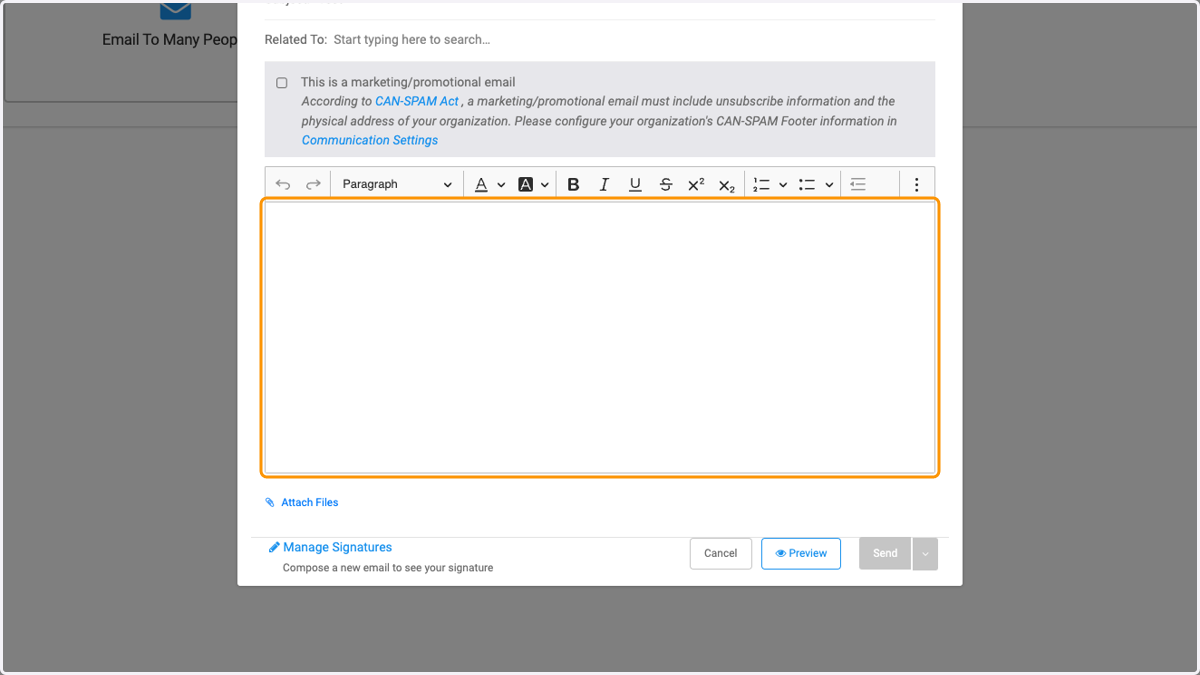
8. Click on the text box to type your message
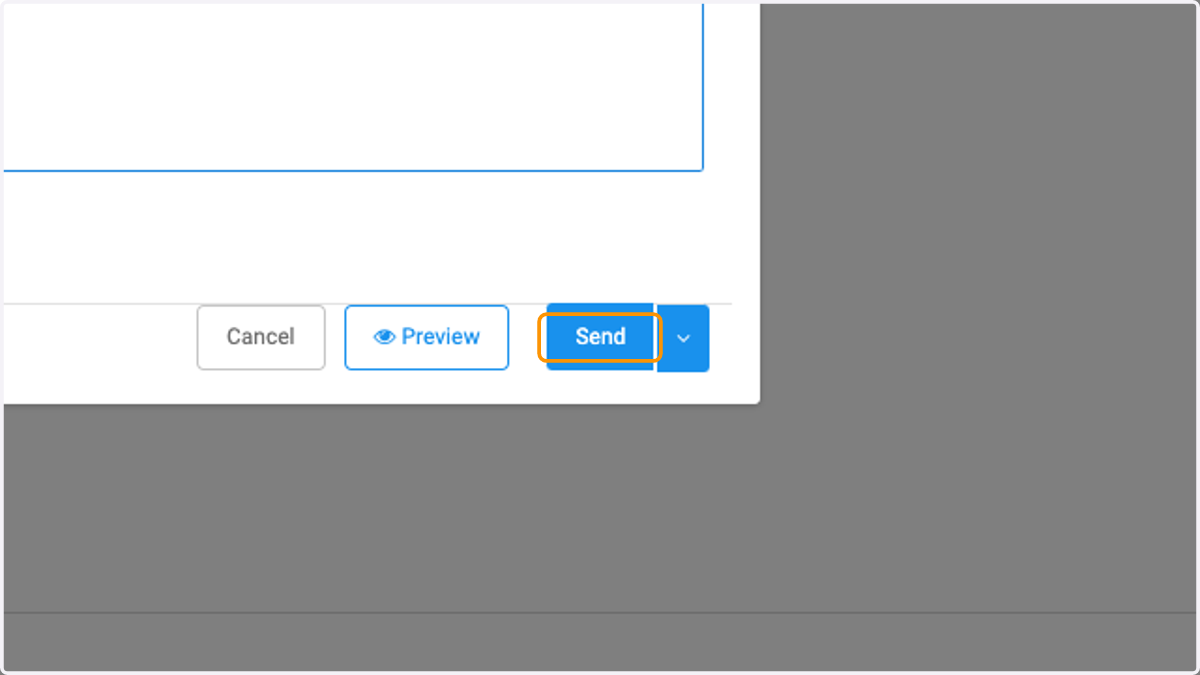
9. Click on Send