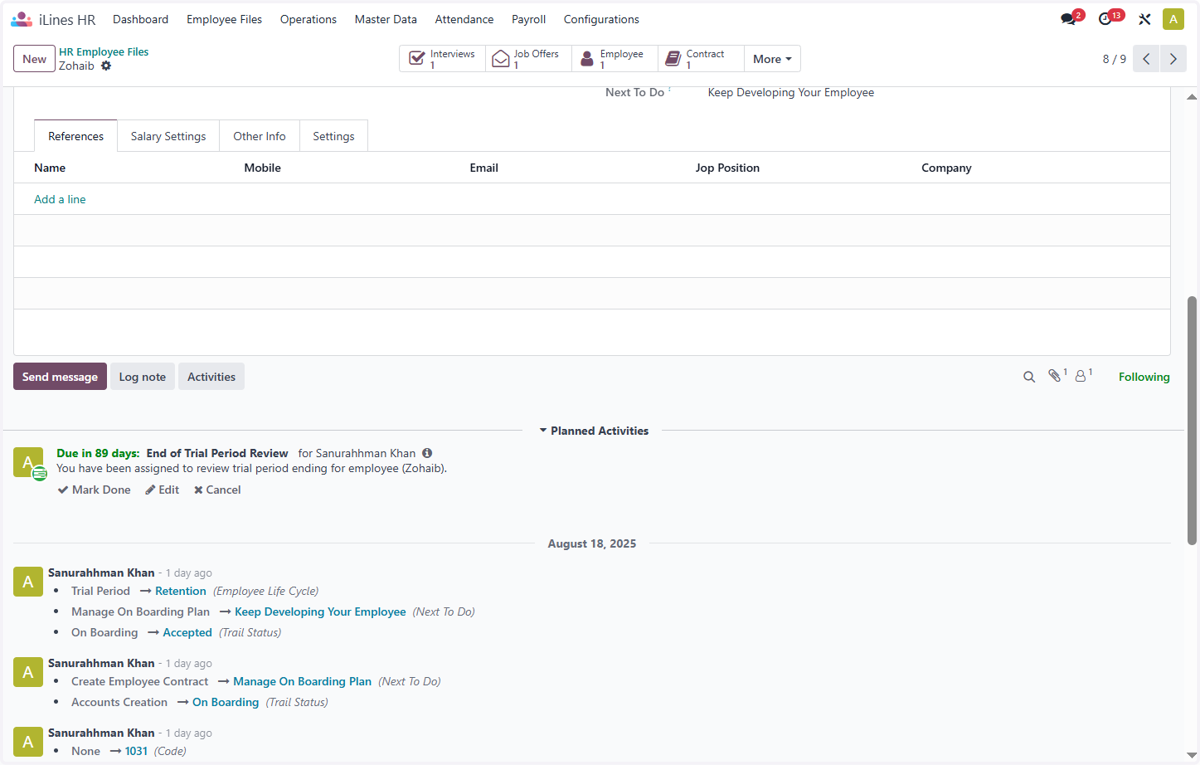
How to add an Attachment to an Employee File in Odoo-iLines HR
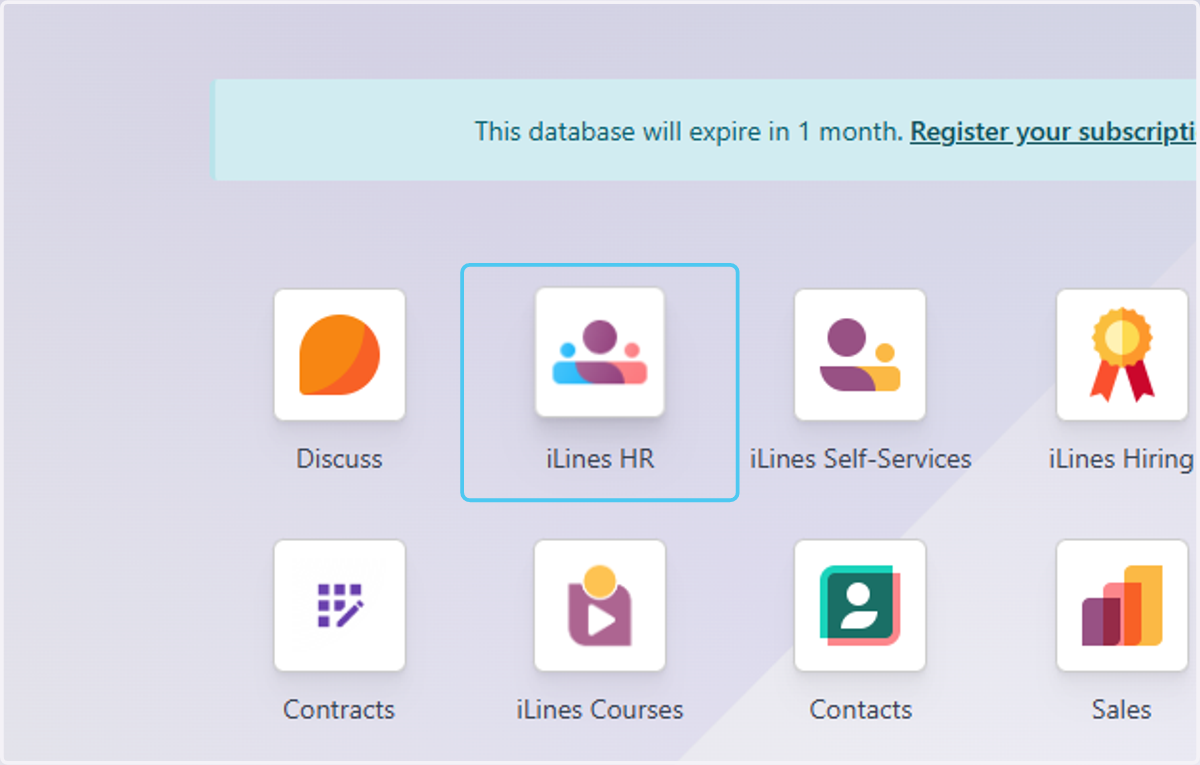
1. Click on iLines HR
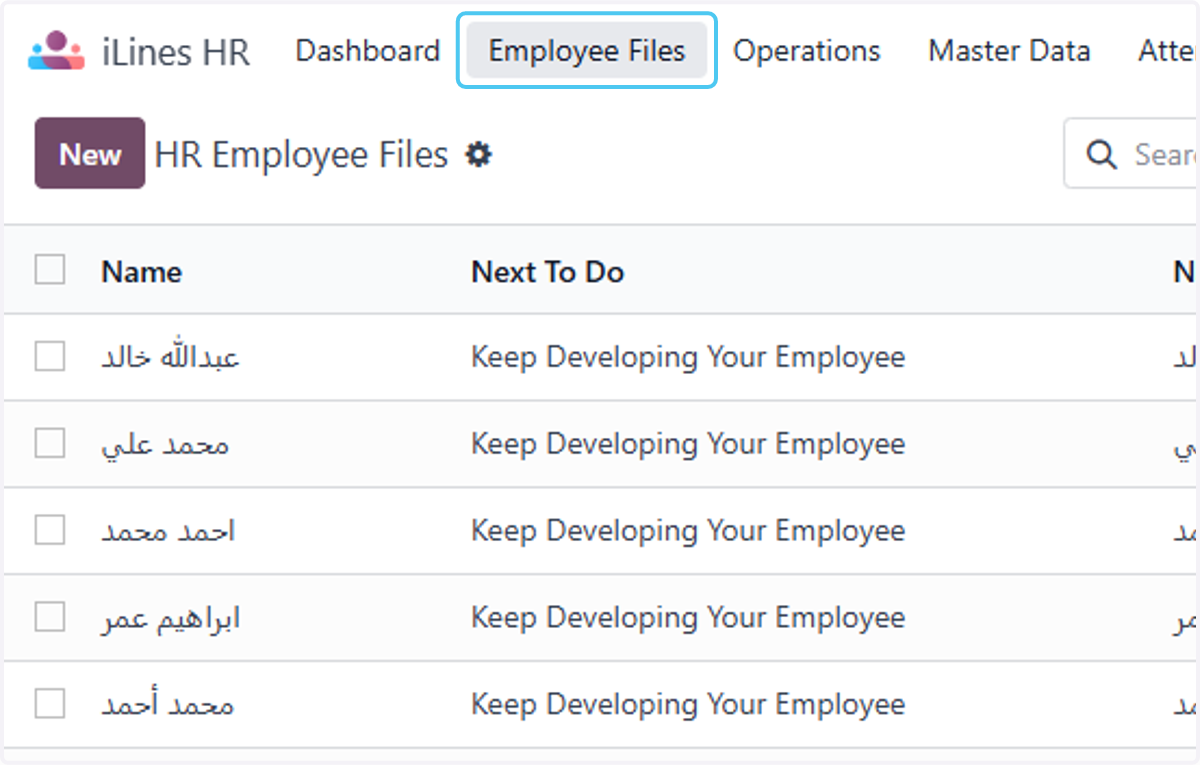
2. Click on Employee Files
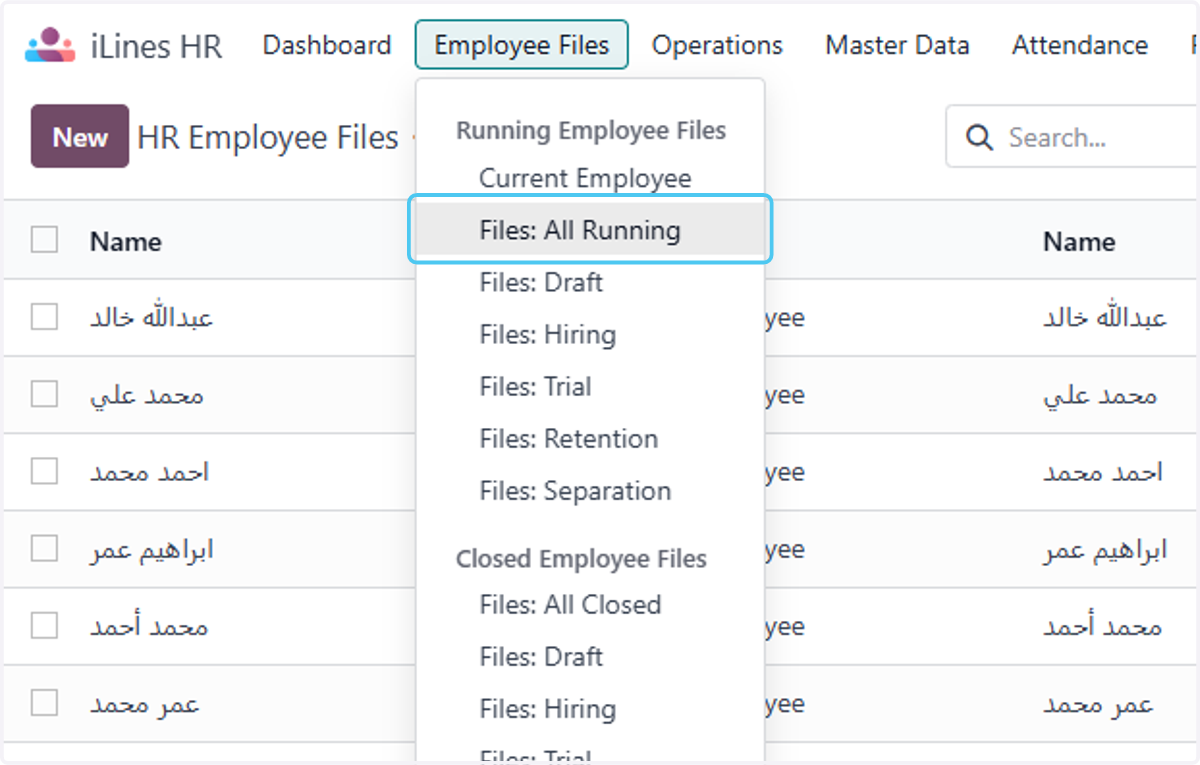
3. Click on Files: All Running
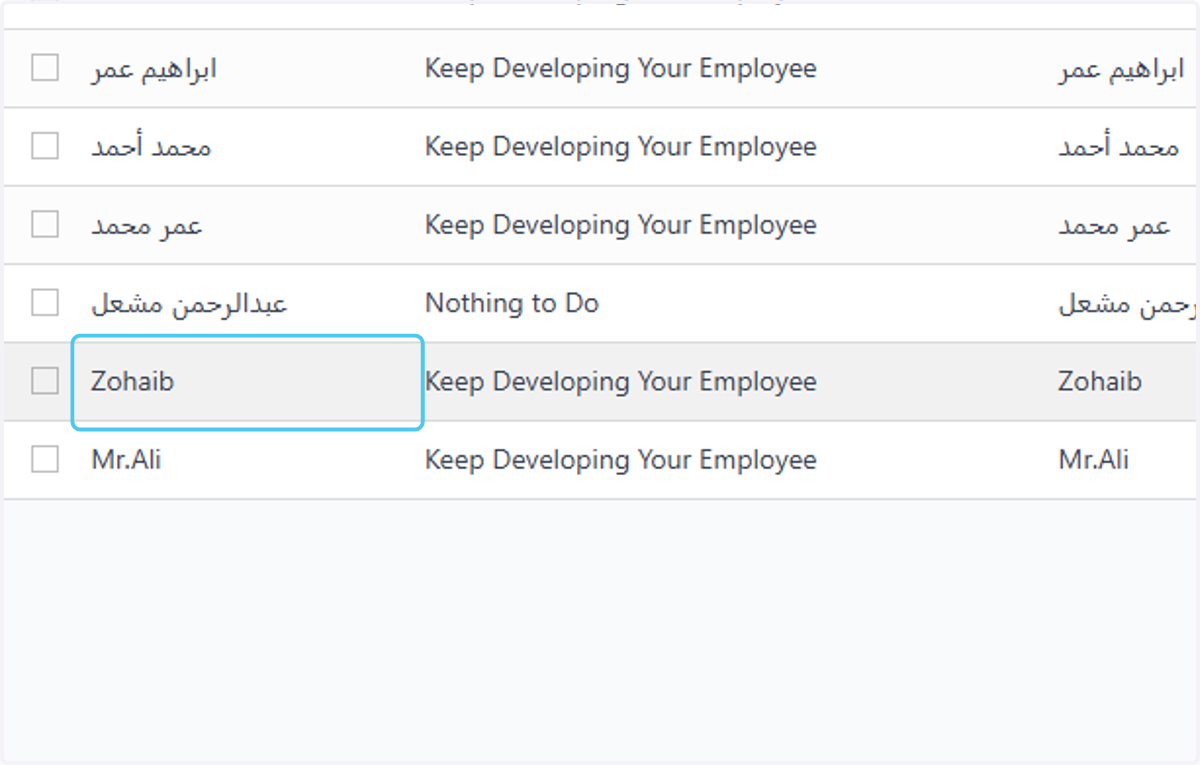
4. Click on Zohaib
5. Click on Attach files
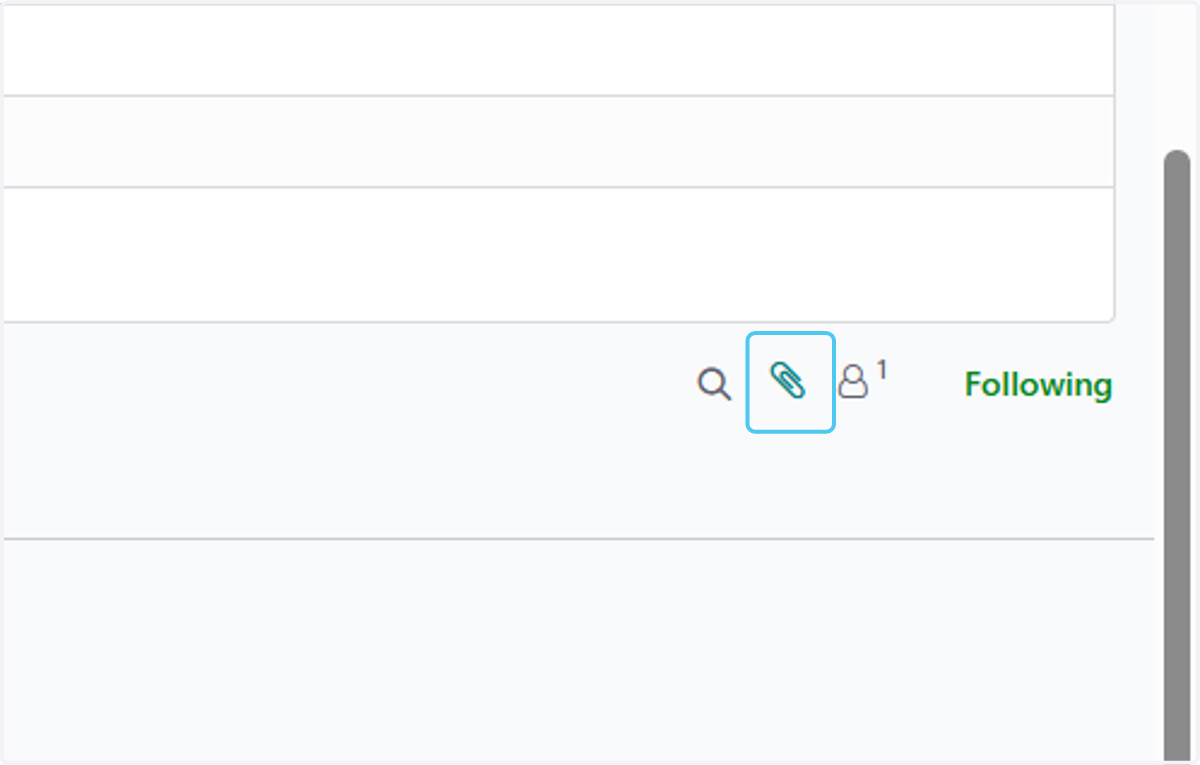
6. Select "Screenshot 2025-08-07 154525.png" from file upload menu, and uploading it will be automatically saved