Build a Tour from the Component Grid
Chateau
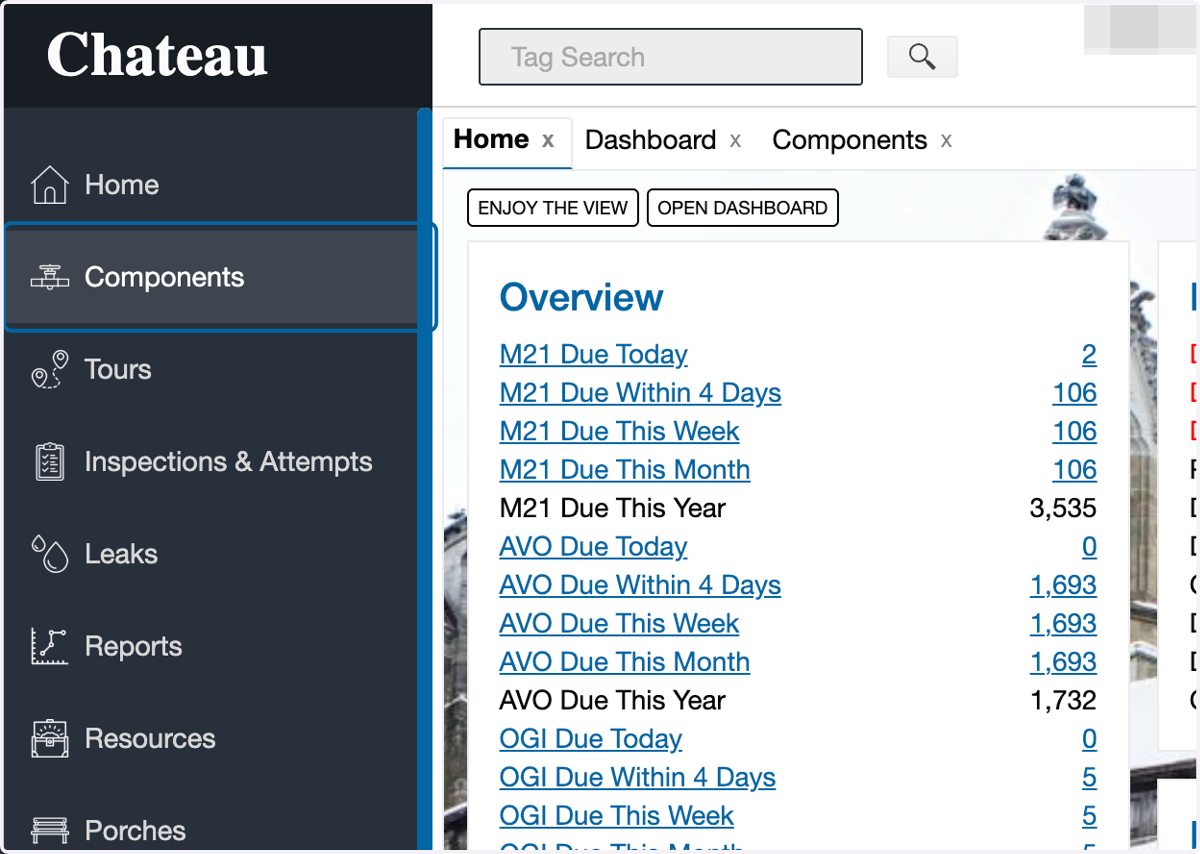
1. Click on Components
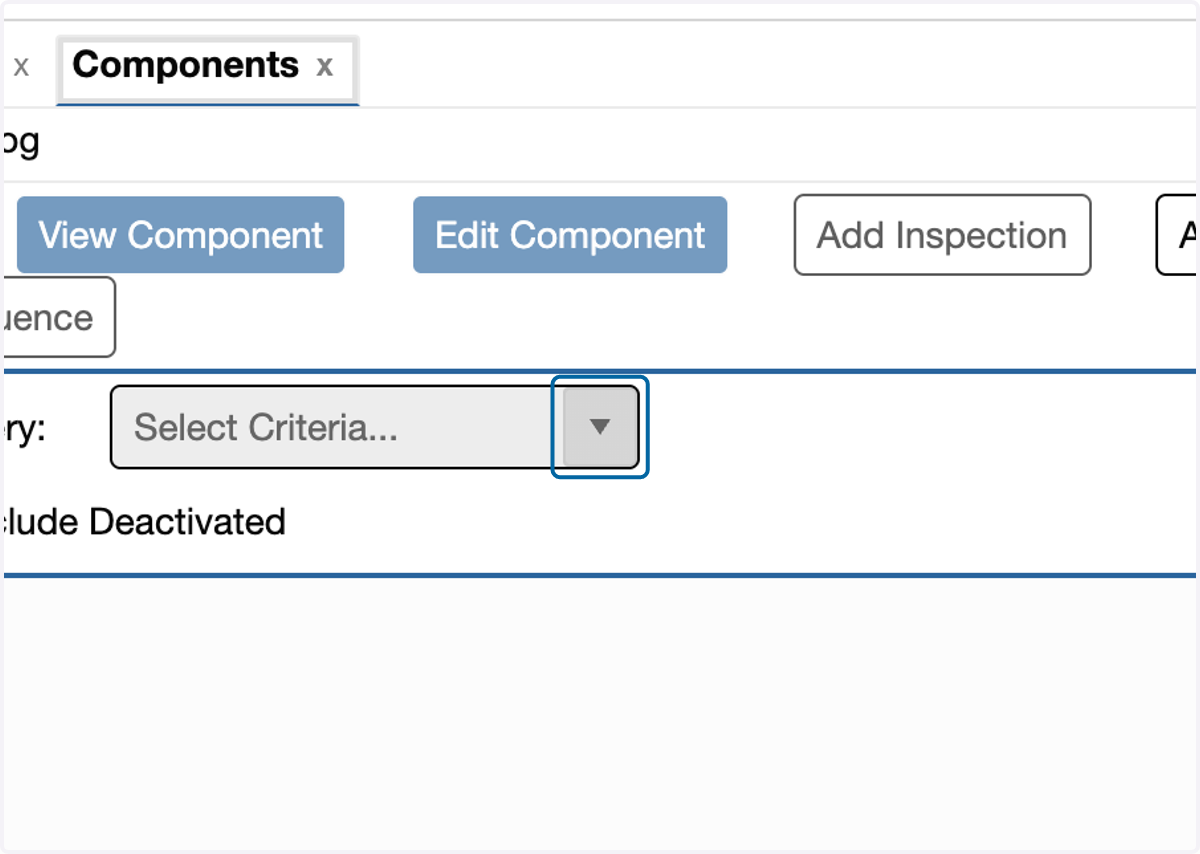
2. Build the query
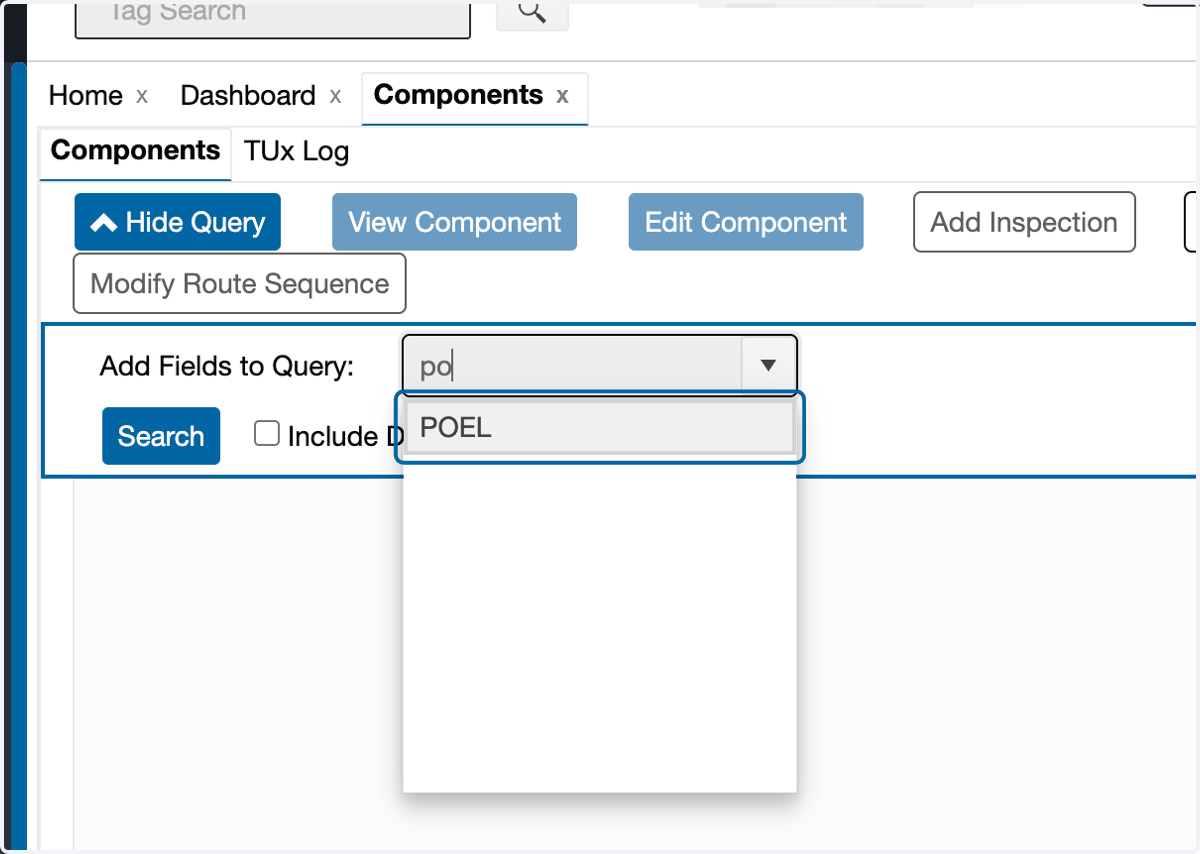
3. Example: Set POEL = Yes
4. Click on Search
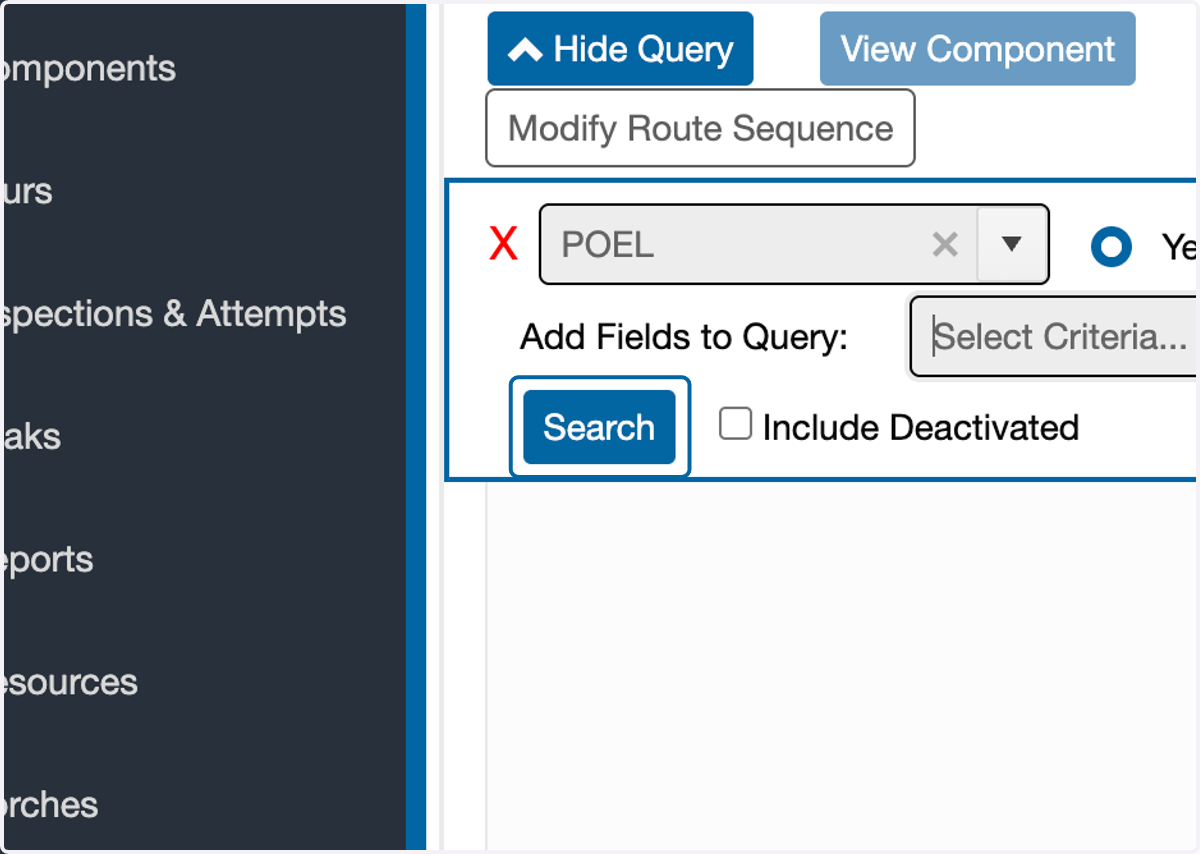
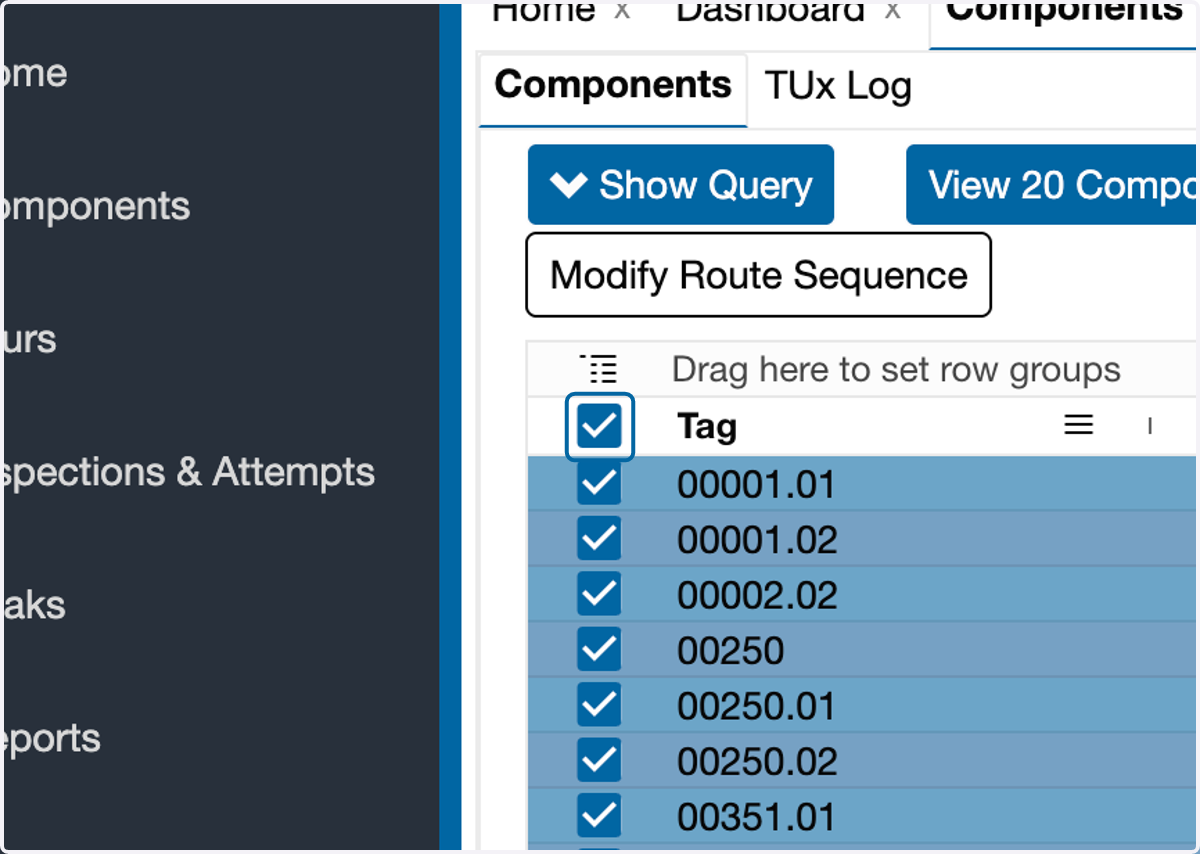
5. Select all relevant components
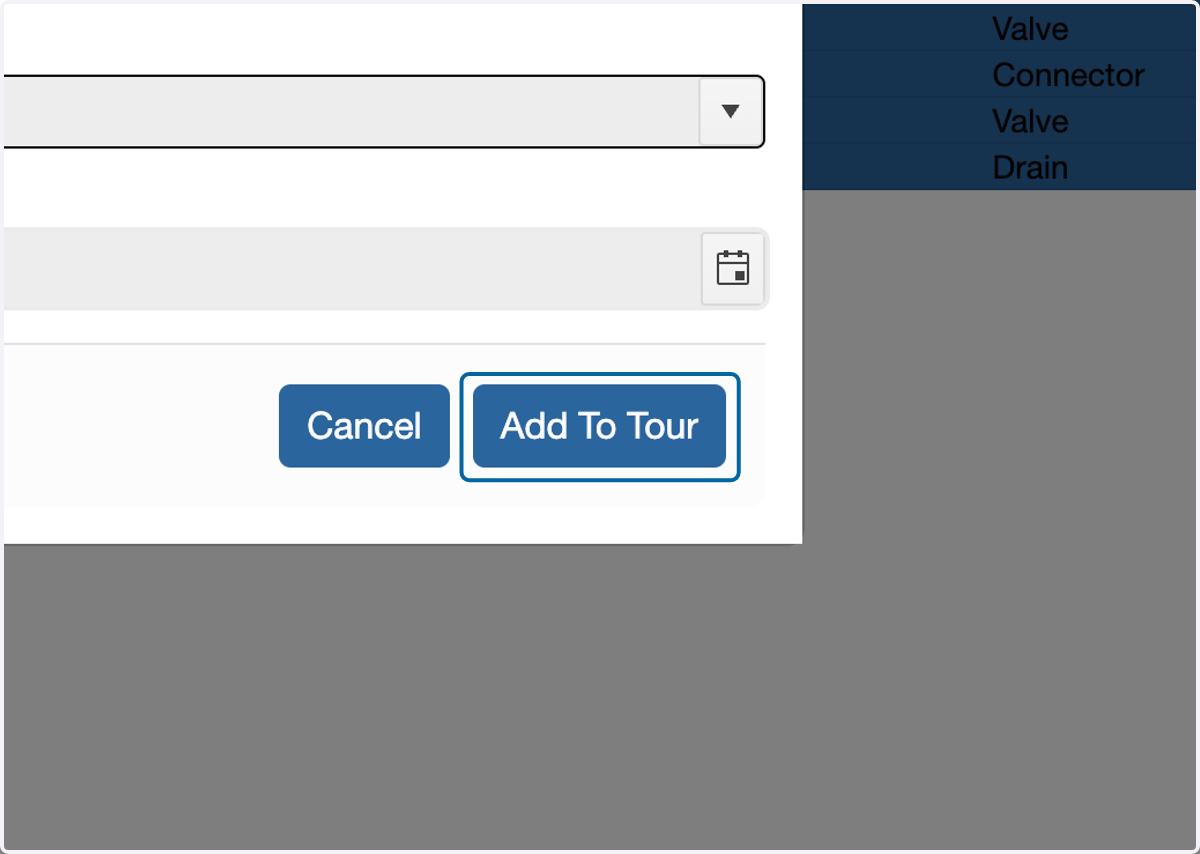
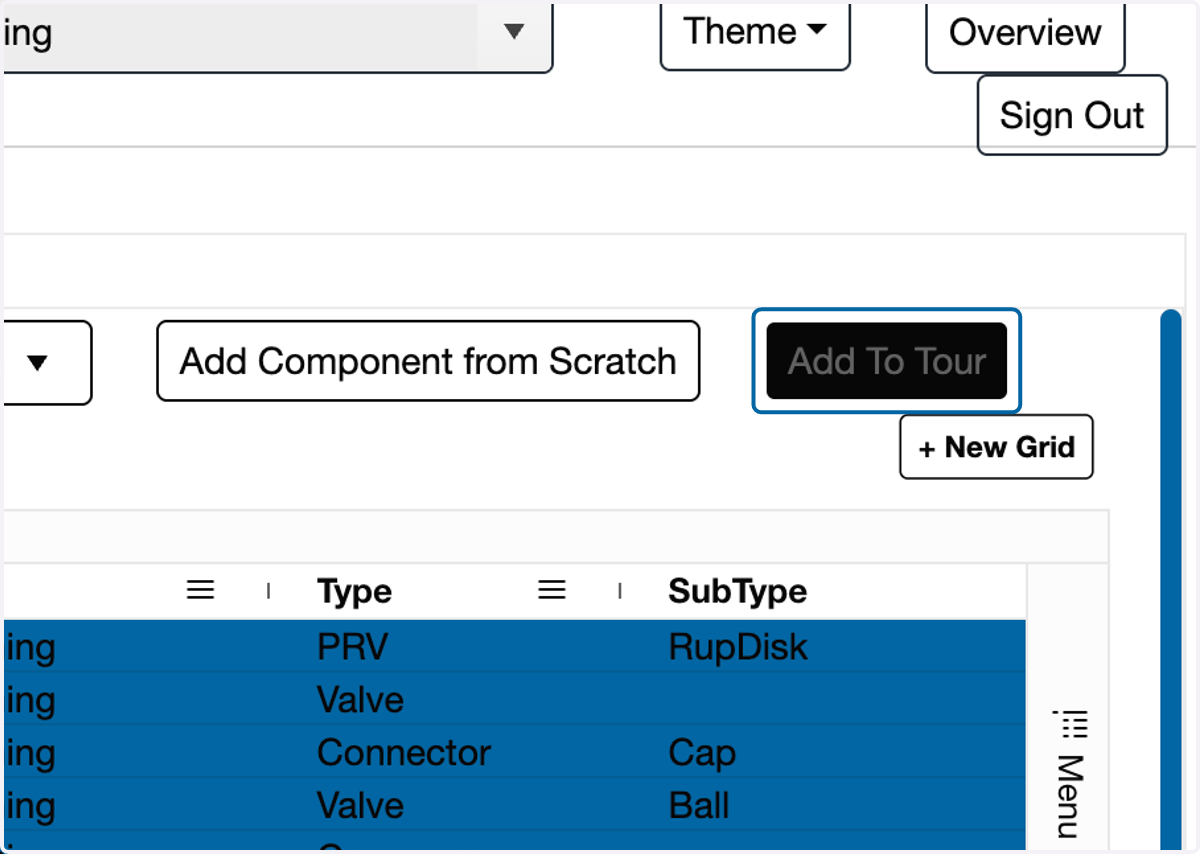
6. Click on Add To Tour
Build a New Tour
7. Enter a tour name.
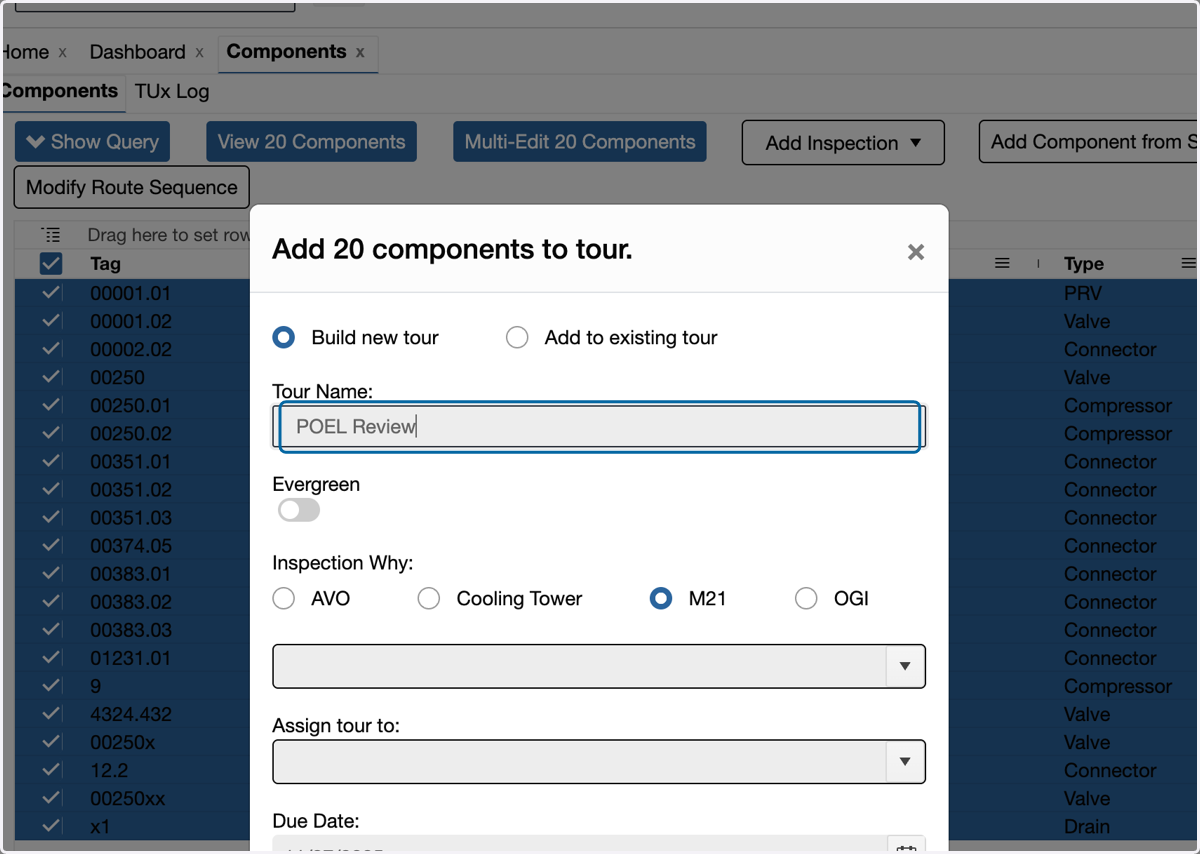
8. If desired, enable the Evergreen option
See Evergreen Tours for more details
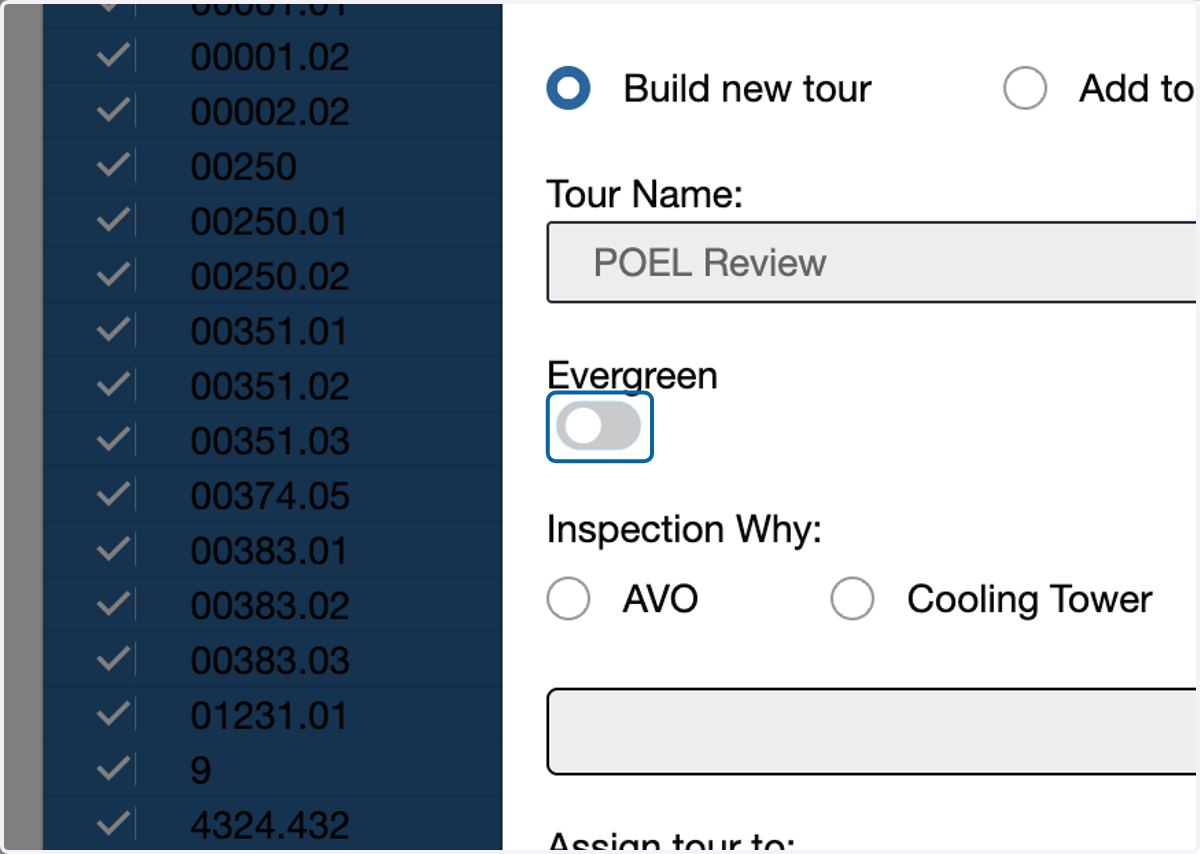
9. Select preferred Inspection Type
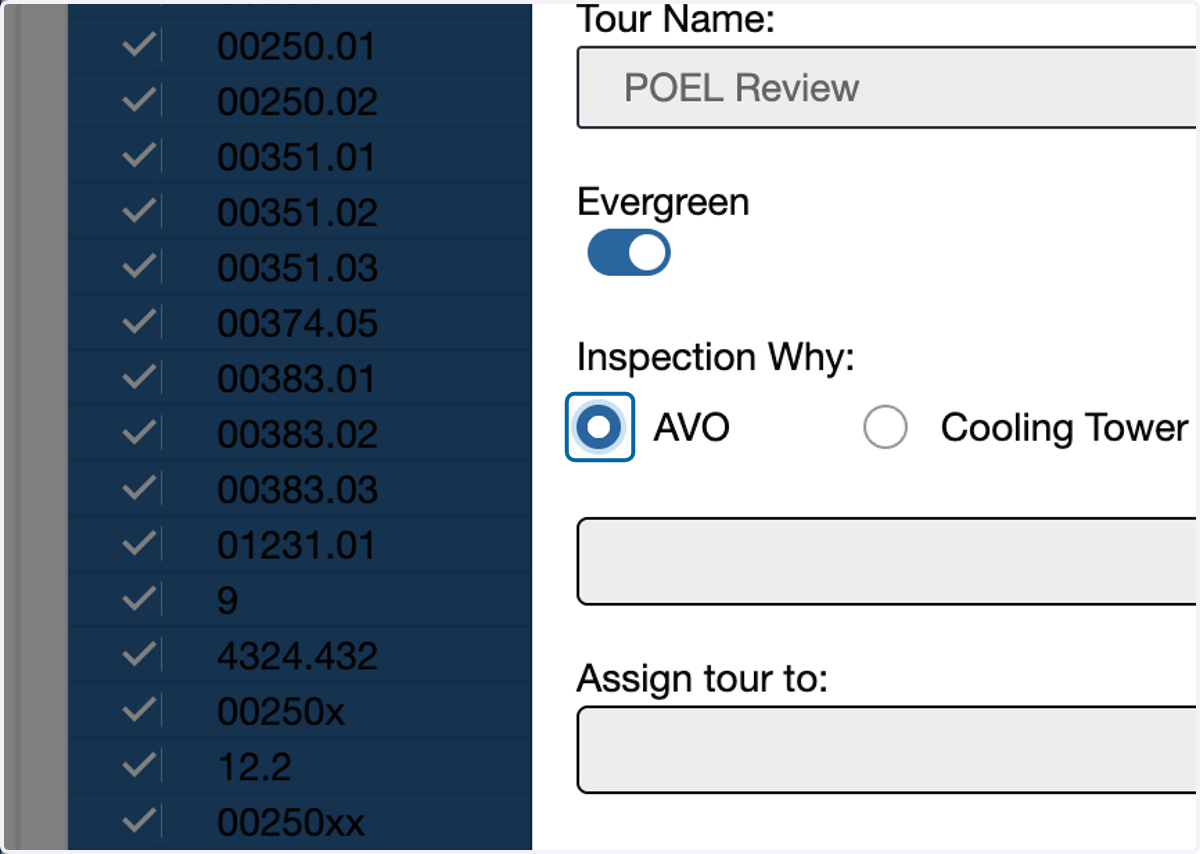
10. Select the preferred Inspection Why
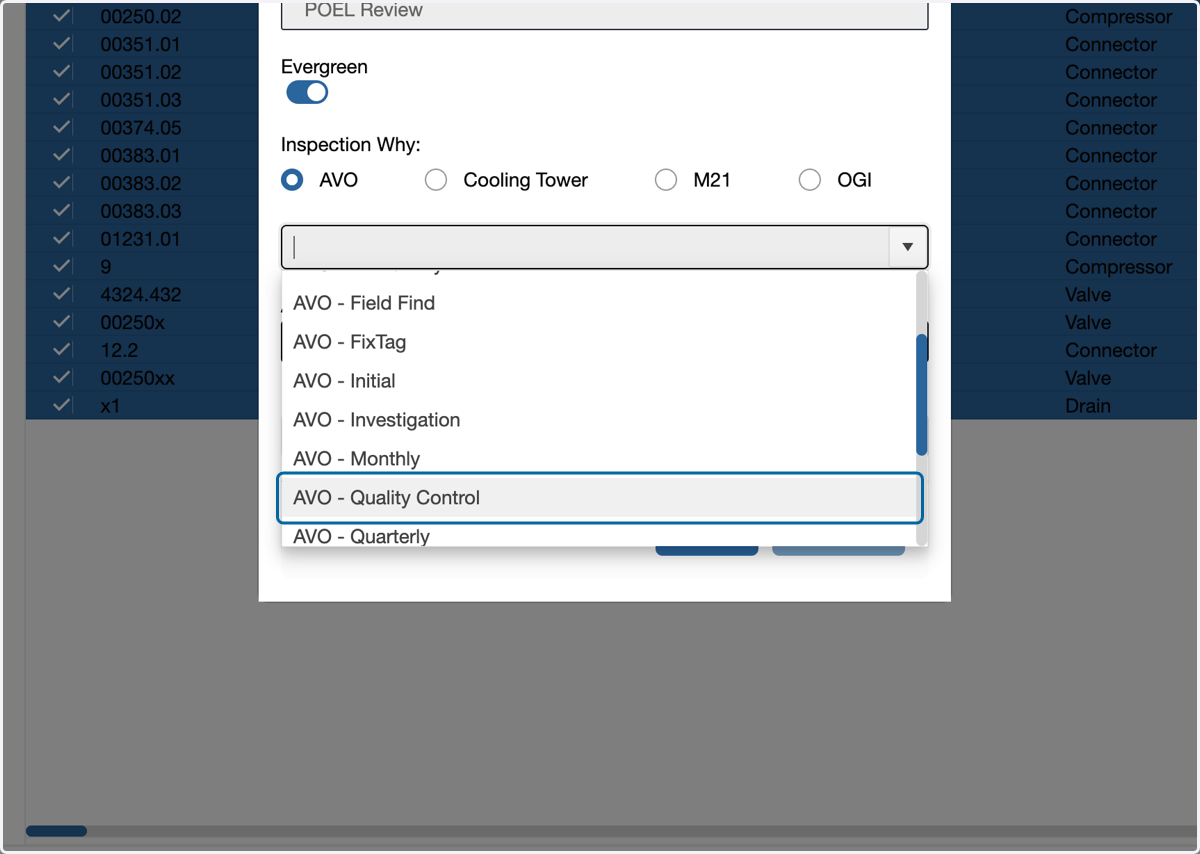
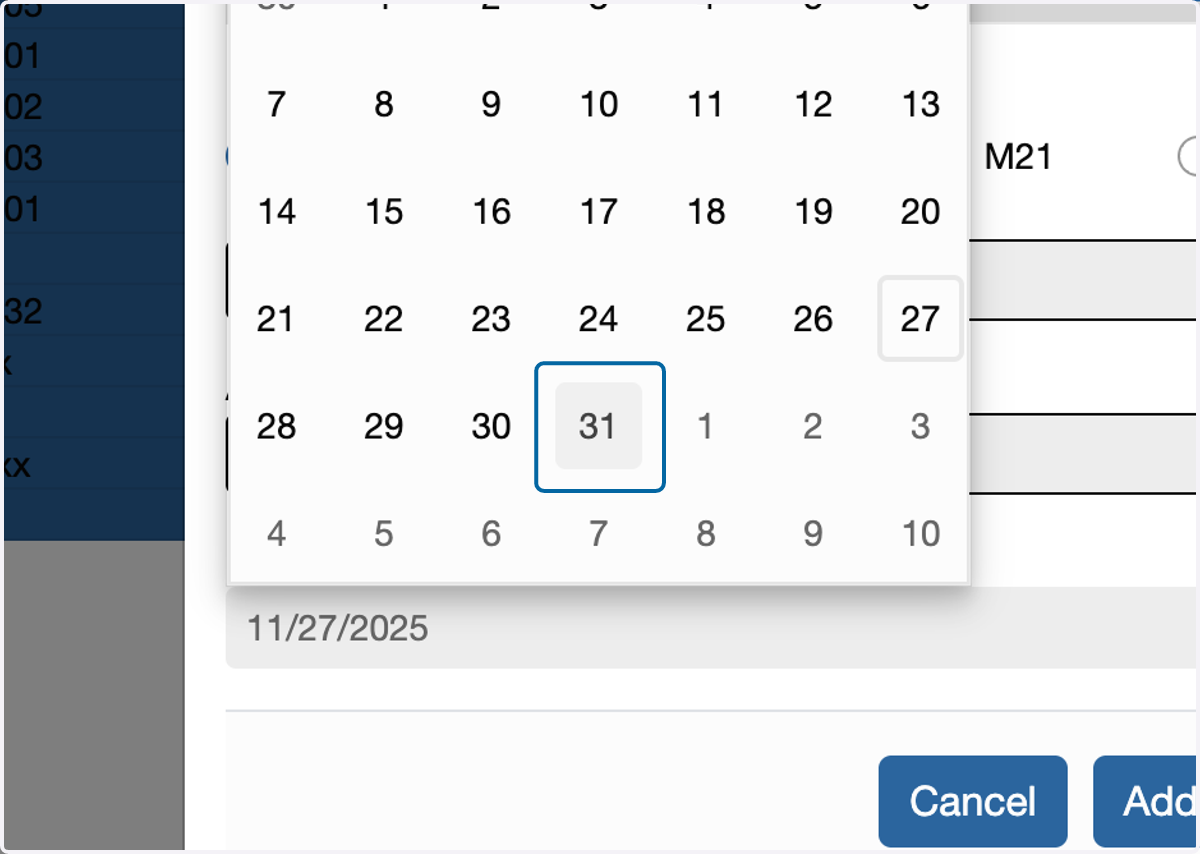
11. Select a due date to assign
Important: The due date is critical. Once it passes, the tour will be deleted, and any un-inspected components will require a new tour if they still need attention. See Expiration of Tours After Due Date for more details.
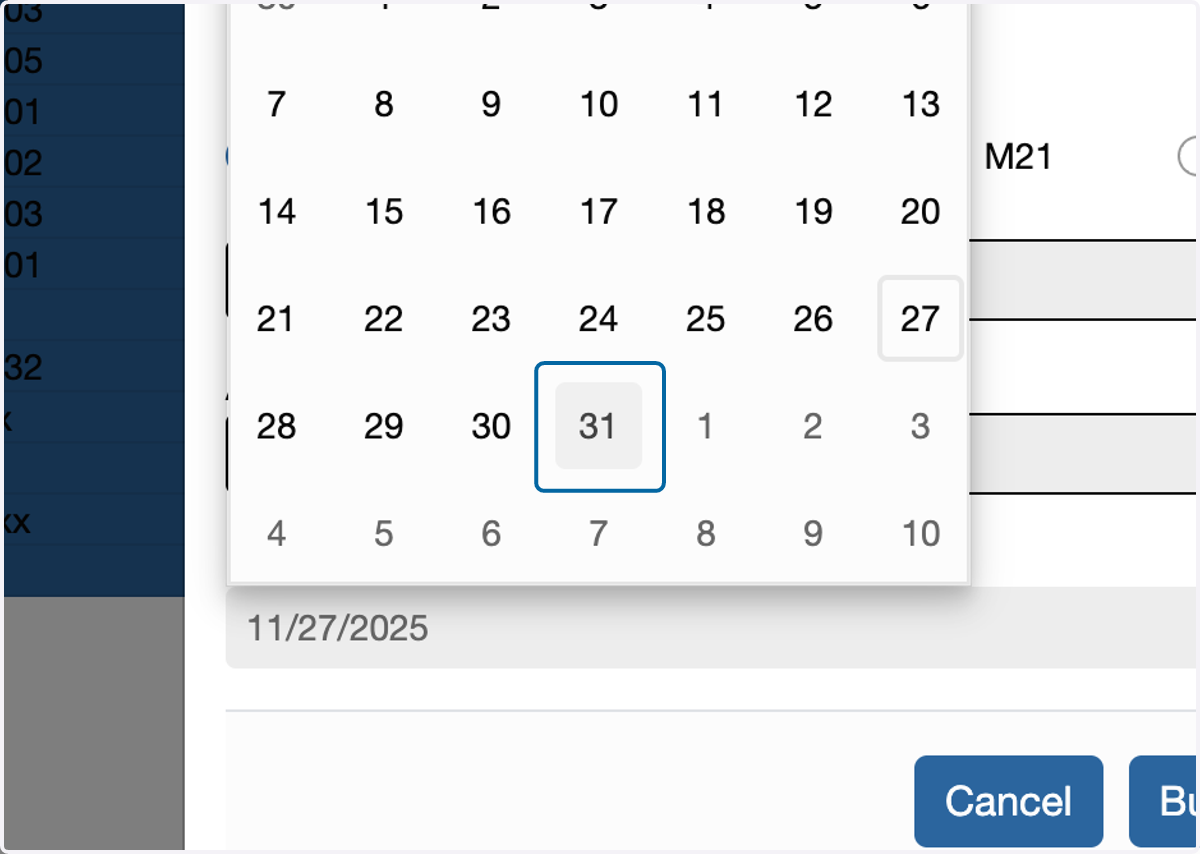
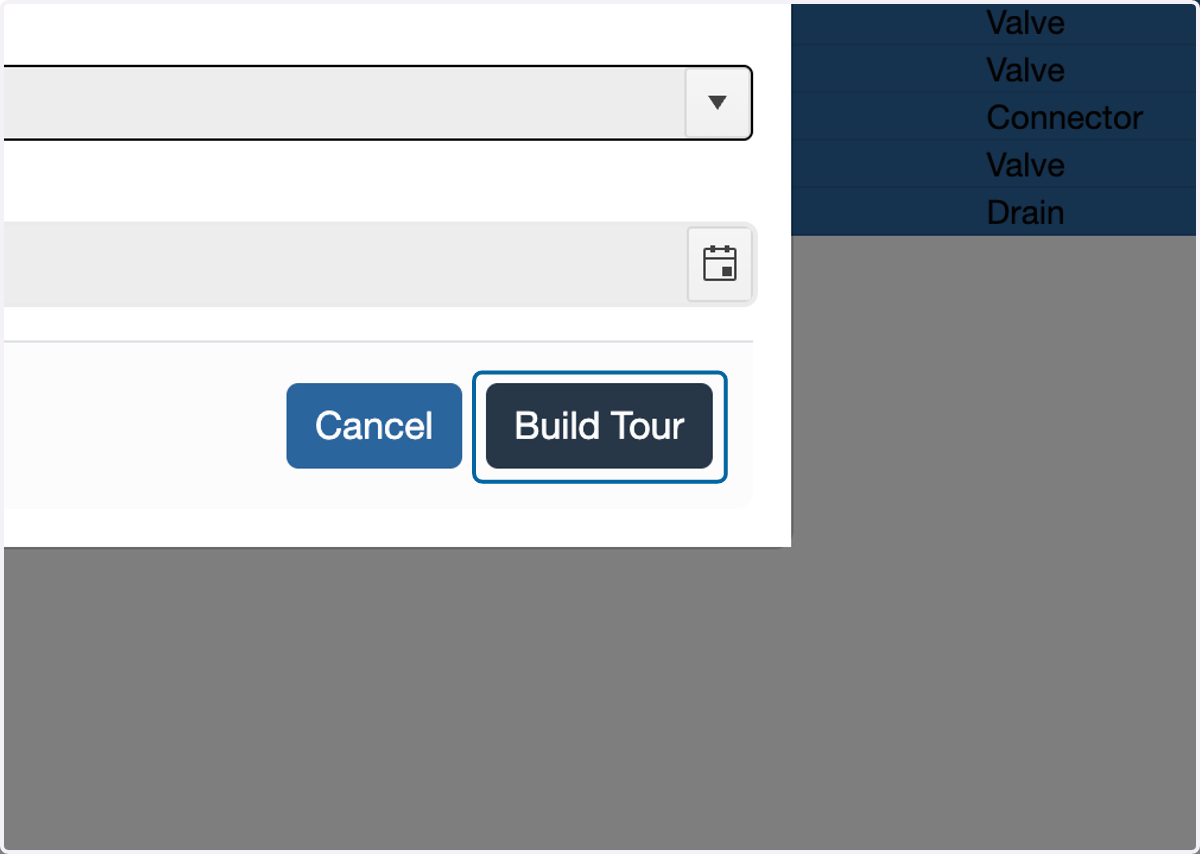
12. Click on Build Tour
Add to Existing Tour
Use steps 1-6 above, then skip to 13
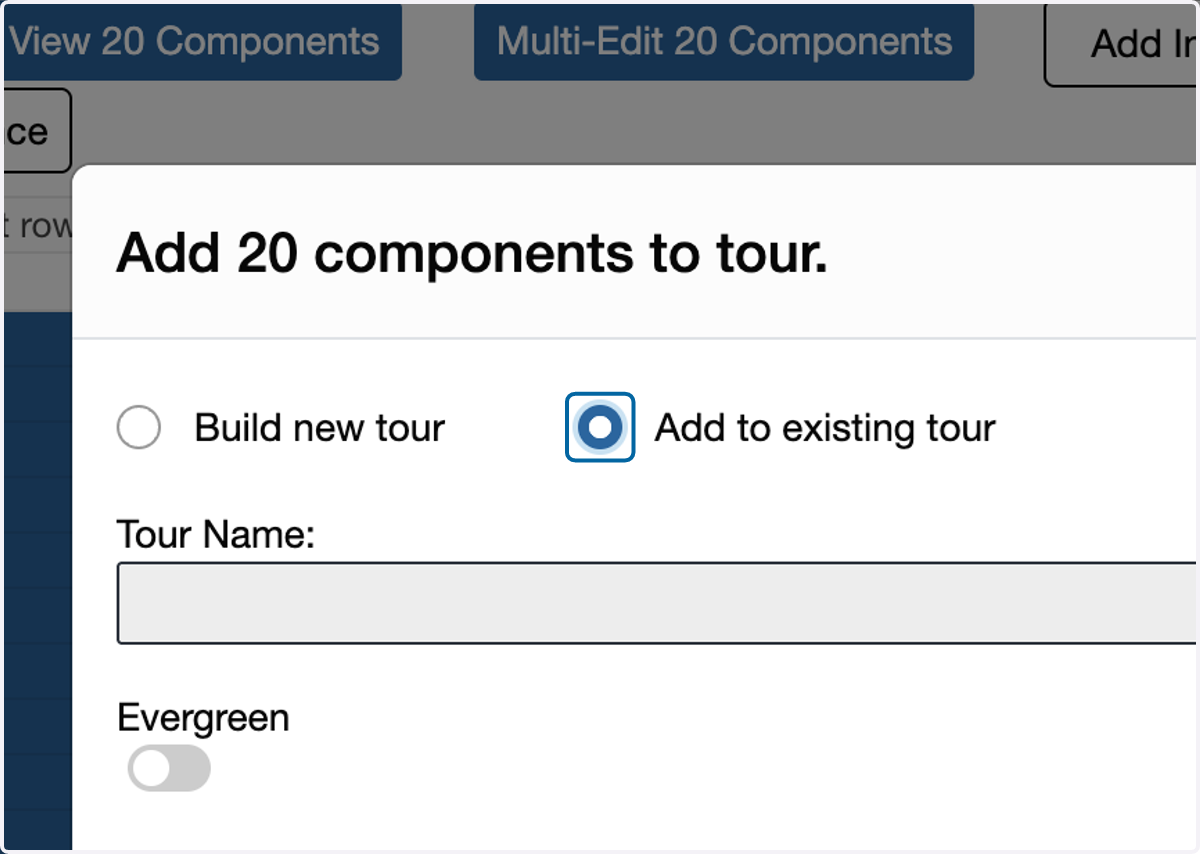
13. Select Add to existing tour
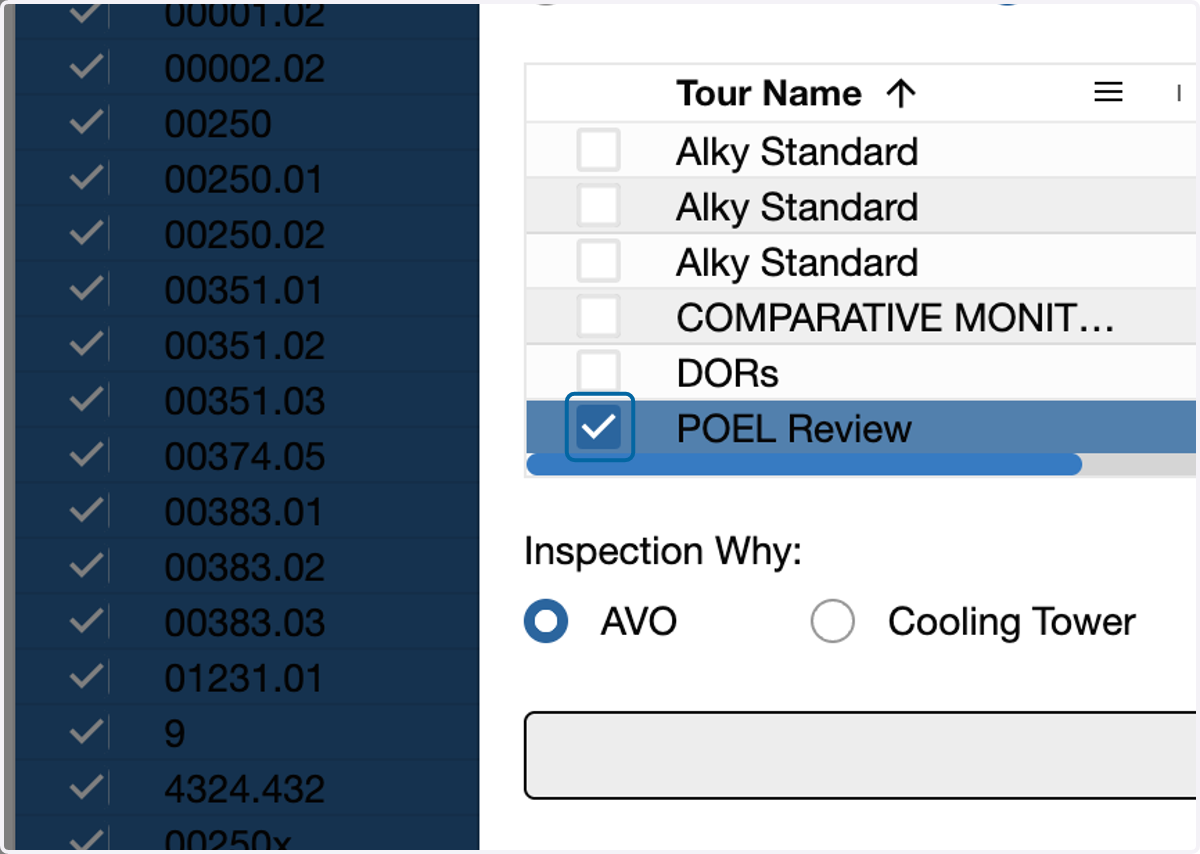
14. Select the preferred tour and Inspection Type
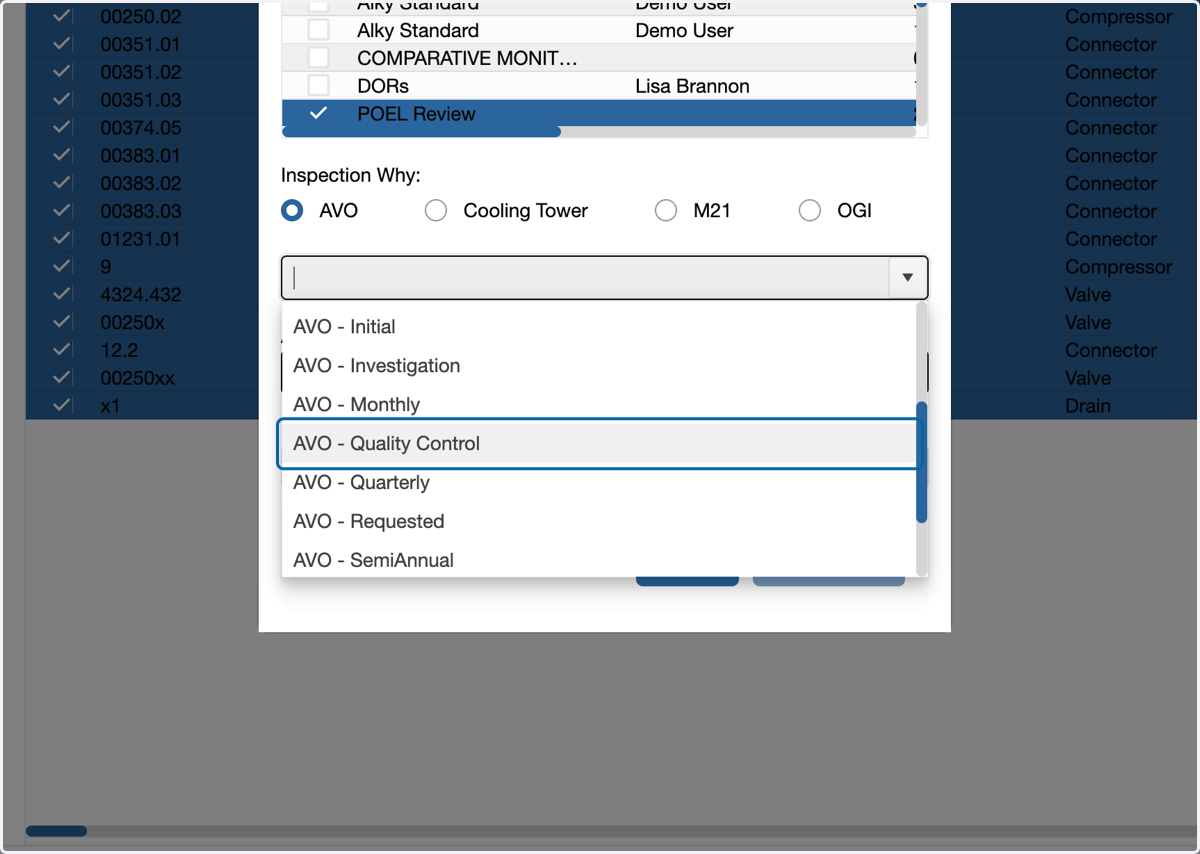
15. Select the preferred Inspection Why
16. Select a due date to assign
Important: The due date is critical. Once it passes, the tour will be deleted, and any un-inspected components will require a new tour if they still need attention. See Expiration of Tours After Due Date for more details.
17. Click on Add To Tour