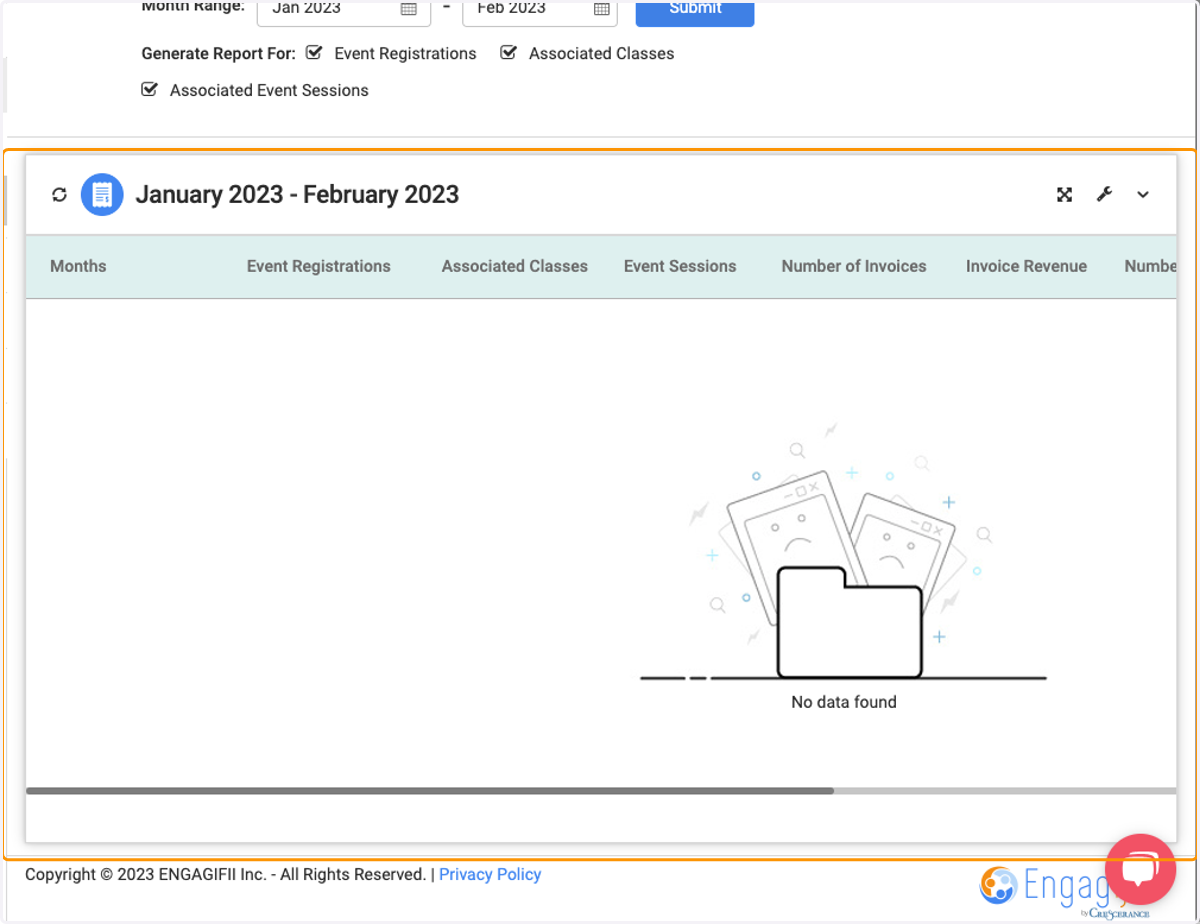
Revenue Reports | MERR
Head to your Engagifii Workspace
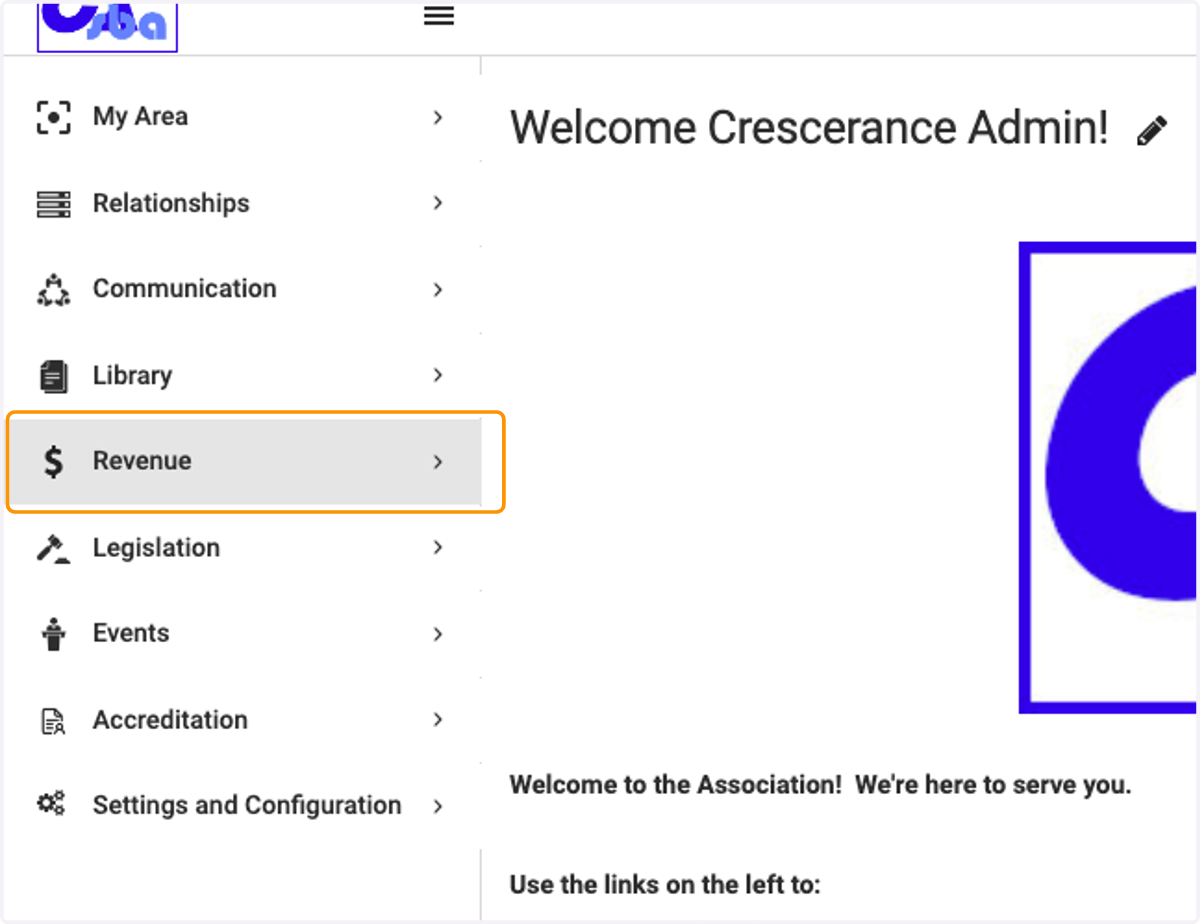
1. Click on Revenue
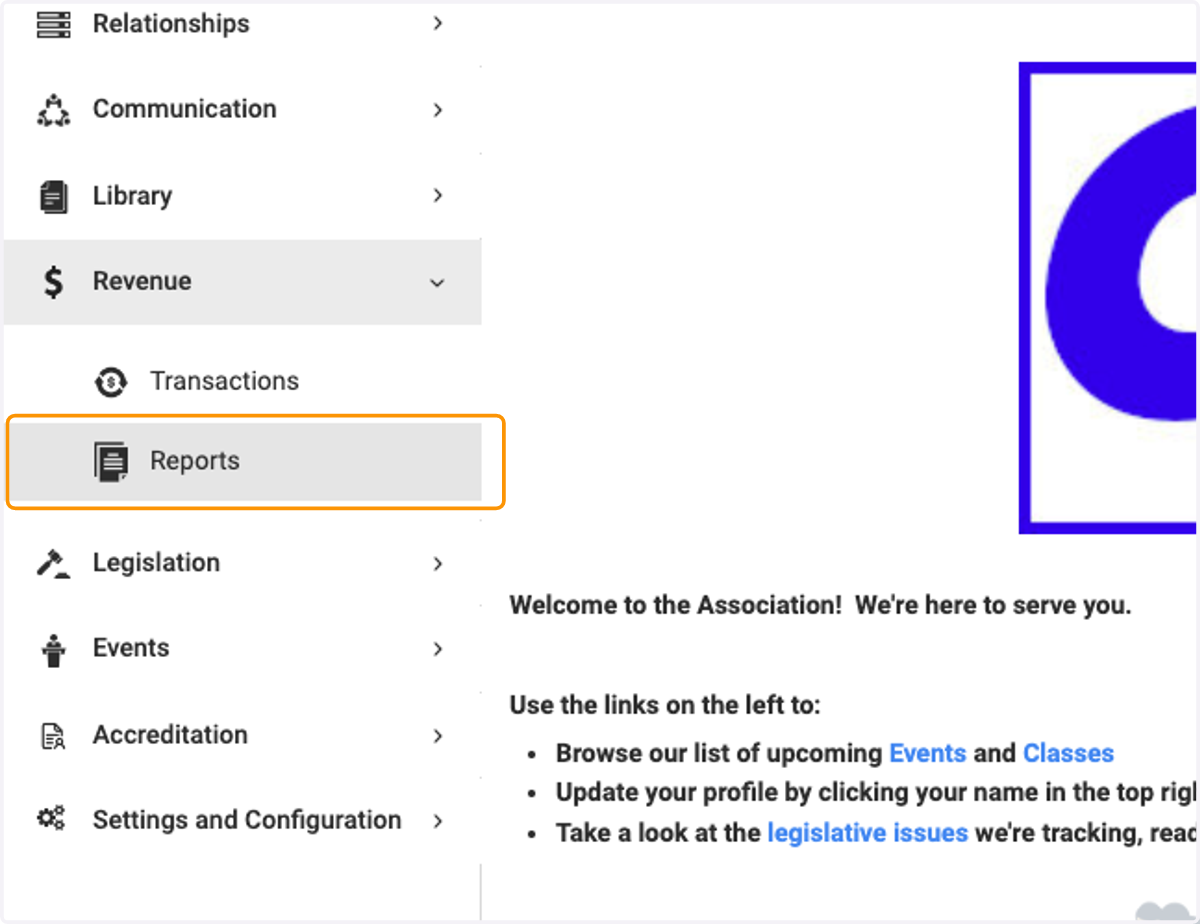
2. Click on Reports
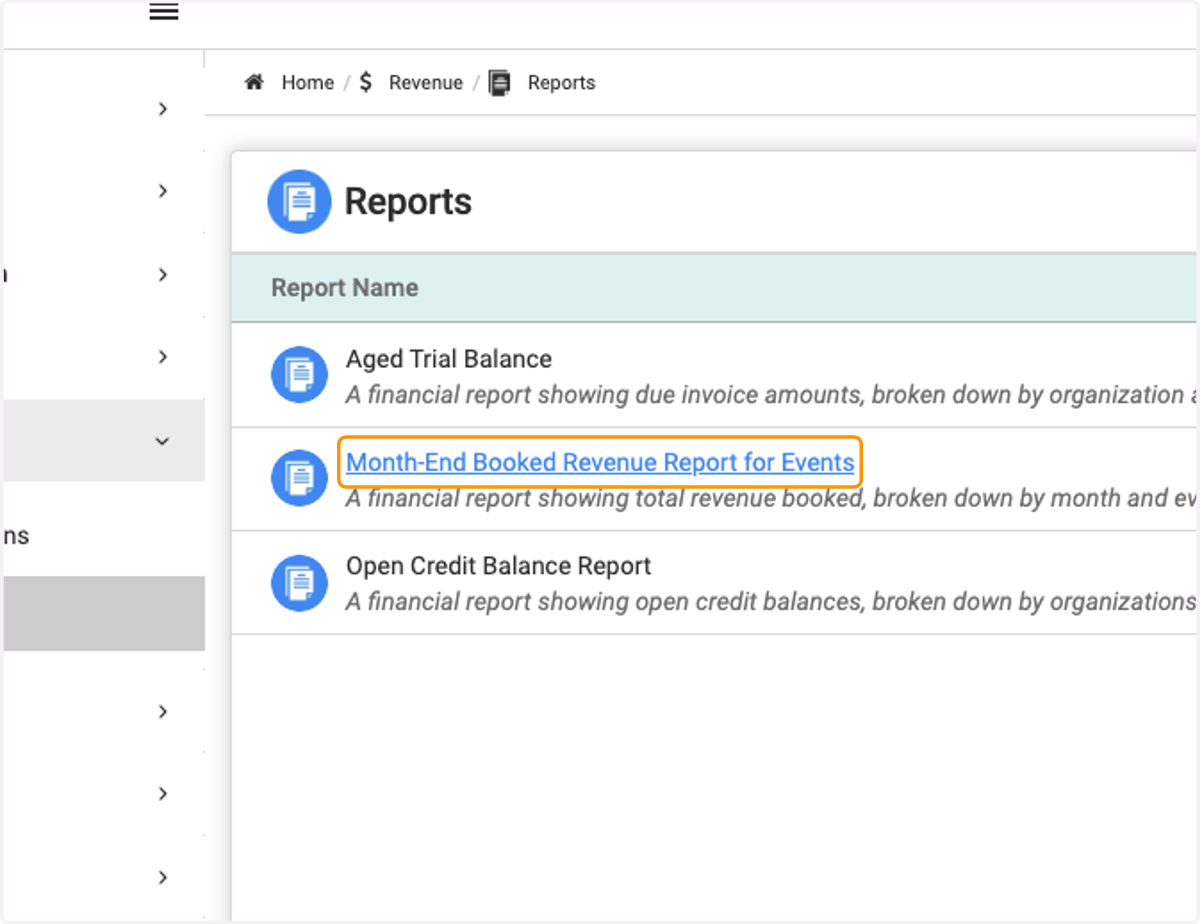
3. Click on Month-End Booked Revenue Report for Events
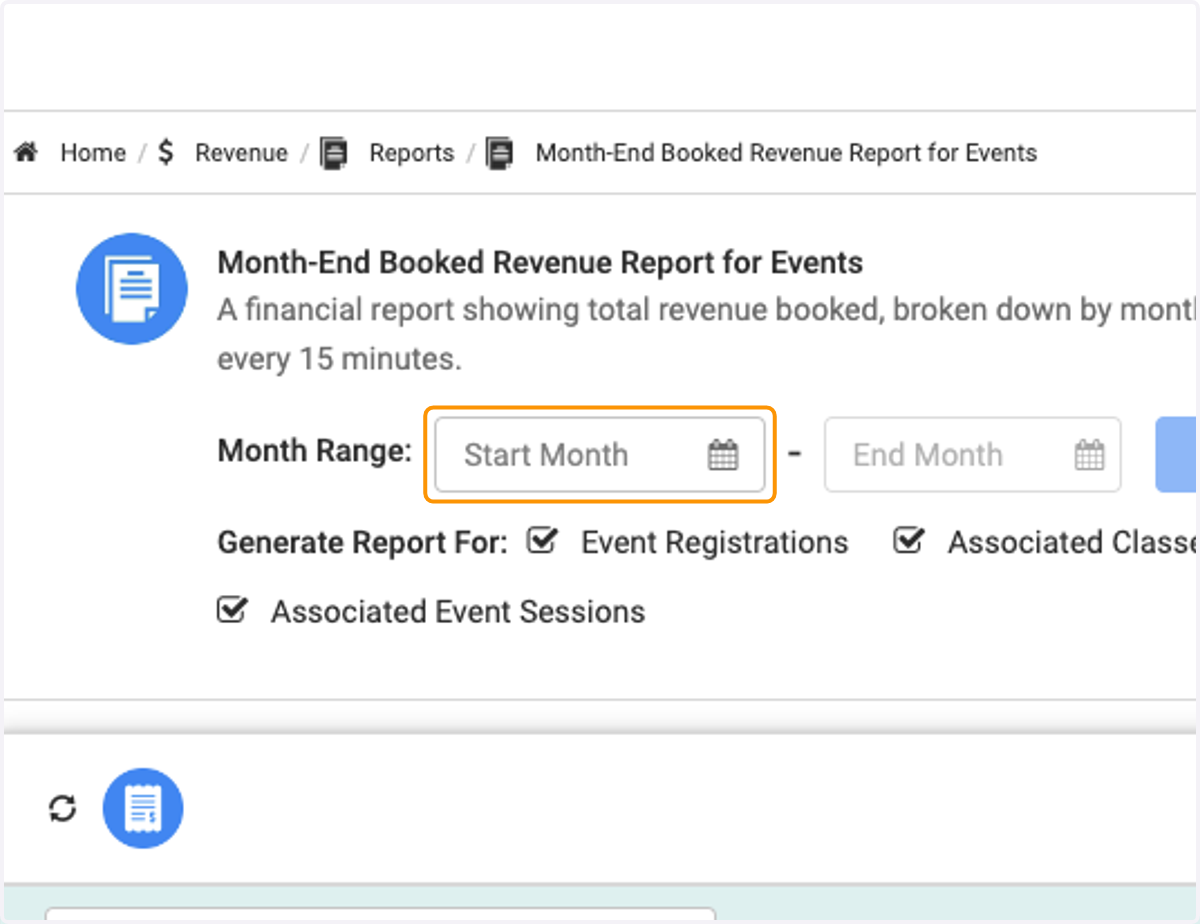
4. Click on Start Month
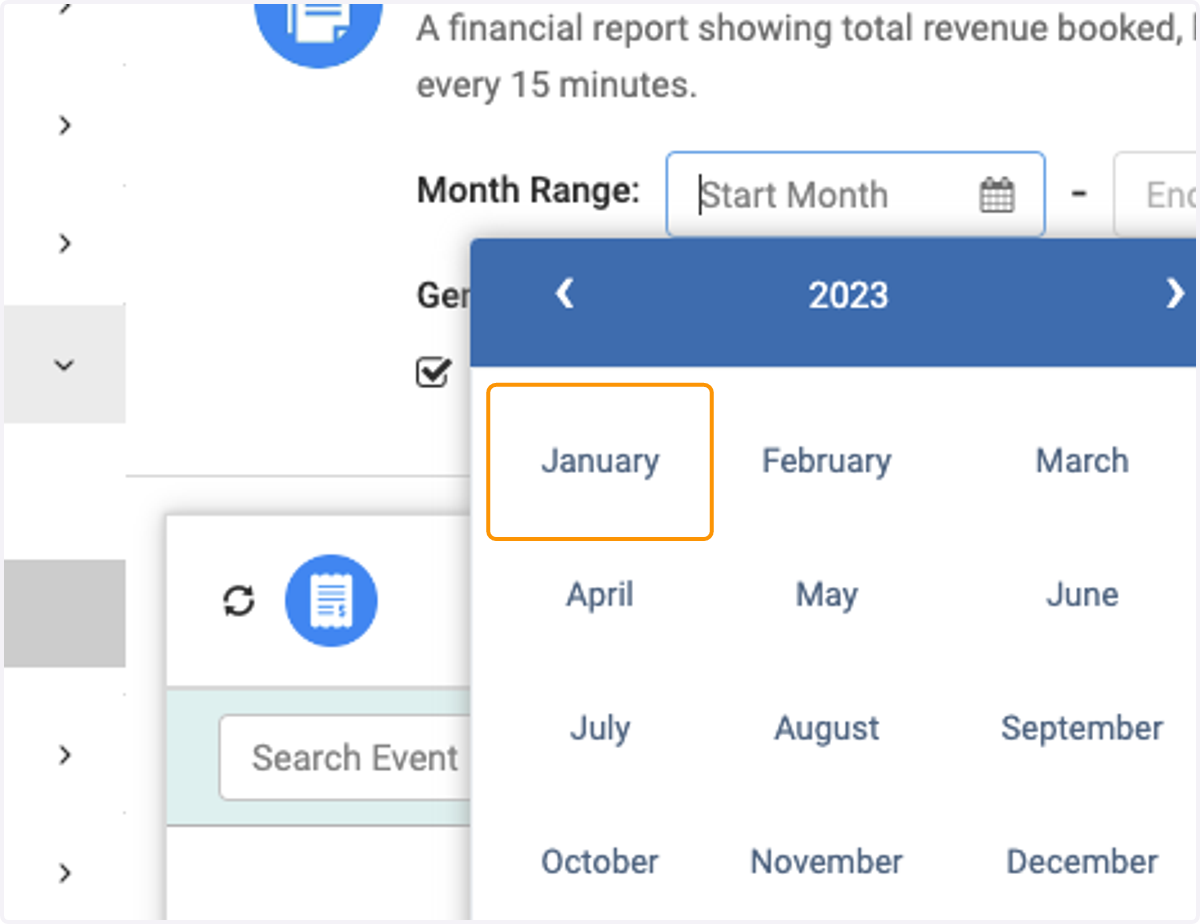
5. Choose the month you'd like to see
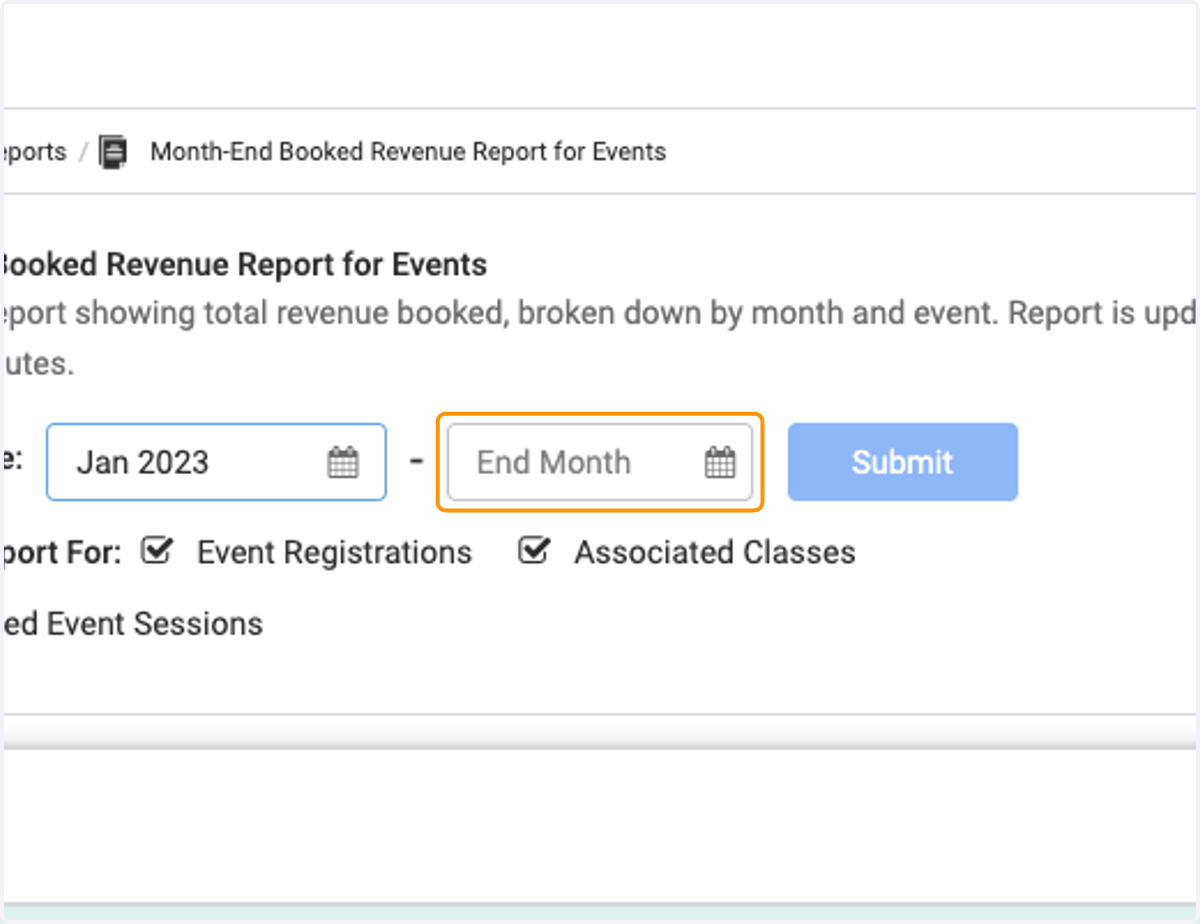
6. Click on End Month
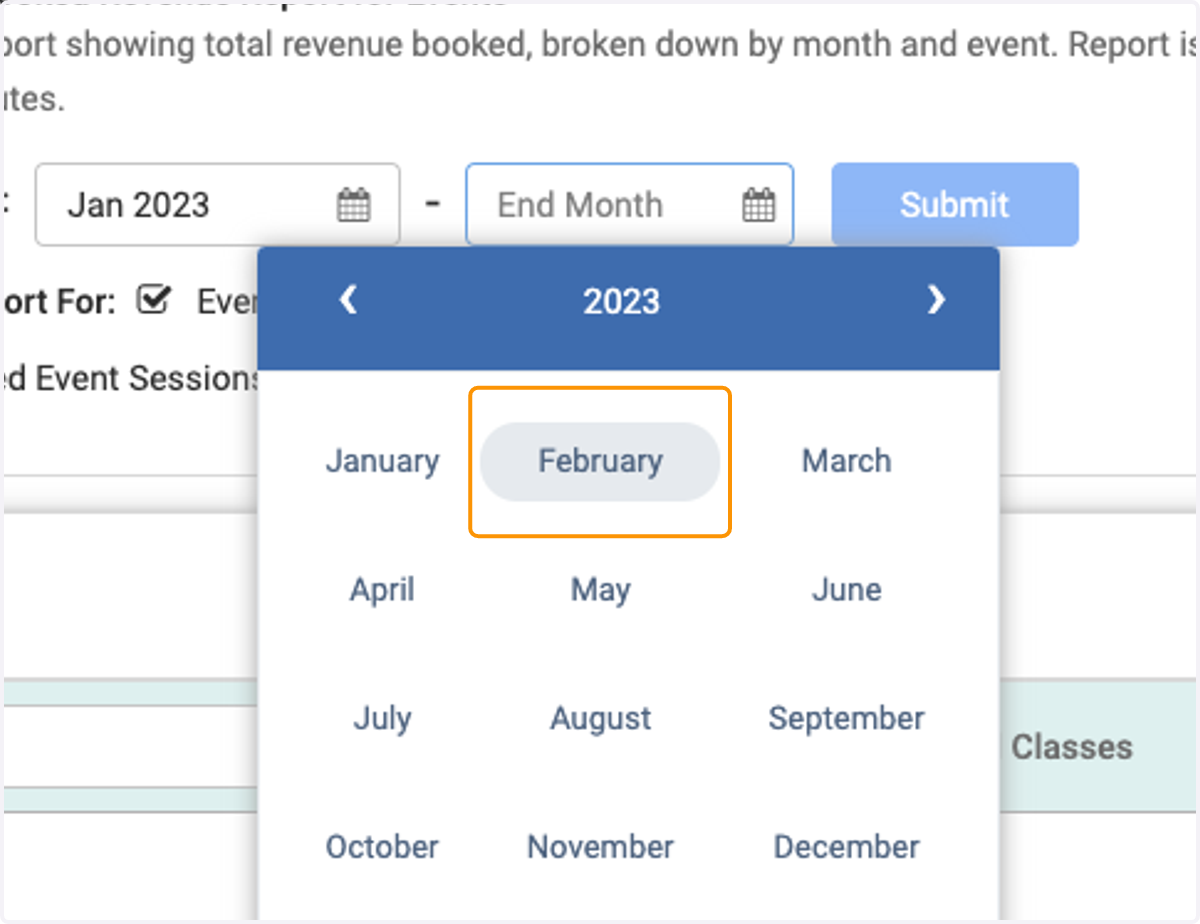
7. Select the Month you'd like to end on
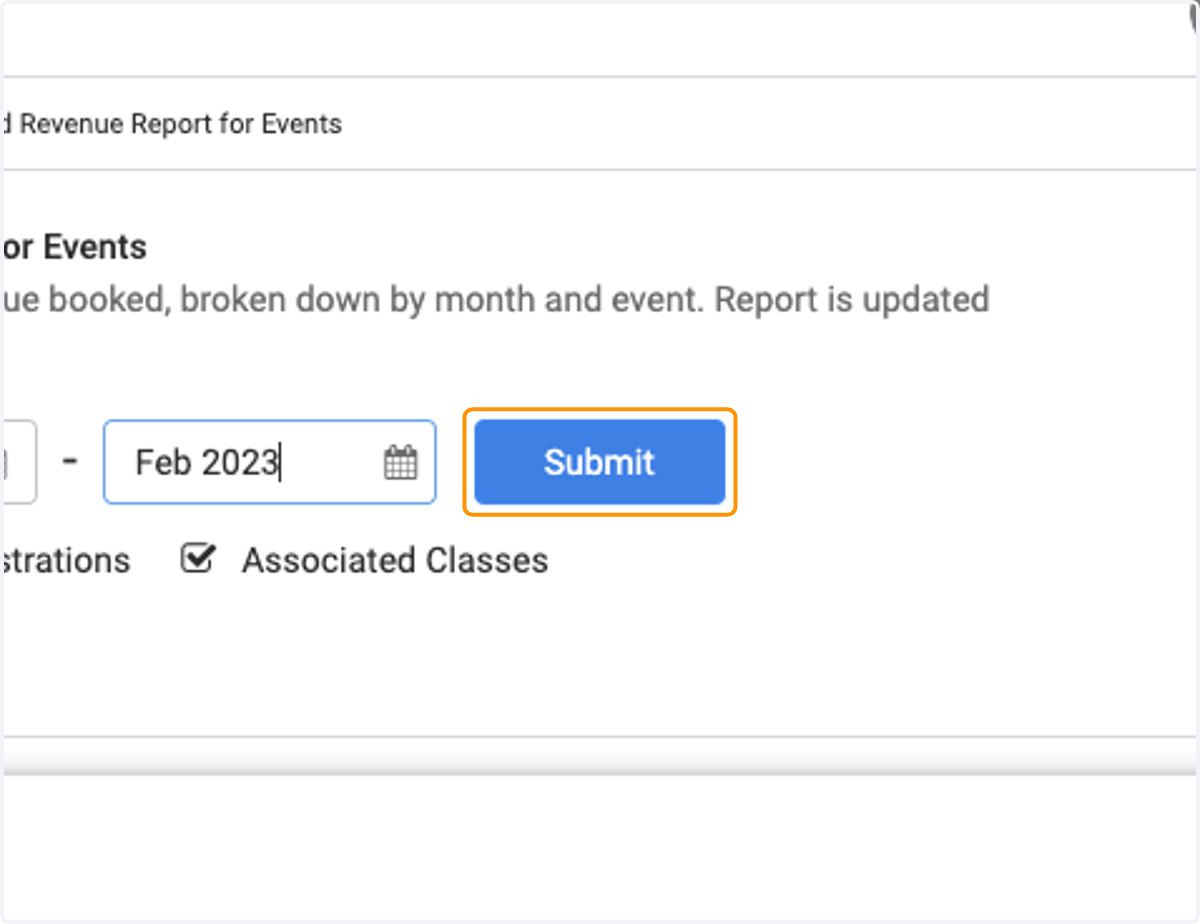
8. Click on Submit
9. Below this will be the list of registrations and invoices associated with the months you selected.