Mobile Service Change User Assignment - Connect Platform
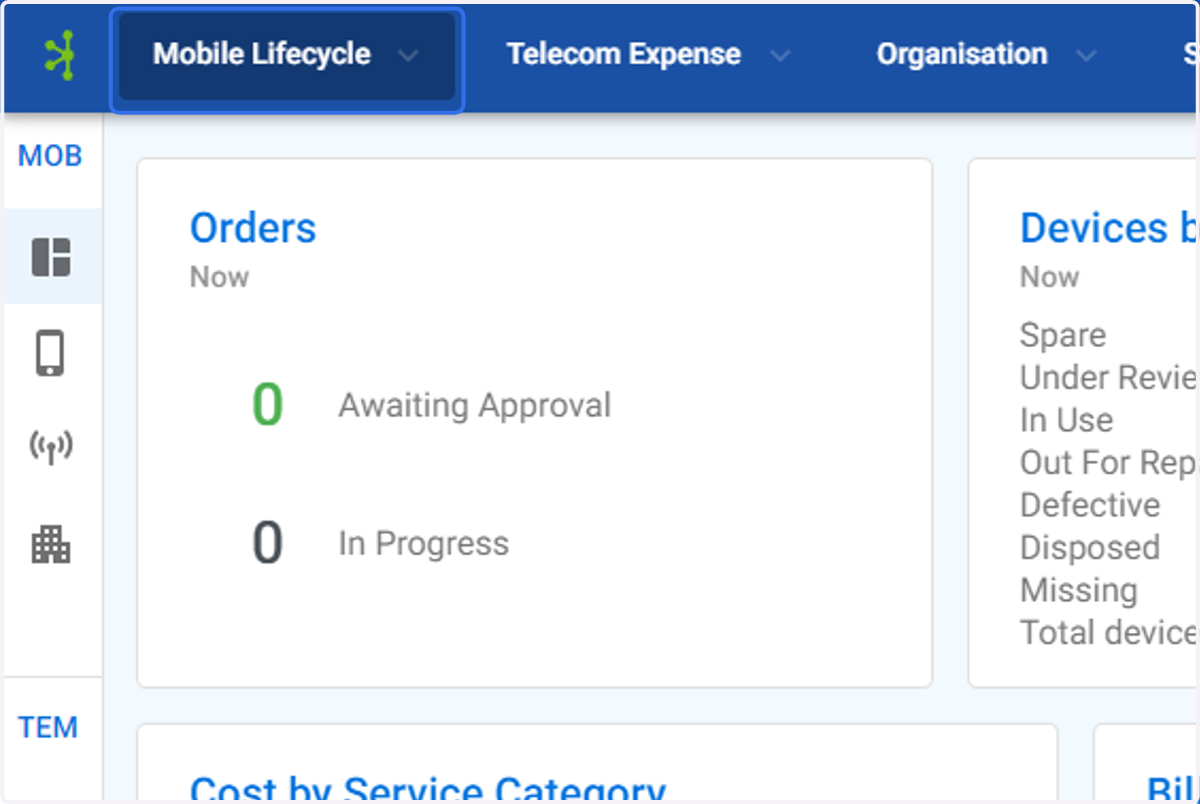
1. Click on Mobile Lifecycle
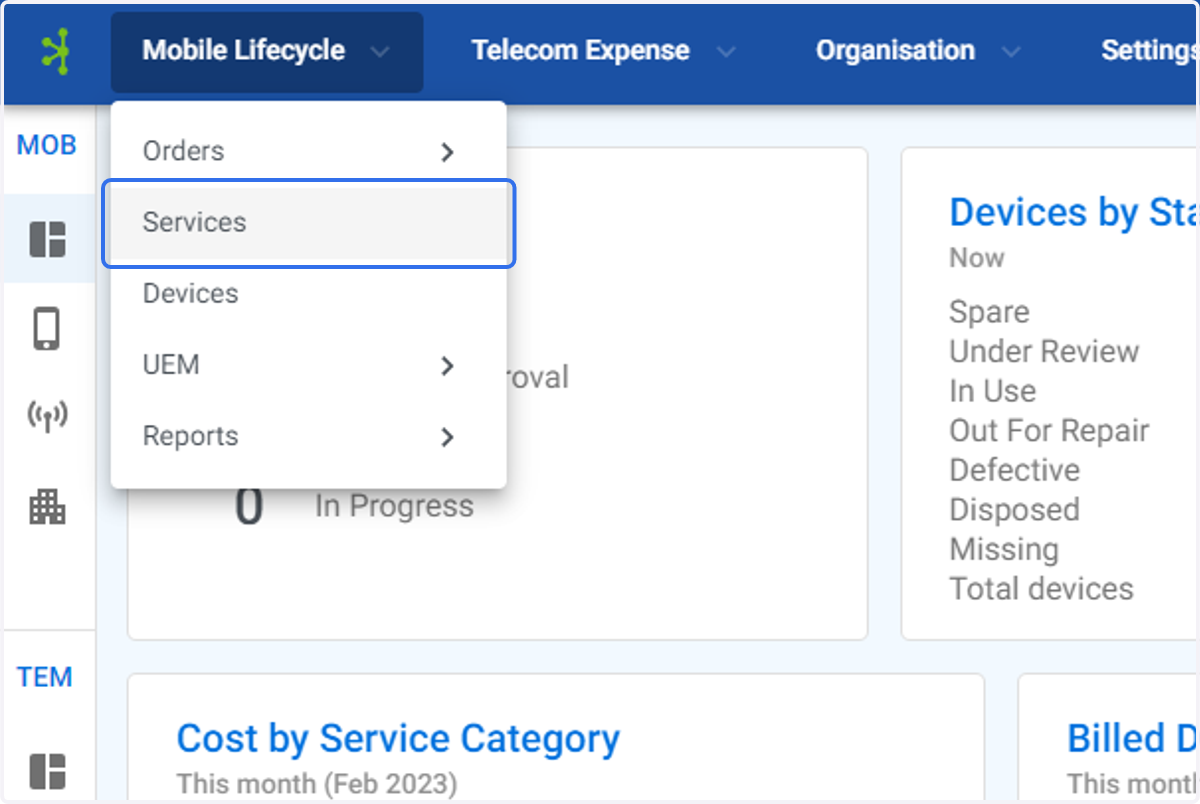
2. Click on Services
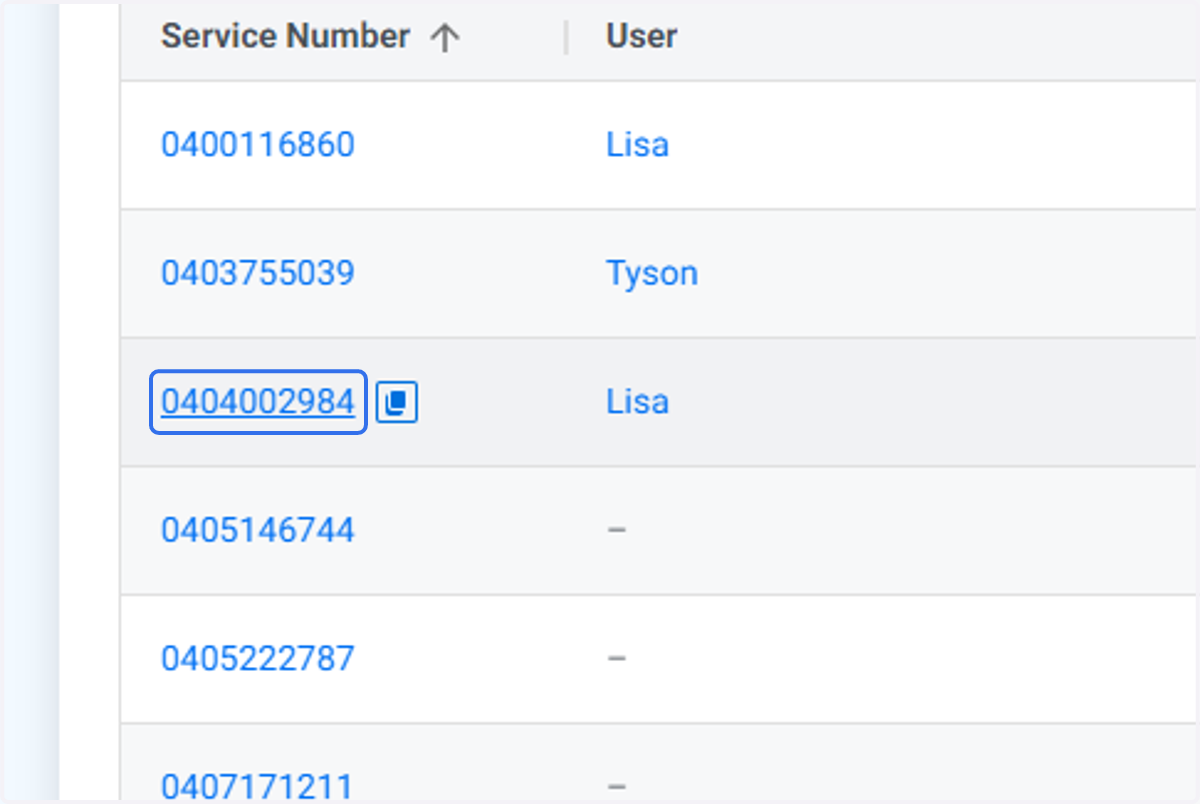
3. Find the service you which to Change the user for. Click on the service.
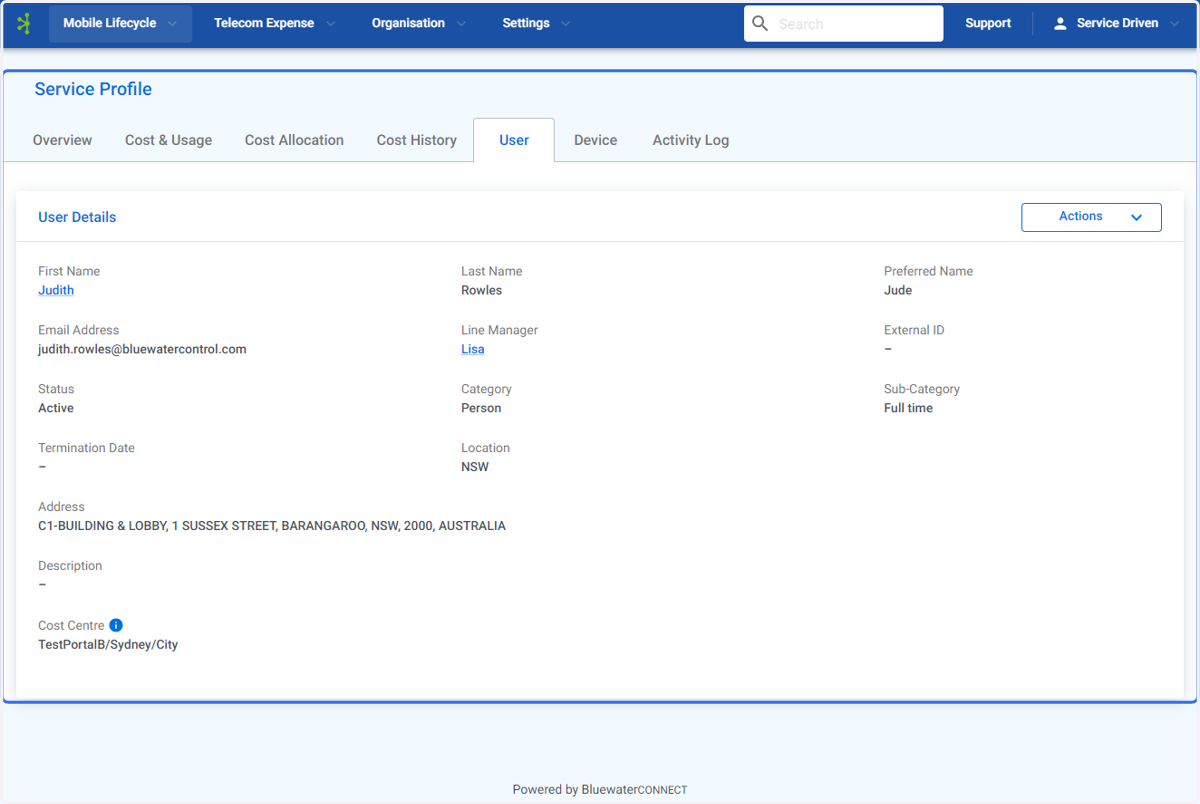
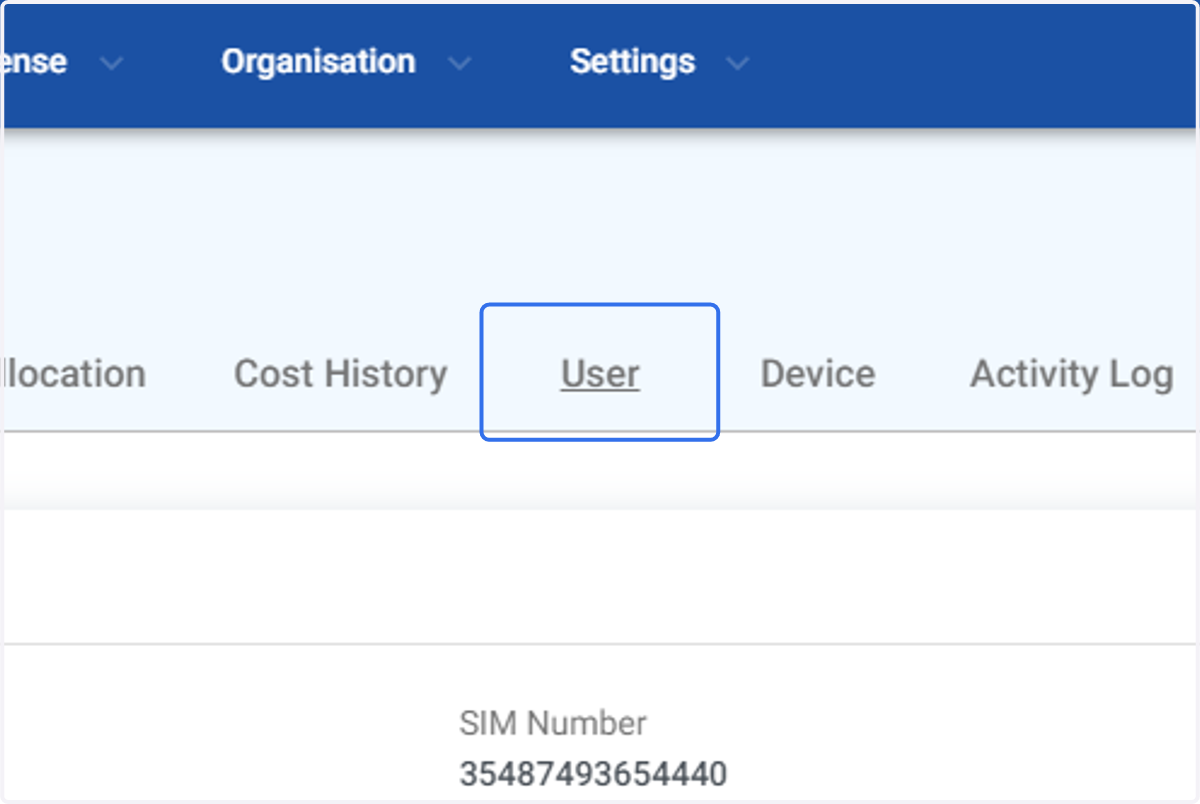
4. Click on User
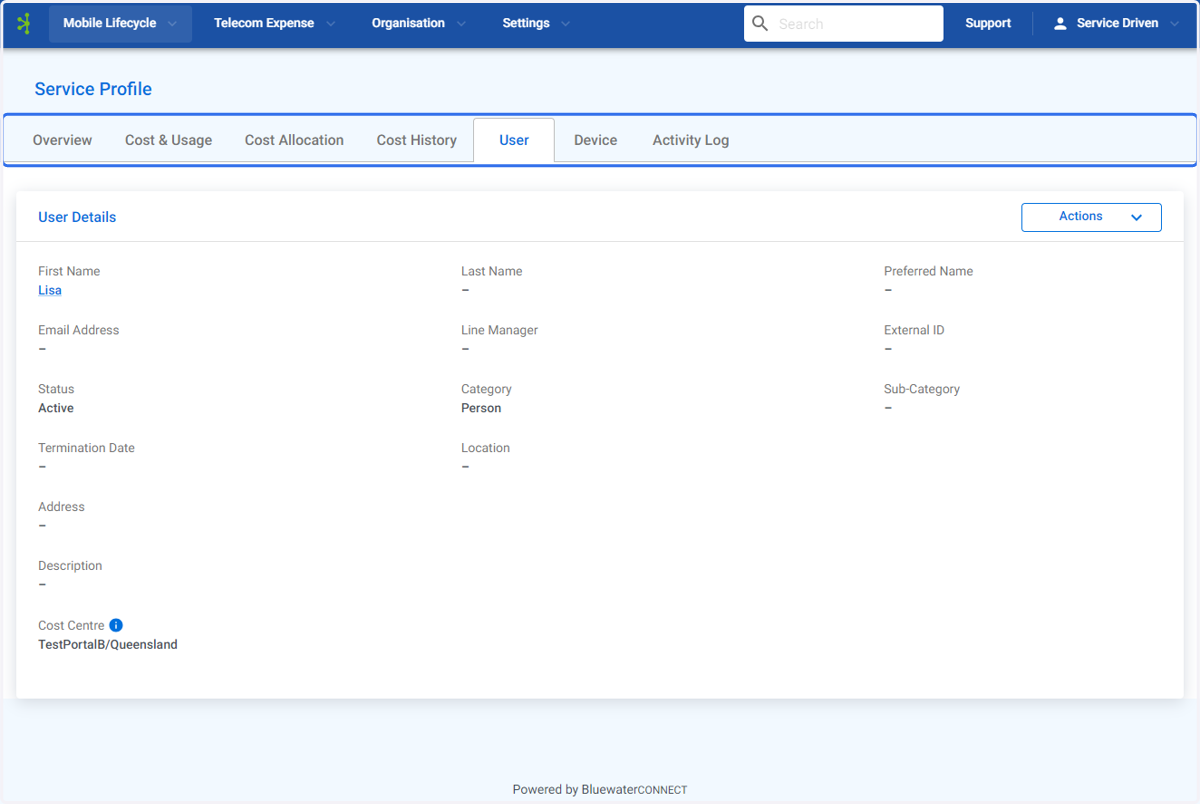
5. The User Service Profile will be displayed.
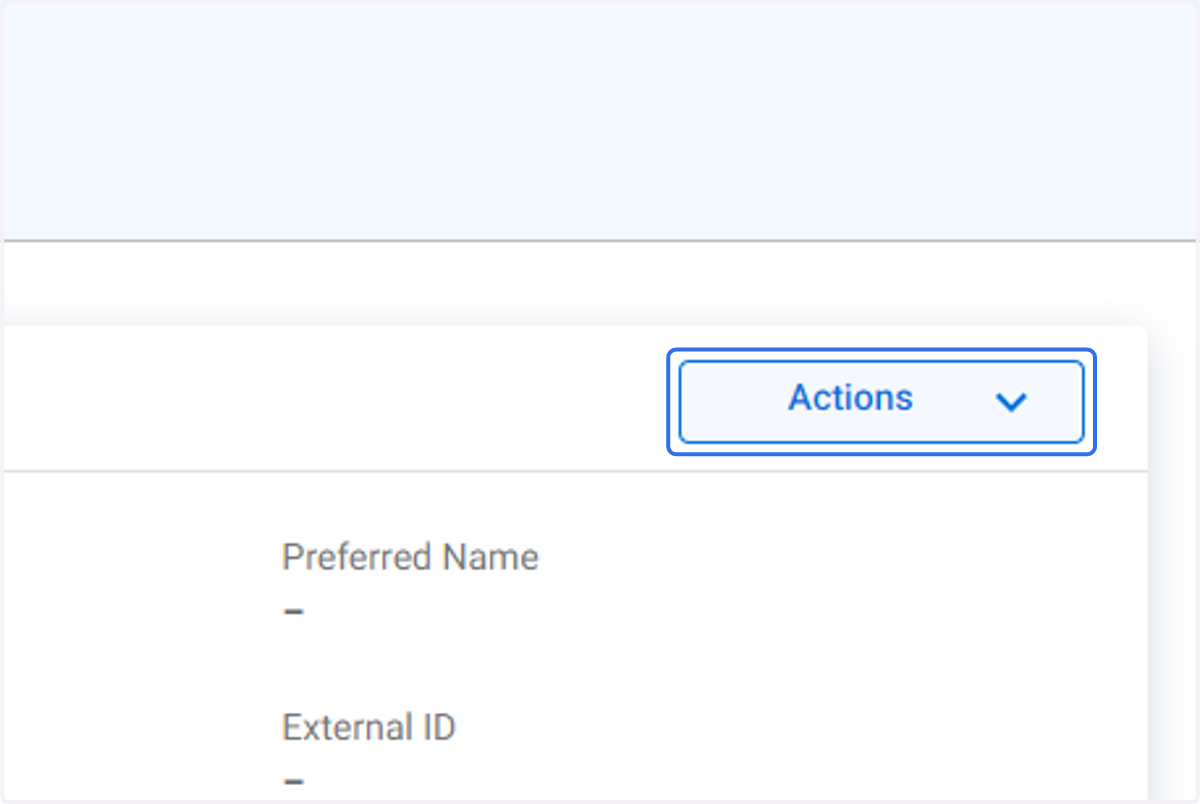
6. Click on Actions
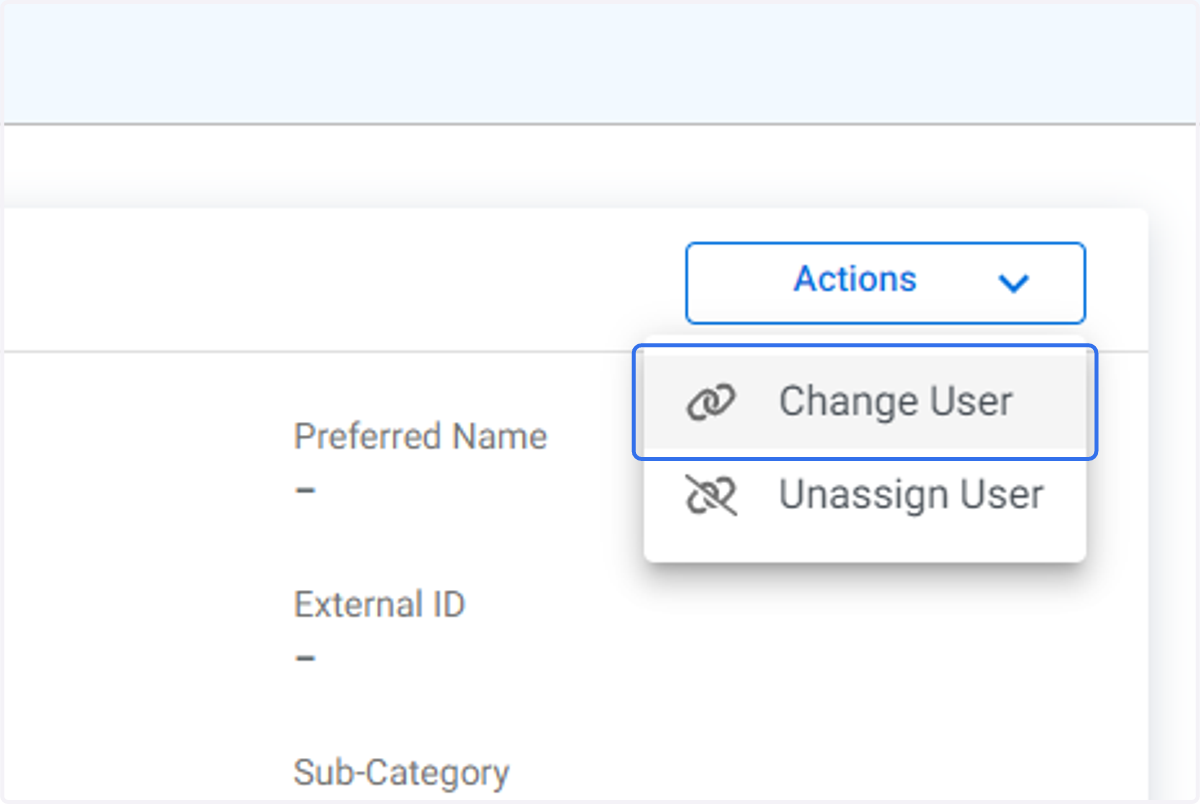
7. Click on Change User
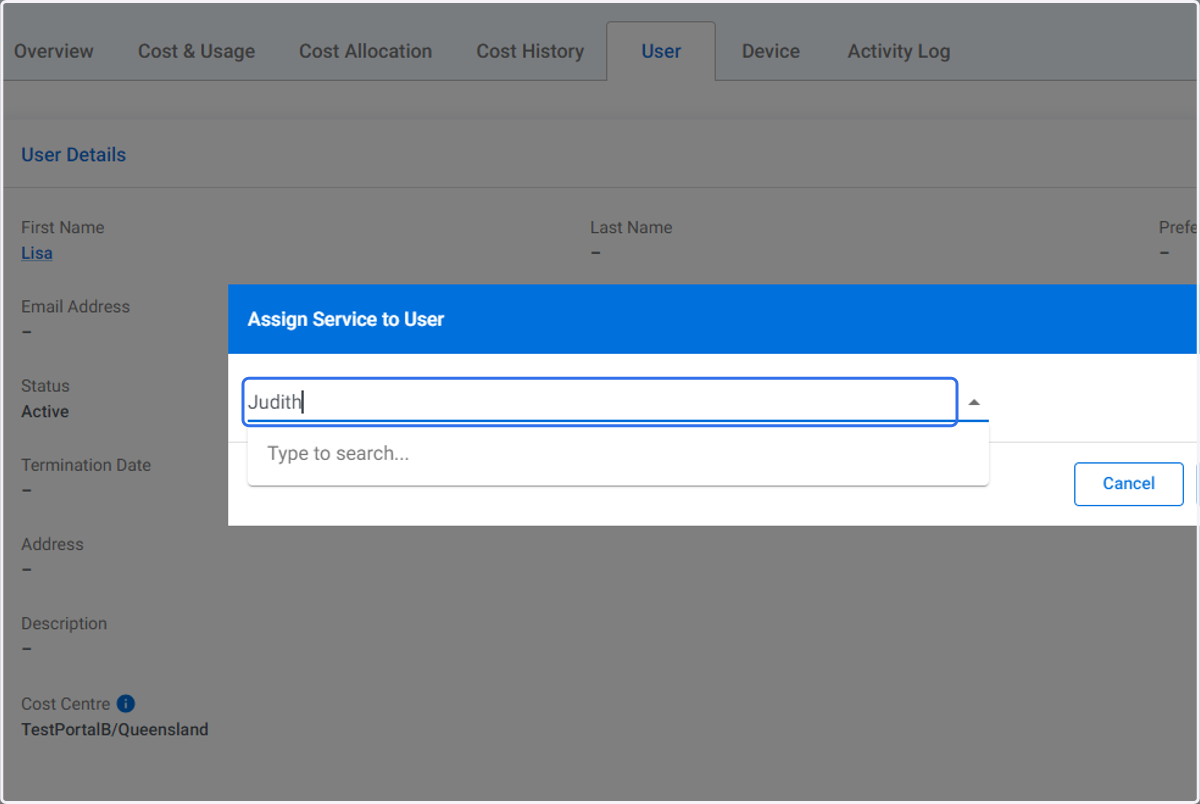
8. Type in the name of the user you wish to change to.
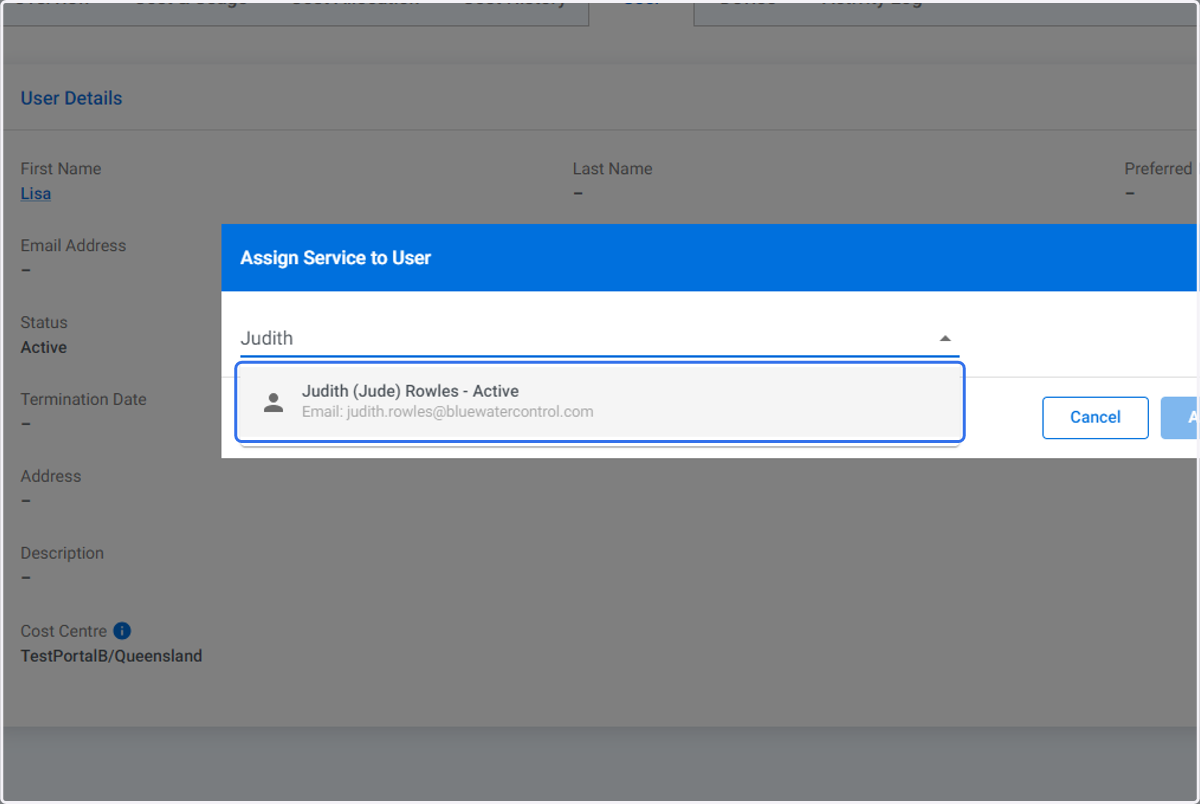
9. Click on the correct user record.
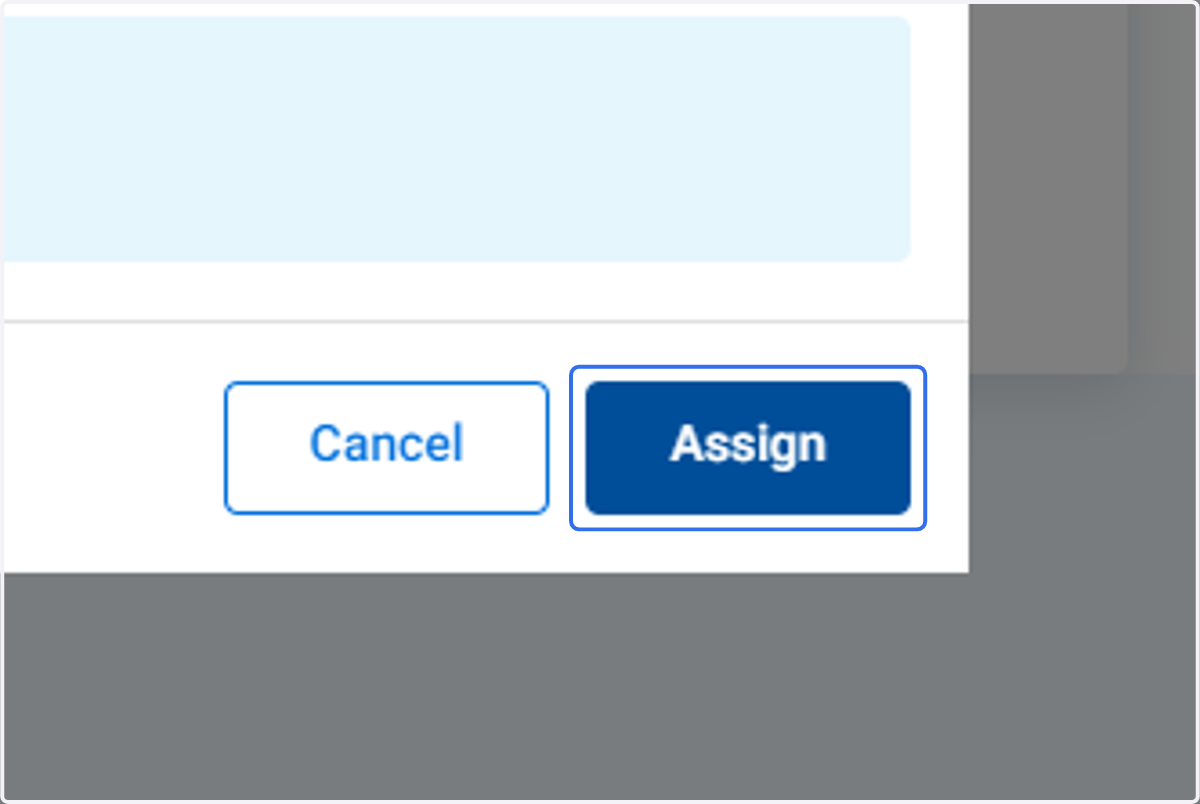
10. Click on Assign
11. The assigned user has been changed.