Guide: Live Location
MatrixIQ Telematics
1. Live Location shows where all assets are
By clicking on and off the various vehicles/assets will change the view of the map.
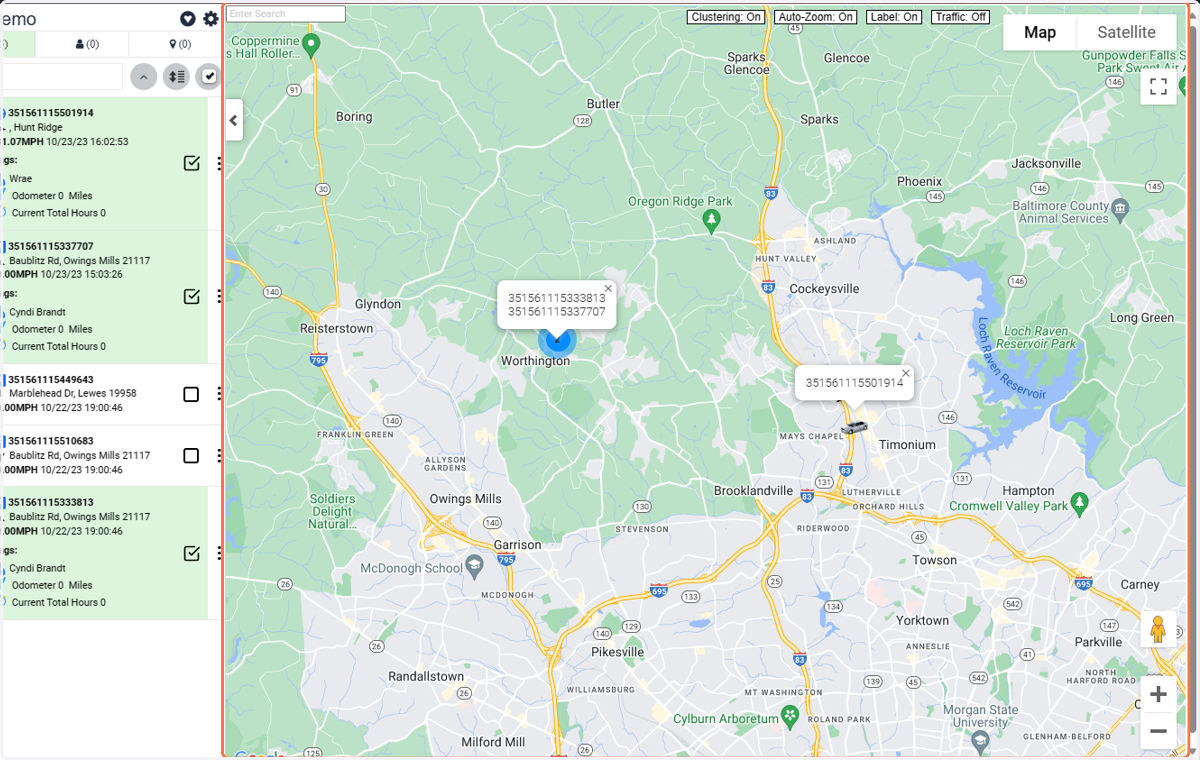
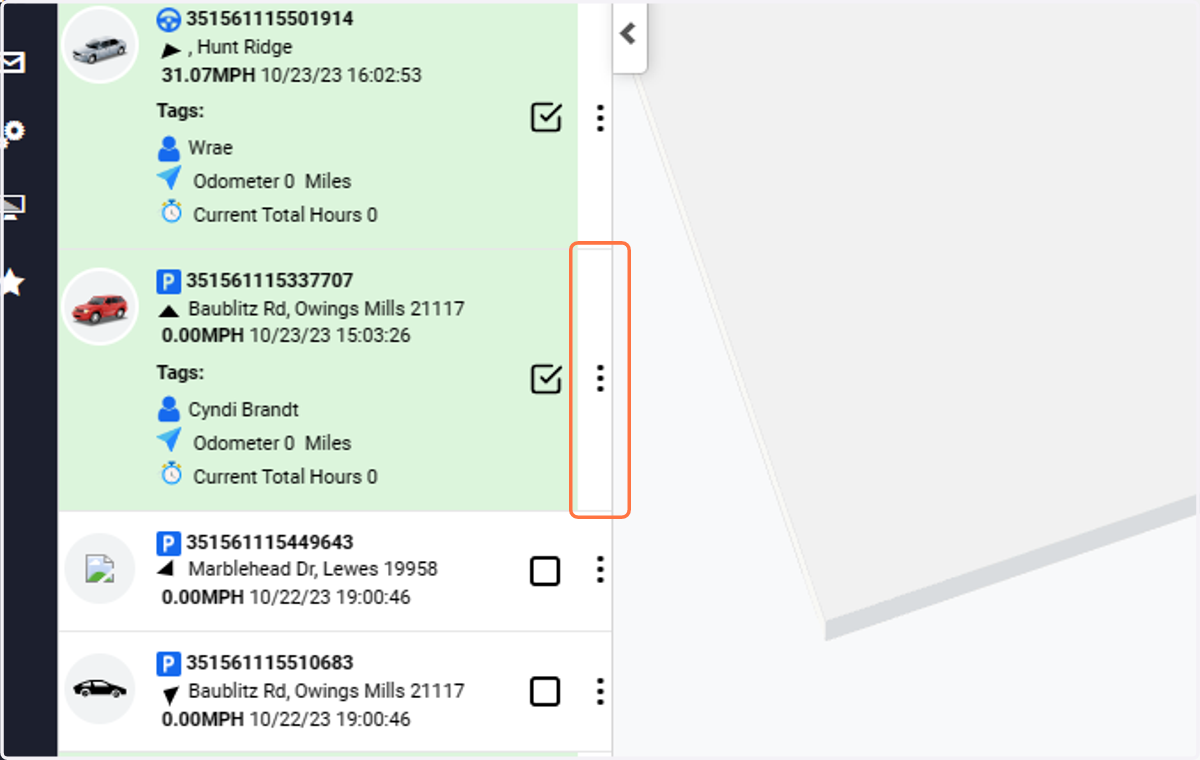
2. Click on ⋮ to pull out information about a specific vehicle/asset
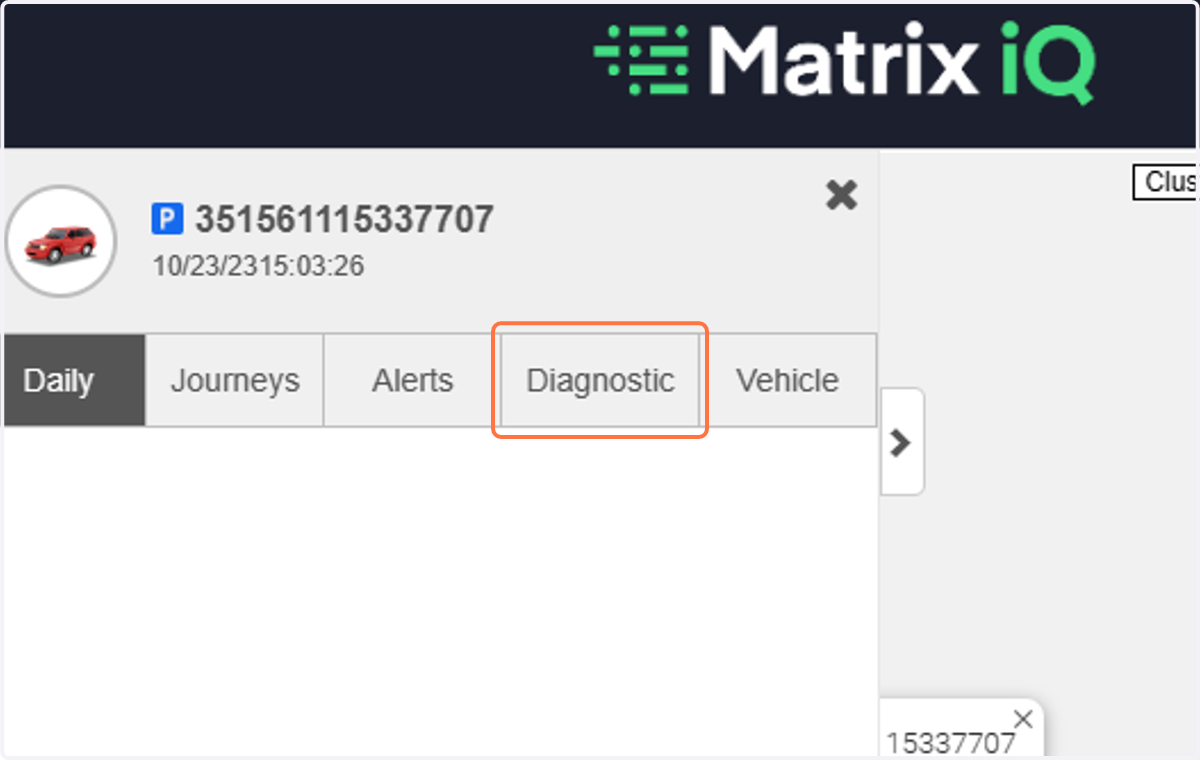
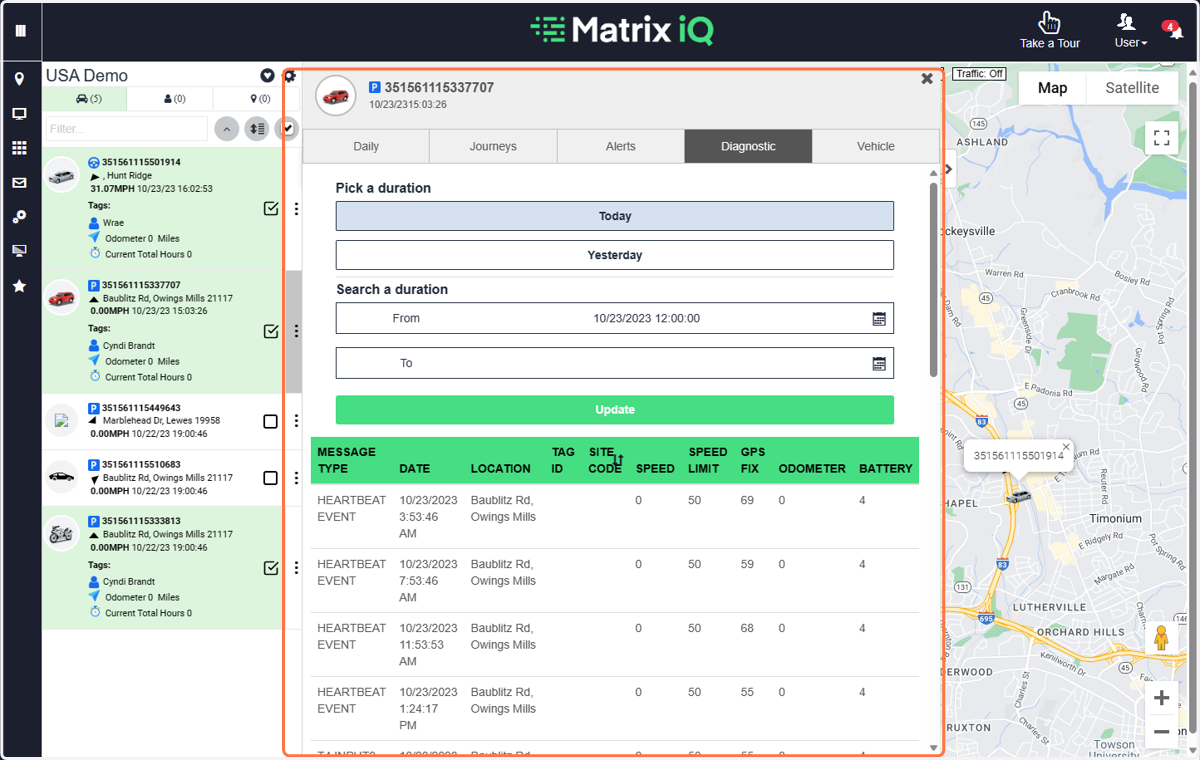
3. Click on Diagnostic
This shows a bit about the MagTrack communicaitons
4. View Diagnostic information
This shows you the various static and moving events that the MagTrack has reported.
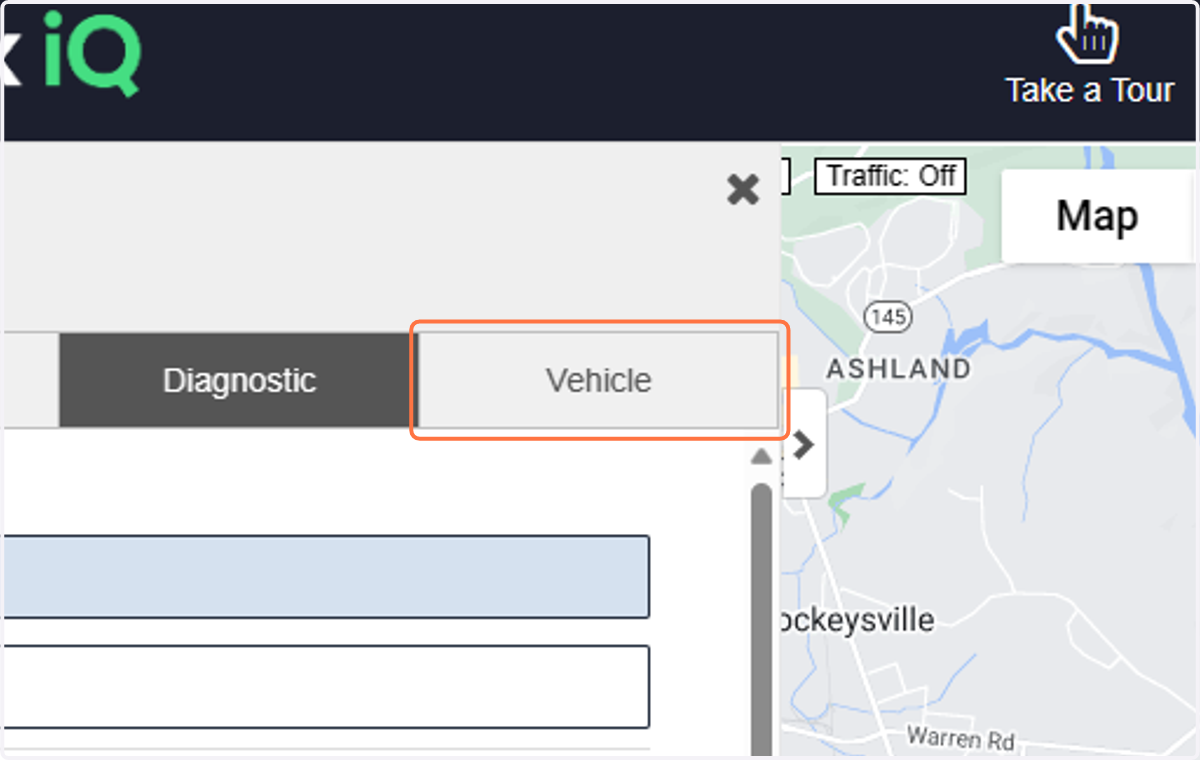
5. Click on Vehicle
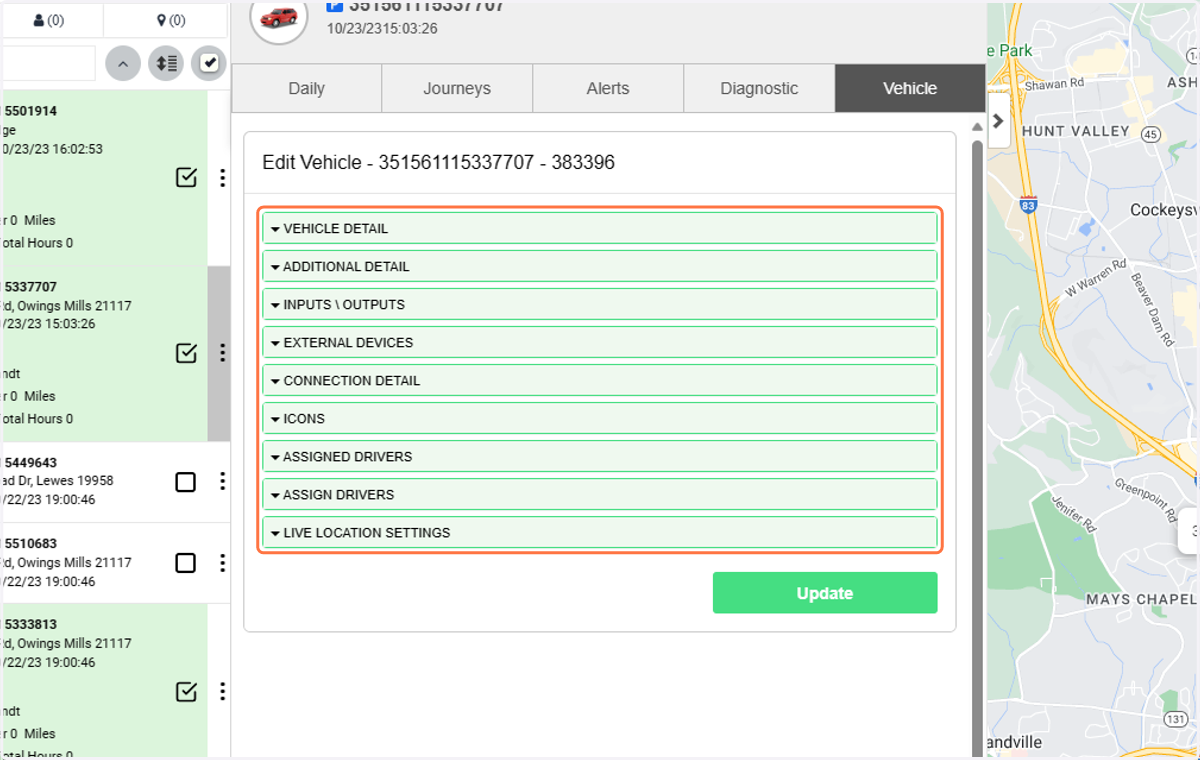
6. Click on any of the vehicle/asset areas for more detailed info about that asset.
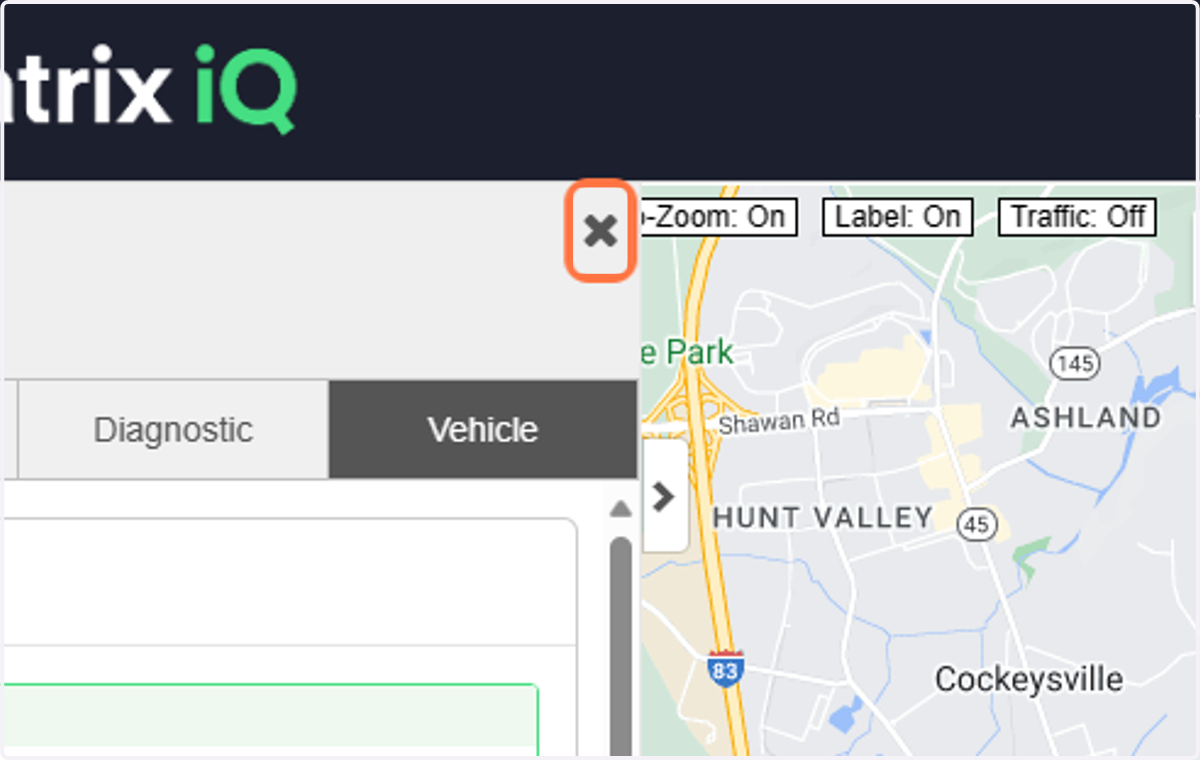
7. Click on X to close the fly out view
8. Click on the cog to manage groups and view a different group.
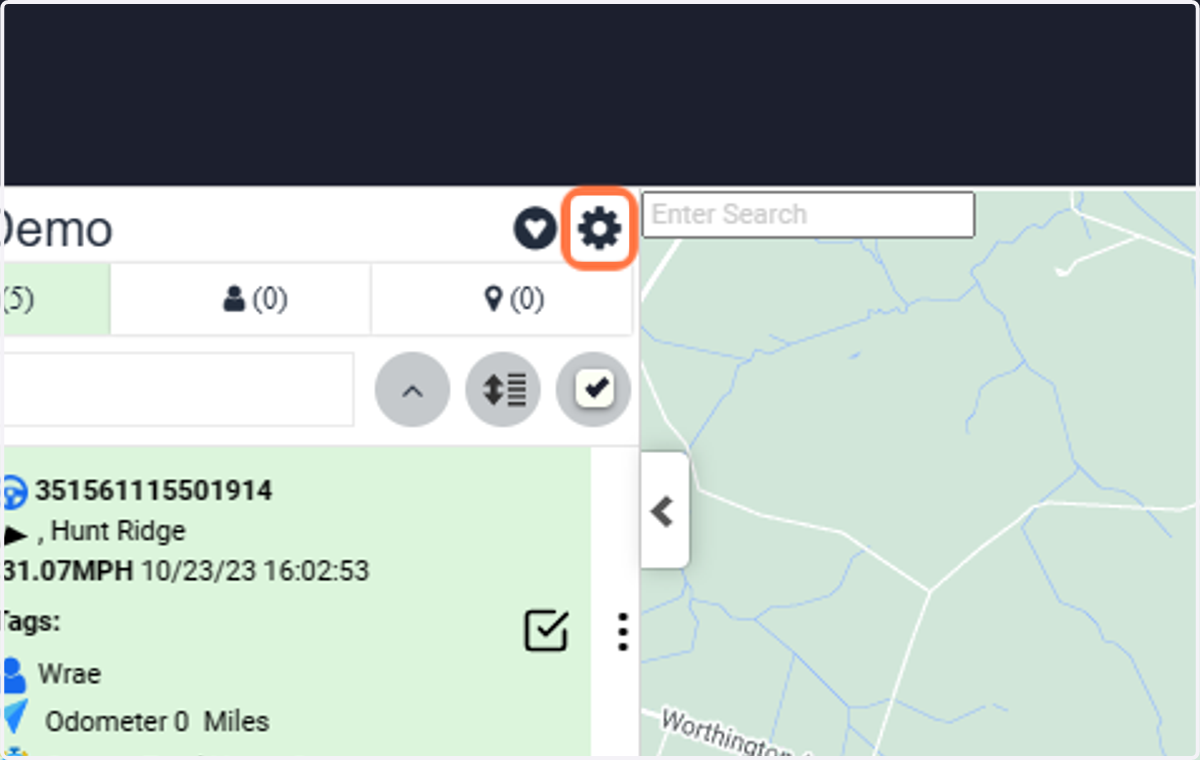
9. Click on Matrix Demo(2)
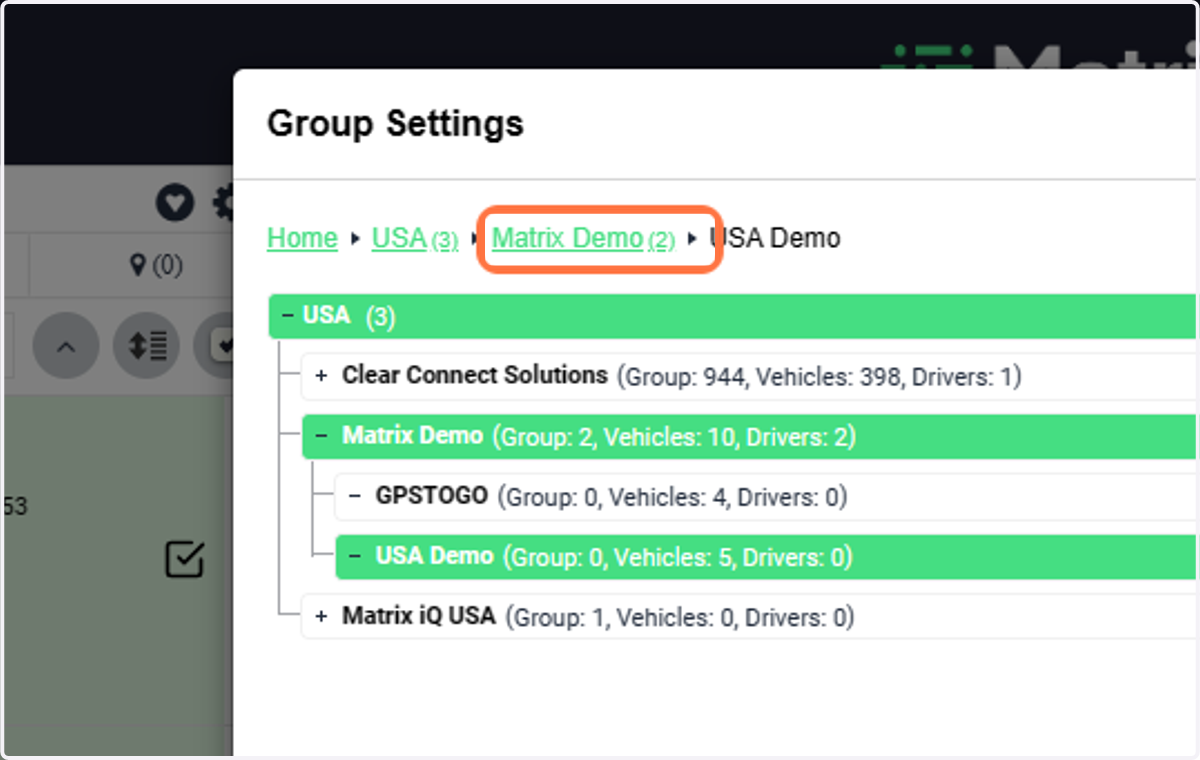
10. Click on USA Demo(Group: 0, Vehicles: 5, Drivers: 0)
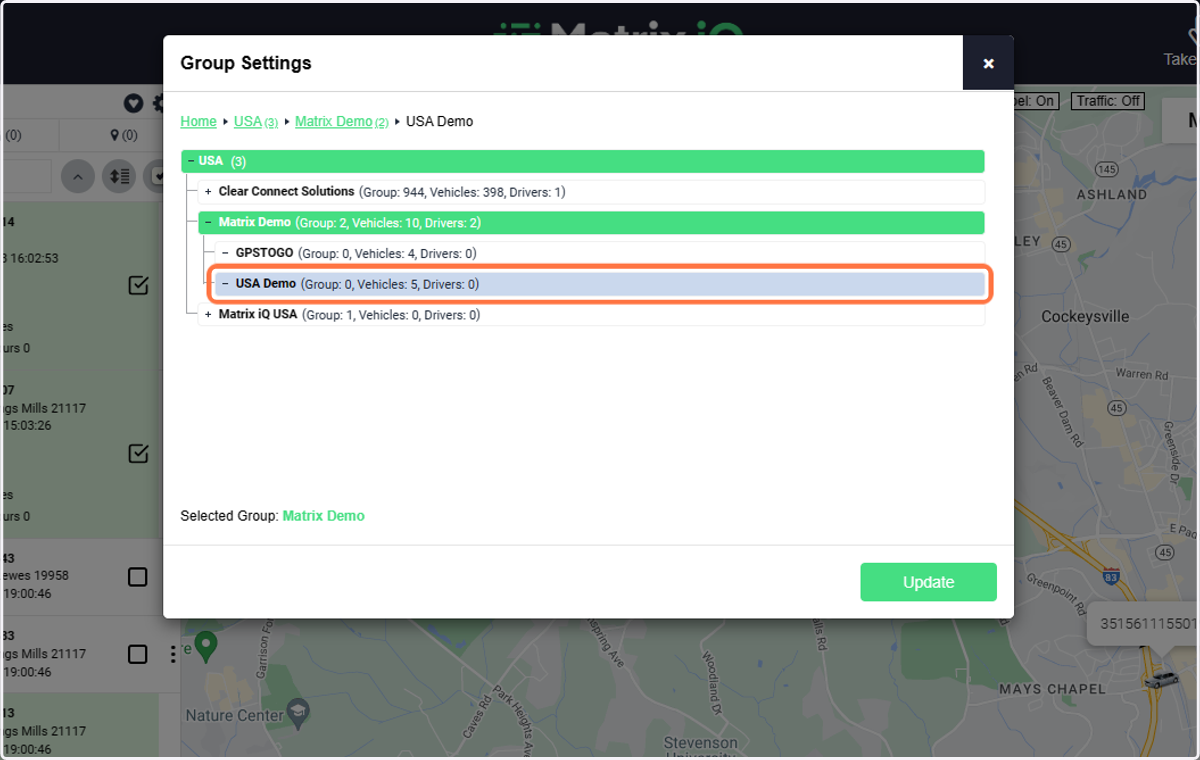
11. Click on Update