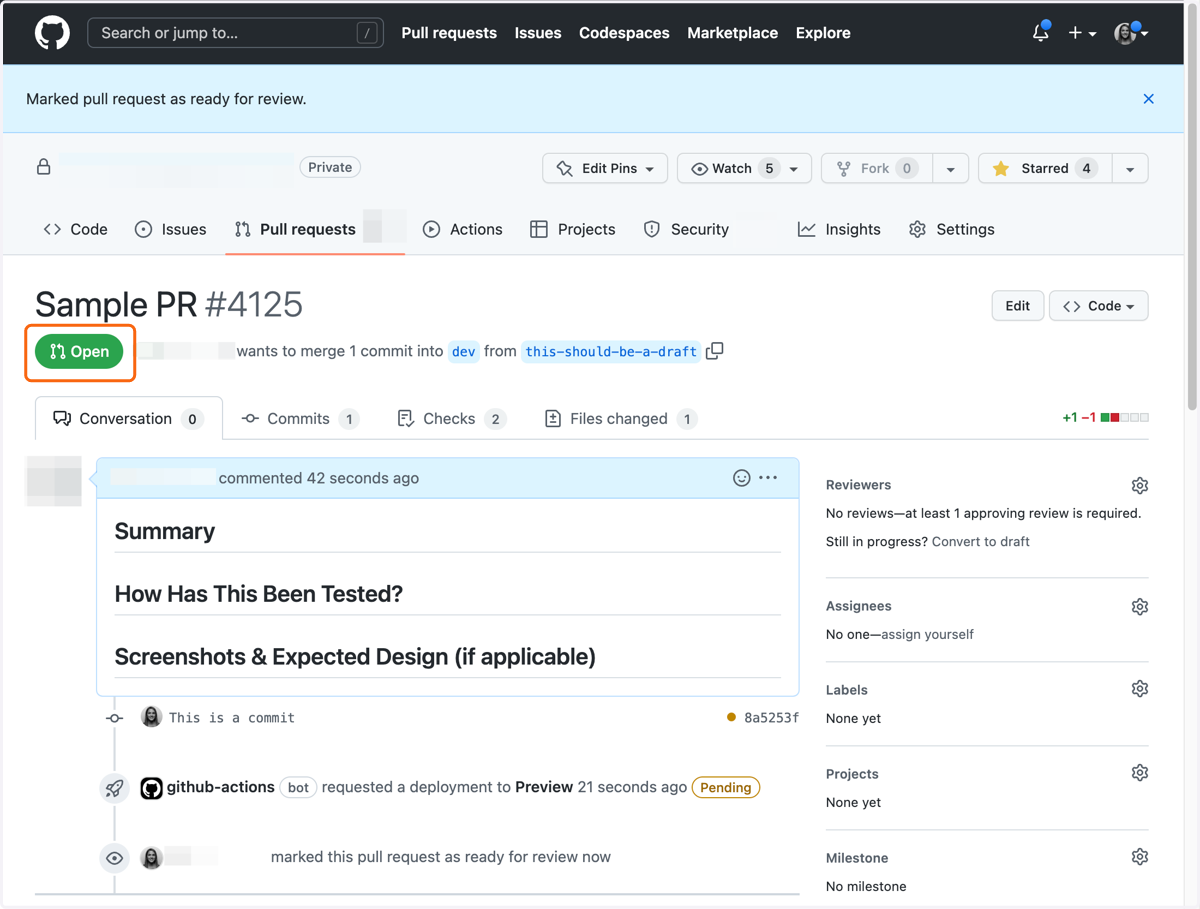
How to use draft pull requests in Github
Have some in-progress work that you want to get eyes on, but not ready for to submit your PR for a full review? Use a Draft PR, which signals to your team that this is a WIP.
Github
1. Go to github.com
Push a branch to your repo and follow your process to open a pull request
2. Click on Select a type of pull request
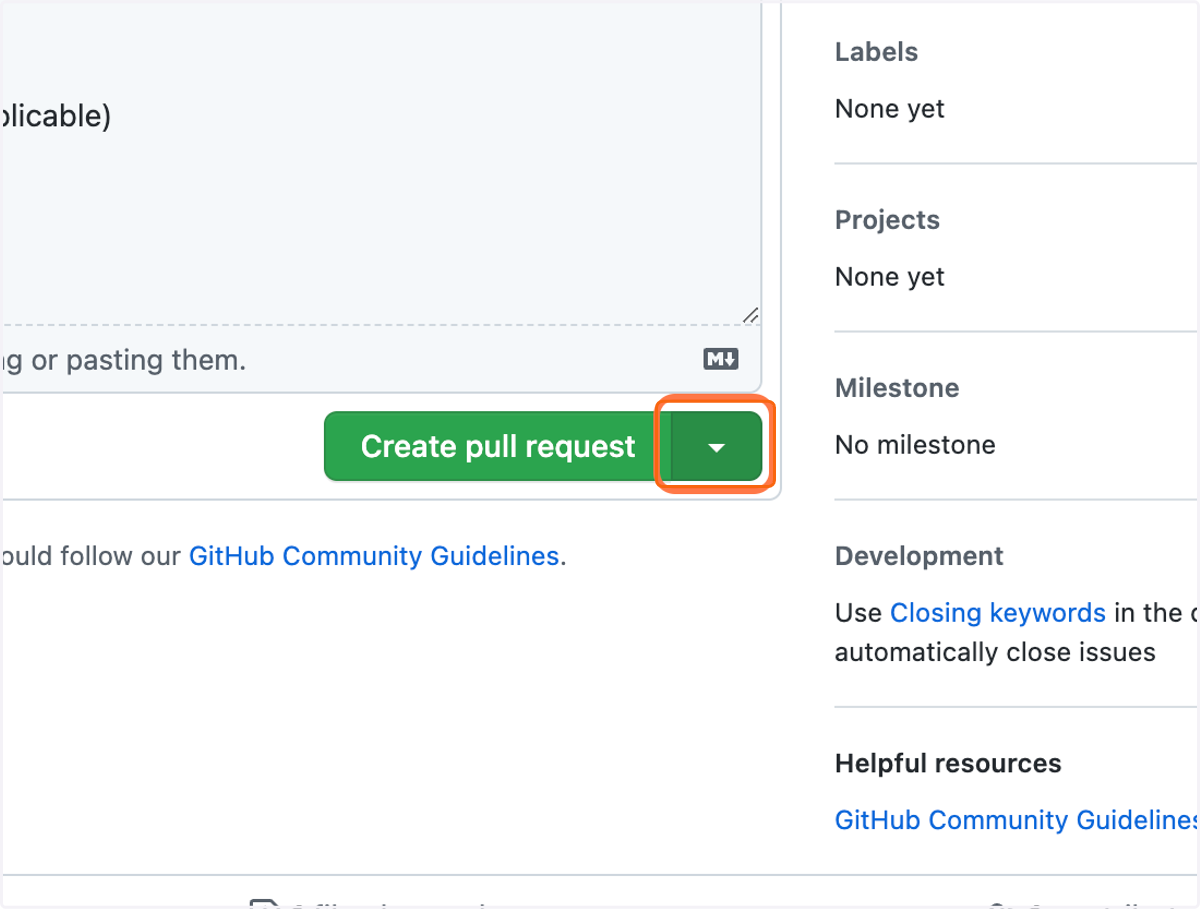
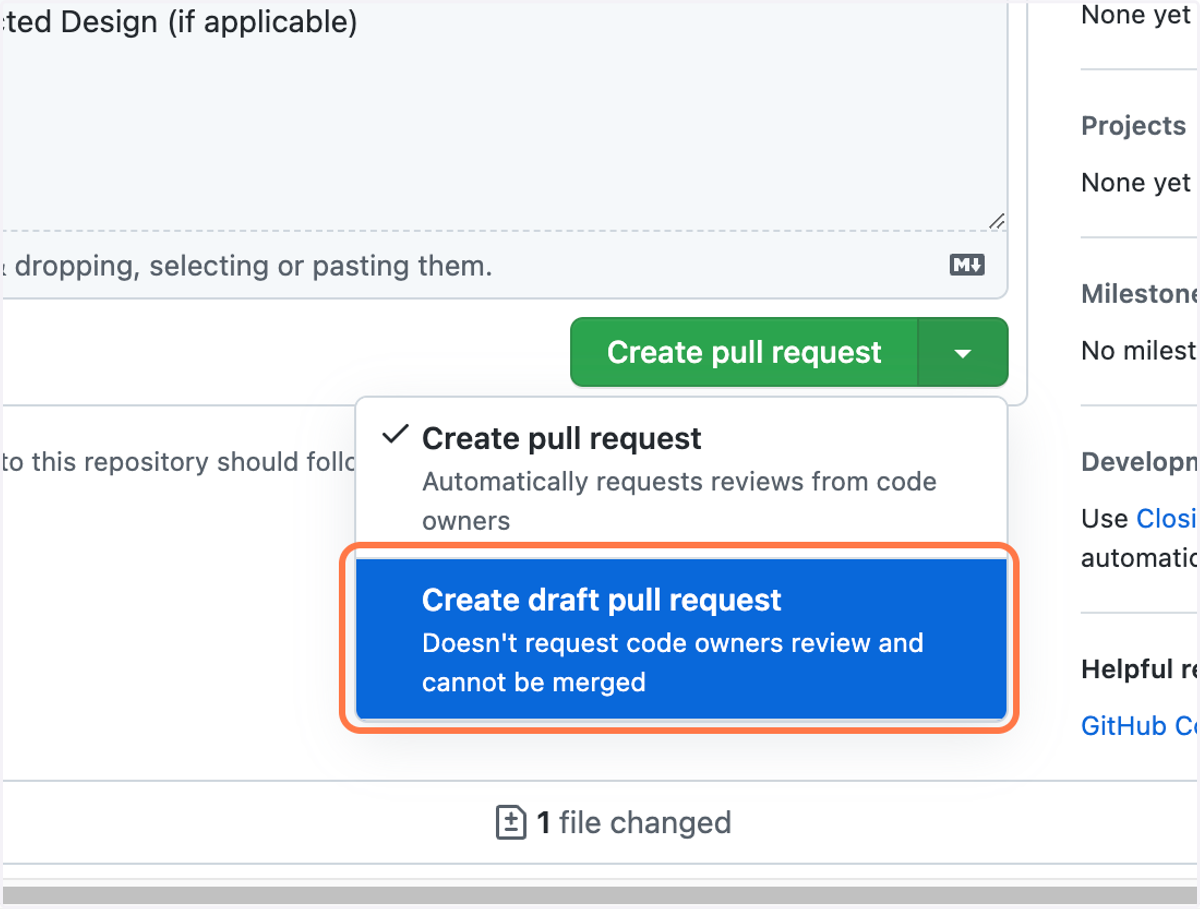
3. Click on Create draft pull request
4. Click on Draft pull request
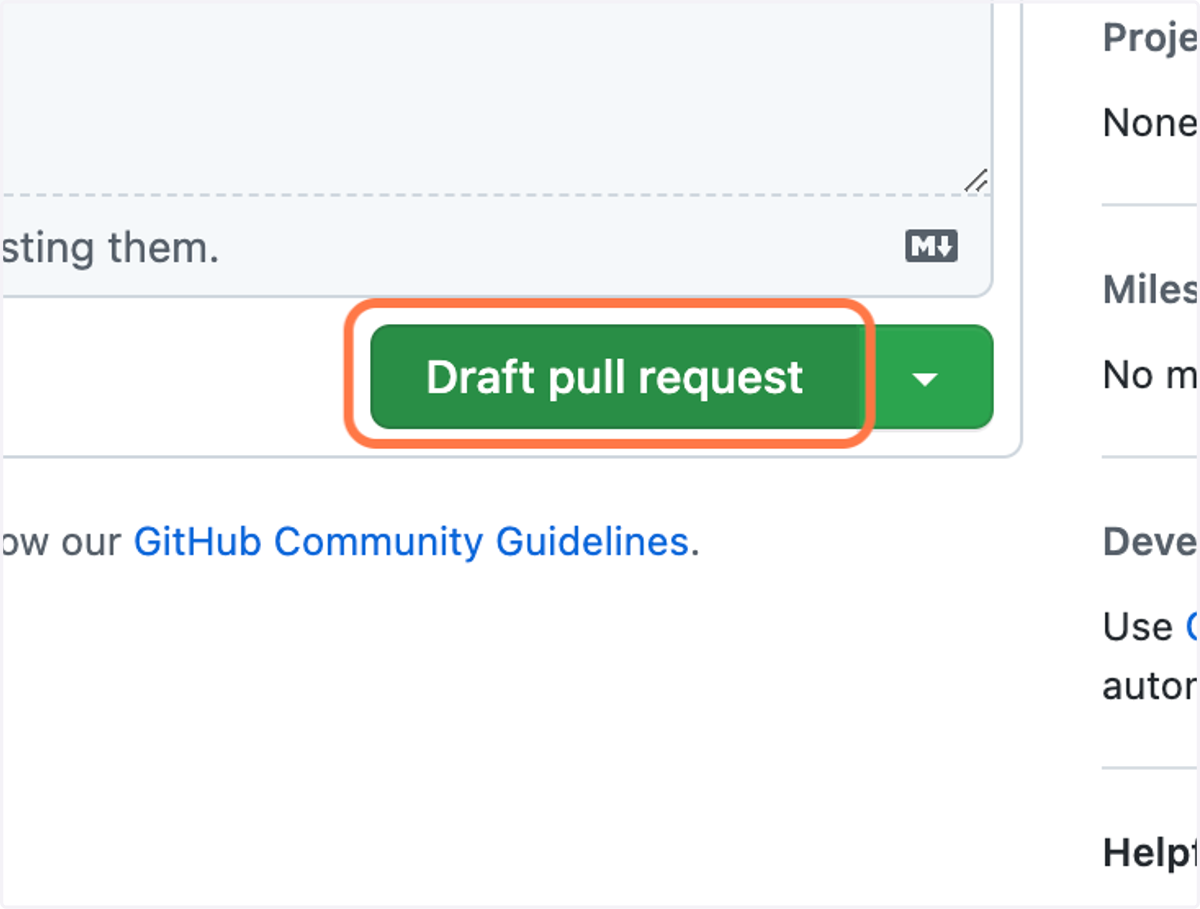
5. 🎉 Congrats! You have a Draft PR
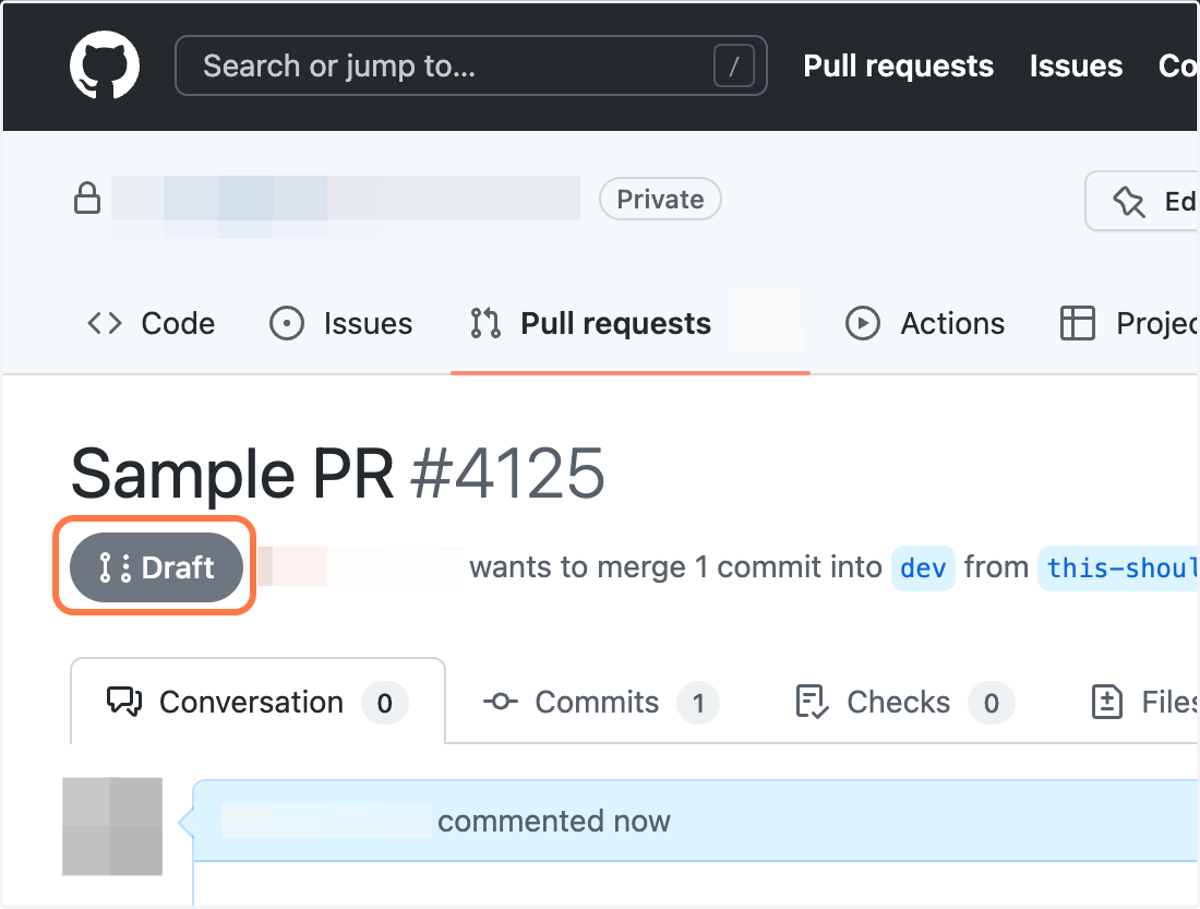
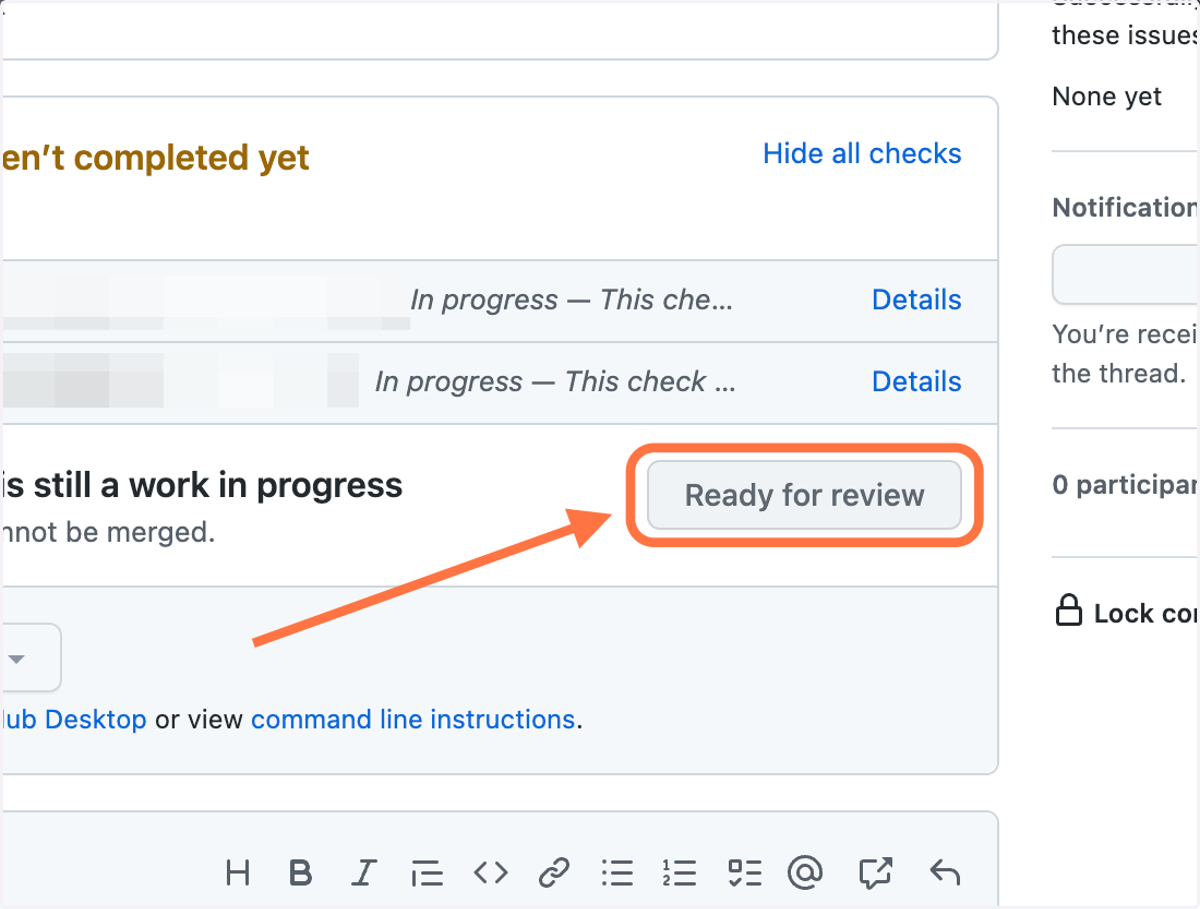
6. Ready for review? Switch it to a regular PR
Click on Ready for review
7. ✅ Now your PR is ready for review. Happy coding!