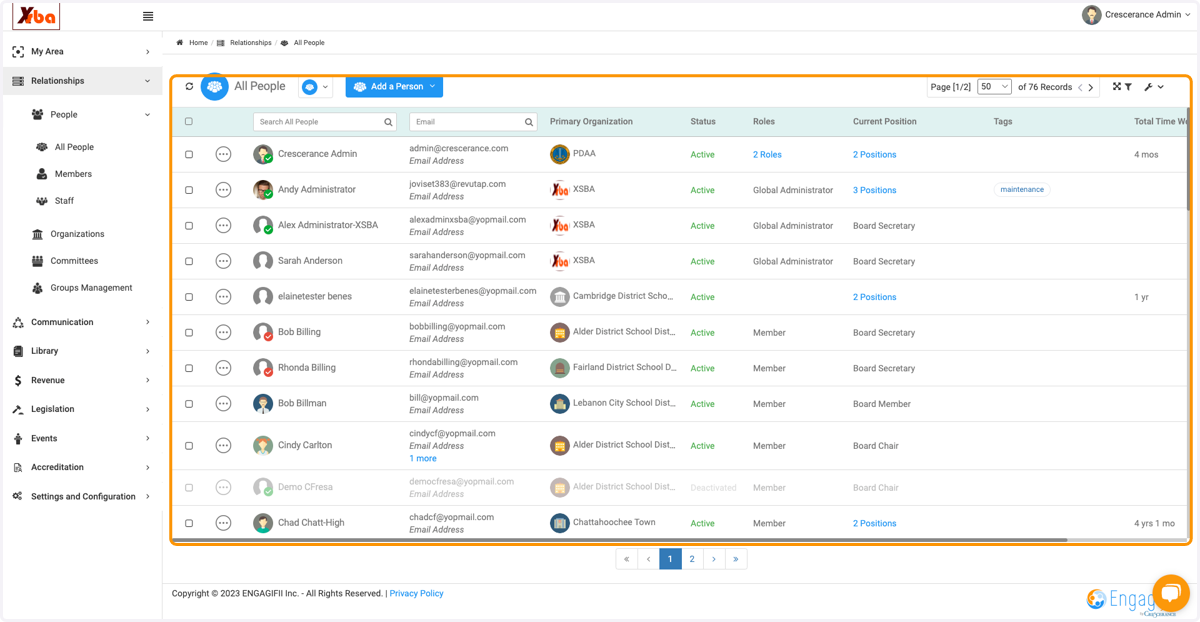
Navigating the All People List
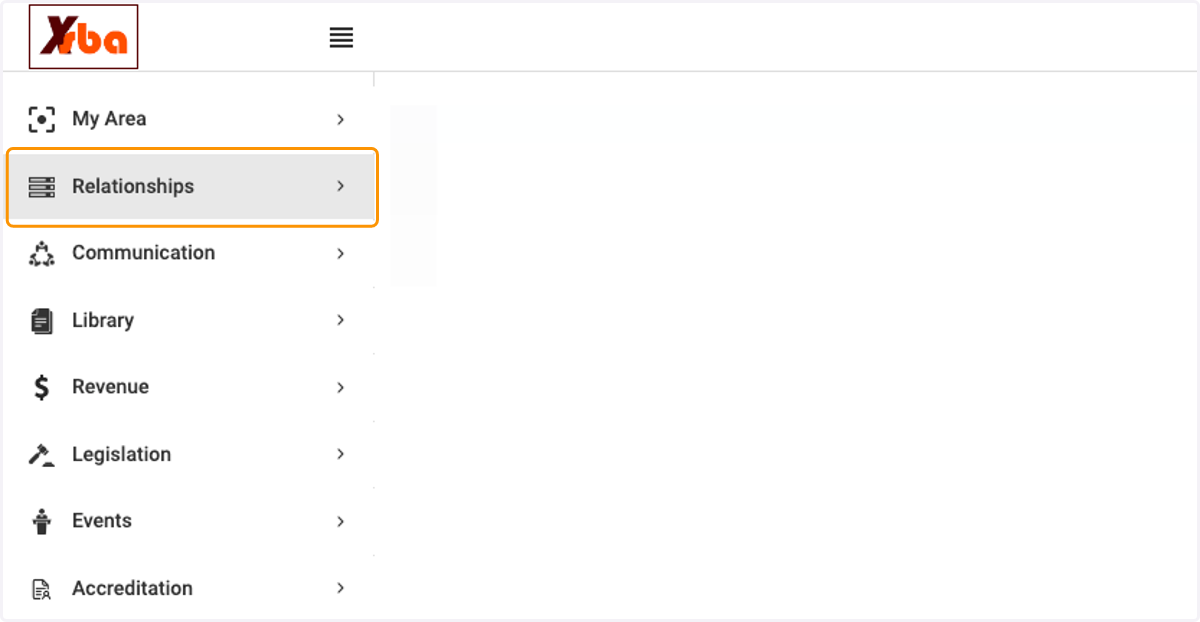
1. Click on Relationships
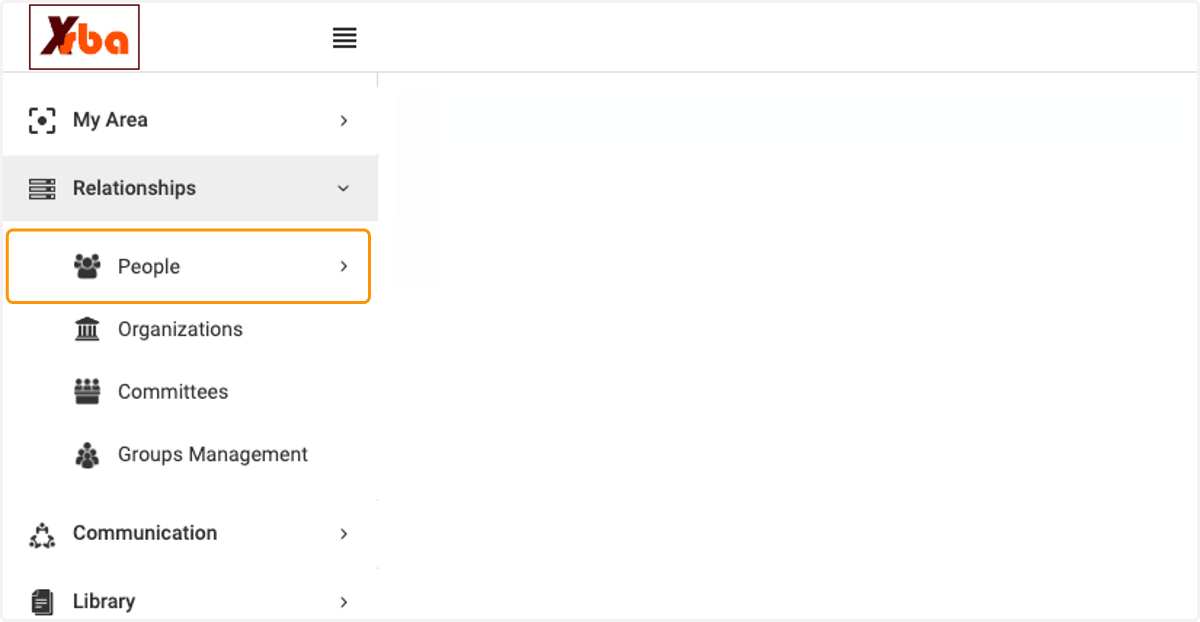
2. Click on People
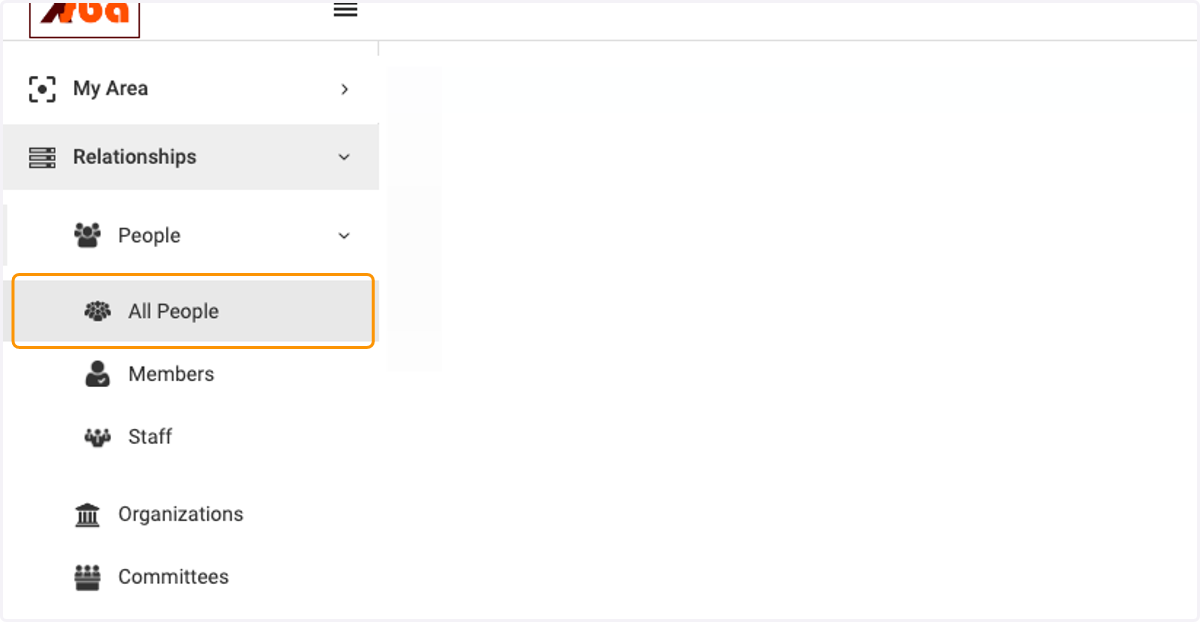
3. Click on All People
4. View all the people (members, staff) in your database. Those names that are grayed out are inactive members. Scroll to the right to view all columns for more details. You can also click on the wrench icon (at the top right) to adjust column views.