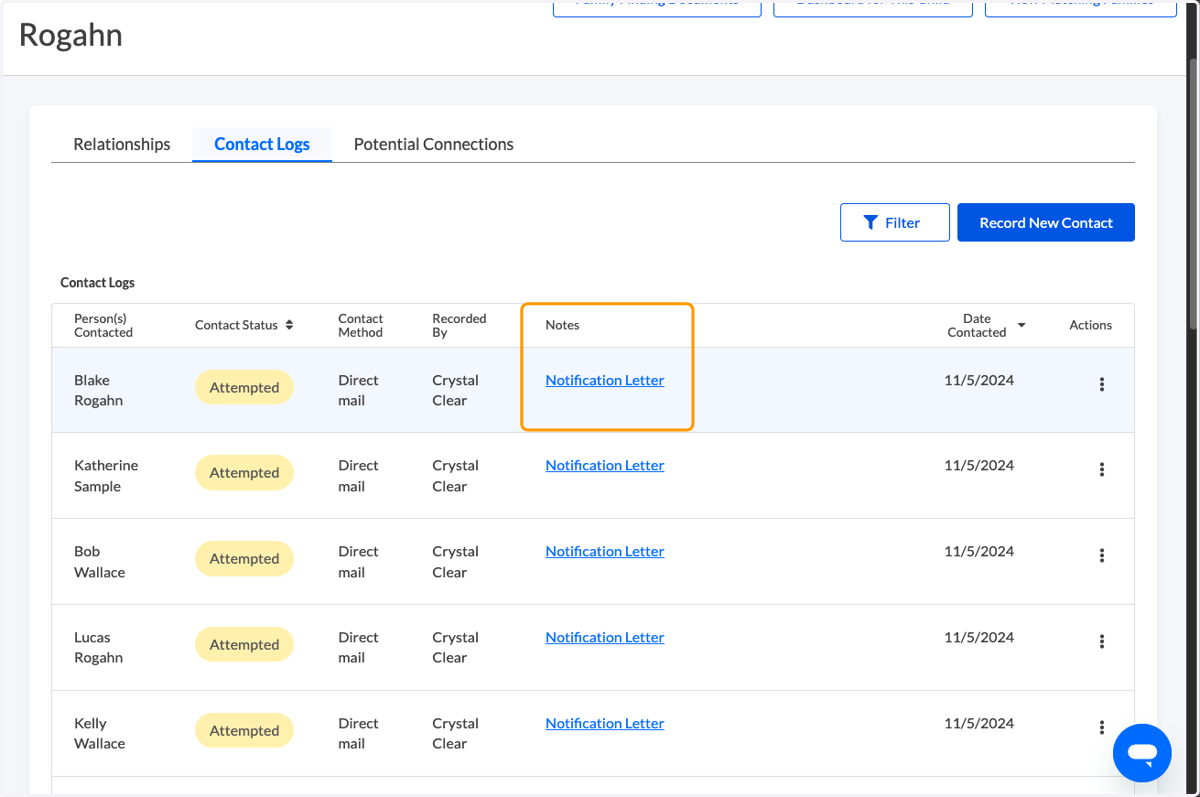
Bulk Relative Notification Letters
💙 Begin at the Relationships Dashboard for a child/youth.
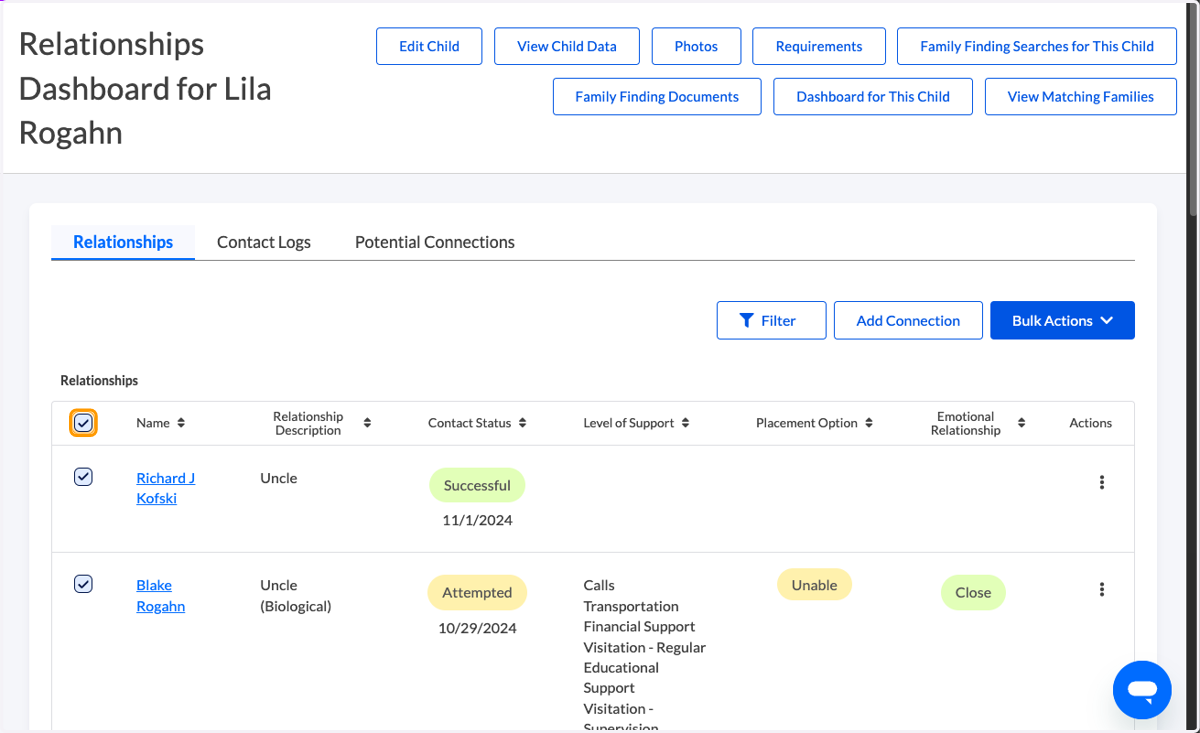
1. Select the people you would like to generate a letter for.
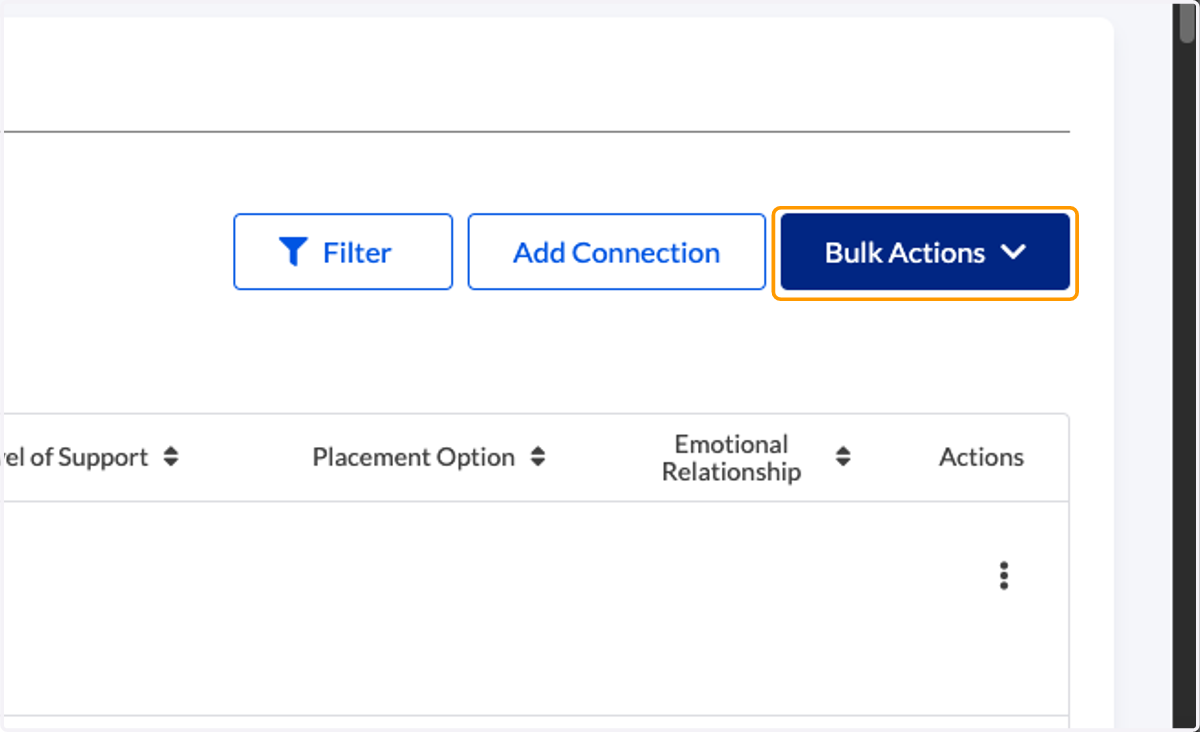
2. Click on 'Bulk Actions'
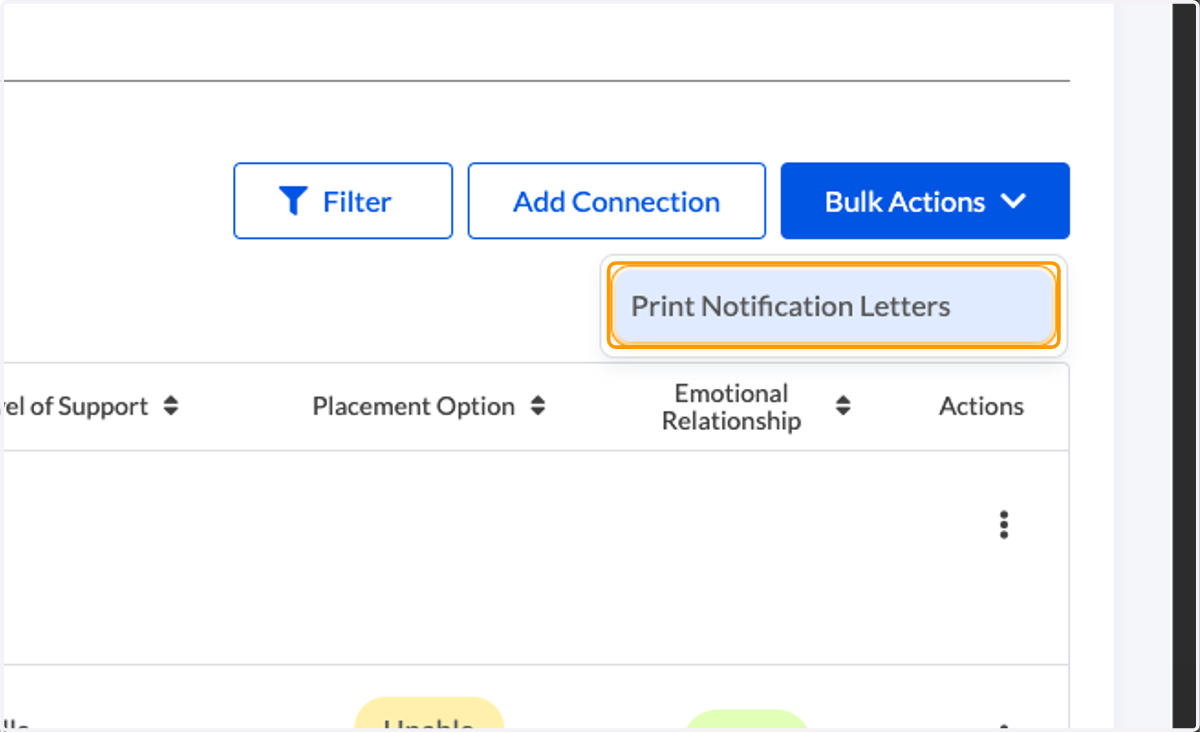
3. Click on Print Notification Letters
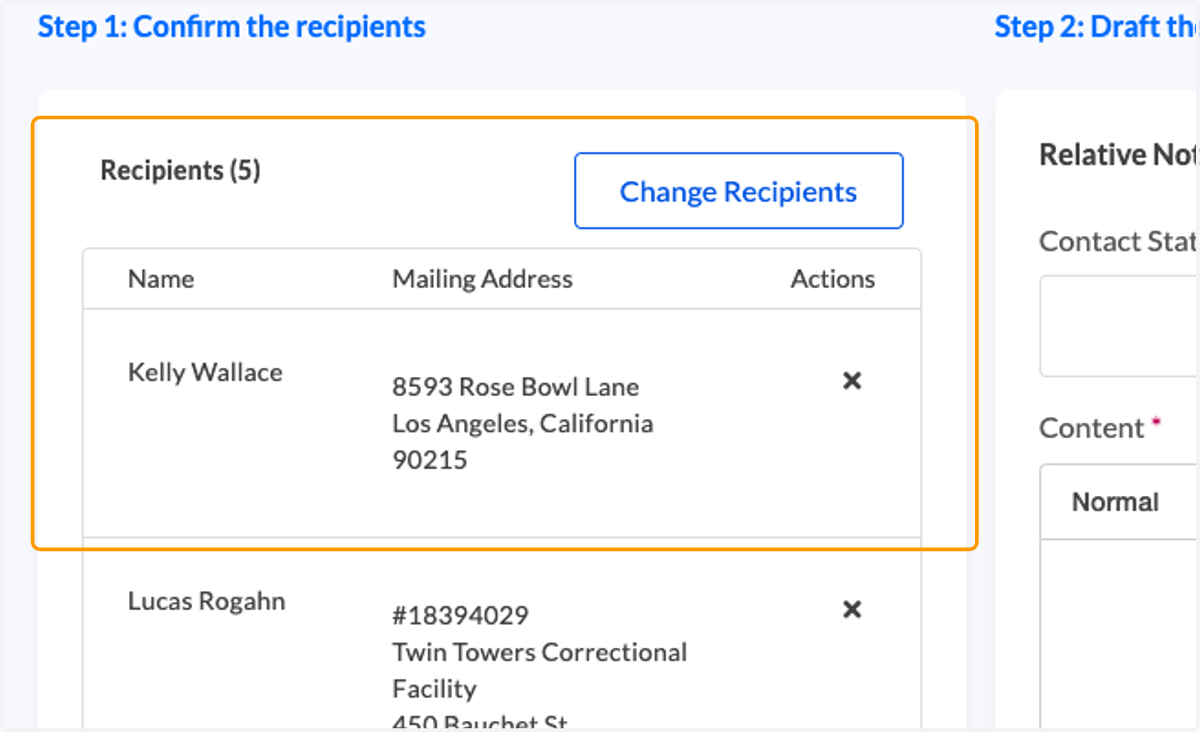
4. Review and confirm recipients.
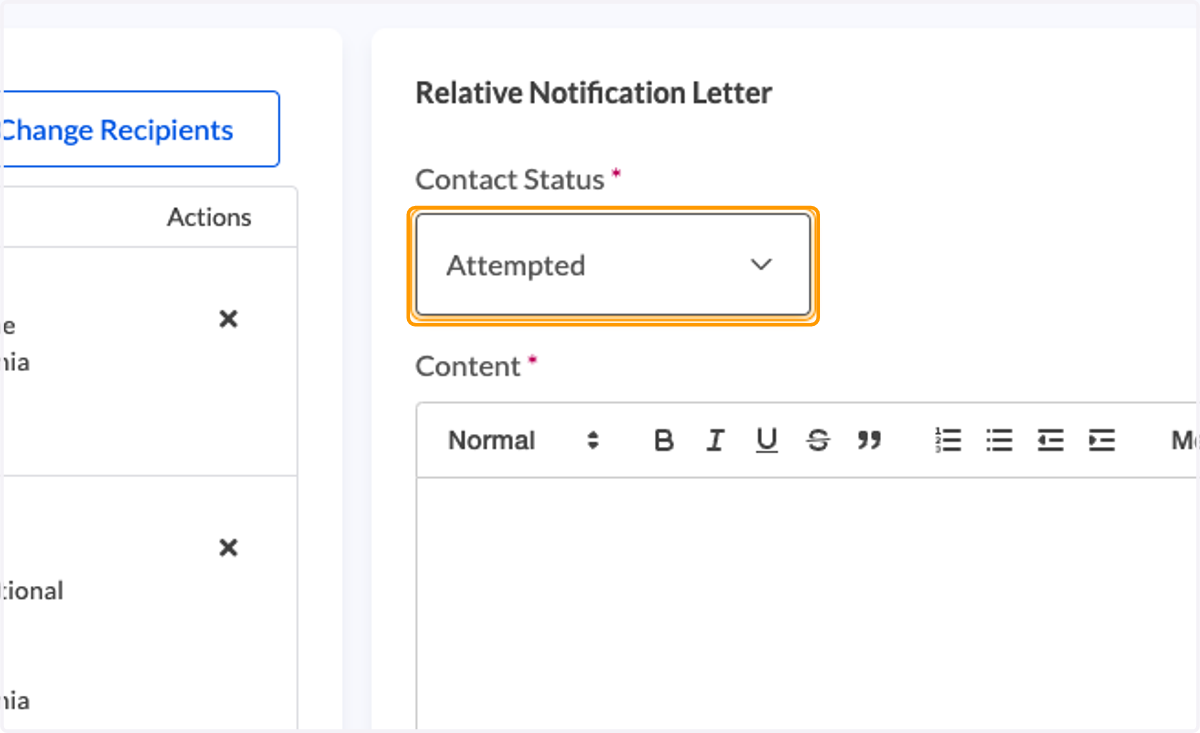
5. Choose a contact status to display in the Contact Log: Attempted or Successful
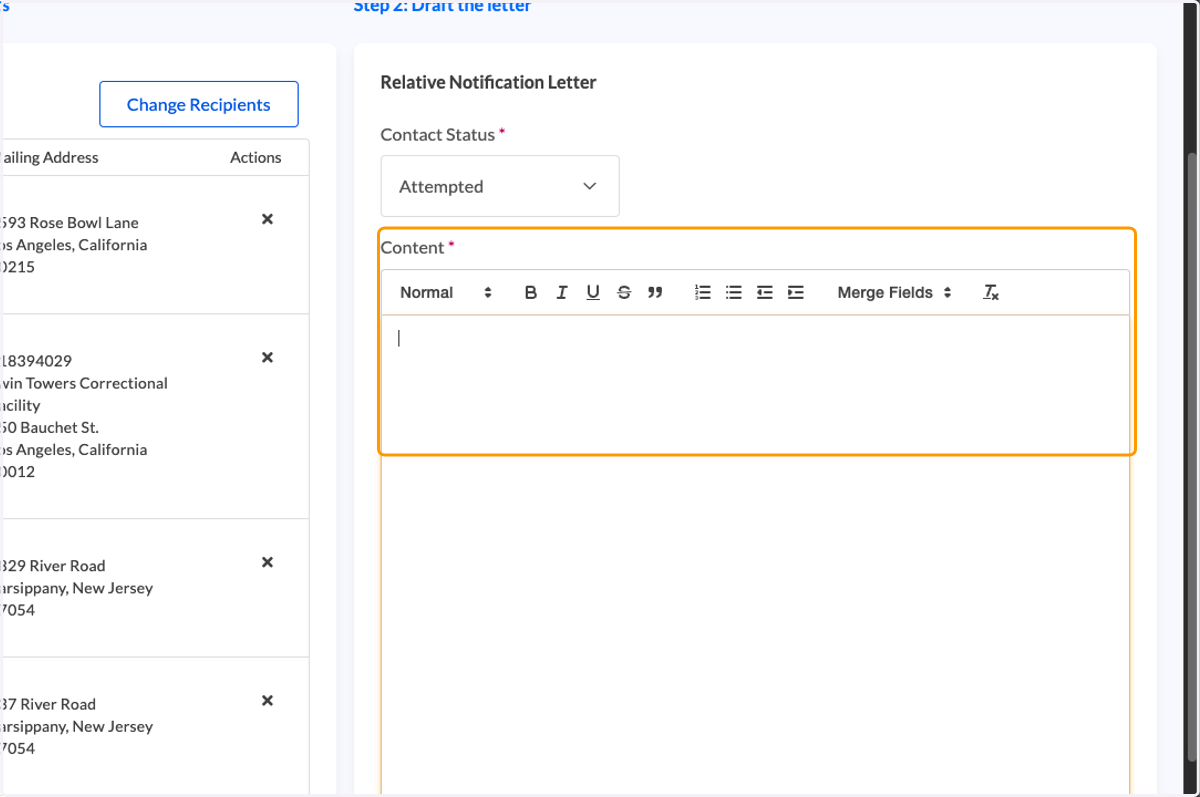
6. Begin drafting your letter.
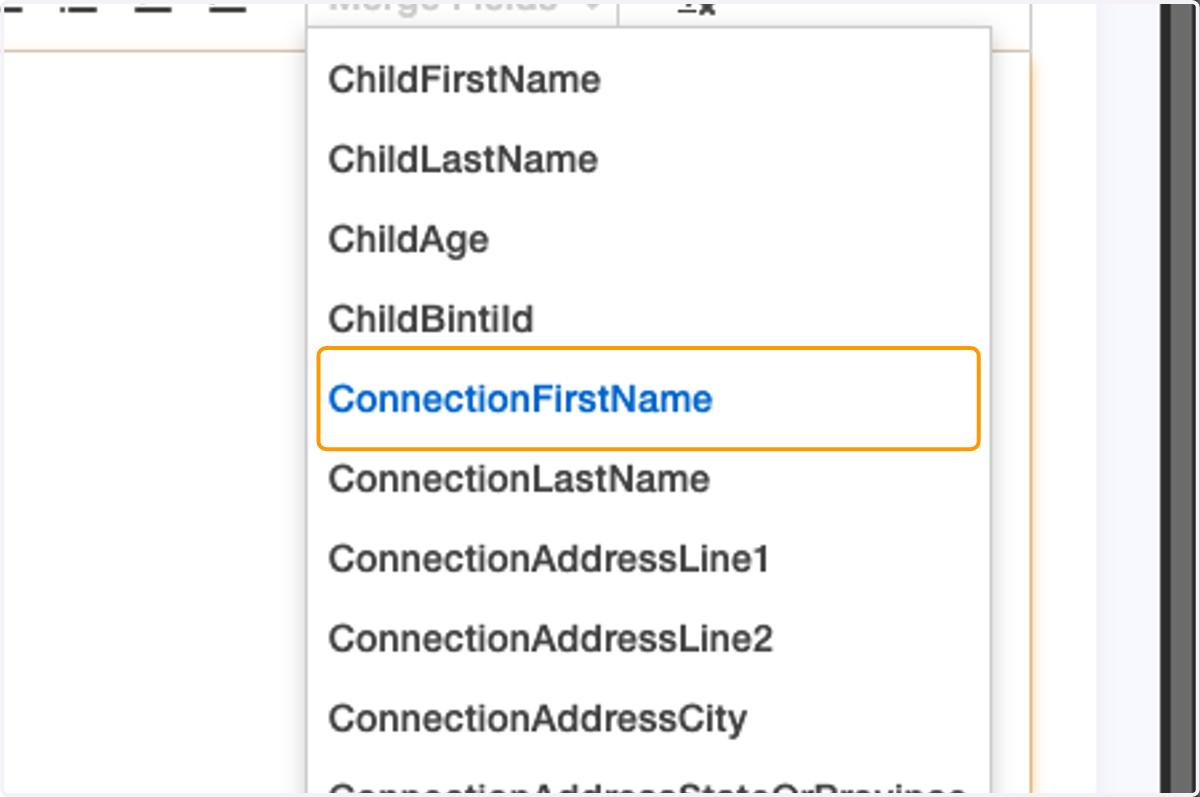
7. The Merge Fields menu enables you to customize letters in bulk by pulling relevant data directly from Binti.
8. Click on Preview Letters
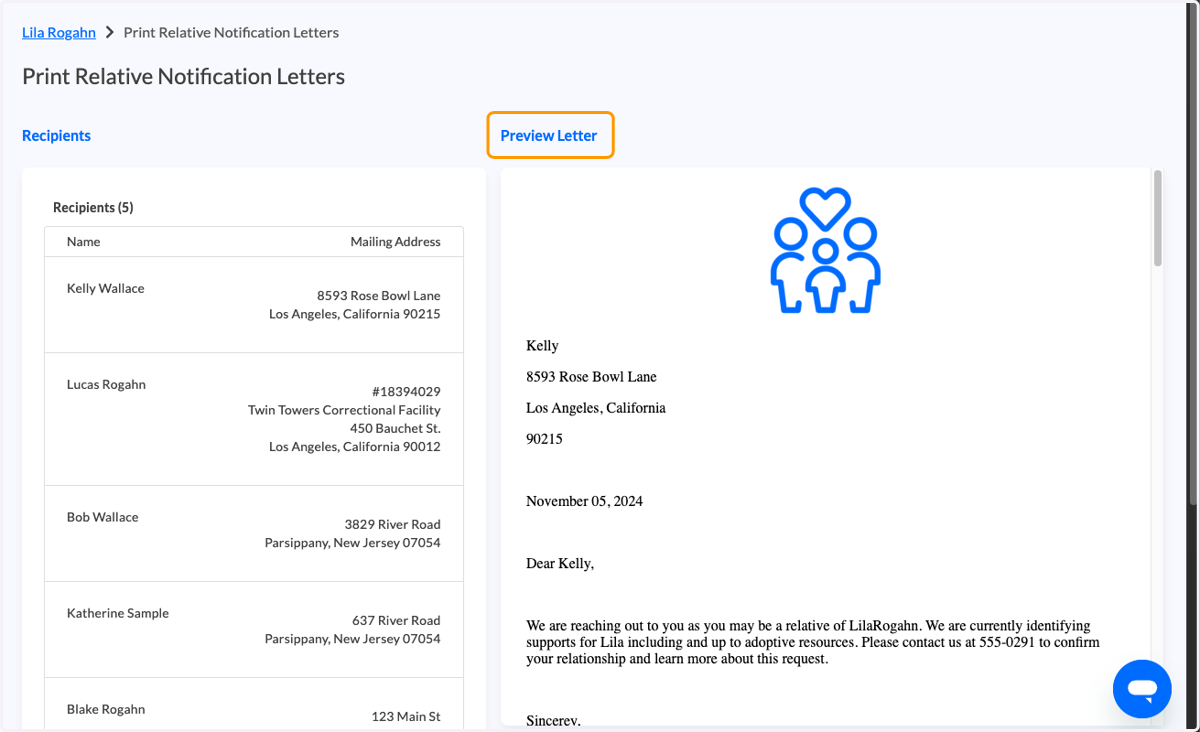
9. Review the letter preview for accuracy.
10. Click on Generate Letters
💌 Your letters will open in a new window.
To ensure the window opens, disable popups for family.binti.com. Instructions are available in our Help Center.
11. You are redirected to Contact Logs where you can view/access your generated letters.