Navigating Banking Teacher Tools
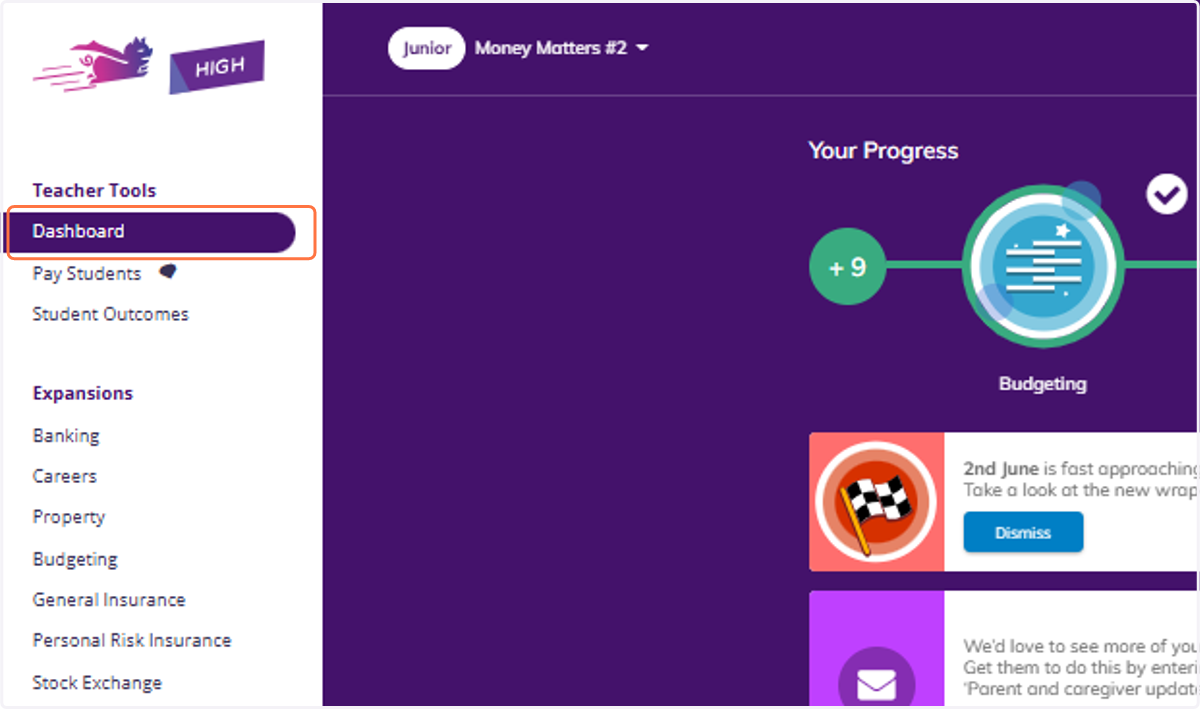
1. Click on Dashboard
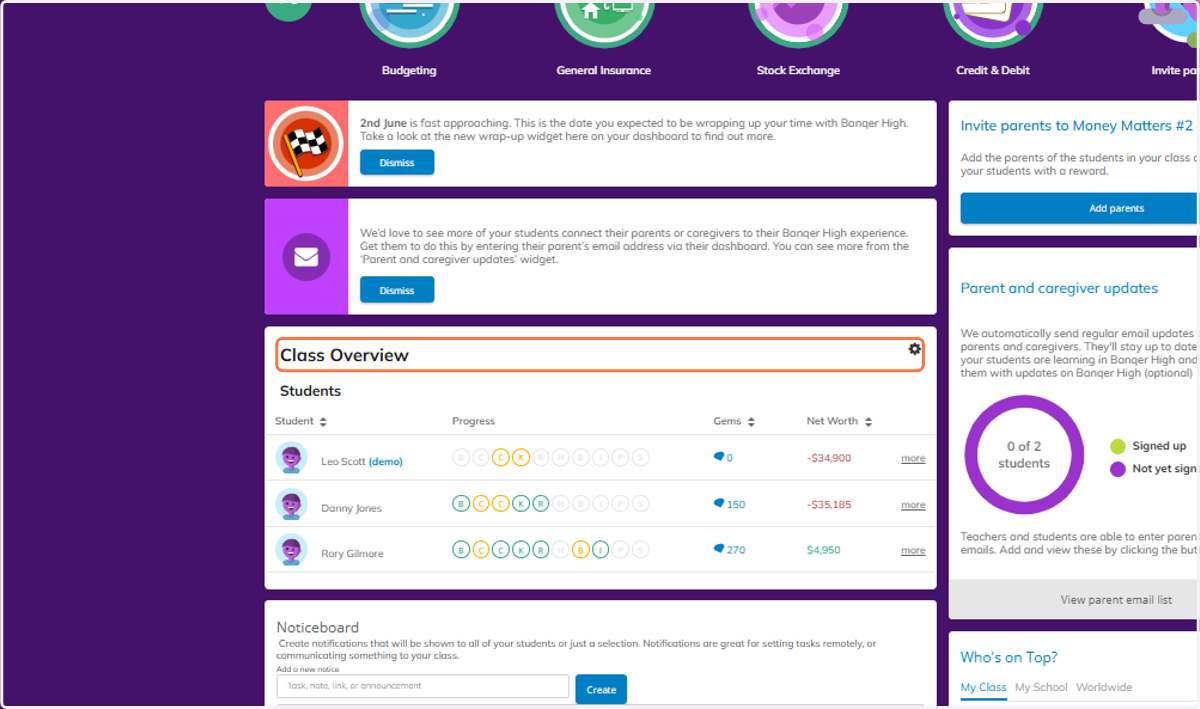
2. Navigate to your Class Overview.
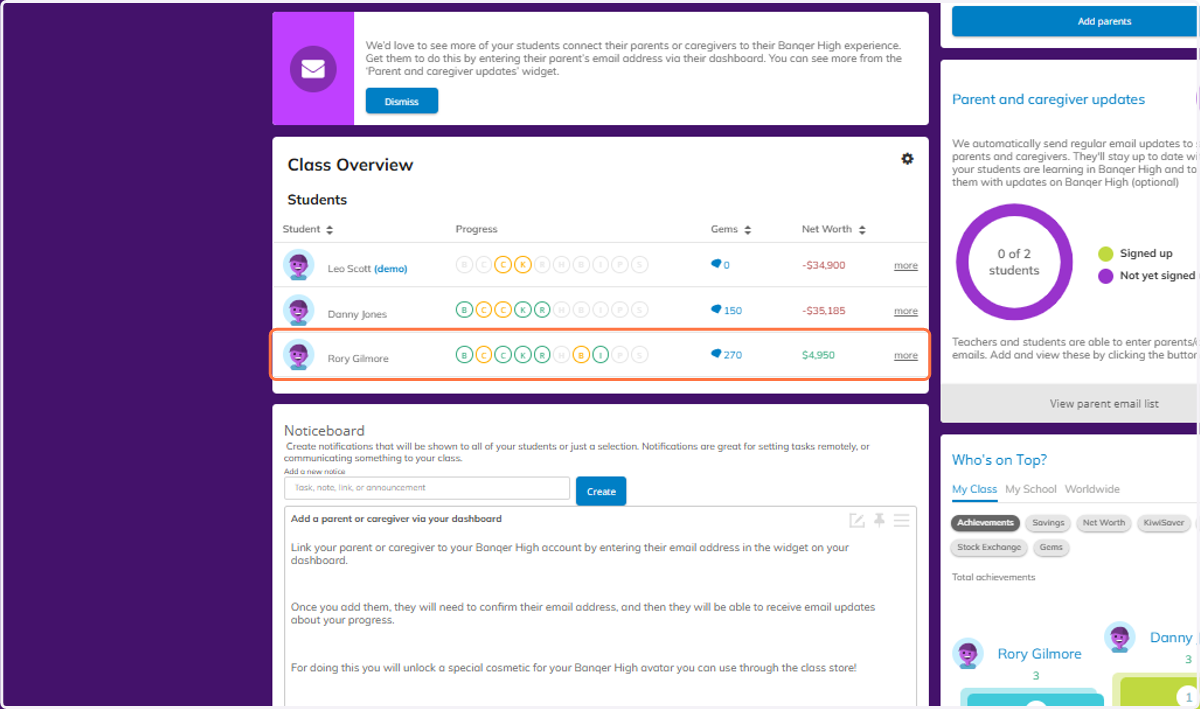
3. Click on a student.
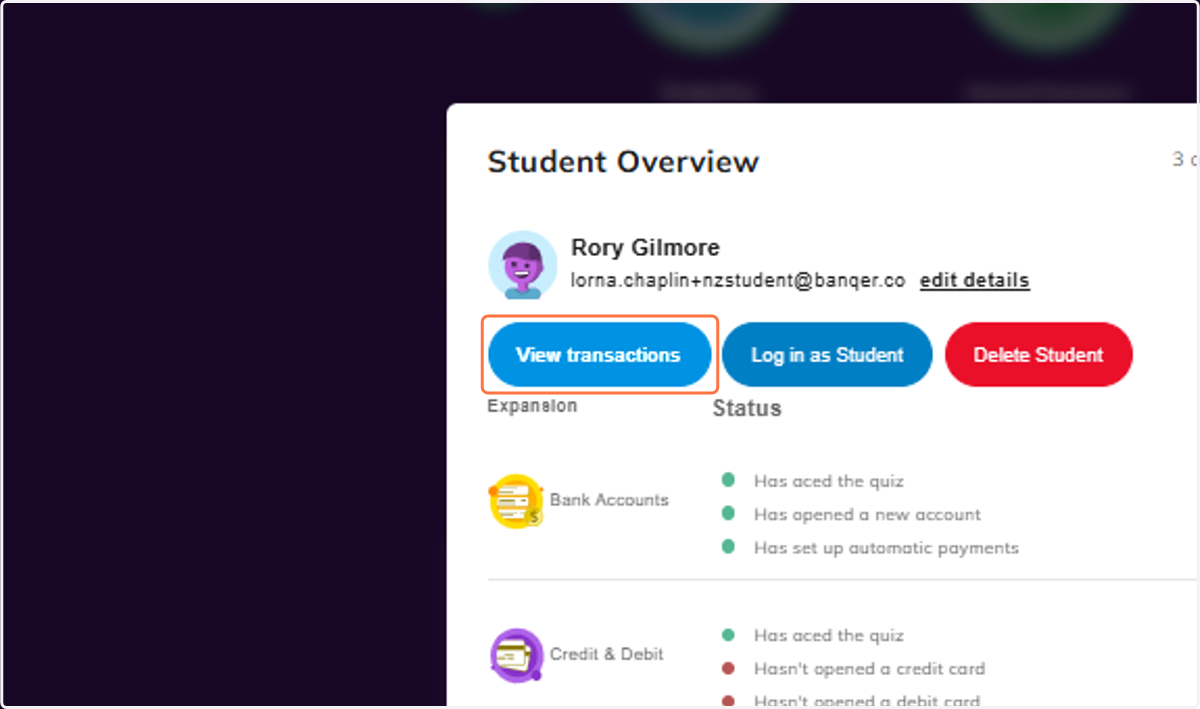
4. Click on View transactions
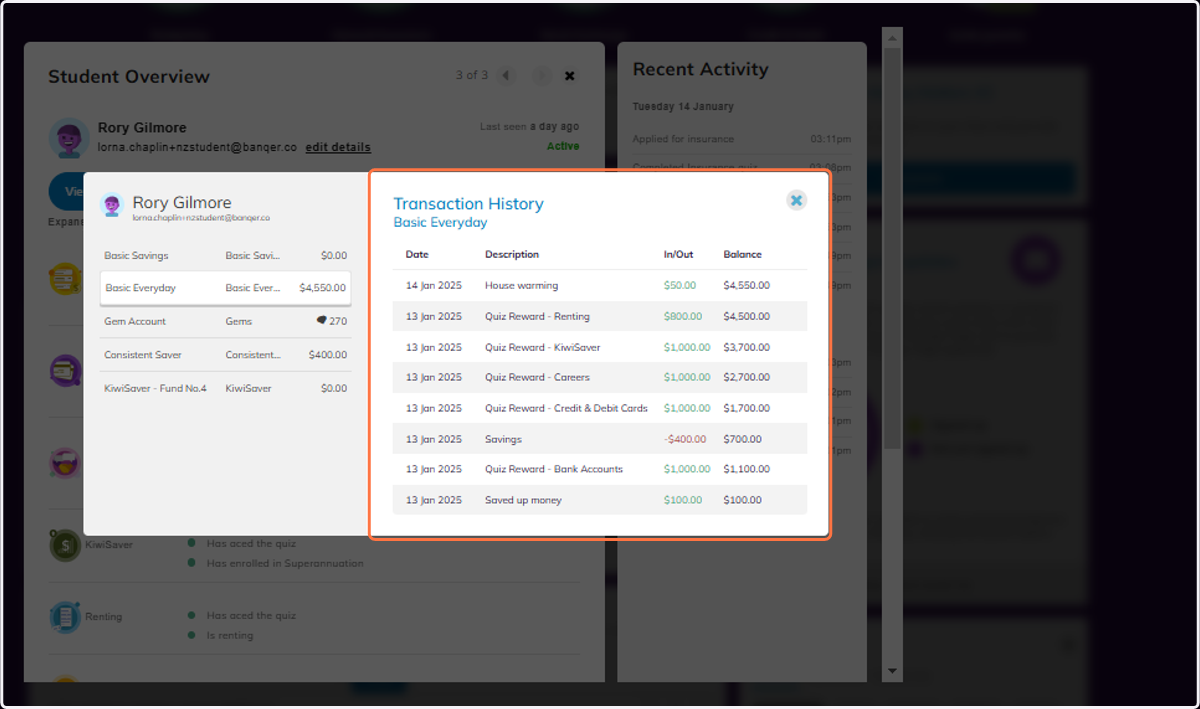
5. From here you can view the Transaction History for each account your student has.
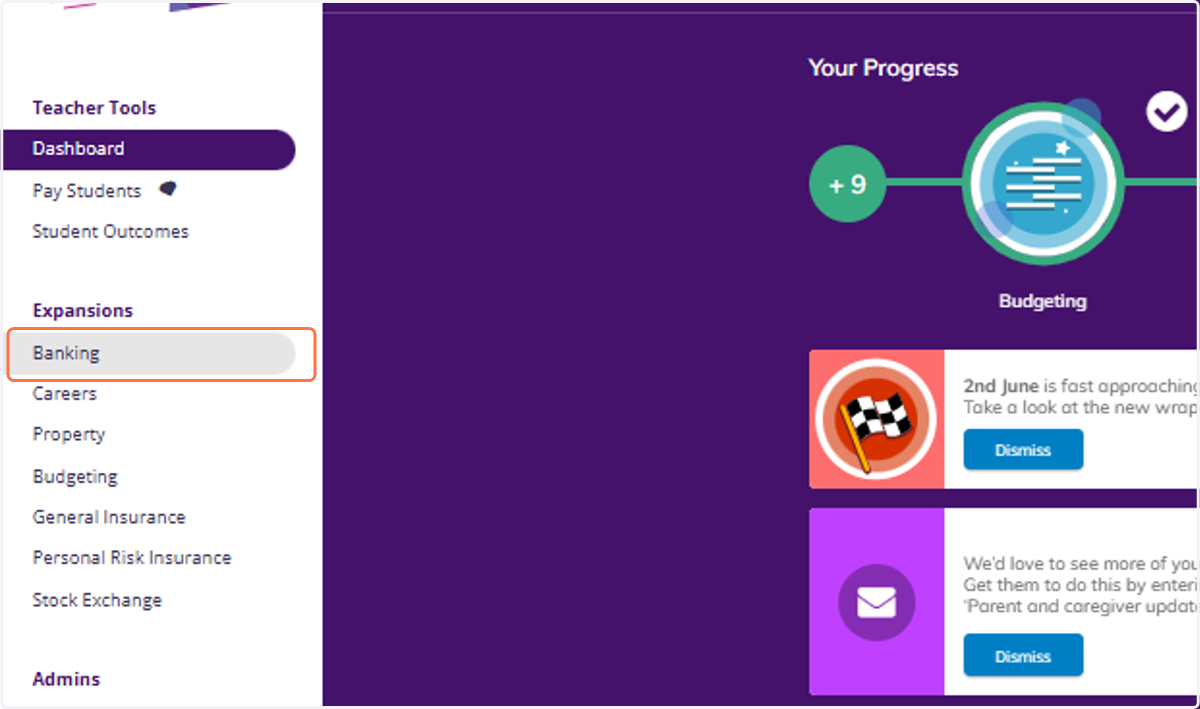
6. Click on Banking
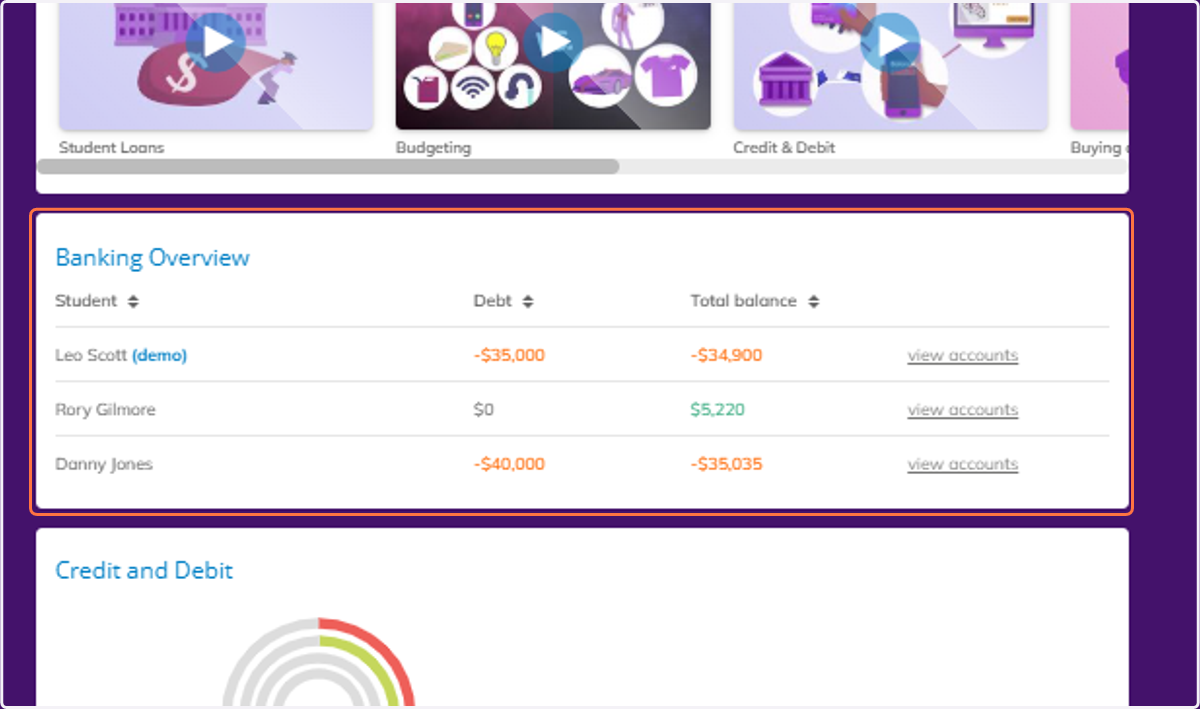
7. Scroll down to view the Banking Overview information for your class.