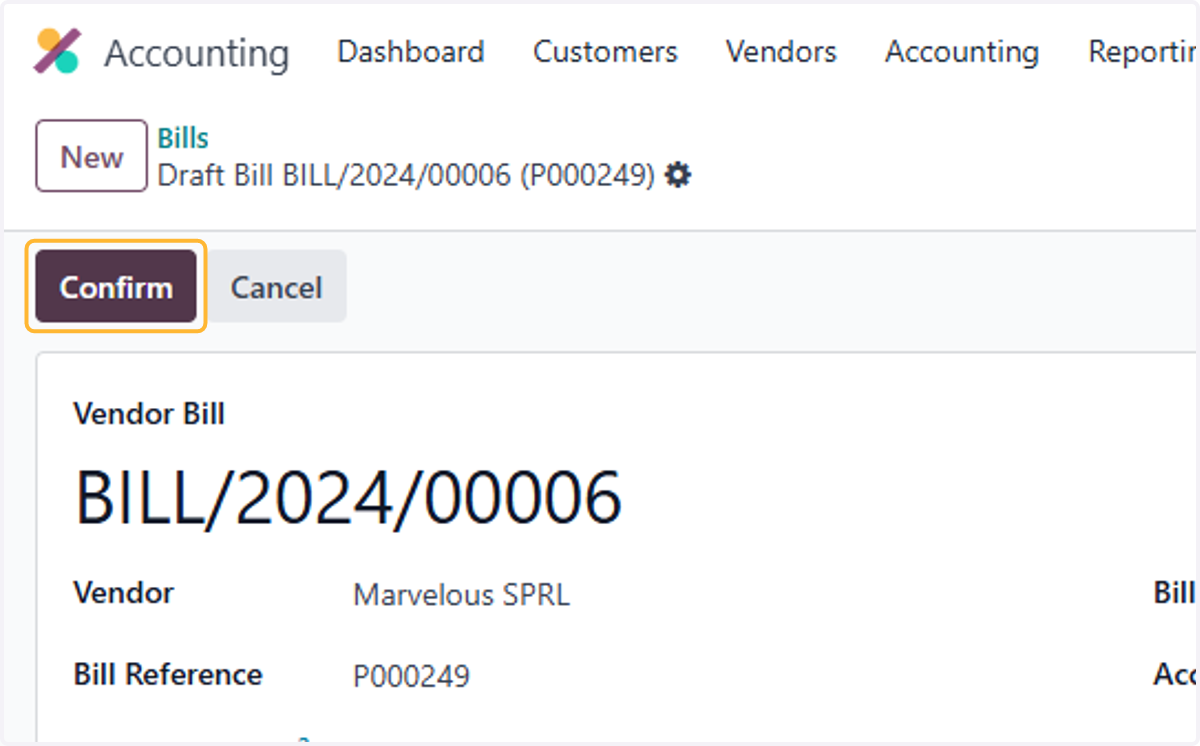
1.1 How to import opening balances and invoices
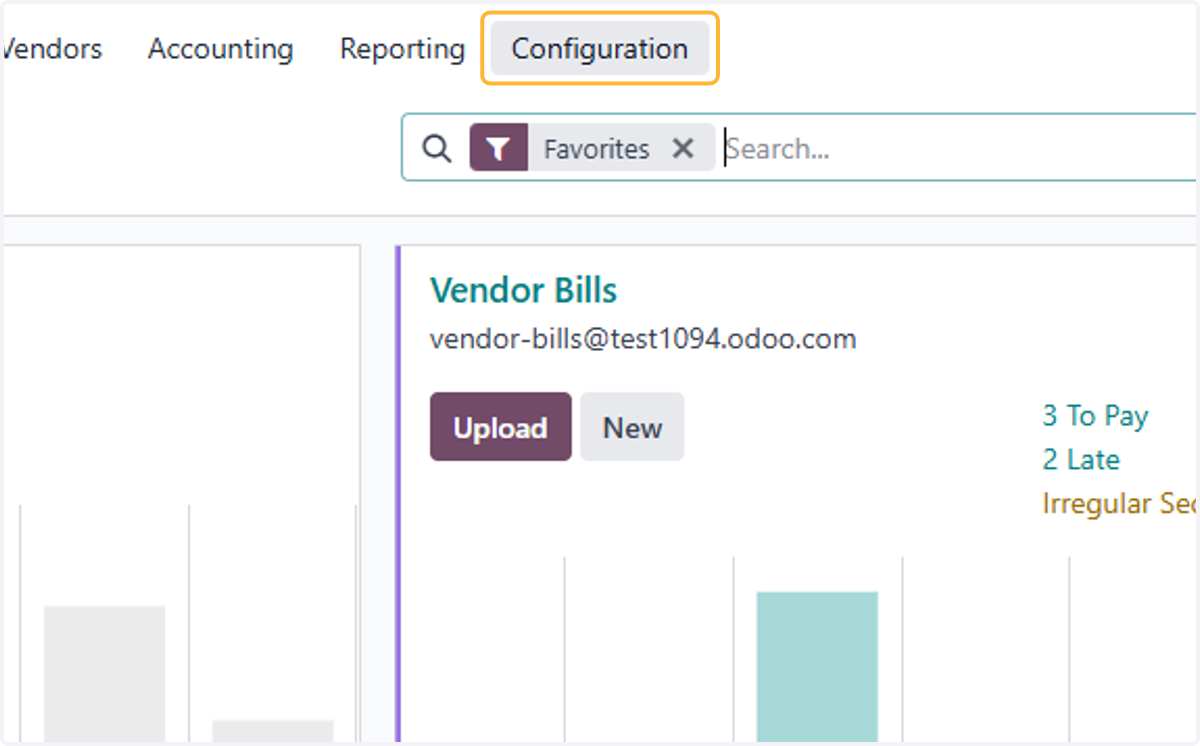
1. Click on Configuration
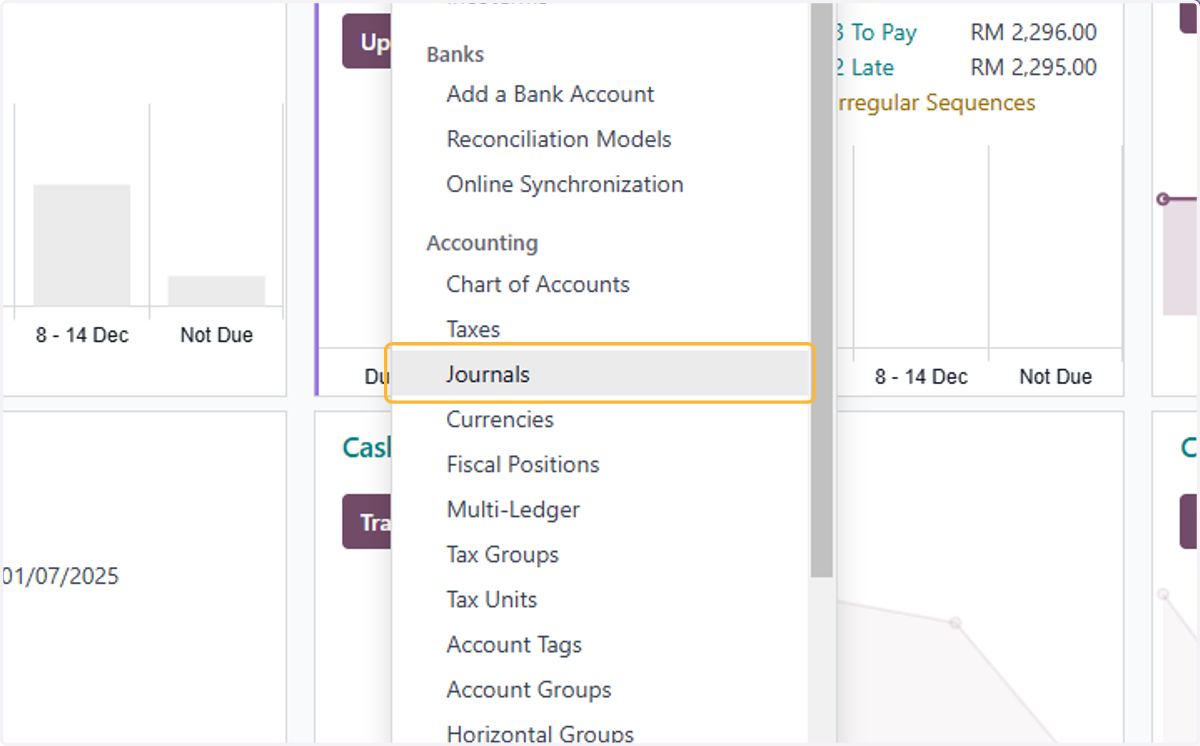
2. Click on Journals
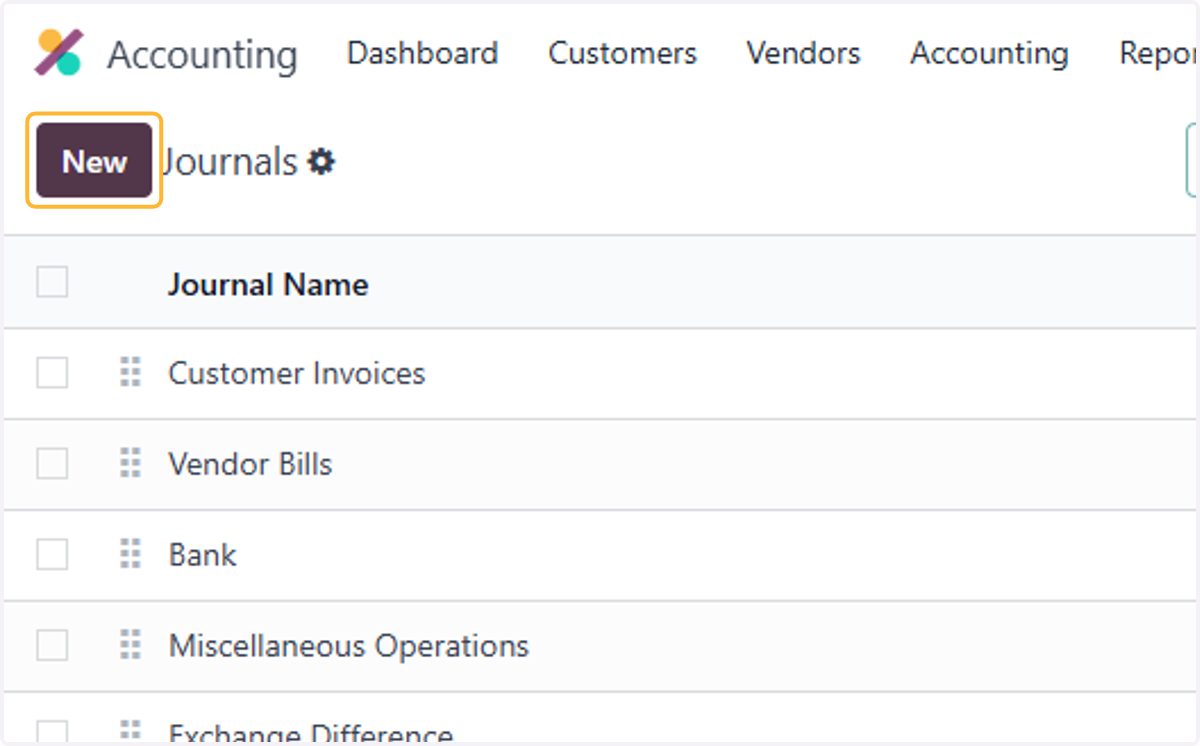
3. Click on New
4. Type "Opening Balance"
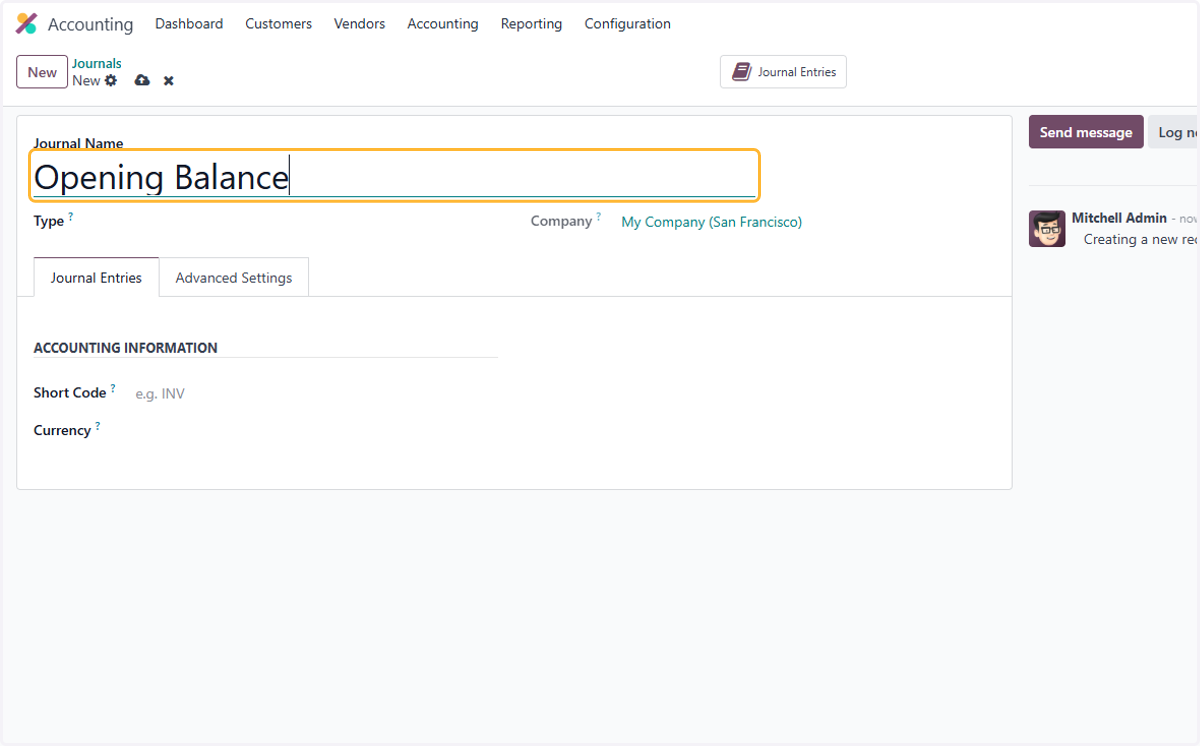
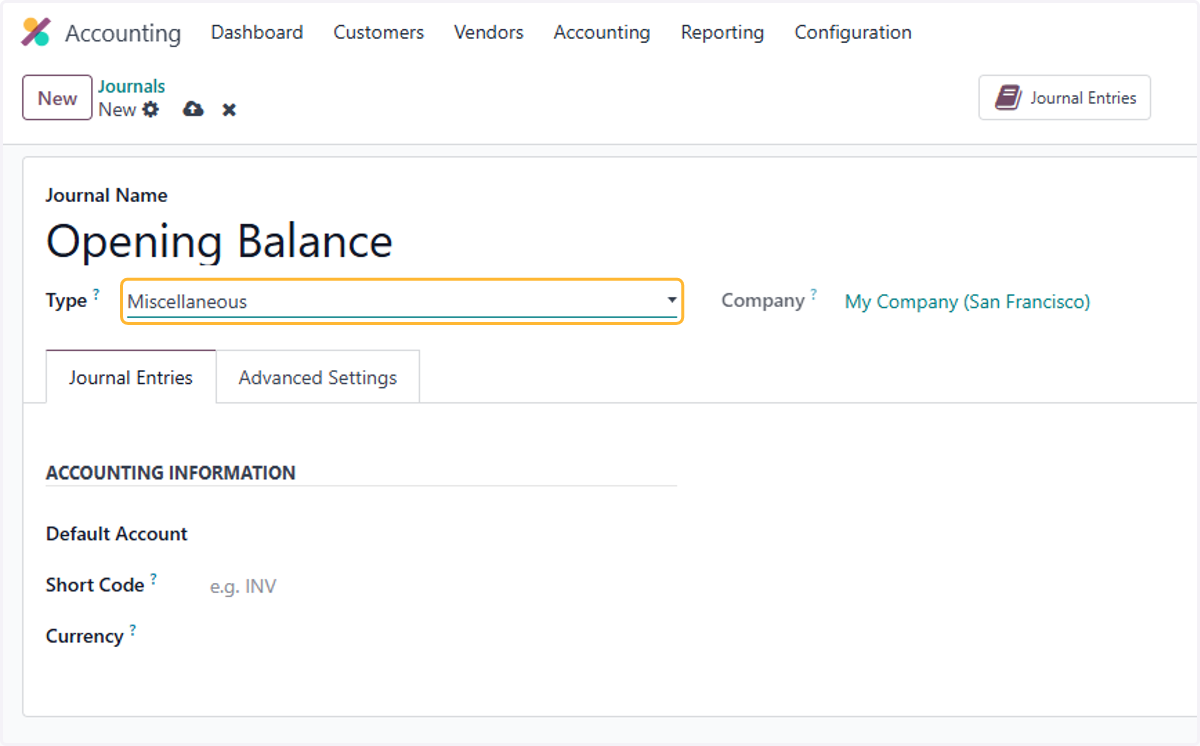
5. Select Miscellaneous from Type?
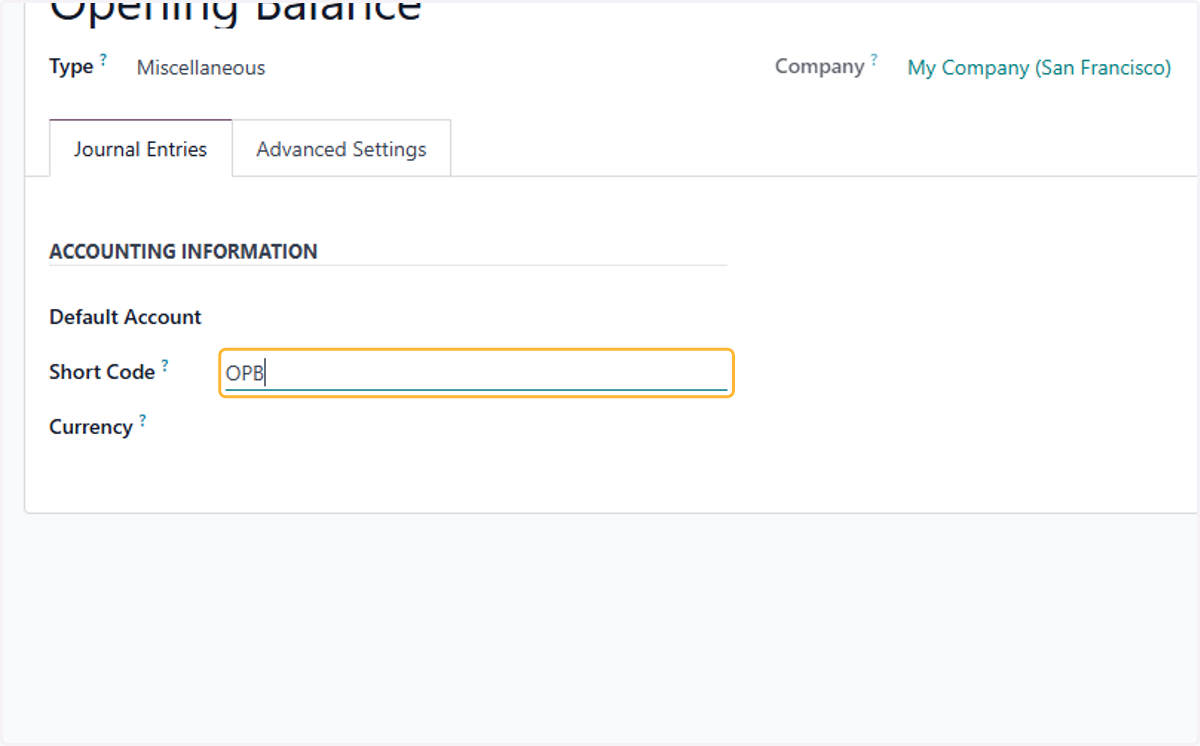
6. Enter short code. OPB is used as example here
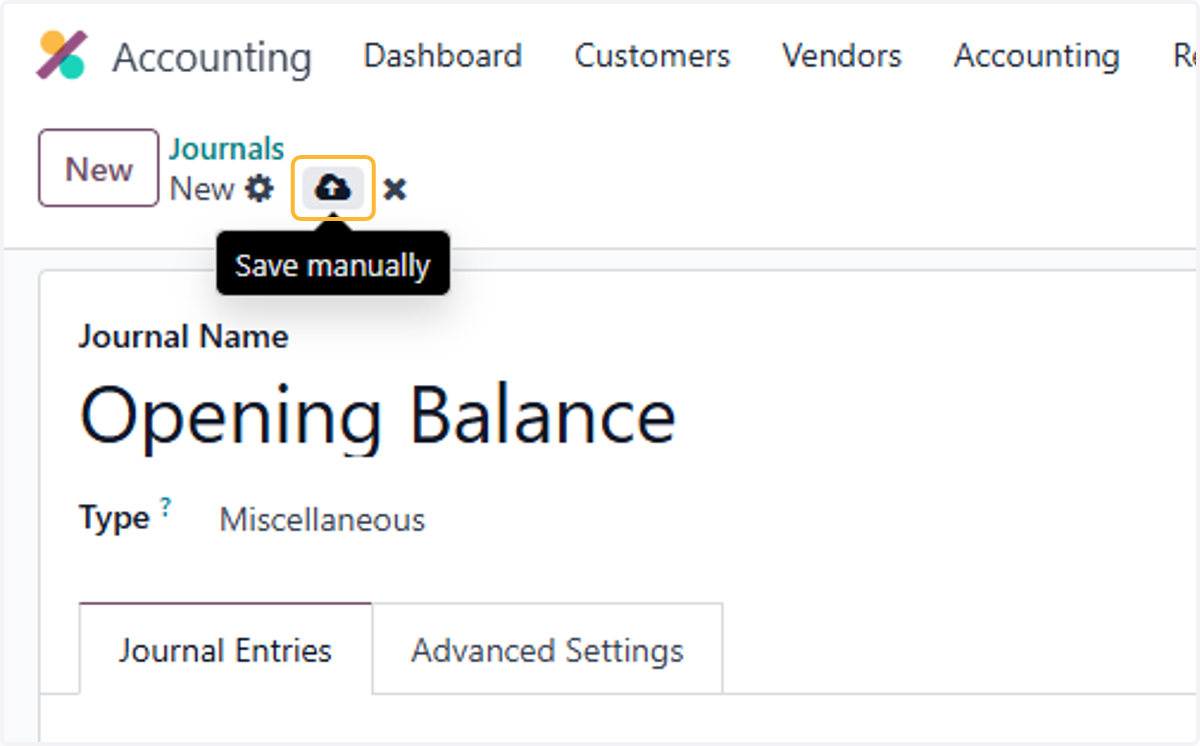
7. Click on Save manually
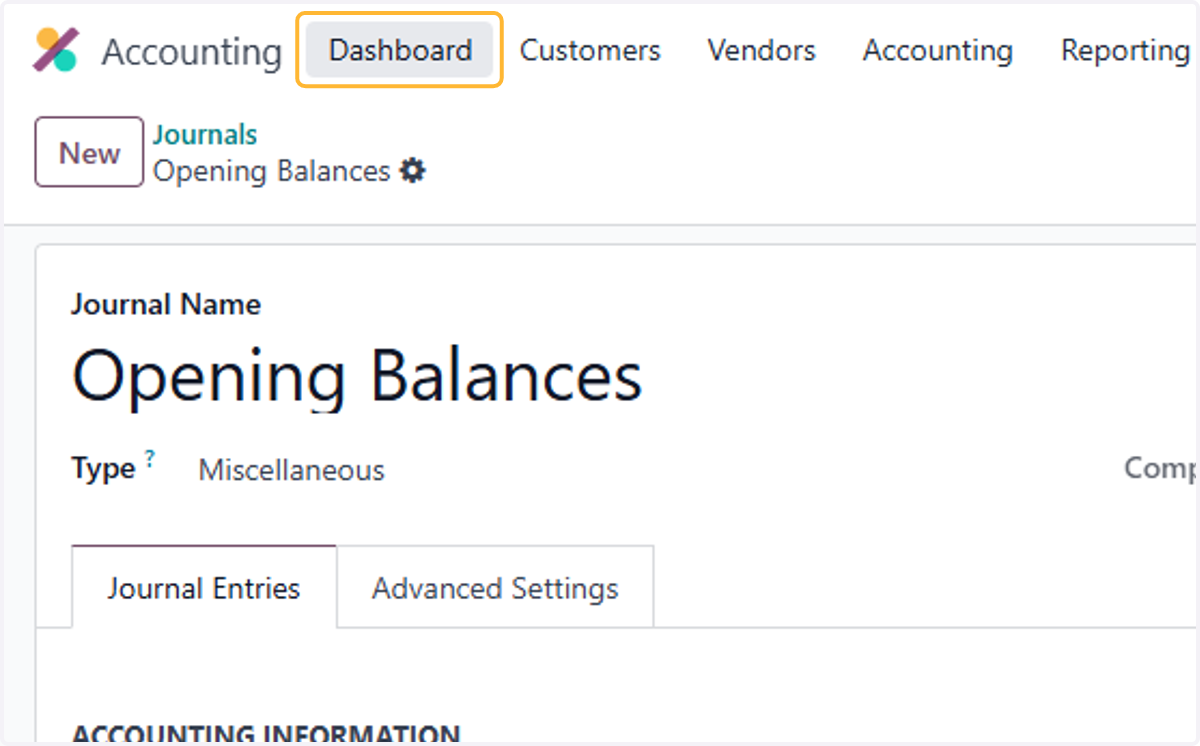
8. Click on Dashboard
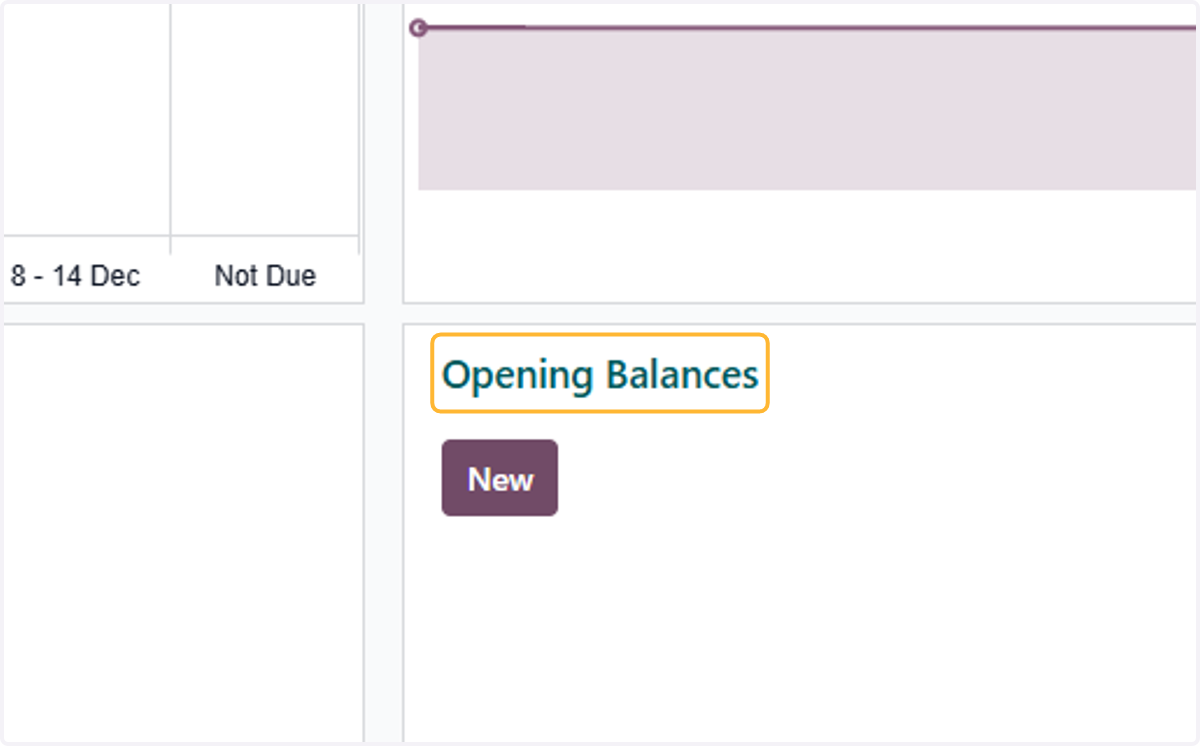
9. Click on Opening Balances
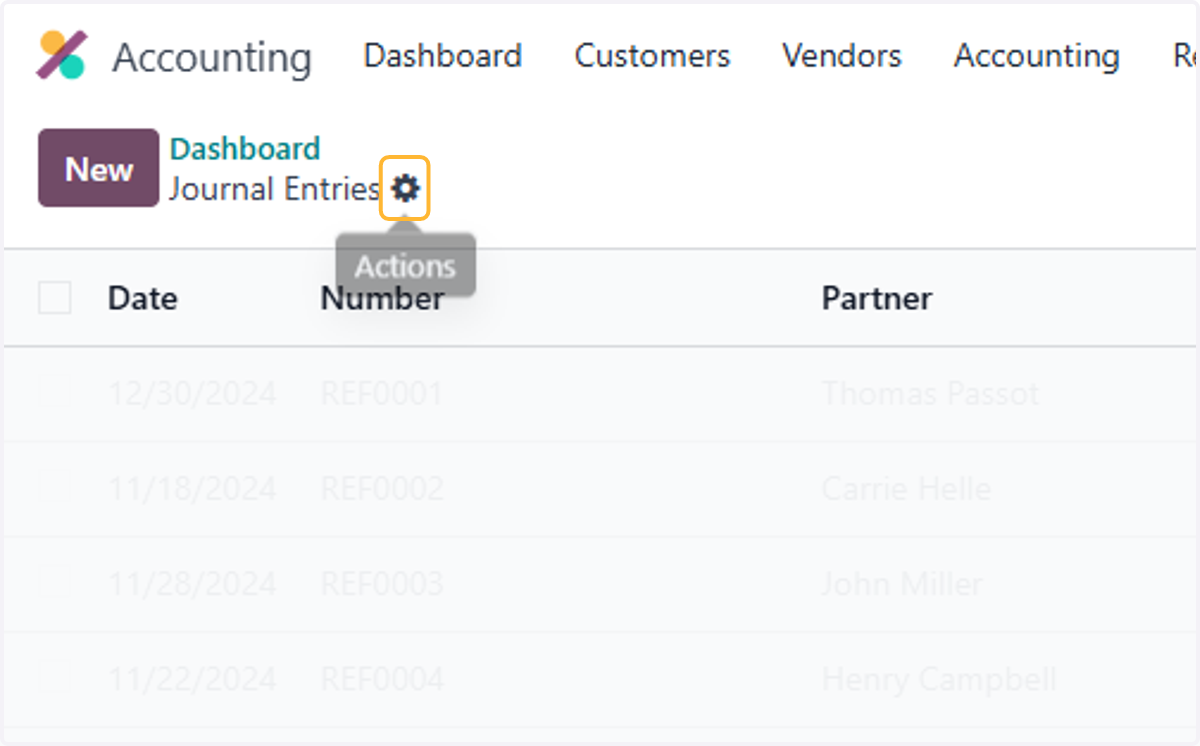
10. Click on highlight
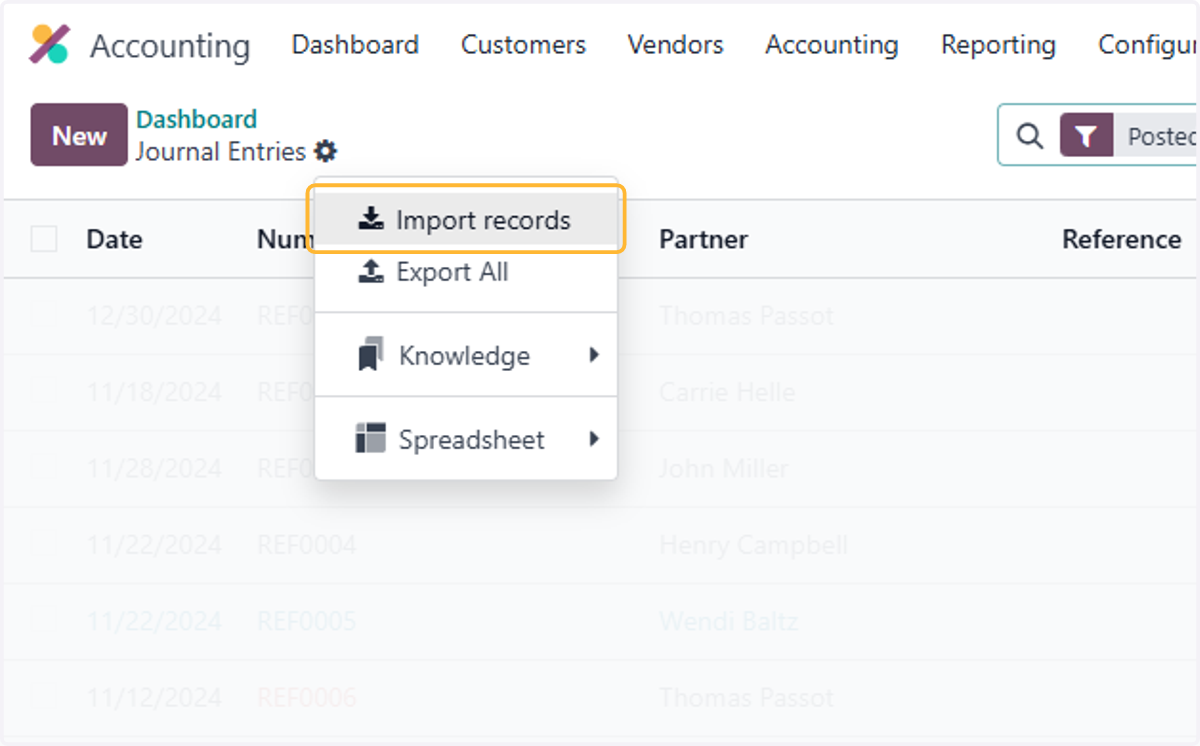
11. Click on Import records
12. Here is a Template for Opening Balances. Please refer to sheet Opening Balances. Update your Balances in this format & it will be ready to upload.
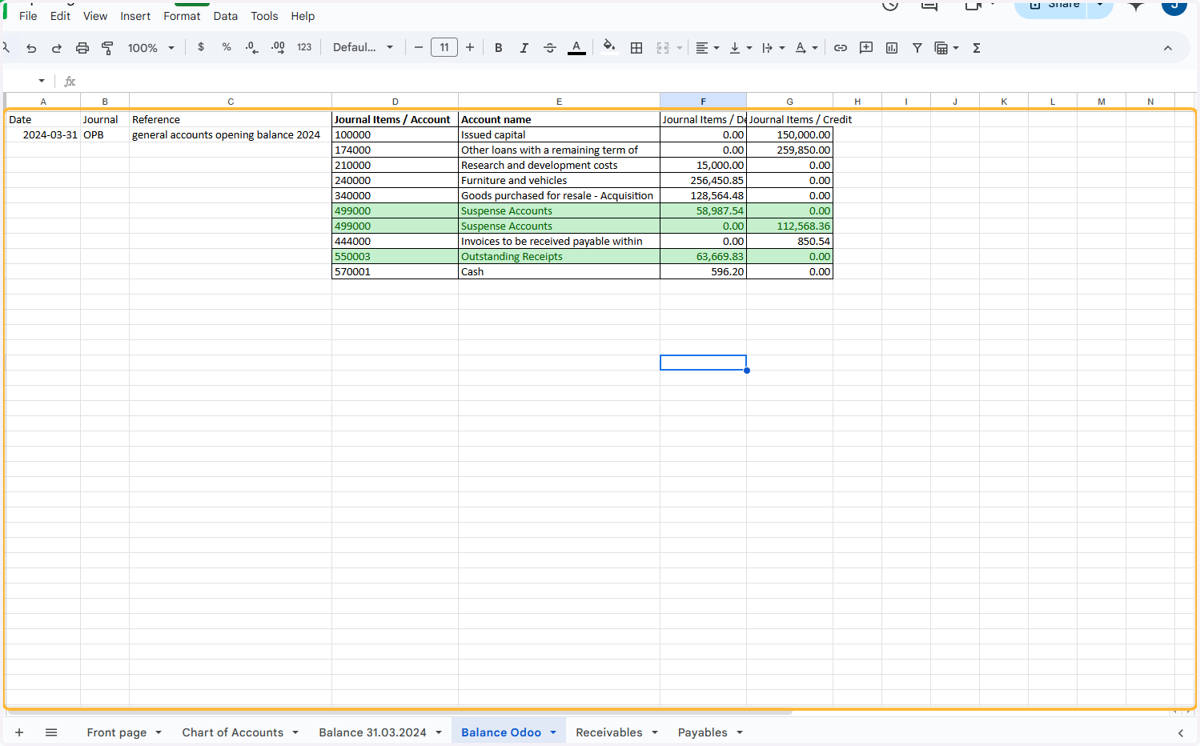
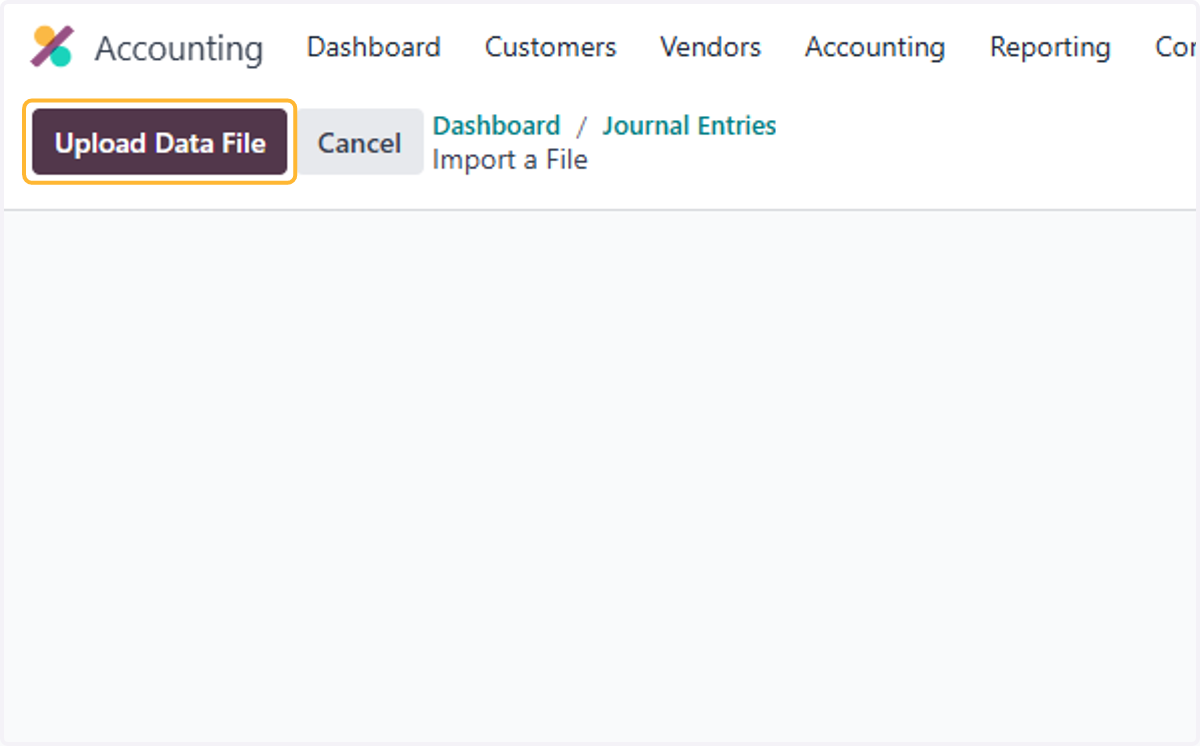
13. Click on Upload Data File
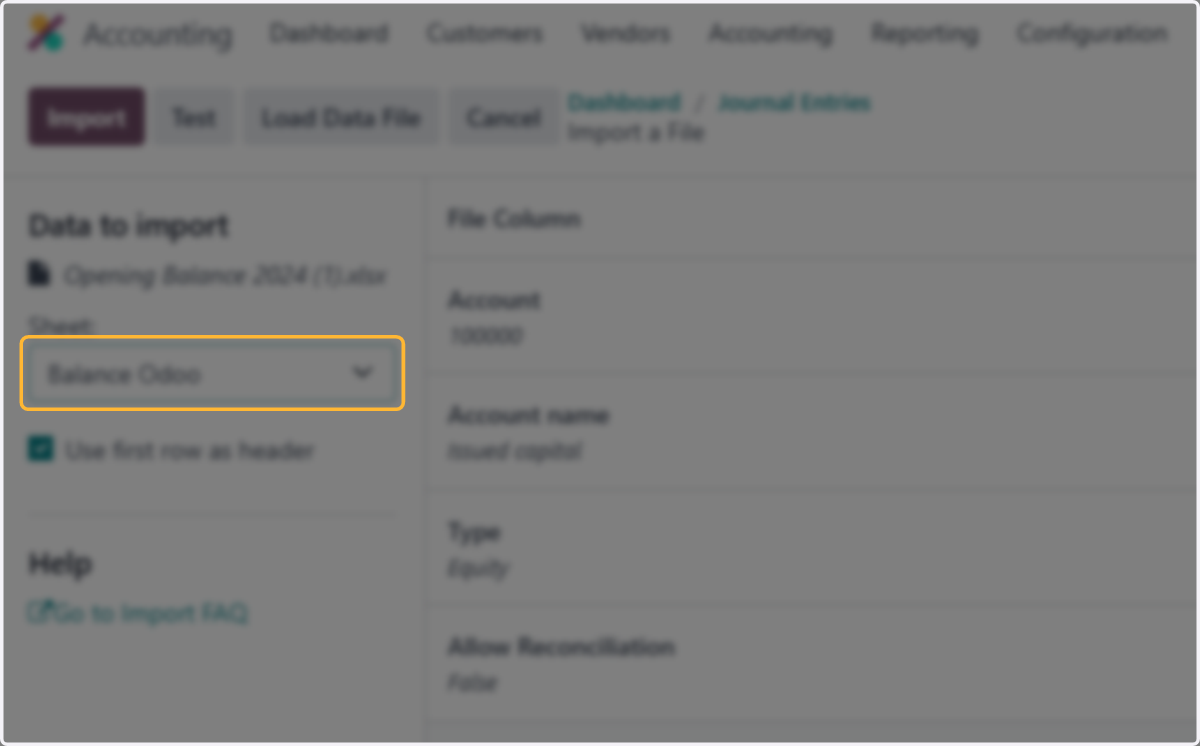
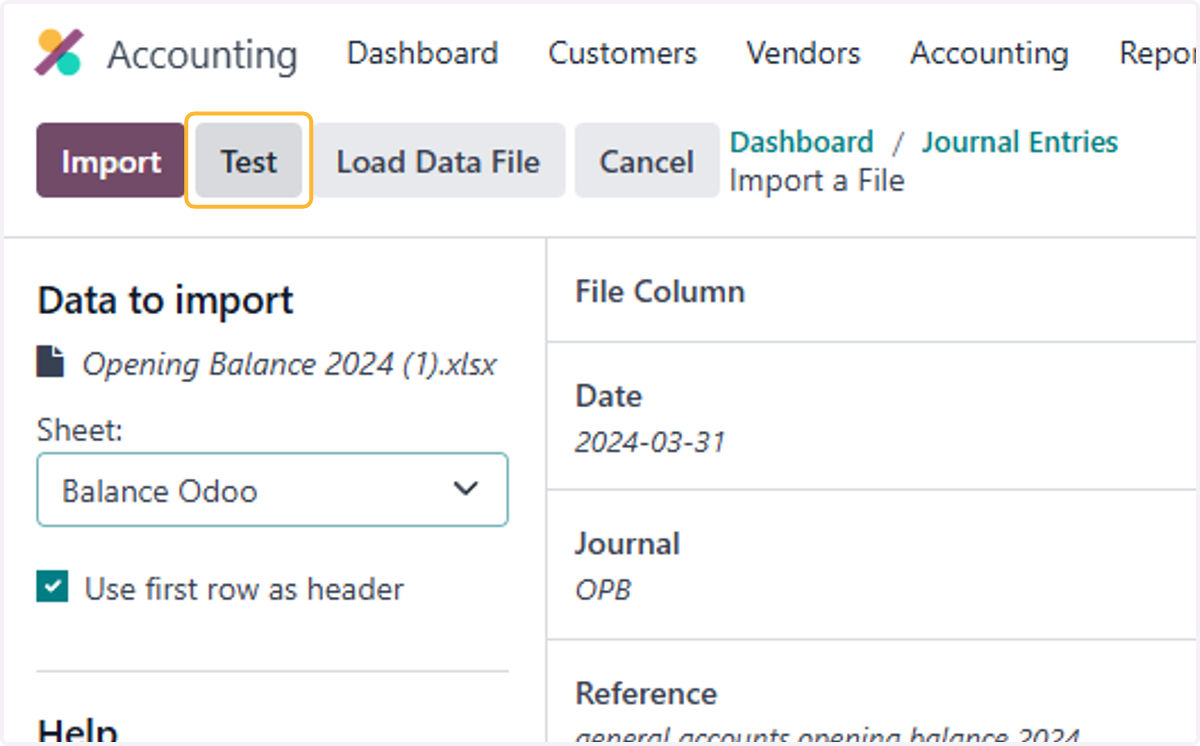
14. Select Balance Odoo from Sheet:
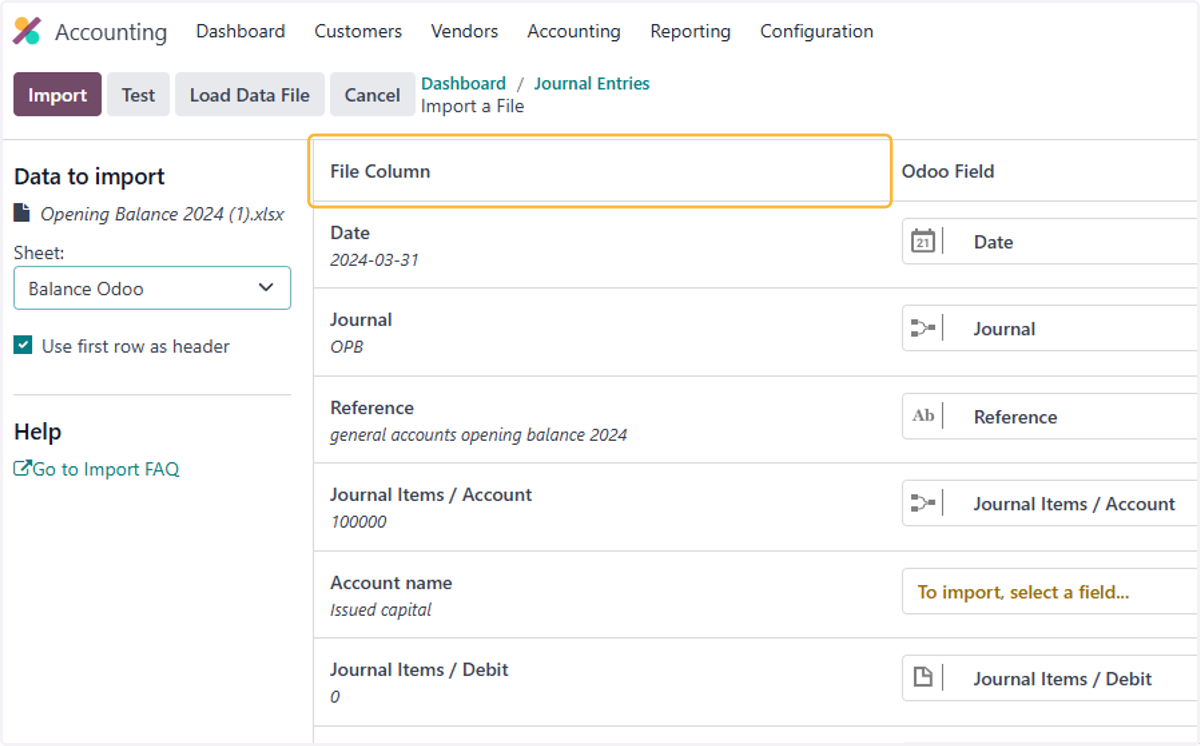
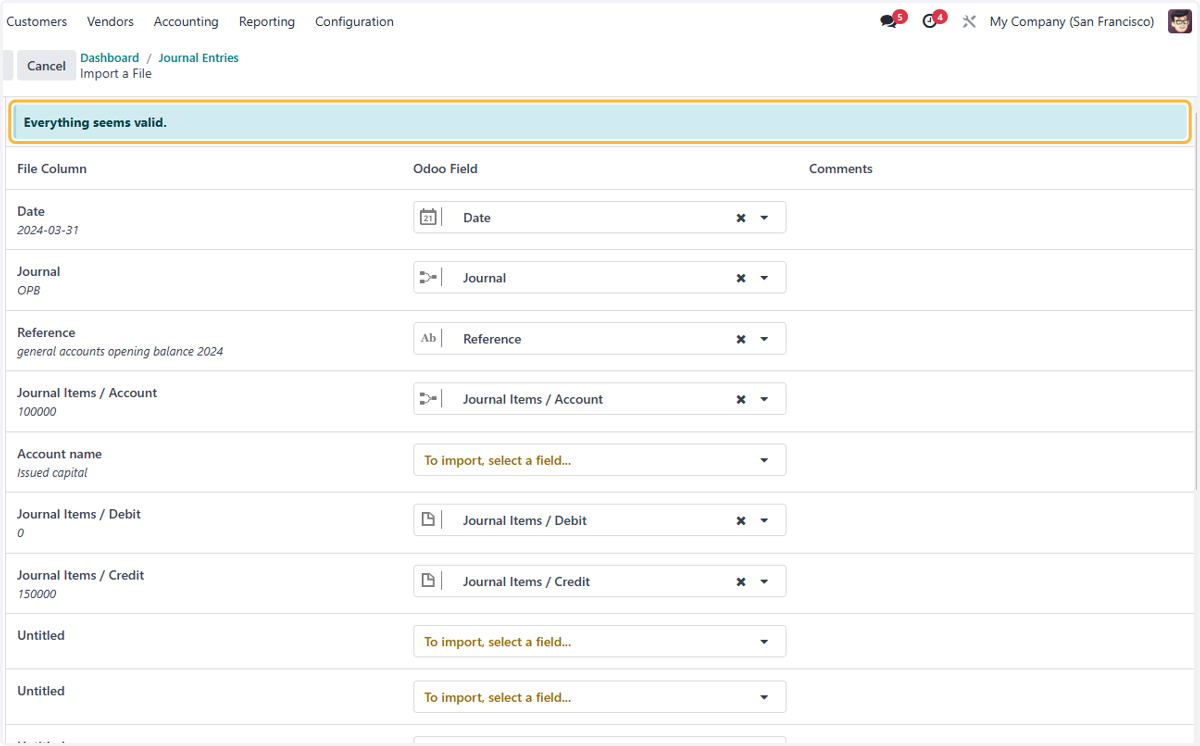
15. Check Odoo Field correctly corresponds with the file column
16. Click on Test
17. "Everything seems valid." Message should appear if there are no errors with the file
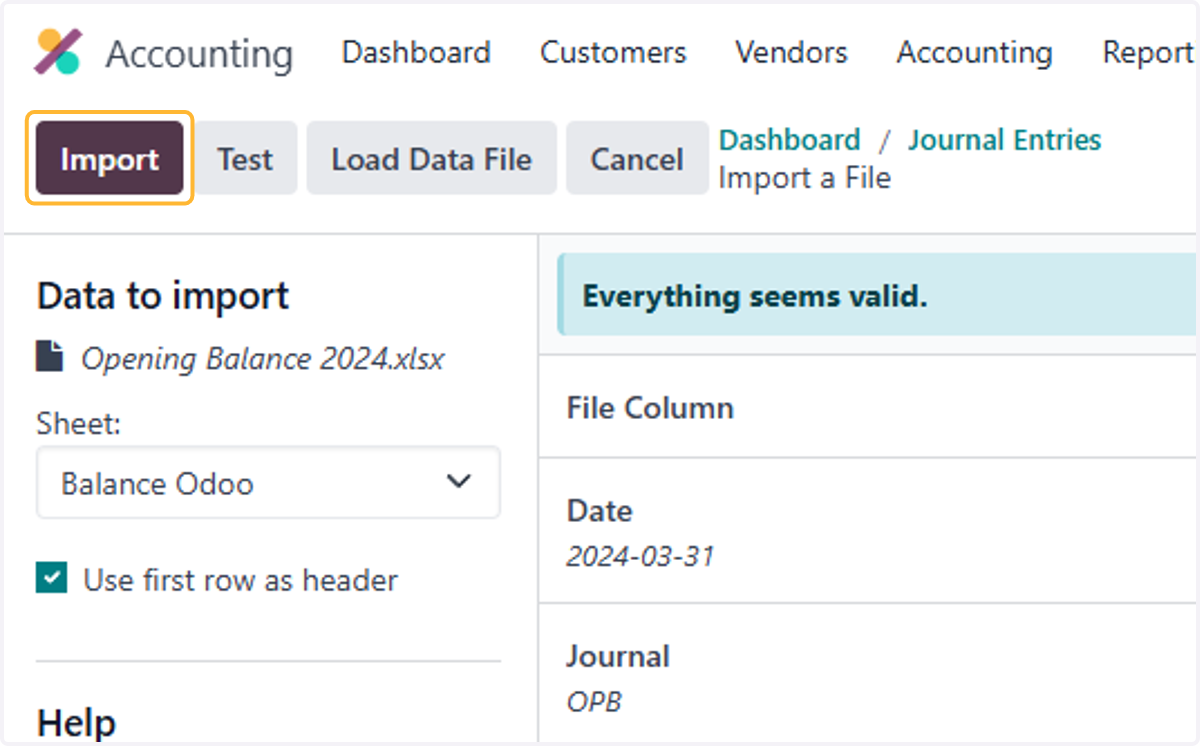
18. Click on Import
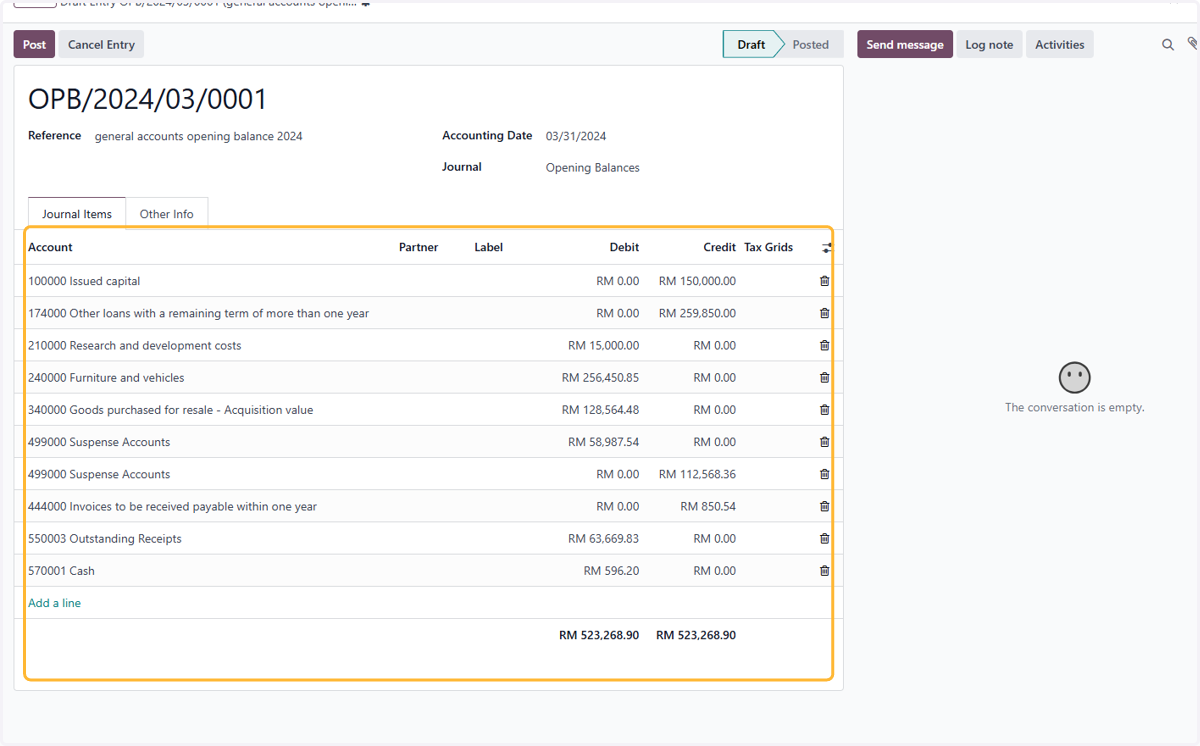
19. Click on general accounts opening balance 2024
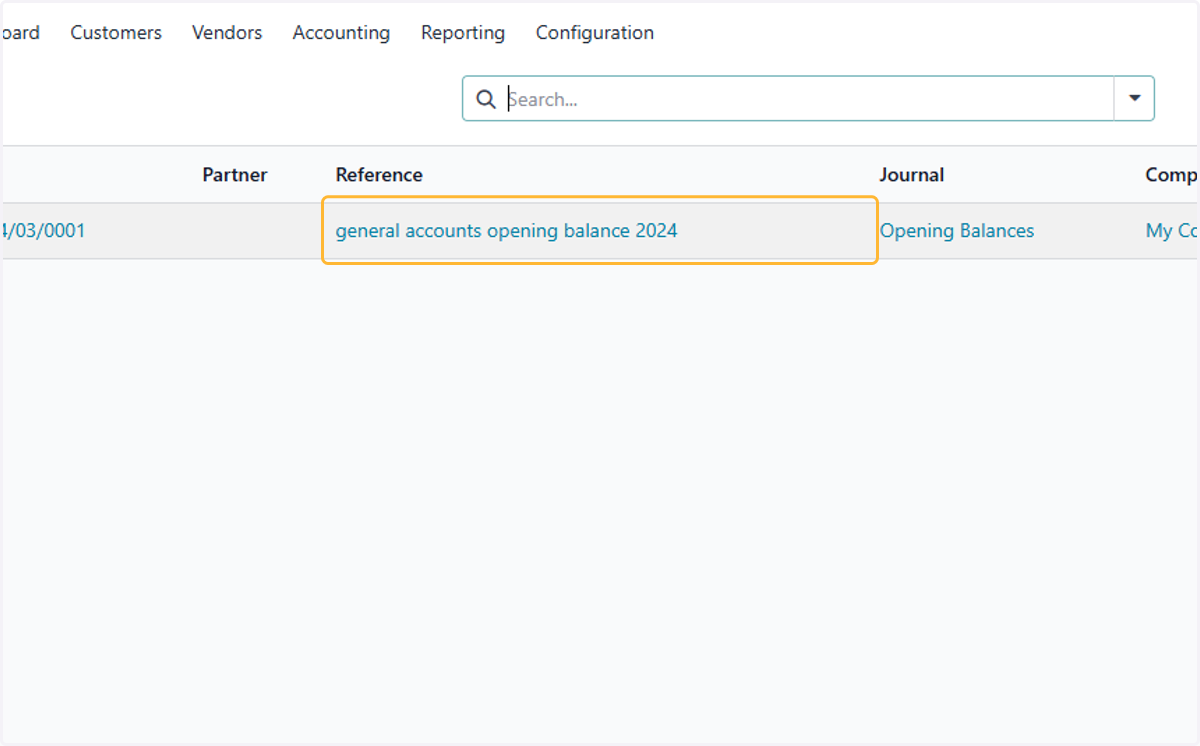
20. Check the details of accounts & their respective debits & credits to ensure imported opening balances are correct
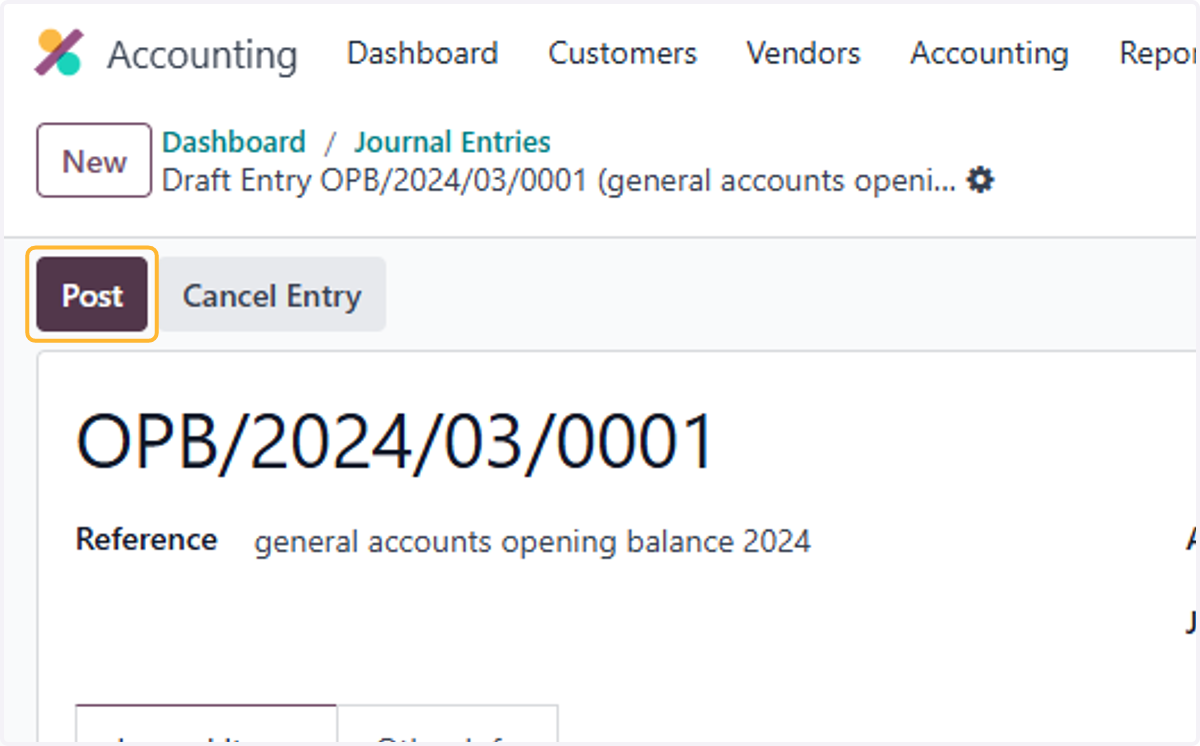
21. Click on Post
Uploading Open Invoices
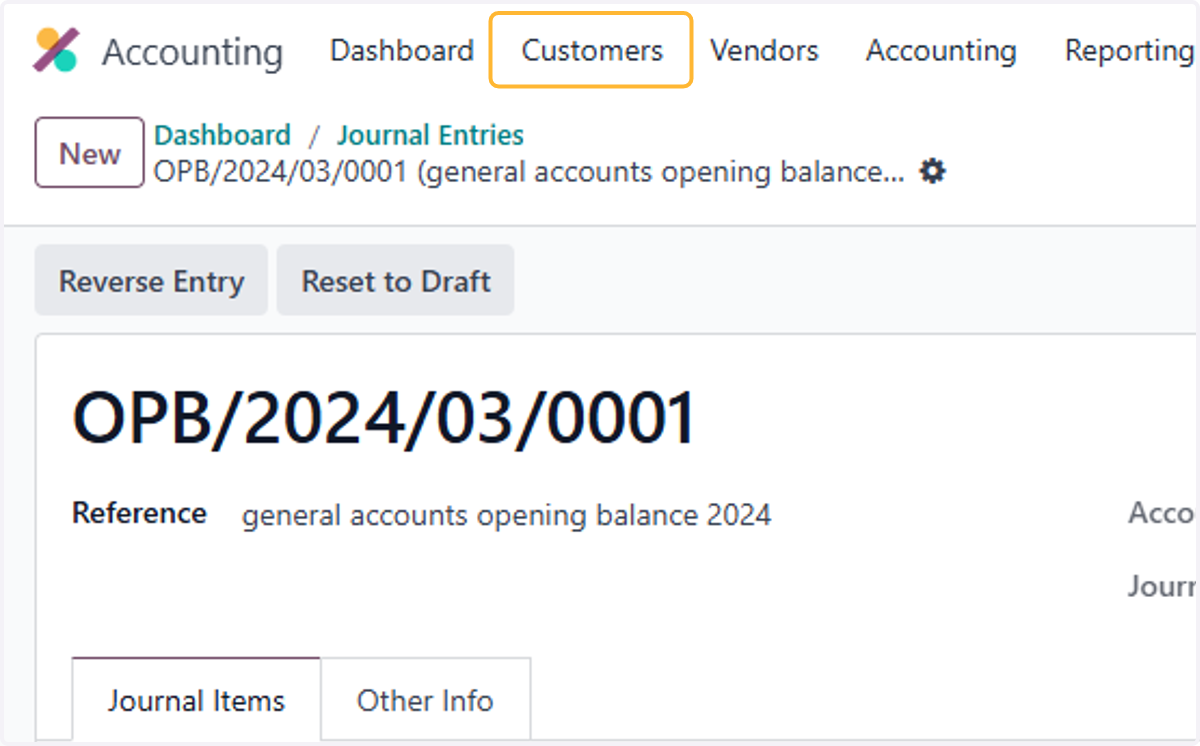
22. Click on Customers
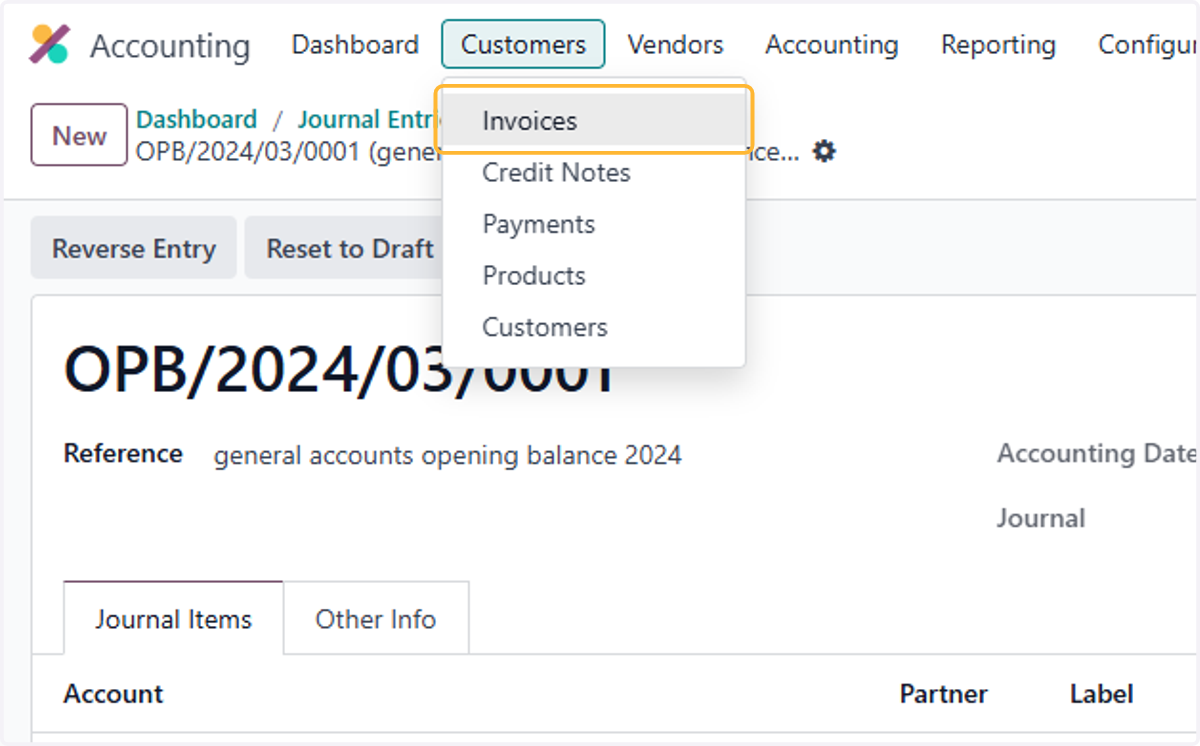
23. Click on Invoices
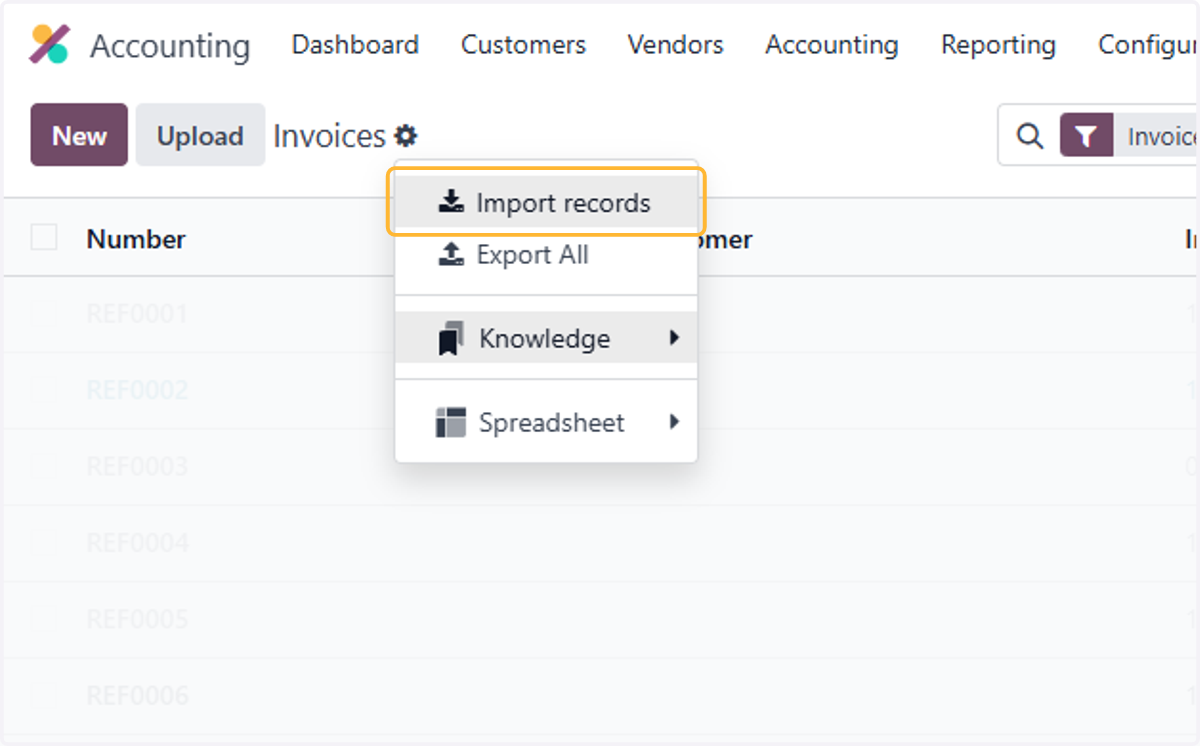
24. Click on highlight
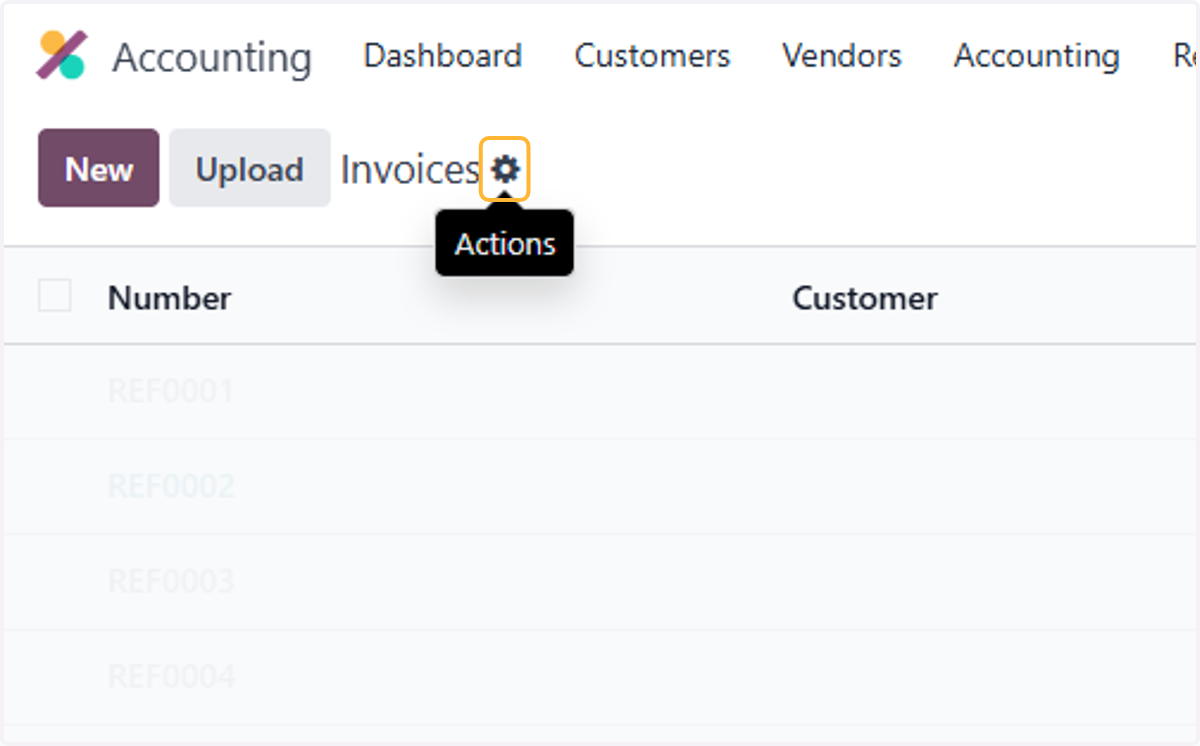
25. Click on Import records
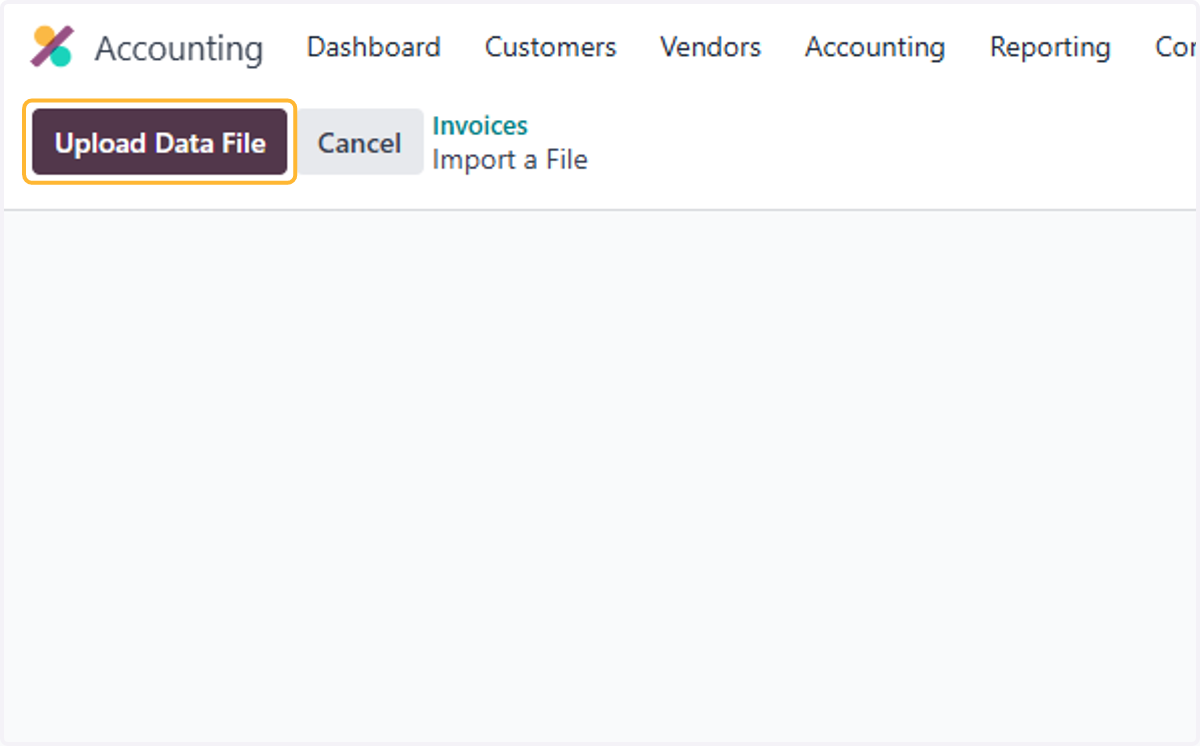
26. Click on Upload Data File
27. Select a file from upload menu
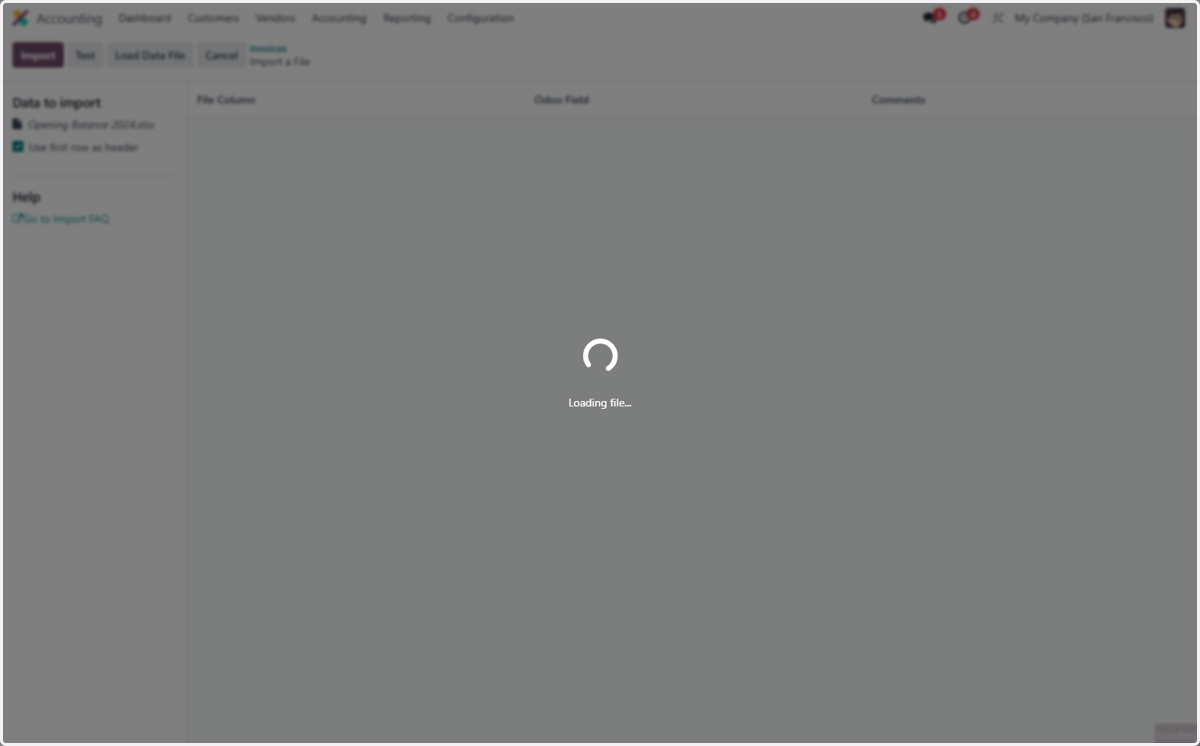
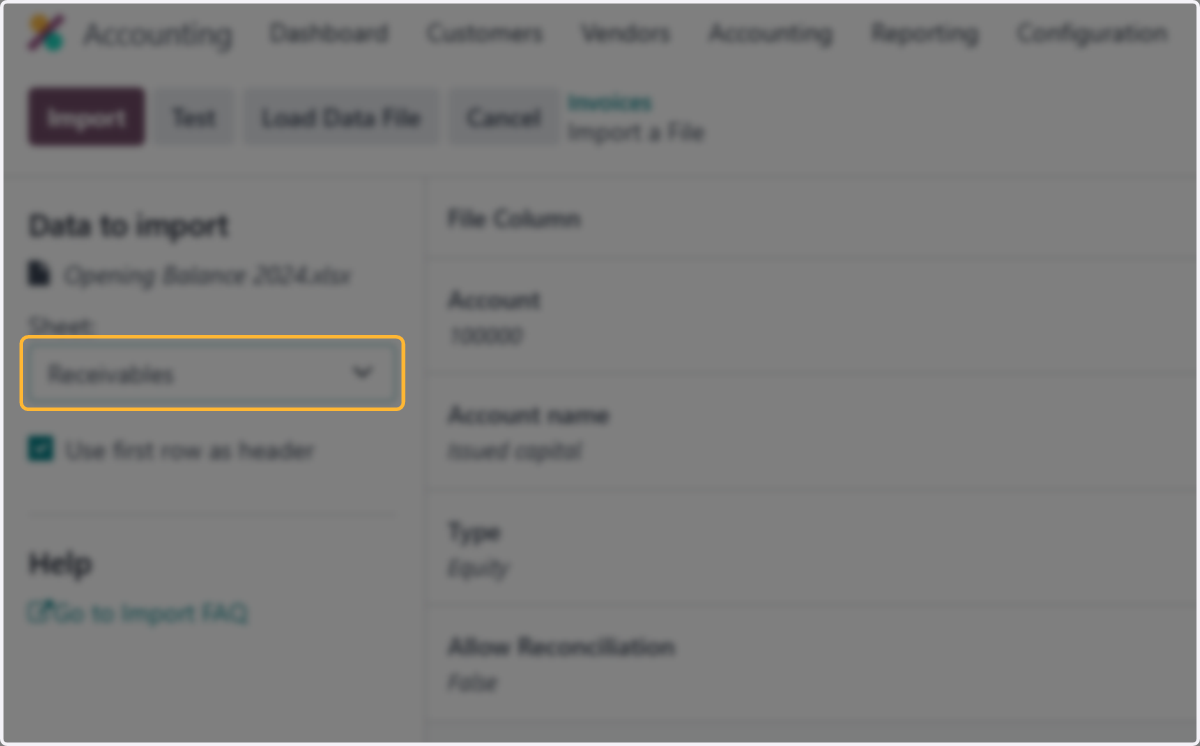
28. Select Receivables from Sheet:
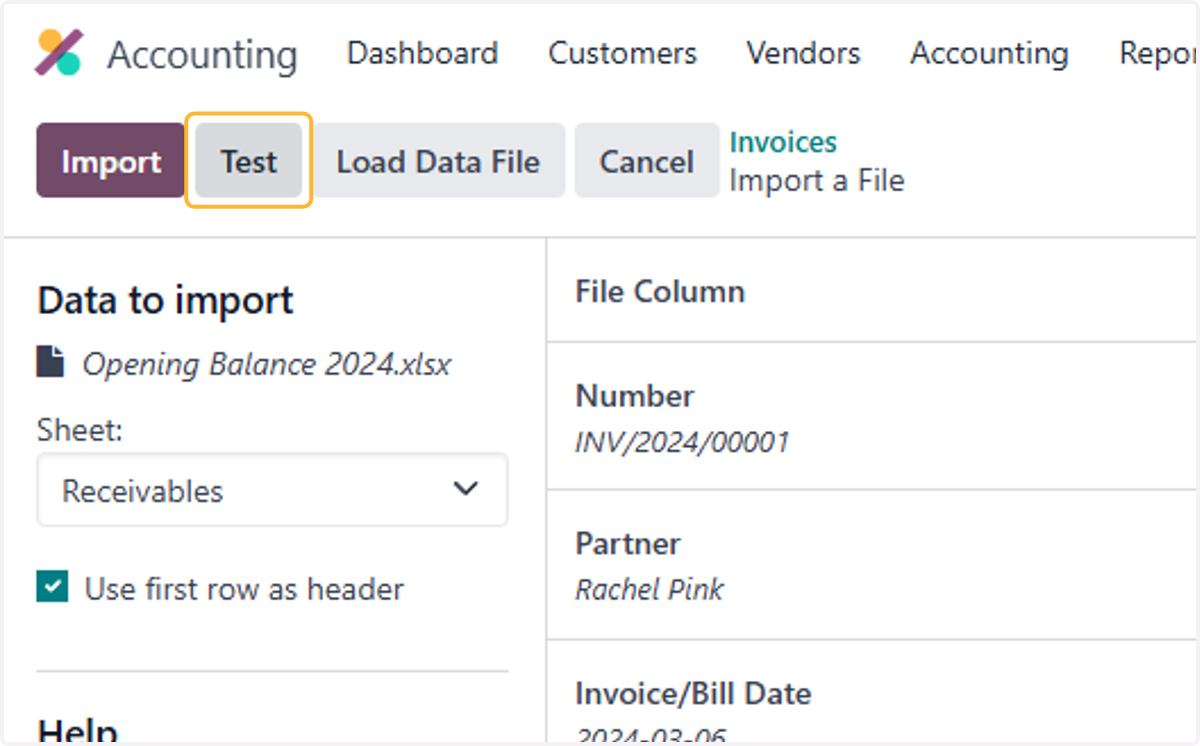
29. Click on Test
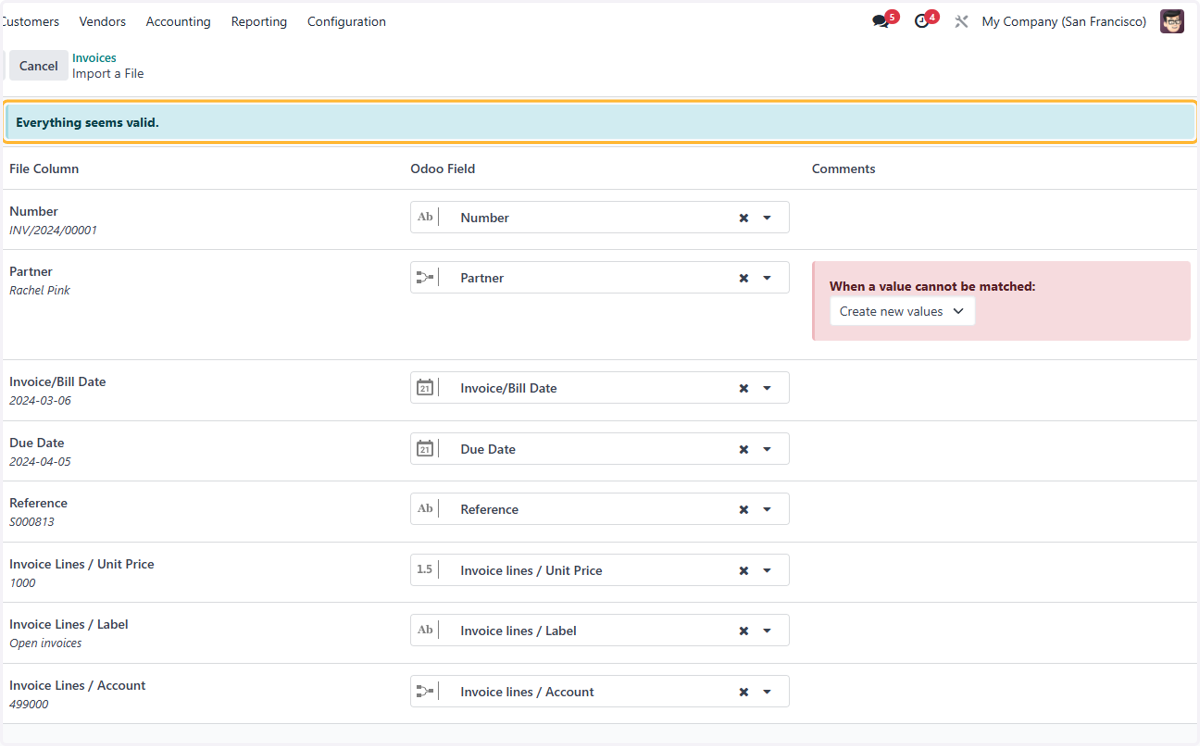
30. "Everything seems valid." Message should appear if there are no errors with the file
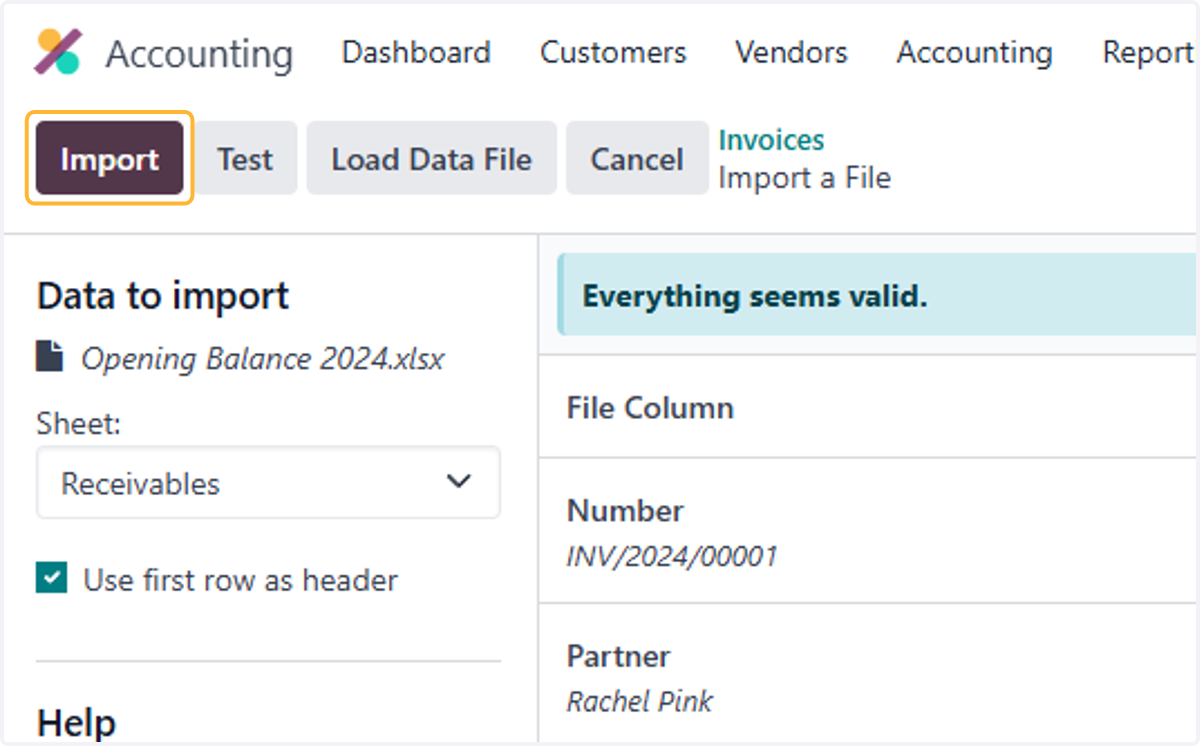
31. Click on Import
32. List of uploaded invoices will be in draft mode
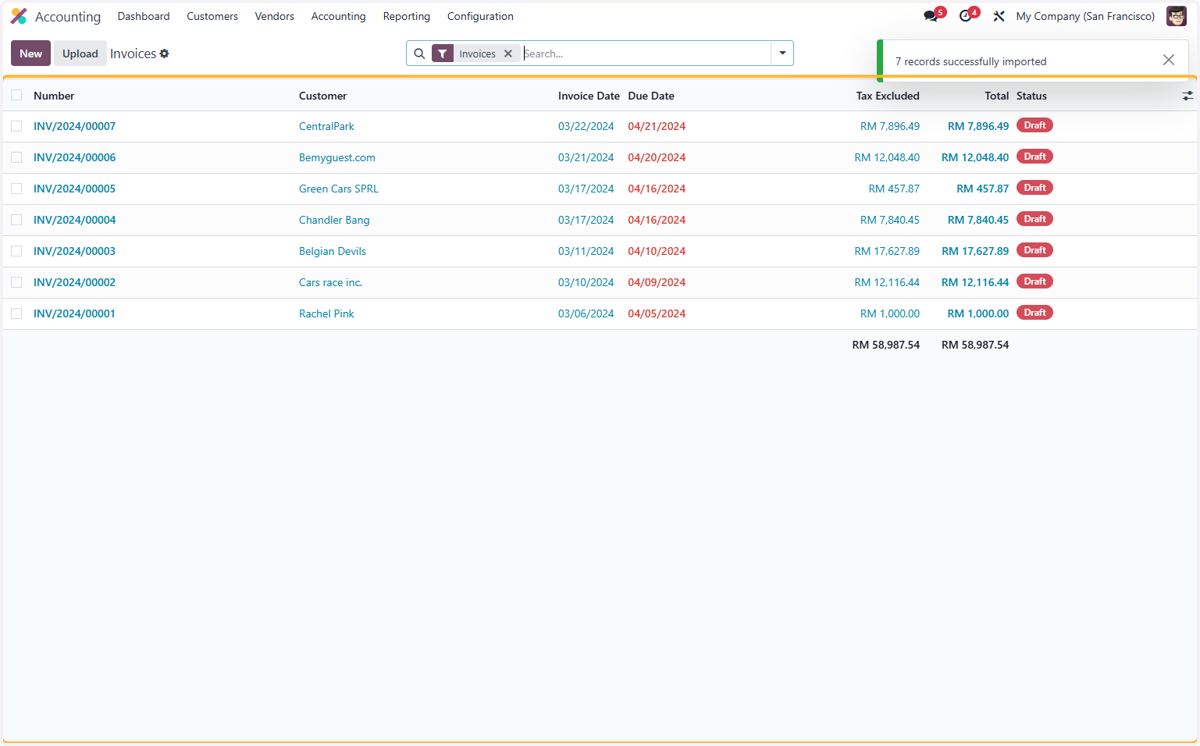
33. Select an invoice.
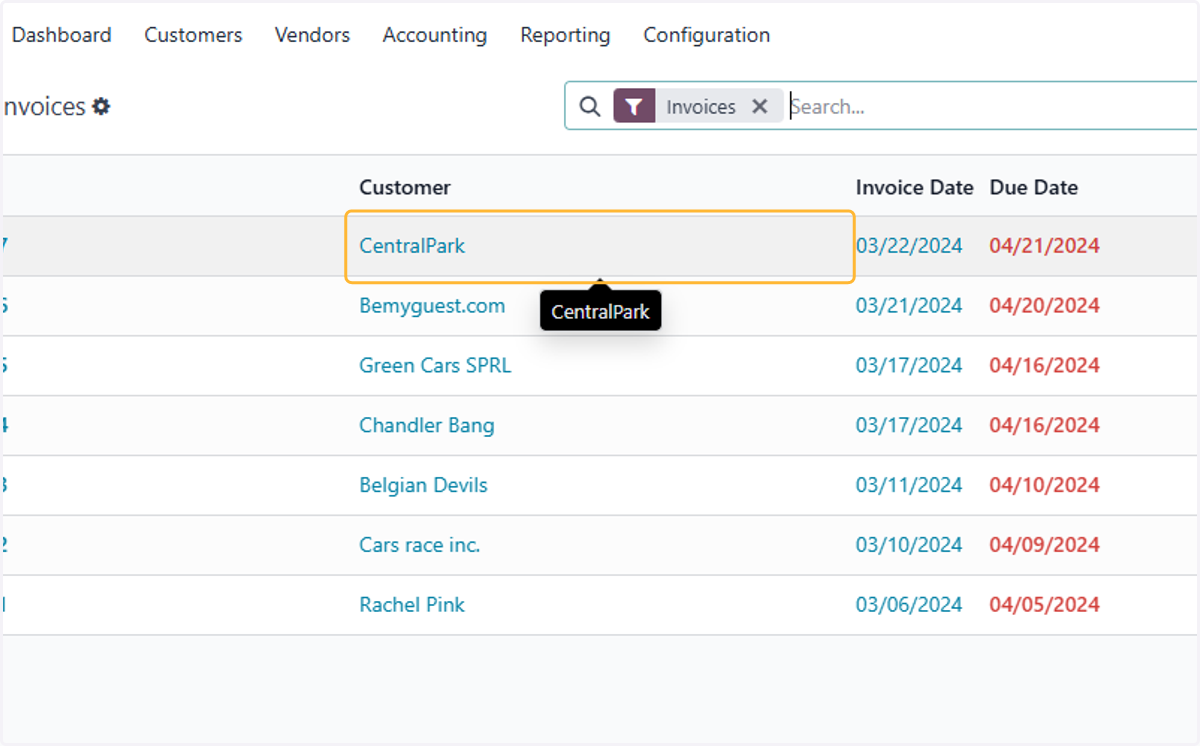
34. Check details on invoice to ensure the customer, dates, account & price are correct.
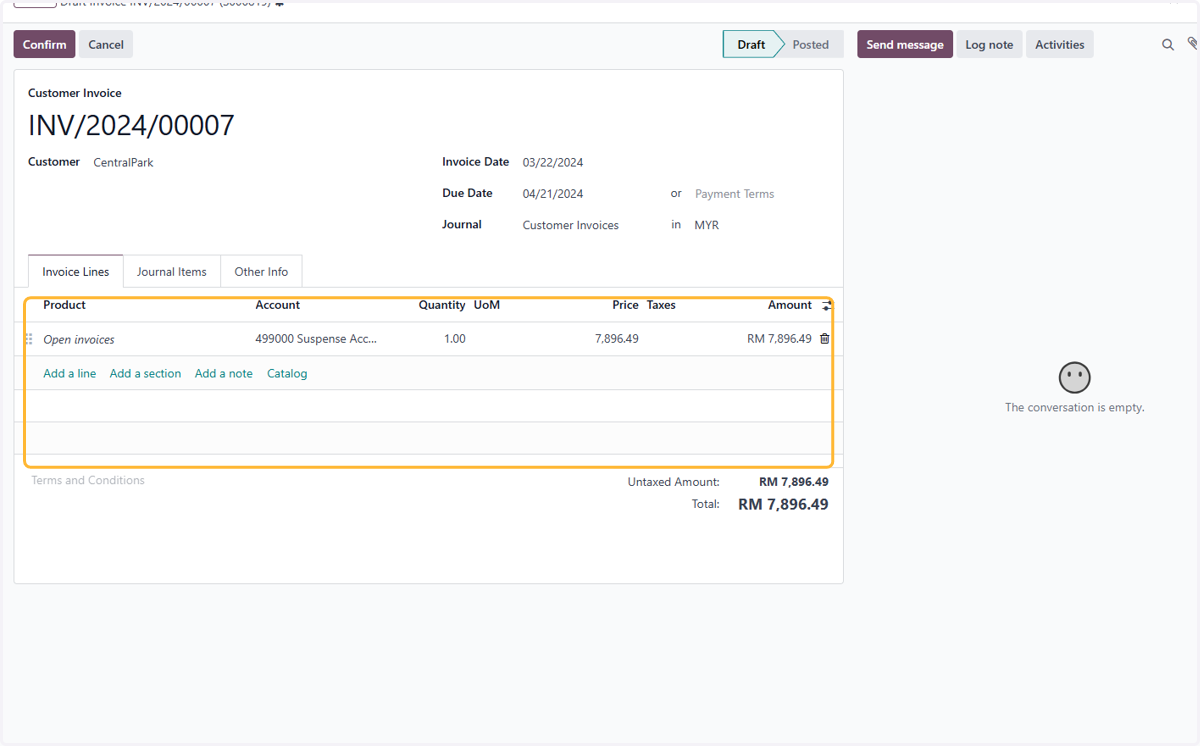
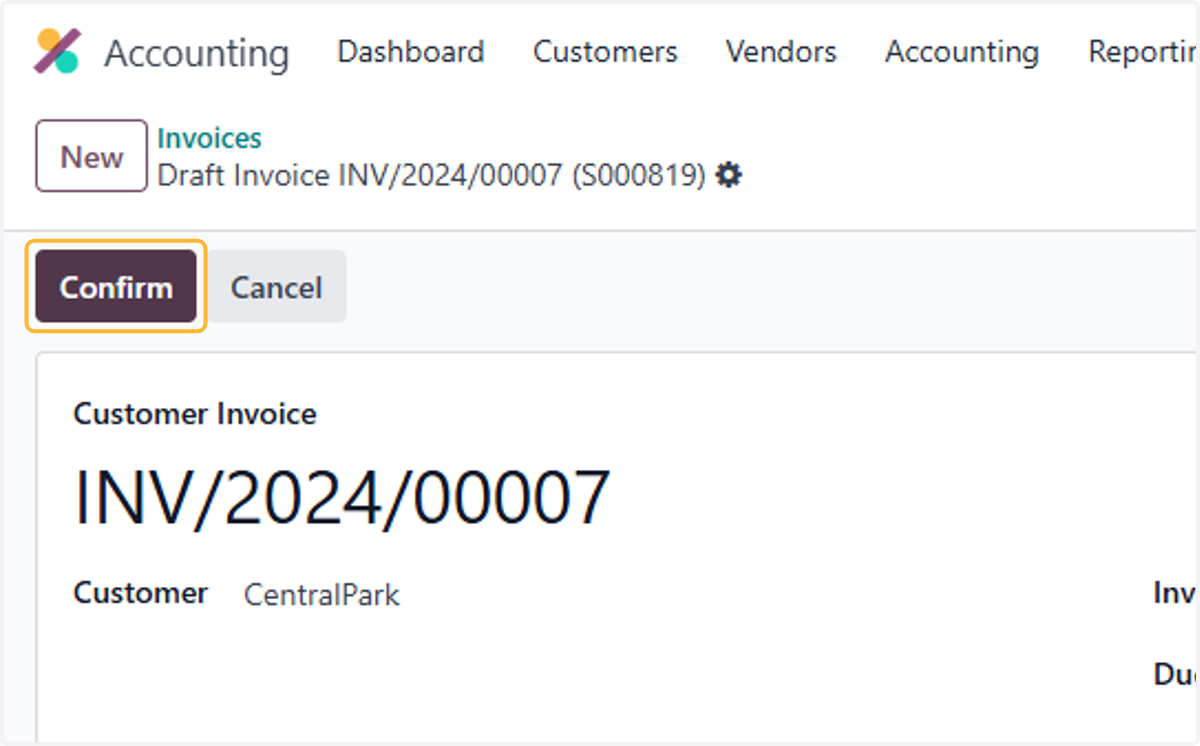
35. Click on Confirm to post the invoice
Uploading Open Vendor Bills
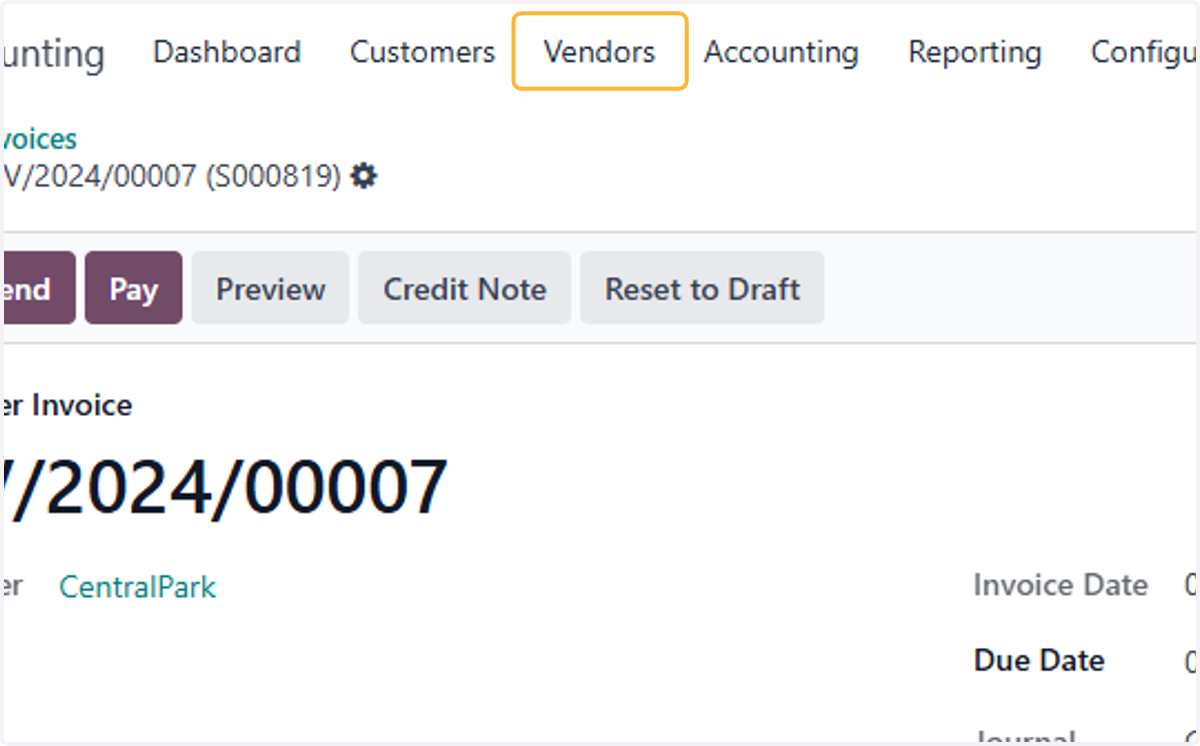
36. Click on Vendors
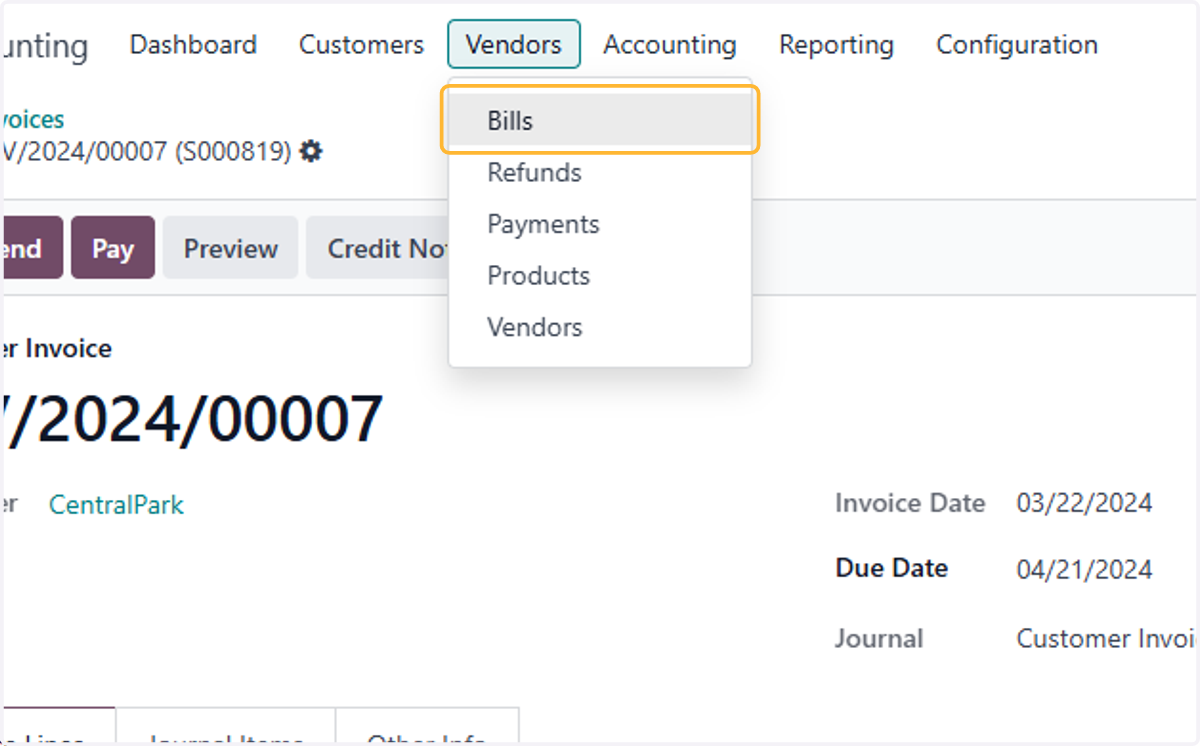
37. Click on Bills
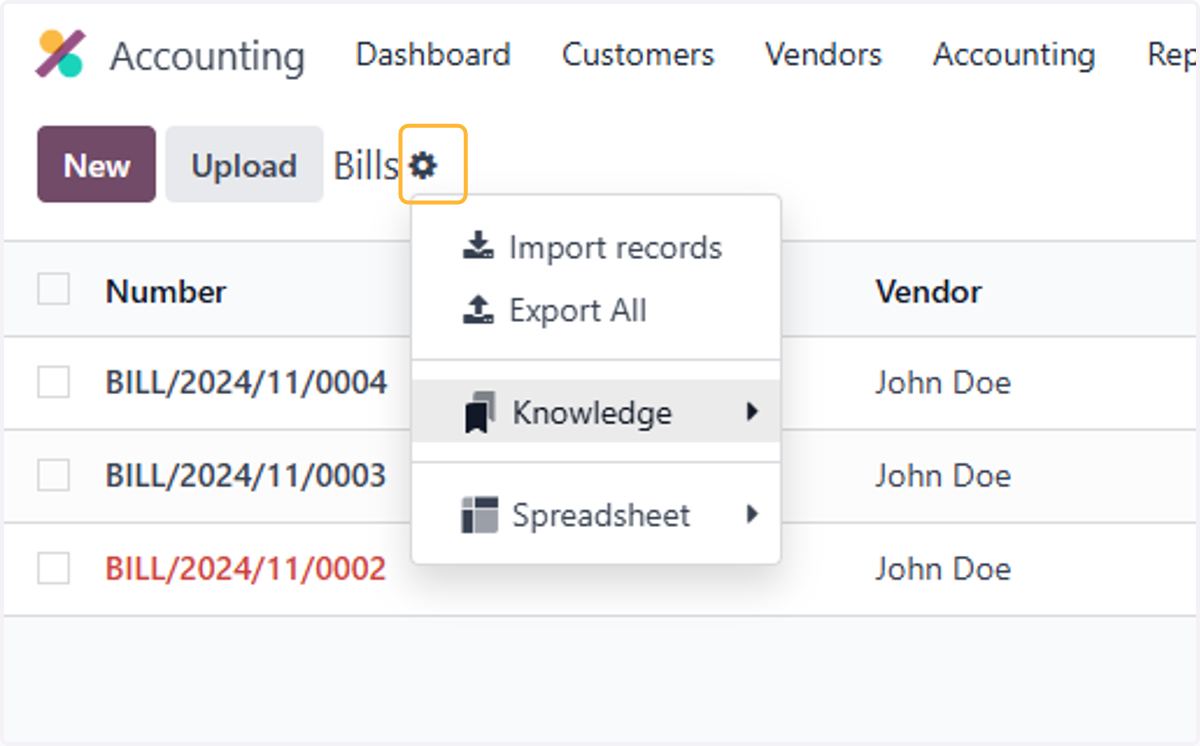
38. Click on highlight
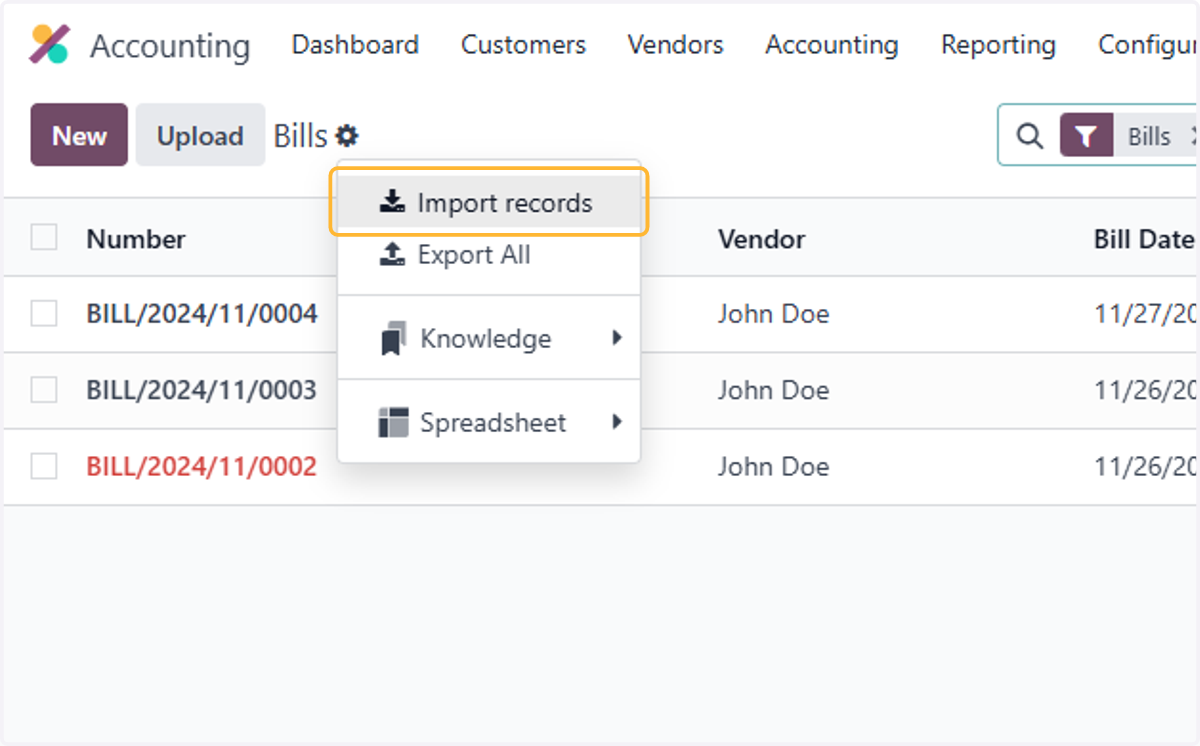
39. Click on Import records
40. Click on Upload Data File
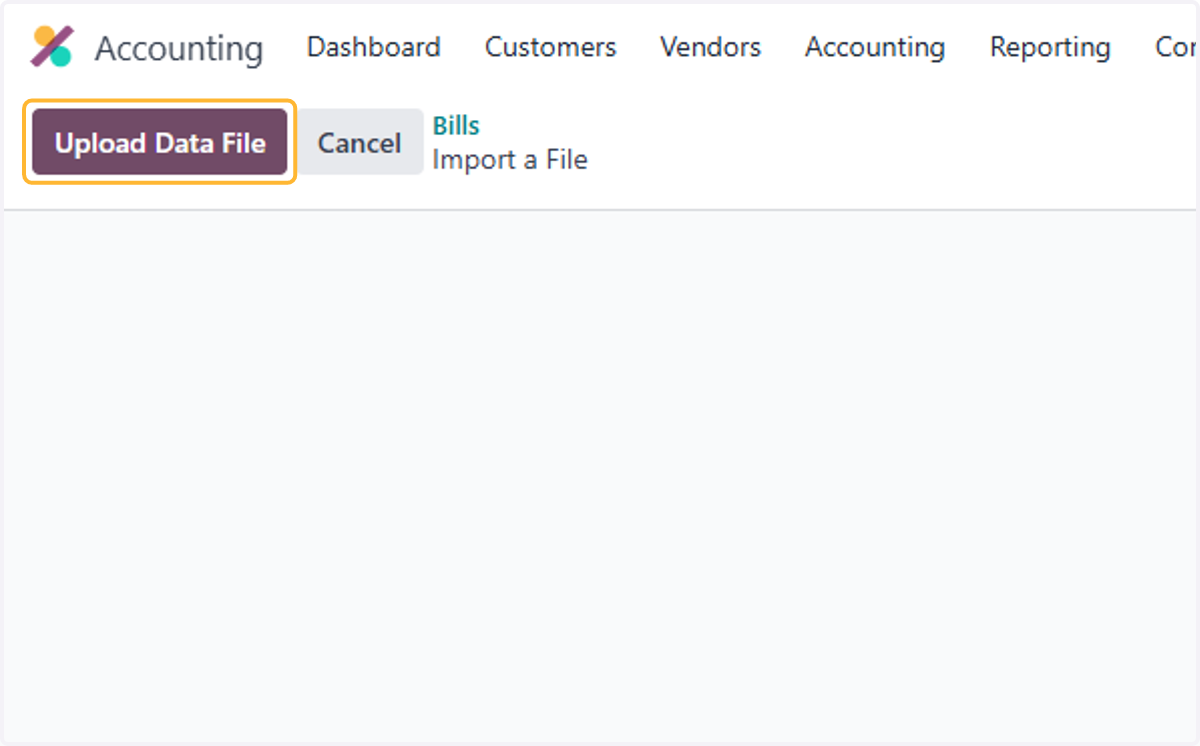
41. Select a file from upload menu
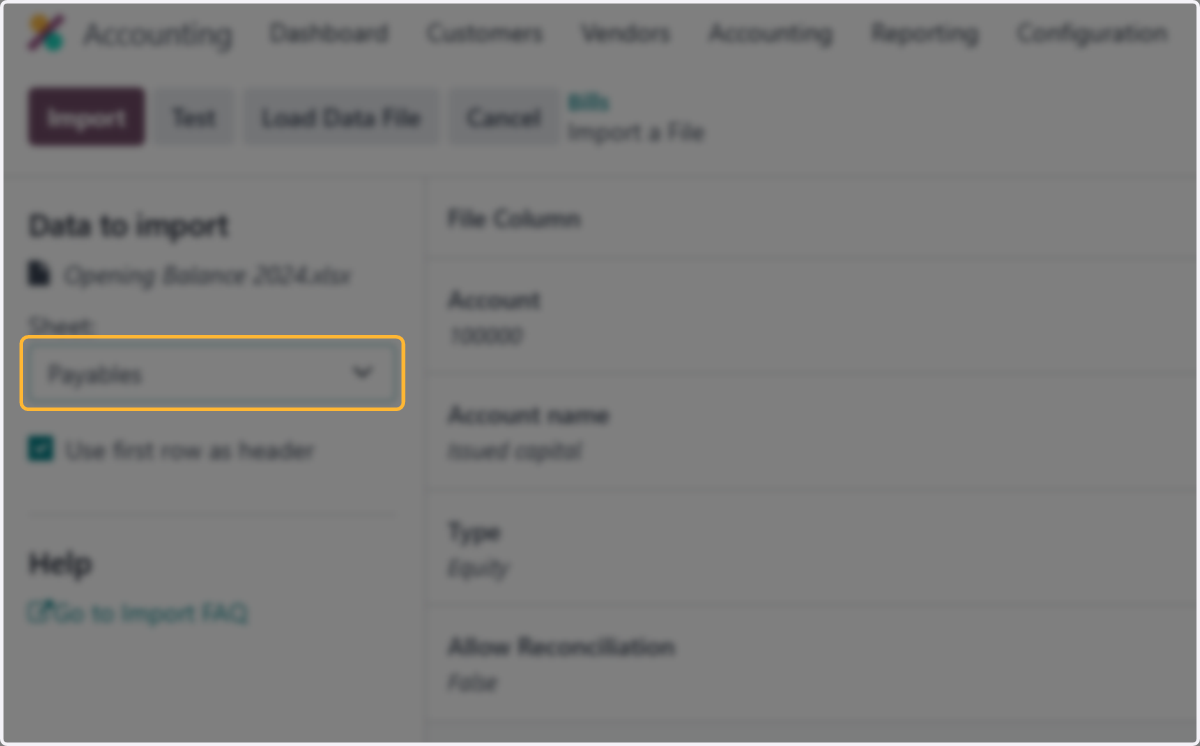
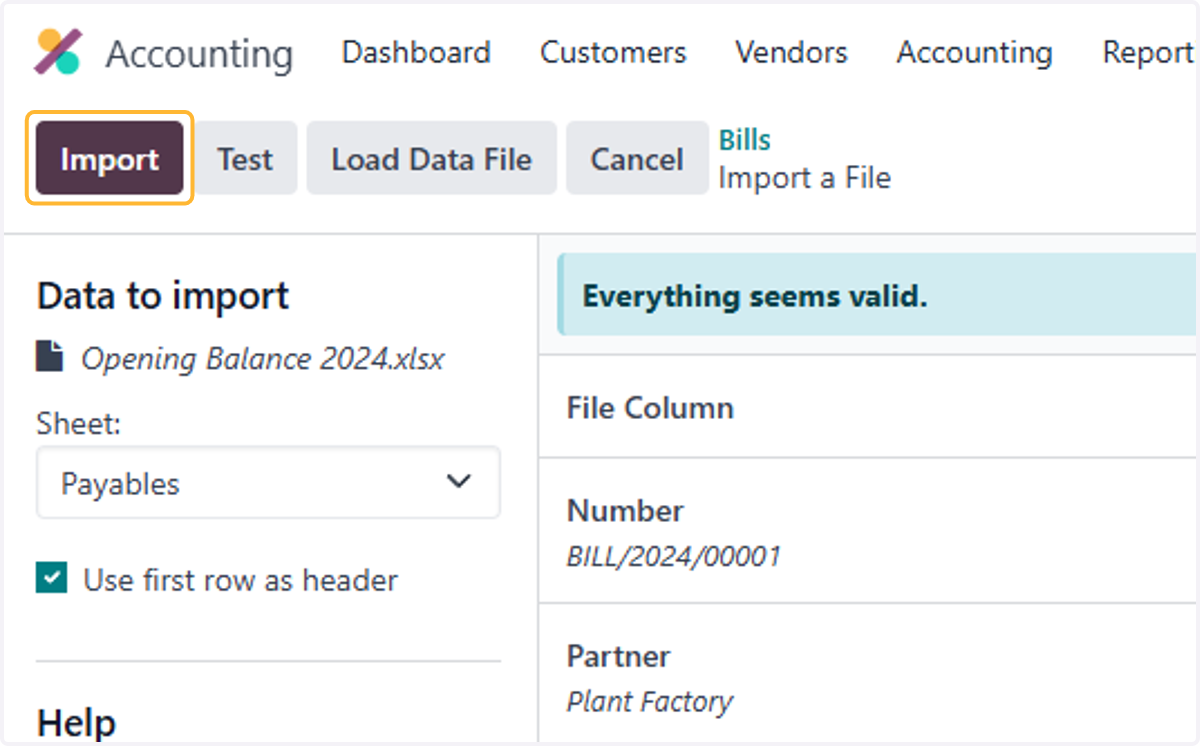
42. Select Payables from Sheet:
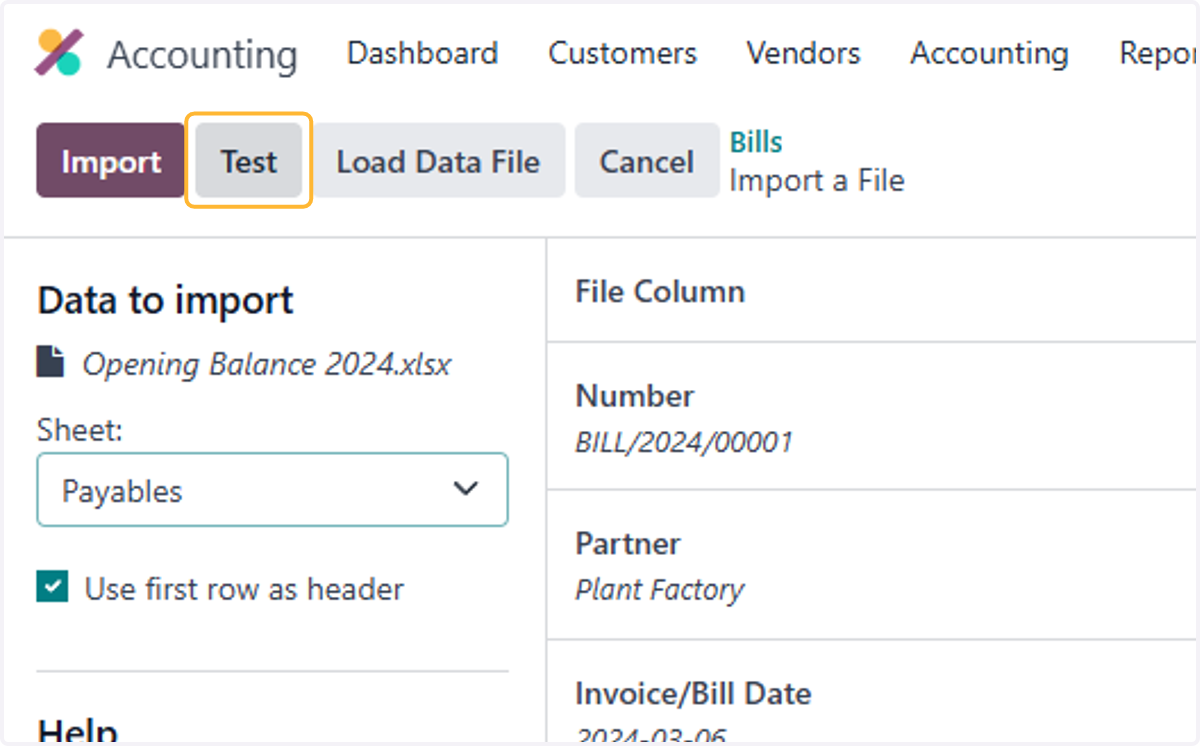
43. Click on Test
44. Click on Import
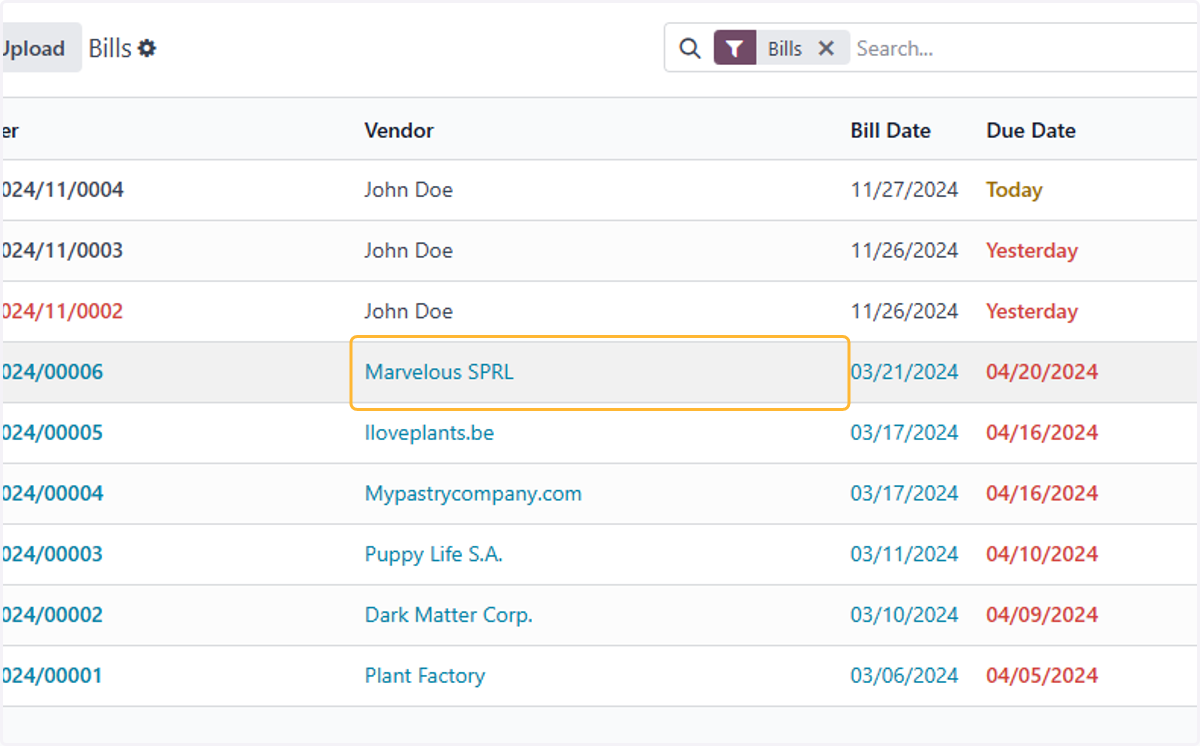
45. List of open bills will be in draft mode, select a bill to review in detail.
46. Check details on invoice to ensure the customer, dates, account & price are correct.
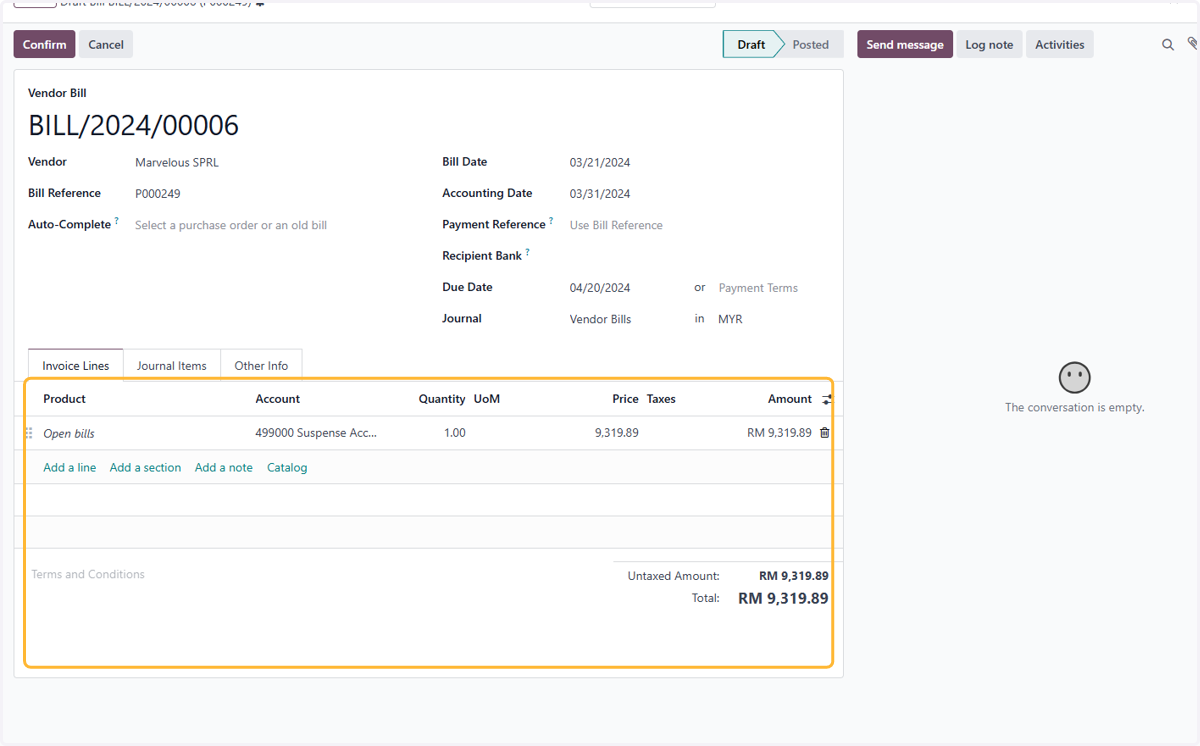
47. Click on Confirm to post the bill