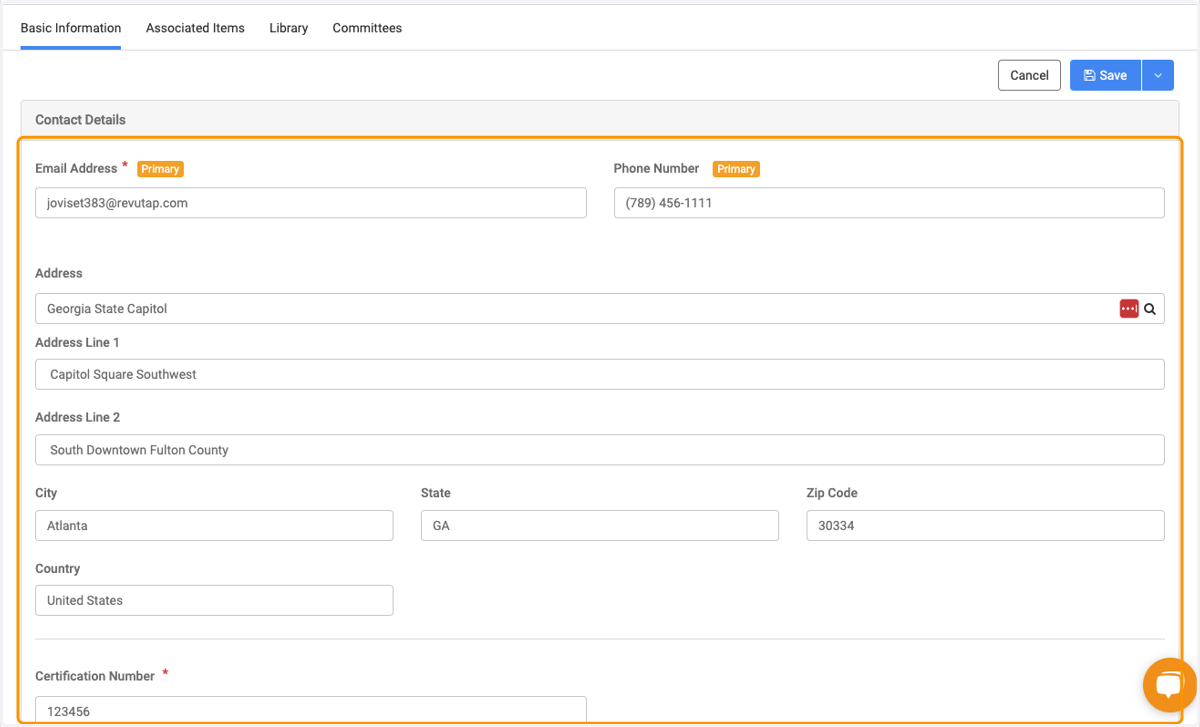
How location fields work
We'll be starting off in a person's profile to show how the location fields work their magic
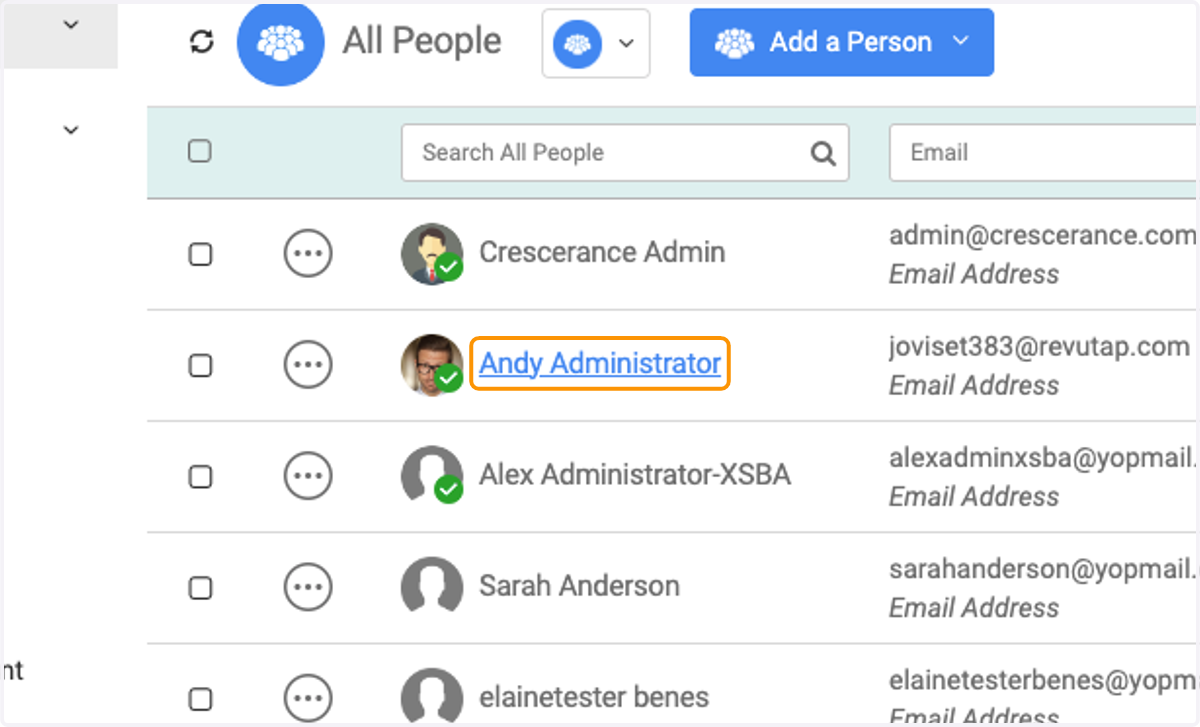
1. Click into a person's profile
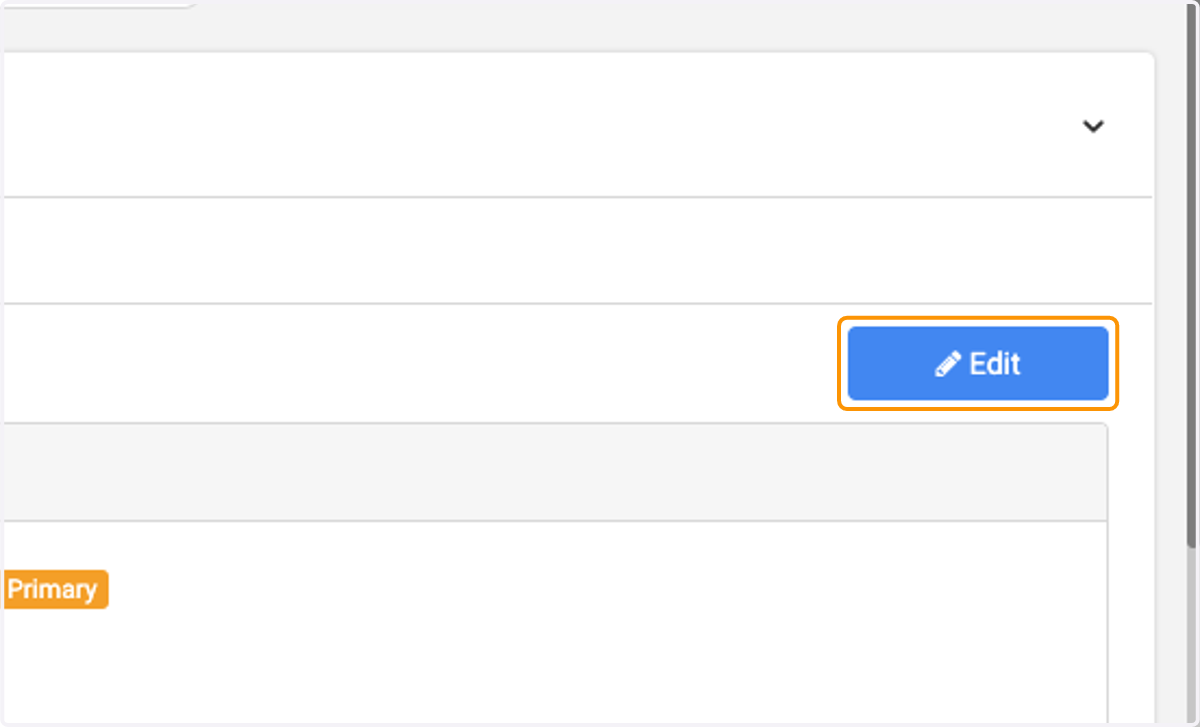
2. Click on Edit
3. In the first Location box under the address section, type in the name of a building (in our case, I used the Georgia State Capitol as my example)
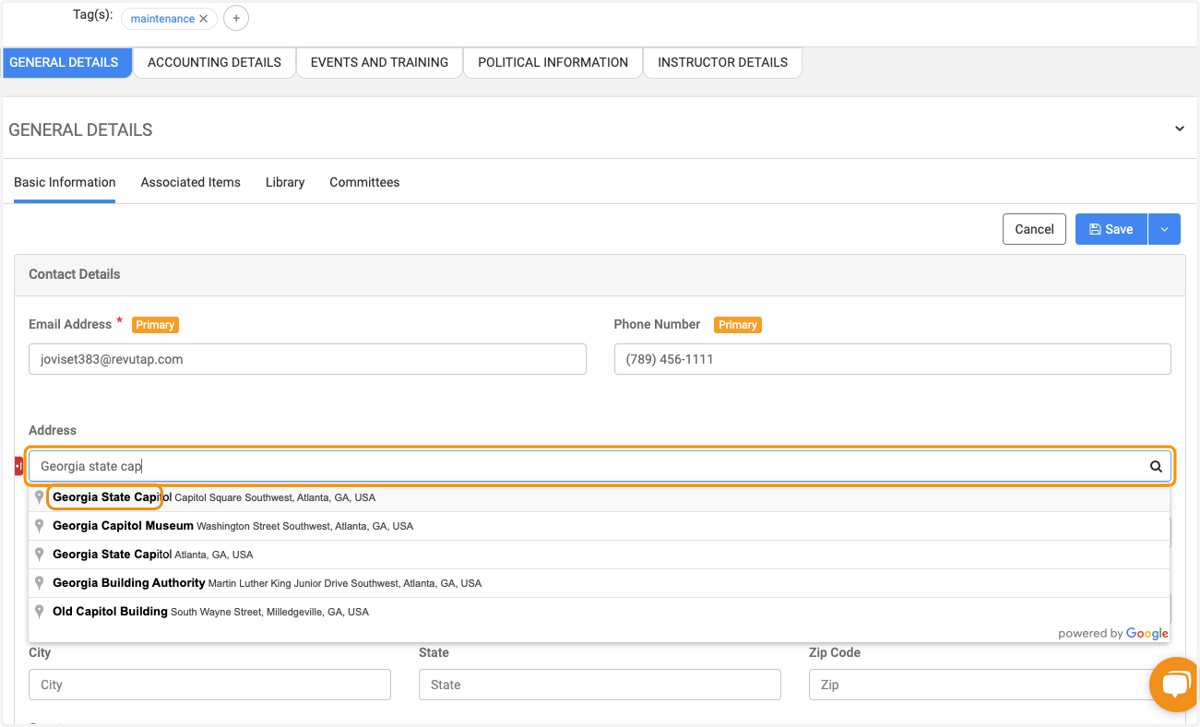
4. Click on the address in the drop down that is the one you're looking for
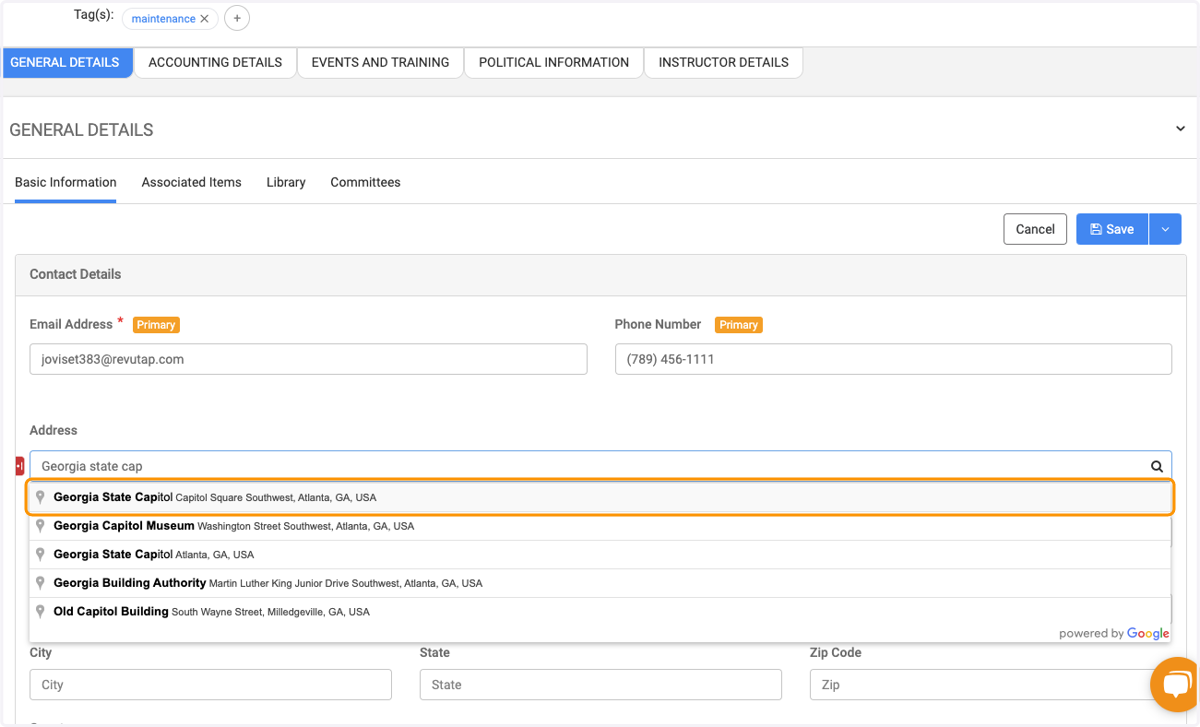
5. All of the available fields from Google will display once selected in the last step, auto-filling the address fields