Creating a Staff Analysis Template
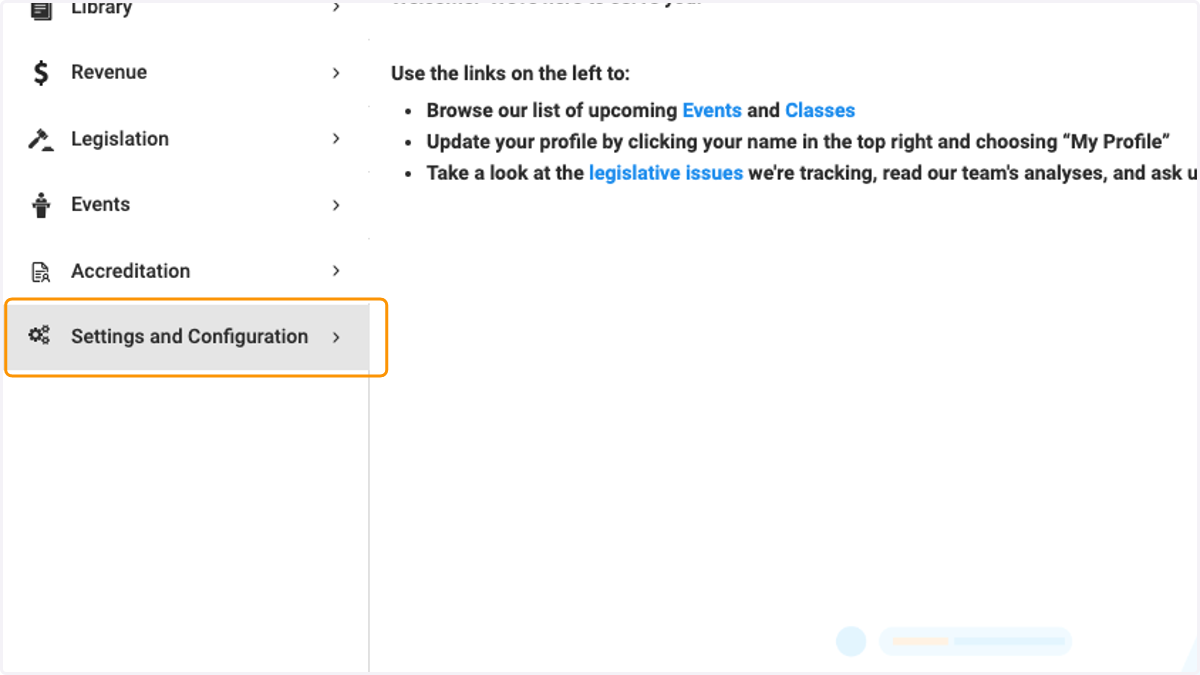
1. Click on Settings and Configuration
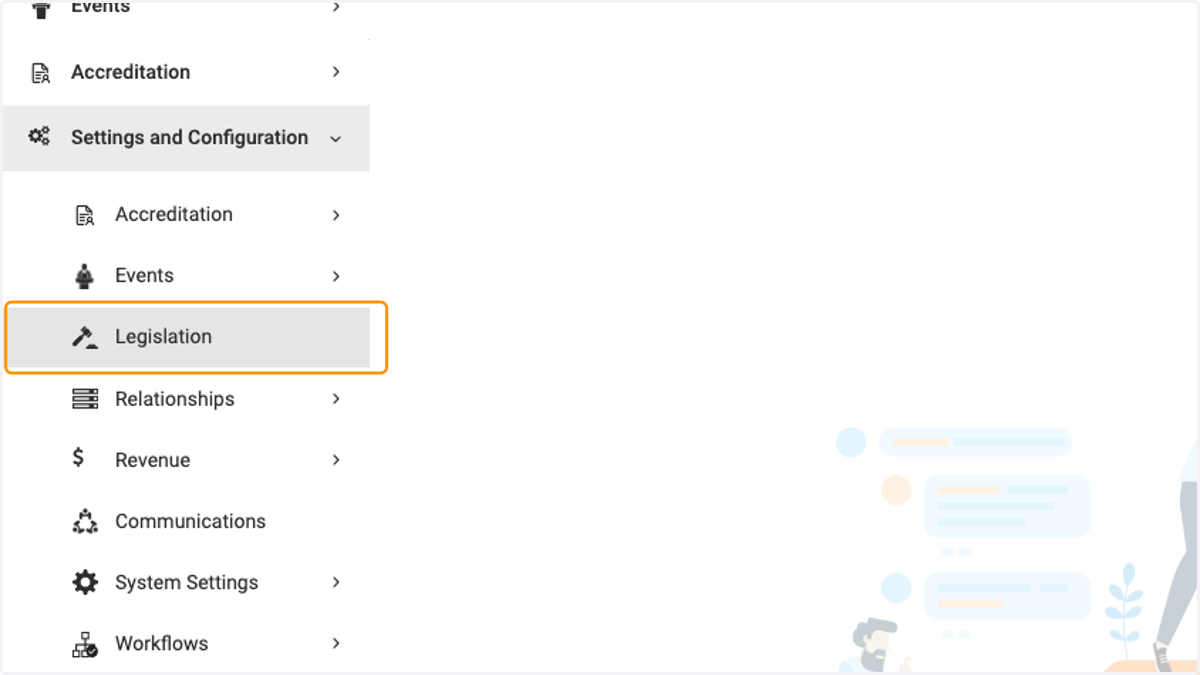
2. Click on Legislation
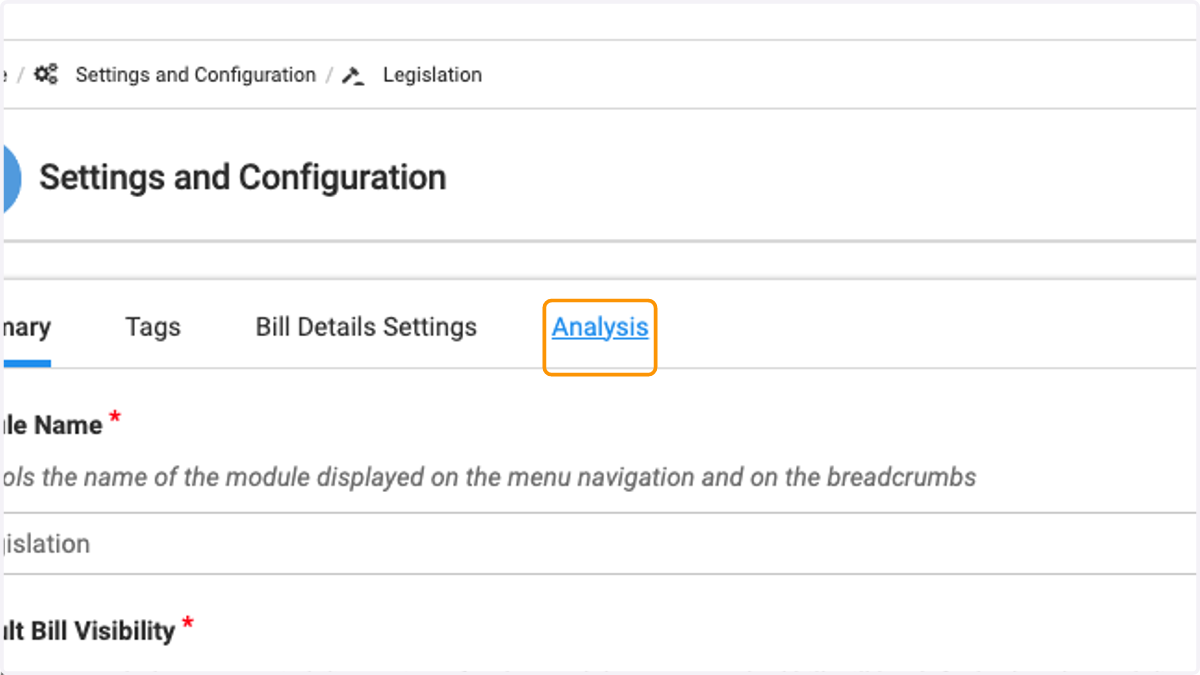
3. Click on Analysis
4. Begin typing your desired template as you would any document using our document editor
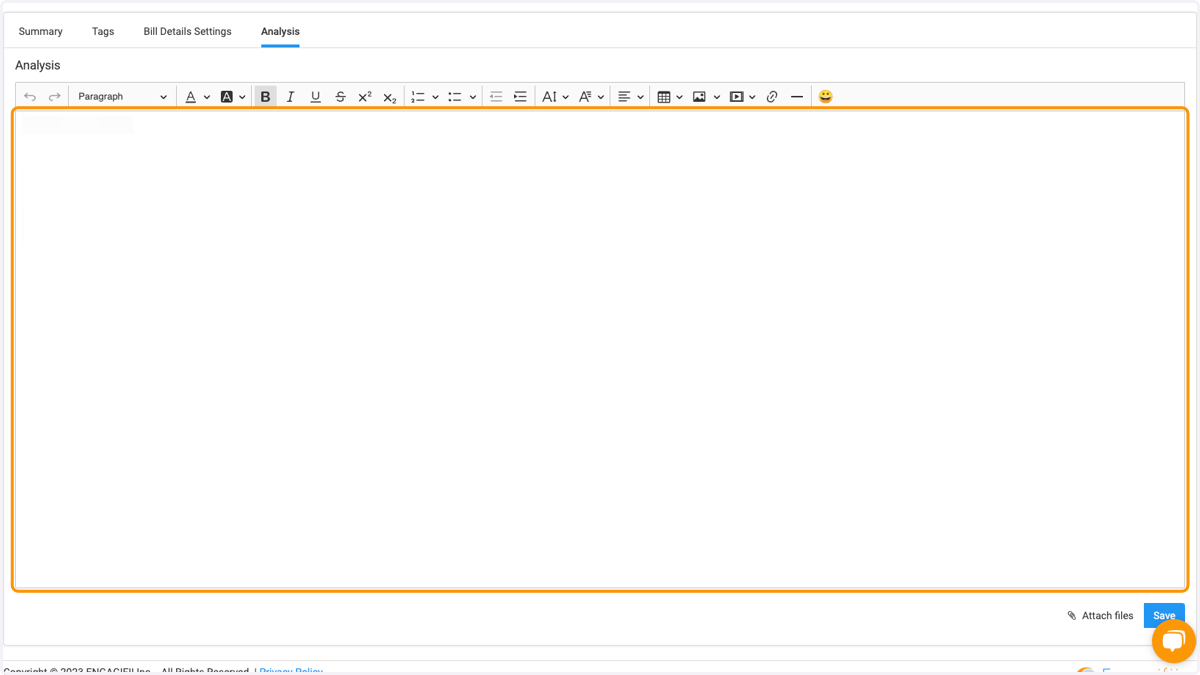
5. Design your template to your specifications
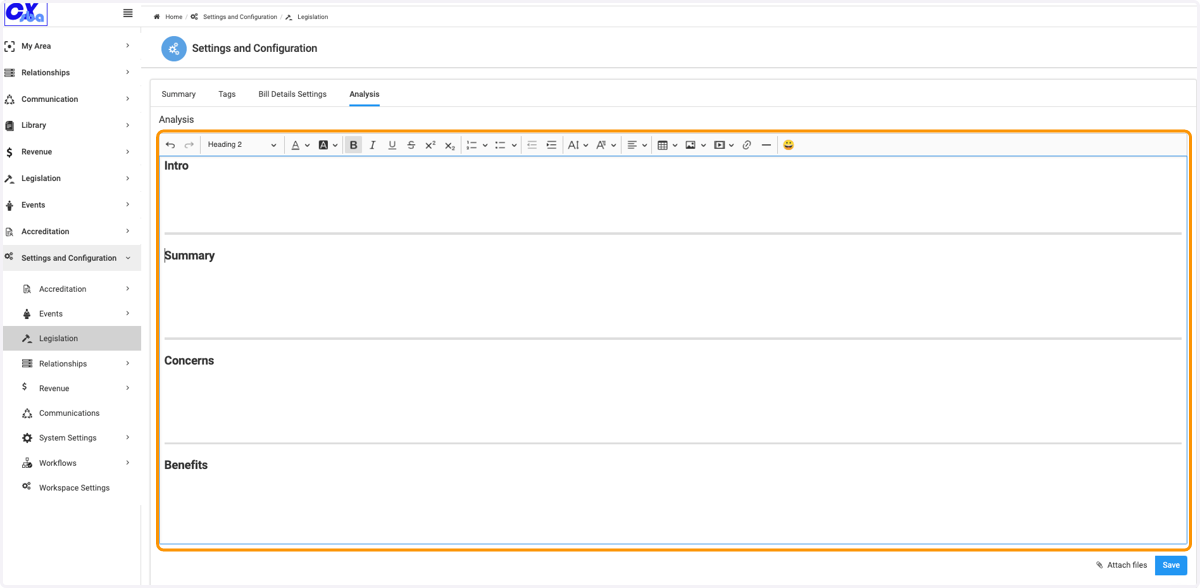
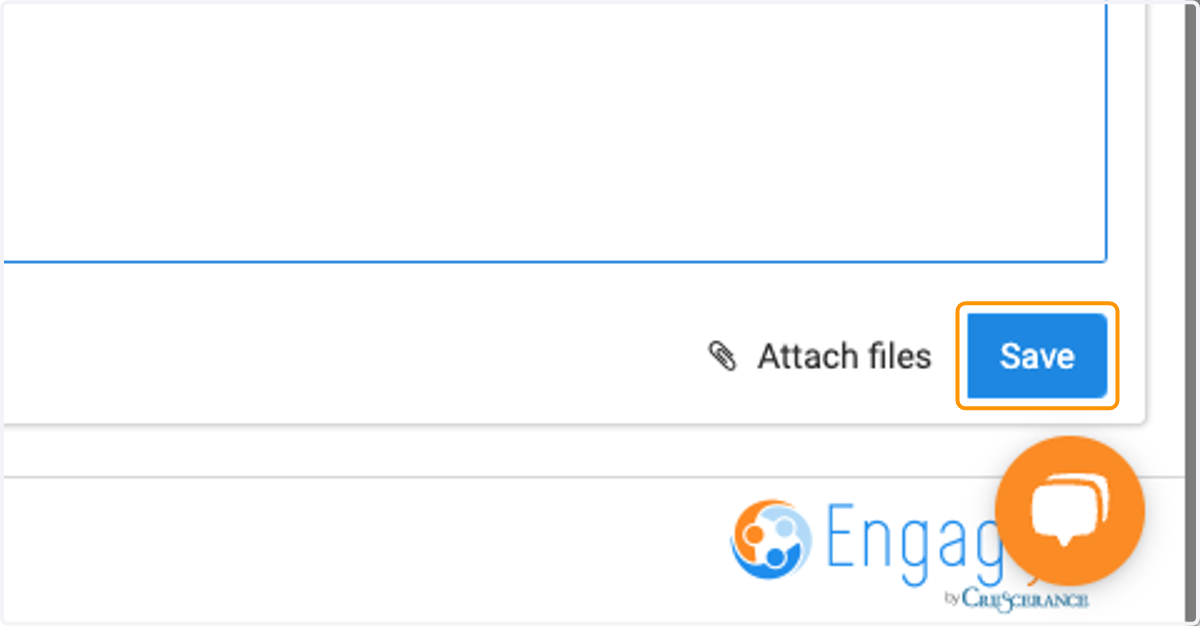
6. Click on Save