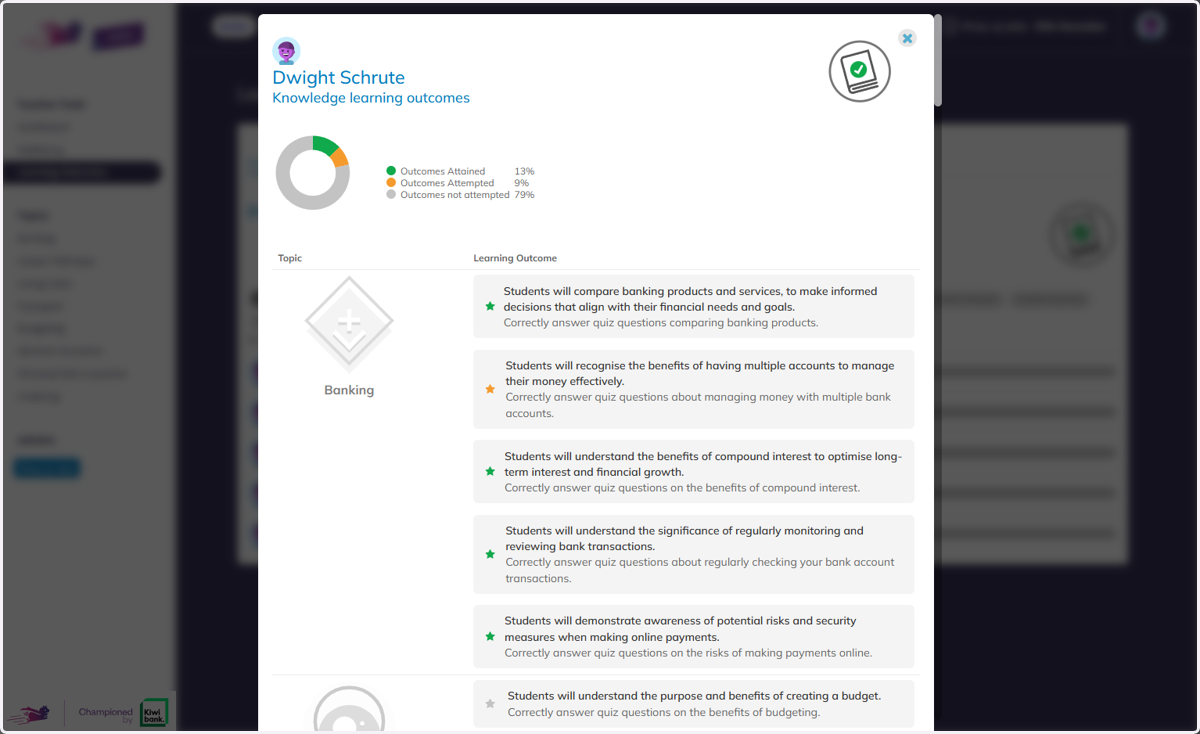
Tracking Learning Outcomes
Banqer High
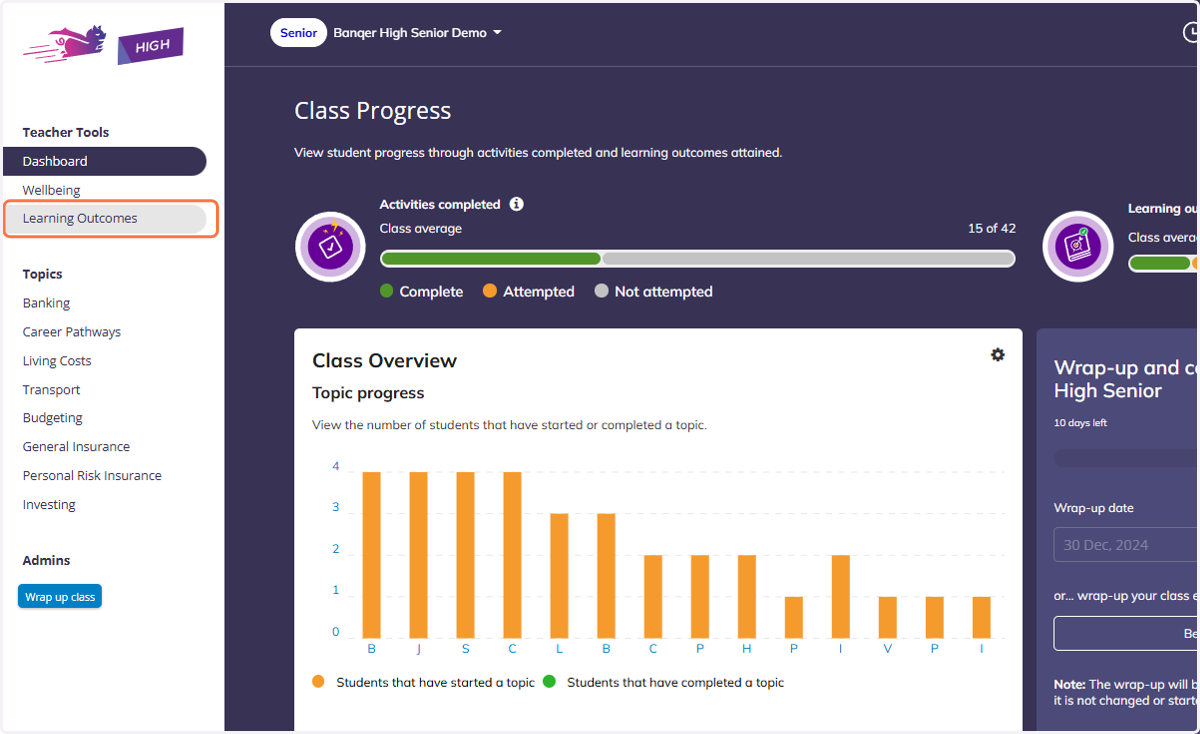
1. Click on Learning Outcomes tab in the Navigation Bar
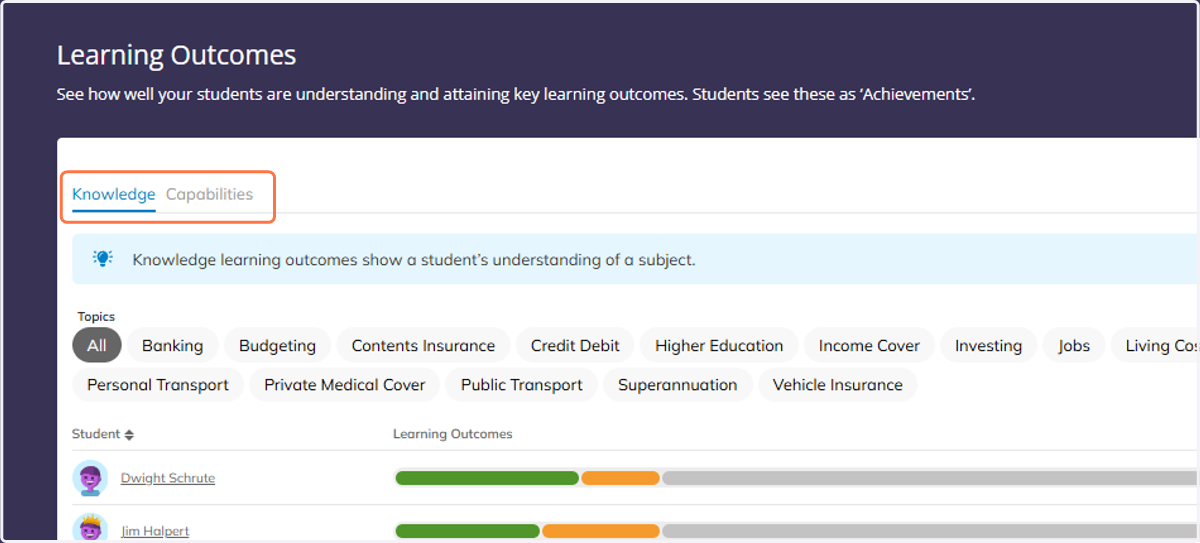
2. Choose between the Knowledge or Capability Learning Outcomes.
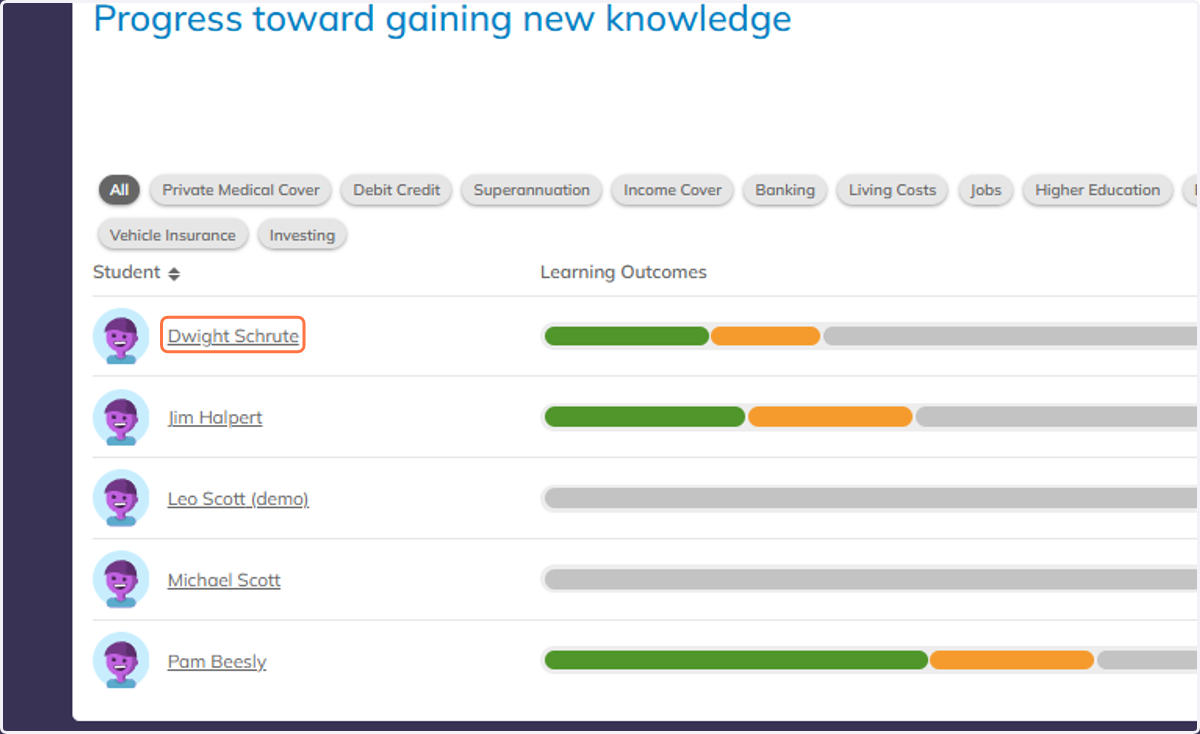
3. The progress view gives you a snapshot of how many Outcomes each student has earned to date.
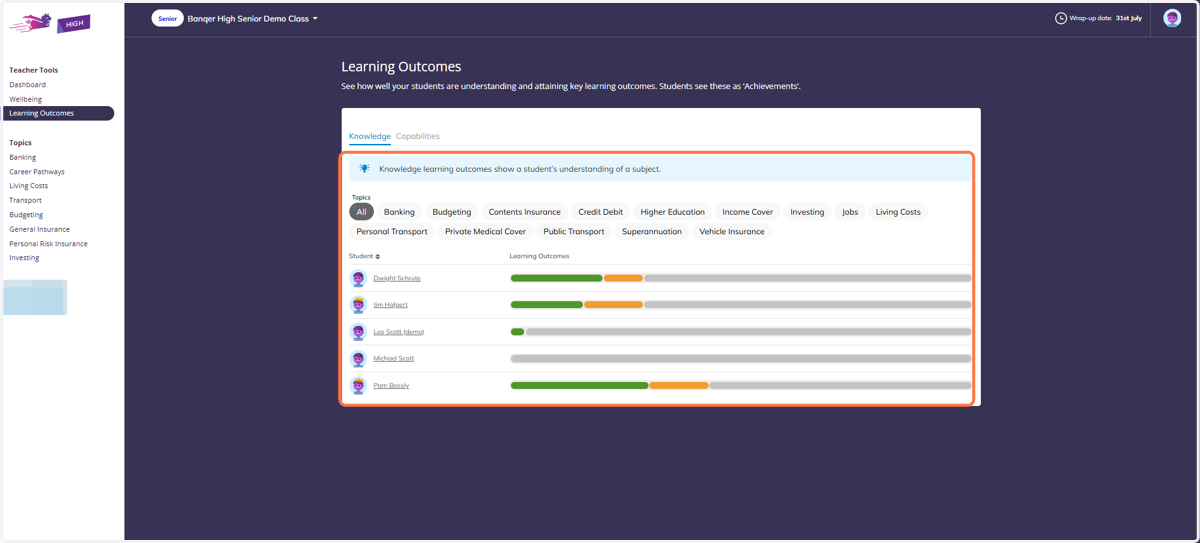
4. Click on a student's name to see their detailed view.
5. From here you can see exactly what Outcomes a student has or hasn't yet achieved.