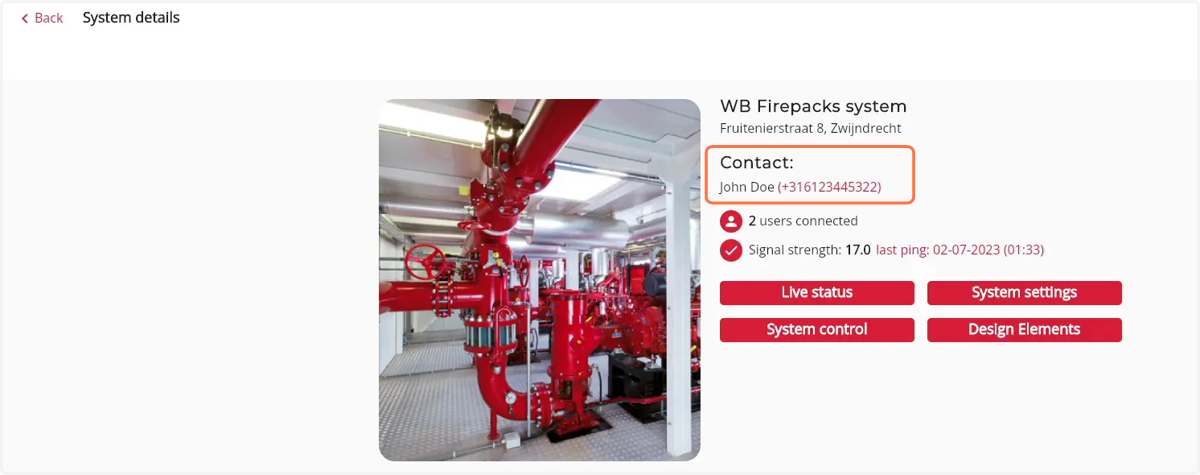
How to view contact information of a Firepack contact person
1. Navigate to web.firecoach.app
2. Log in with your Firecoach account
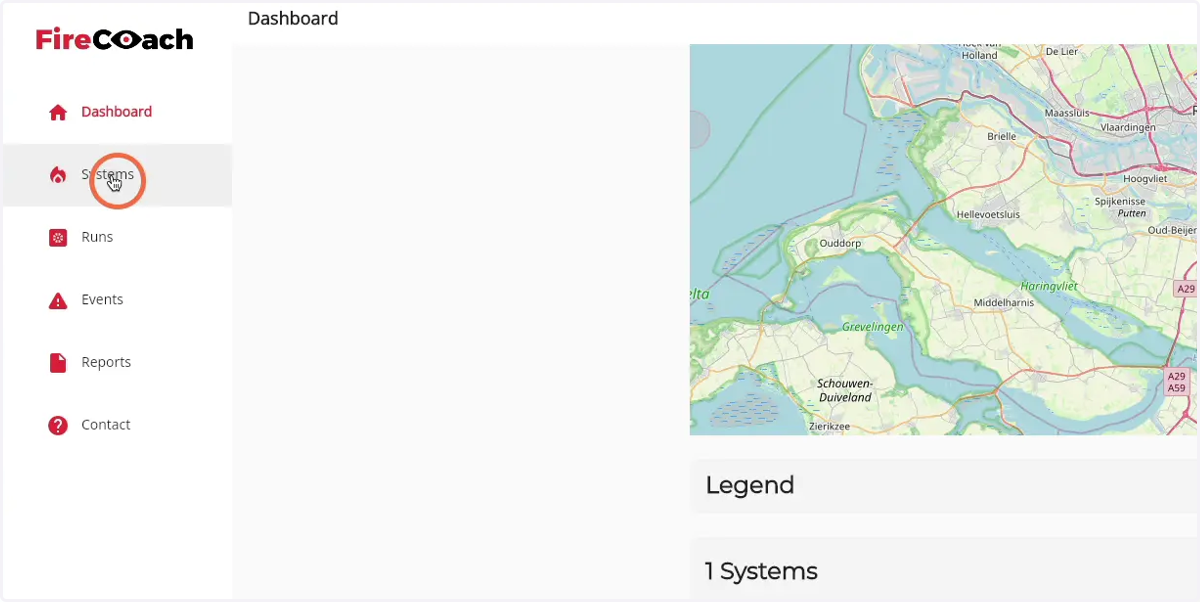
3. Click on 'Systems'
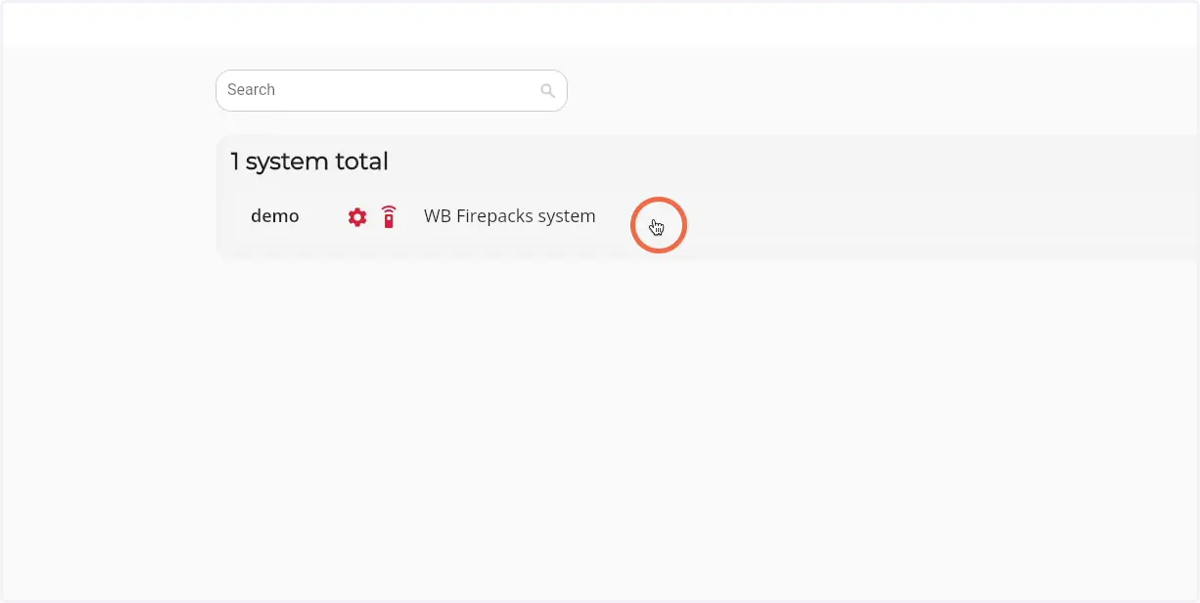
4. Click on the Firepack you would like to see the contact information of
5. Under the 'Contact' header the name and phone number of the contact person is shown