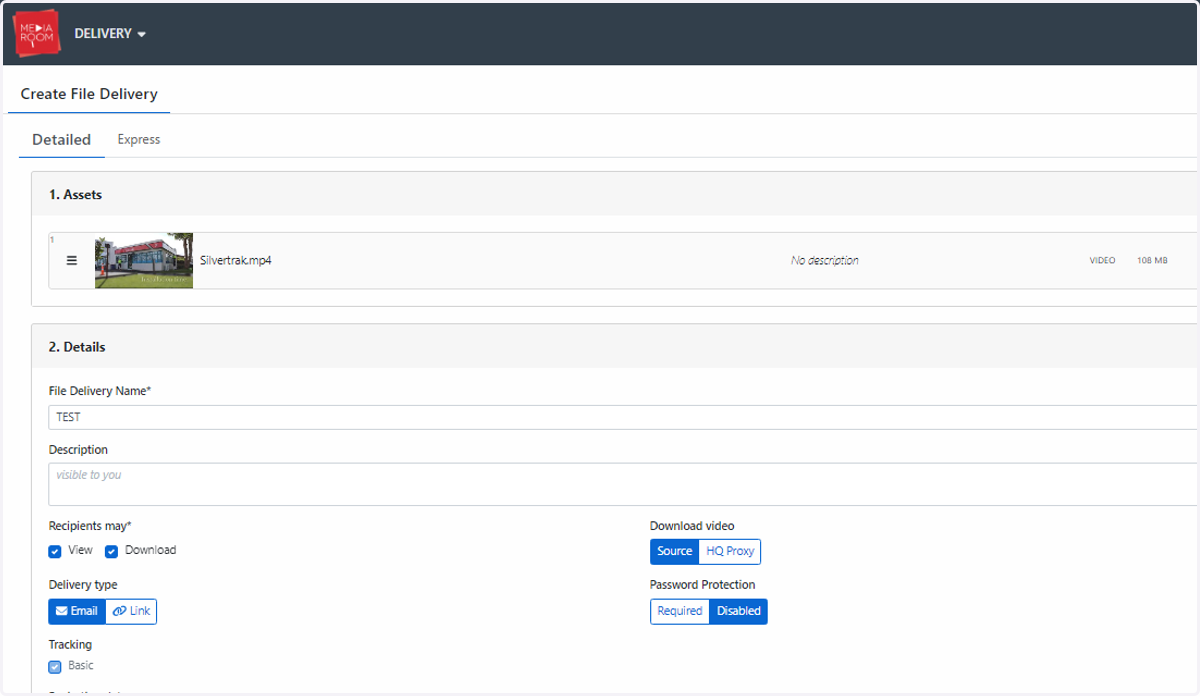
How do I clone a delivery?
Make use of our "Clone" feature to amend and re-transfer an existing delivery.
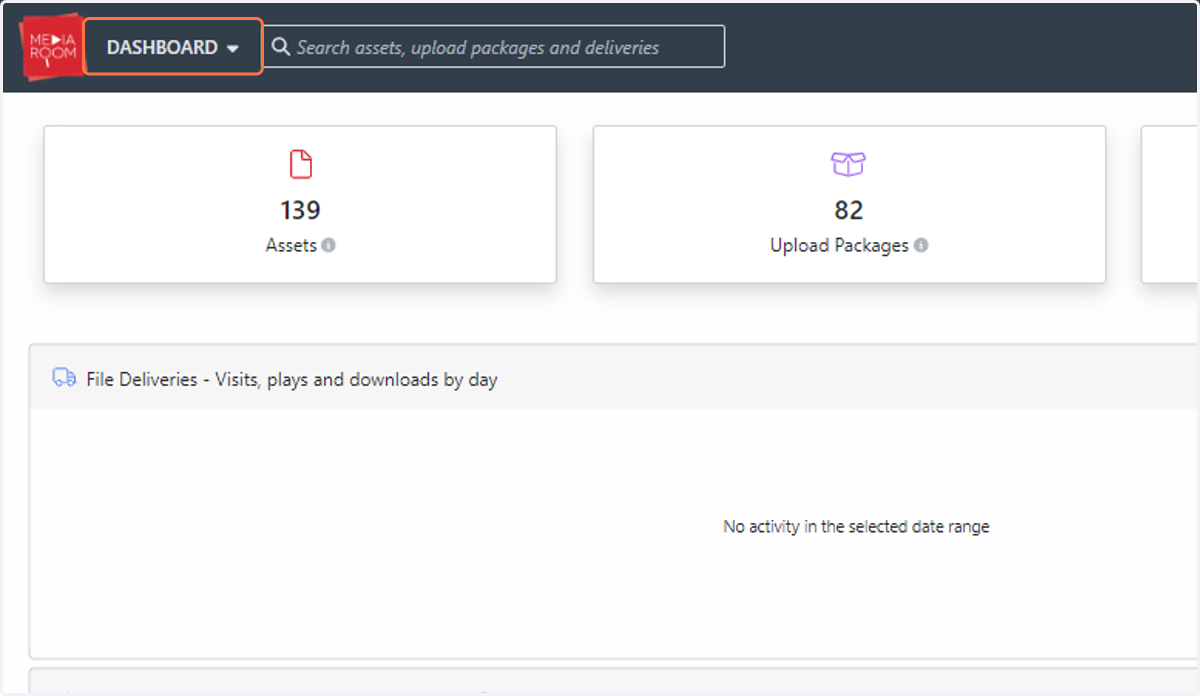
1. Click on DASHBOARD
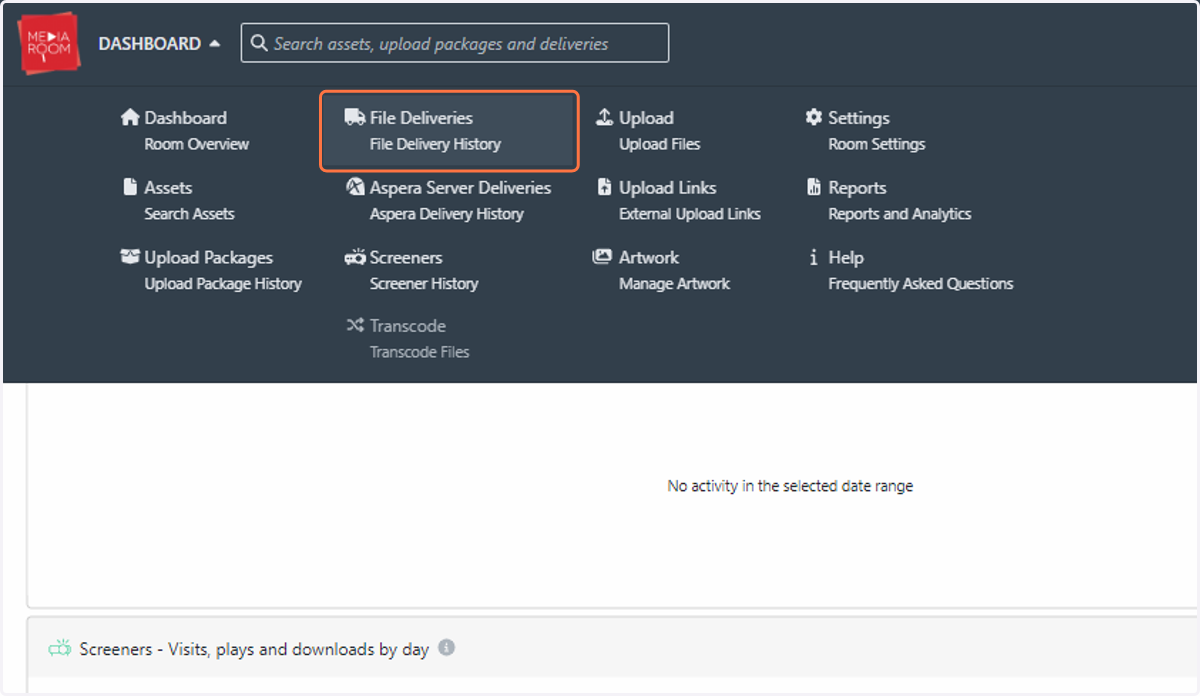
2. Click on File Deliveries…
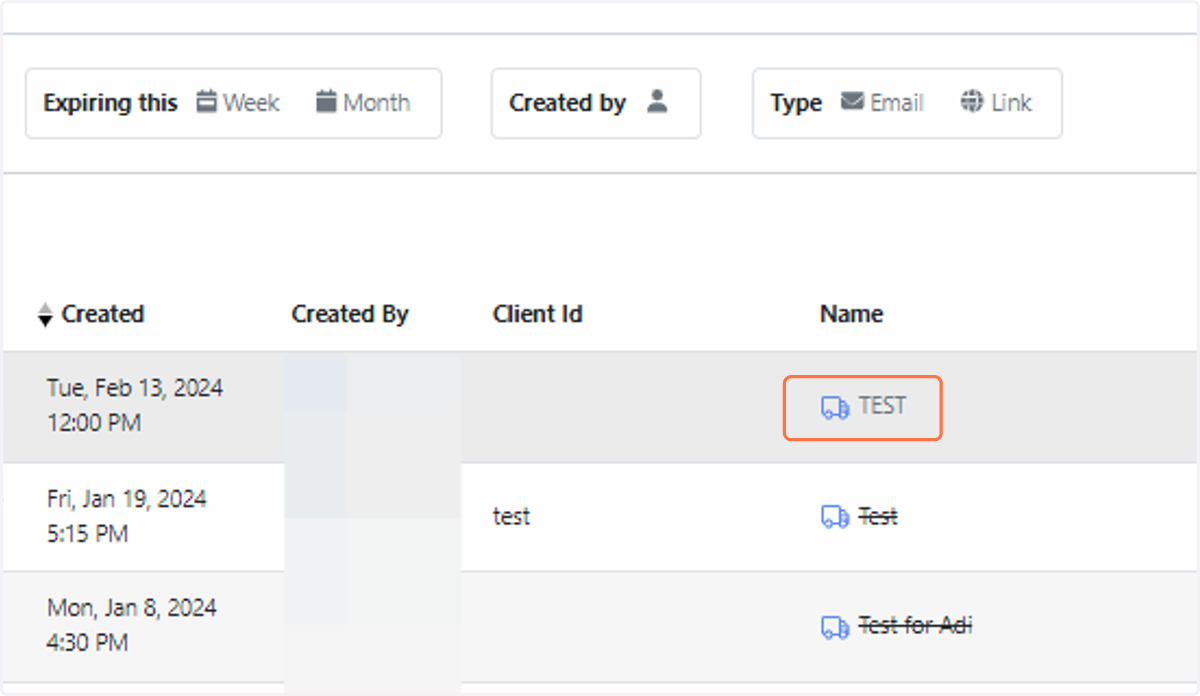
3. Click on the name of the delivery
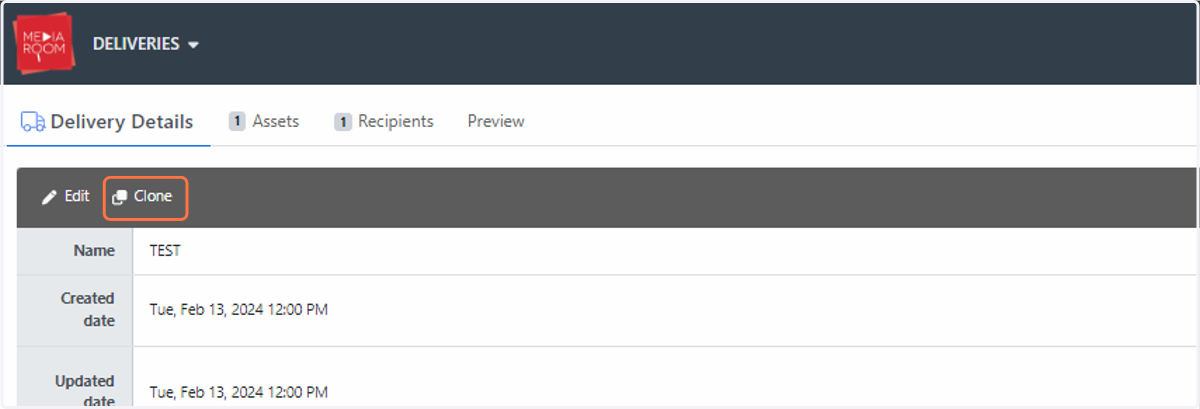
4. Click the “Clone” button on top of the “Delivery Details” table
5. Fill out the file delivery form with any amendments (if required)