Navigating the Appointment Booking Process
University Housing Housing Portal
Go to https://csueastbay.starrezhousing.com/StarRezPortalX/
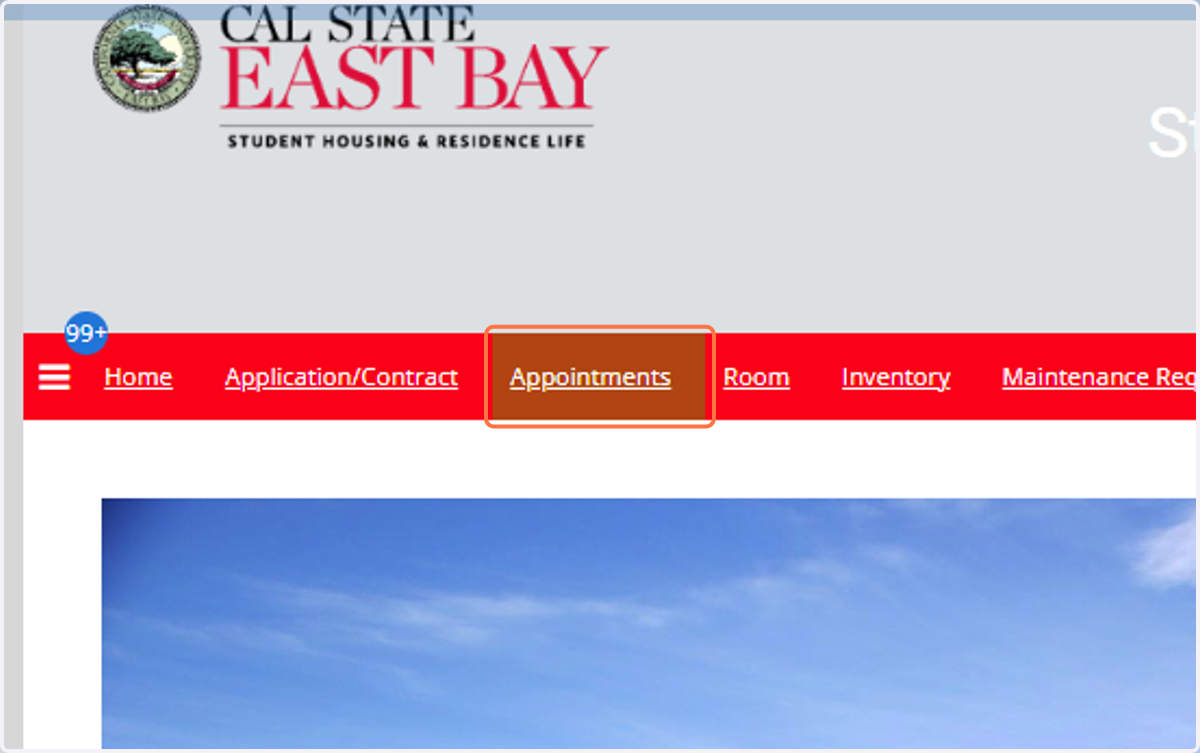
1. Click on Appointments
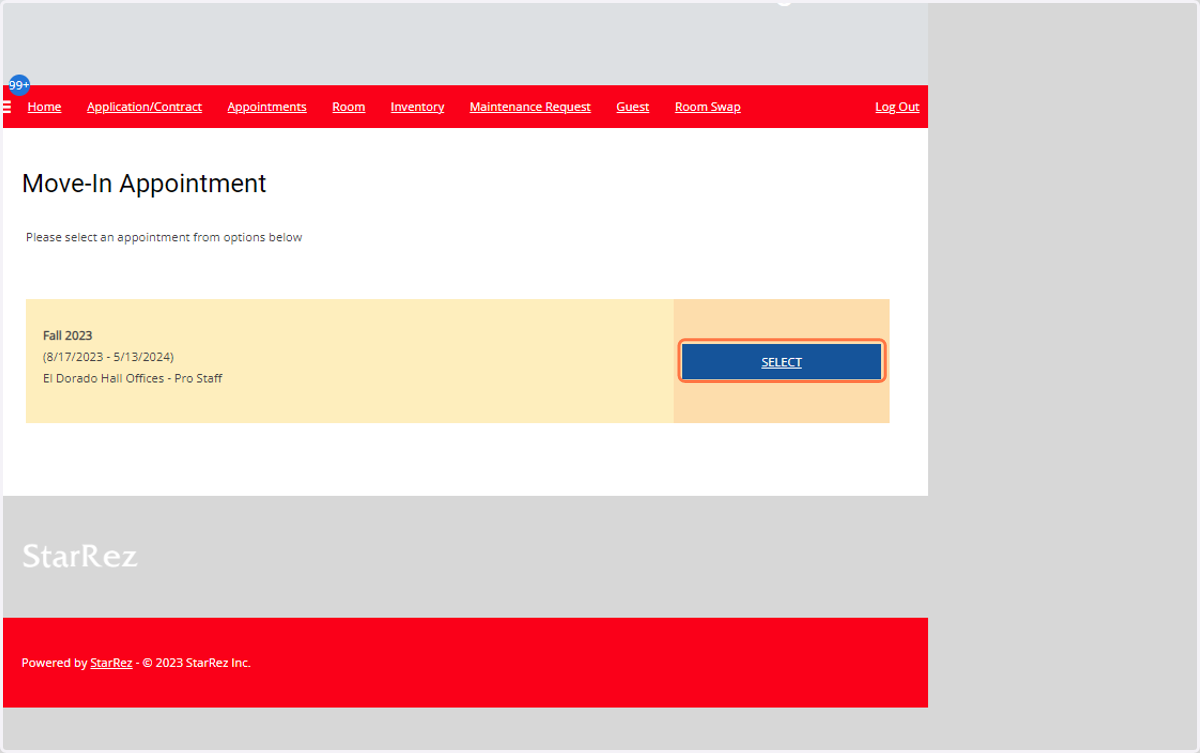
2. Click on SELECT
3. Click on the Calendar to select the assigned date
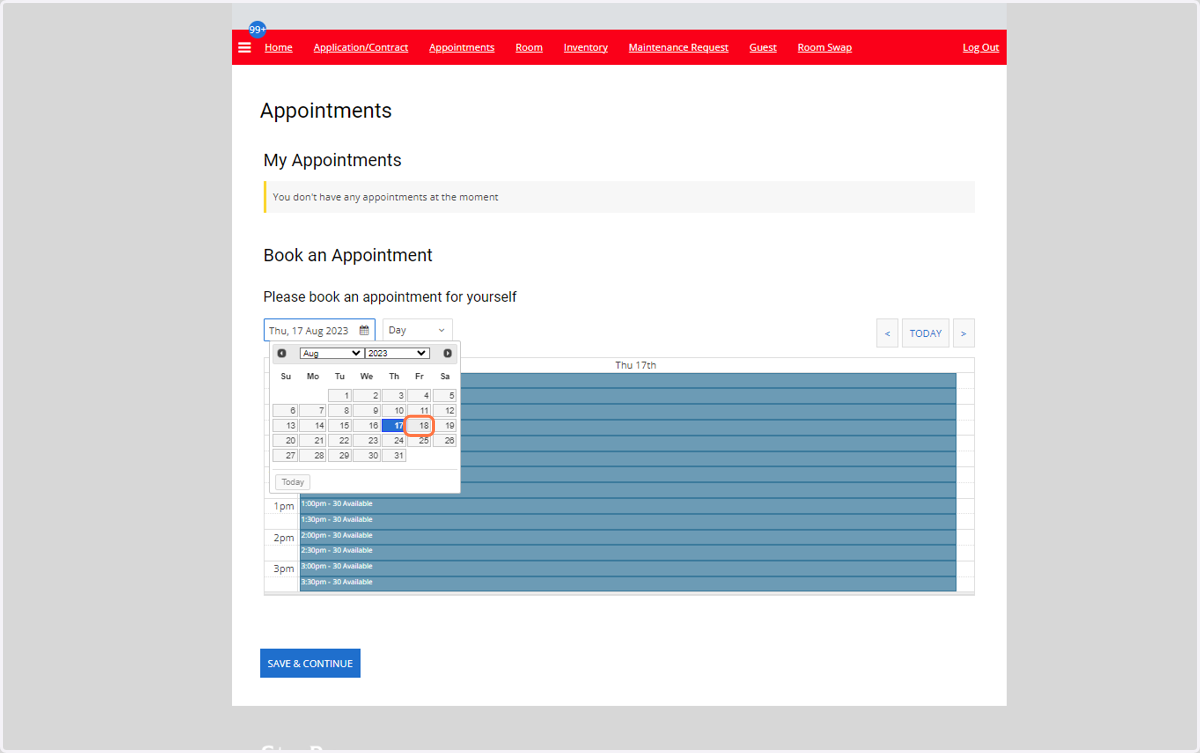
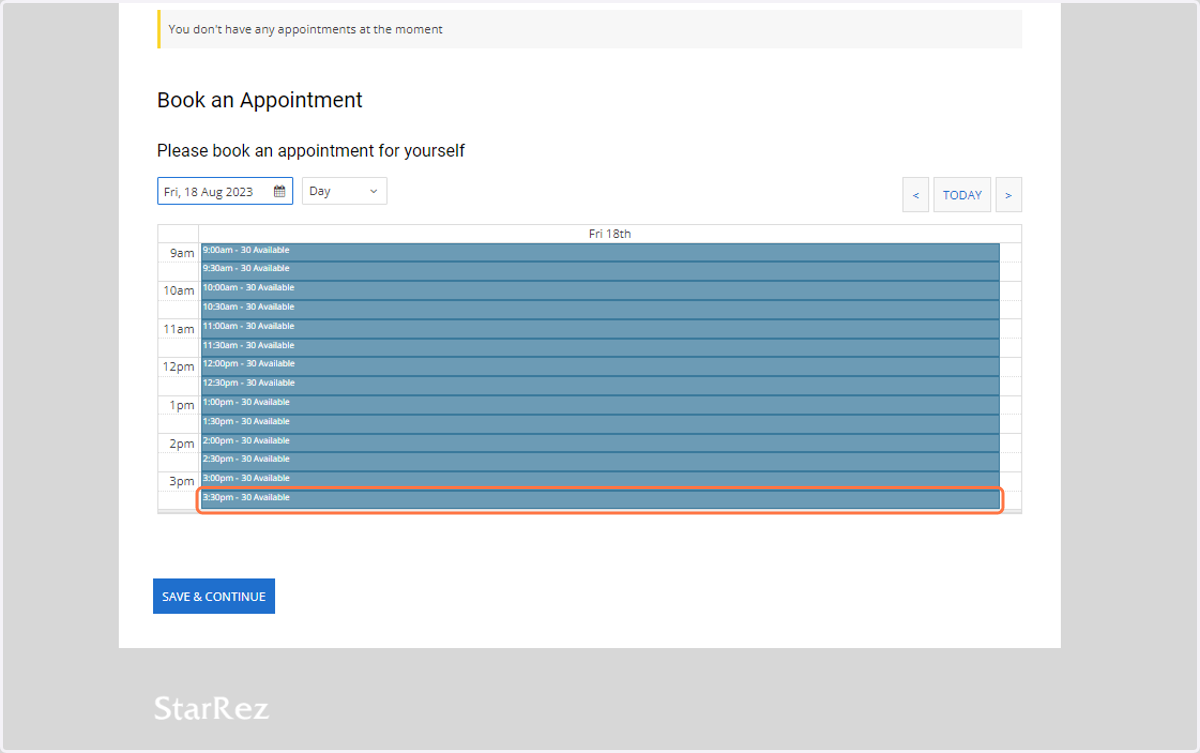
4. Click on the available timeslot
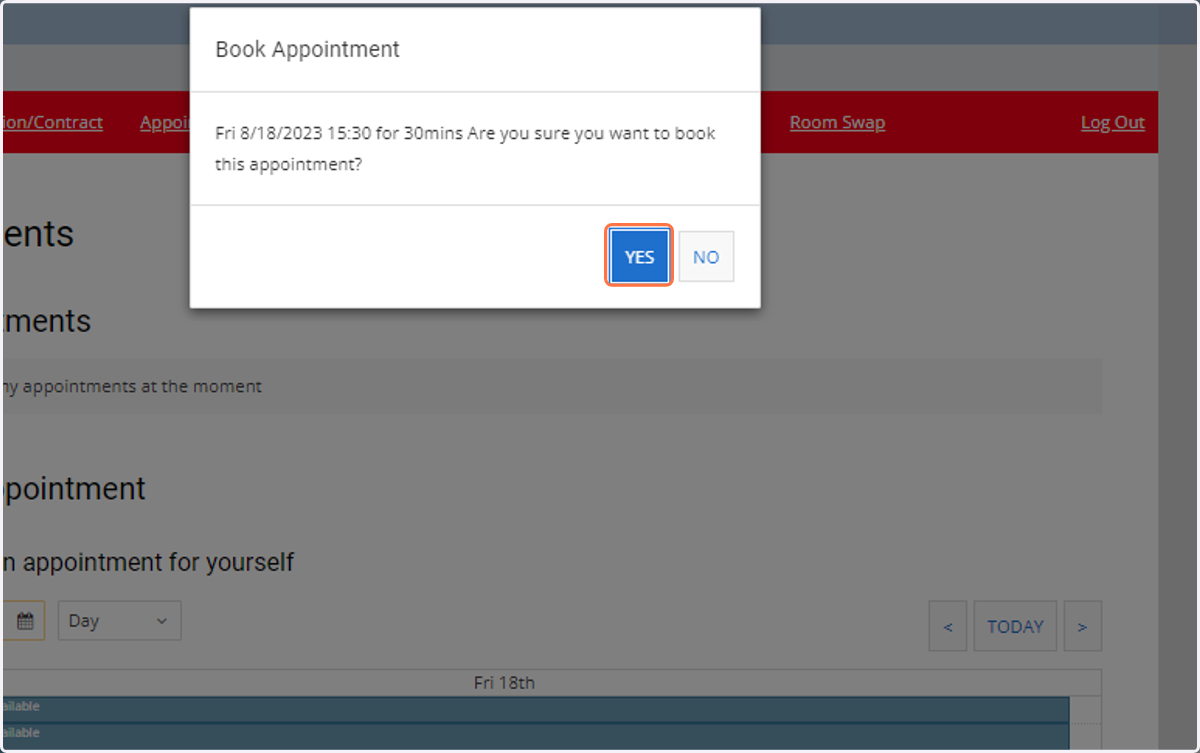
5. Click on Yes to book appointment
6. Click on Save & Continue
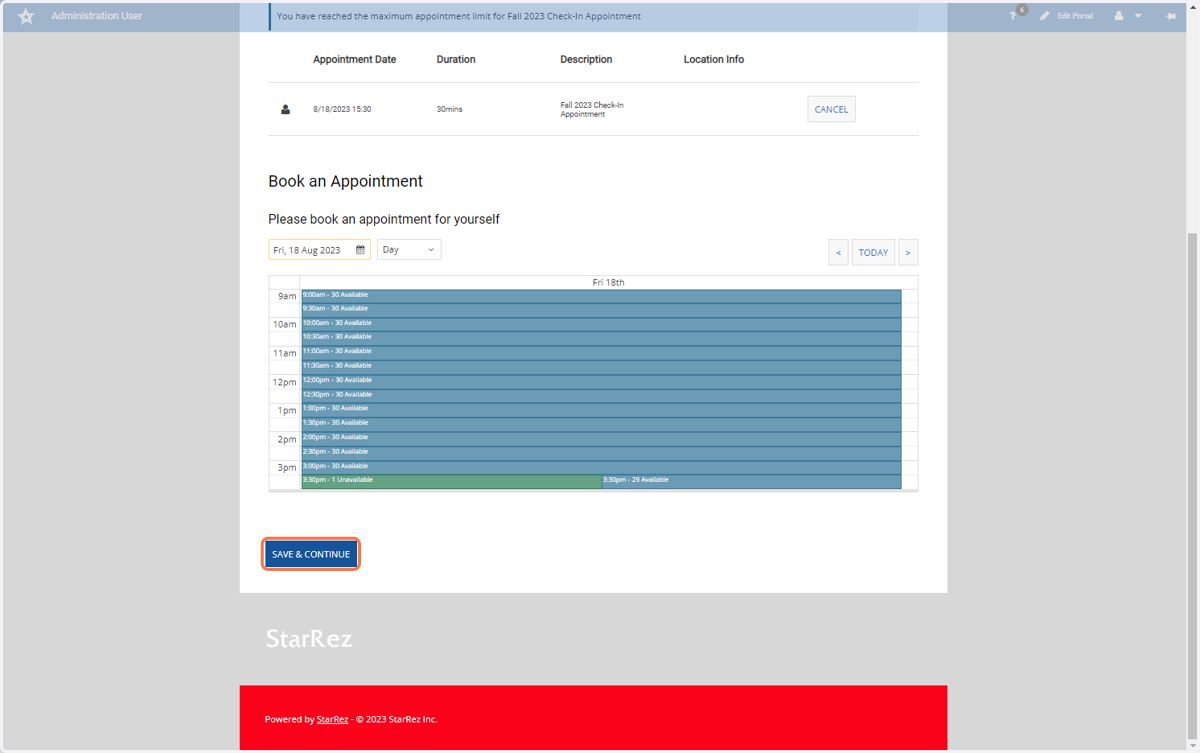
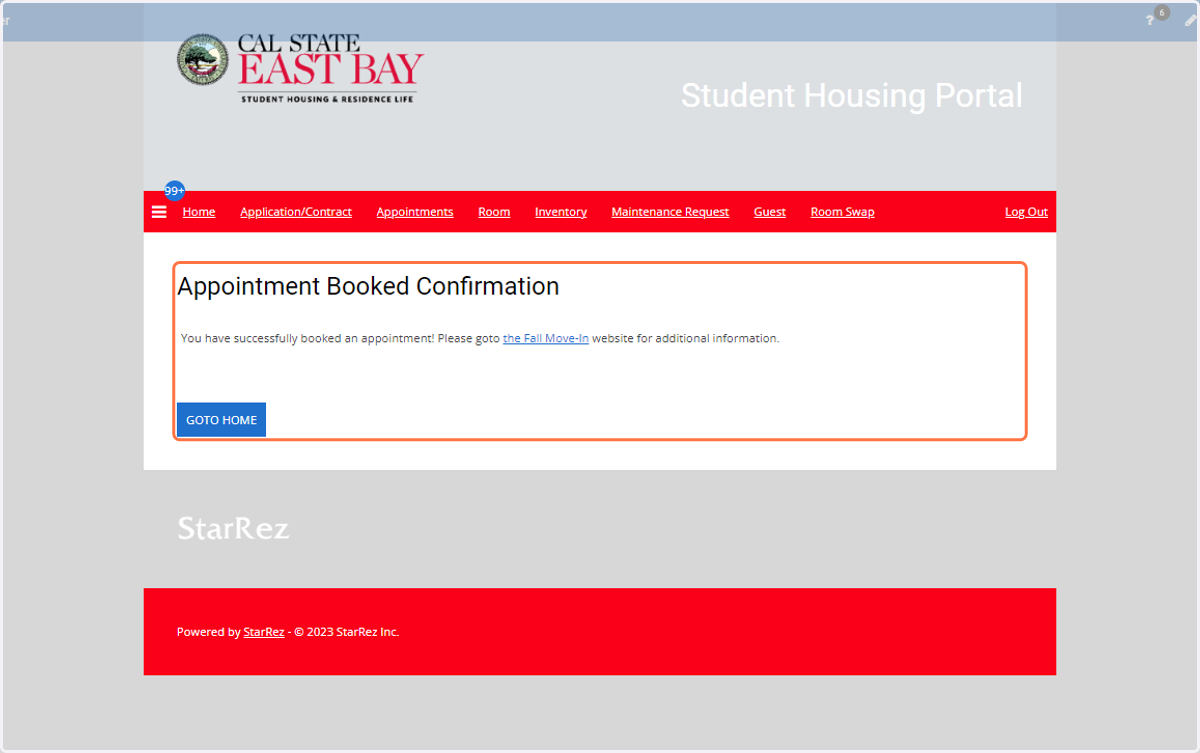
7. Congratulations your Appointment Booked is confirmed!