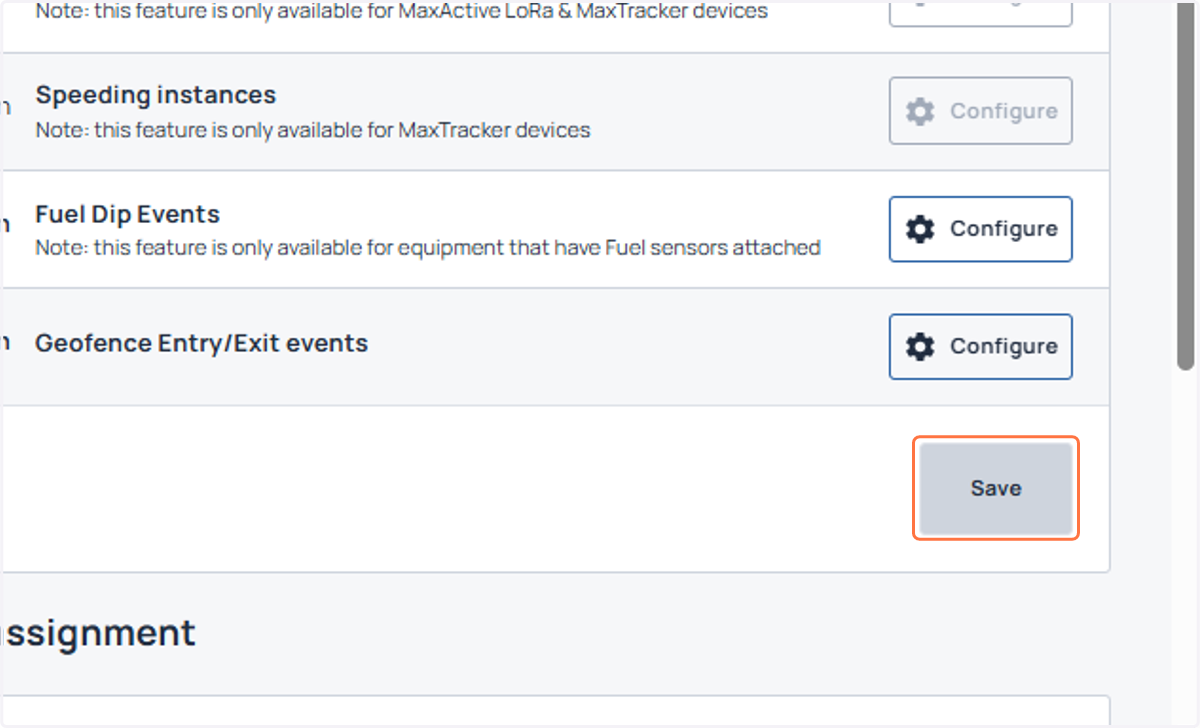
Enable Fuel dip Notifications
Fuel notifications can be enabled for a user. To make sure you see fuel notifications configurations, please turn ON the fuel flag for the organization. Also make sure that you have your mobile number added in the profile section, for receiving the WhatsApp alerts.
Login to Machinemax.com
1. Click on your profile
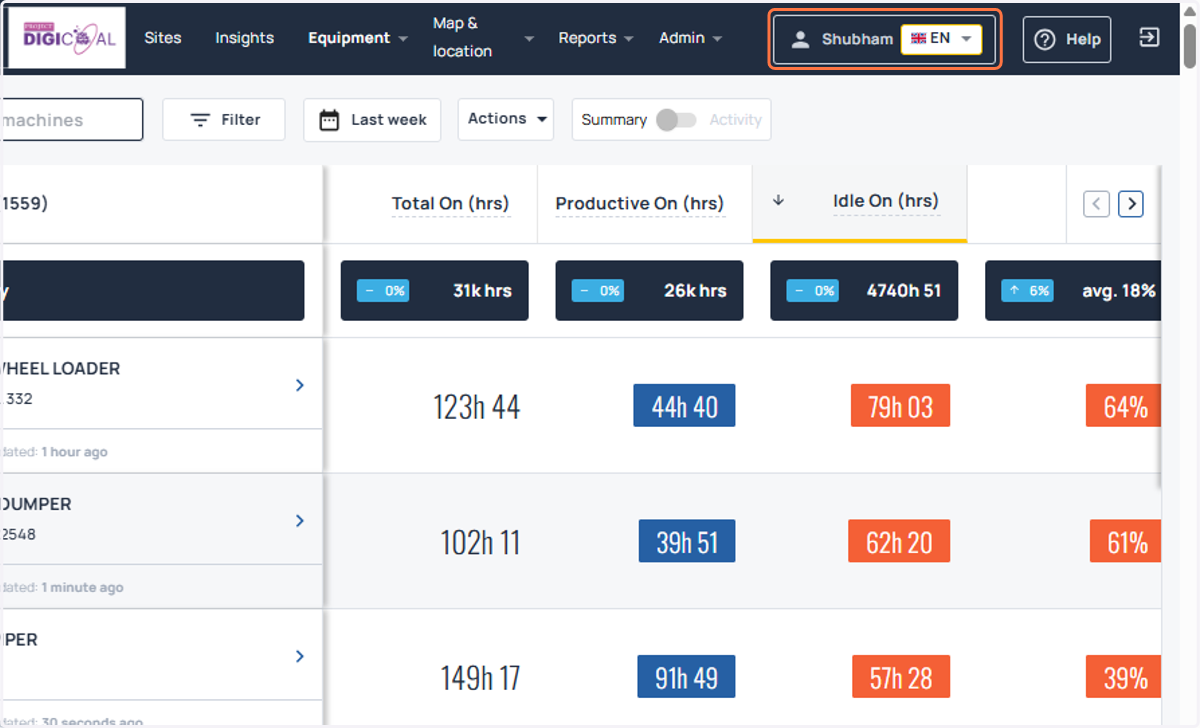
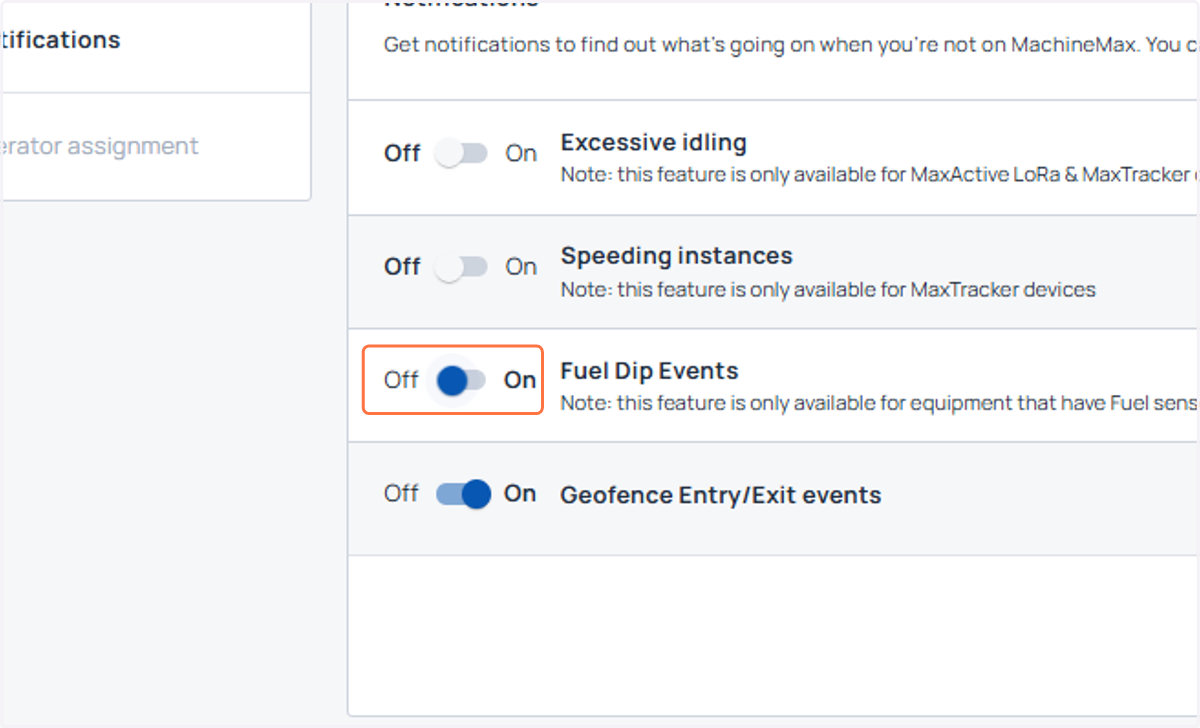
2. Check the fuel dip events as ON.
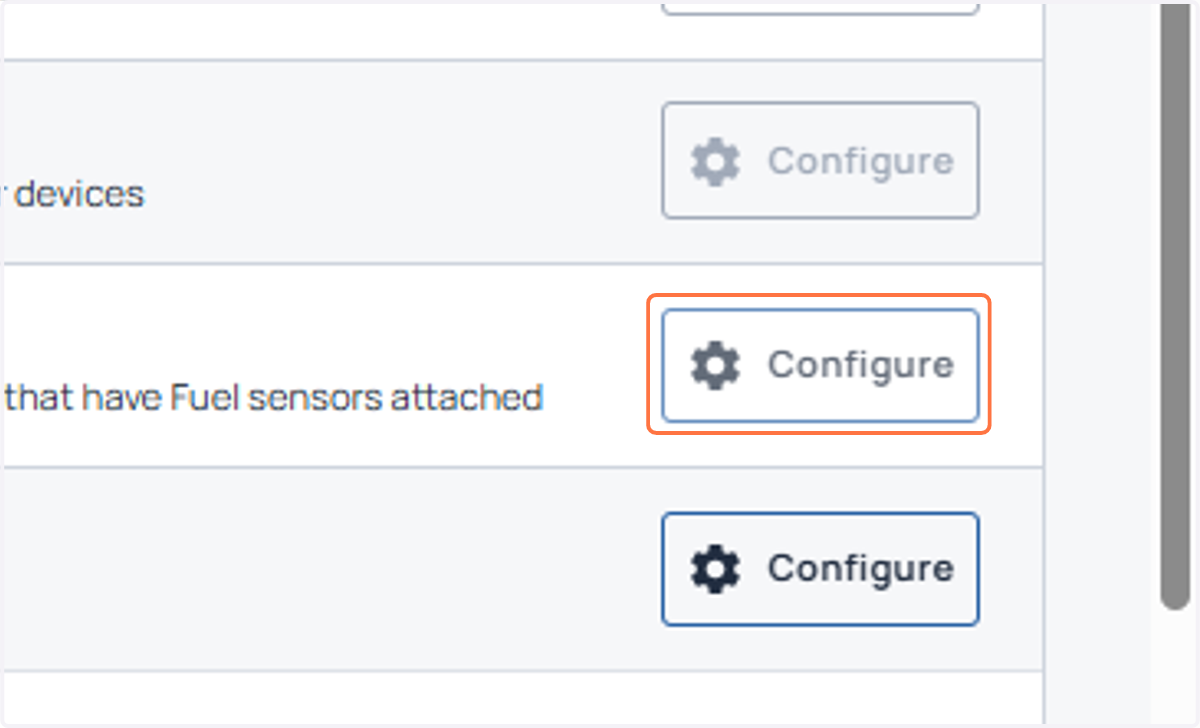
3. Once switched ON, click on configure to select the machines for which you want to be alerted for.
4. You can choose from below set of machines: All machines, Pre-defined groups, create a new group of machines for which you want to be notified.
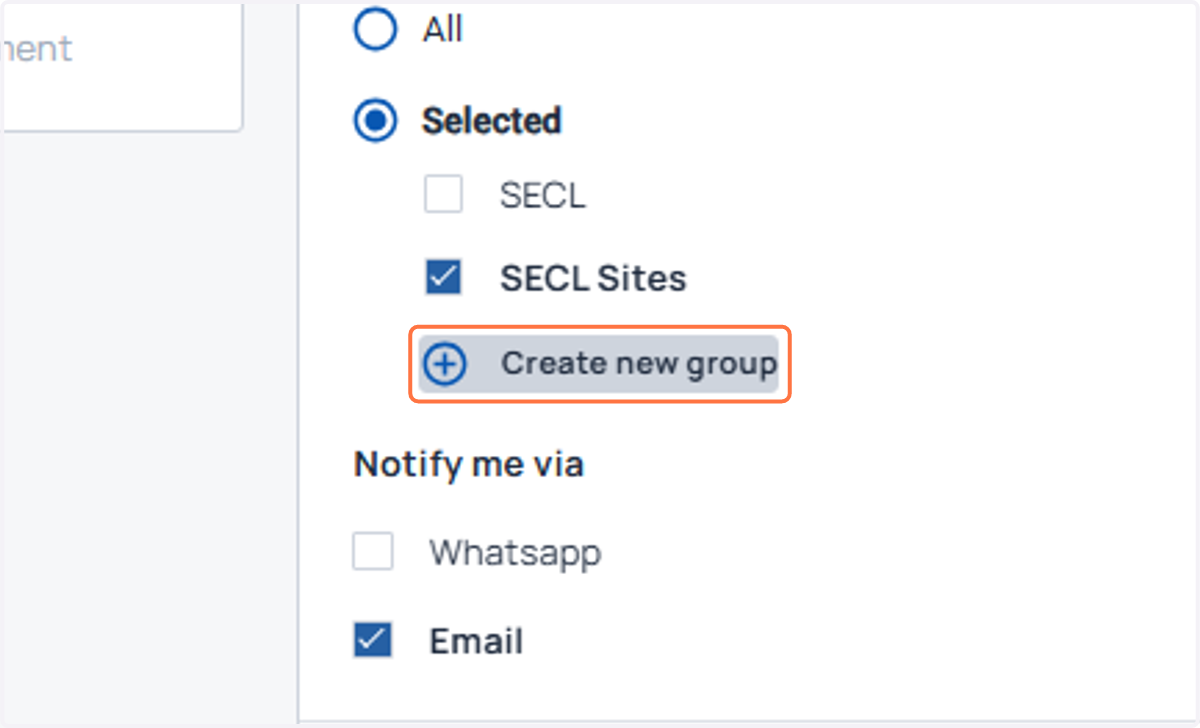
5. In this example, I am creating a group of dumper type machines.
You can create a group using all the filters that are present, along with combining two or more filters as well. For e.g all dumpers of a given site can be created as a group.
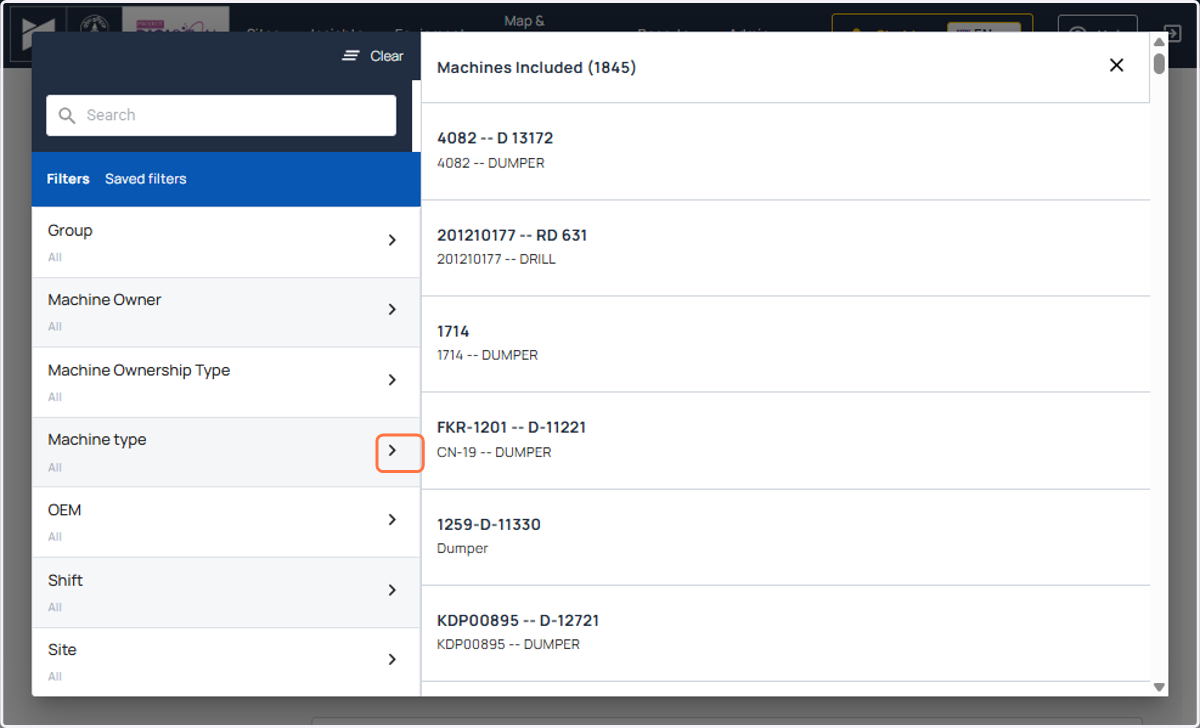
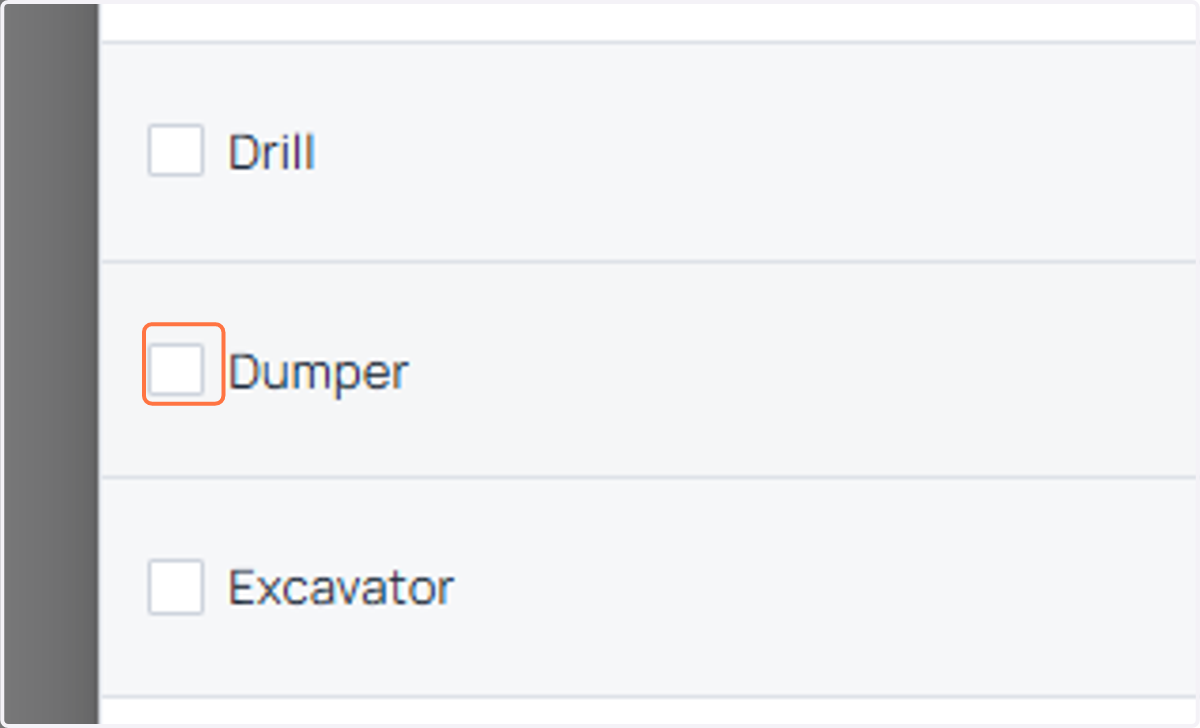
6. I have checked on dumper machine type for this example.
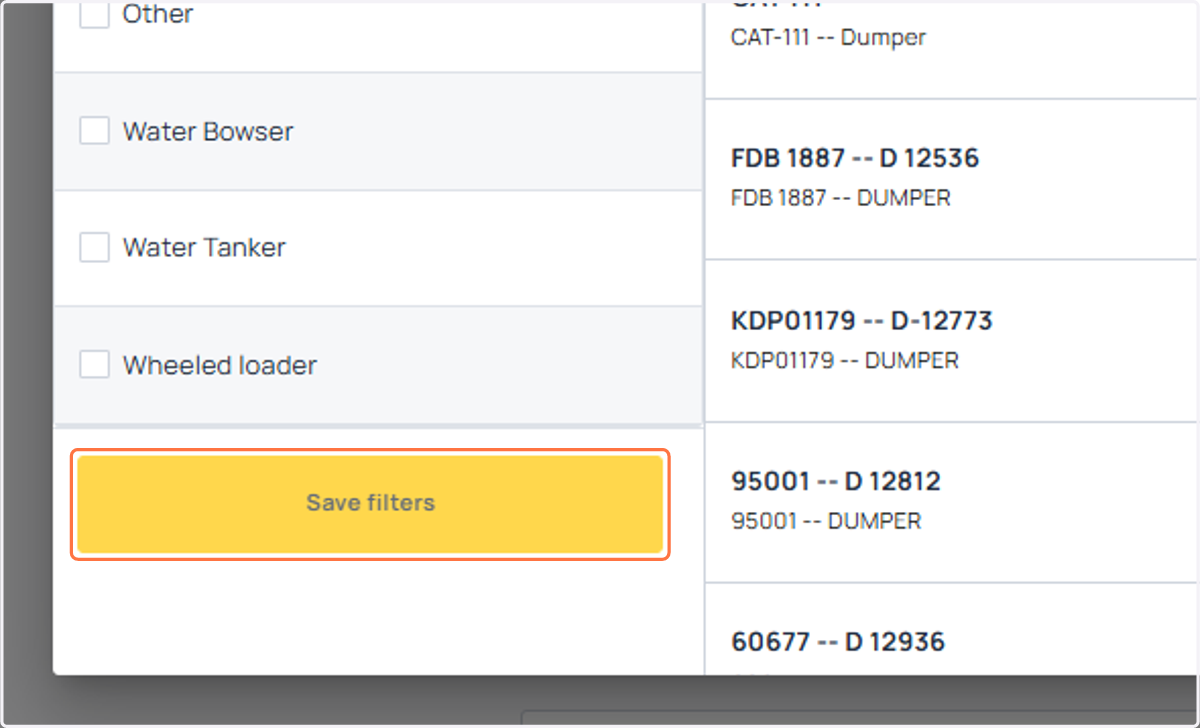
7. Scroll down and save the filter/group.
8. Suitably name the group of machines for easy identification. I have named the group as Dumpers Only in this example.
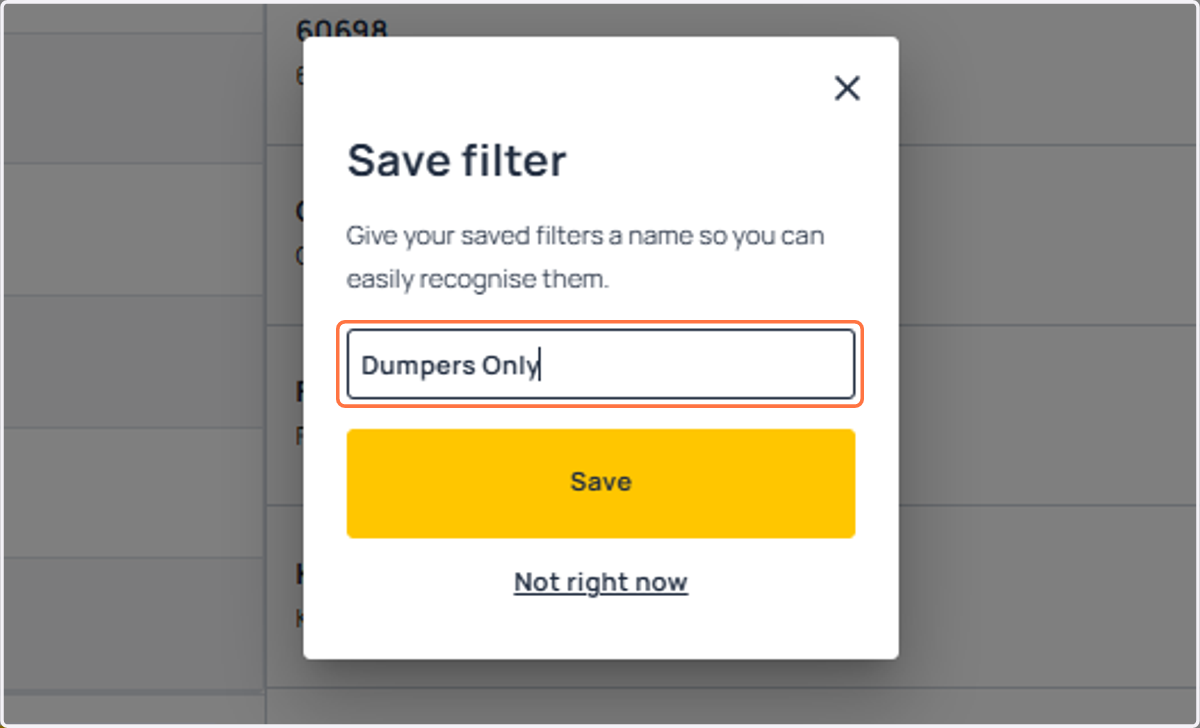
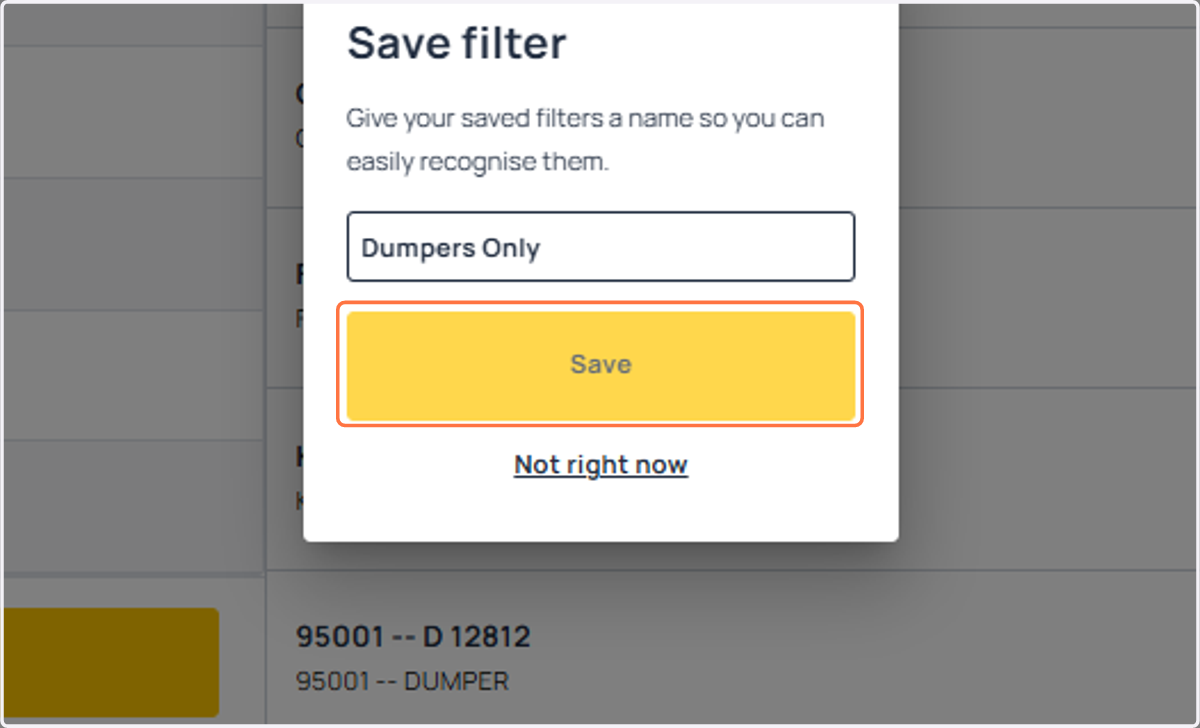
9. Click on Save
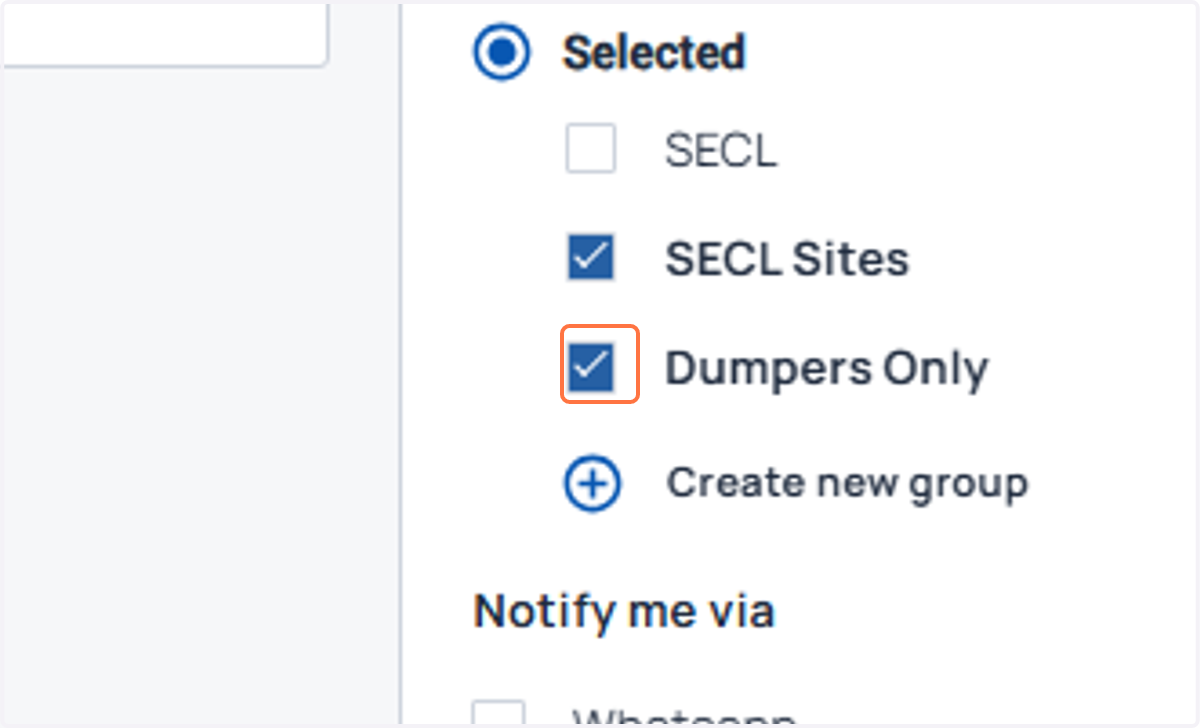
10. Check your newly created group of machines for which you want be notified.
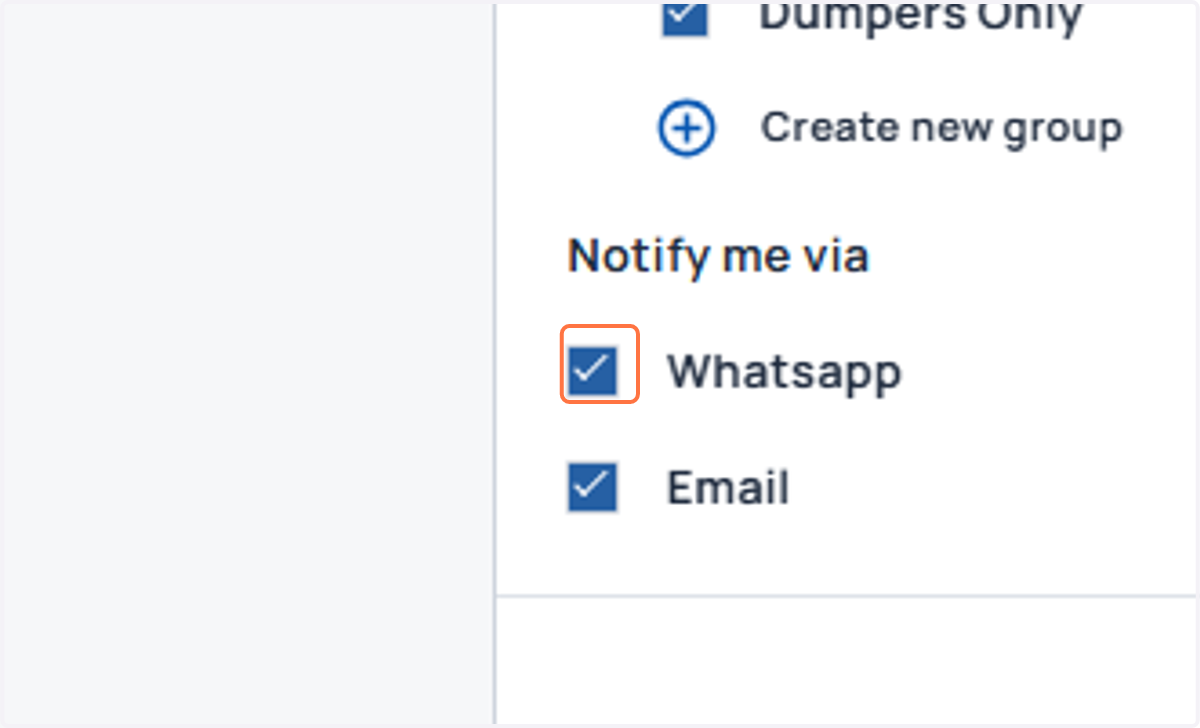
11. Check Whatsapp and Email as the medium of notification
12. Click on Save
13. Click on Save. Congratulations, you have set up fuel dip notifications for yourself on the Machinemax platform!