Configuring Opt-out Email Settings

  1. 1. Click on Settings and Configuration
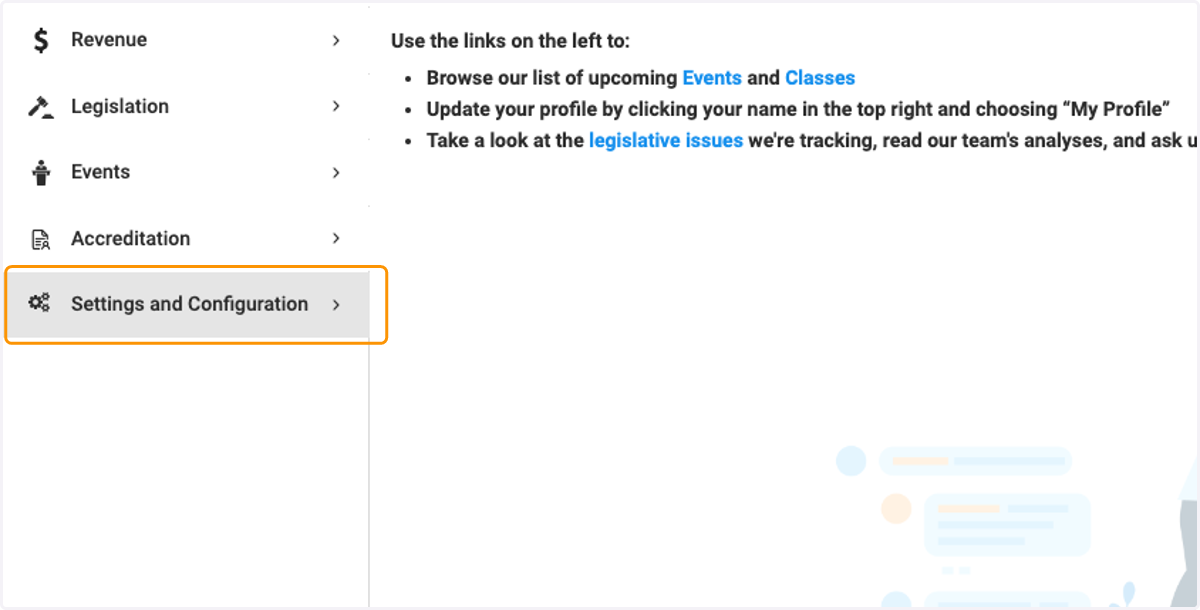
    Click on Settings and Configuration
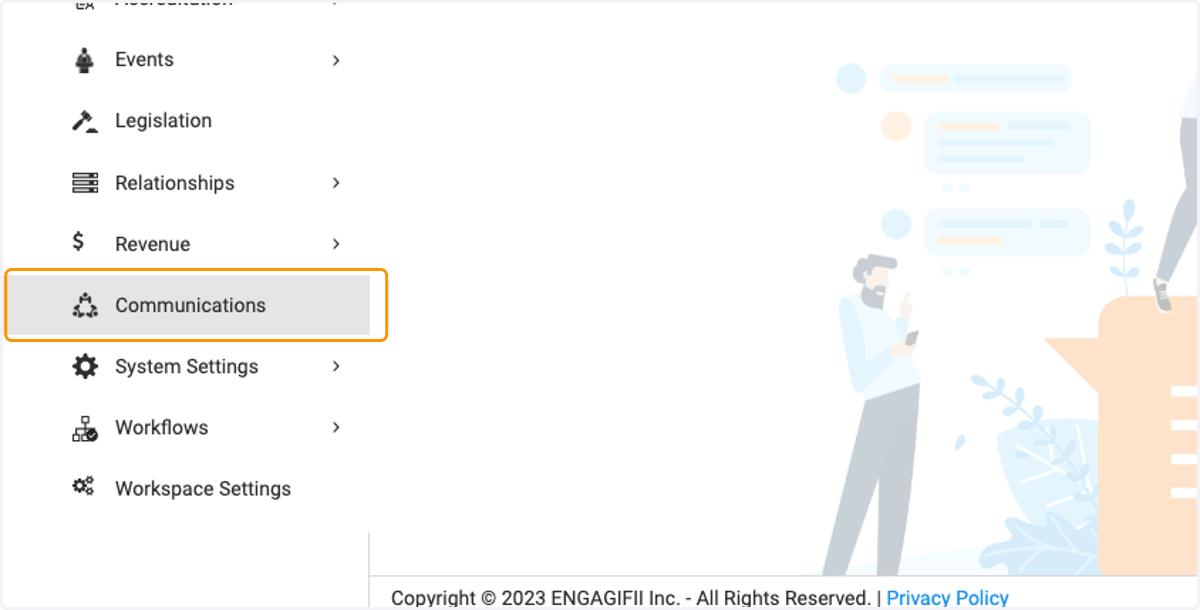
  2. 2. Click on Communications

    Click on Communications
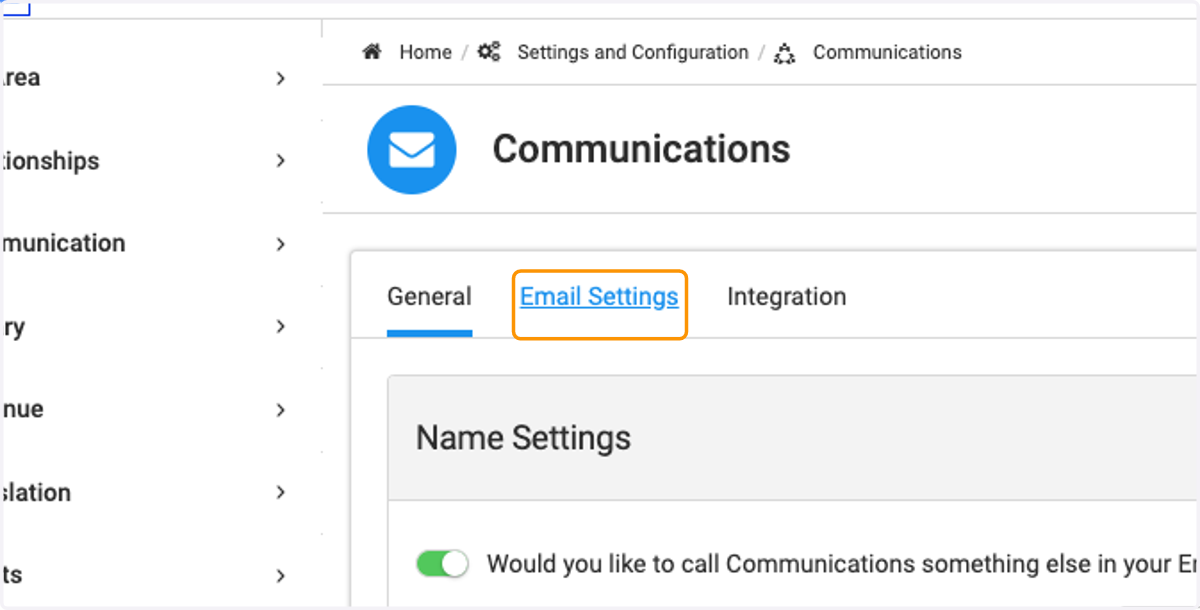
  3. 3. Click on Email Settings

    Click on Email Settings
  4. 4. Click on drop down arrow to configure footer information
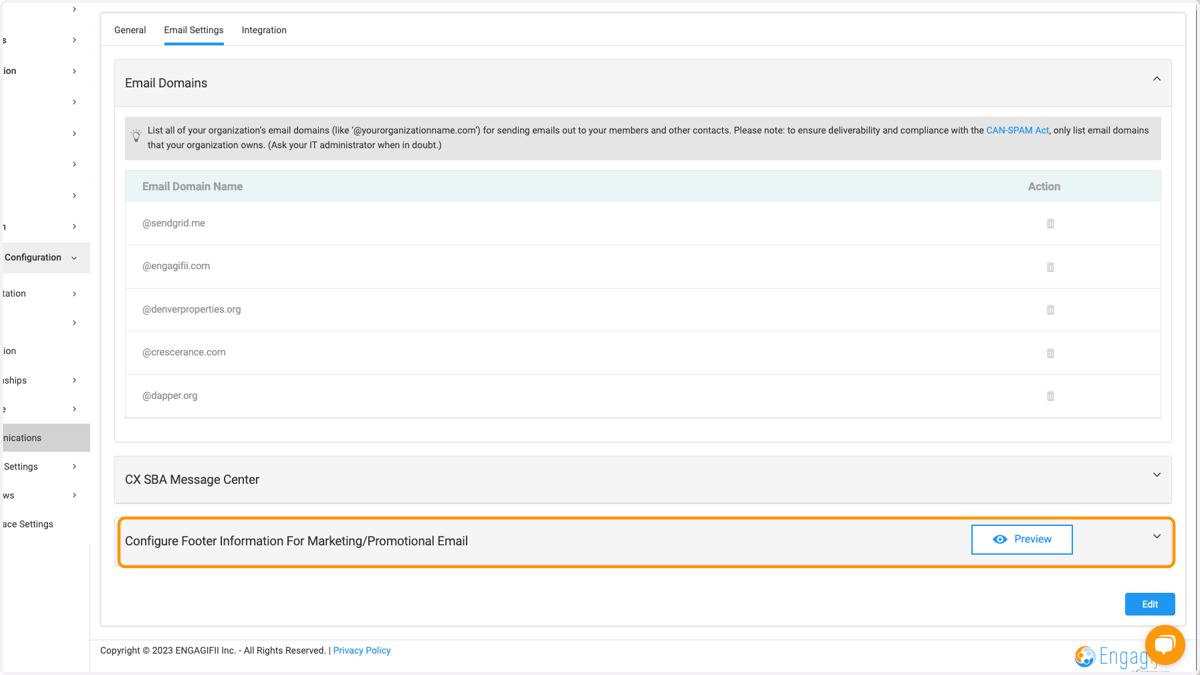
    Click on drop down arrow to configure footer information
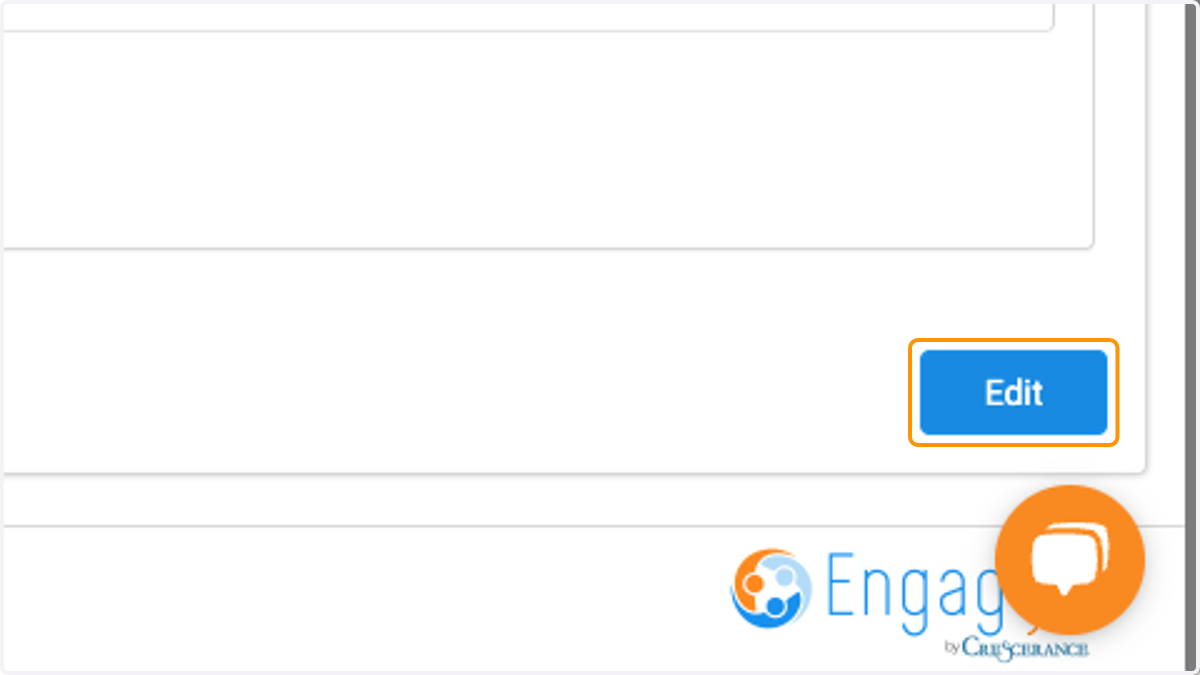
  5. 5. Click on Edit

    Click on Edit
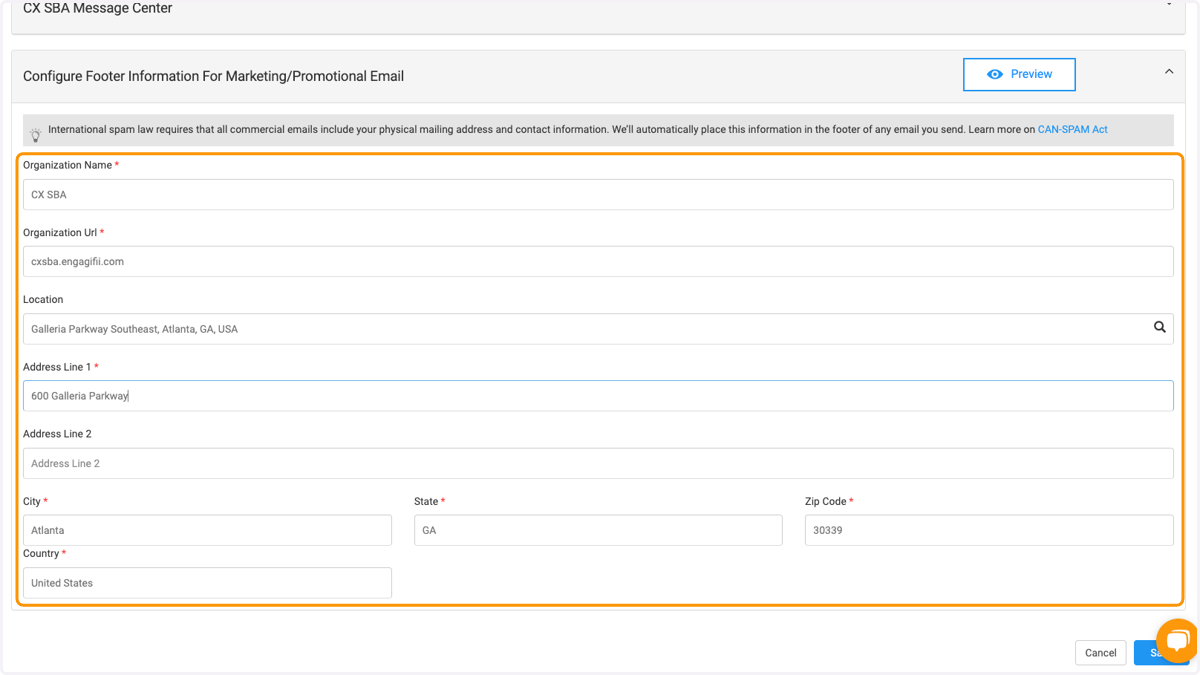
  6. 6. Complete the mandatory fields

    Complete the mandatory fields
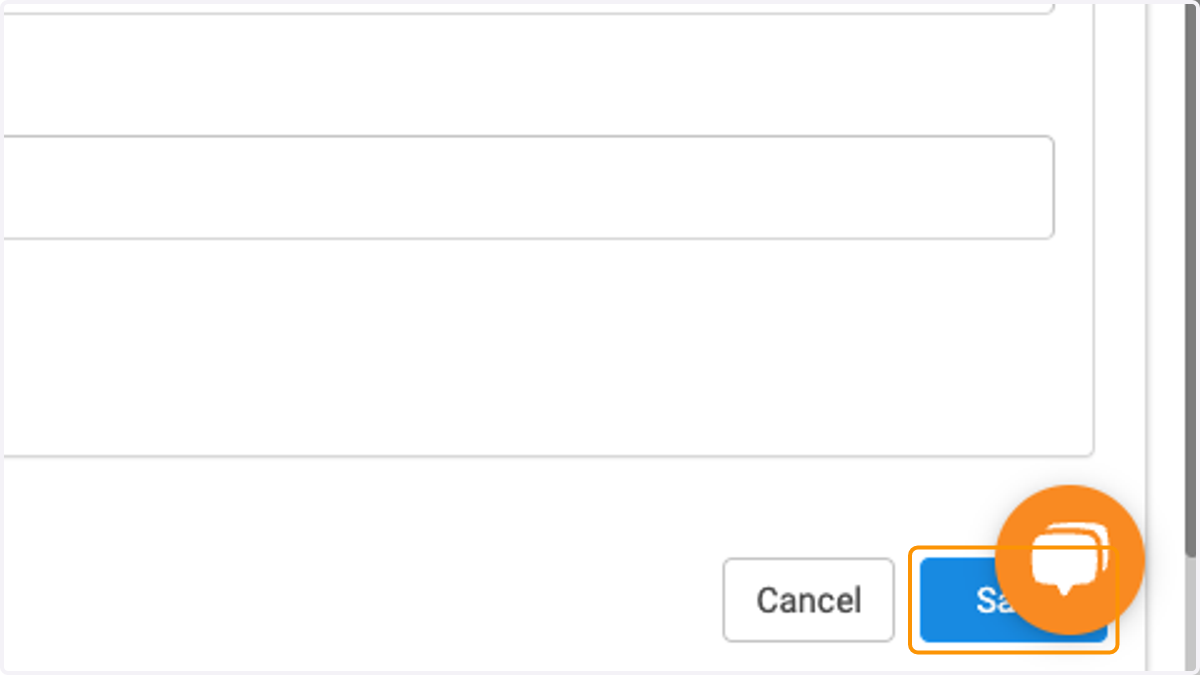
  7. 7. Click on Save

    Click on Save
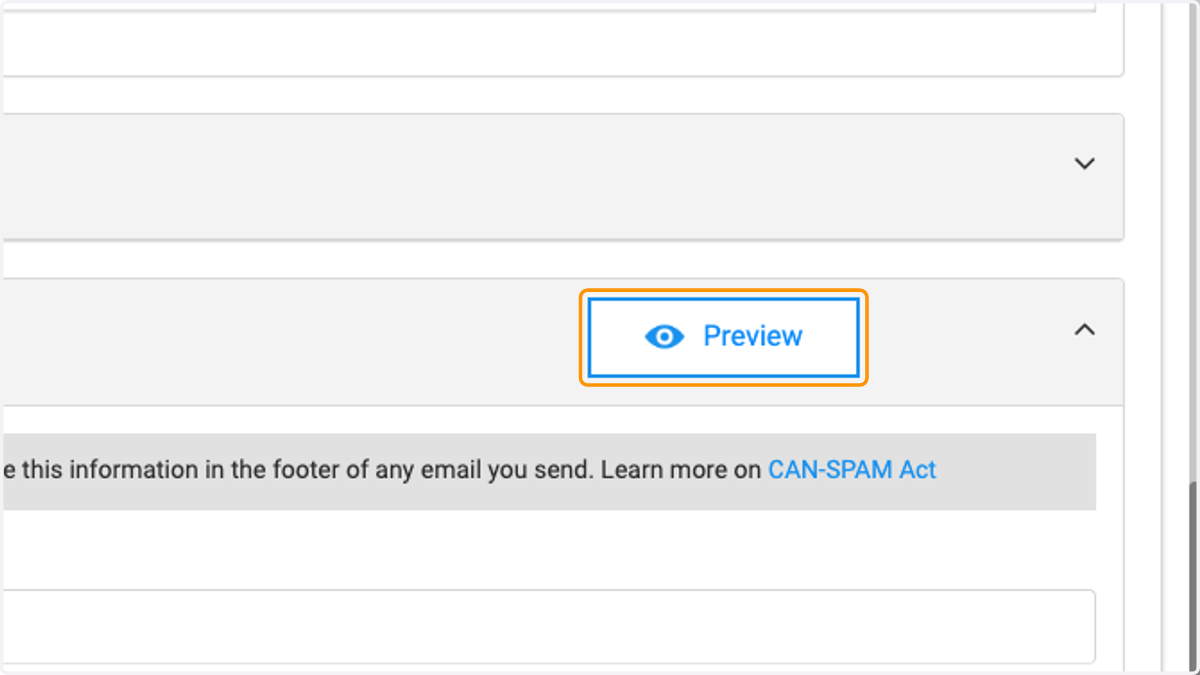
  8. 8. Click on Preview

    Click on Preview
  9. 9. You can view the footer with company information and unsubscribe link
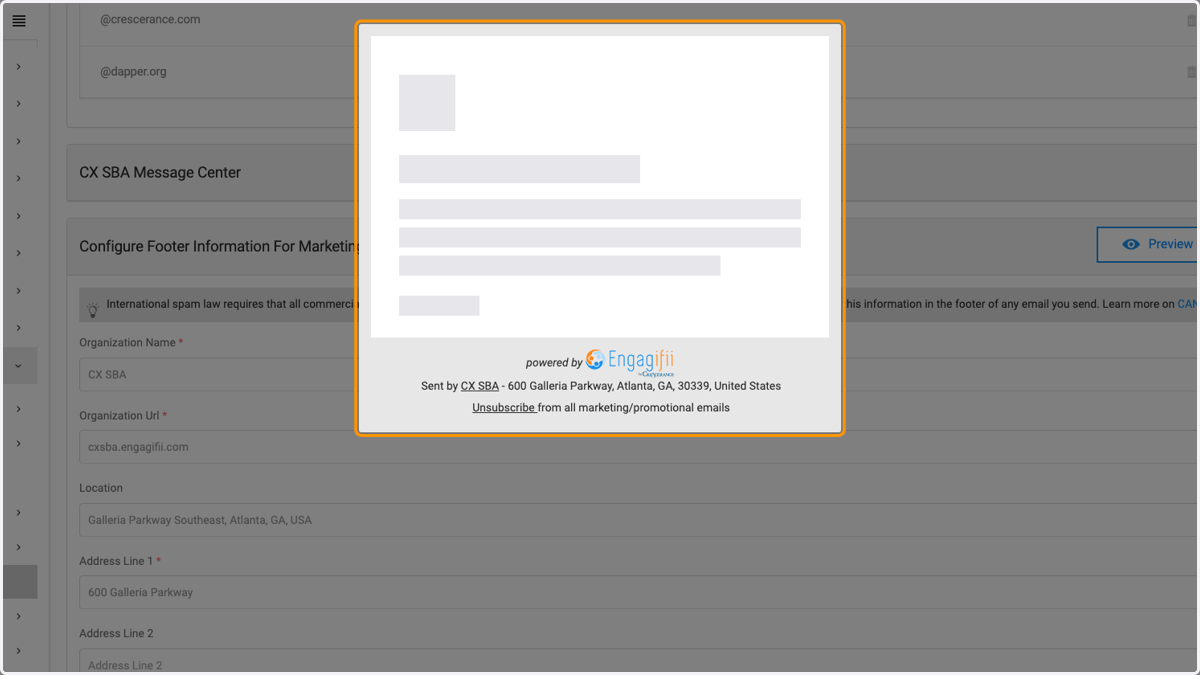
    You can view the footer with company information and unsubscribe link