Designate Primary Payer
The Primary Payer is the person responsible for paying the resident's bill each month.
You must select a primary payer prior to lease signing. If your community uses RentCafe, the designated primary payer is the individual who will receive the invitation to create an account.
Please note that the applicant must be in Future Resident status.
Open Future Residents Profile
1. Click on Profile
The primary payer selection is located on the side bar under Profile. If the applicant is going be the primary payer, no further action is needed. This field will always default to the resident's payer number.
If the primary payer is someone else, you will need to add to the applicant's contact list.

2. Click on Marketing

3. Click on Marketing
This will show you who is the current primary payer. Residents are typically assigned as primary payer unless otherwise changed. We are going to switch that to a different contact.

4. Click on Contacts

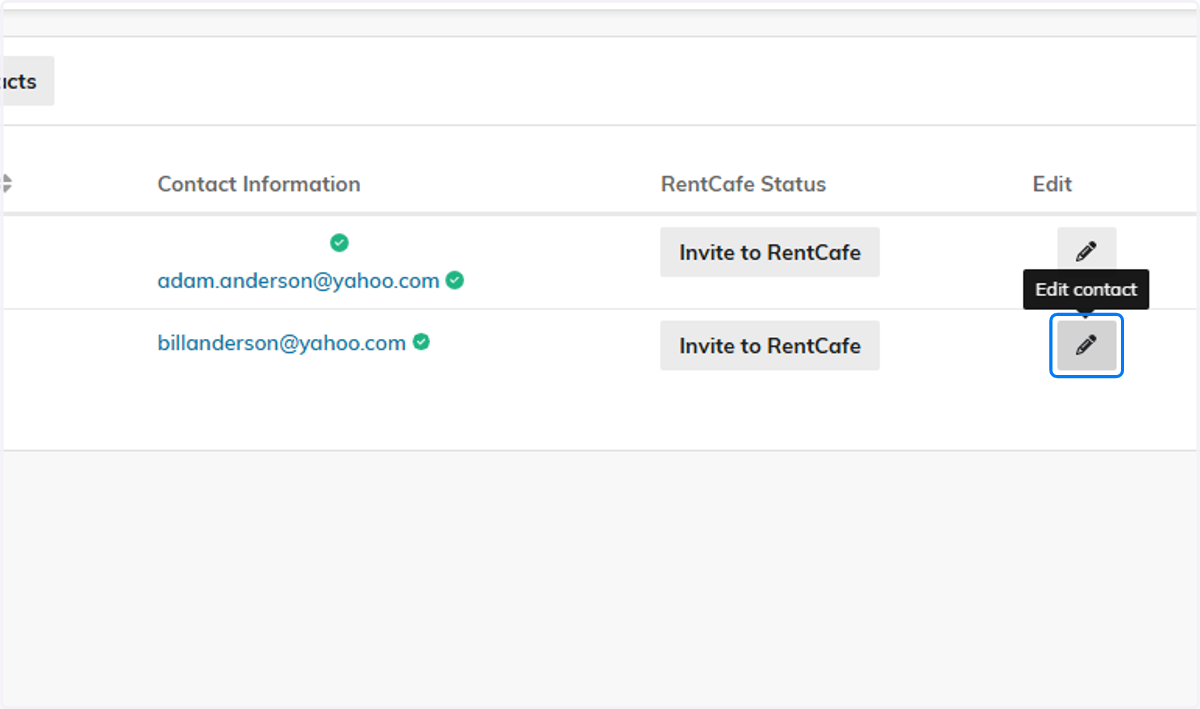
5. Click on Edit contact
Find or add the contact that will be the primary payer. If the contact is already added, select the pencil icon to edit the record.
6. Click on contact Email
In the email section, enter a valid email address for your payer contact. Otherwise, this payer will not be able to join RentCafe

7. Toggle Payer
Scroll down to the Payer Options section and toggle Payer on.

8. Click on Save

9. Click on Profile

10. Click on Marketing

11. Click on Marketing
From the Primary Payer dropdown, you can now see the new payer contact followed by an 8-digit payer number. Select the desired payer from this list.

12. Click on Anderson, Bill (90550252)

13. Click on Save
