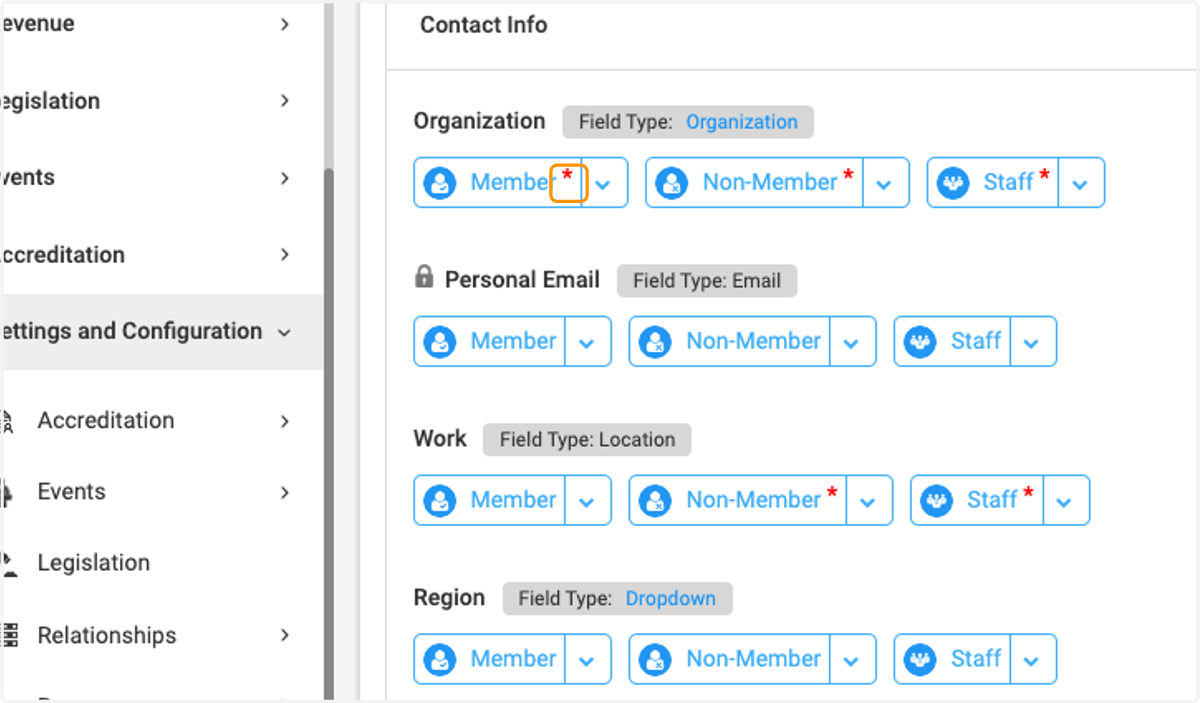
Setting Field Visibility for Different Person Types
CXSBA Home: Powered by Engagifii
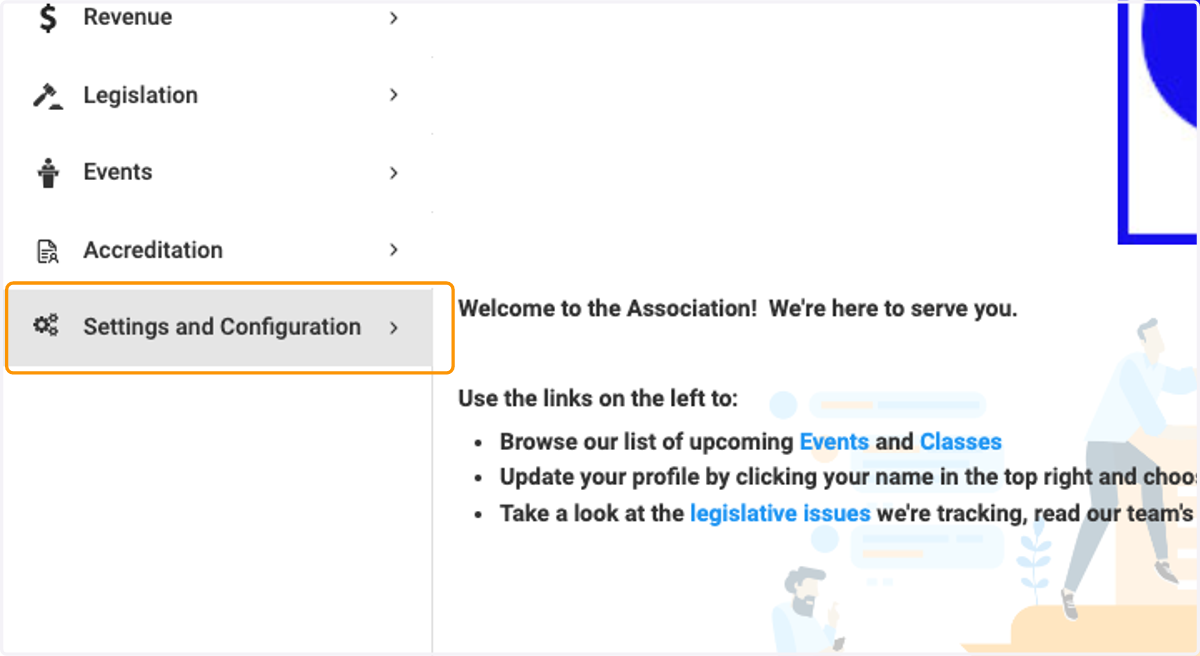
1. Click on Settings and Configuration
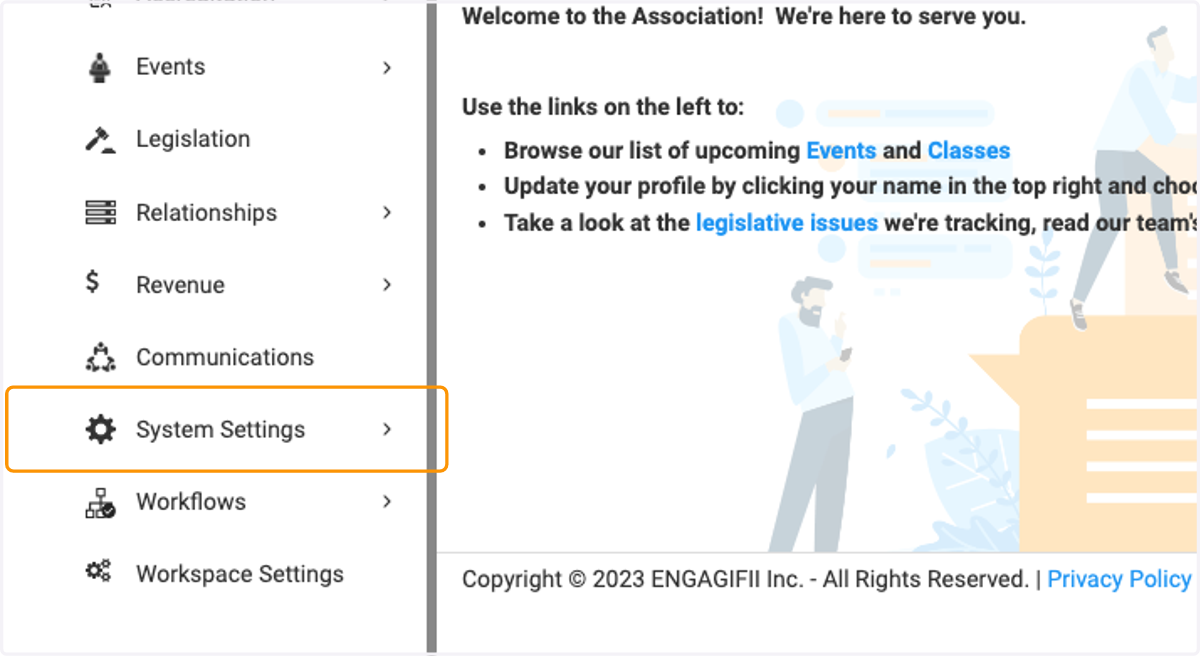
2. Click on System Settings
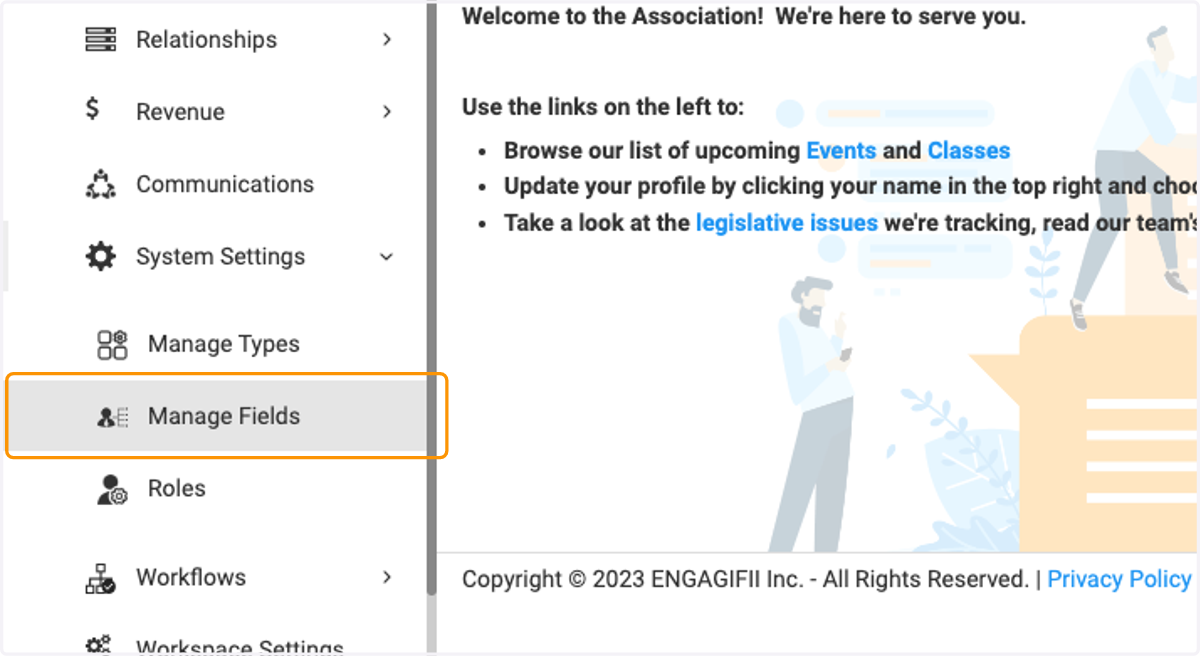
3. Click on Manage Fields
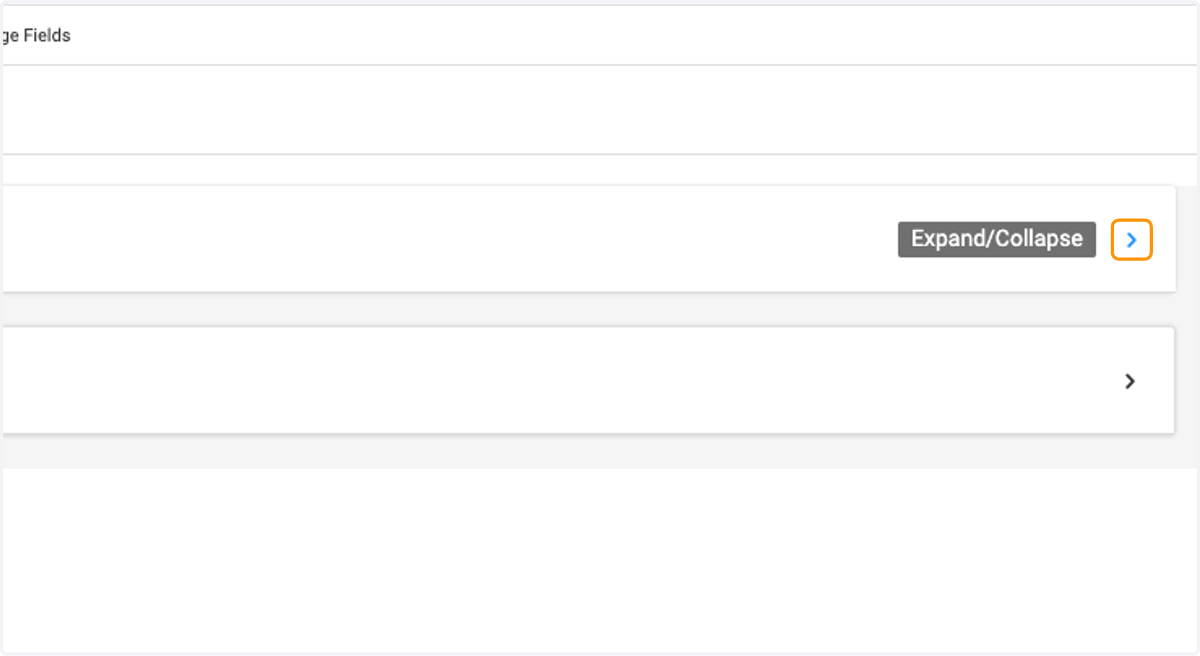
4. Click to expand
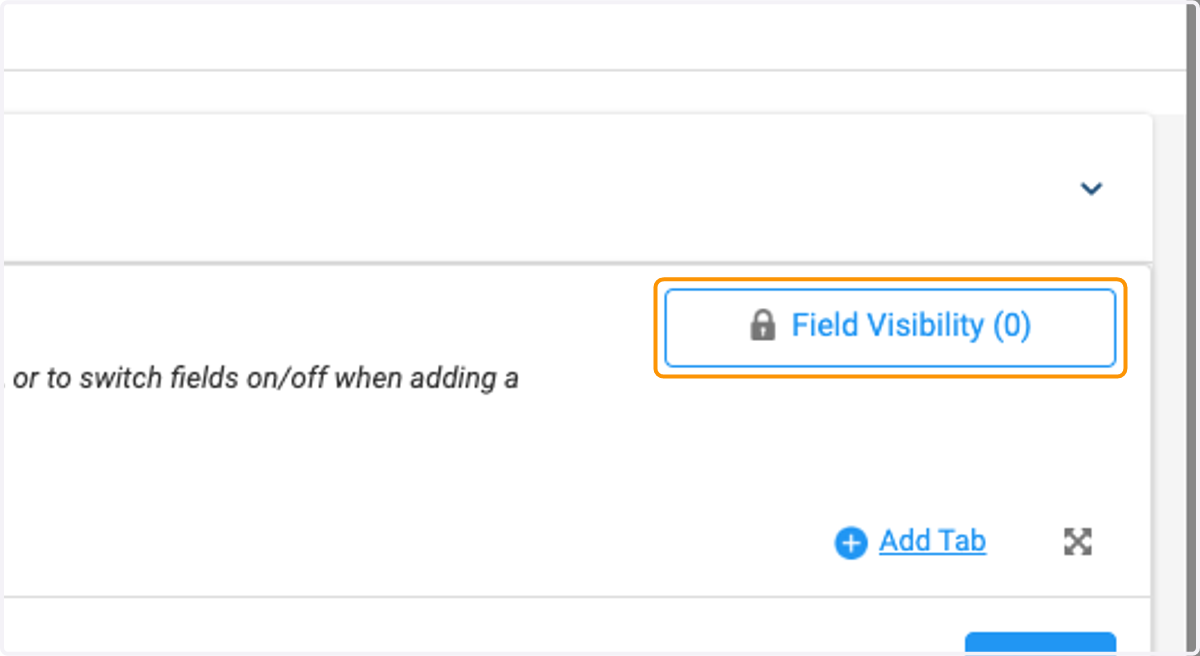
5. Click on Field Visibility
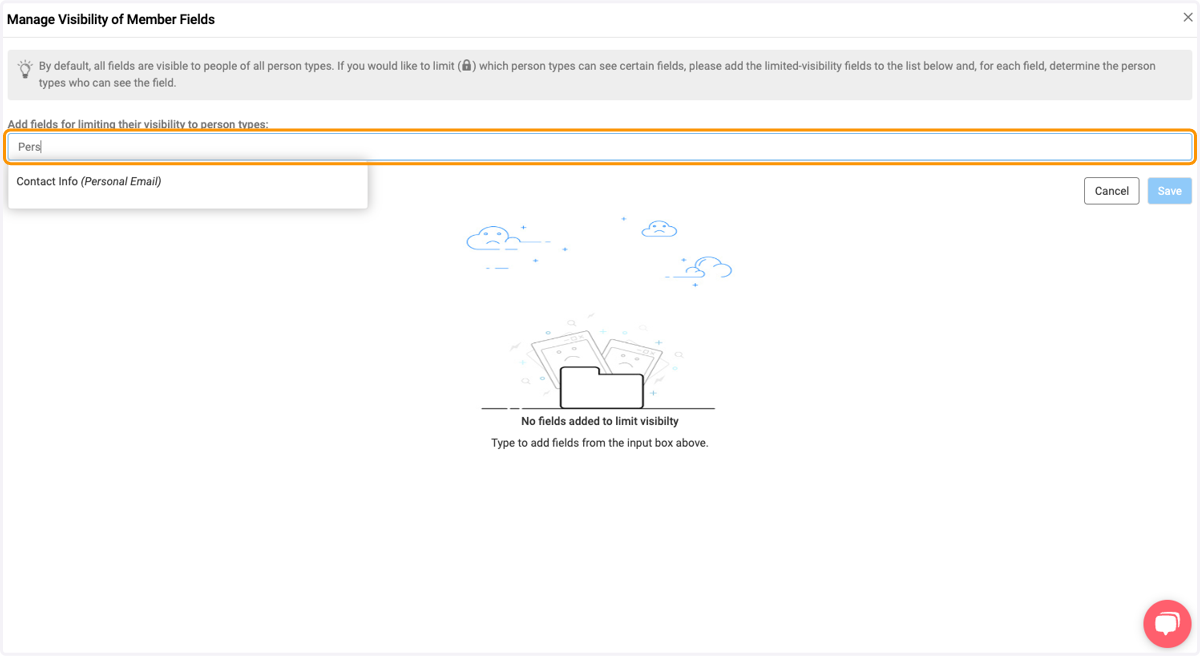
6. Search the field you would like to set visibility for
I would like to change the visibility of personal email to staff only. So I am searching the field " "personal email."
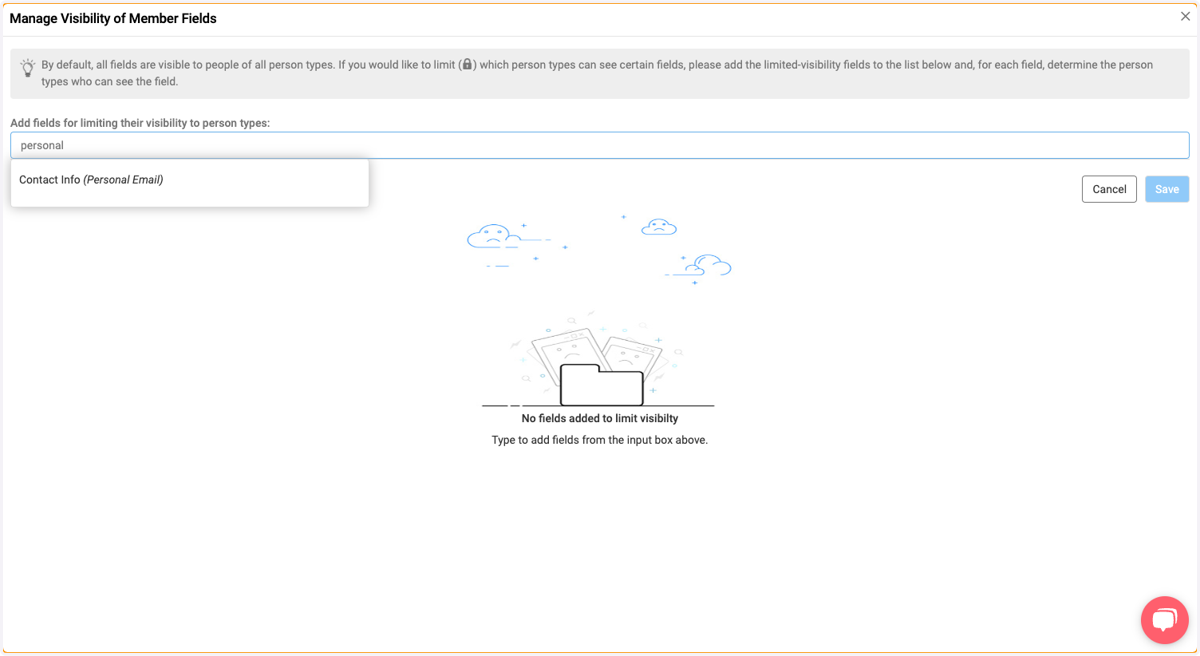
7. Select the field you would like to change
I am selecting "Personal Email"
8. Click on Manage Visibility of Member Fields…
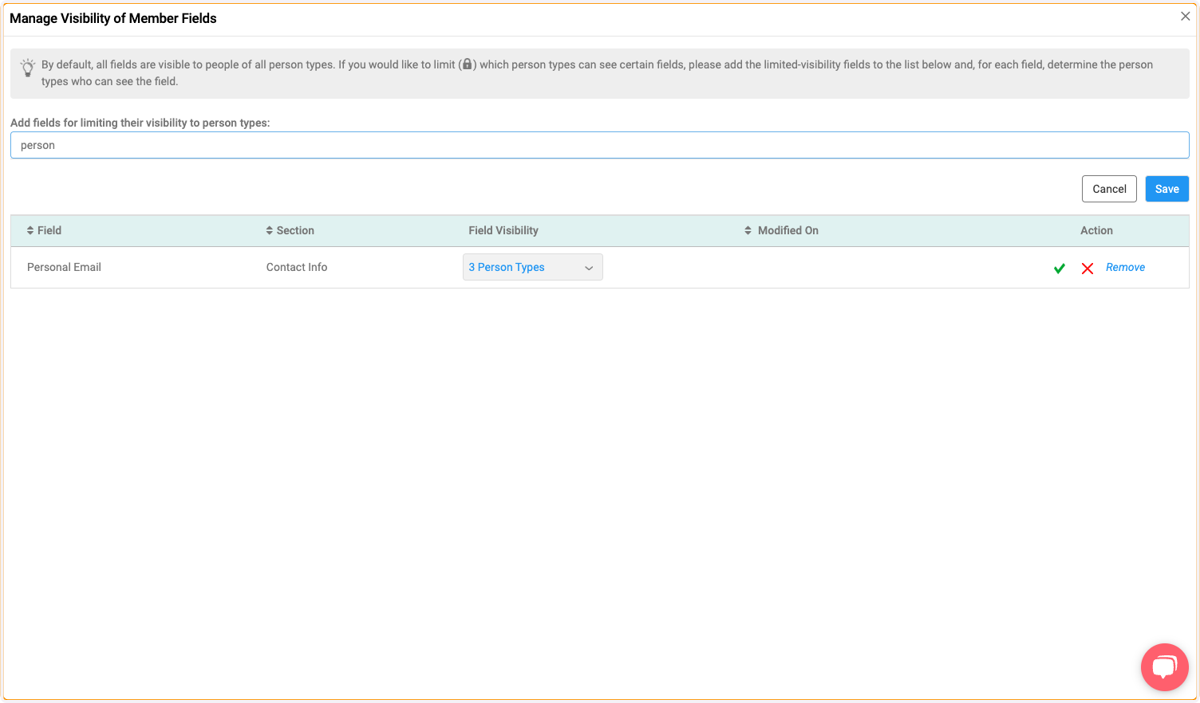
9. Make sure the selected person types are who you would like to have viewing access to this field.
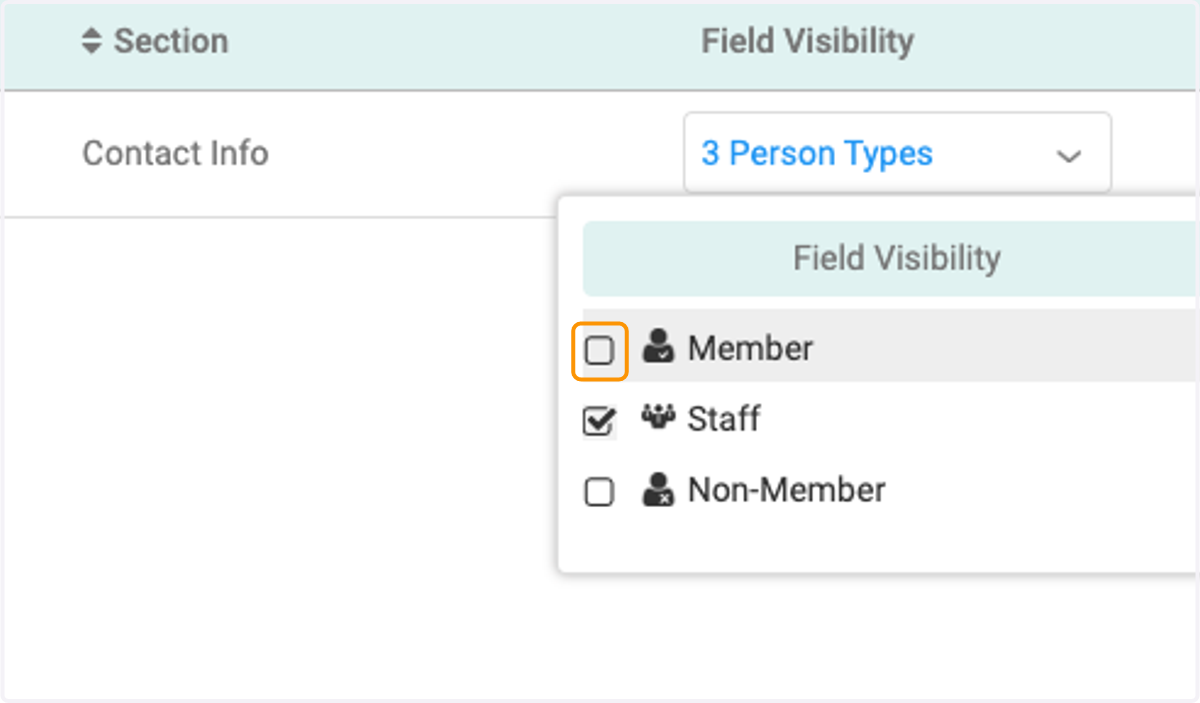
I only want staff to view the "Personal Email" so I am deselecting the person type "Non-Member" and "Member"
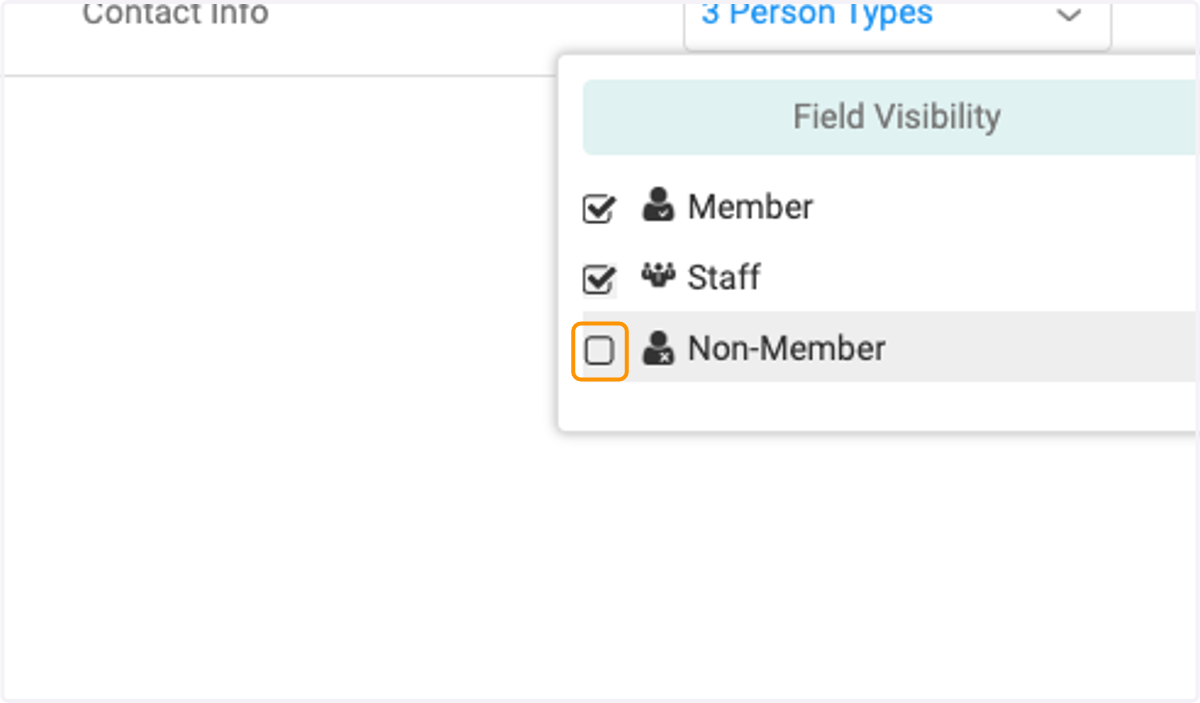
10. (Continued)
11. Click on the green check mark to save the setting on that field.
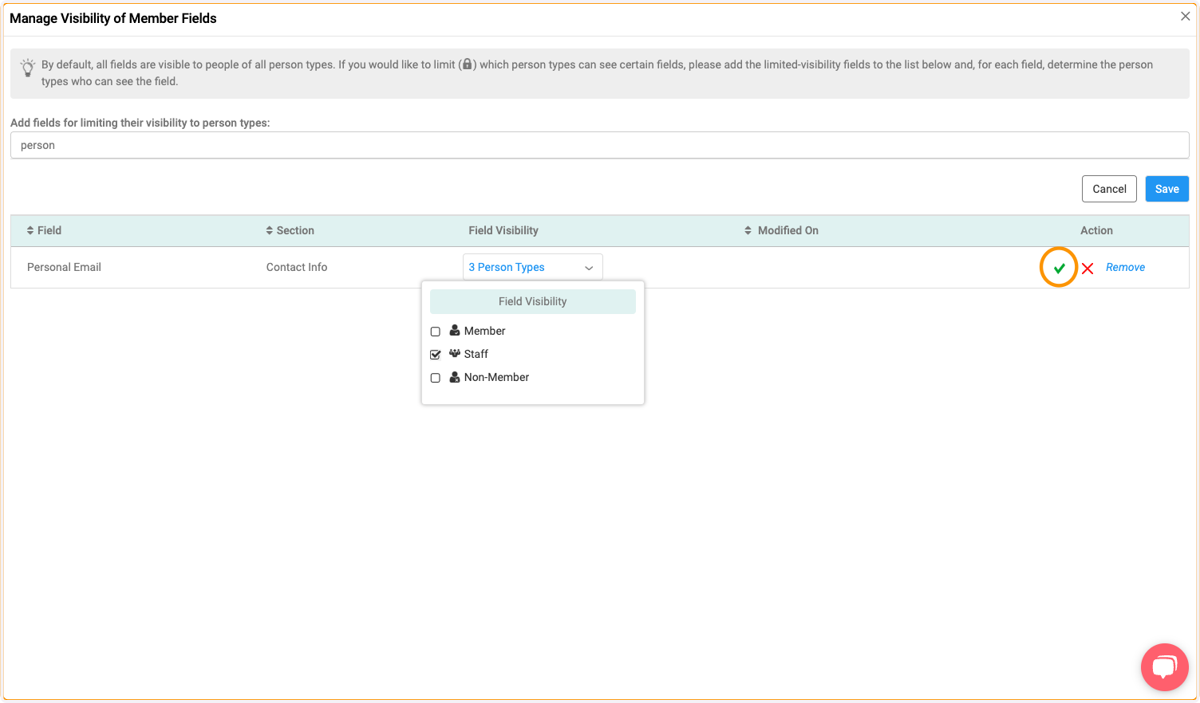
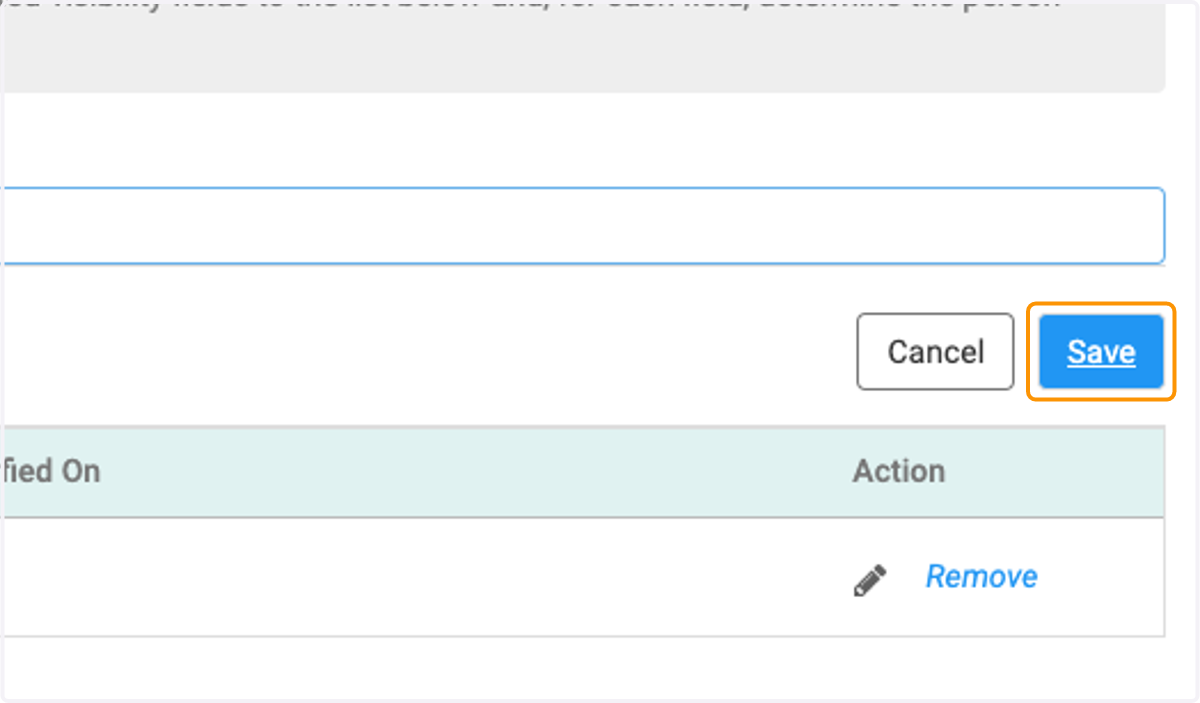
12. Click on Save
13. Note: The lock icon represents that field visibility is set on that field
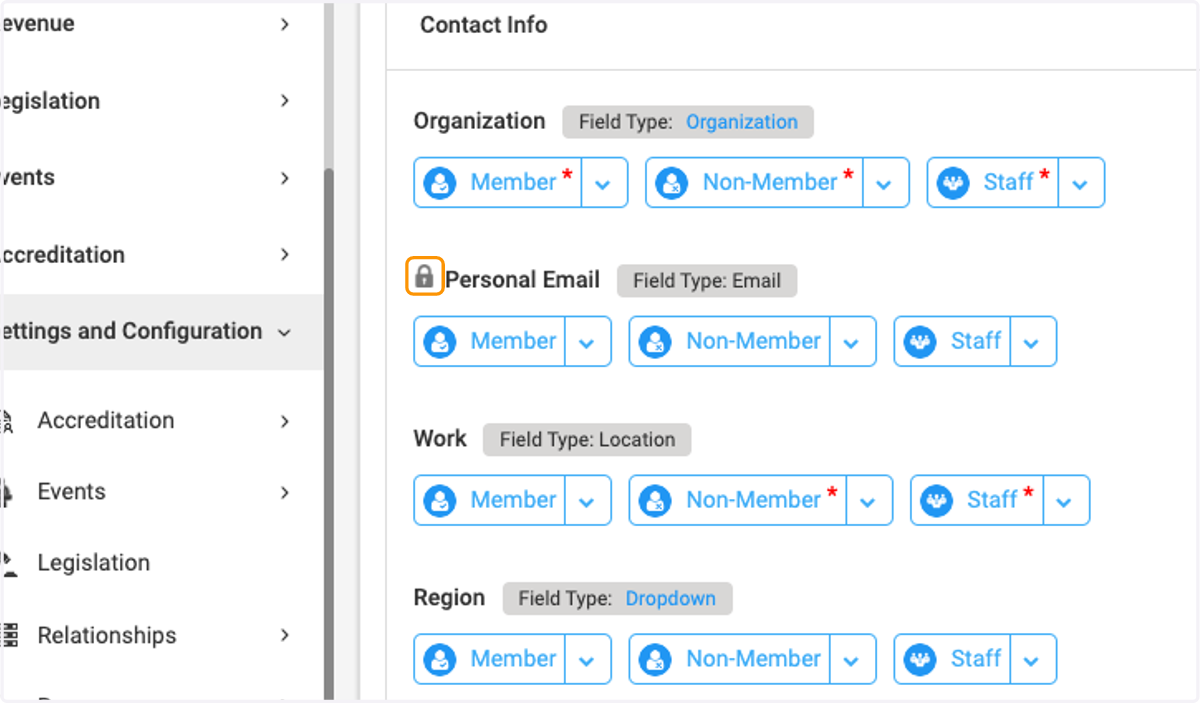
14. Note: The red * on Person type button represents that the field is mandatory for that person type. If a field is marked as Mandatory for a person type in the original field management setting, you would not be able to remove field visibility.