Debtor Merging: Ignoring Functionality
The ability to Ignore Debtors from the "Merge Debtors" list.
FGI TRUST: Coverage Information
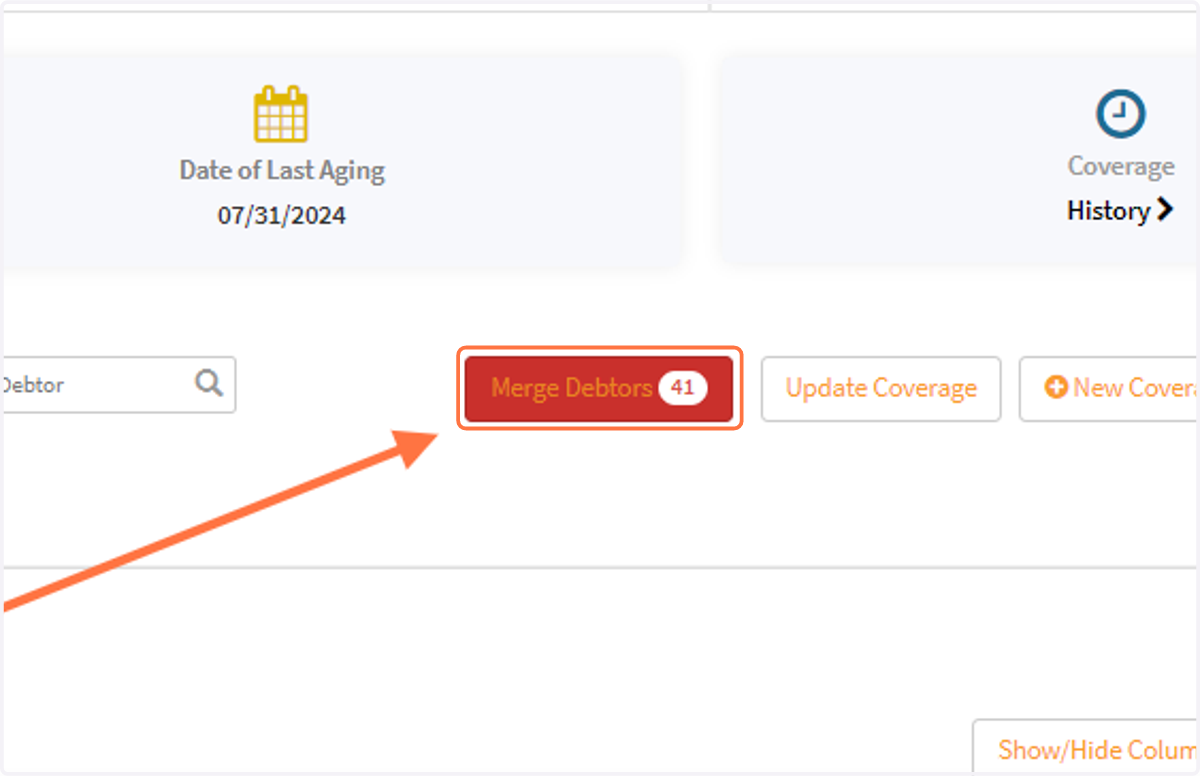
1. Click on Merge Debtors
2. Here you can see potential merge options
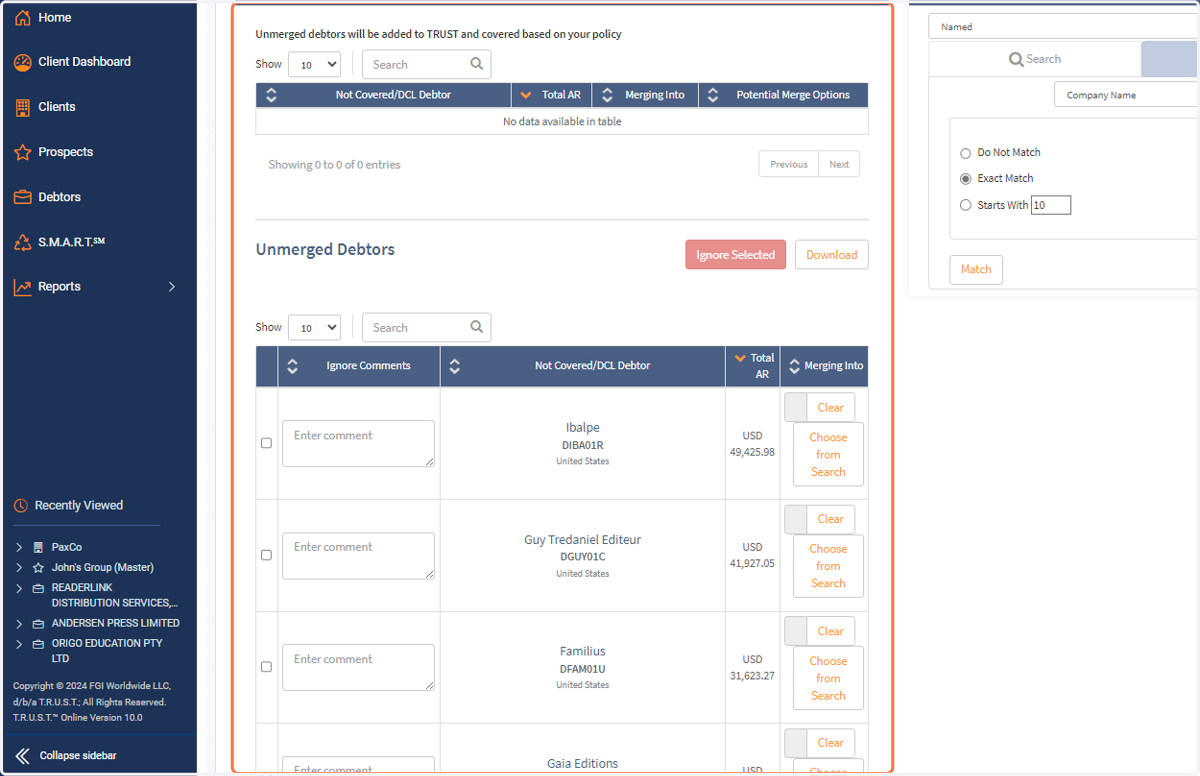
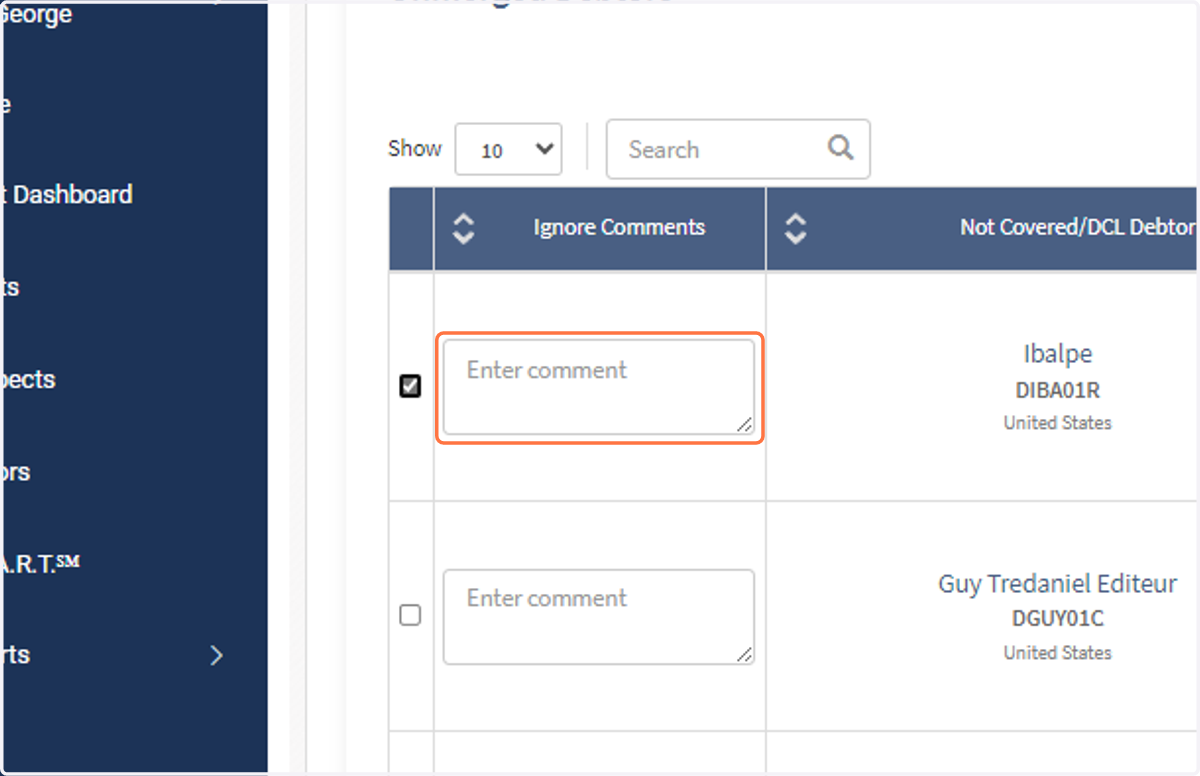
3. Select the debtor(s) you wish to ignore
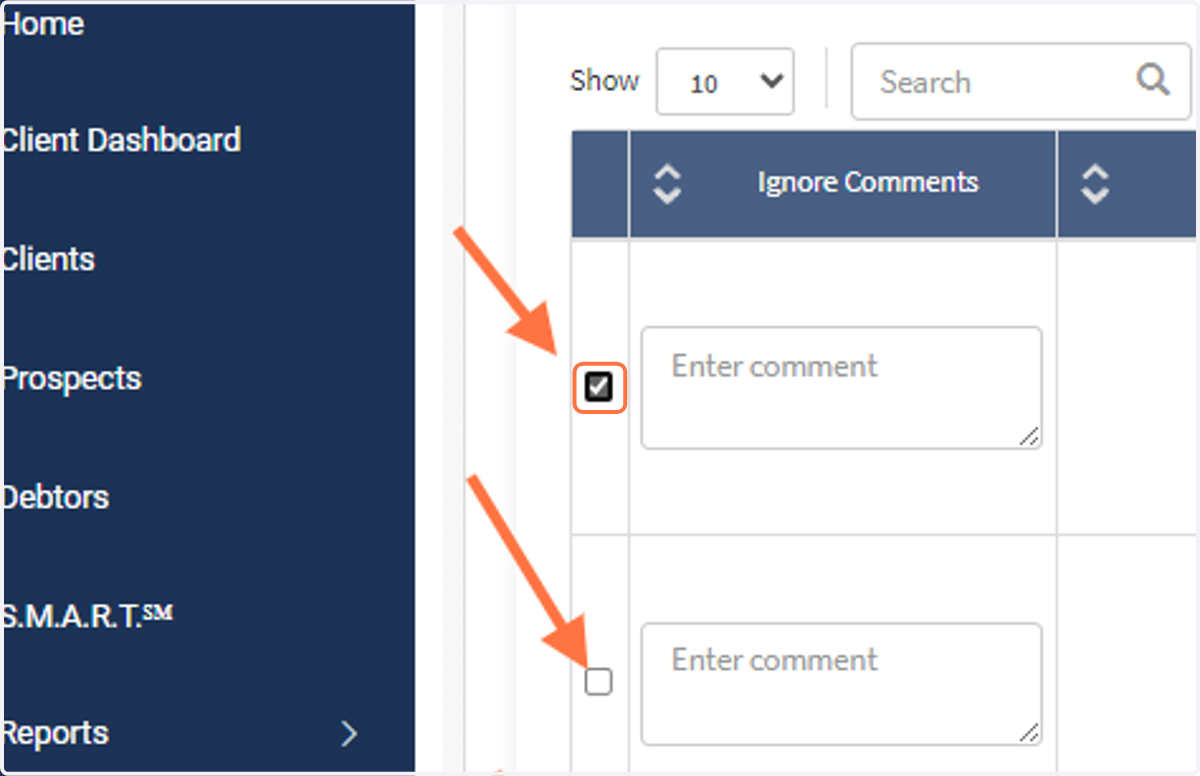
4. Add any relevant comments
This can help explain why you are ignoring these should you or another user need to refer to it later.
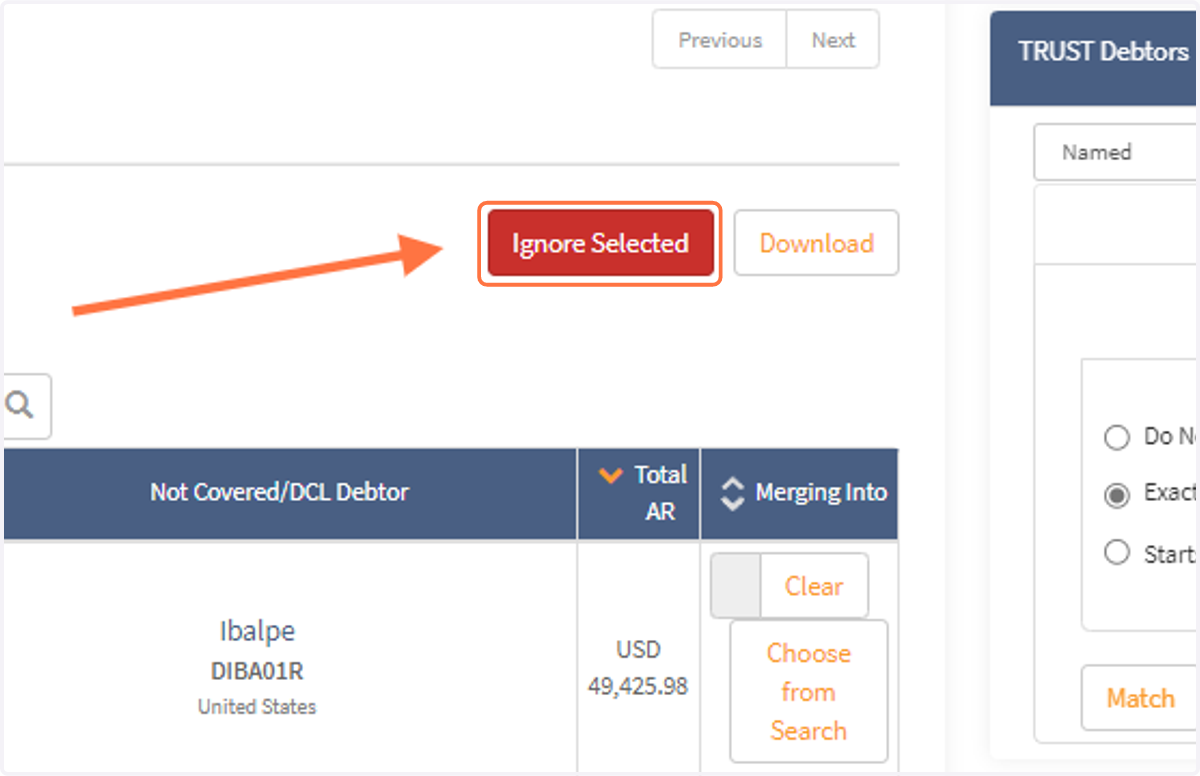
5. Click on Ignore Selected
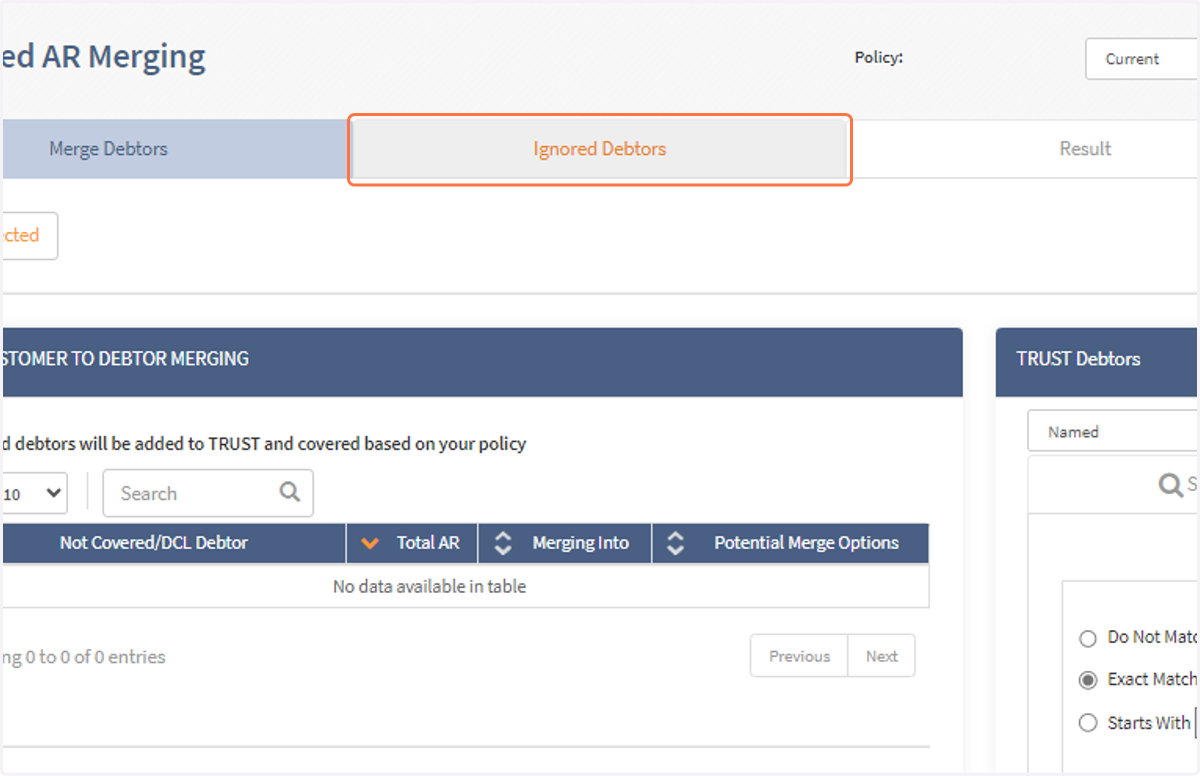
6. Click on Ignored Debtors
Once the selected have been ignored, you can find these inside "Ignored Debtors"
7. Here you will find the list with comments
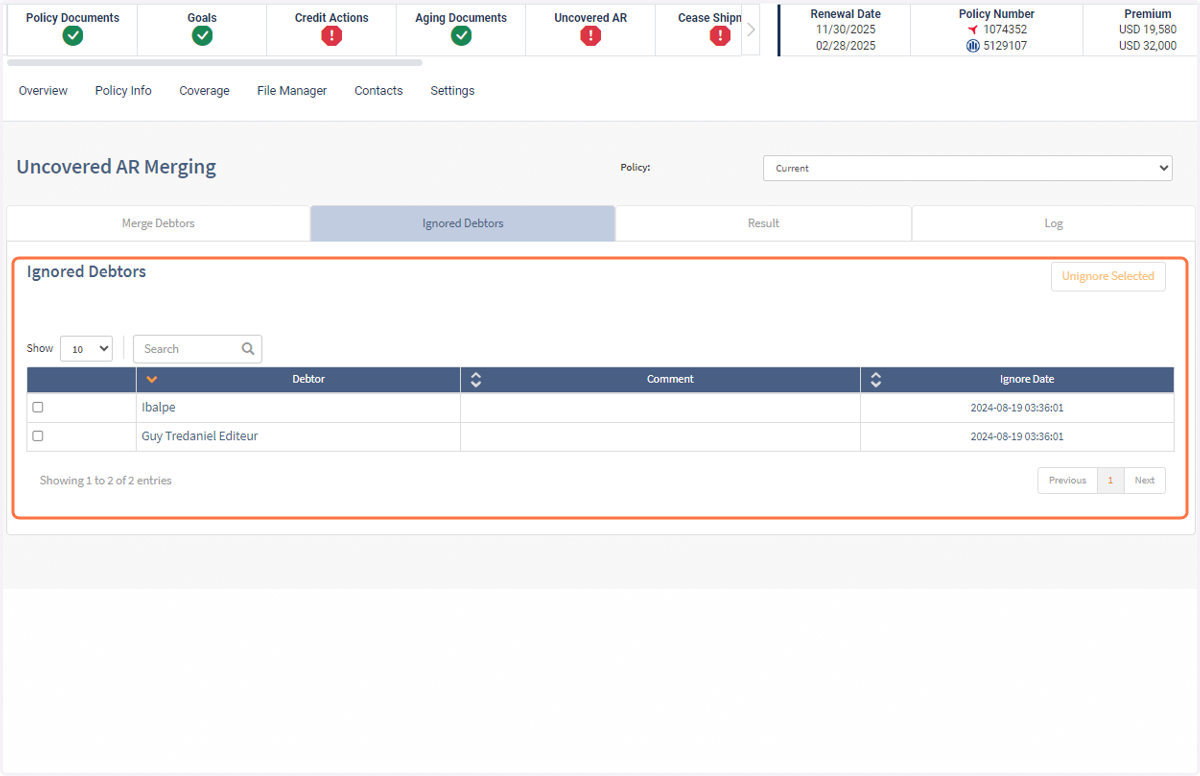
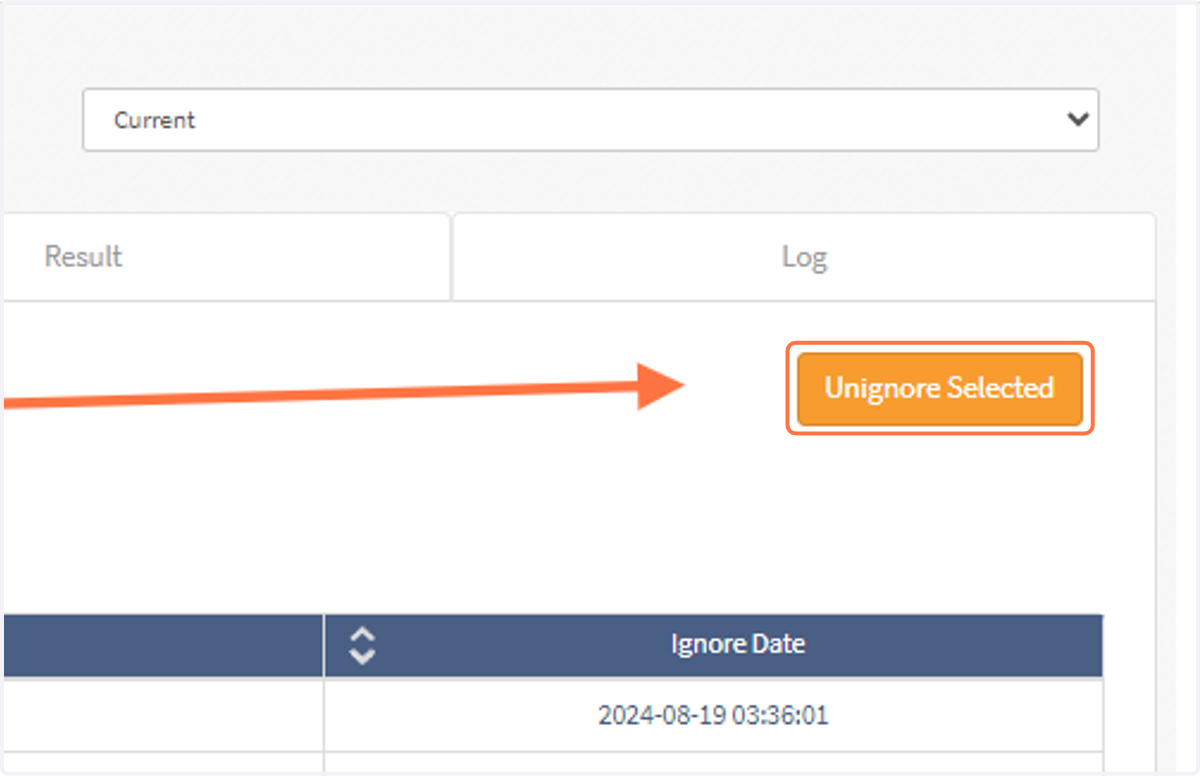
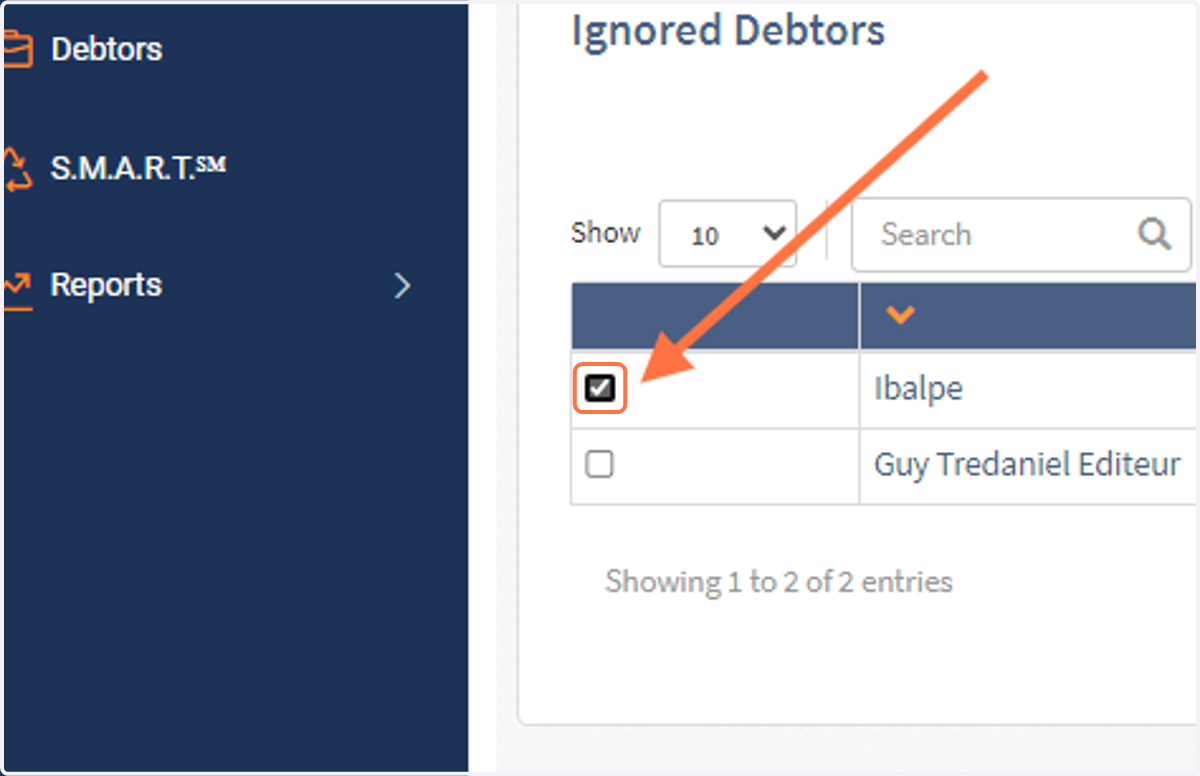
8. To reverse this process, highlight the selected debtor
9. Click on Unignore Selected
The debtor will go back into the Merge Debtors Screen previously.