Steps to Import Orders on FinerWorks Using Shopify Integration
Finerworks
1. Go to FinerWorks.com
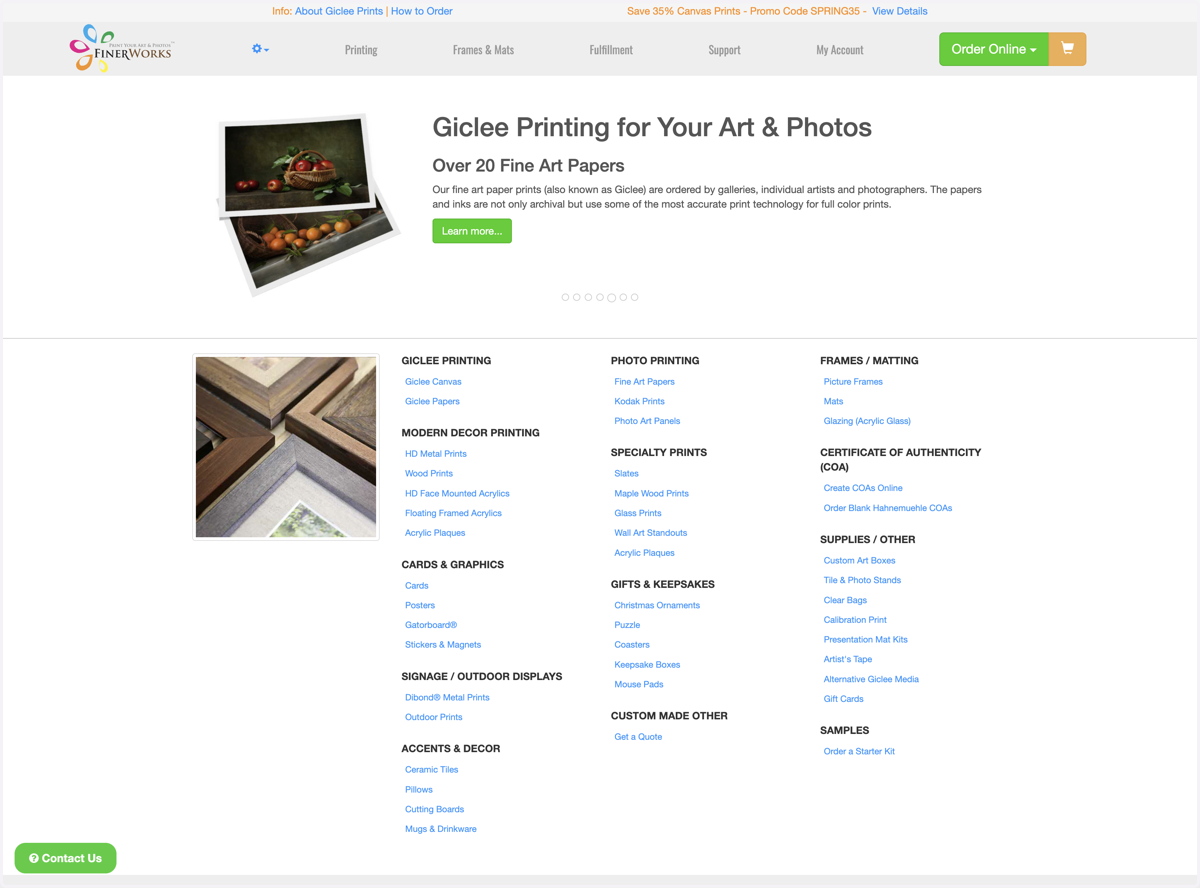
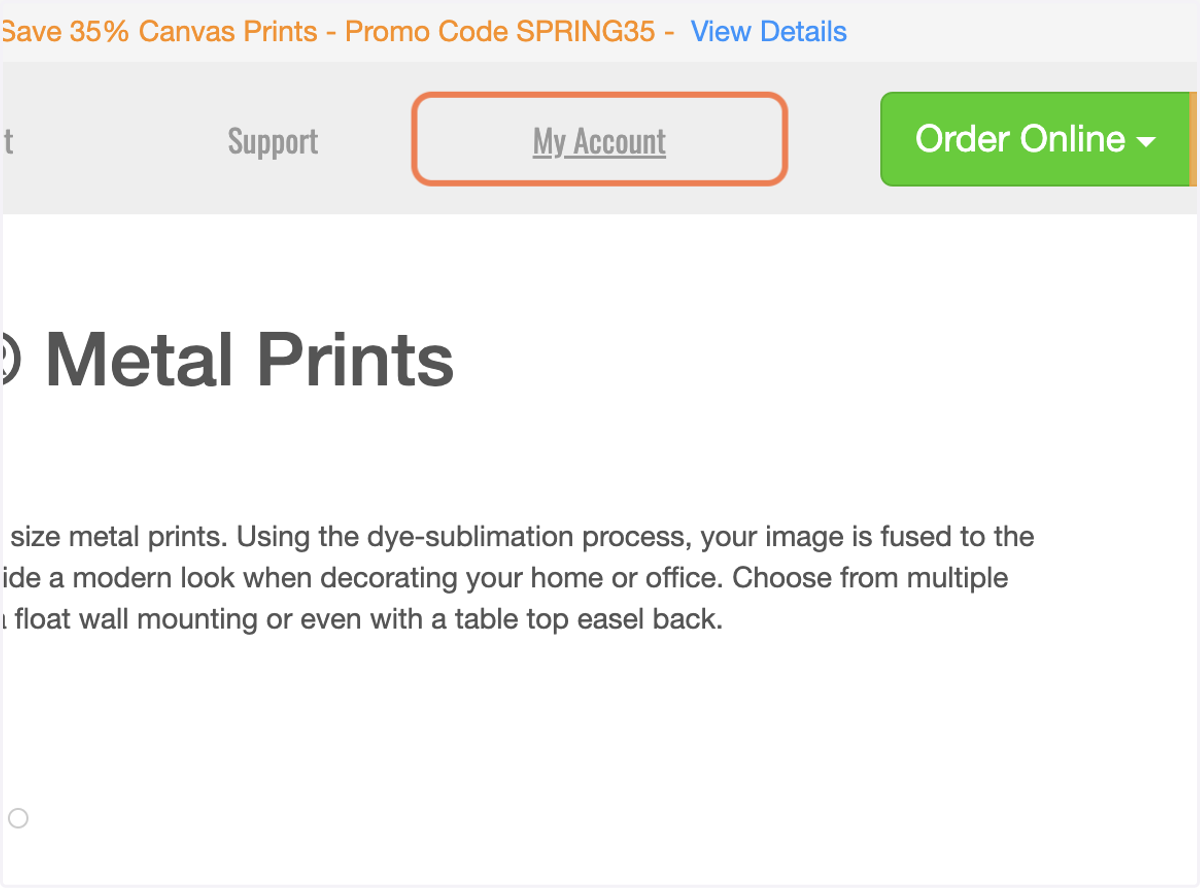
2. Click on My Account
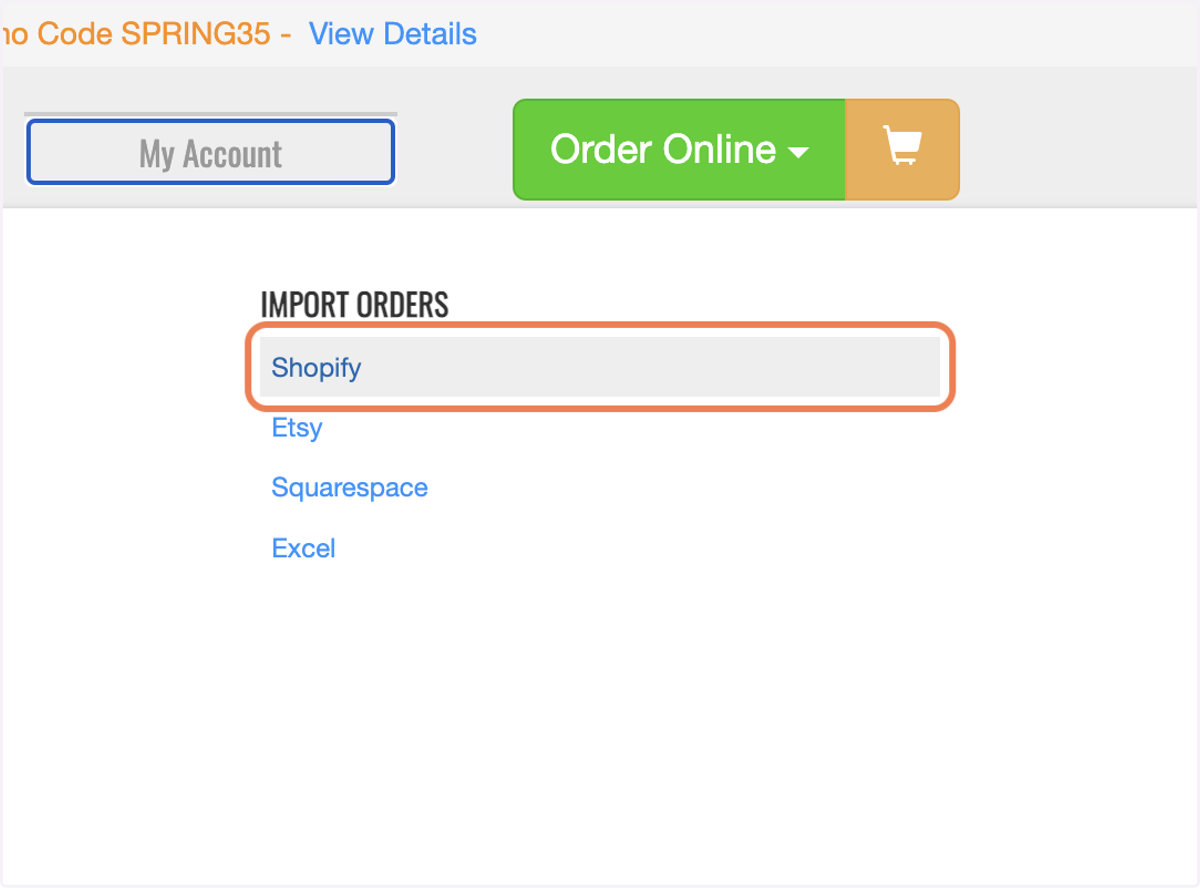
3. Click on Shopify
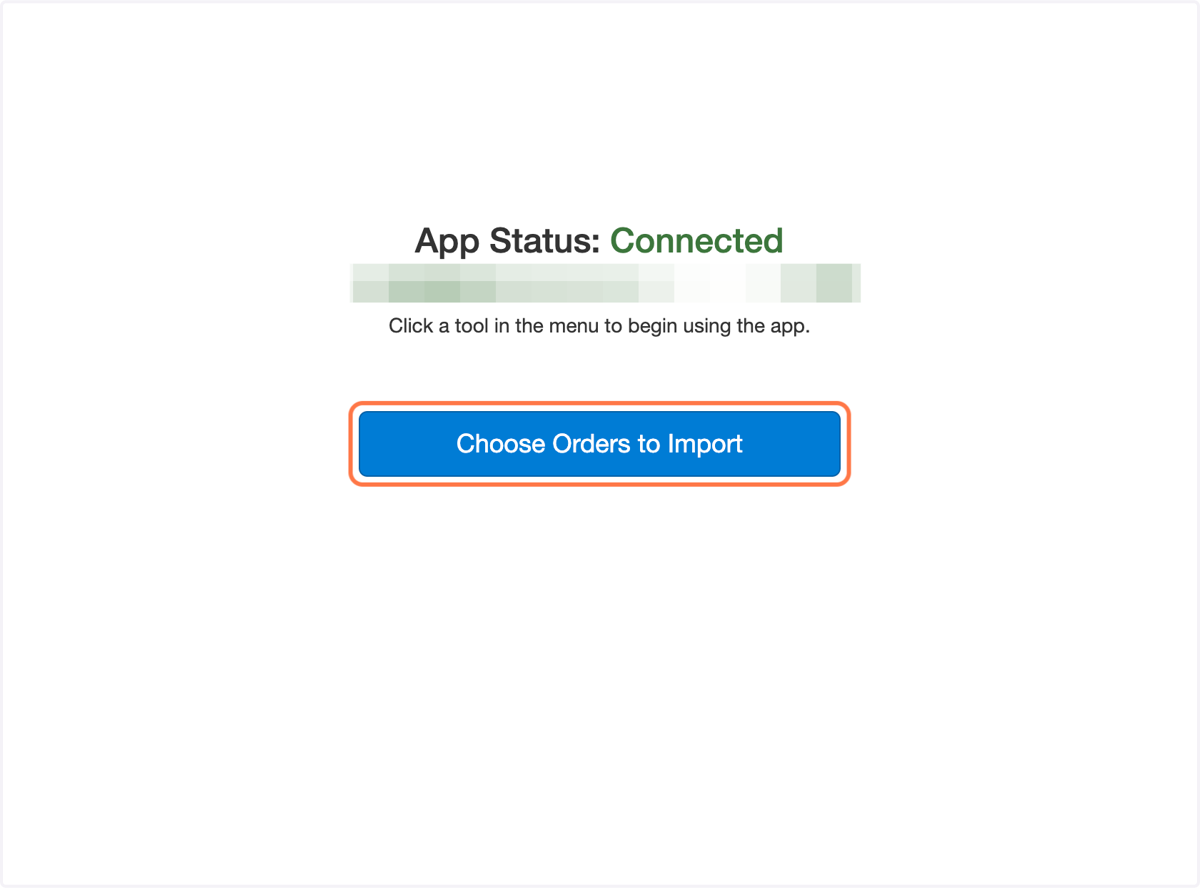
4. Click on Choose Orders to Import
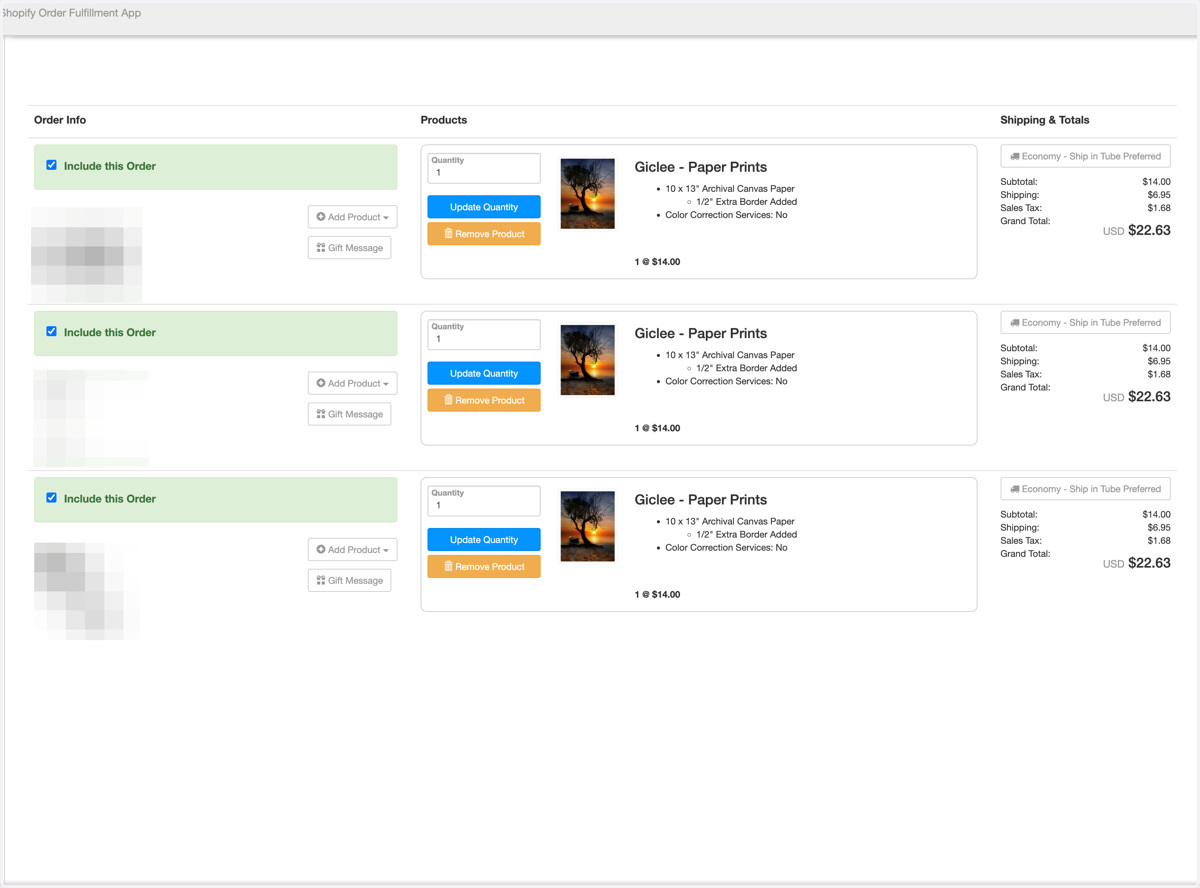
5. Review Orders You Wish to Import
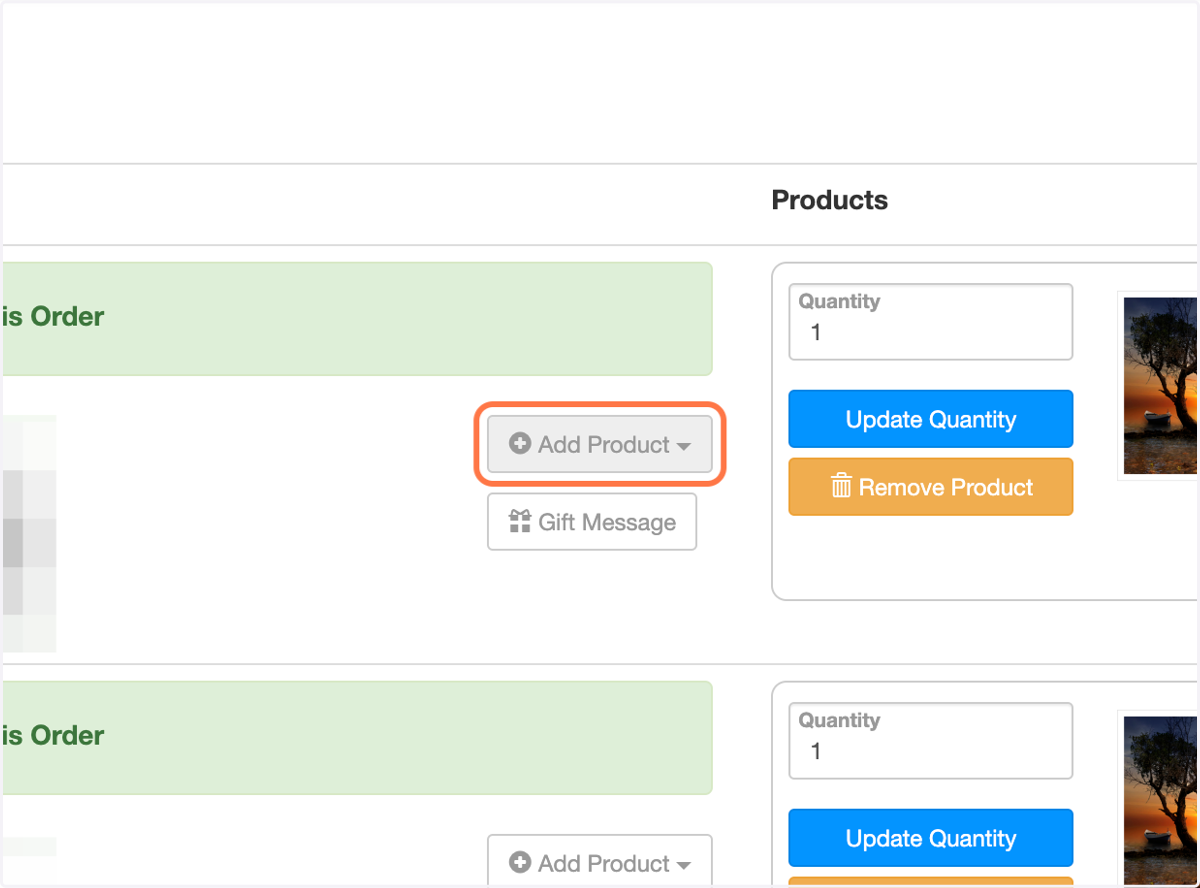
6. Optional - Add Additional Products
If you need to add additional products to an order, you can do it from here.
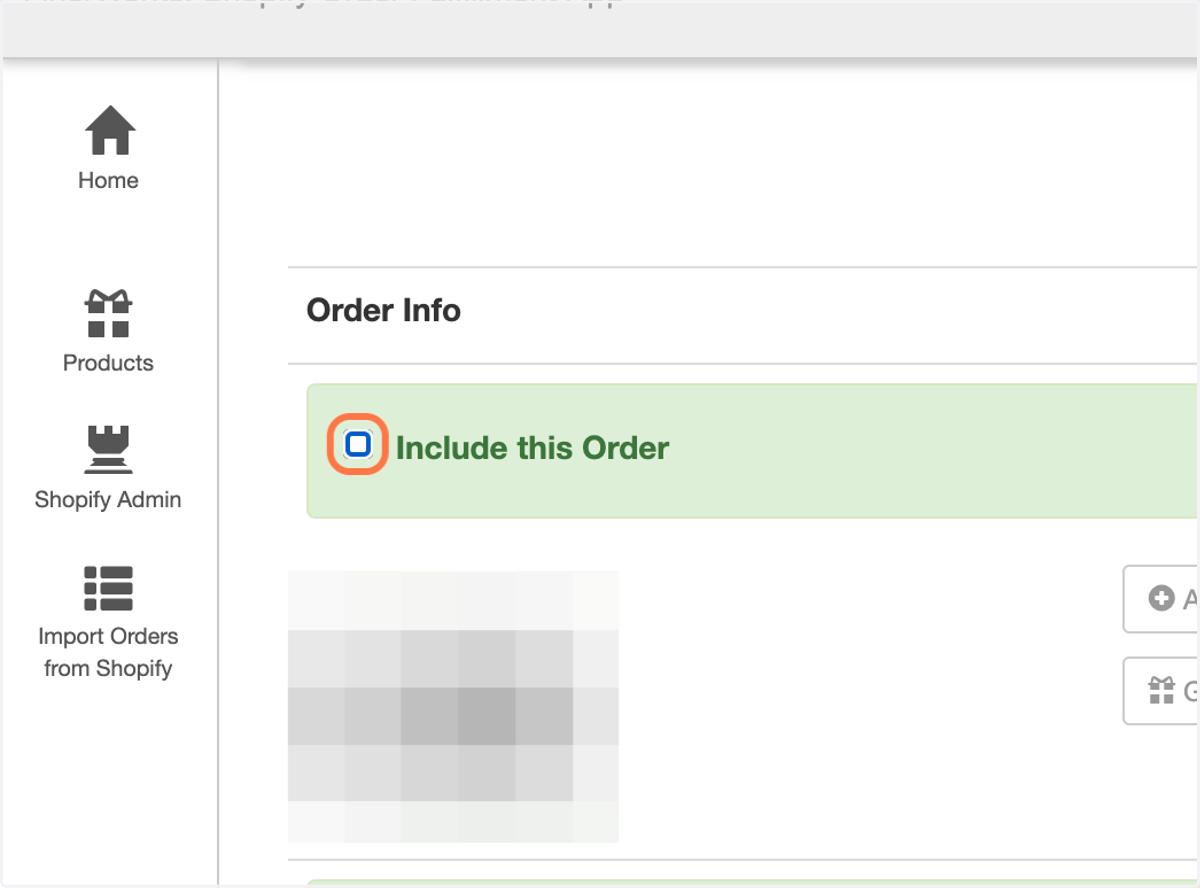
7. Optional - Omit Orders from Import
You can exclude orders from being imported by unchecking "Include this Order".
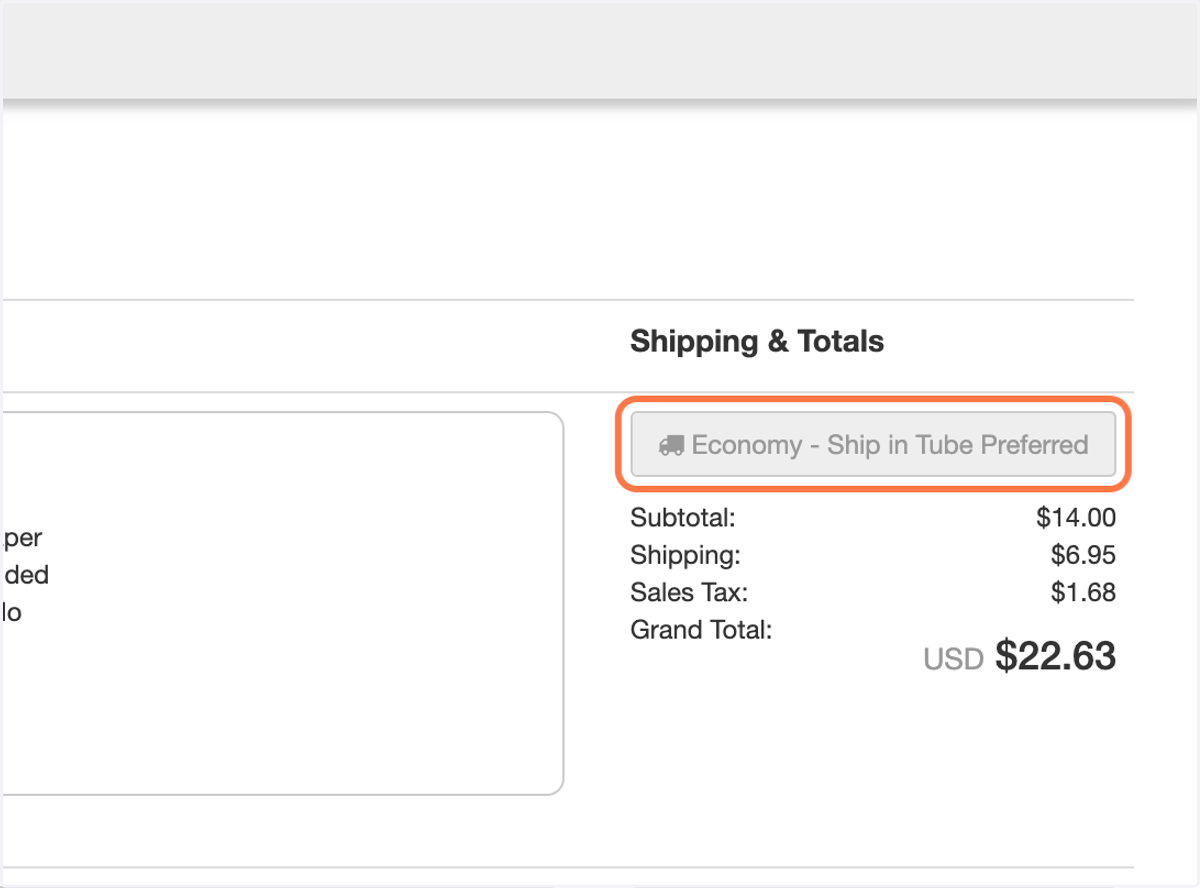
8. Optional - Change Shipping Method
By default, the cheapest shipping method will be selected however you can upgrade the shipping method if you wish by clicking on the shipping button above the totals.
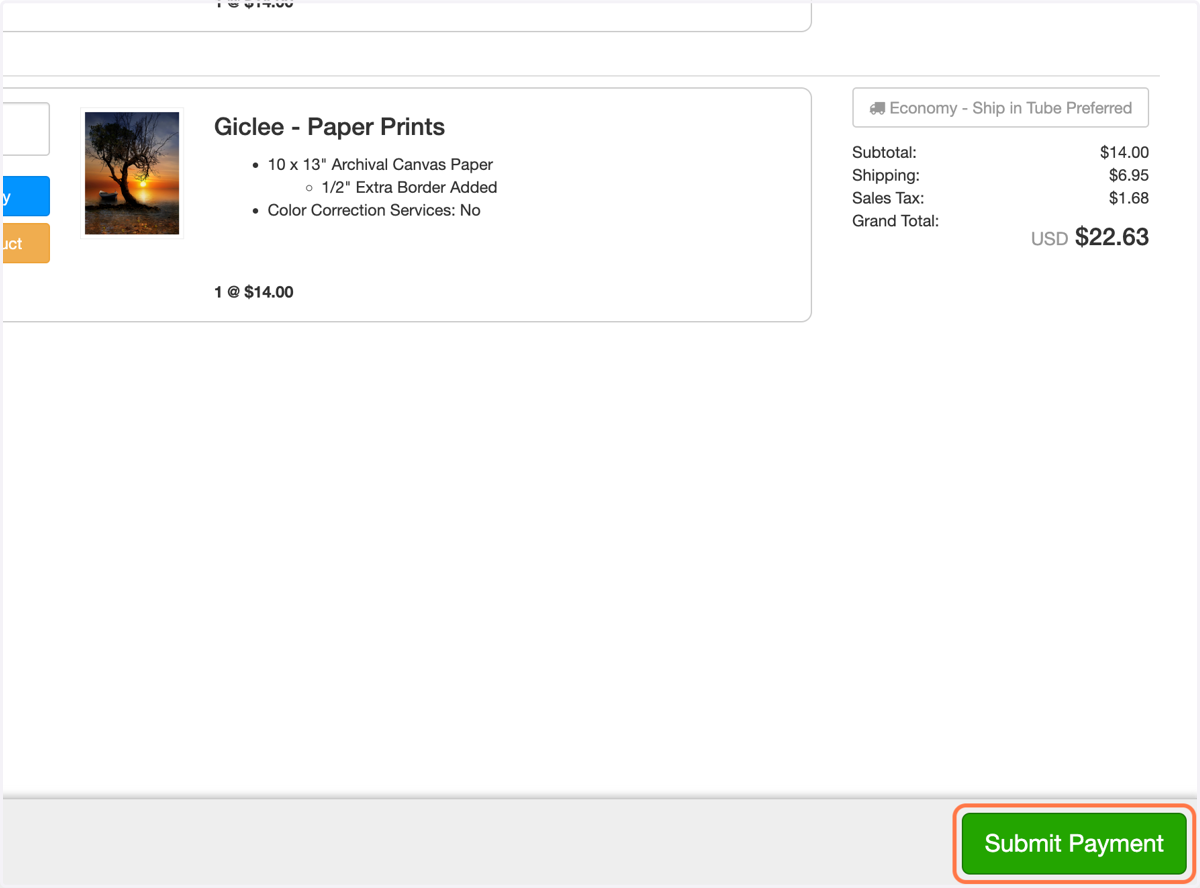
9. Submit Payment When Ready
Click the Submit Payment button to checkout and finalize everything.
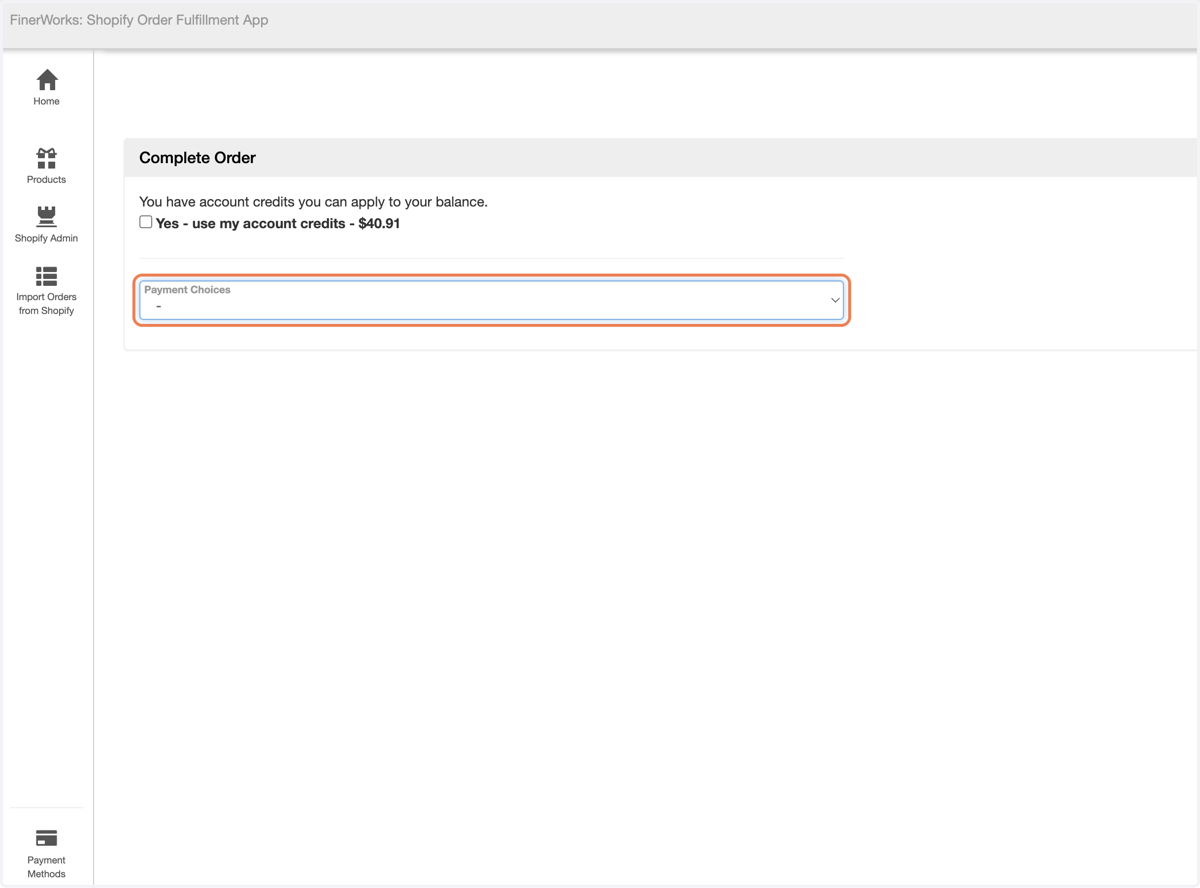
10. Choose the Payment Option & Complete
This will complete the import process. These will show up immediately in your FinerWorks Order History if the import was successful.