Updating Module Names in Engagifii Workspace
Want to change the name of a particular module? Here's how!
Go to your Engagifii Workspace
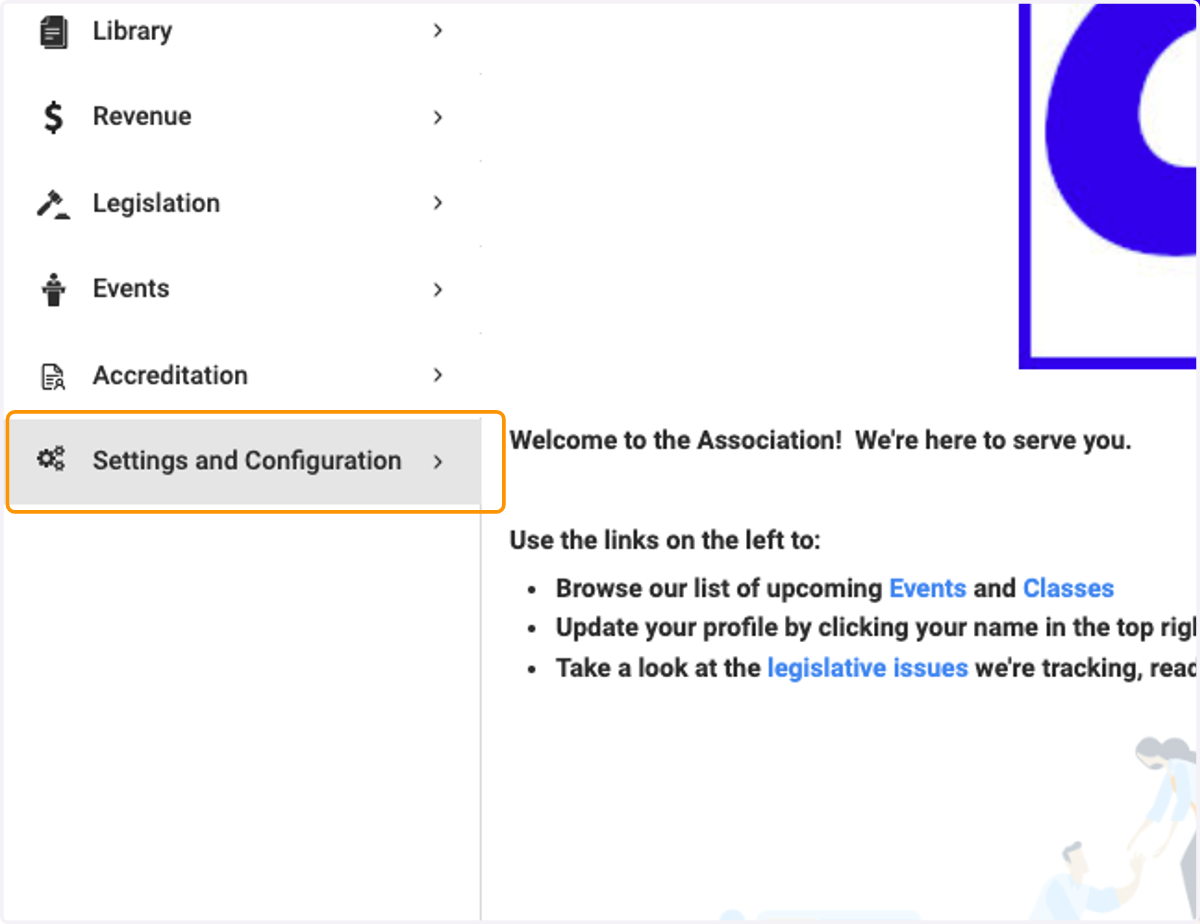
1. Click on Settings and Configuration
📖 Updating the Accreditation module name
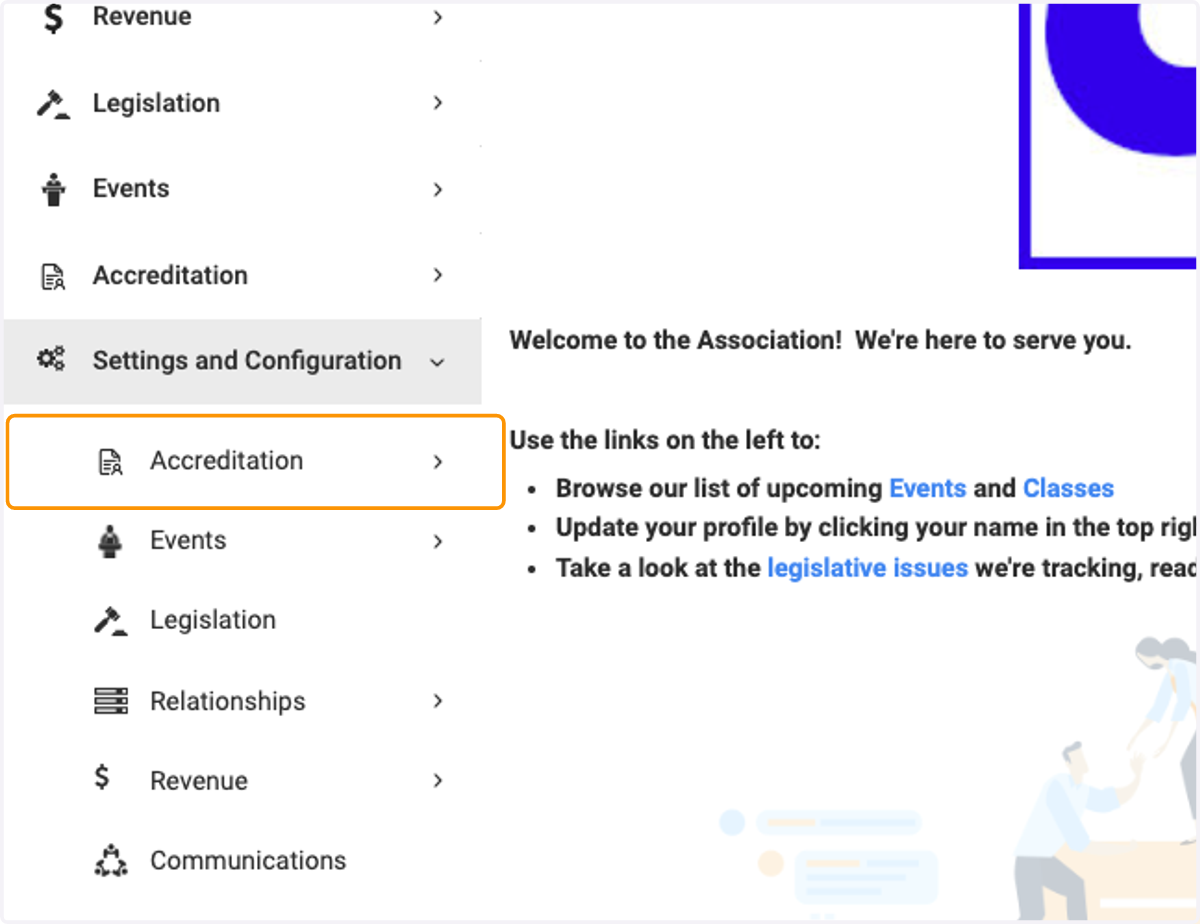
2. Click on Accreditation
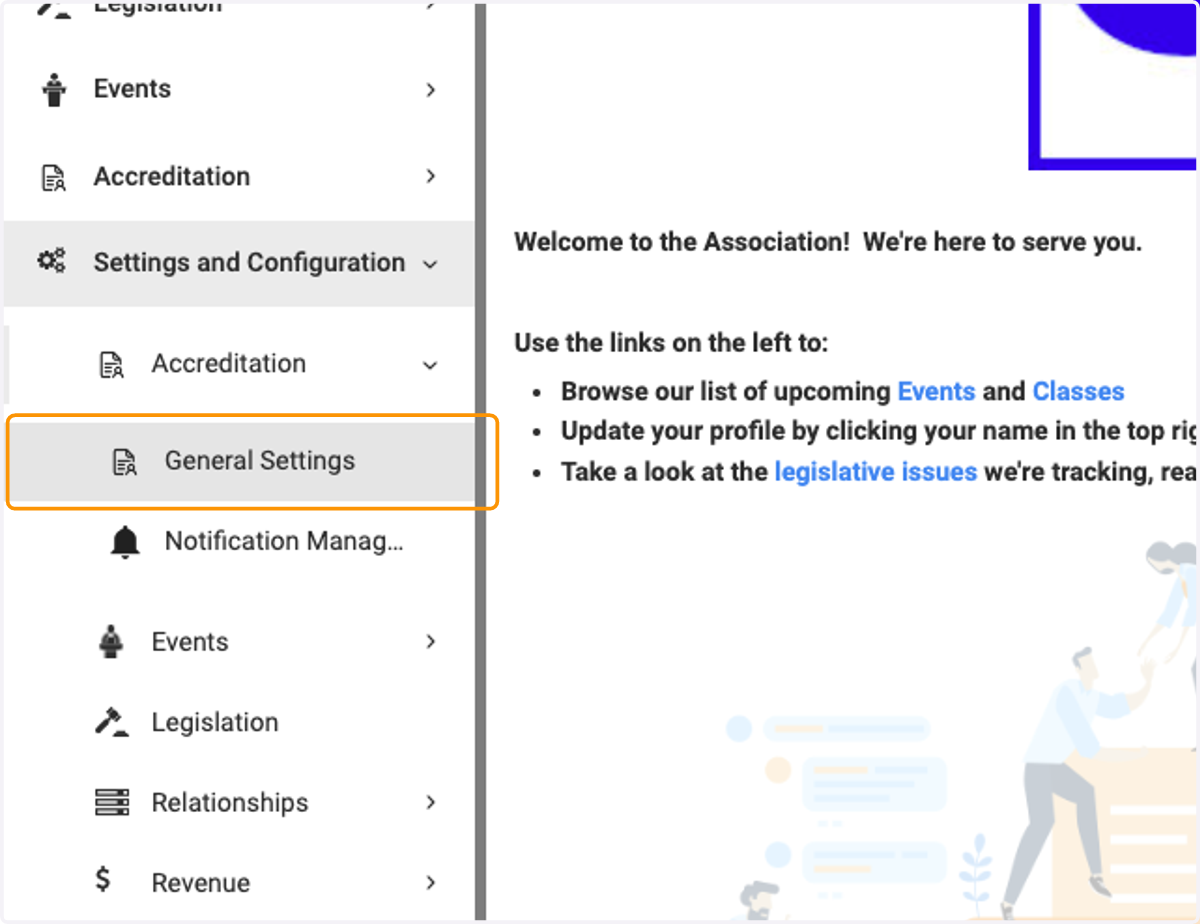
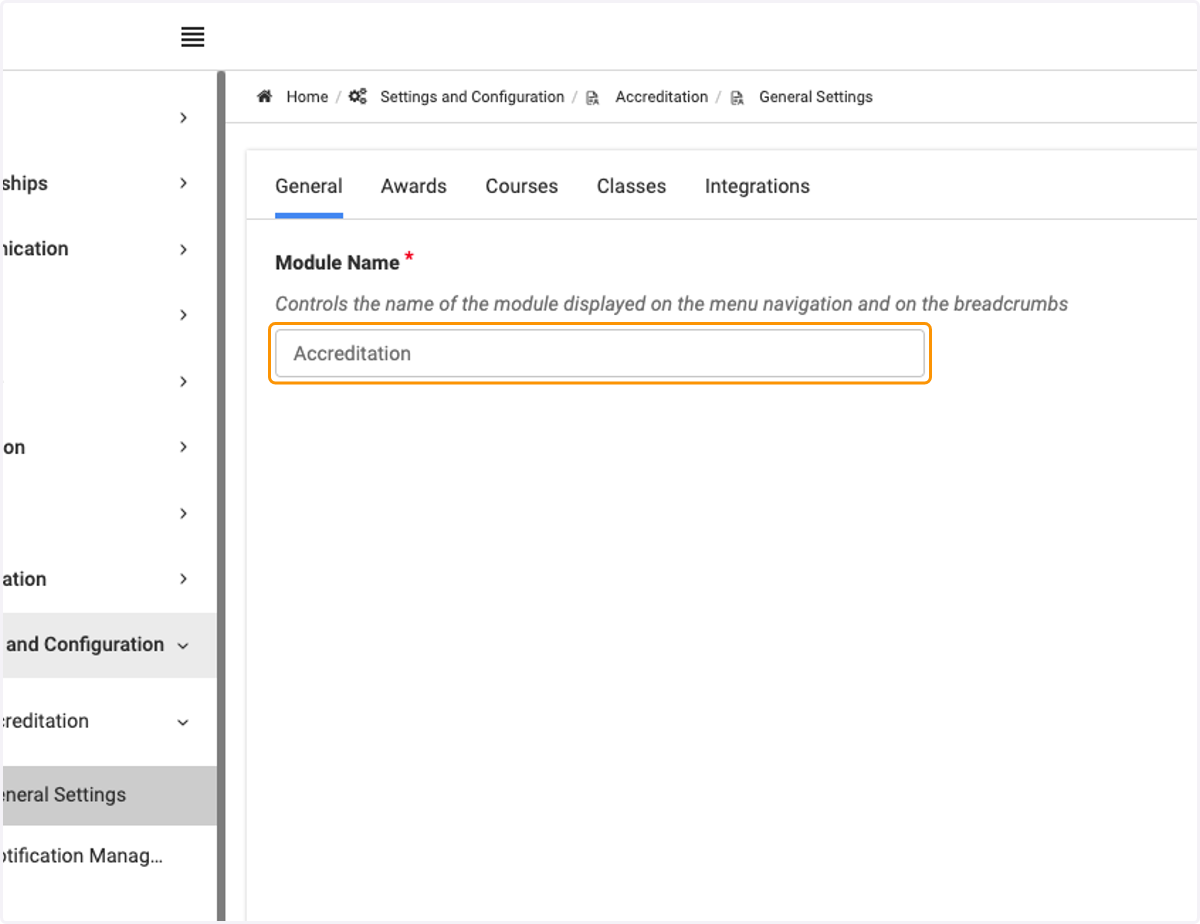
3. Click on General Settings
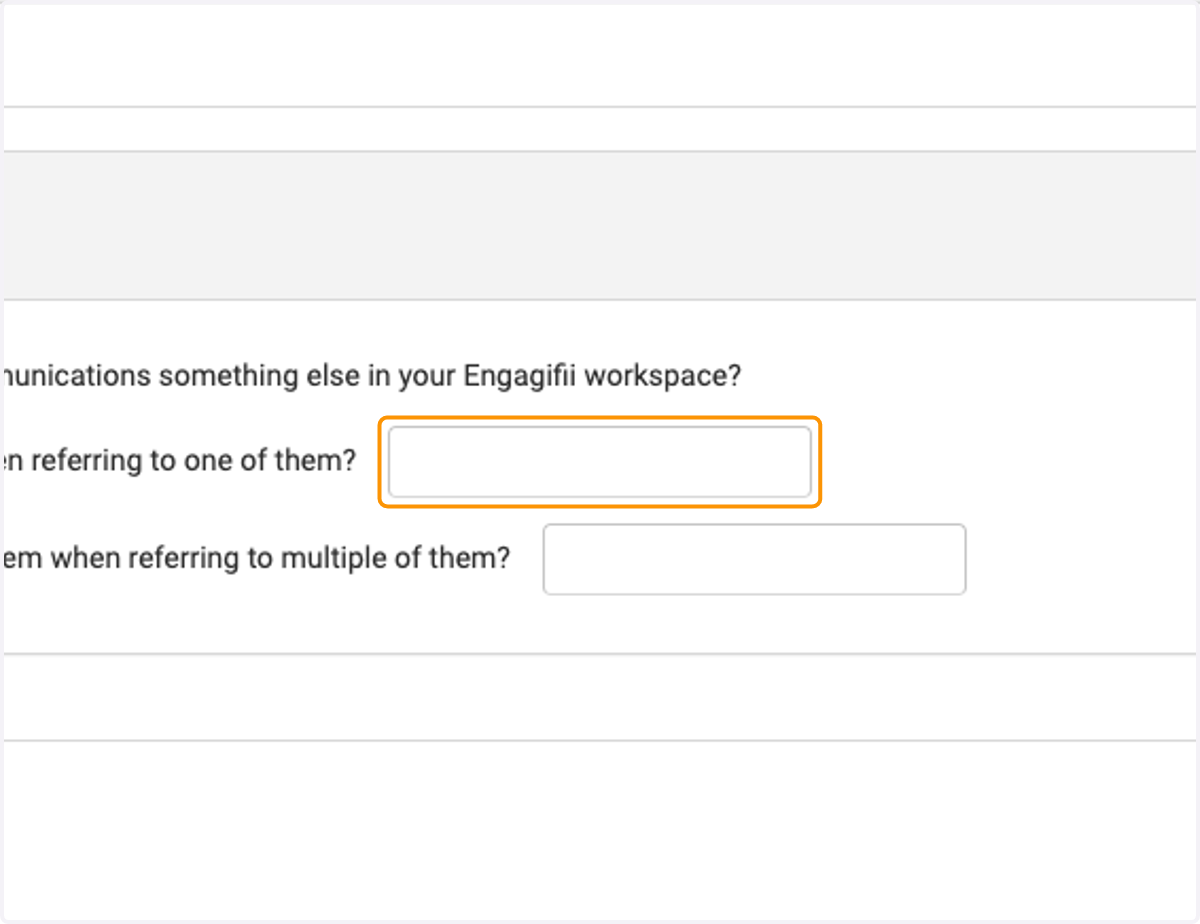
4. Click on Module Name field and add the new name
🎉 Updating the Events module name
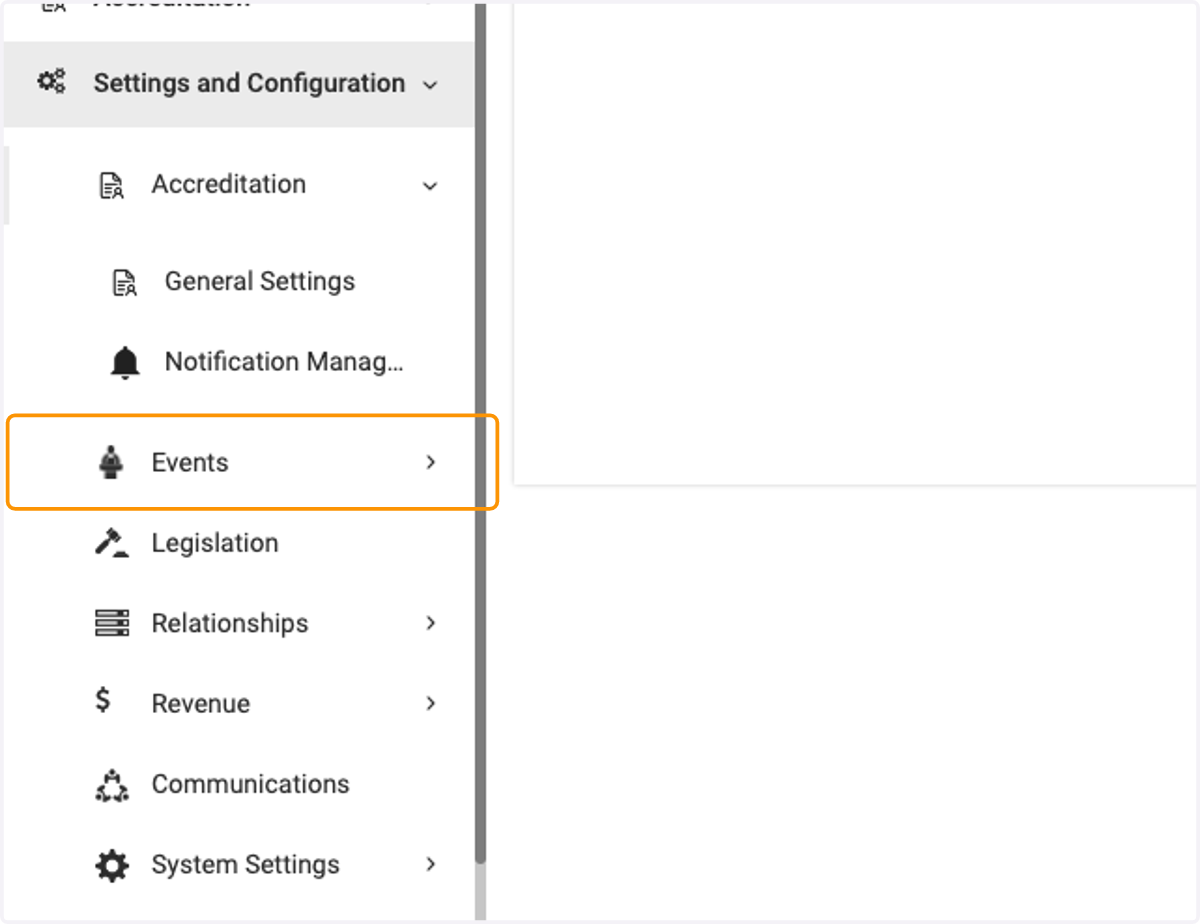
5. Click on Events
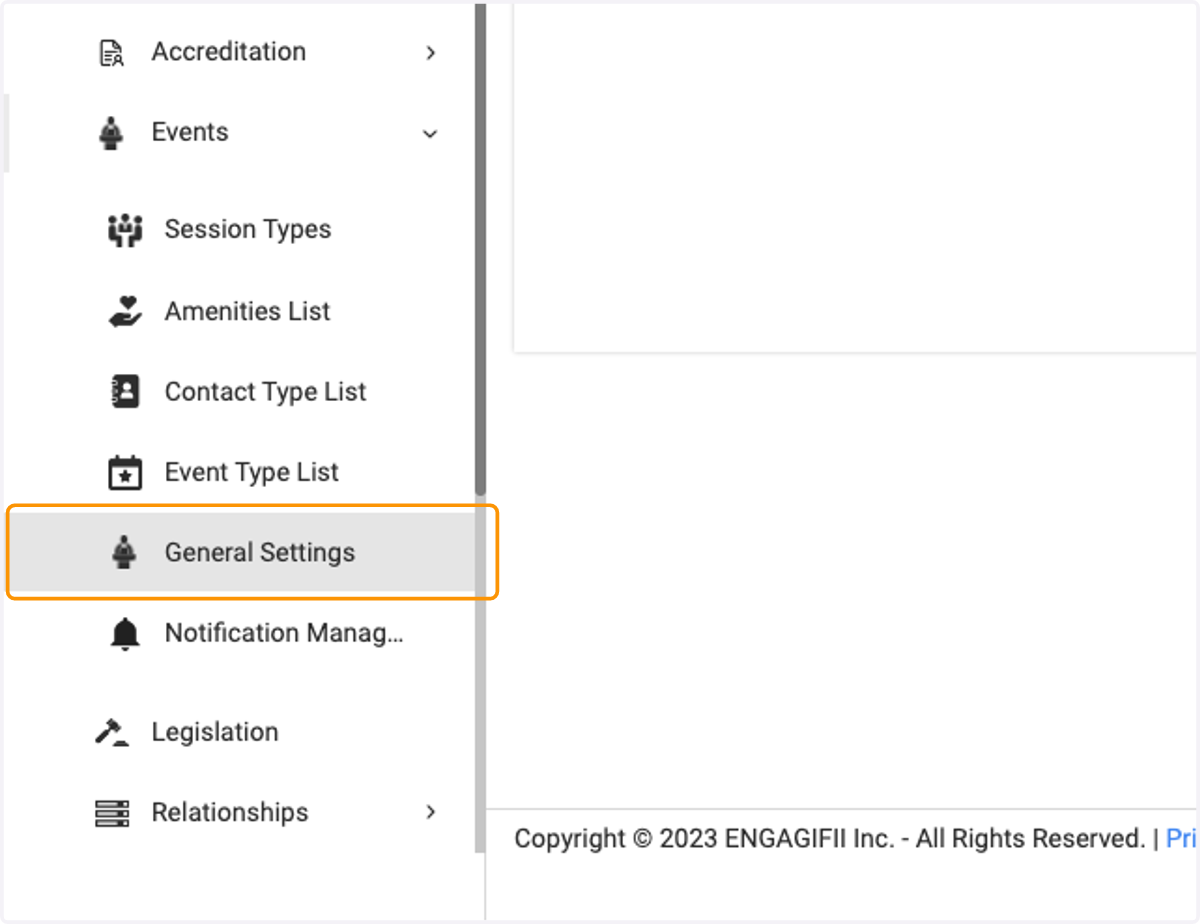
6. Click on General Settings
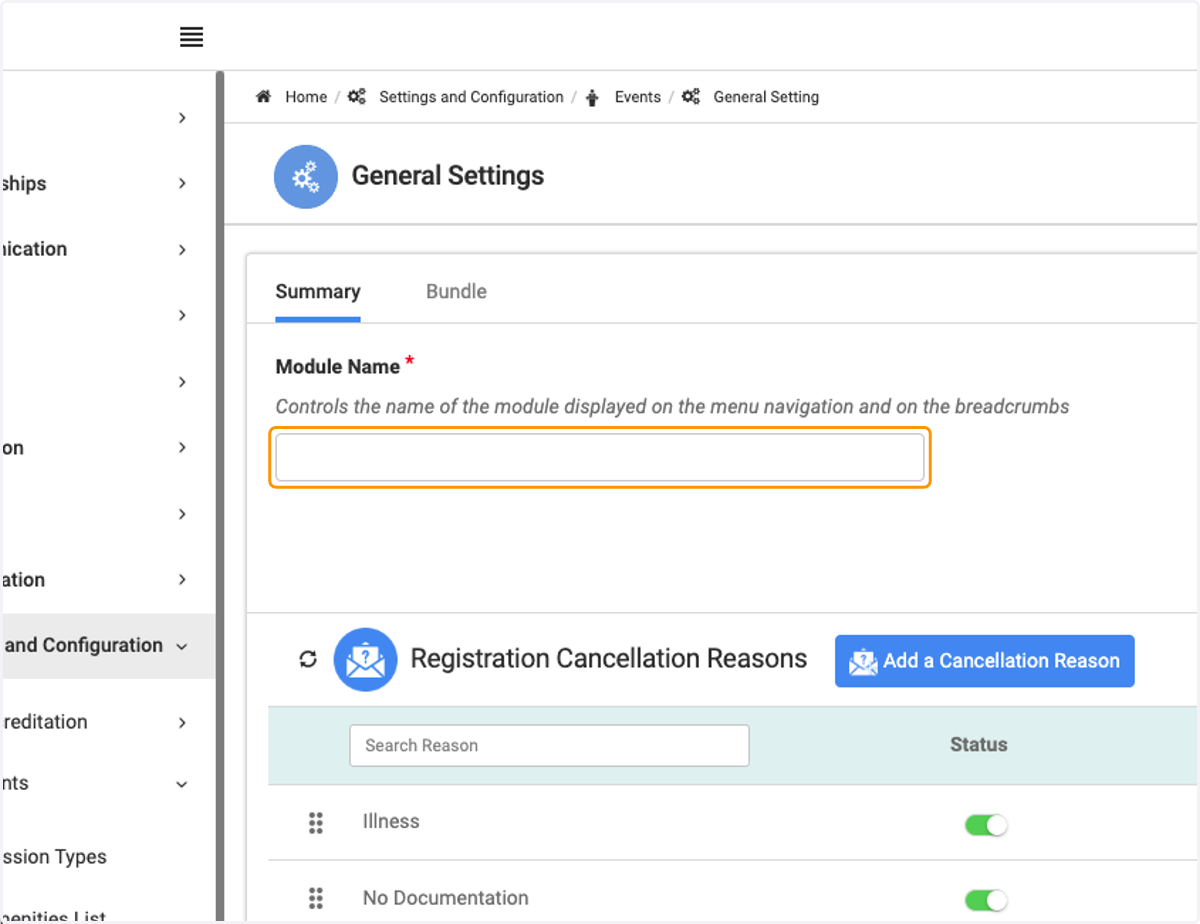
7. Click on the Module Name field and update
⚖️ Updating the Legislation module name
8. Click on Legislation
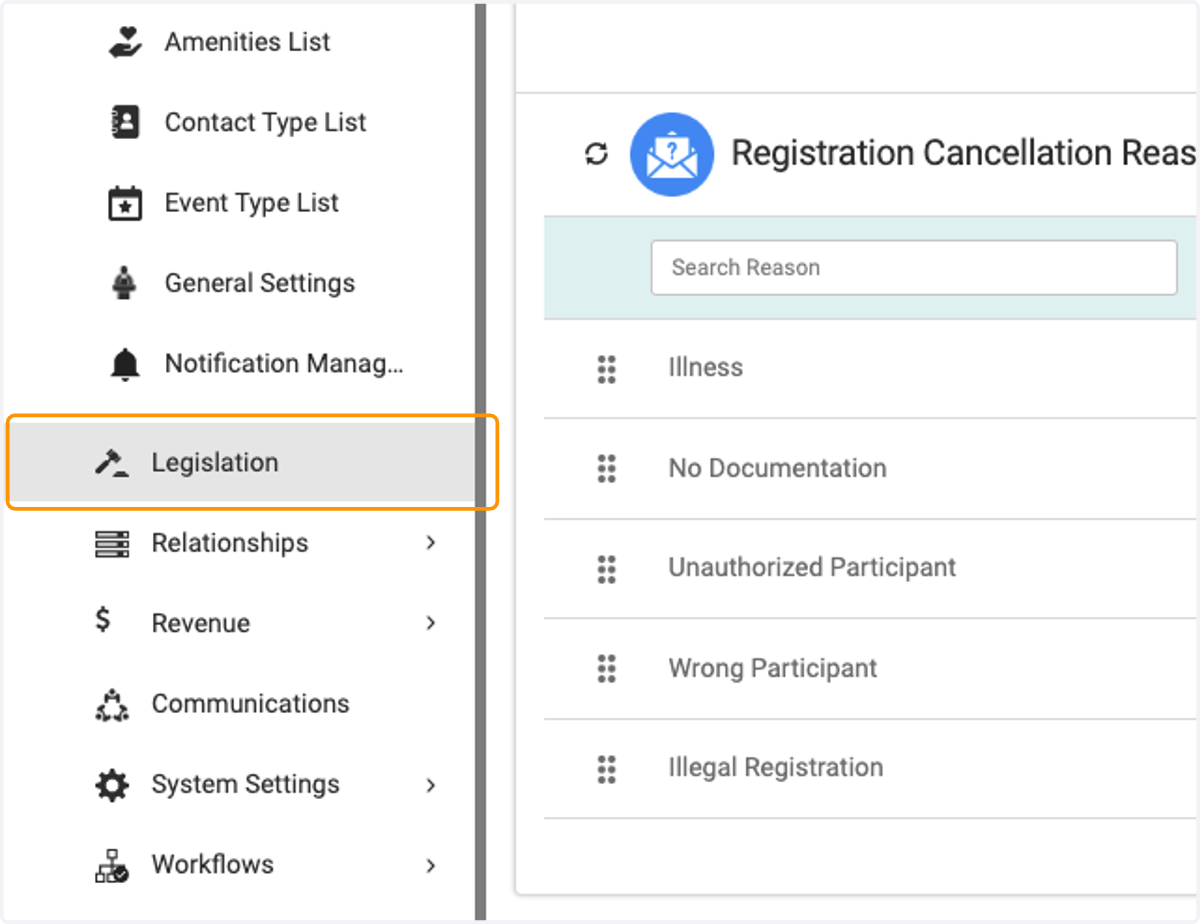
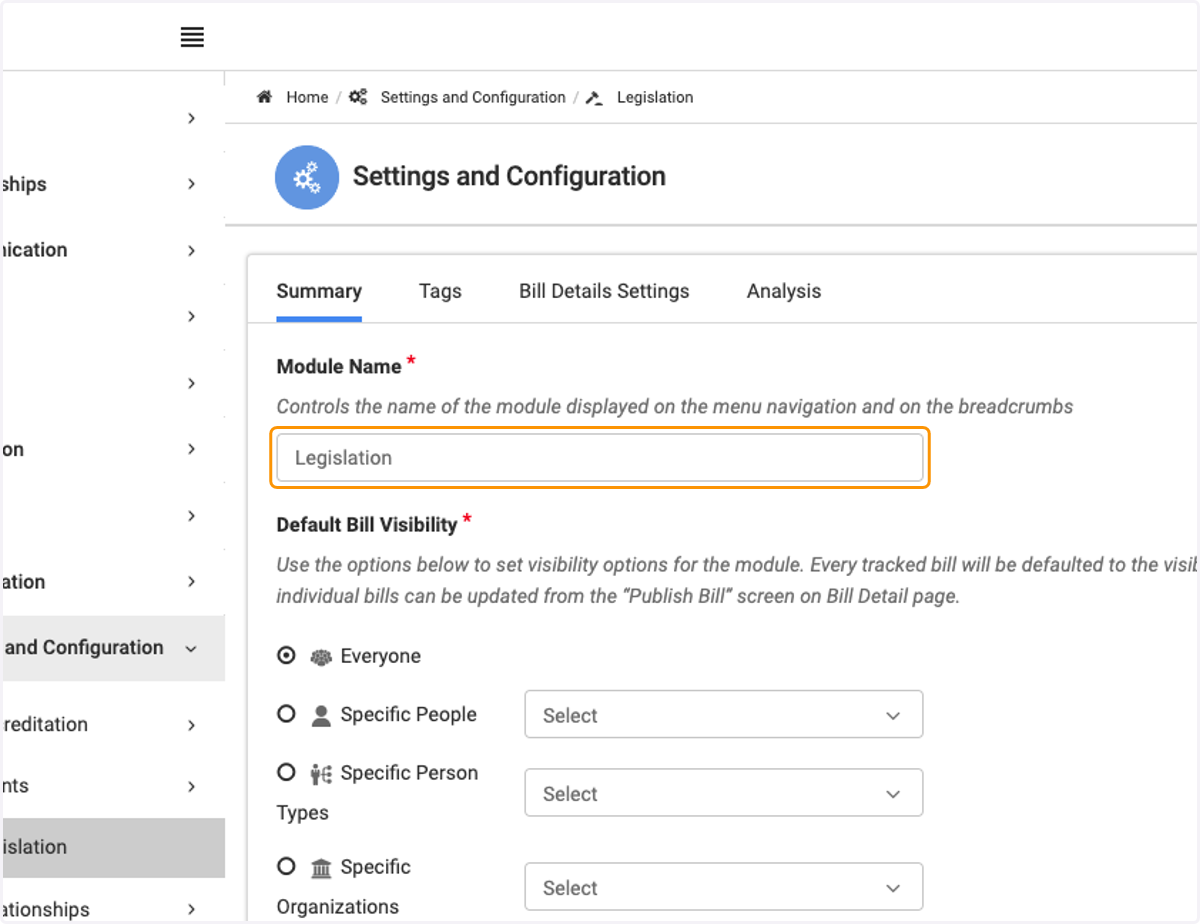
9. Click on Module Name field and update
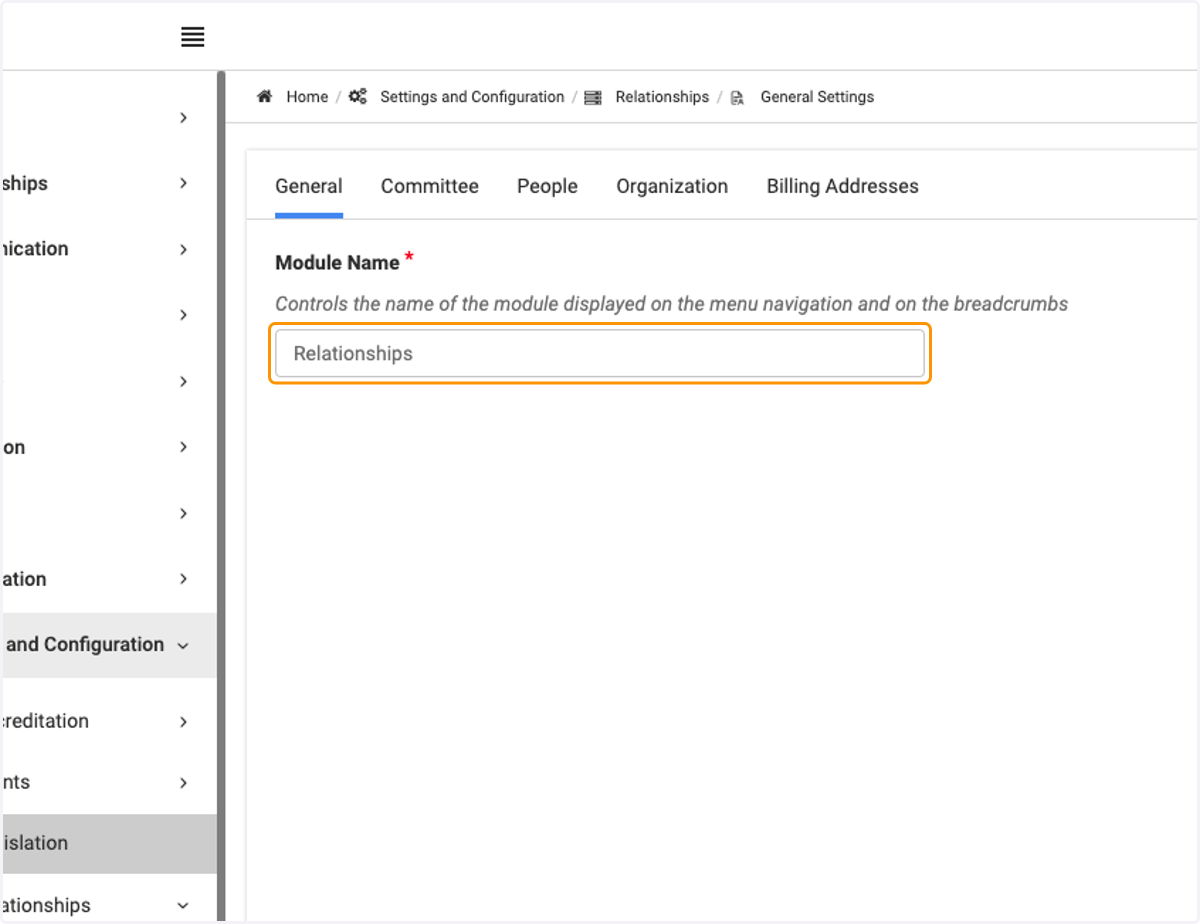
👥 Updating the Relationships module name
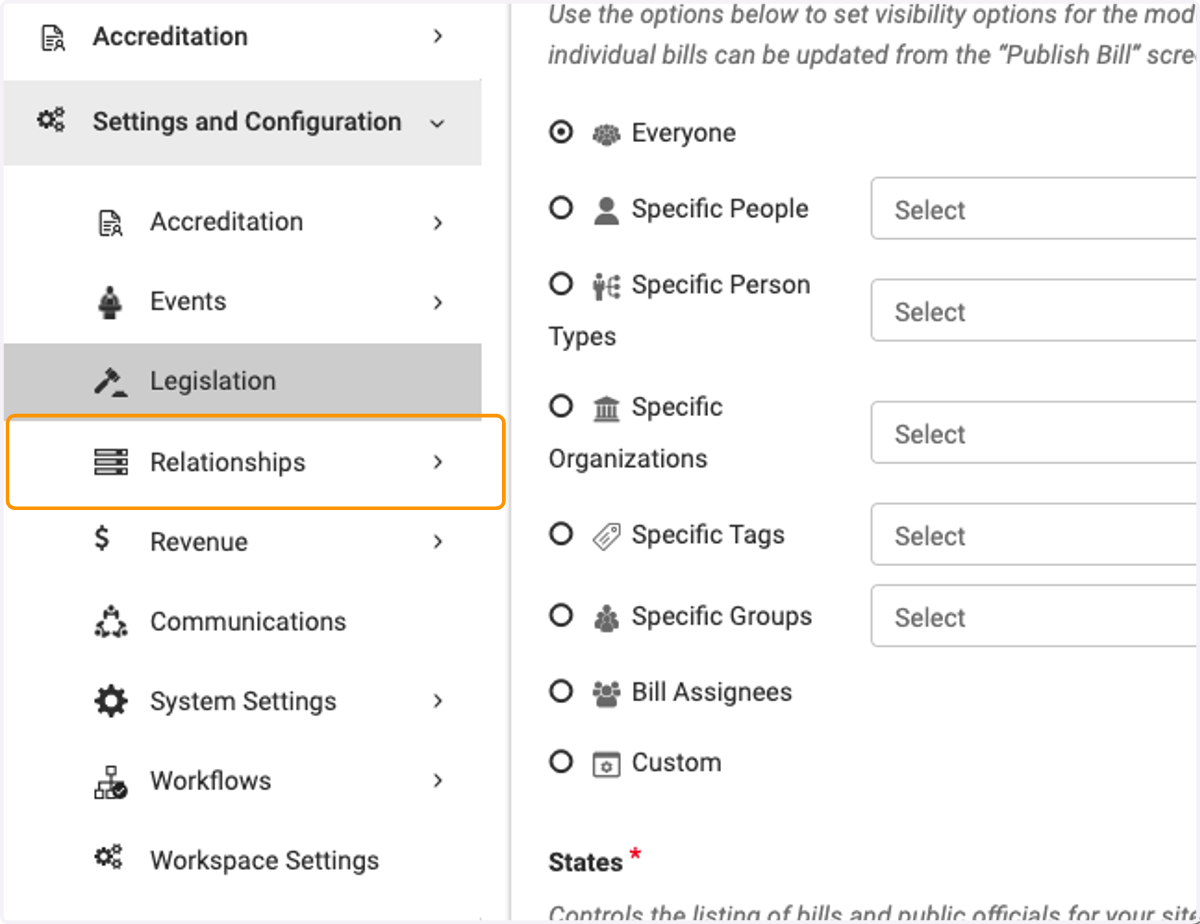
10. Click on Relationships
11. Click on General Settings
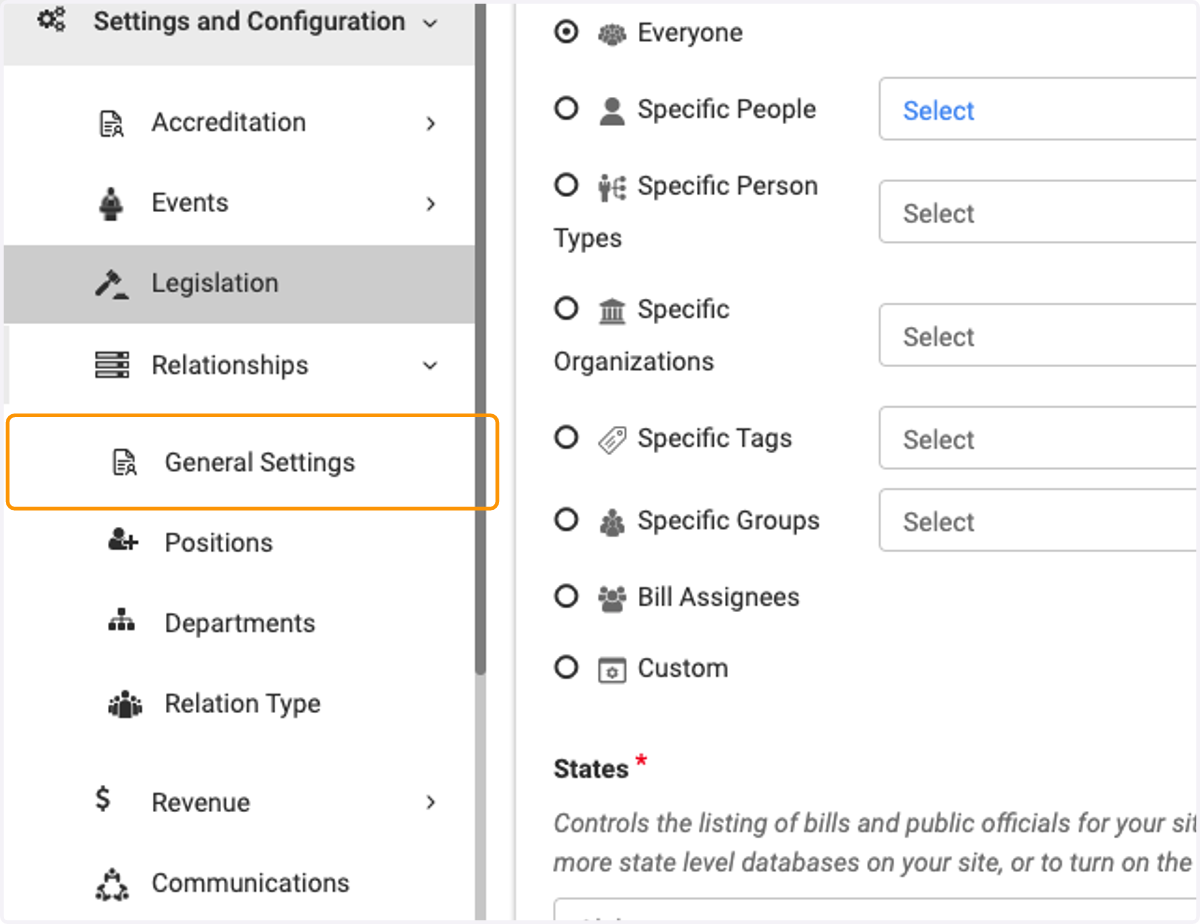
12. Click on Module Name field and update
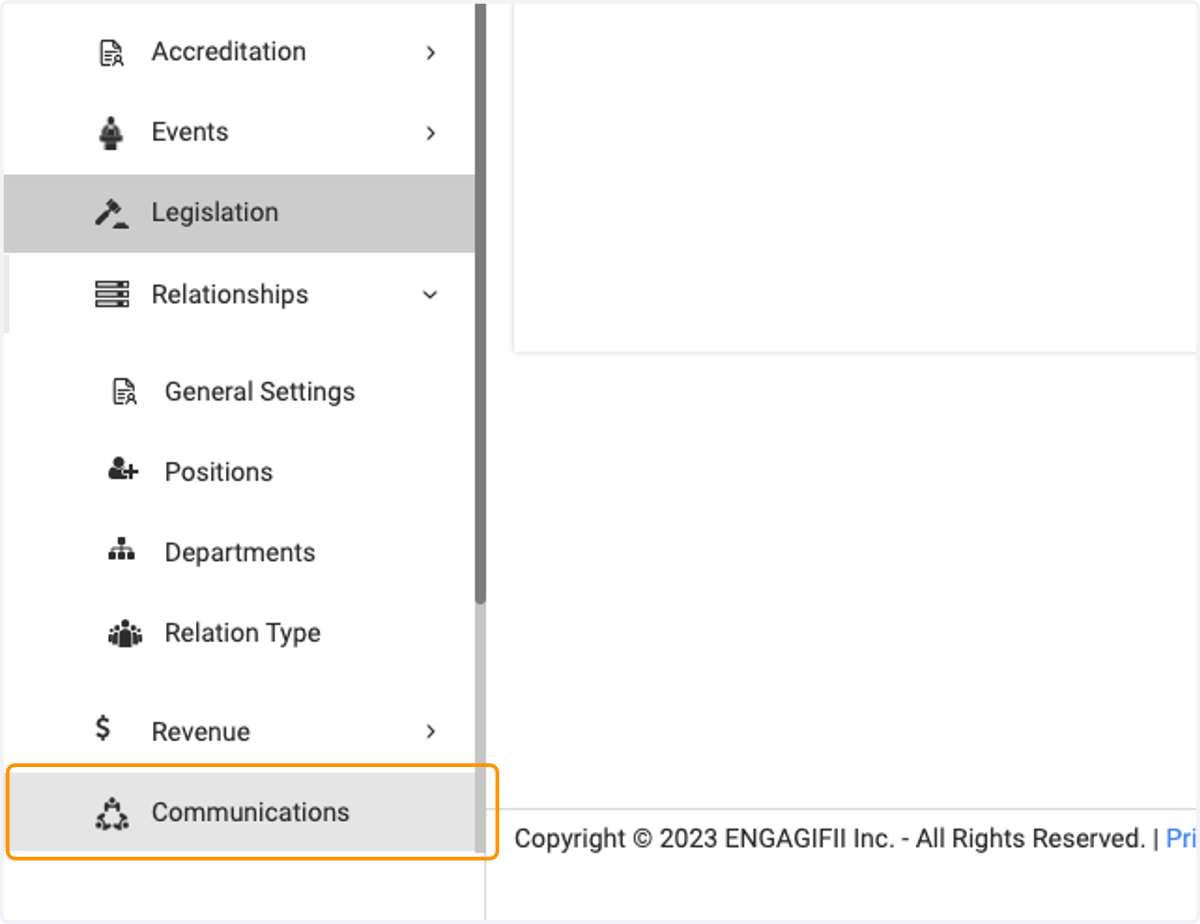
✉️ Updating the Communications module name
13. Click on Communications
14. Click on Module Name field and update