Create new pension providers and schemes
Ocerli
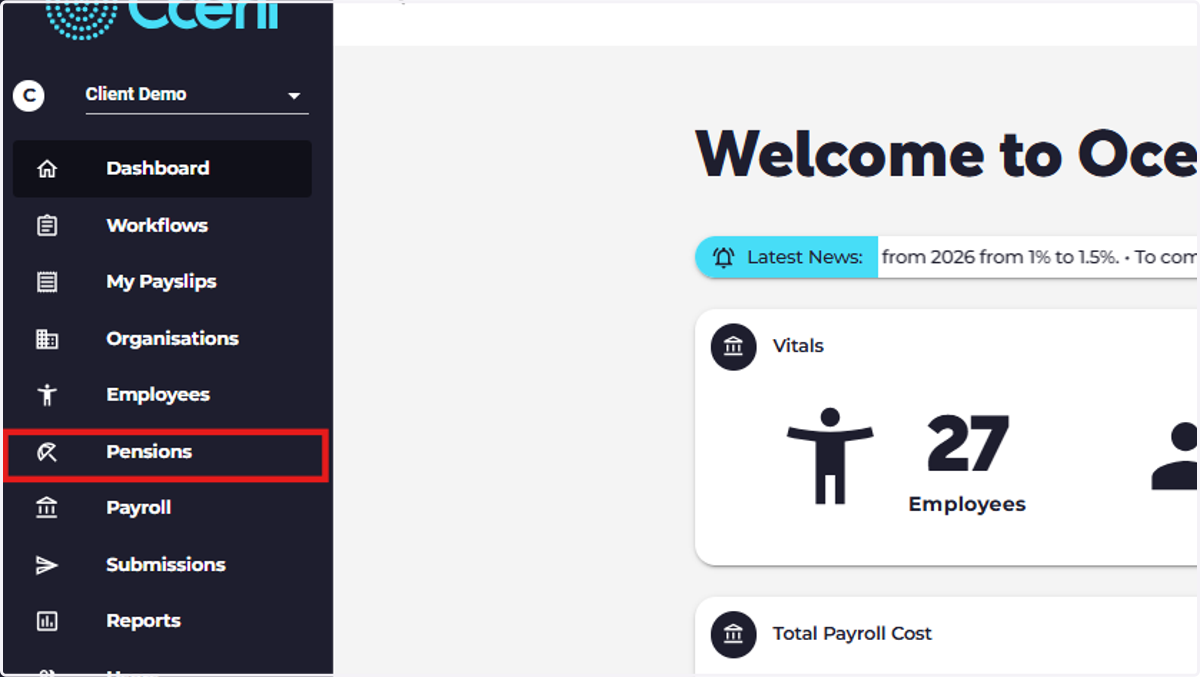
1. Head to pensions on the main menu.
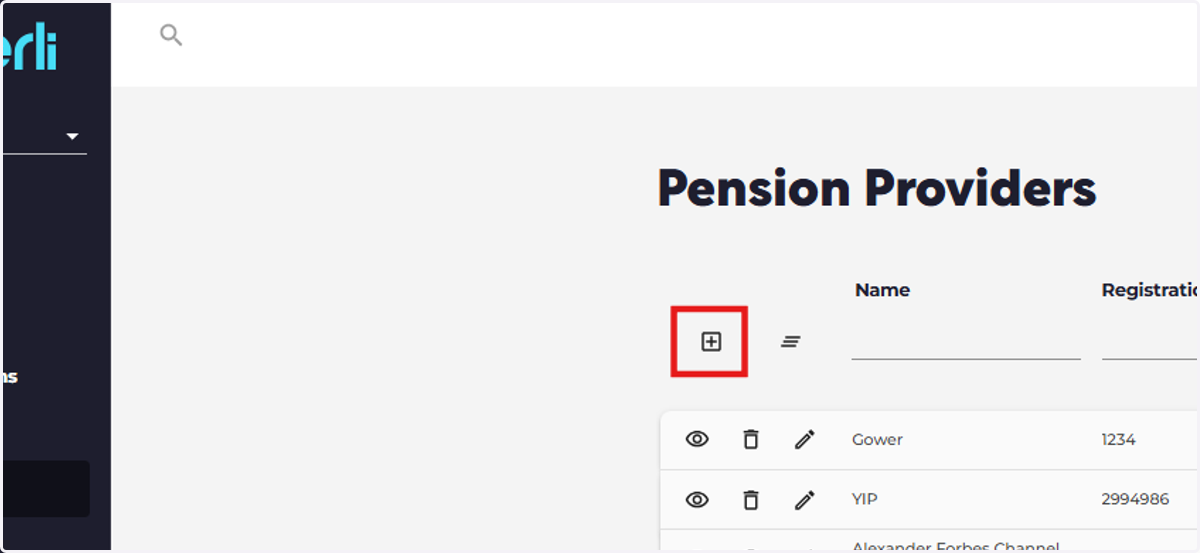
2. Click the plus symbol to create a new pension provider
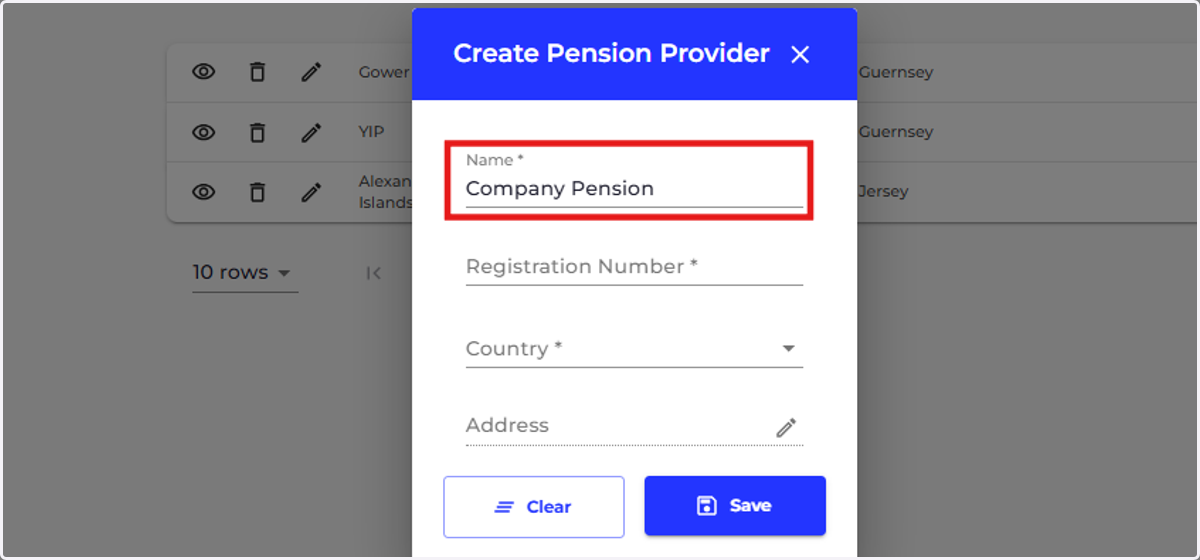
3. Add the name of the pension provider
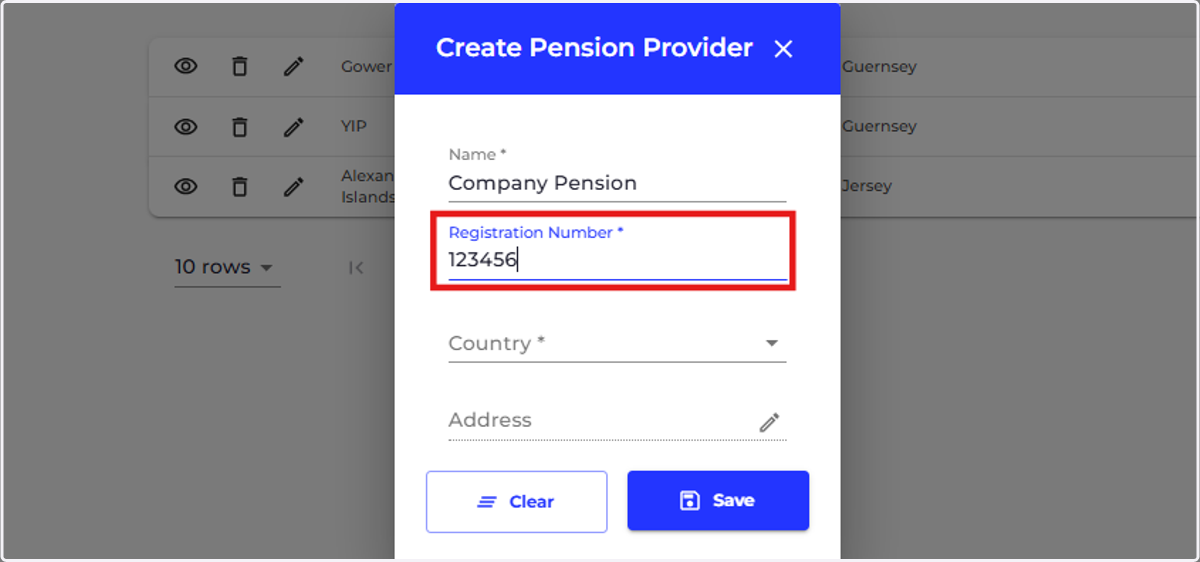
4. Add the registration number
The provider's registration number in its country of residence. In Guernsey for secondary pensions, this is the GFSC Reference.
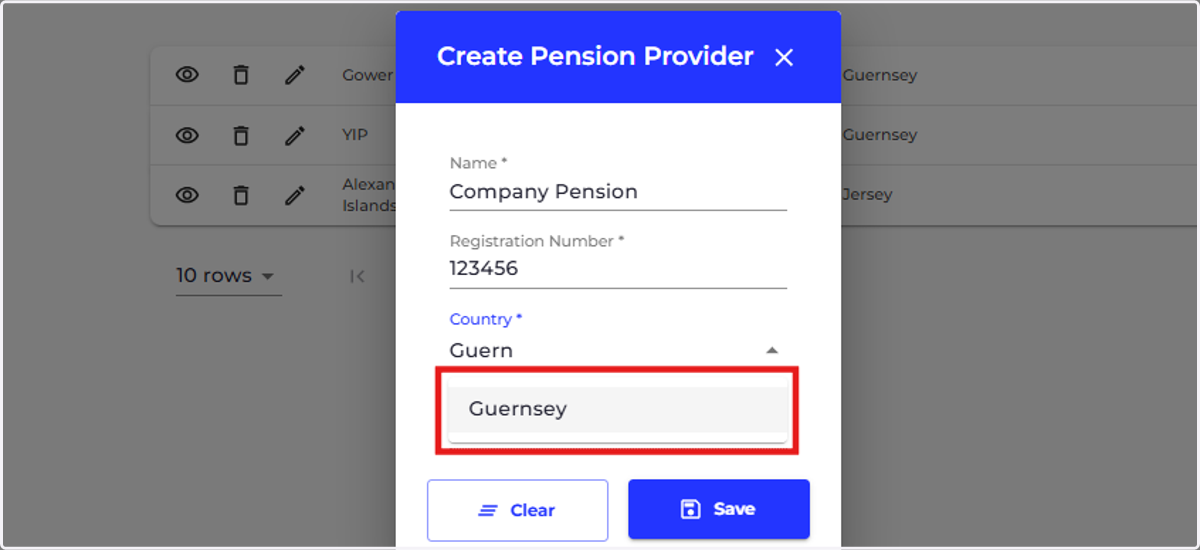
5. Choose the country where the provider is resident
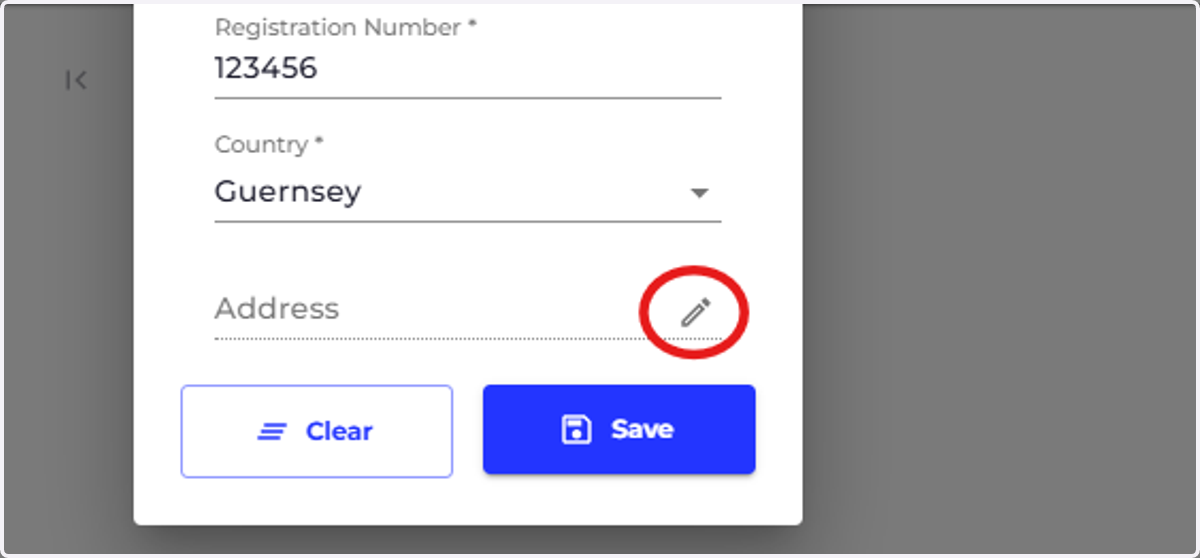
6. Add the address for the pension provider
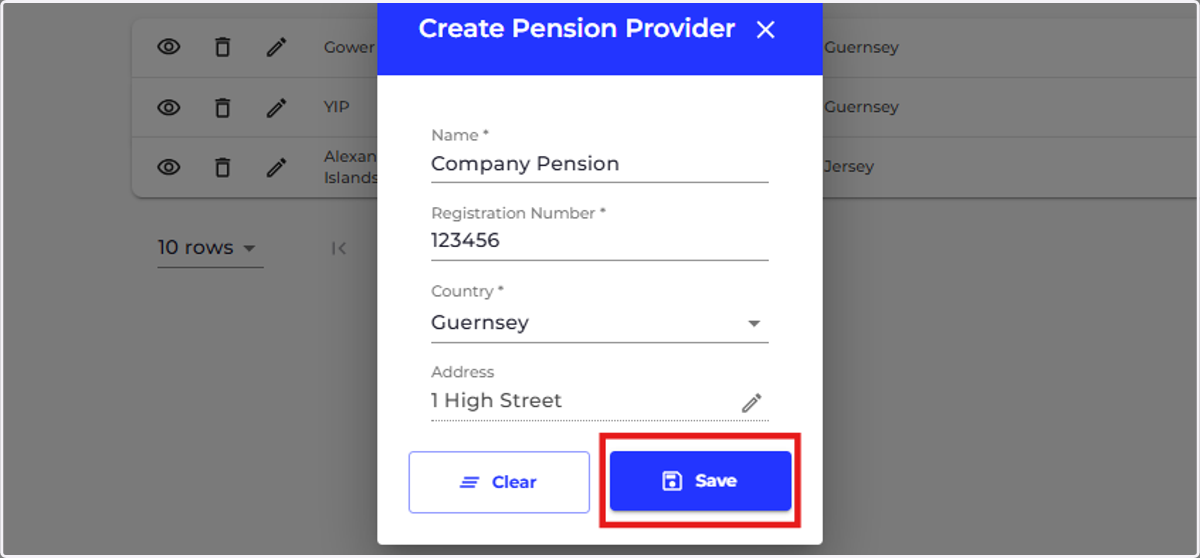
7. Click on Save
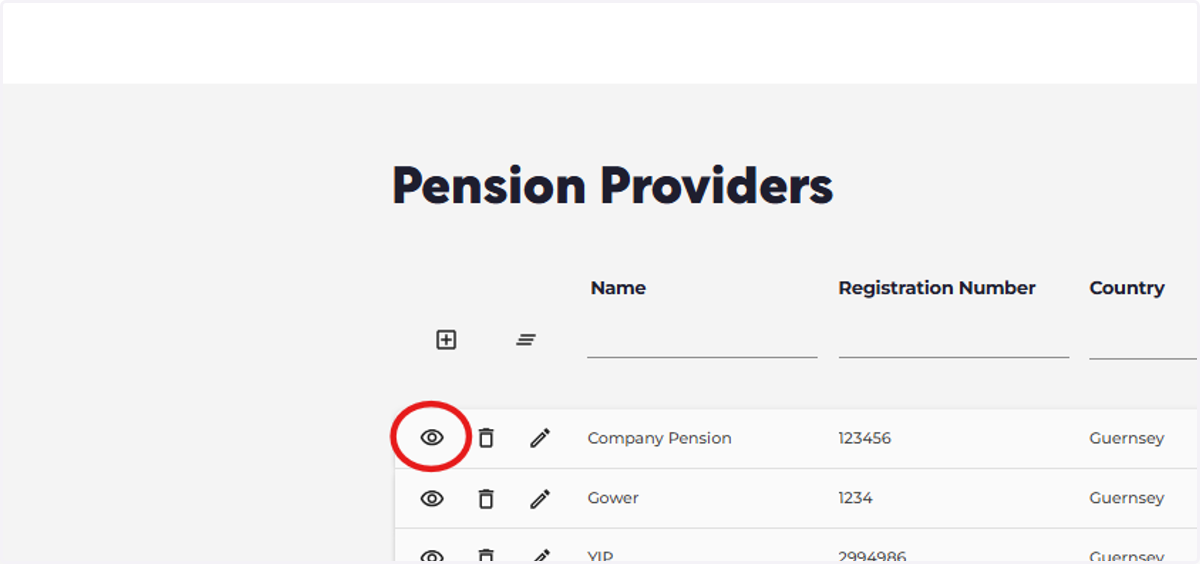
8. Now you can add your pension schemes, start by clicking the eye icon next to your pension provider.
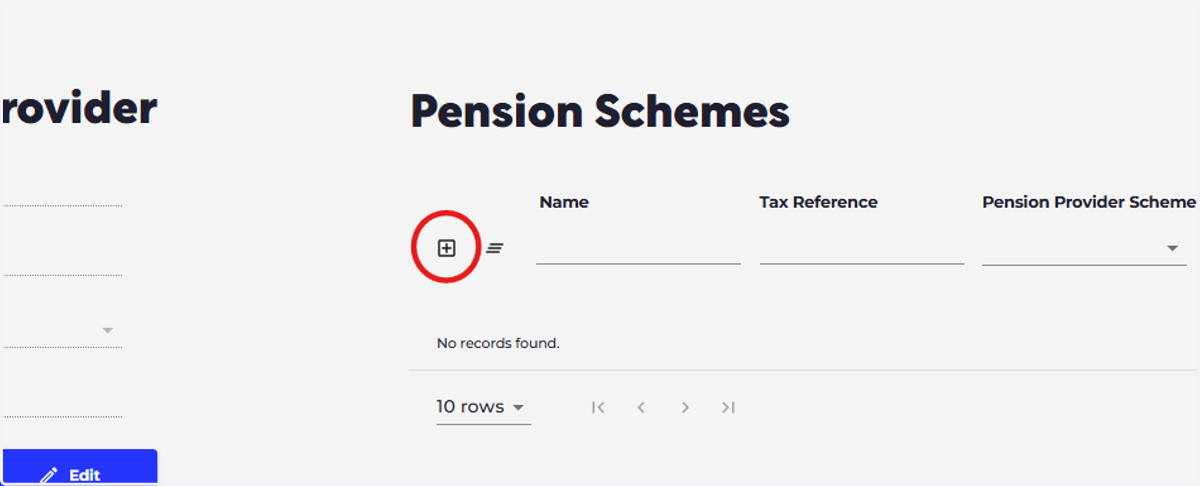
9. Click the plus symbol to create a new scheme.
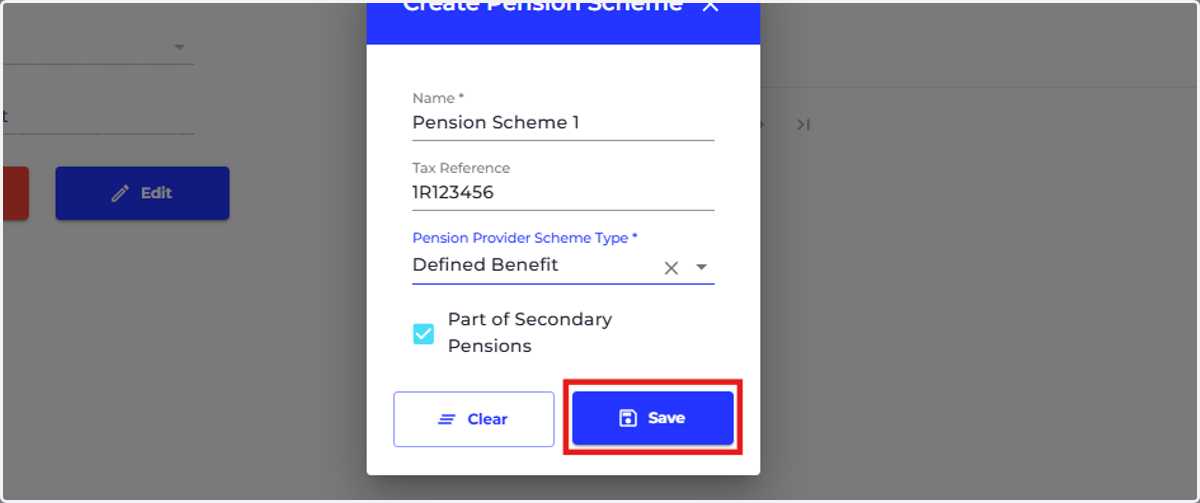
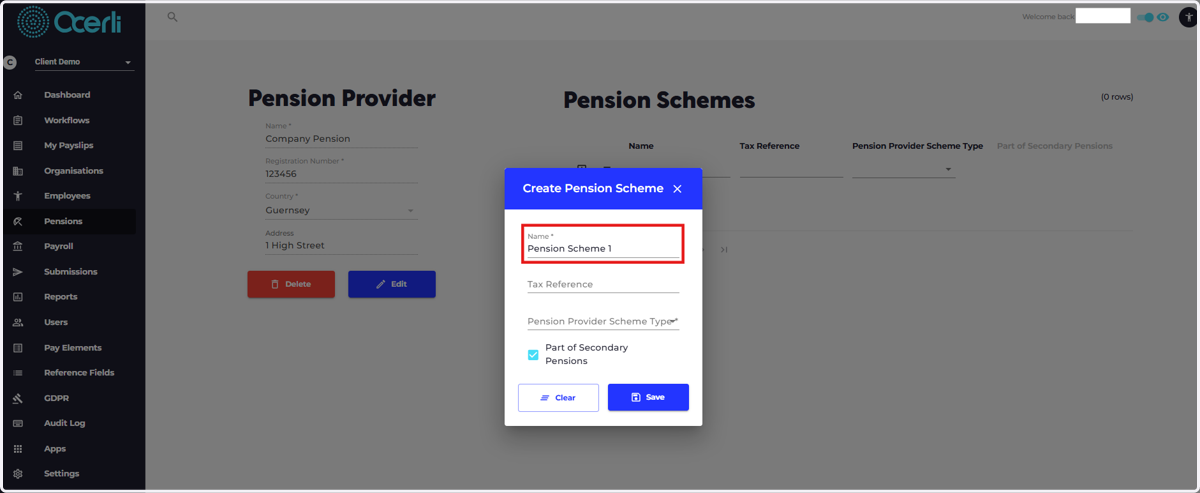
10. Add the name of your pension scheme
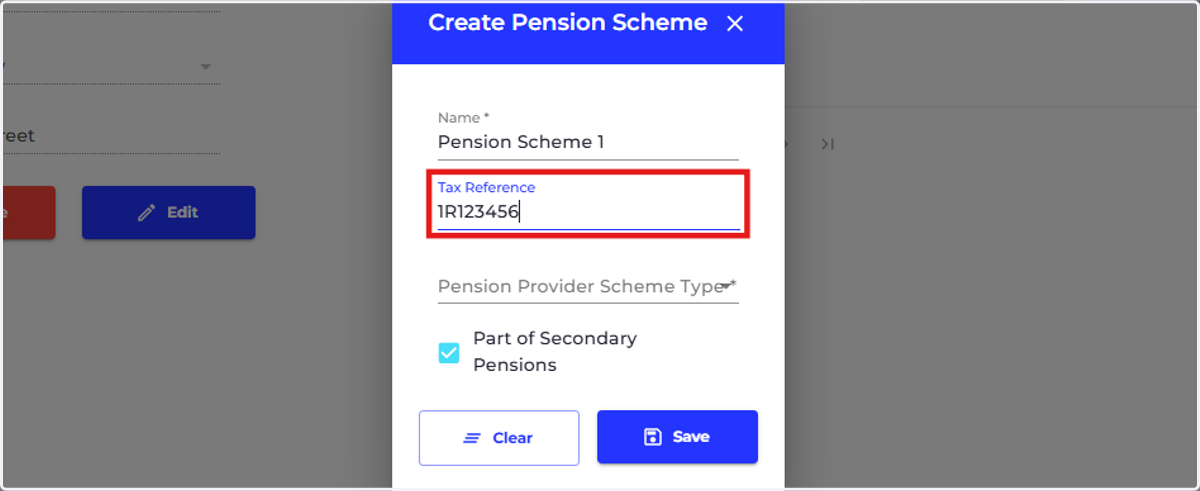
11. Add the Tax Reference for your scheme.
For the purpose of Guernsey secondary pensions government submissions, this is the Revenue Service issued tax reference number for this pension scheme. The format being NRNNNNNN, the letter in the second position is always an R.
12. Select a pension provider scheme type.
Please kindly ask your pension provider for advice if you are not sure which category your scheme falls into.
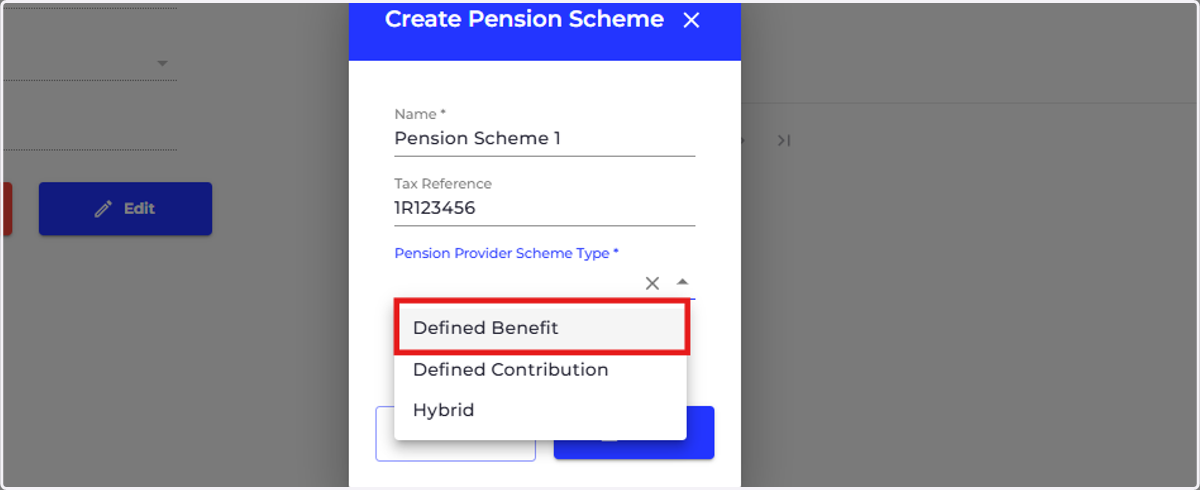
13. Click on save
You can then repeat this process as many times as needed to create all of your pension schemes under each provider.