Creating Device Sub Status Custom Fields - Connect Platform
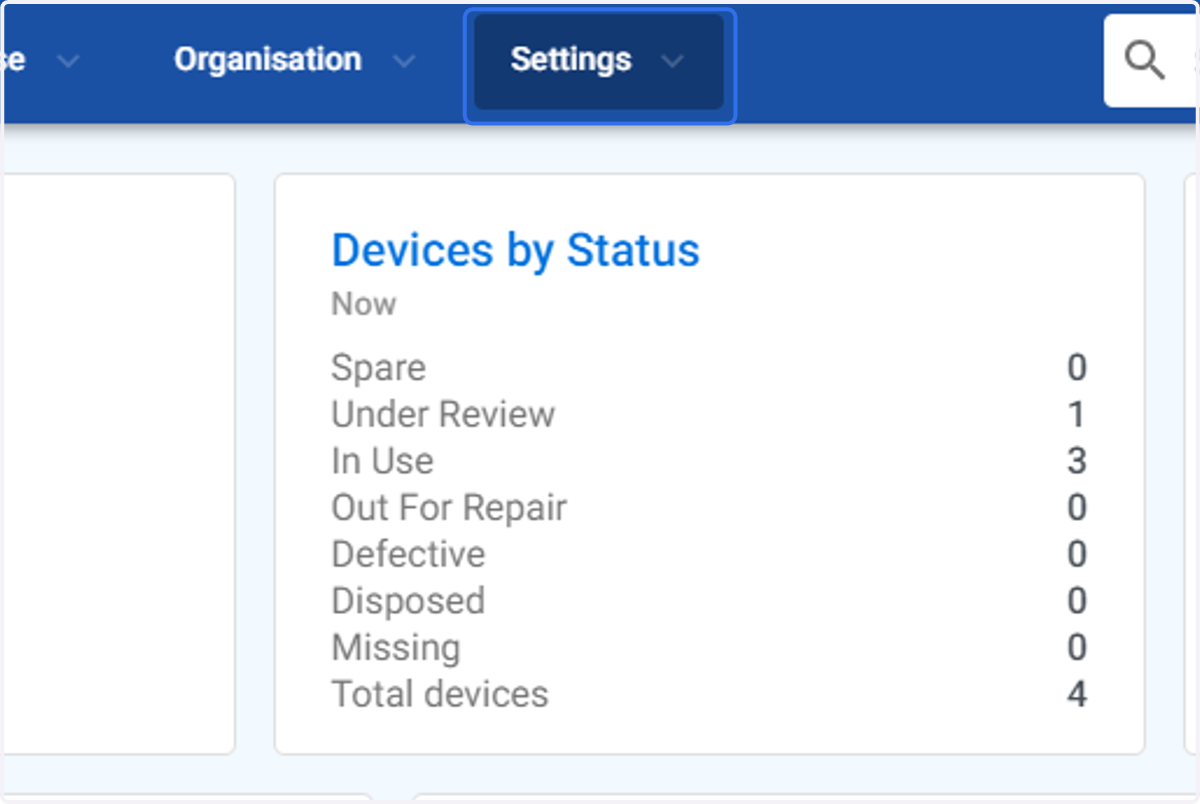
1. Click on Settings
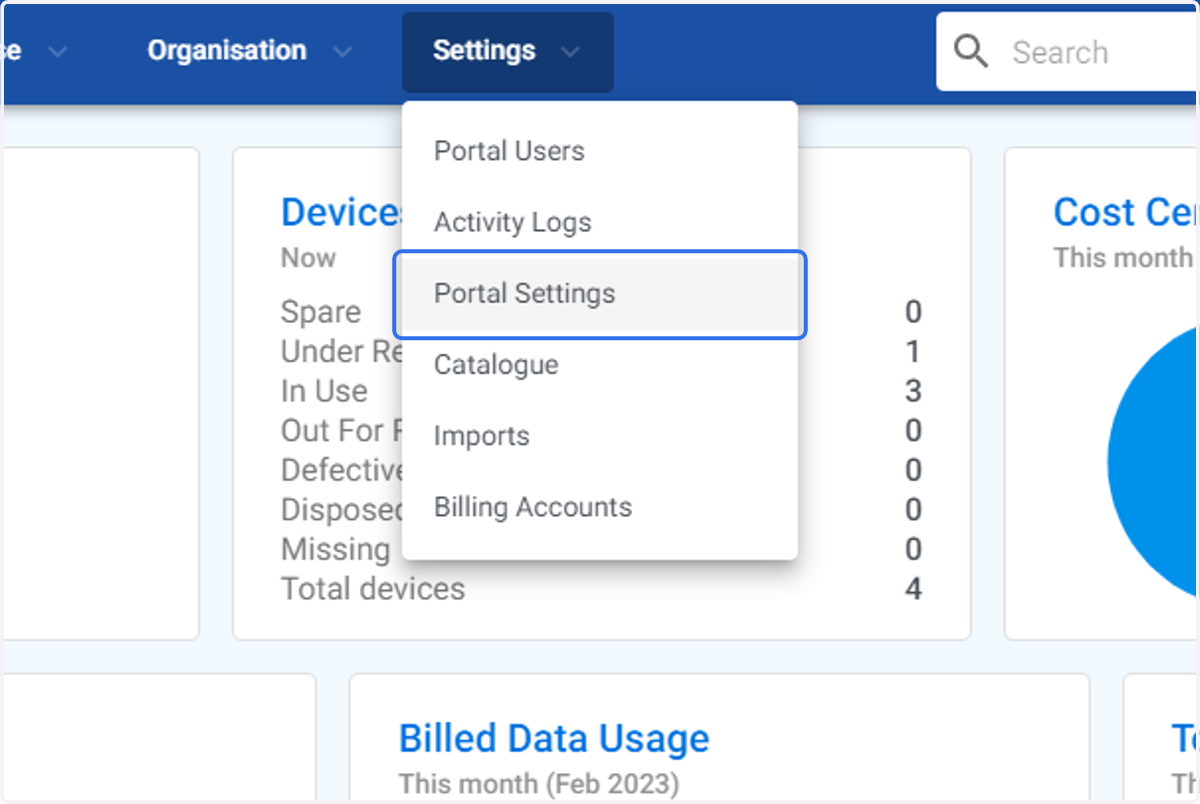
2. Click on Portal Settings
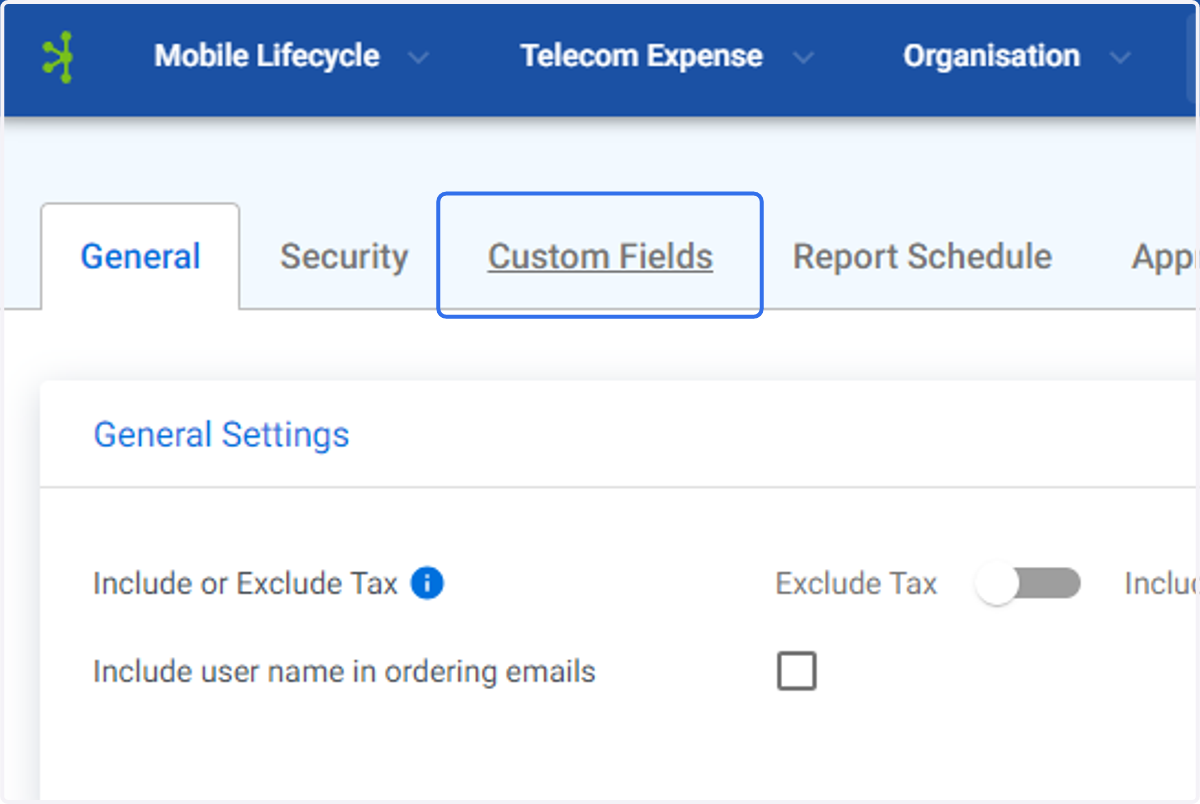
3. Click on Custom Fields
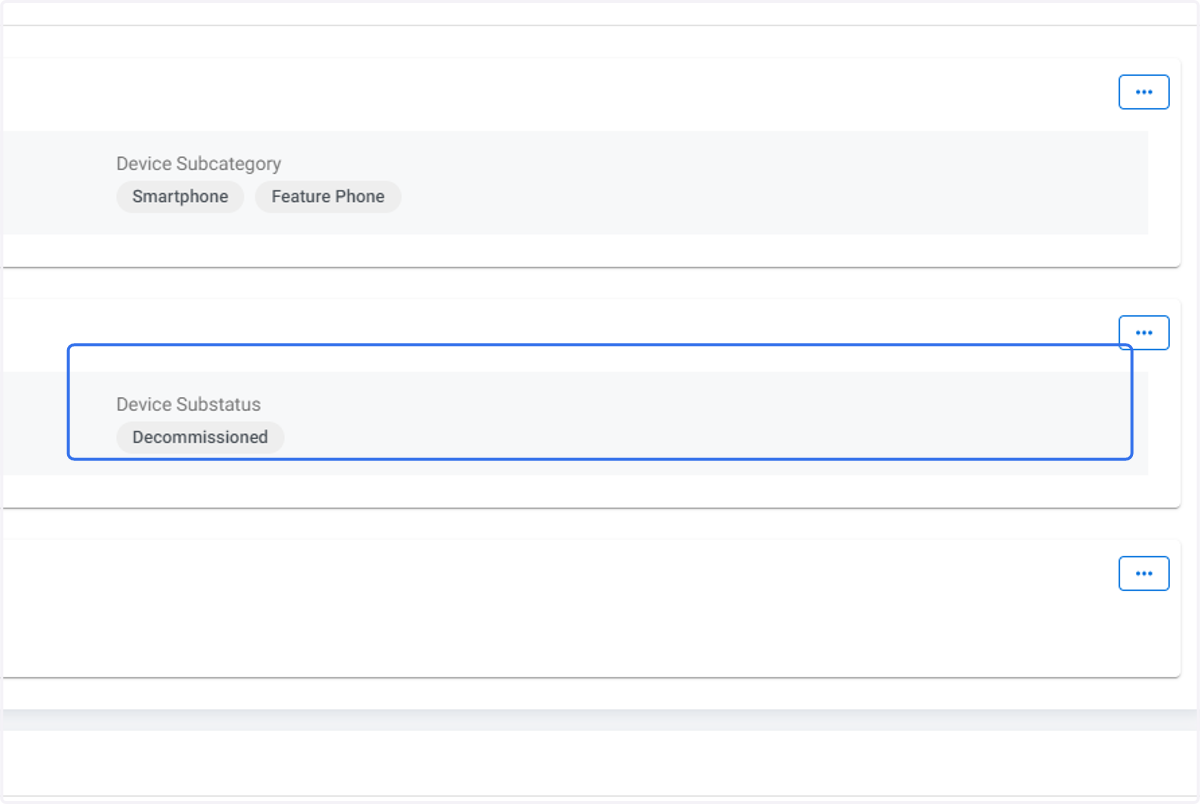
4. Click on Device Substatus
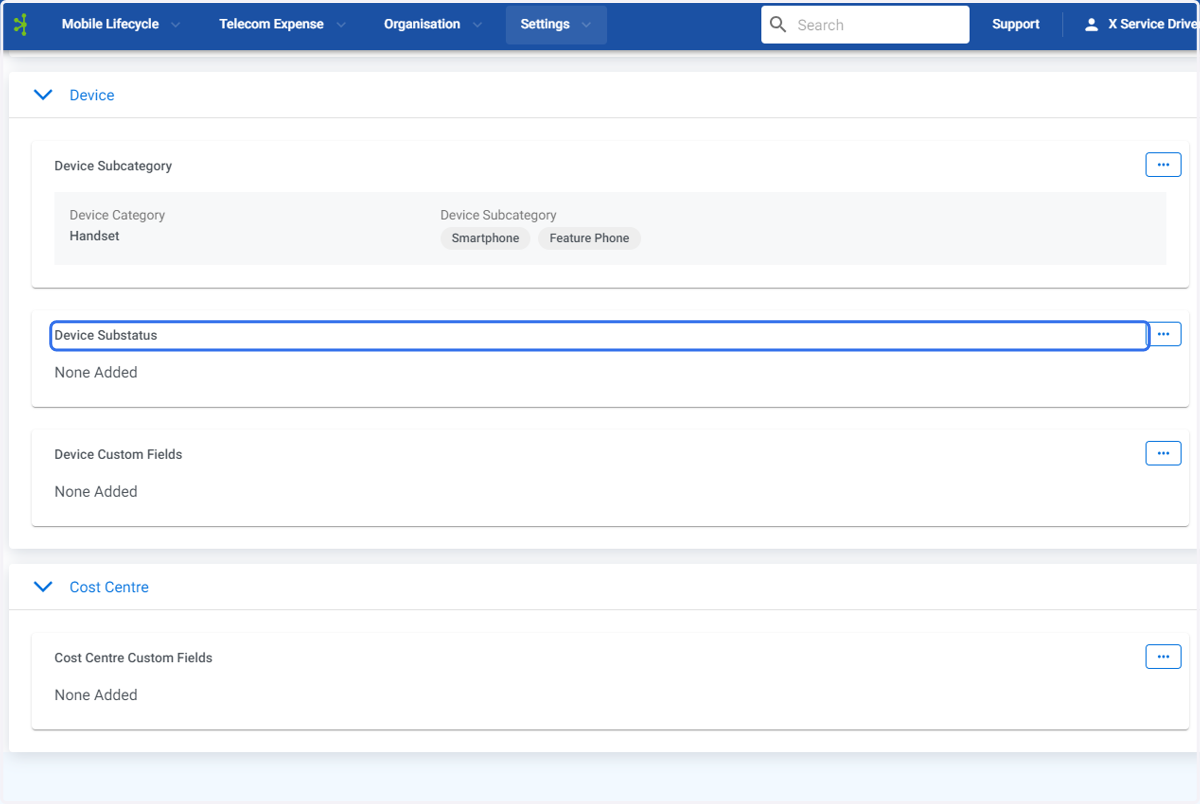
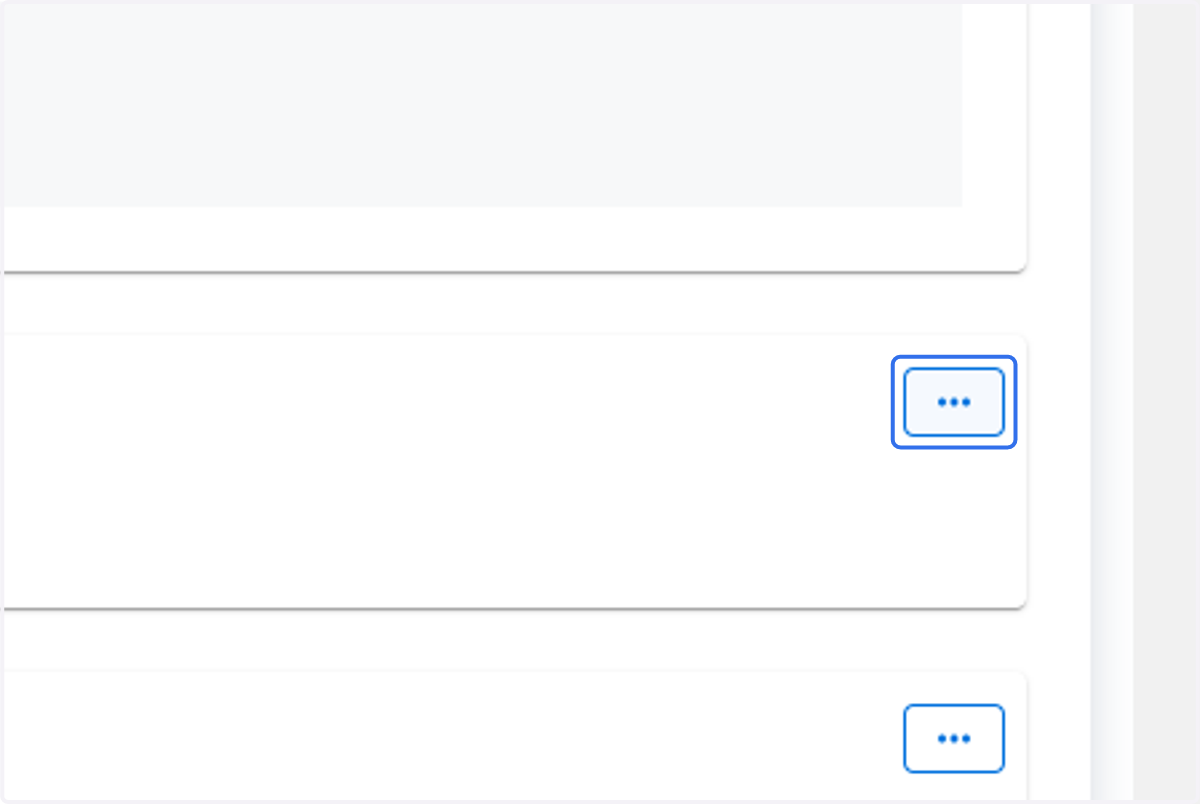
5. Click on Device Subcategory menu option
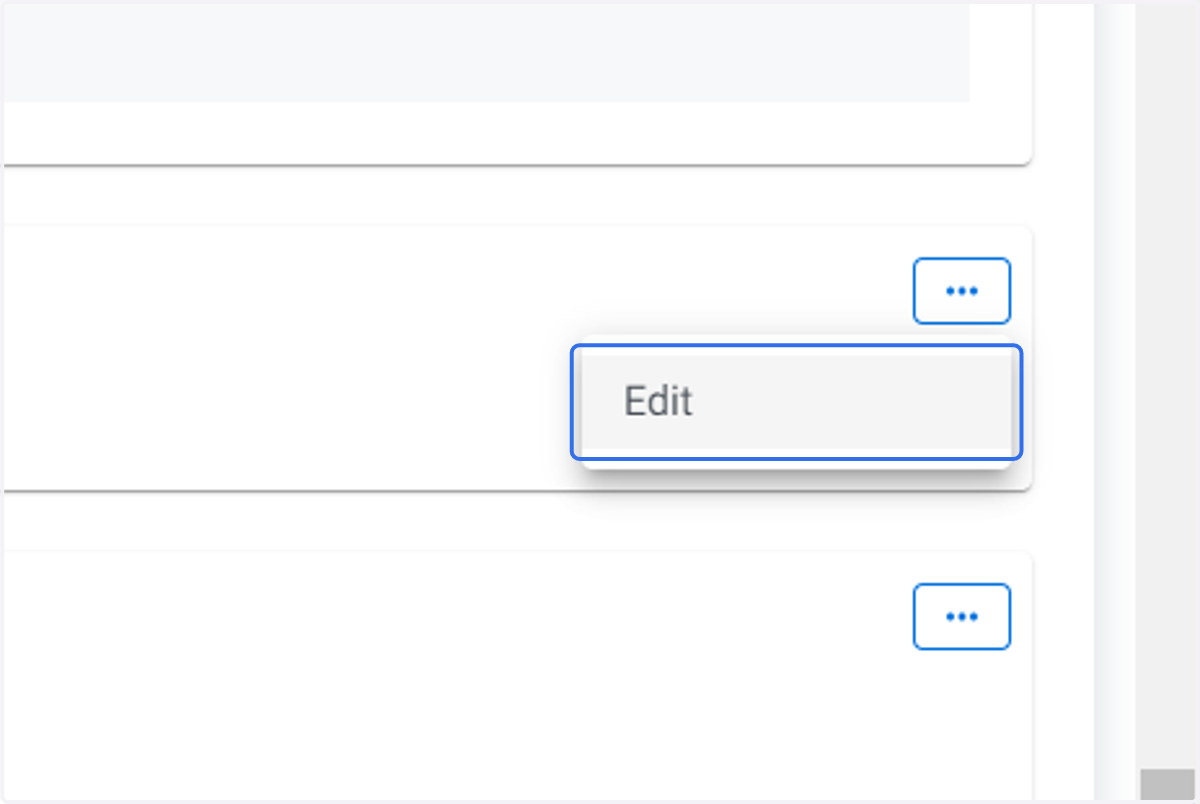
6. Click on Edit
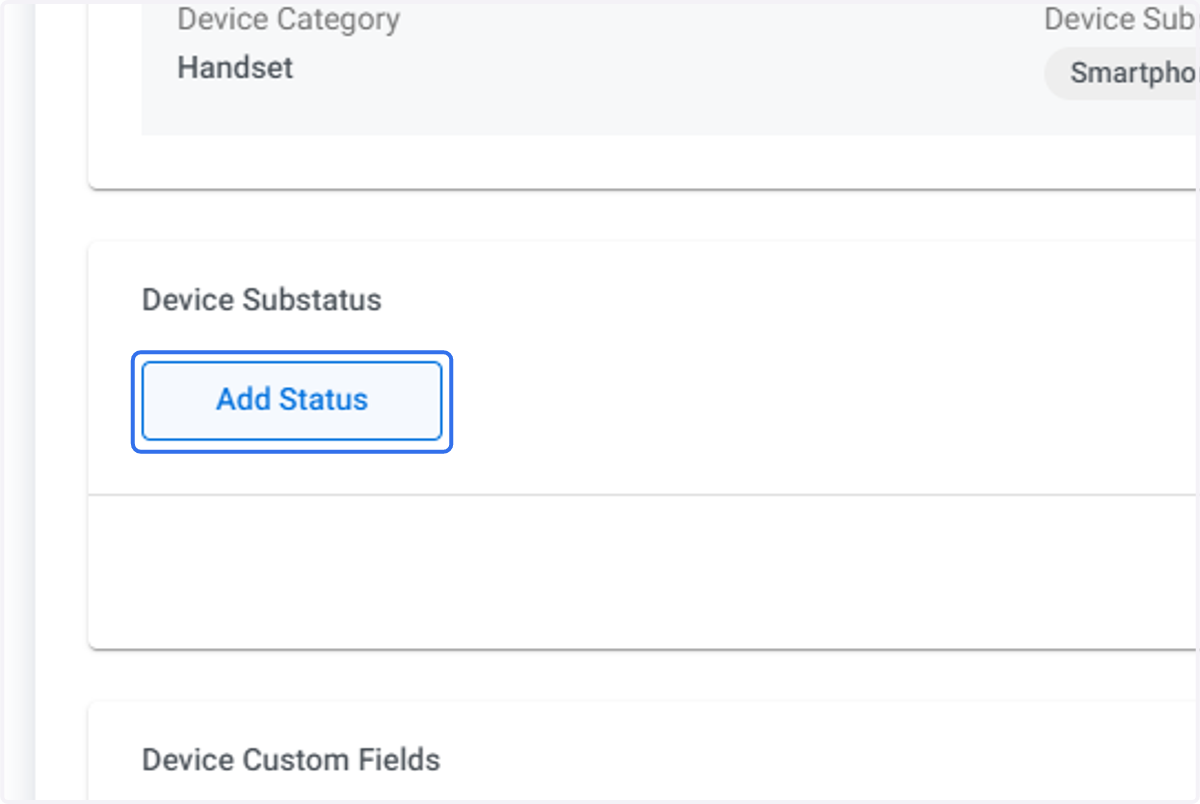
7. Click on Add Status
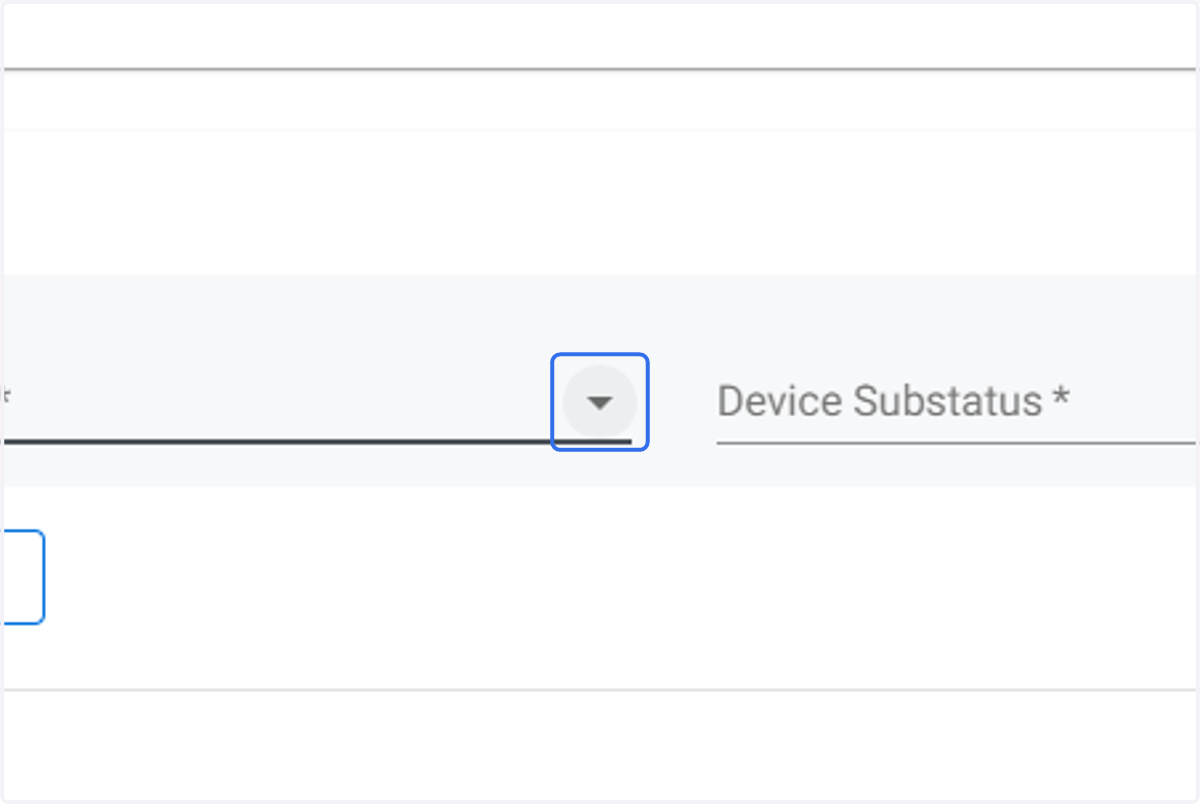
8. Click on the Device Status drop down menu.
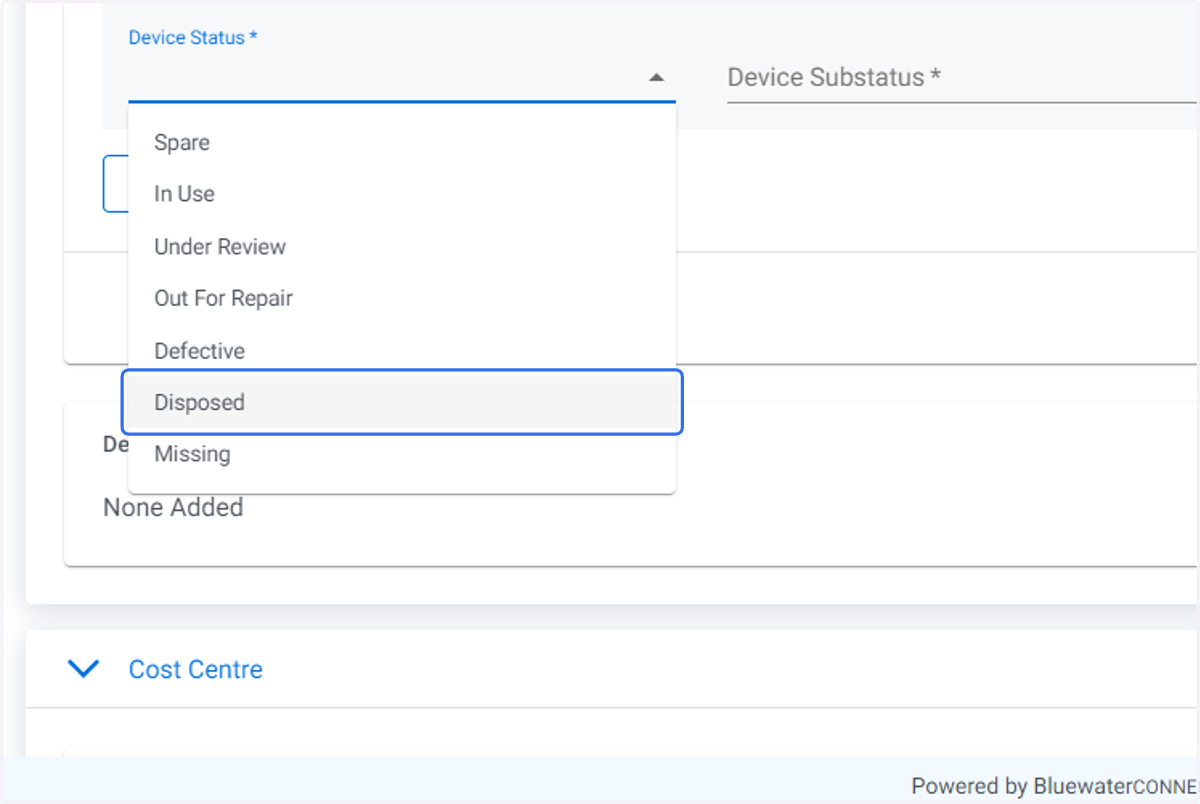
9. Click on the required Device Status.
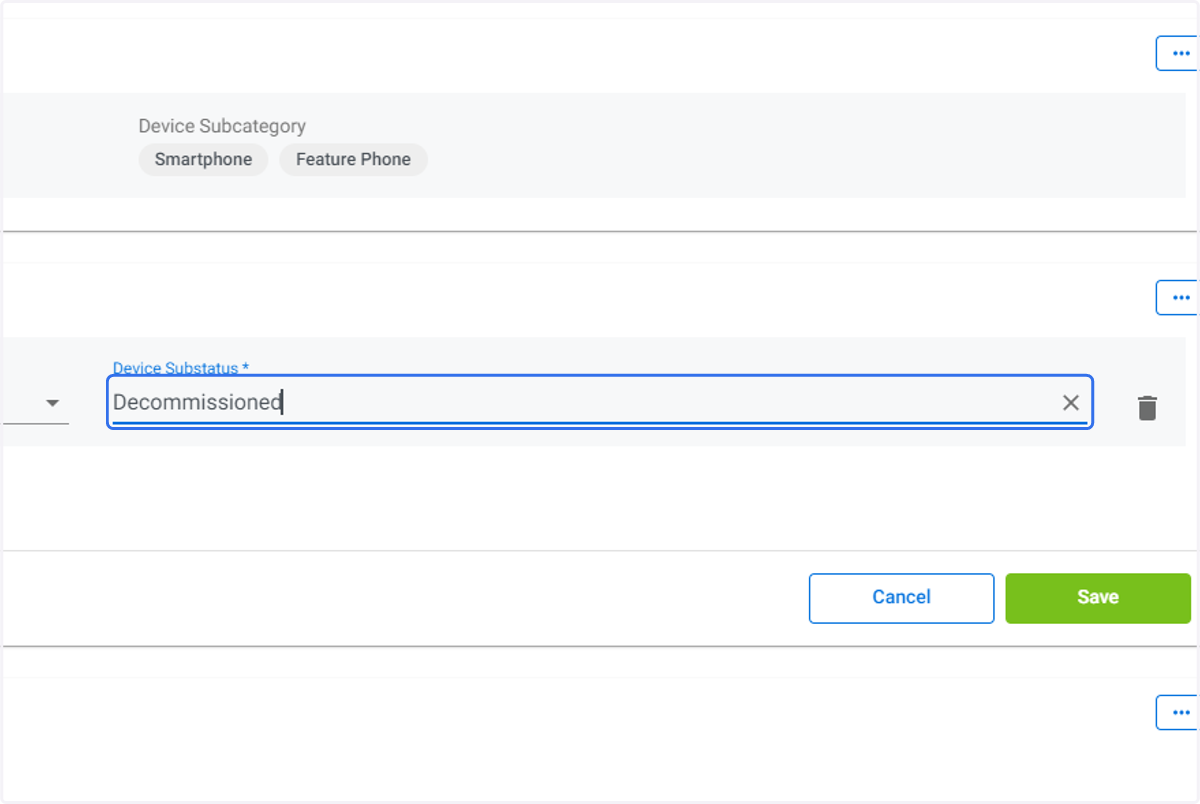
10. Type in the Device Substatus you wish to create.
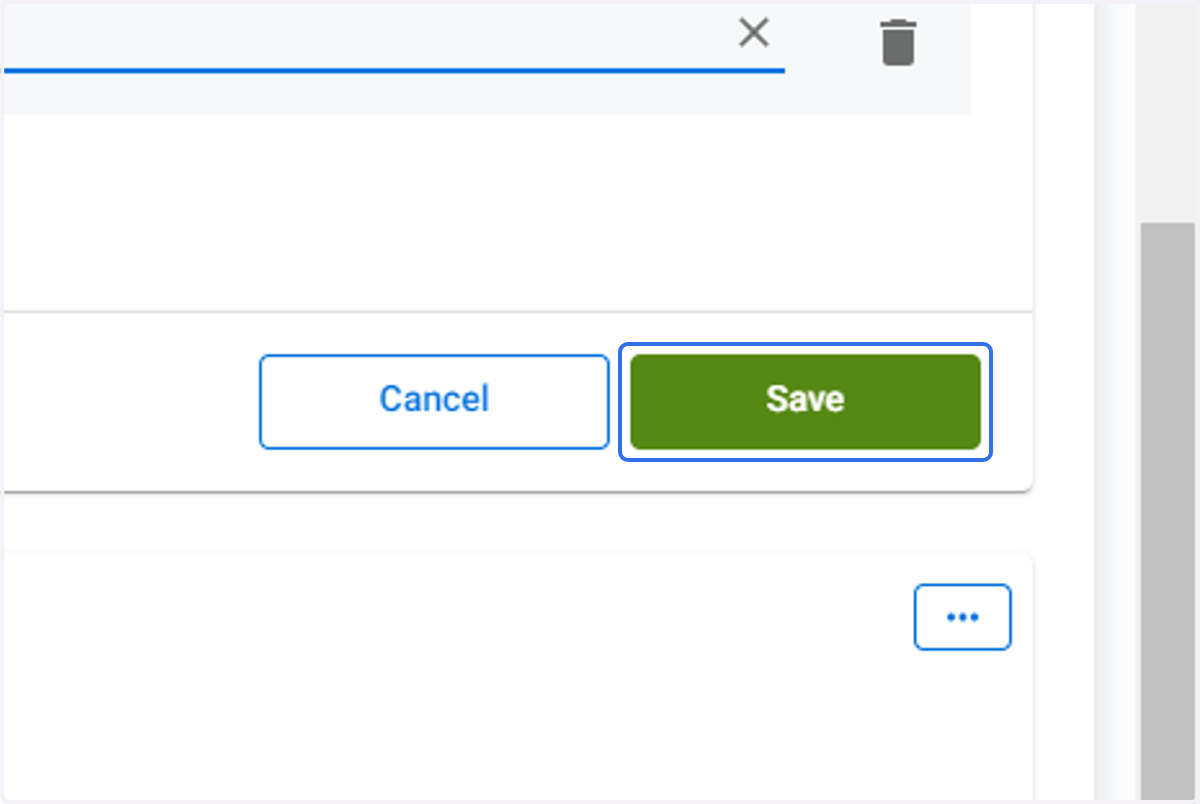
11. Click on Save
12. The Device Subcategory created will be displayed.