Dretza: Getting to know the category details page
Home - Dretza
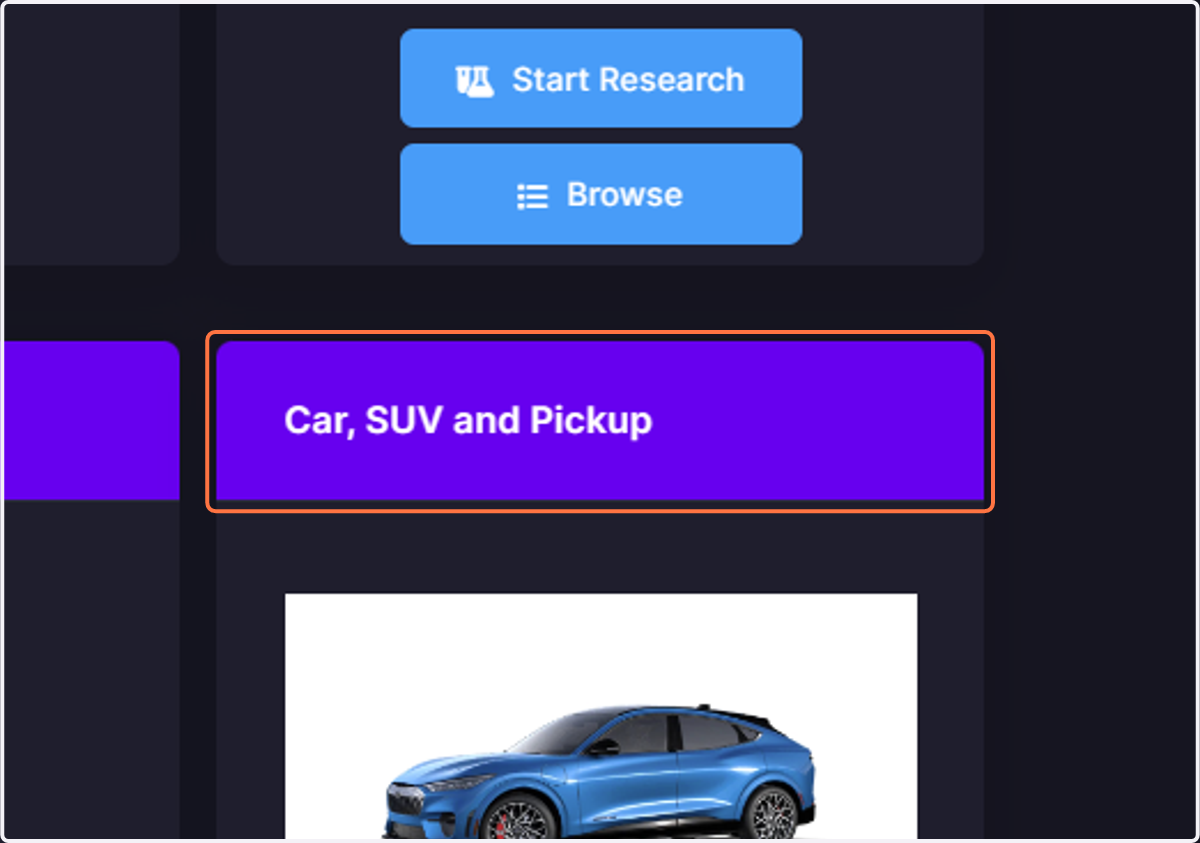
1. Click on the head of the desired category card
Clicking the header of a category card will bring to its details page.
2. The category items tile
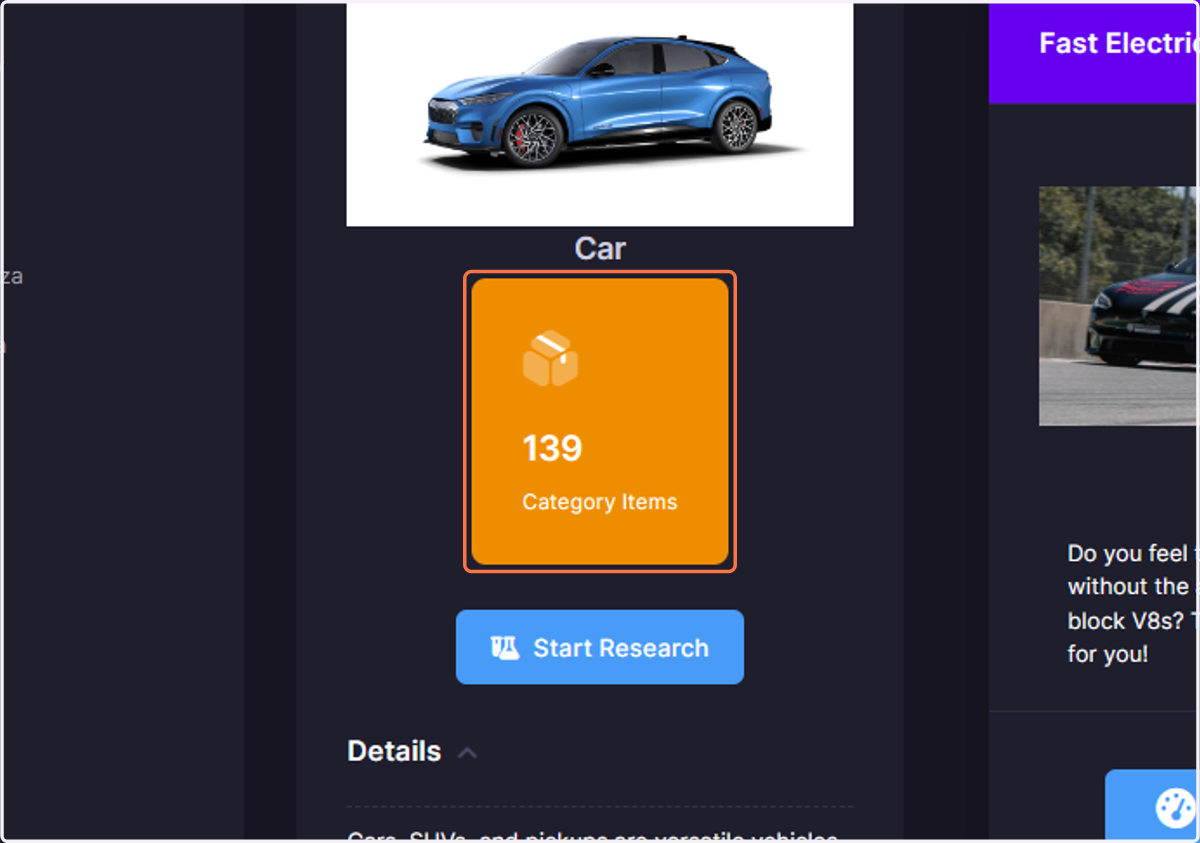
In the Category Items tile, quickly see how many items are present in the category. Clicking the tile will bring you to the search page to see the items in this category.
3. The Start Research button
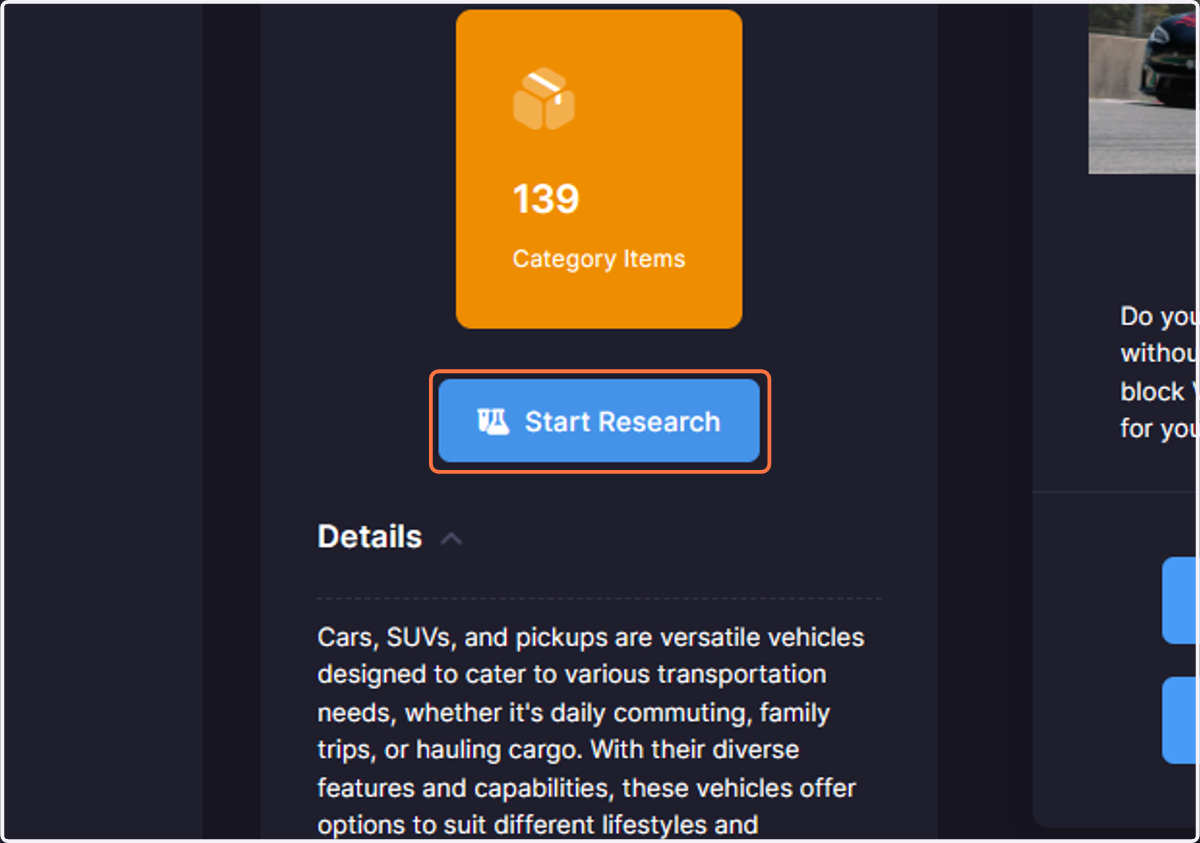
The Start Research button will bring you to the Purchase Solver page, where you will be able to express your requirements find the the item that best matches your requirements and their importance.
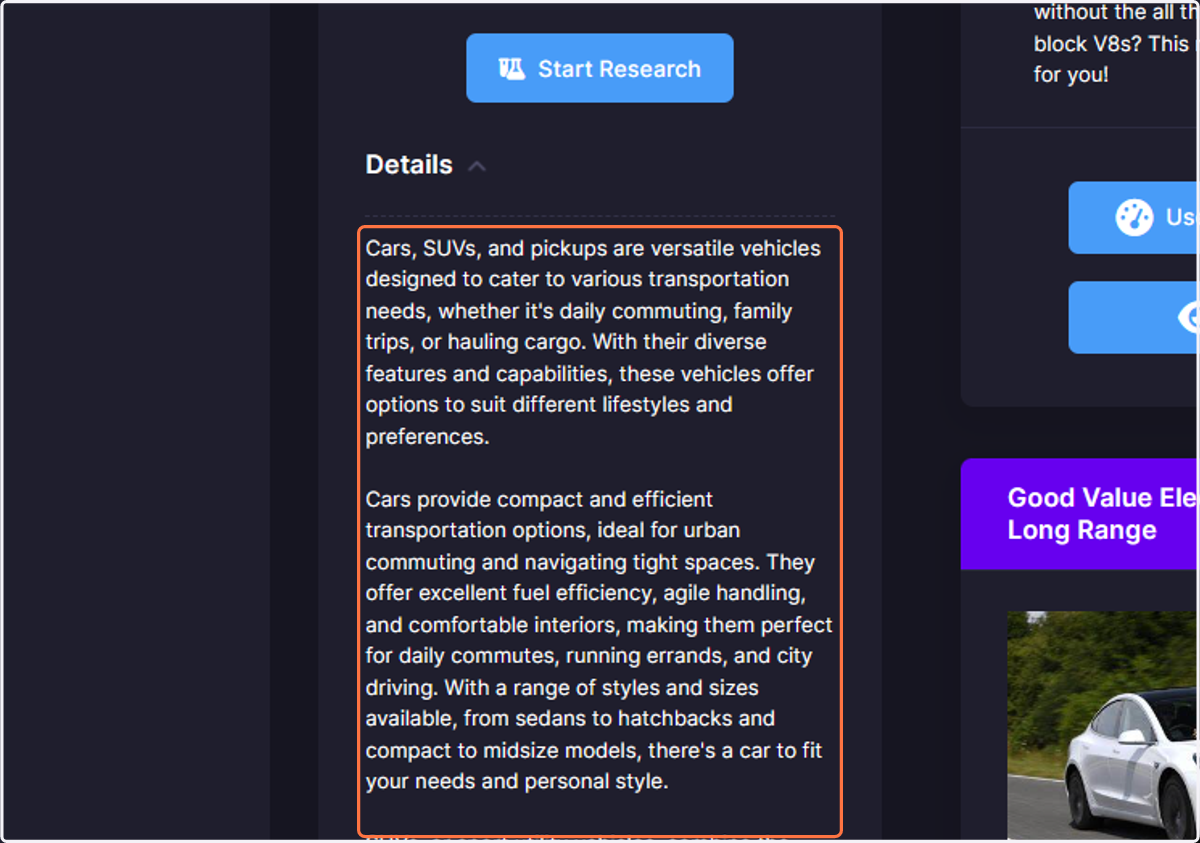
4. The Details section
The Details section offers a description of what the category is about.
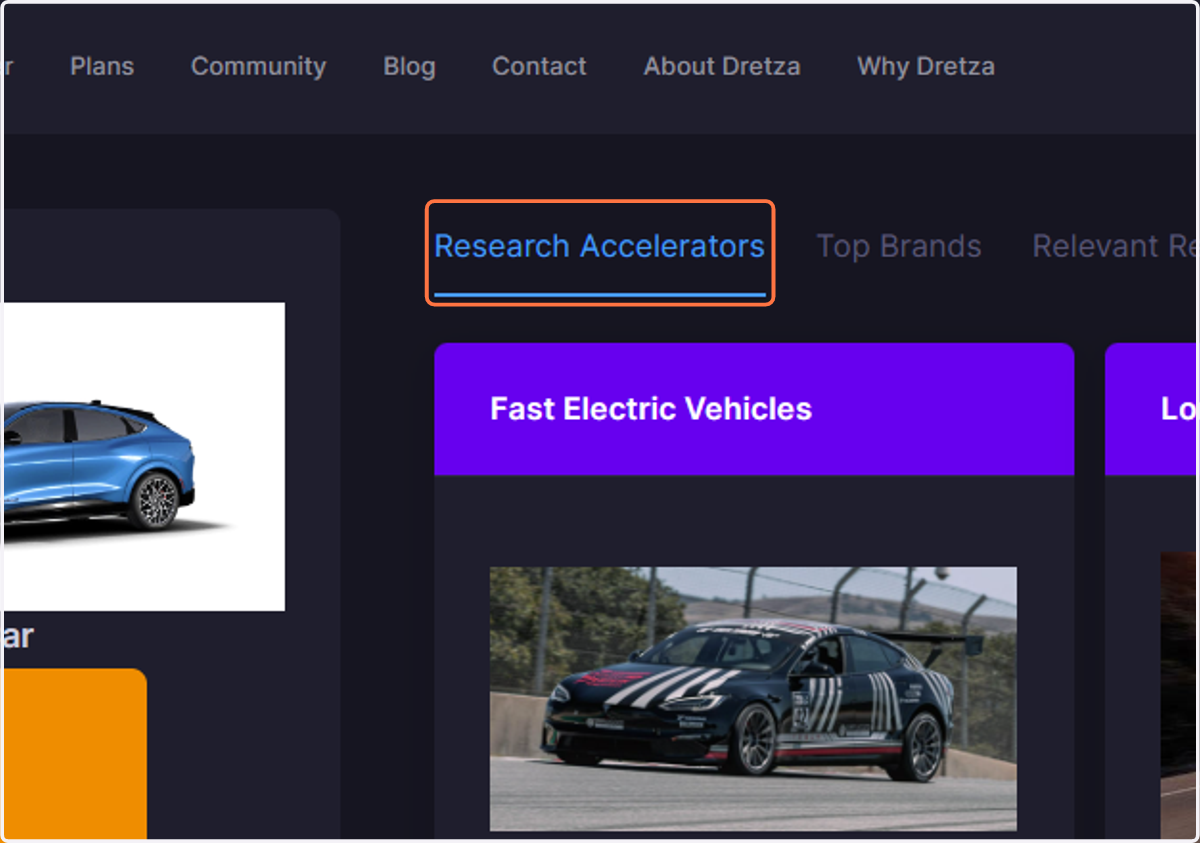
5. The Research Accelerators tab
The Research Accelerators tab provides you with a quick way to see the different use cases for which requirements were carefully pre-determined and calibrated to fast-track your research.
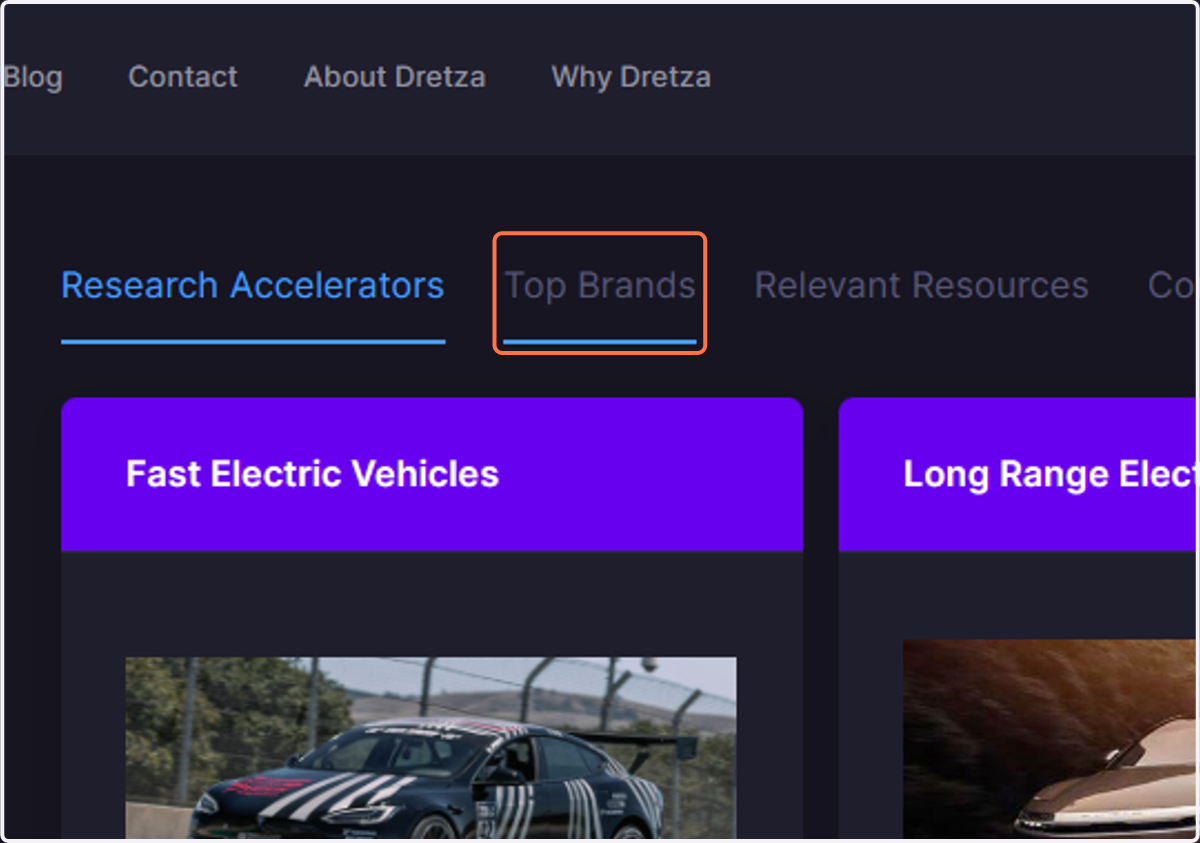
6. The Top Brands tab
Clicking the Top Brands tab allows you to quickly see a list of the top brands inside the category.
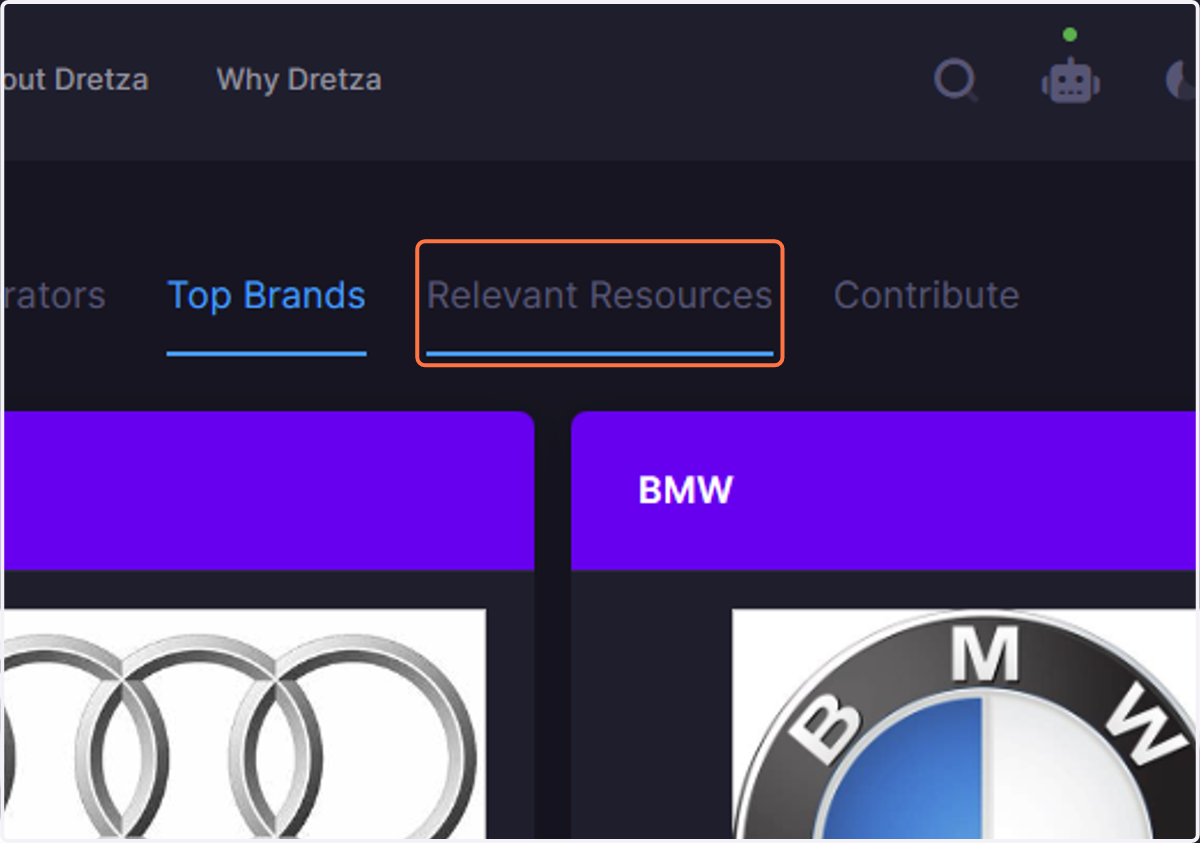
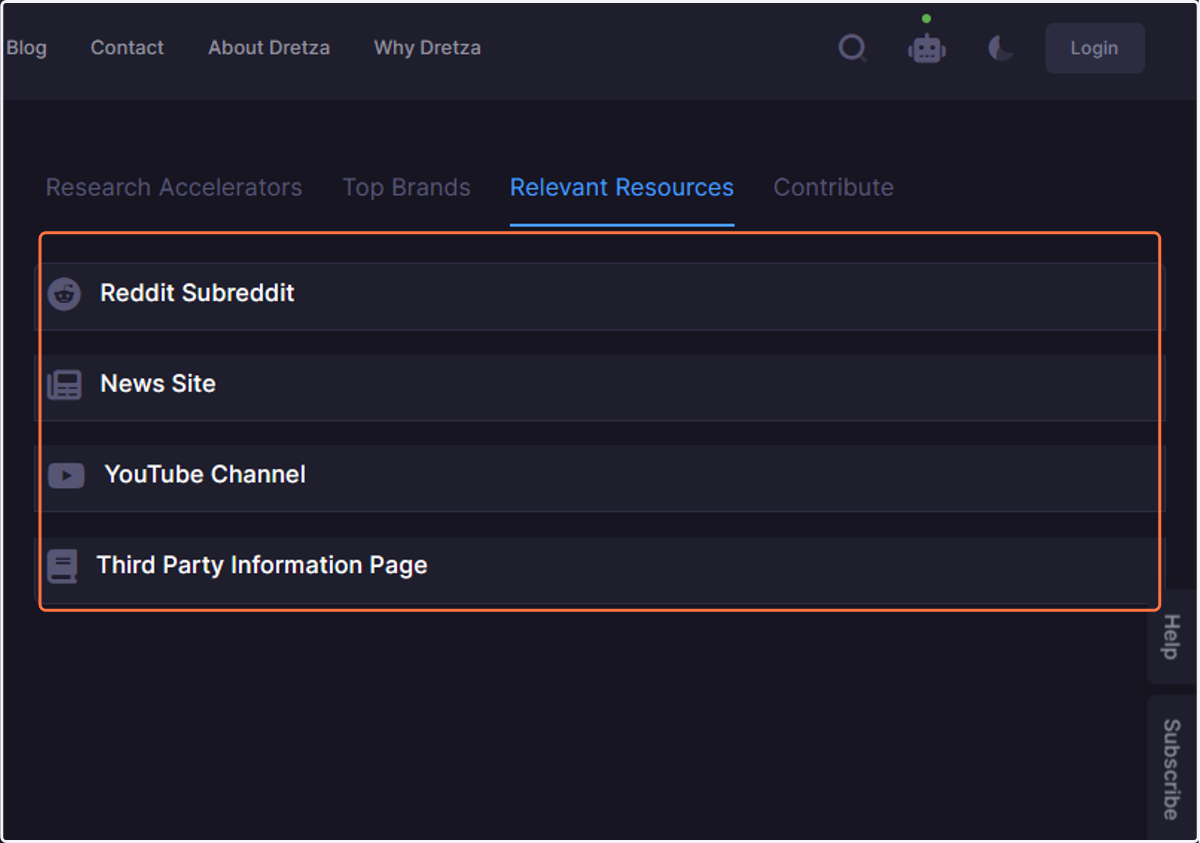
7. The Relevant Resources tab
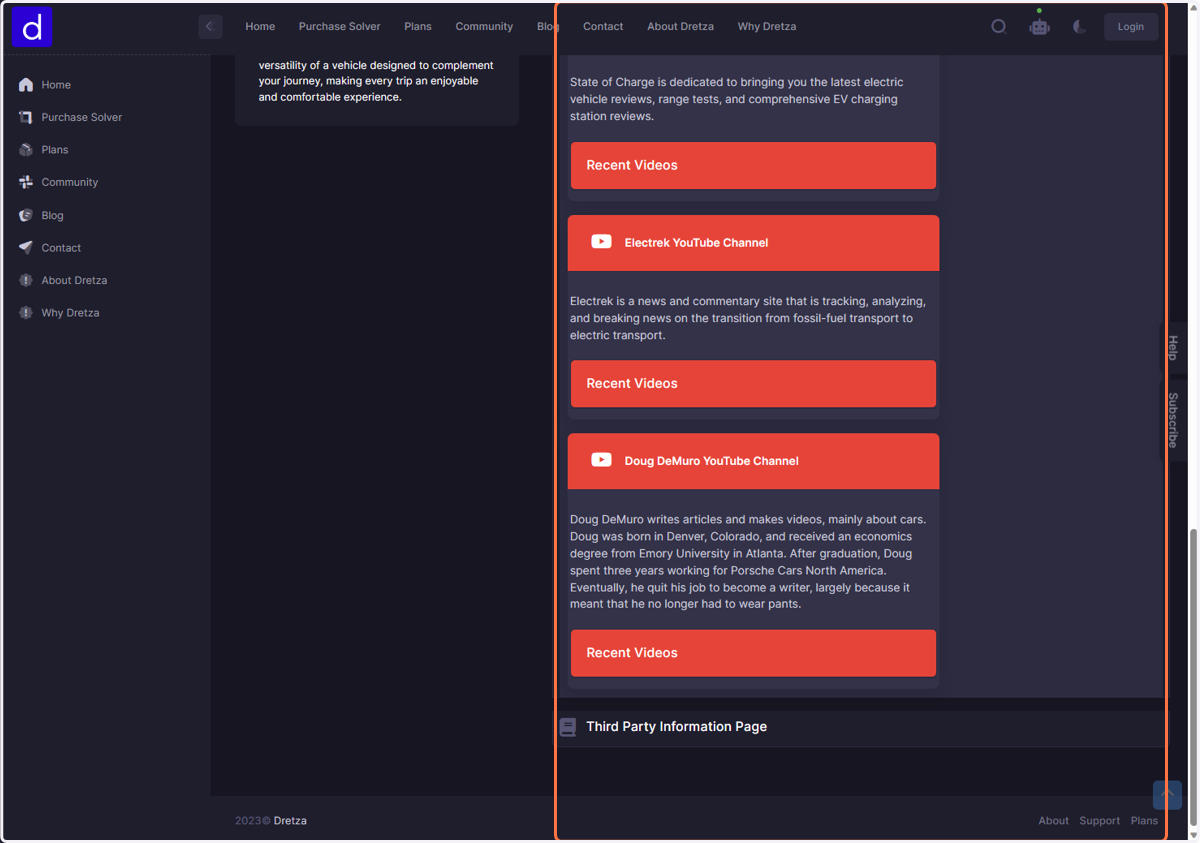
The Relevant Resources tab will present you with different types of resources that are pertinent to the category.
8. Click on Reddit Subreddit…
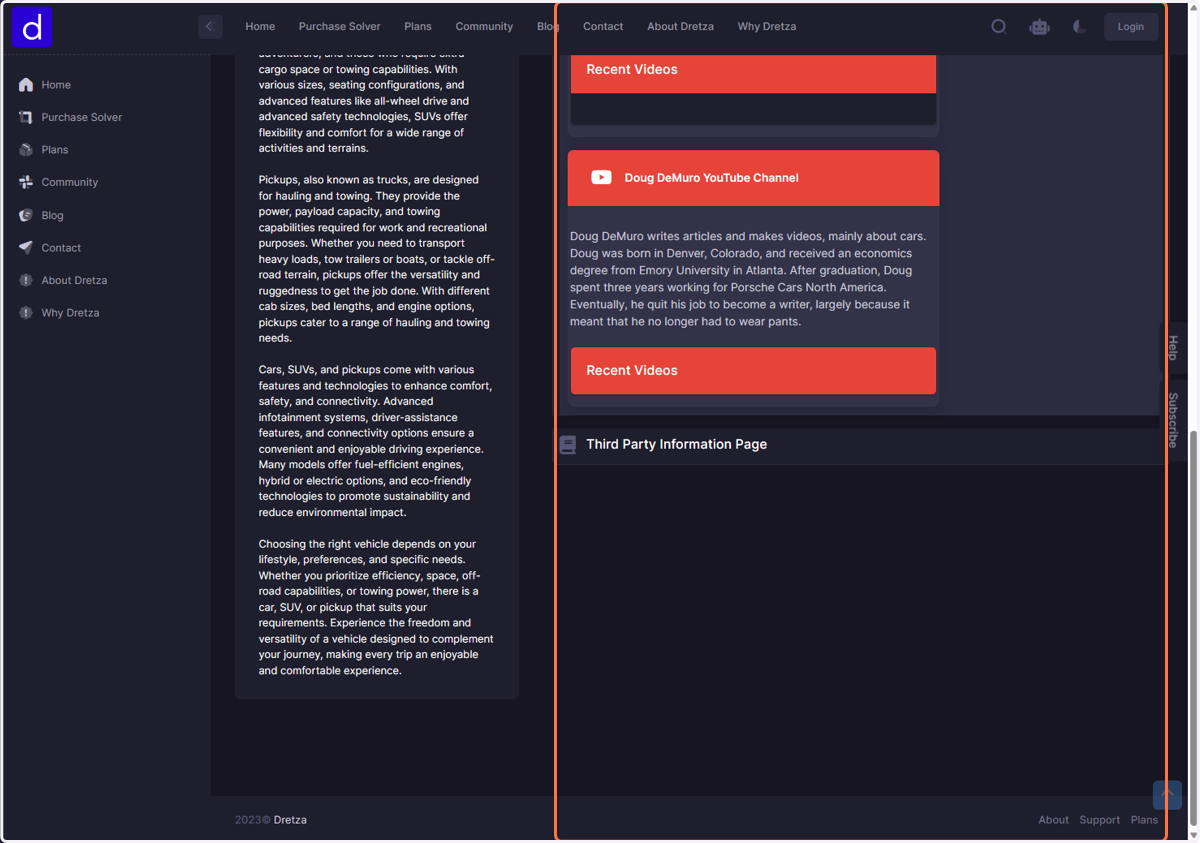
9. Click on YouTube Channel
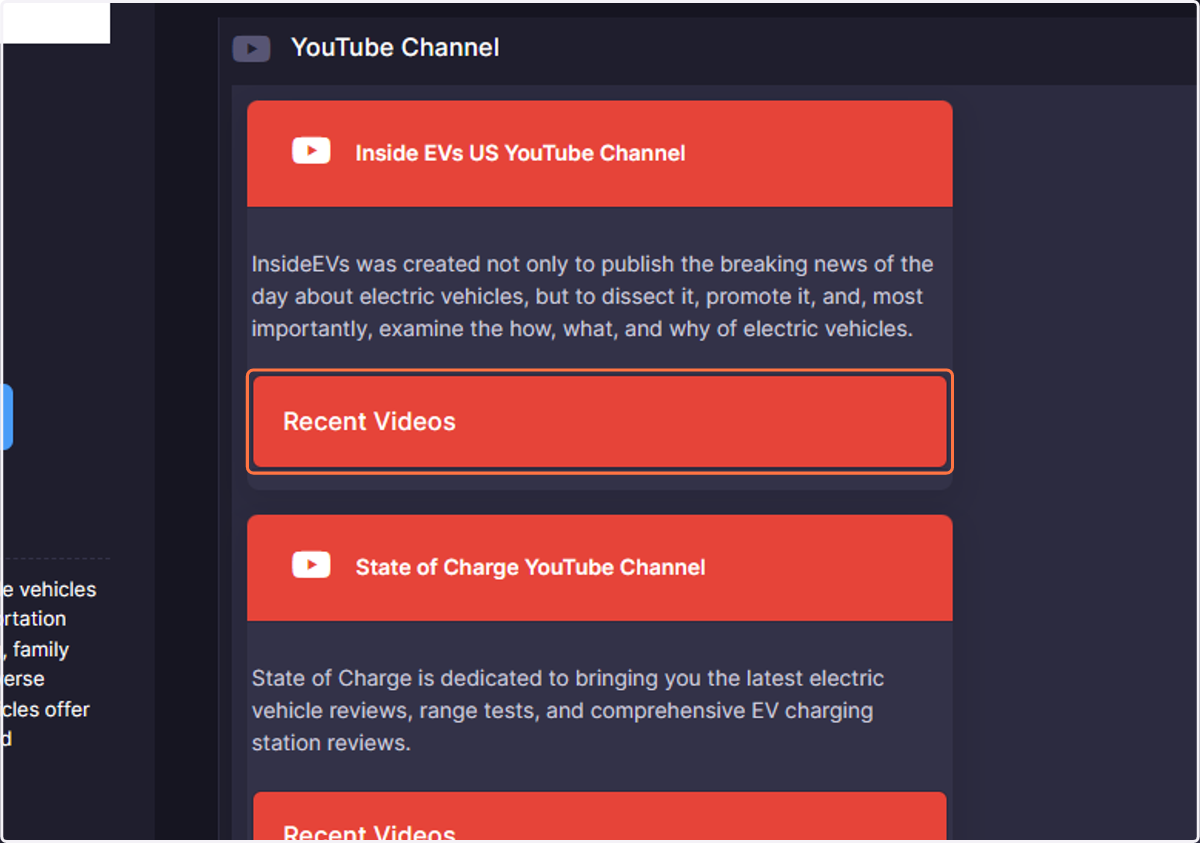
10. Click on Recent Videos
This will display recent videos published by this particular YouTube channel
11. Click on Third Party Information Page