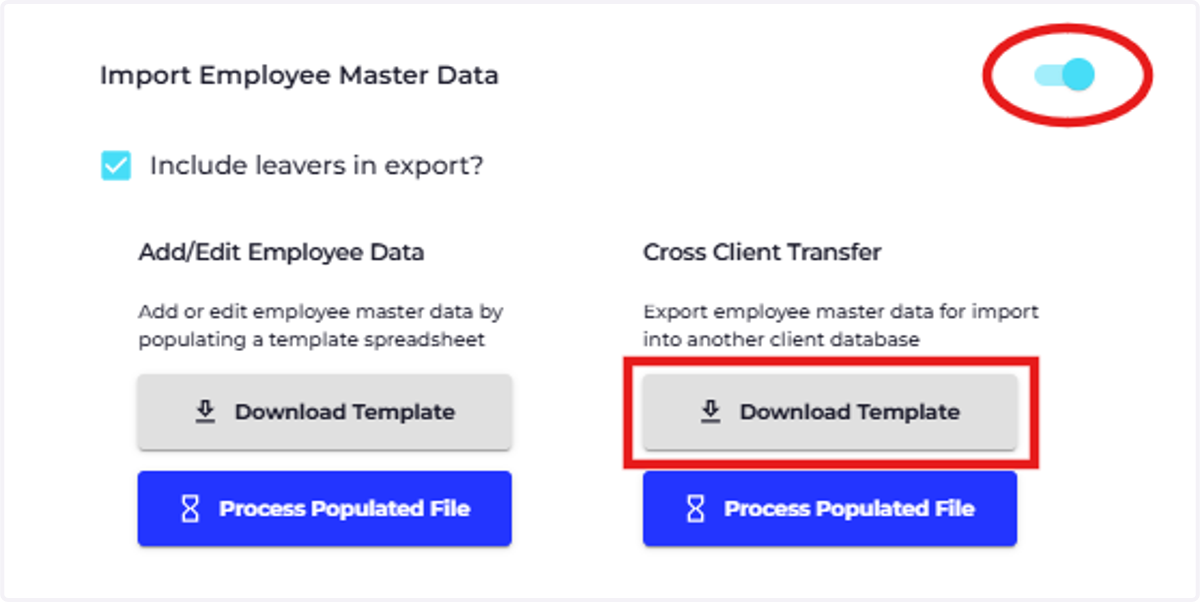
Download Cross-Client Transfer
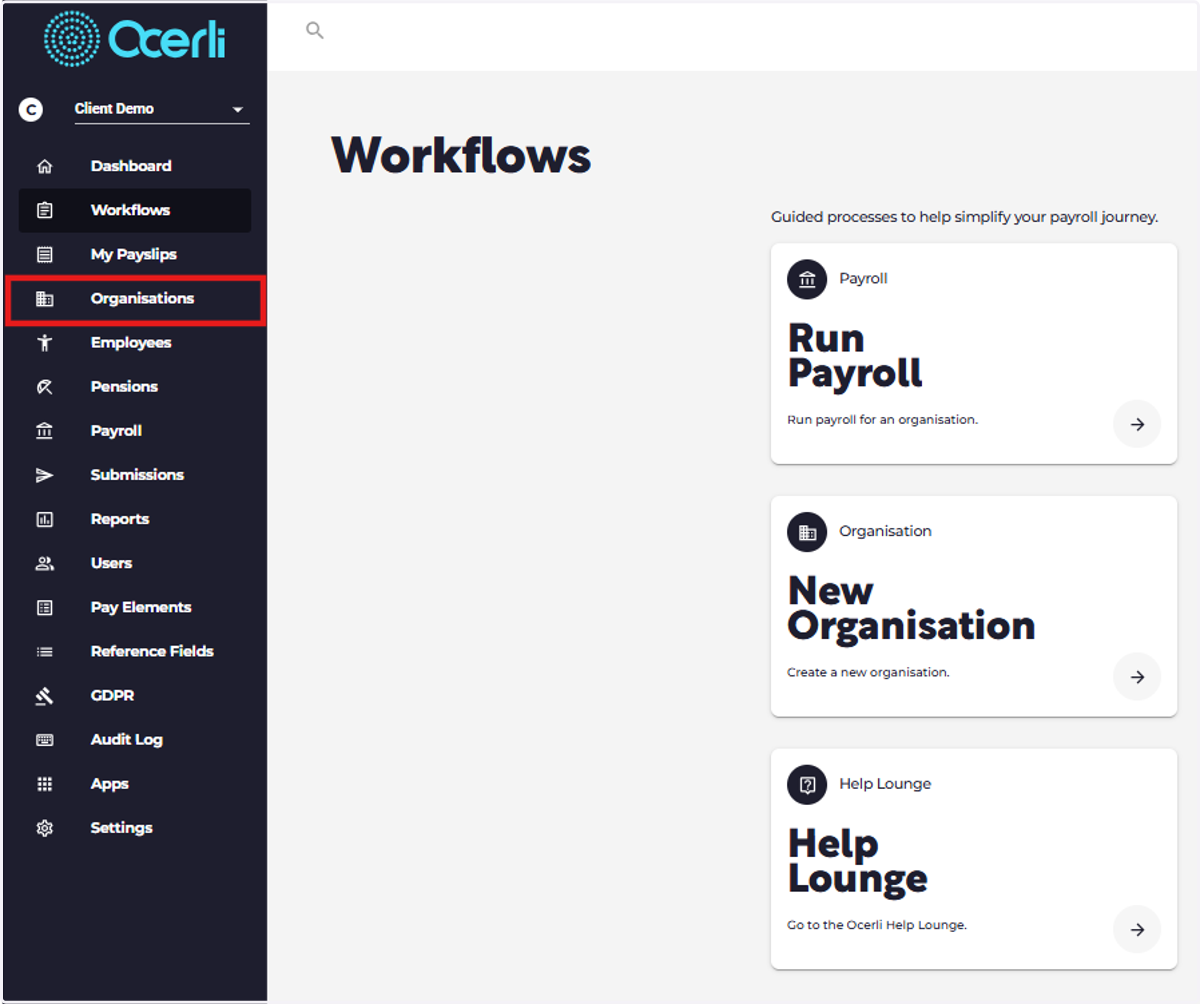
1. Click on Organisations
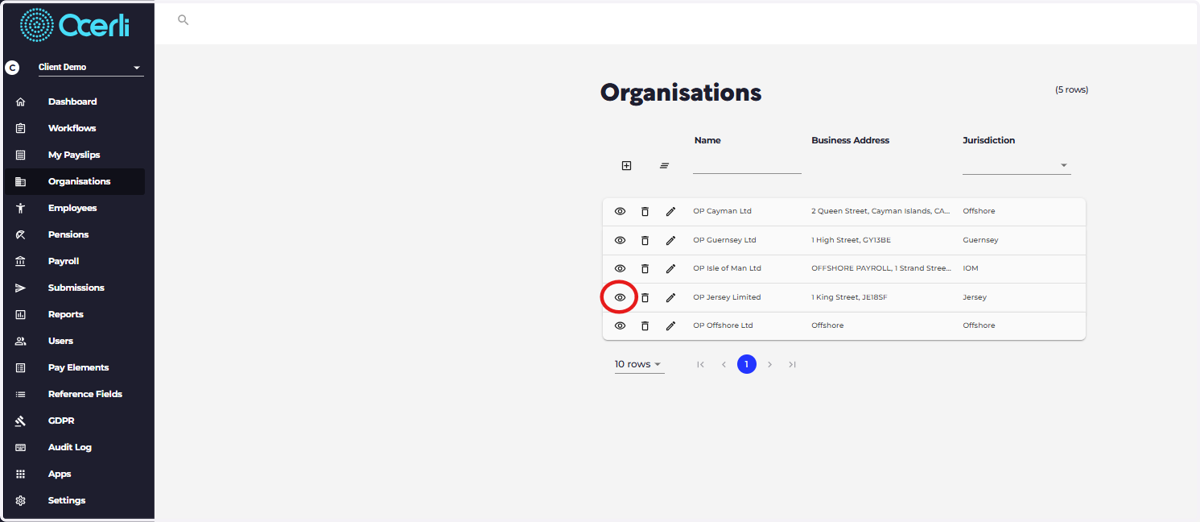
2. Click on the eye icon next to your required organisation
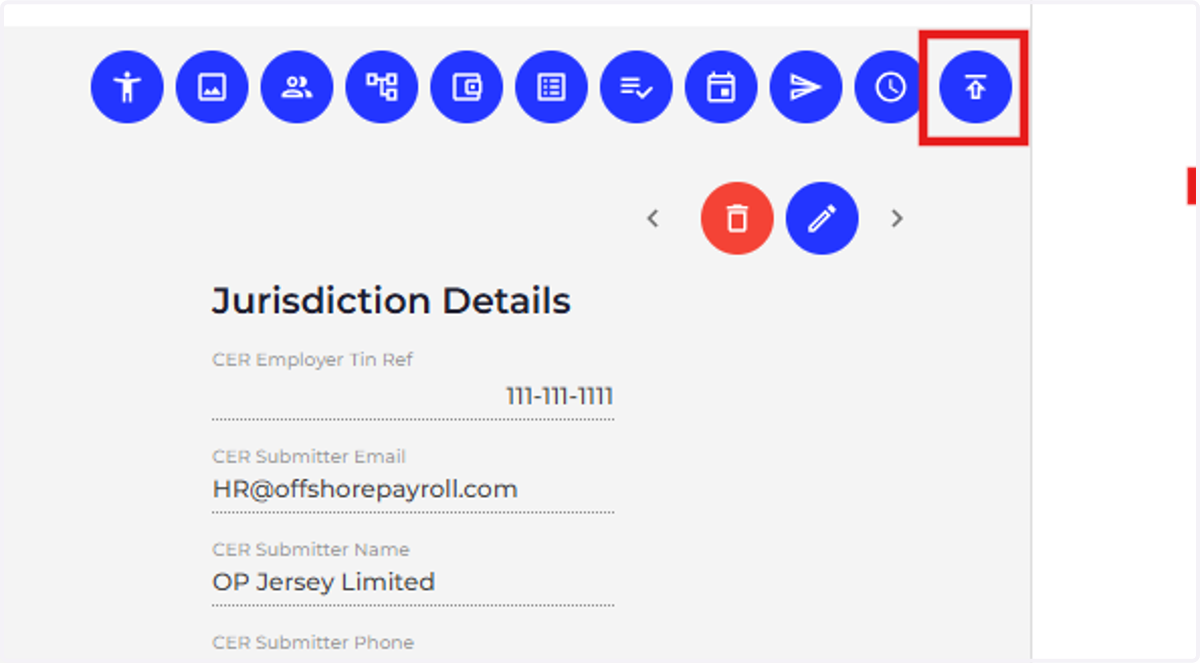
3. Click on Organisation Imports, the icon at the top right hand side of the screen
4. Click on Master Data

5. Slide the toggle to enter Advanced Mode
Click on 'Download Template' under the "Cross Client Transfer" section