How to Add LeaseHawk to a Property Website
The LeaseHawk Chatbot Widget makes it easy to add leaseHawk's Ace Virtual Leasing Assistant with ease.
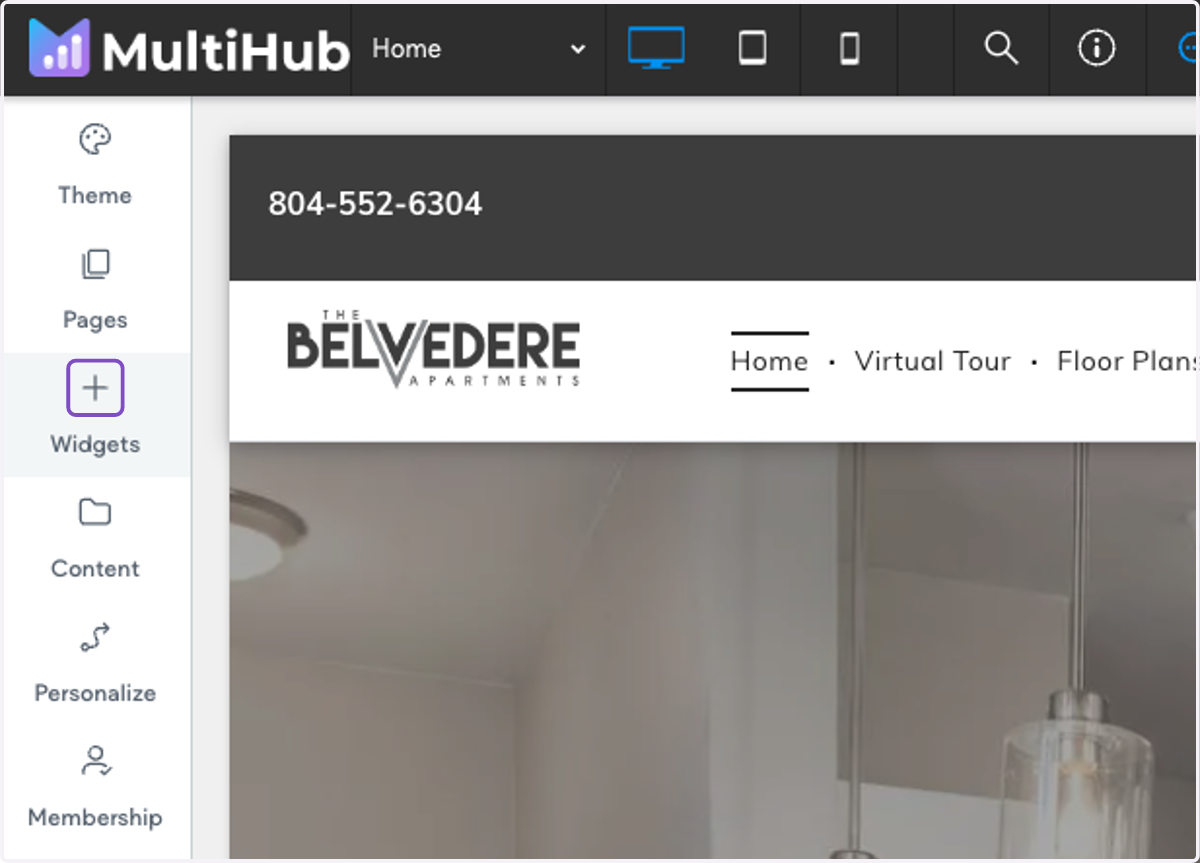
1. Log onto your property website and click on Widgets
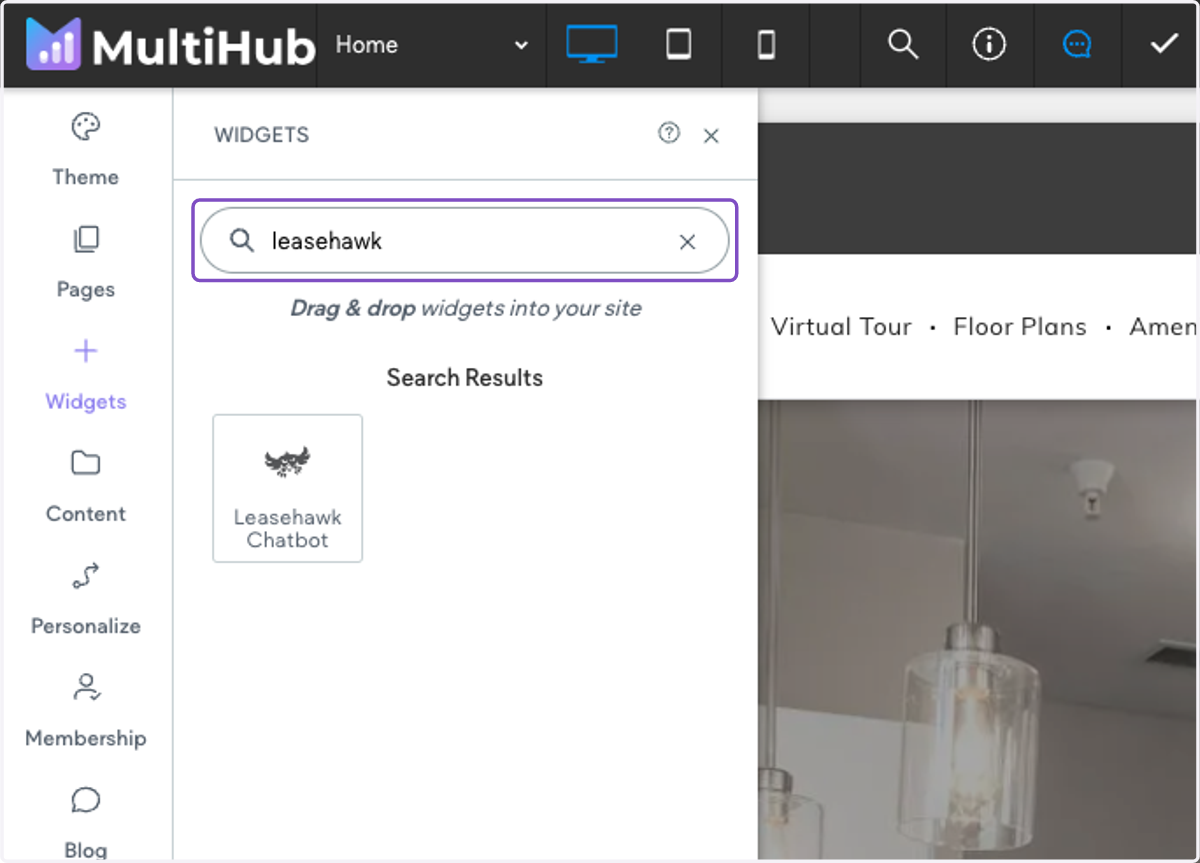
2. Search for "leasehawk chatbot"
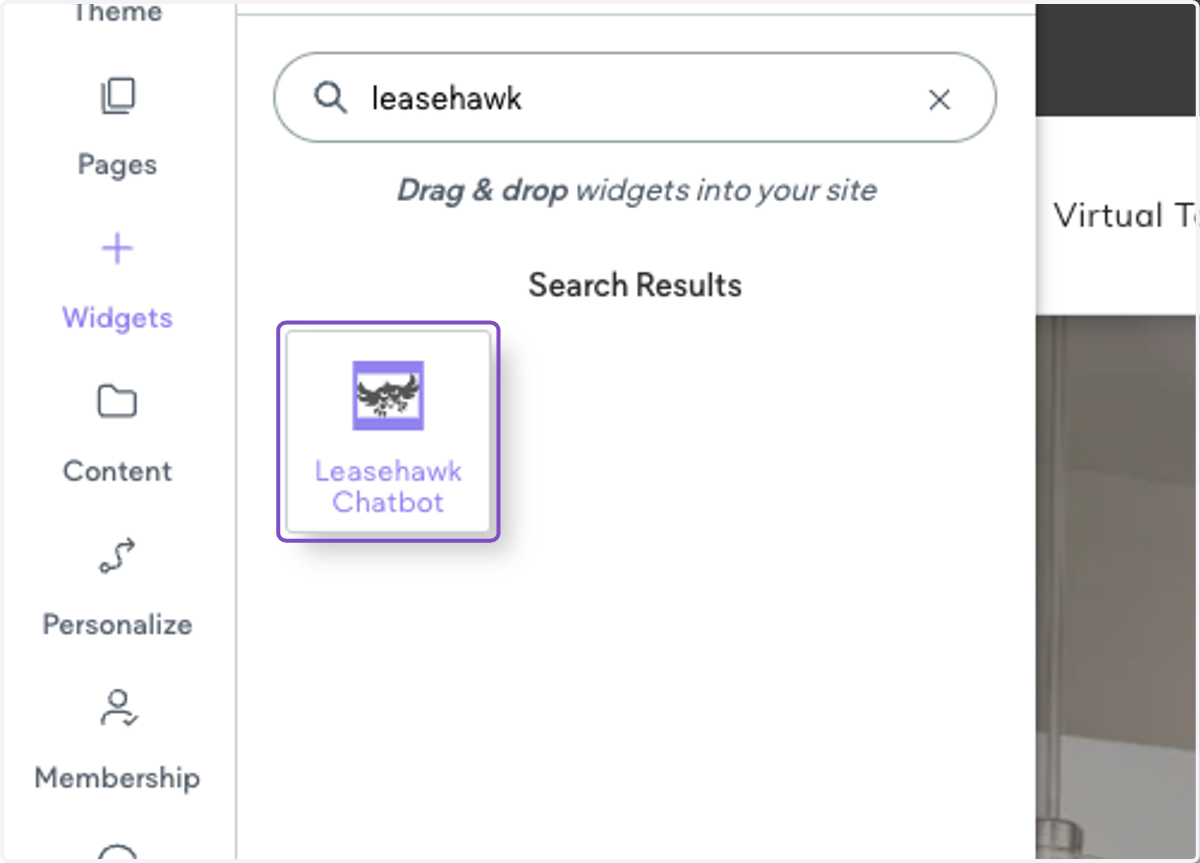
3. Drag with widget into the footer of your site
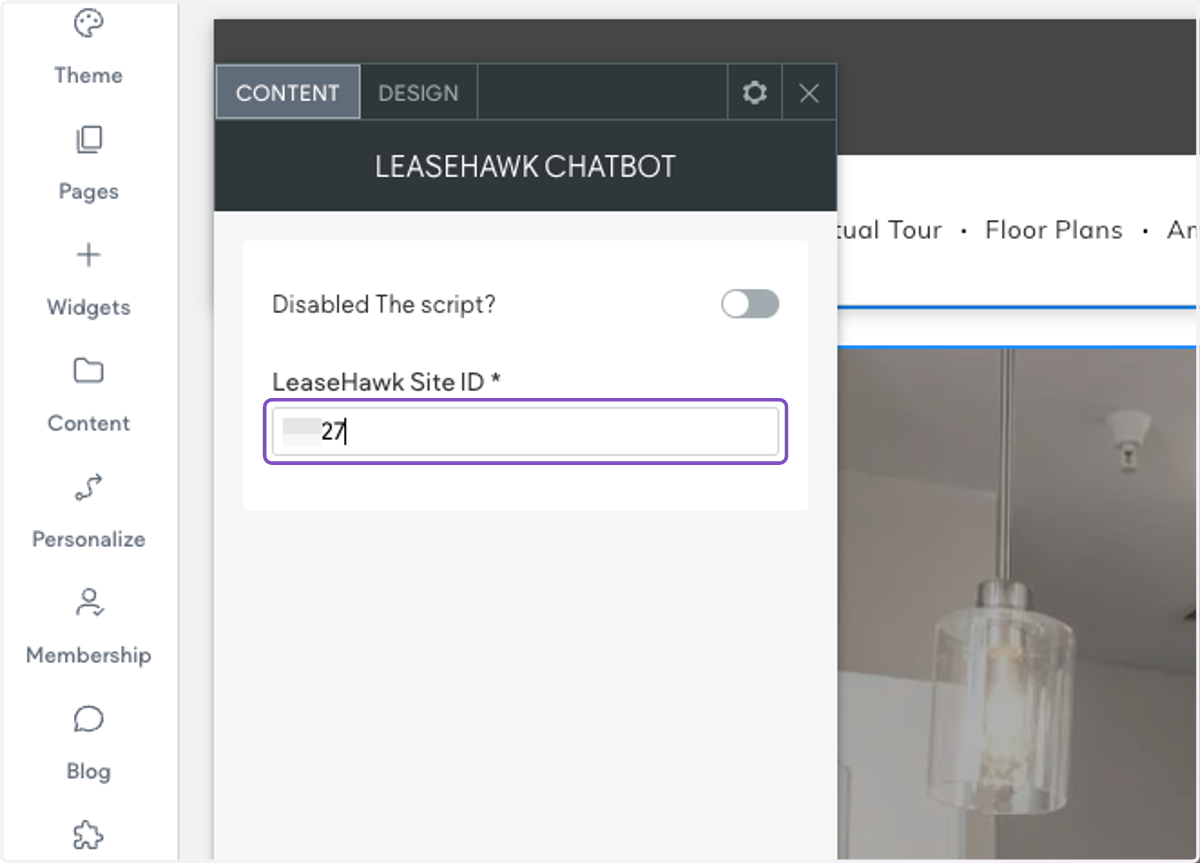
4. Add in the LeaseHawk ID (also called the Chatbot ID)
5. Now the chatbot should show on the bottom right-hand corner of your site. You may need to refresh the page.
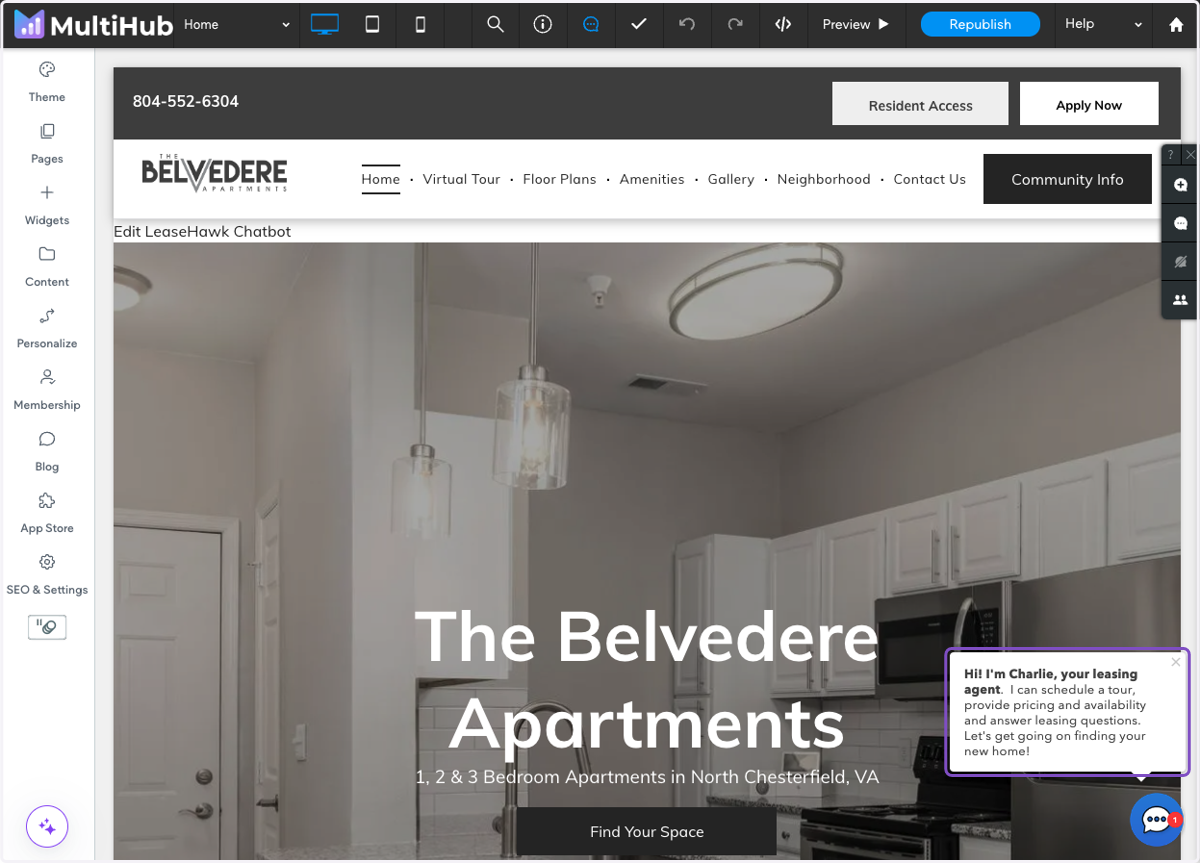
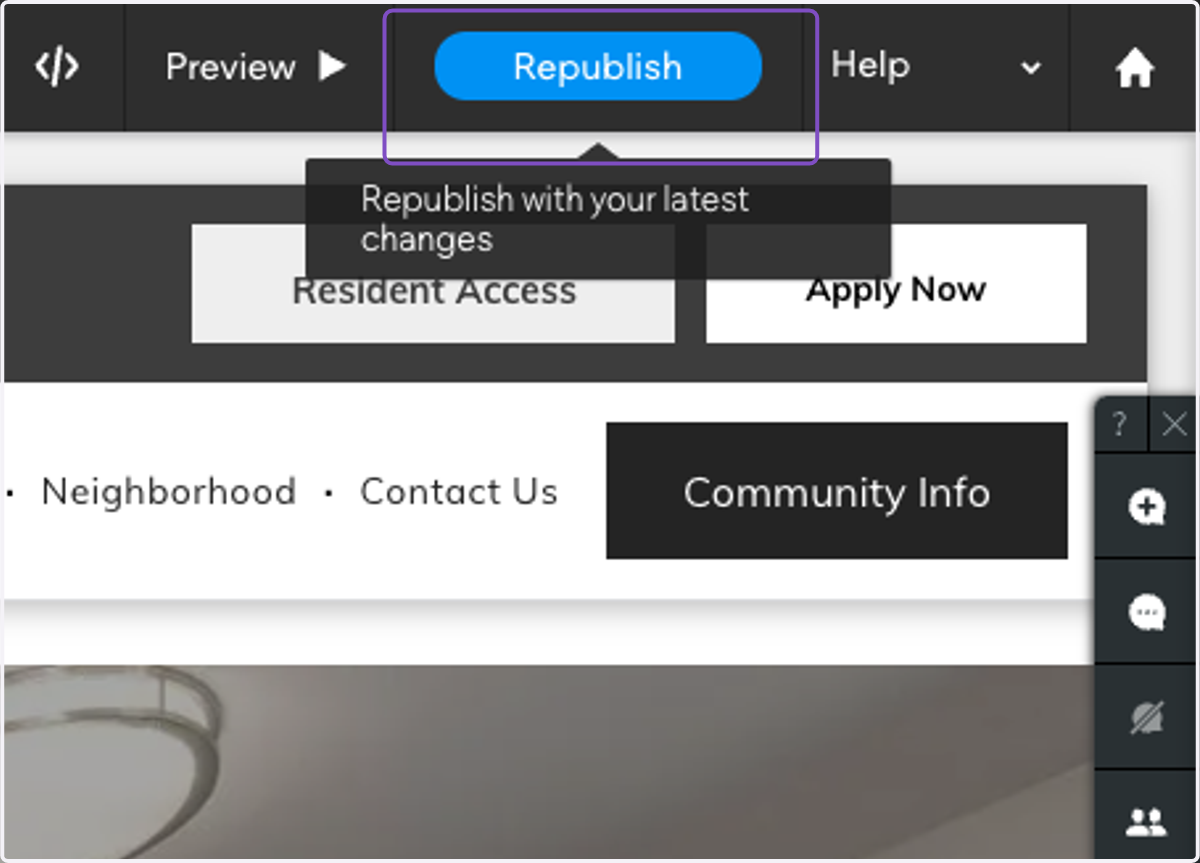
6. Click on Republish to send live