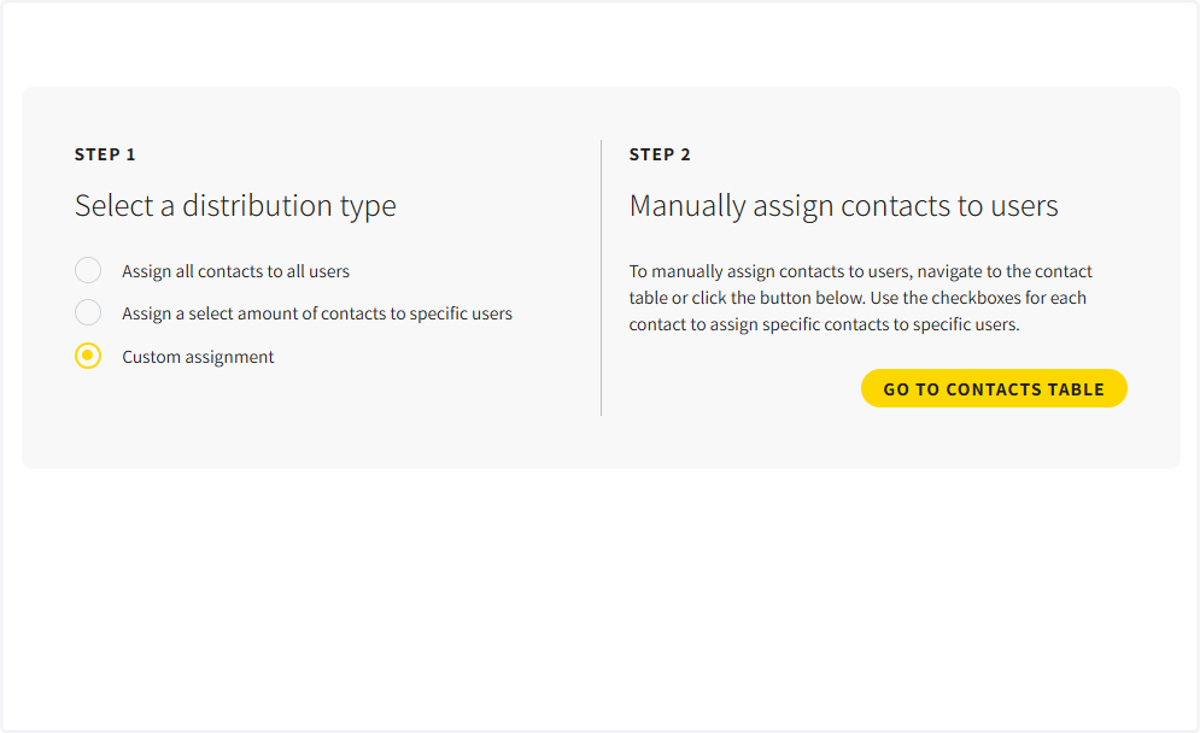
How to assign contacts to users
There are three ways to assign contacts to users
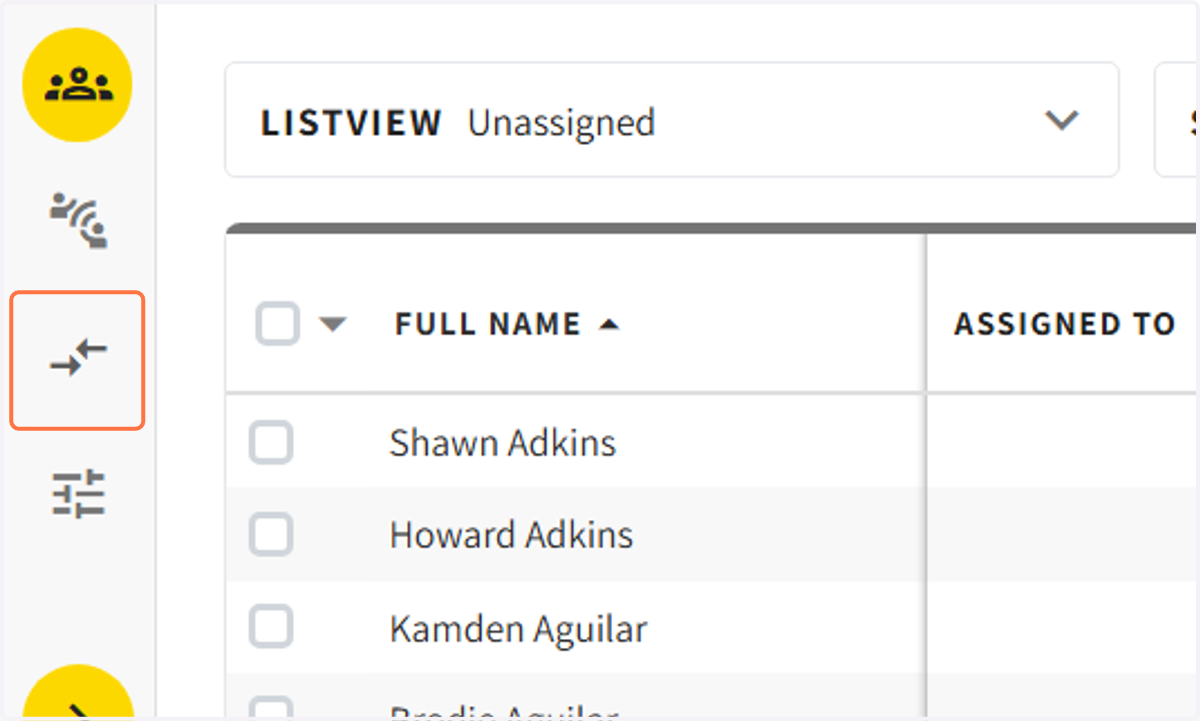
1. Click on the assignment center in the navigation pane
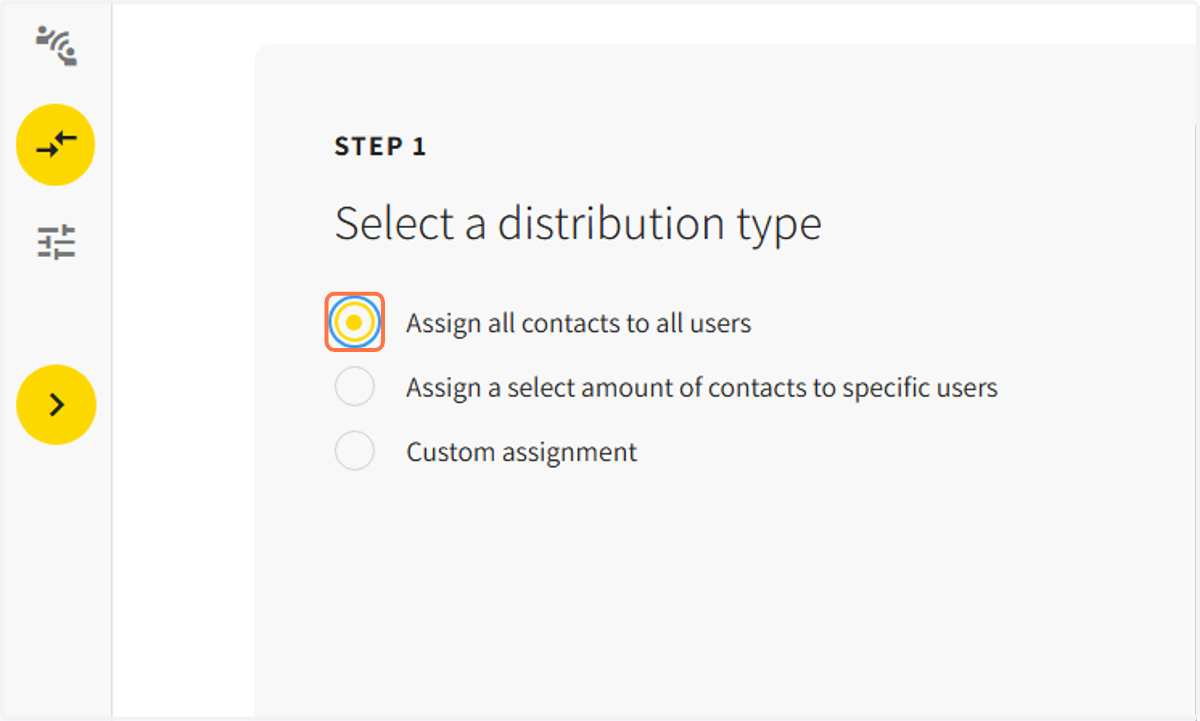
Option #1: Assign all contacts to all users
2. To assign all contacts to users click on assign all contacts to all users.
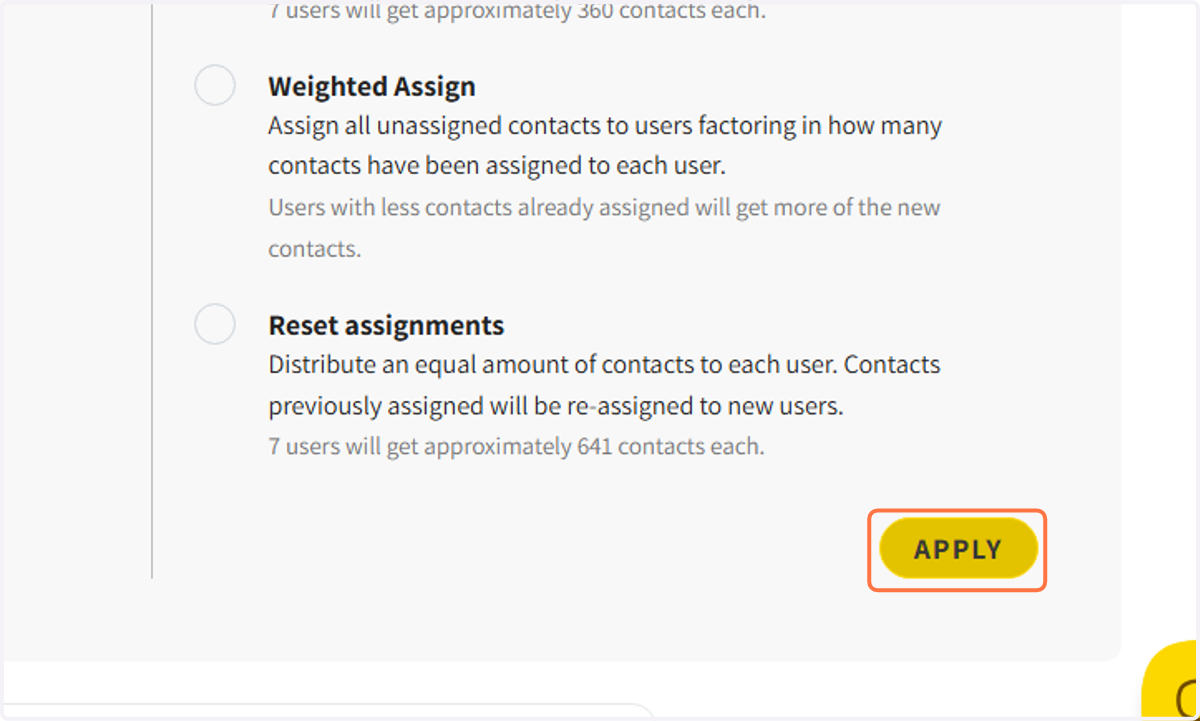
3. Choose to equally assign contacts, weighted assign contacts or delete old assignments and reset all assignments
Read through each option to choose the one that fits your needs.
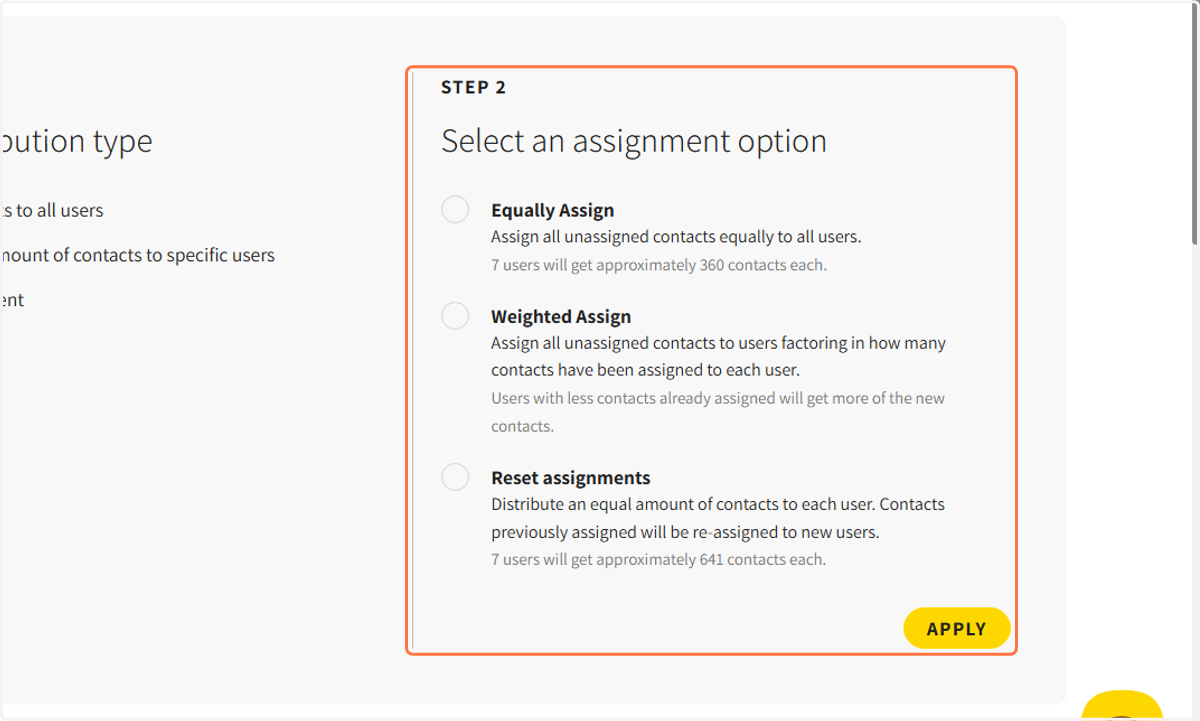
4. After choosing one of the options click on APPLY to assign the contacts
Option #2: Assign contacts to specific users
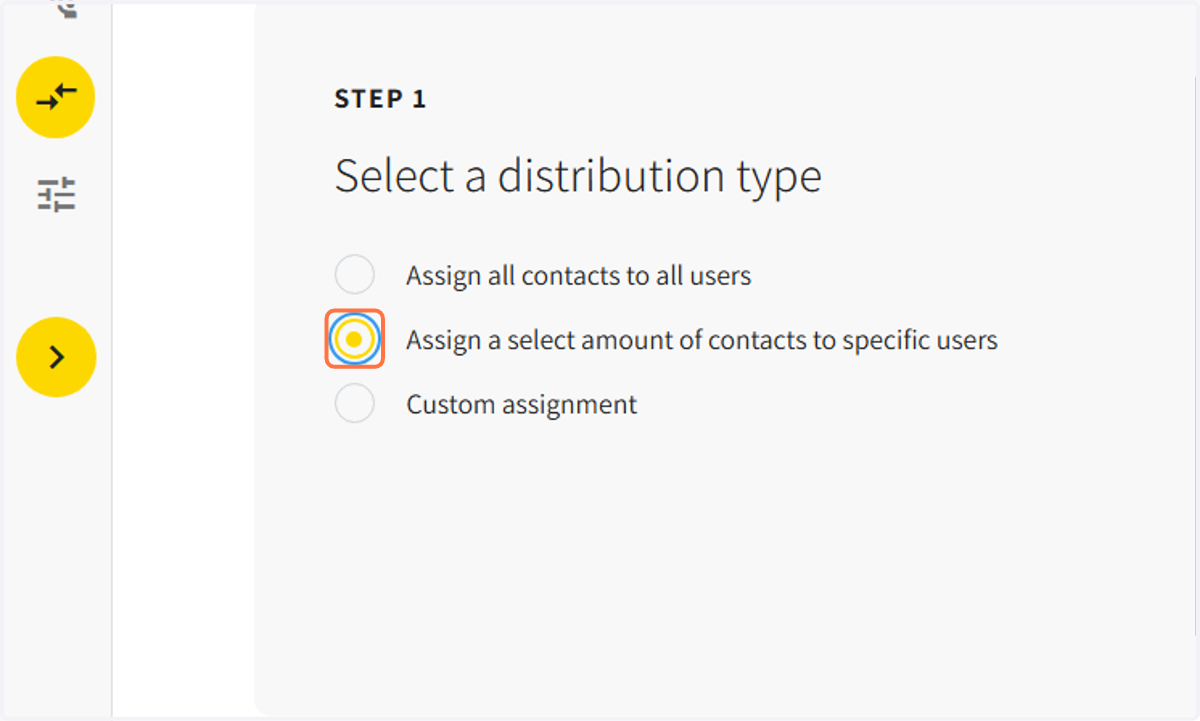
5. If you want to assign contacts to specific users, select the second option.
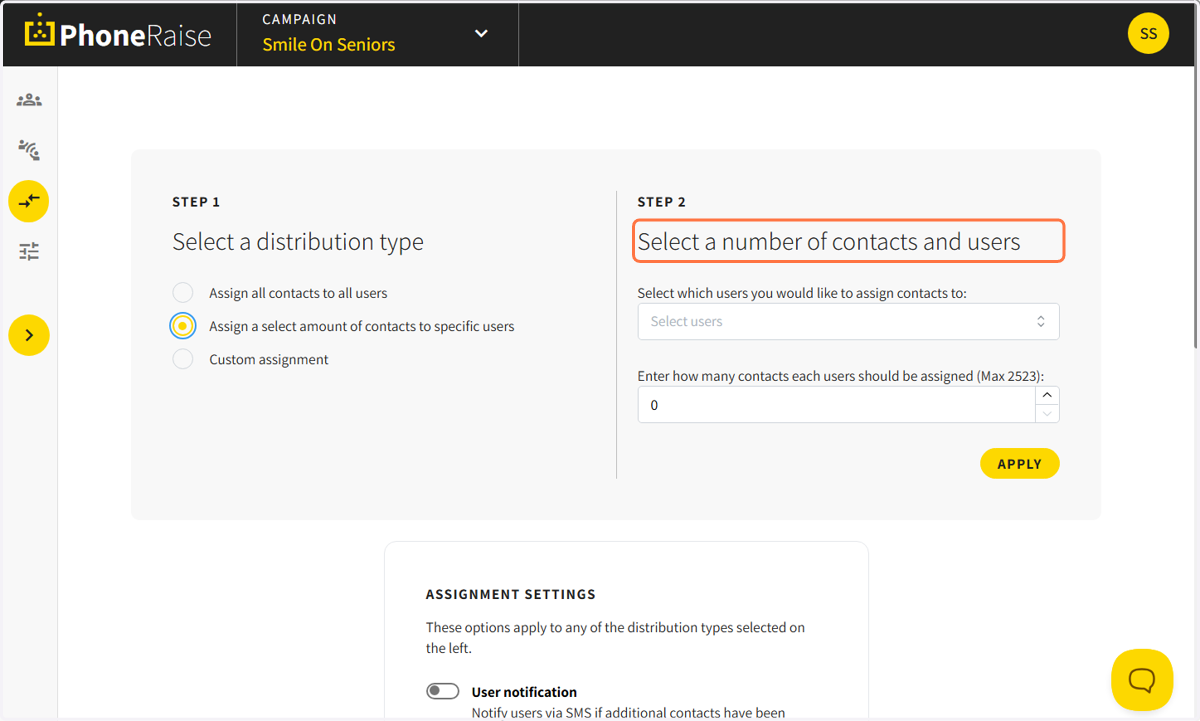
6. Select which users you would like to assign contacts to and the number of contacts you will assign.
7. Click on APPLY to assign the contacts
Option #3: Create custom assignments
8. Choose this option to assign contacts based on filtered data or list views