Using the New Signature Feature - Followup CRM
FollowUpCRM
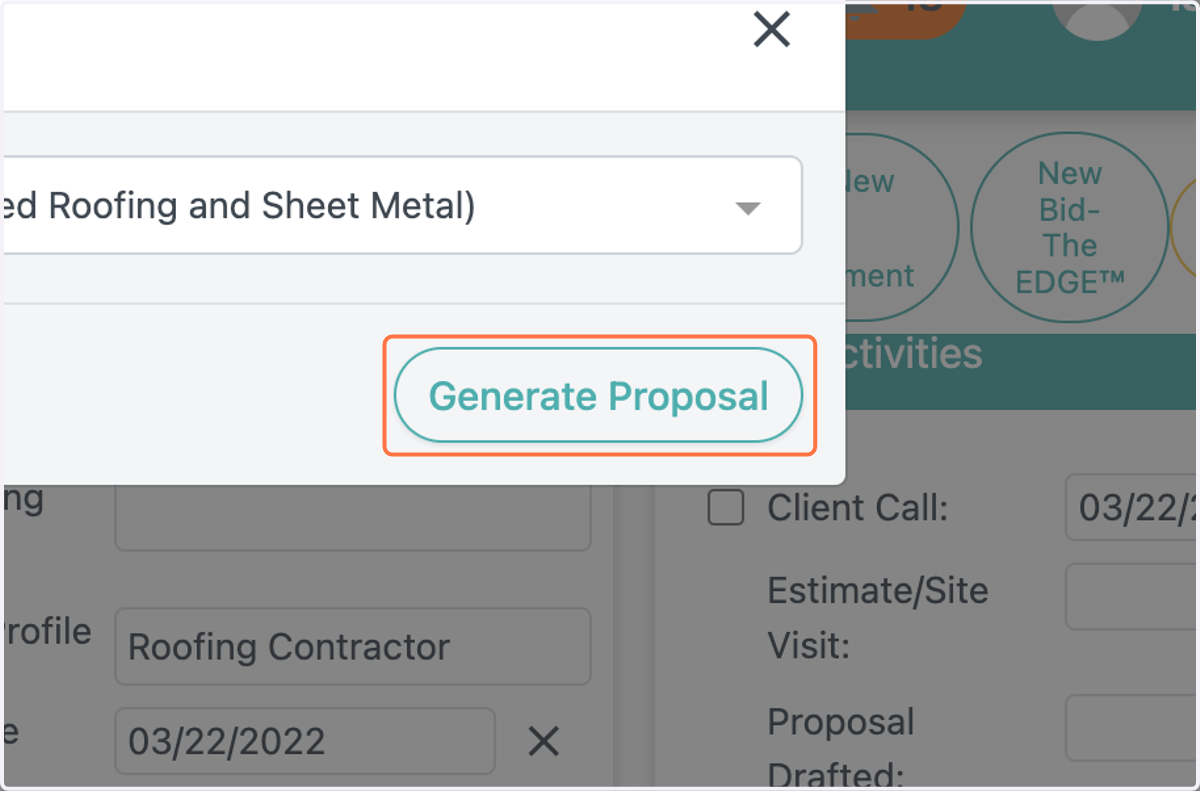
1. Generate a proposal in a project
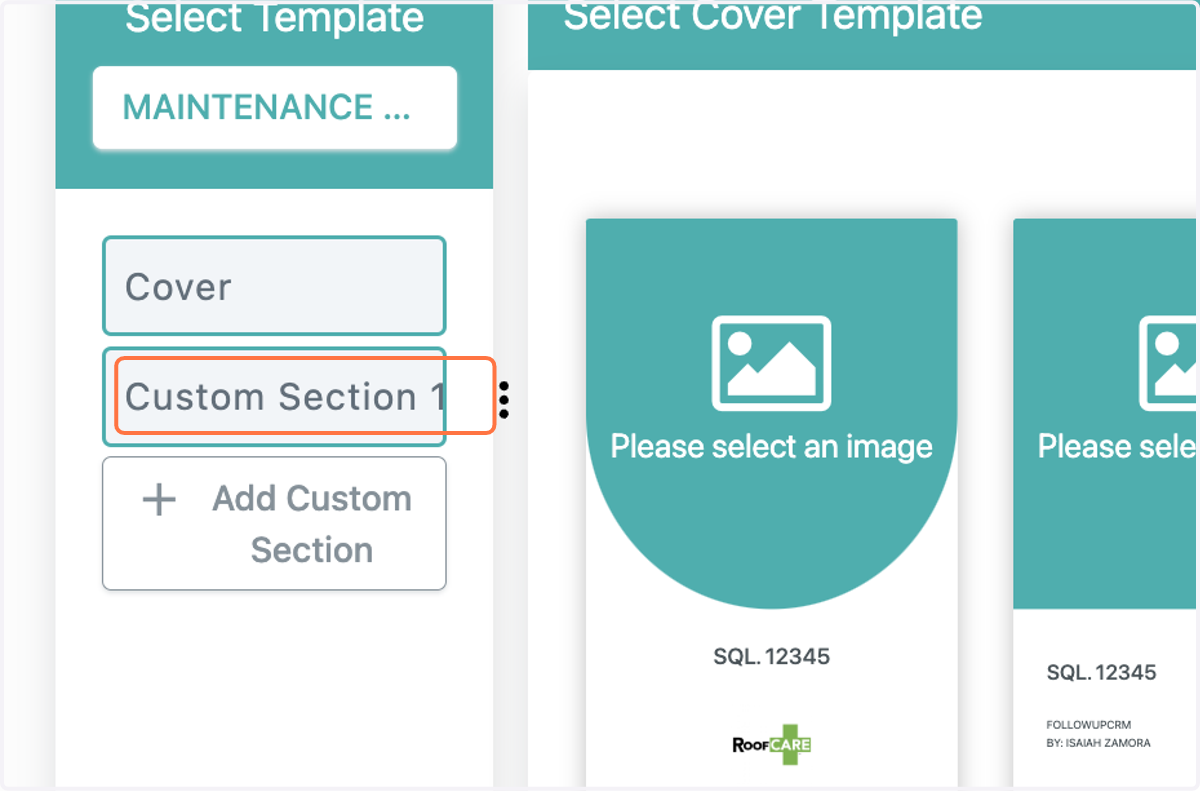
2. Select your signature section in your proposal
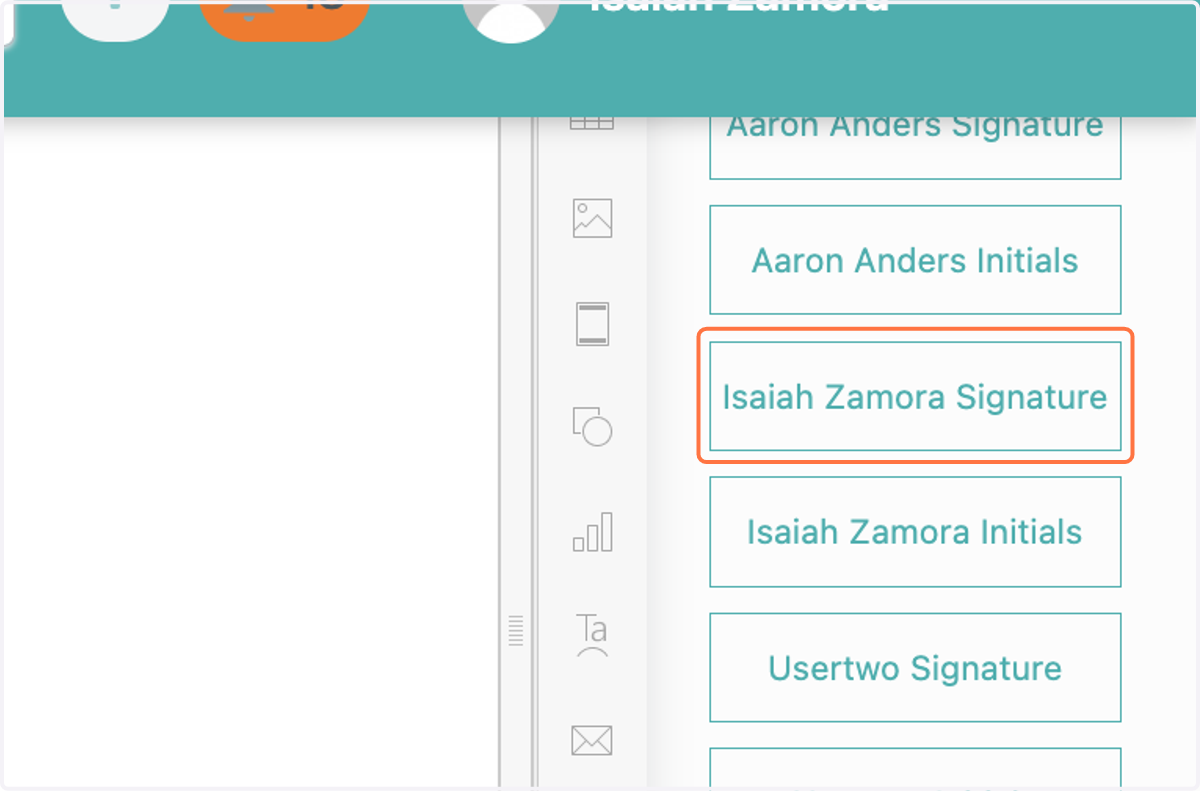
3. Go to signatures on the right-hand side of your proposal
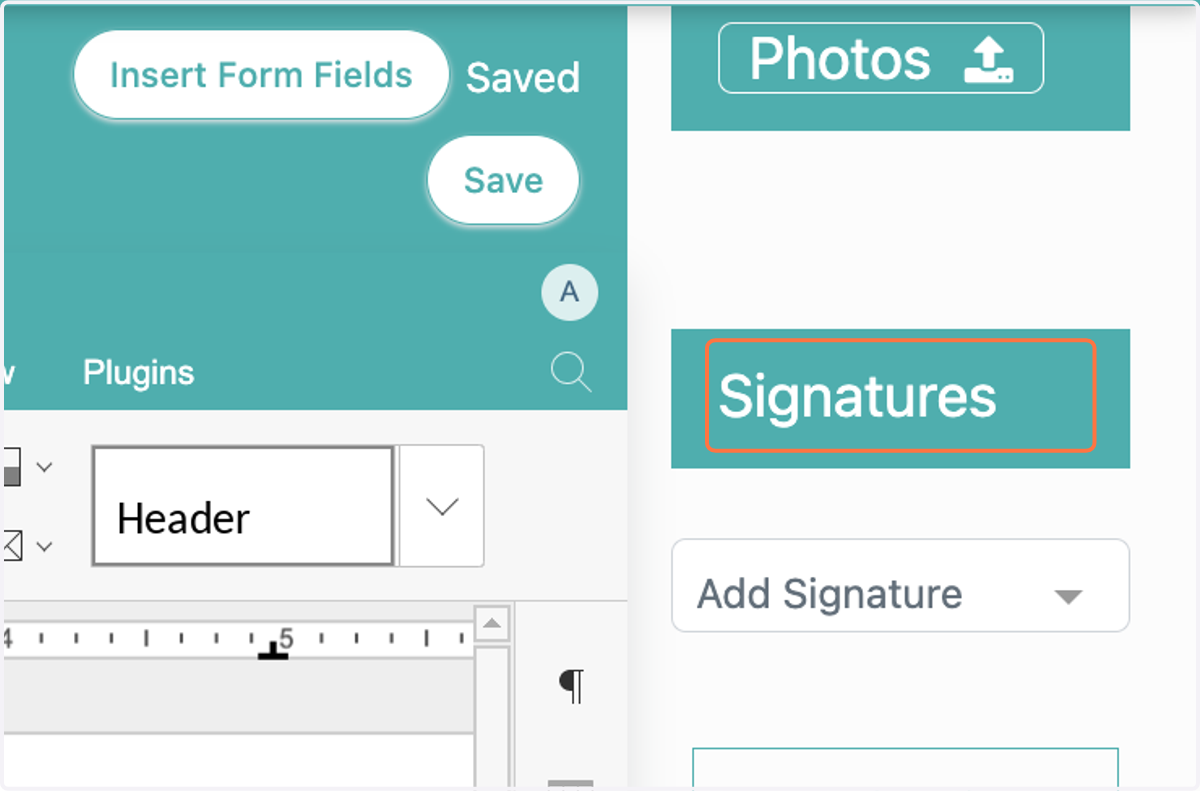
4. Click on the signature(s) you want to add
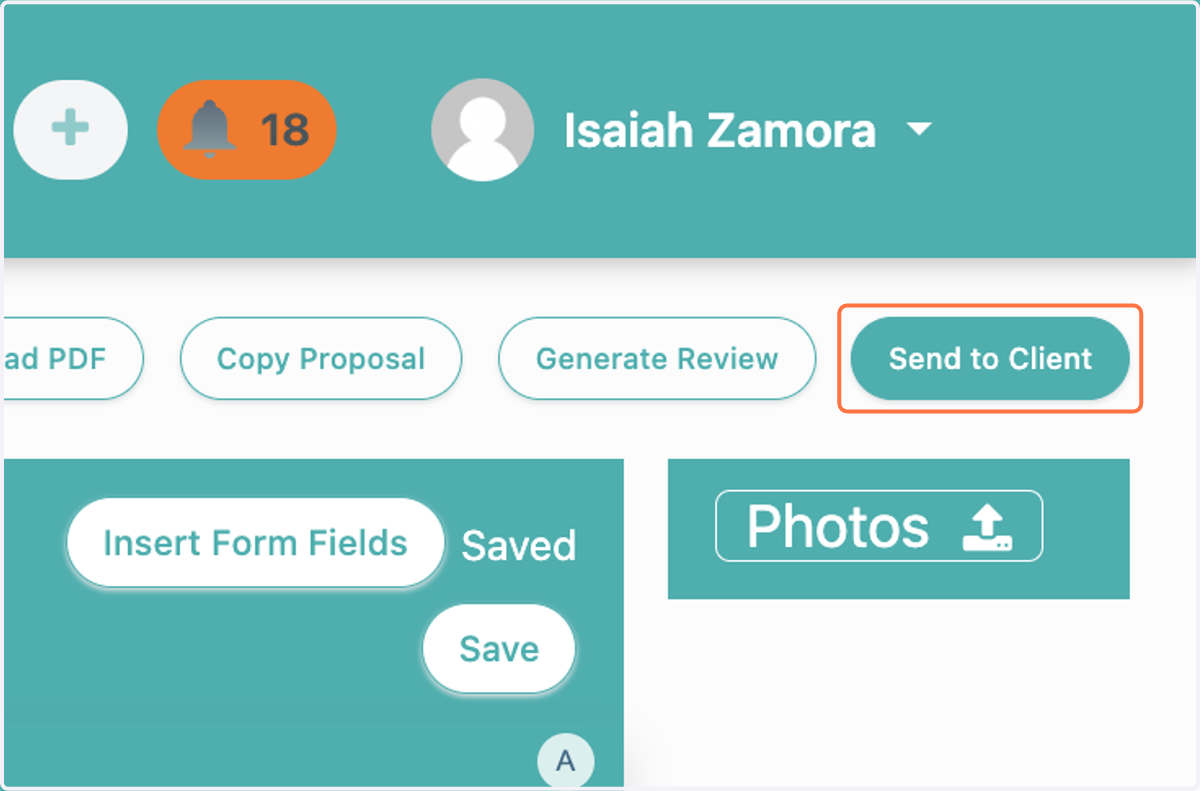
5. Click on Send to Client
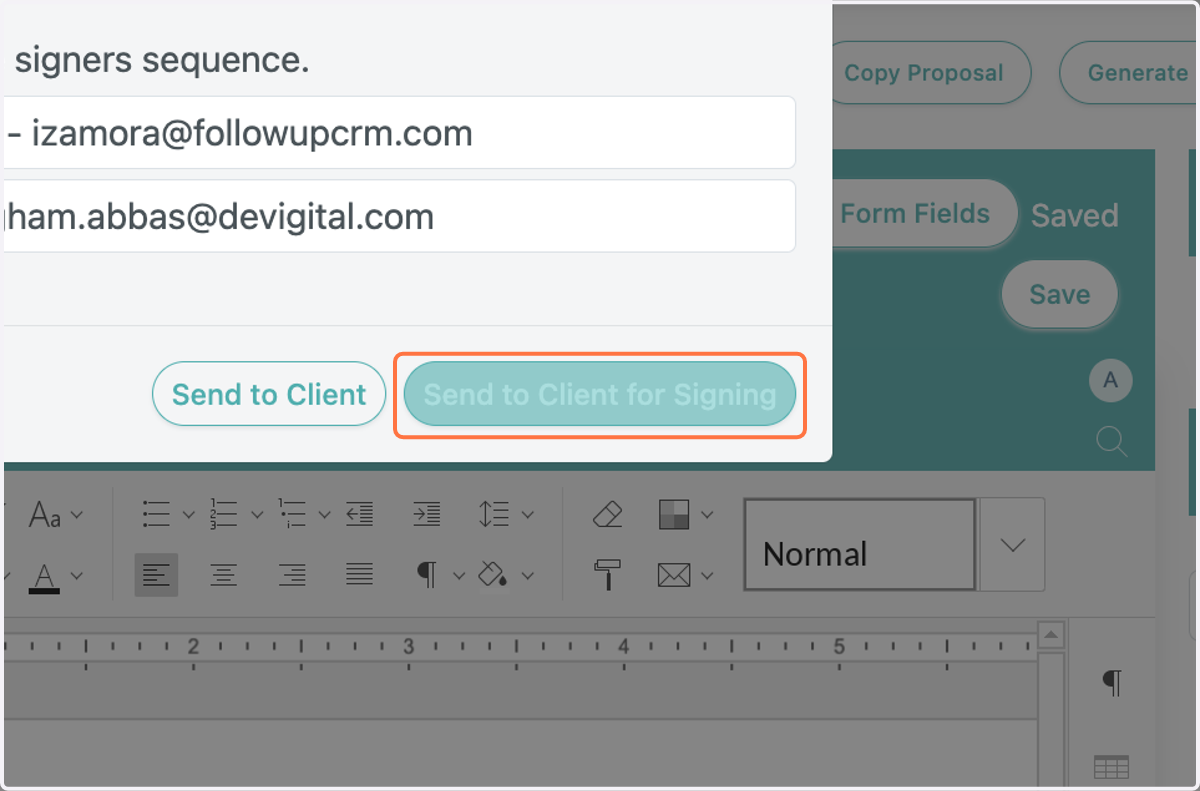
6. Choose the order you want for the signer sequence
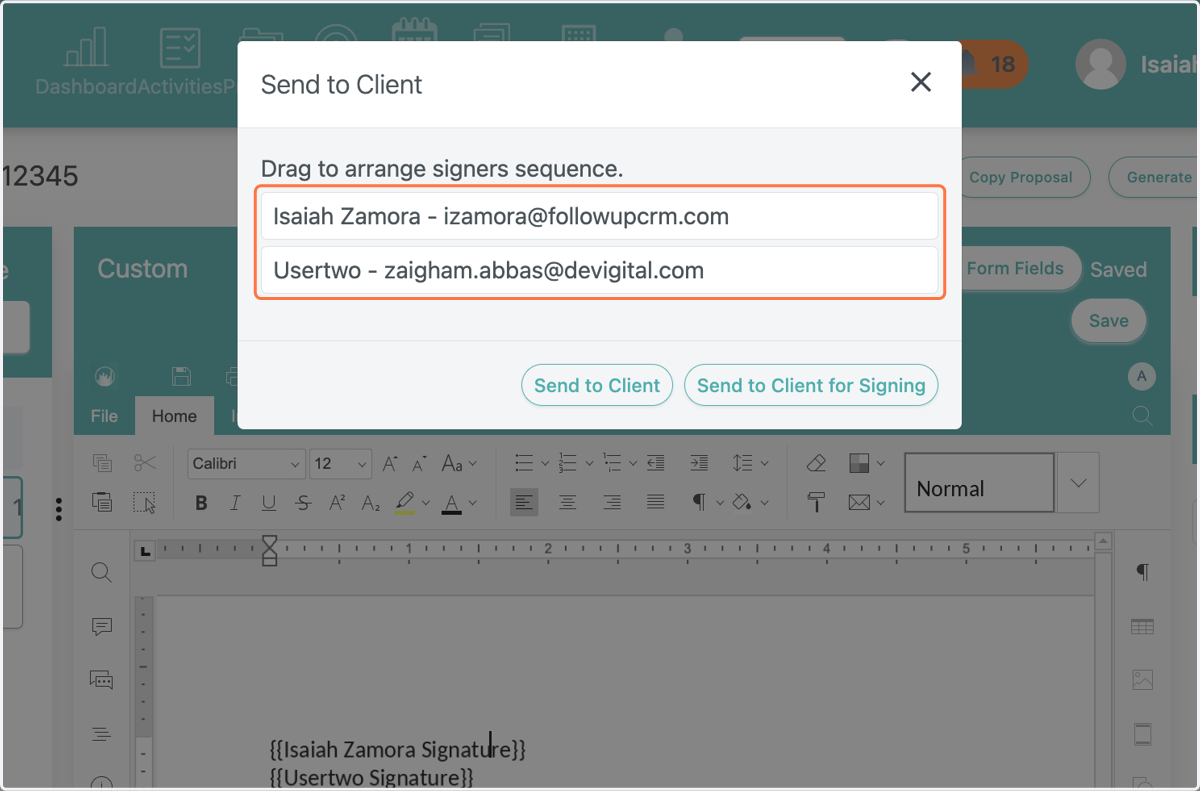
7. Click on Send to Client for Signing