Updating a Permit

JustPark Suite

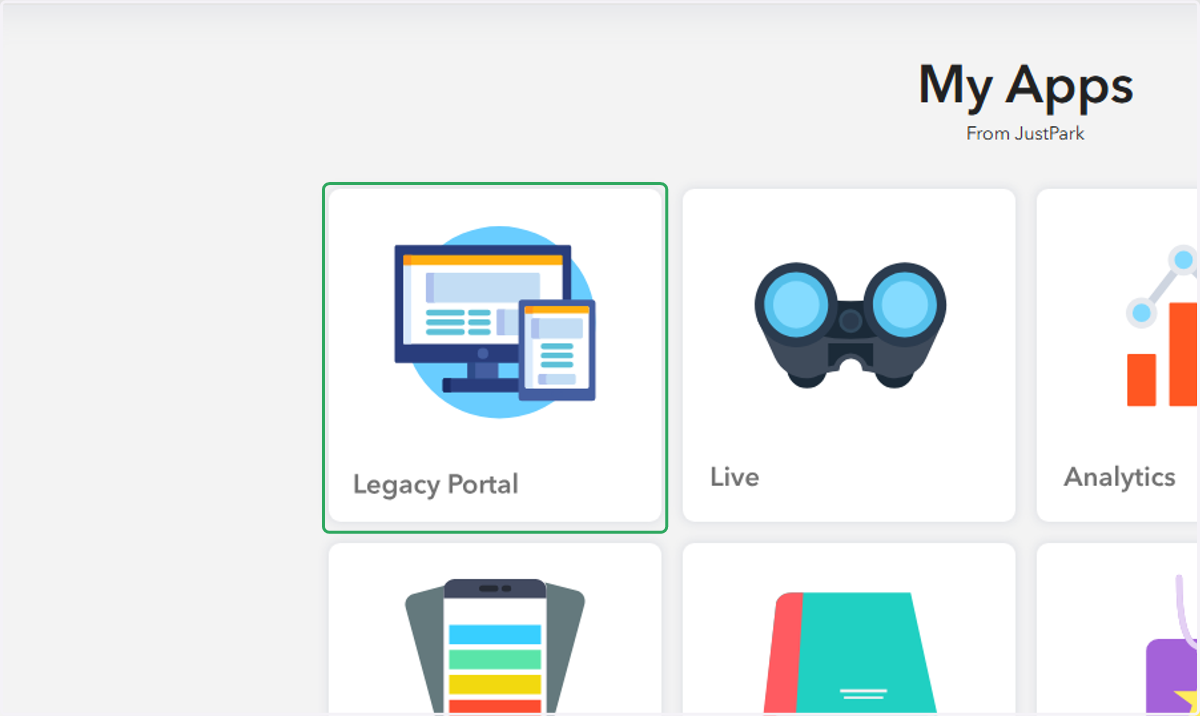
  1. 1. Click on Legacy Portal in Suite

    Click on Legacy Portal in Suite
  2. 2. Click on the appropriate Portal account
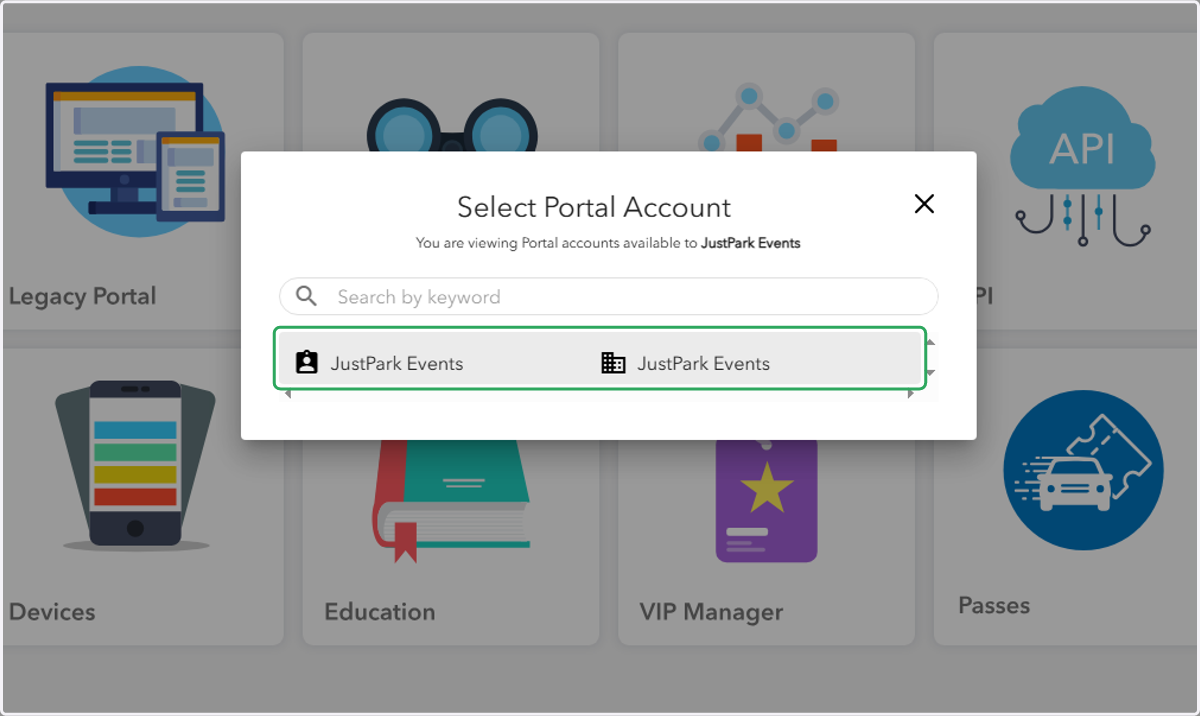
    Click on the appropriate Portal account
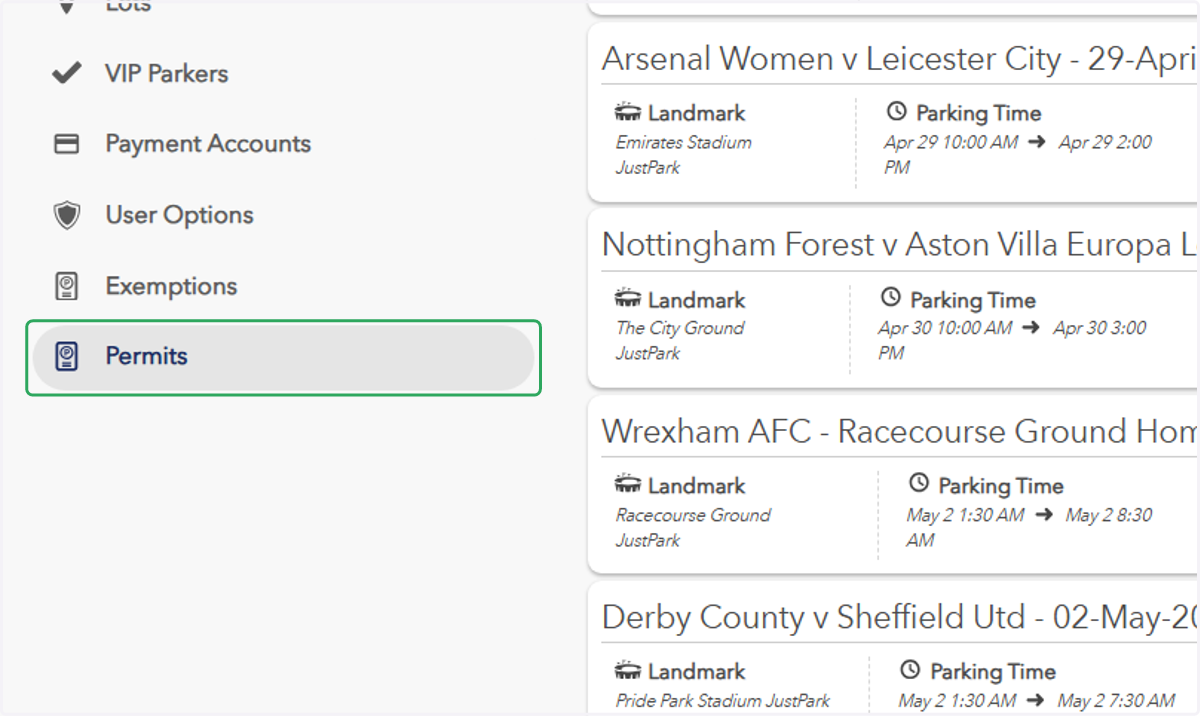
  3. 3. Click on "Permits"

    Click on "Permits"
  4. 4. Search the name or barcode of the permit holder
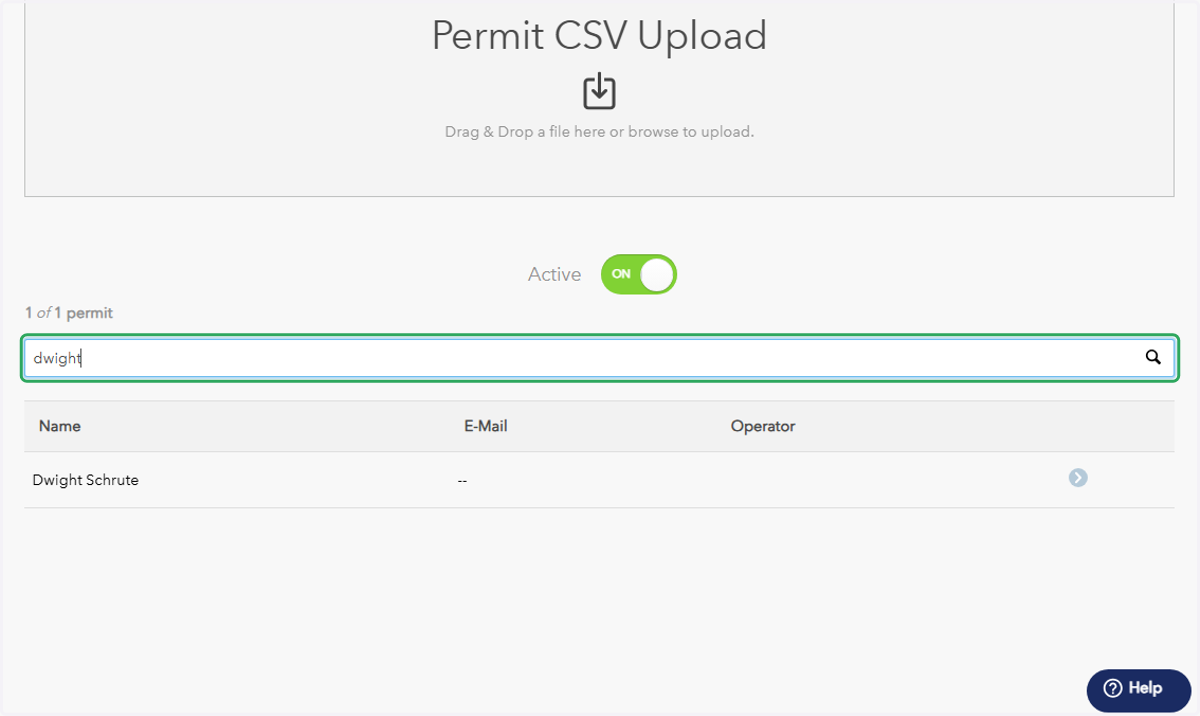
    Search the name or barcode of the permit holder
  5. 5. Click on the permit you'd like to edit
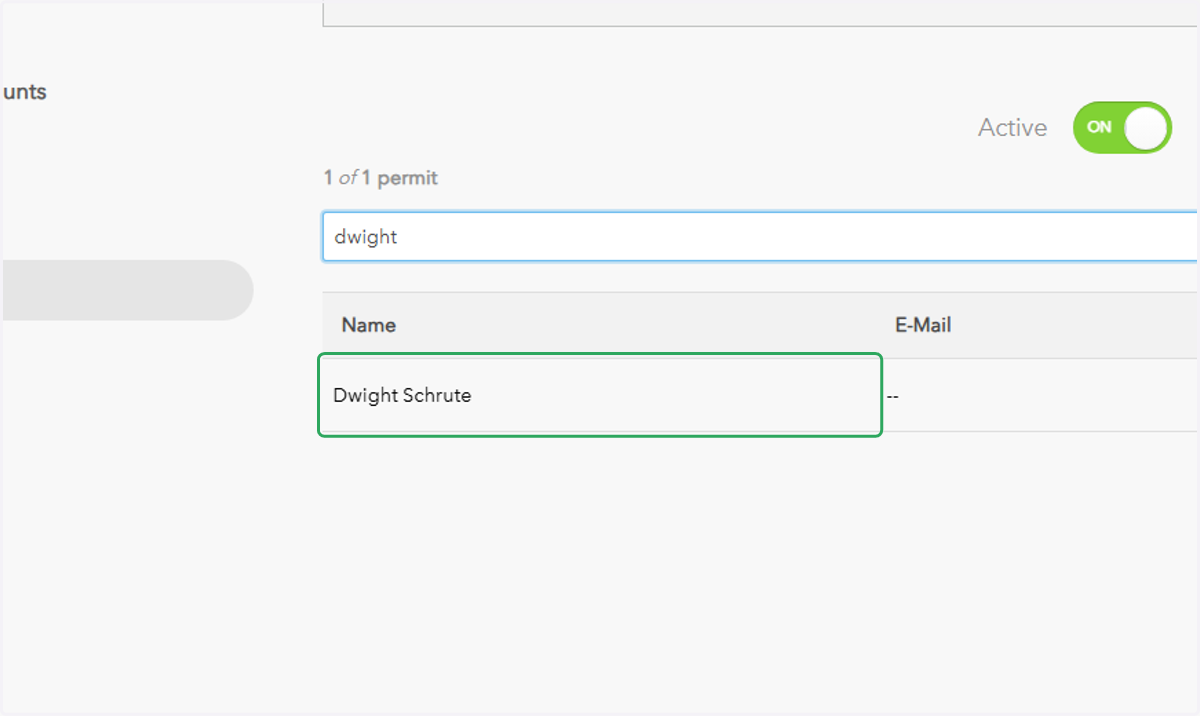
    Click on the permit you'd like to edit
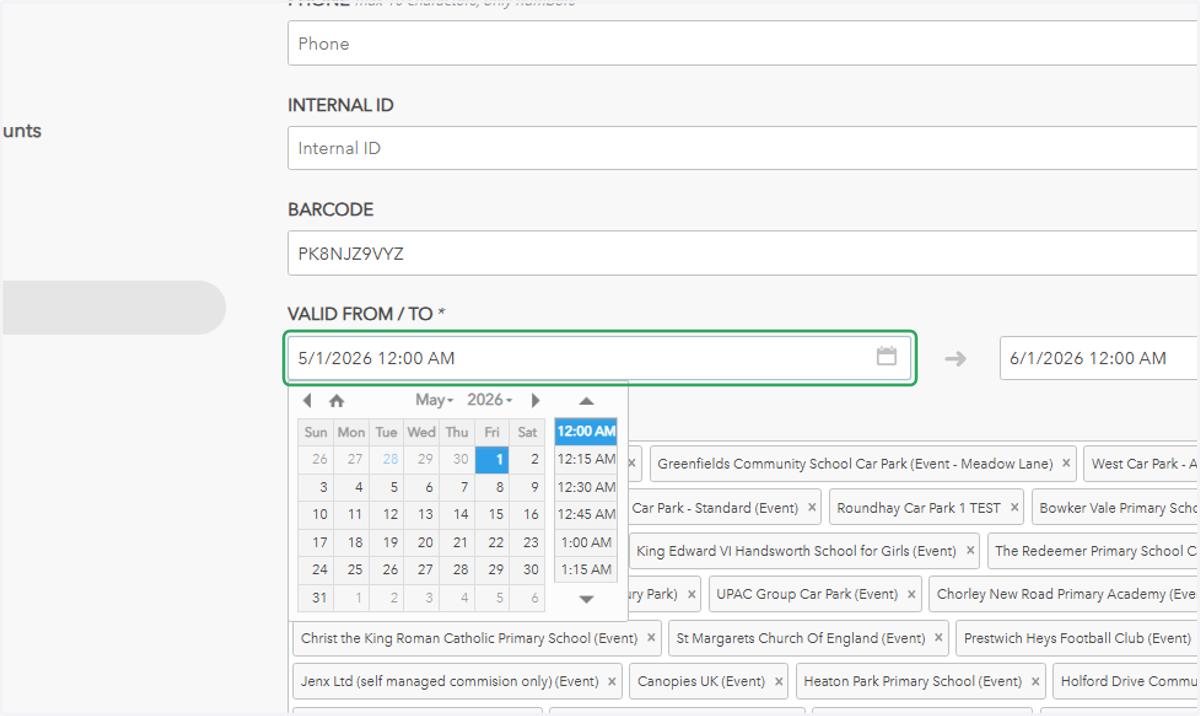
  6. 6. Make any necessary changes

    Make any necessary changes
  7. 7. Click on "Update" at the bottom of the page
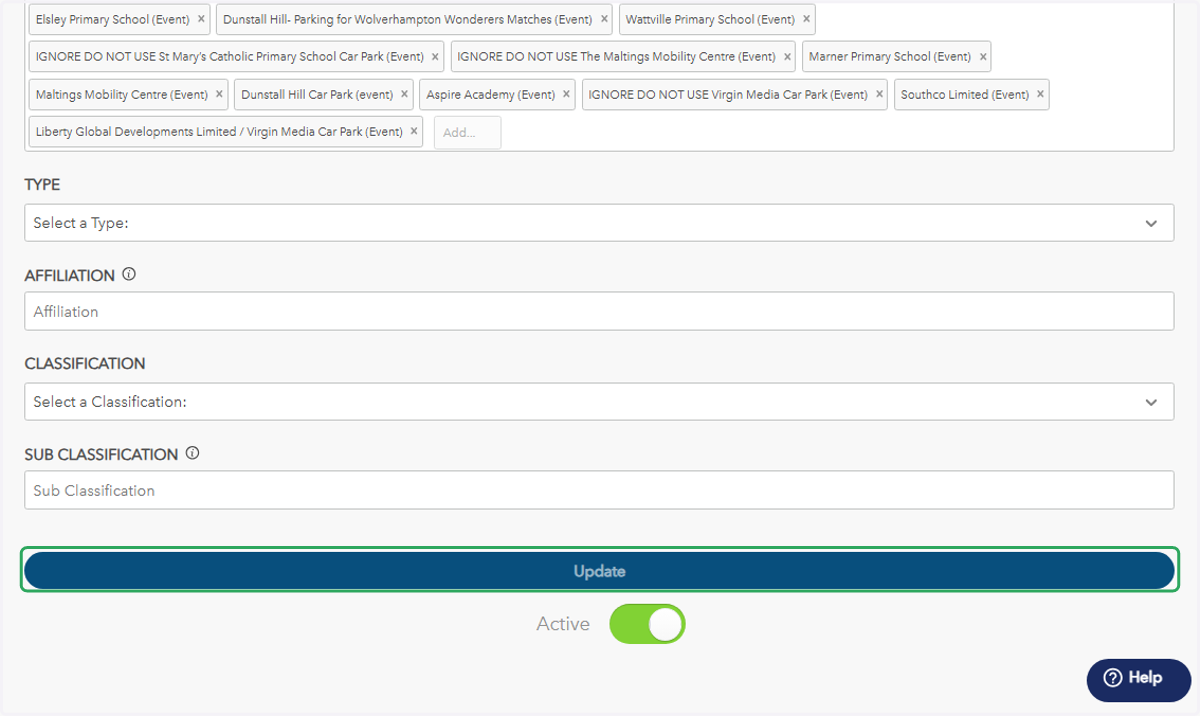
    Click on "Update" at the bottom of the page