Process Cheque in in Odoo

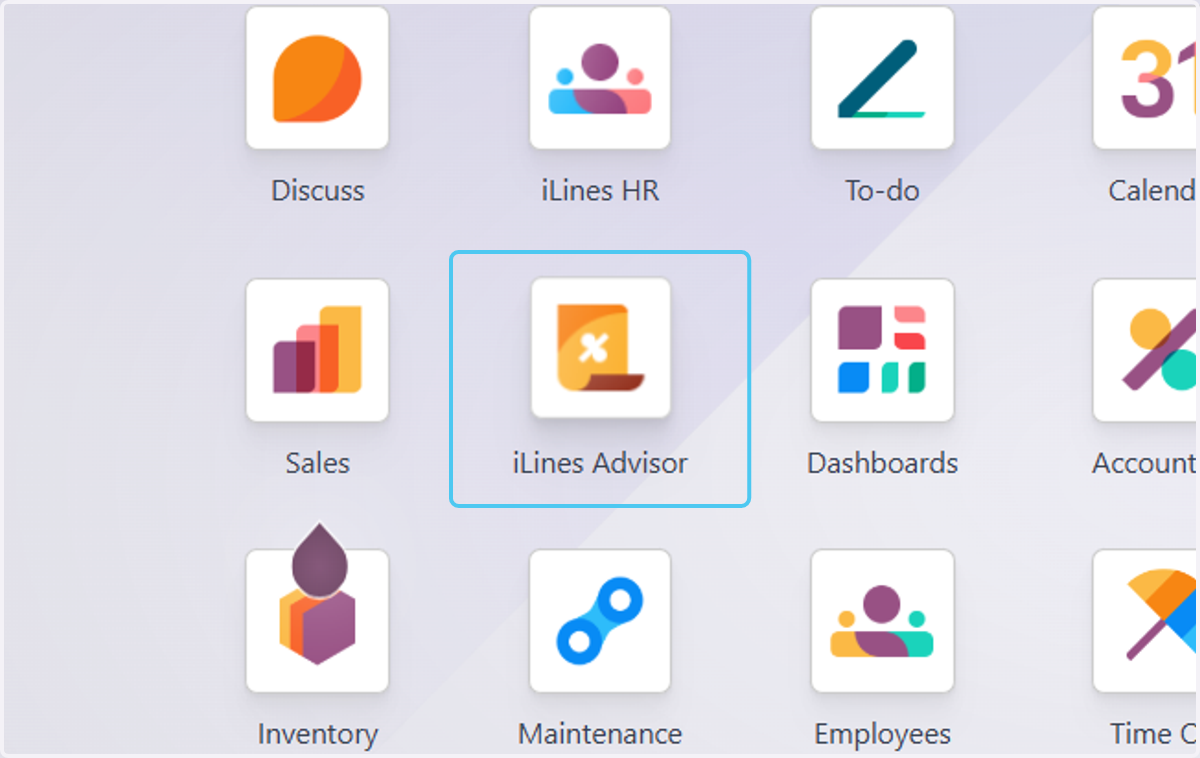
  1. 1. Click on iLines Advisor

    Click on iLines Advisor
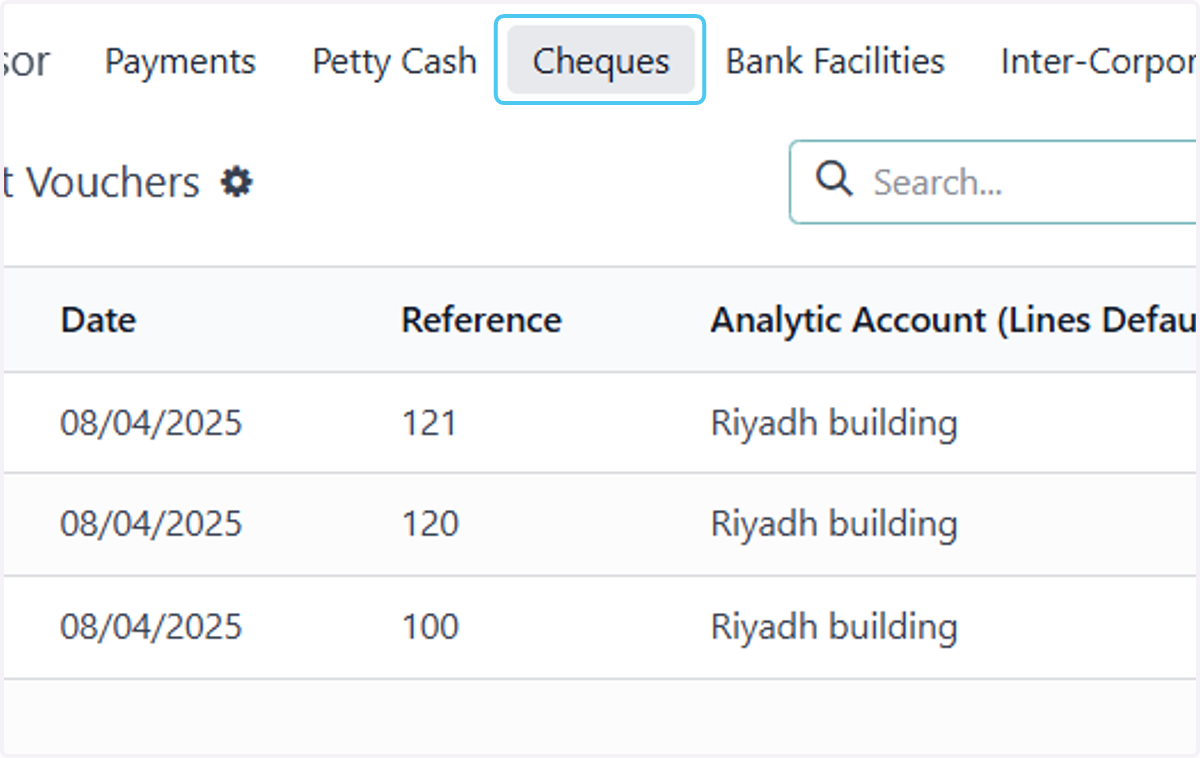
  2. 2. Click on Cheques

    Click on Cheques
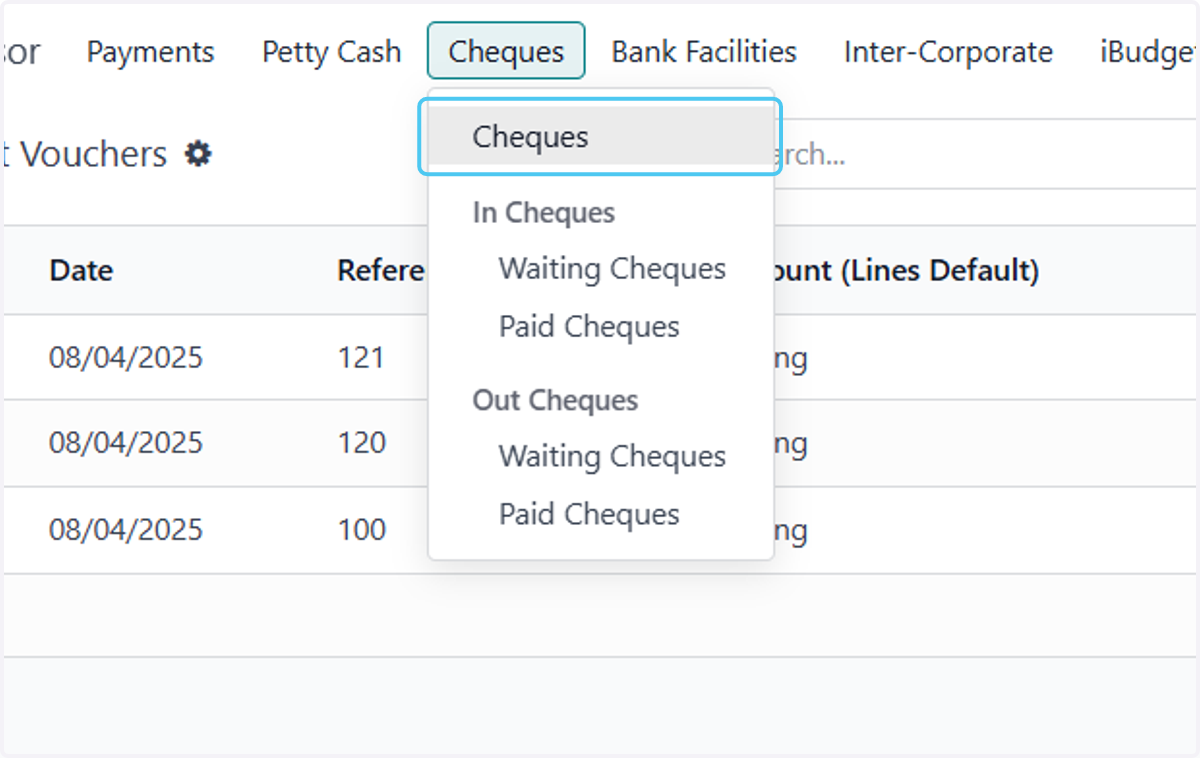
  3. 3. Click on Cheques

    Click on Cheques
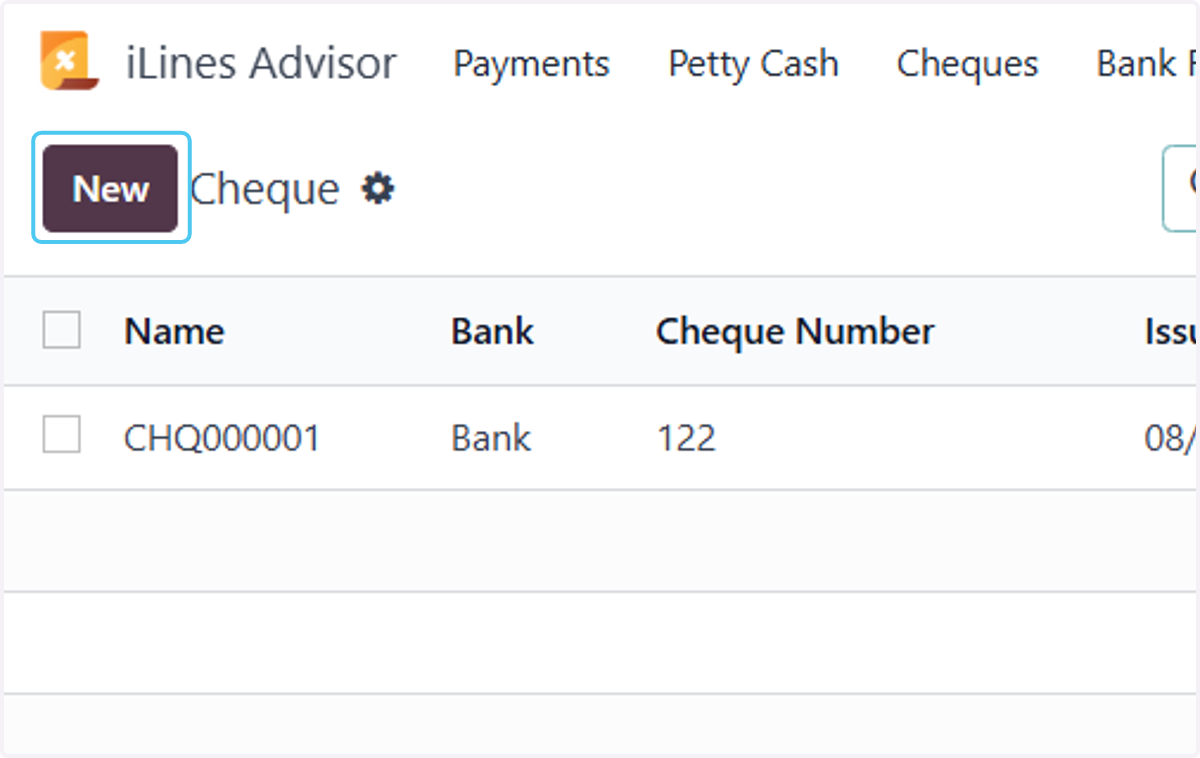
  4. 4. Click on New

    Click on New
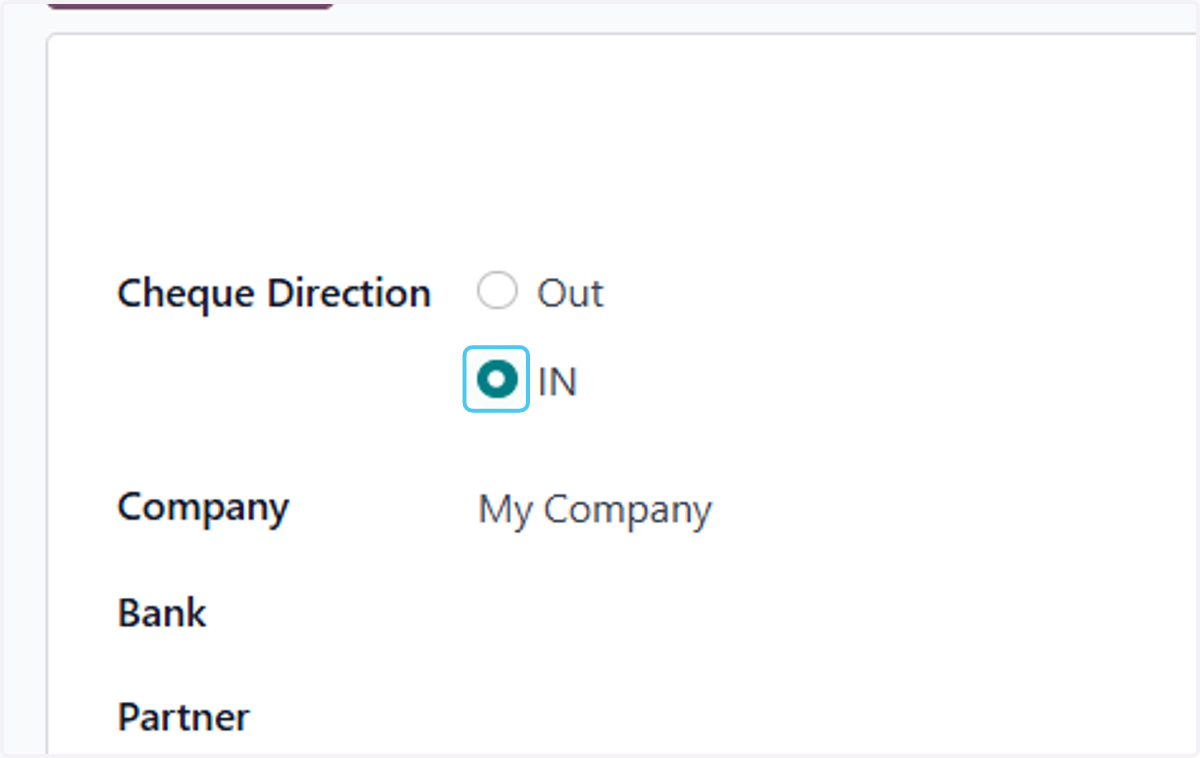
  5. 5. Select IN

    Select IN
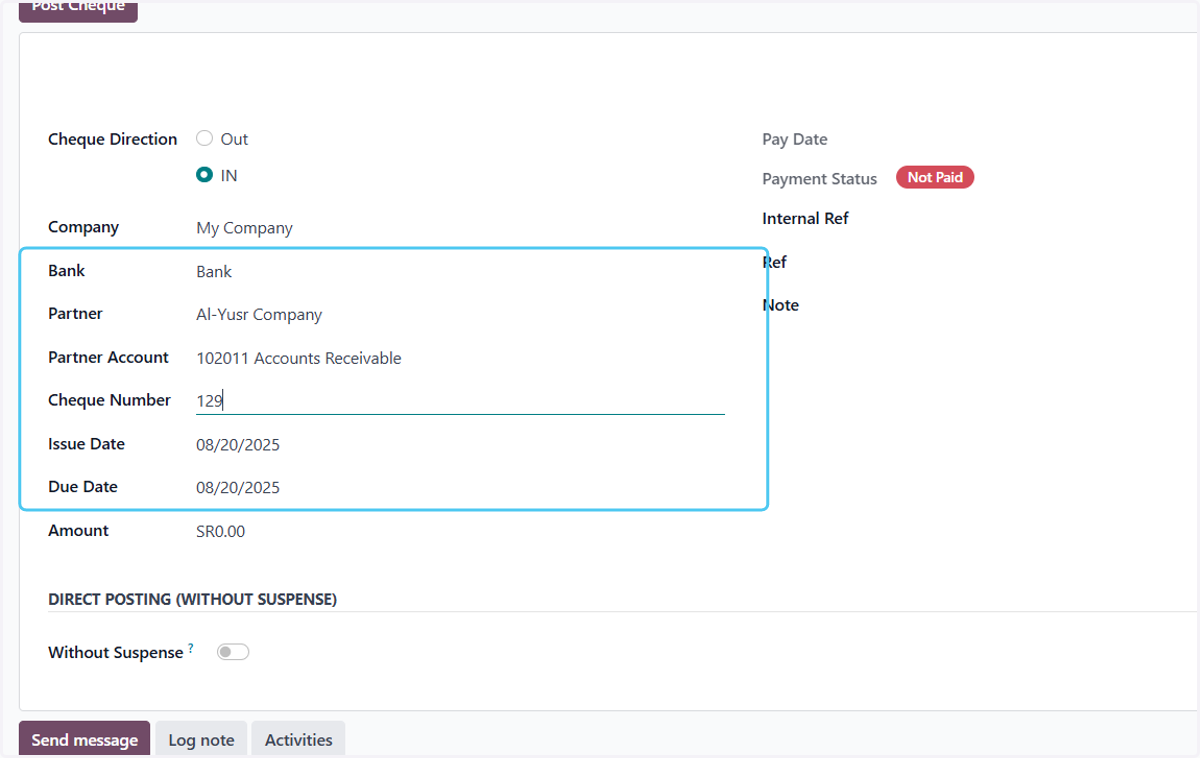
  6. 6. Fill in the data

    Fill in the data
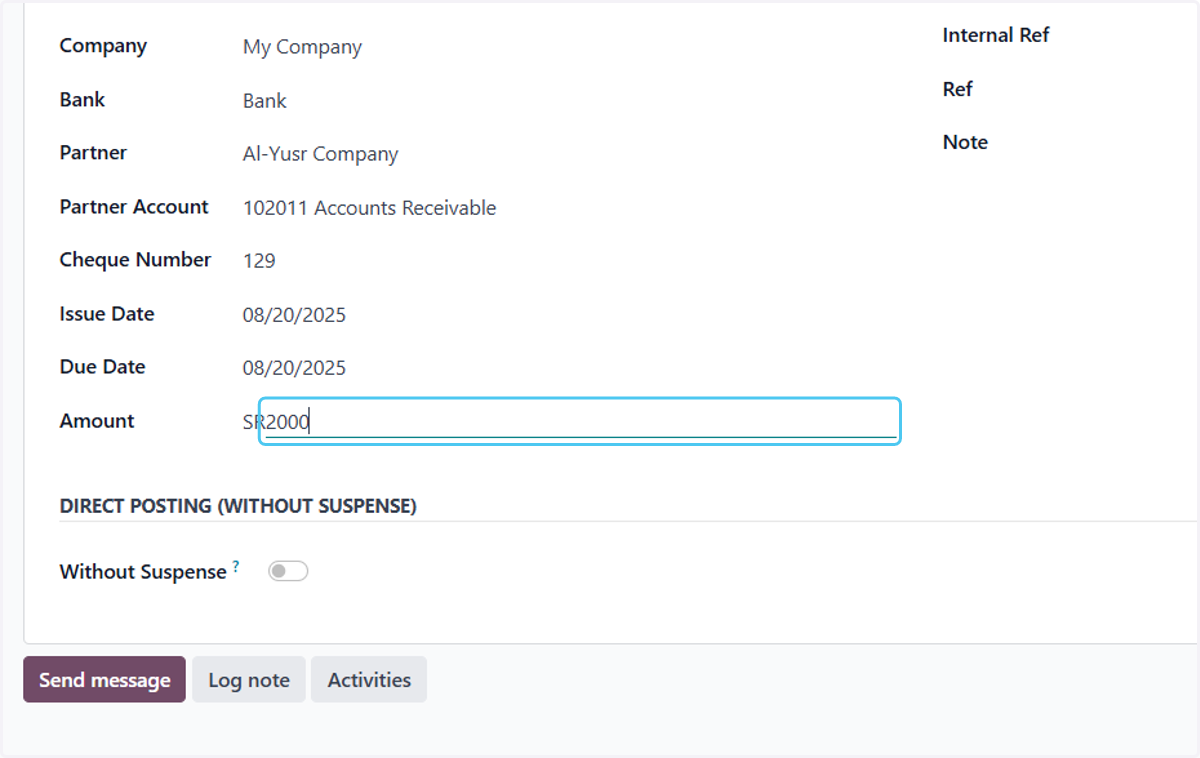
  7. 7. Type "2000"

    Type "2000"
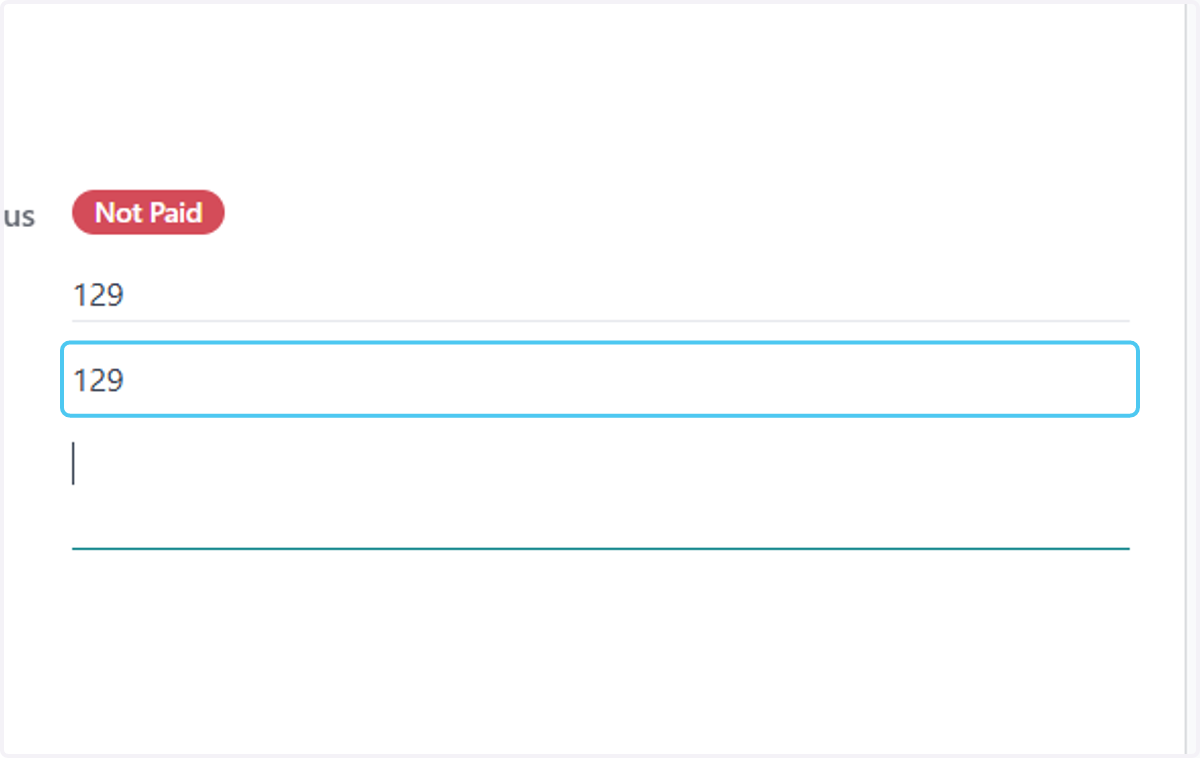
  8. 8. Type "129"

    Type "129"
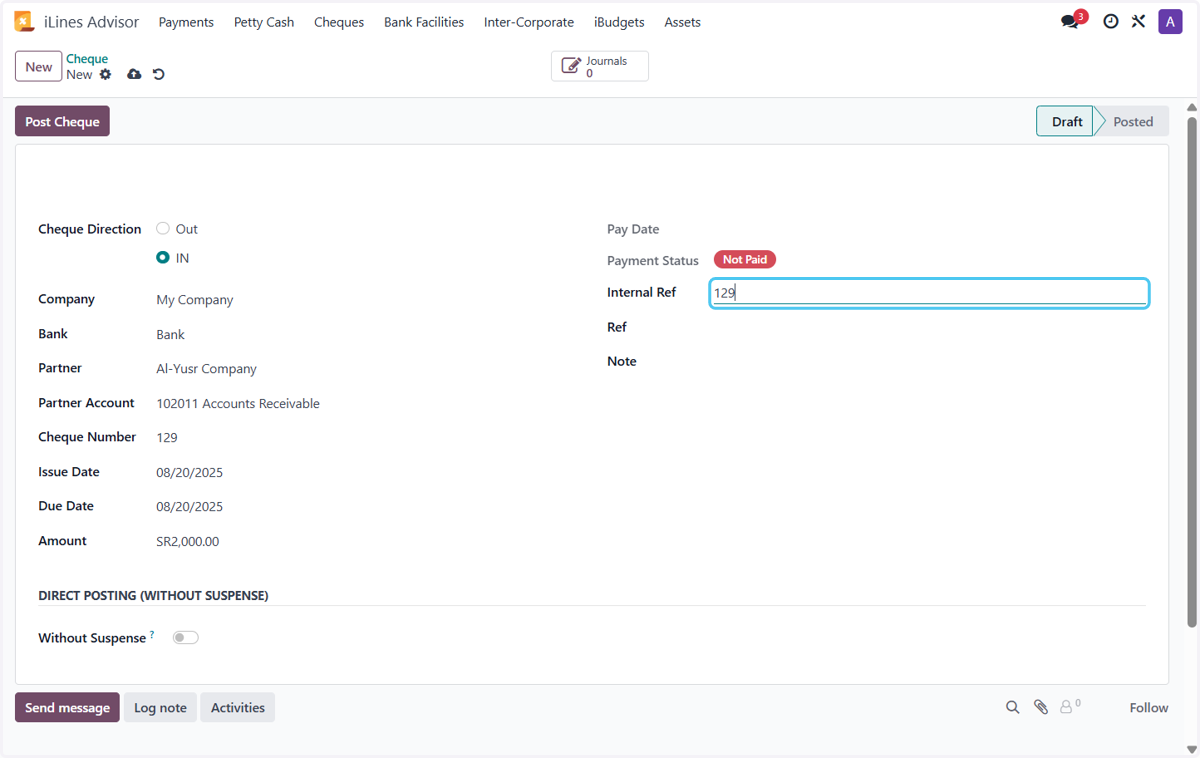
  9. 9. Type "129"

    Type "129"
  10. 10. Type "استلام شيك كدفعة من العميل"
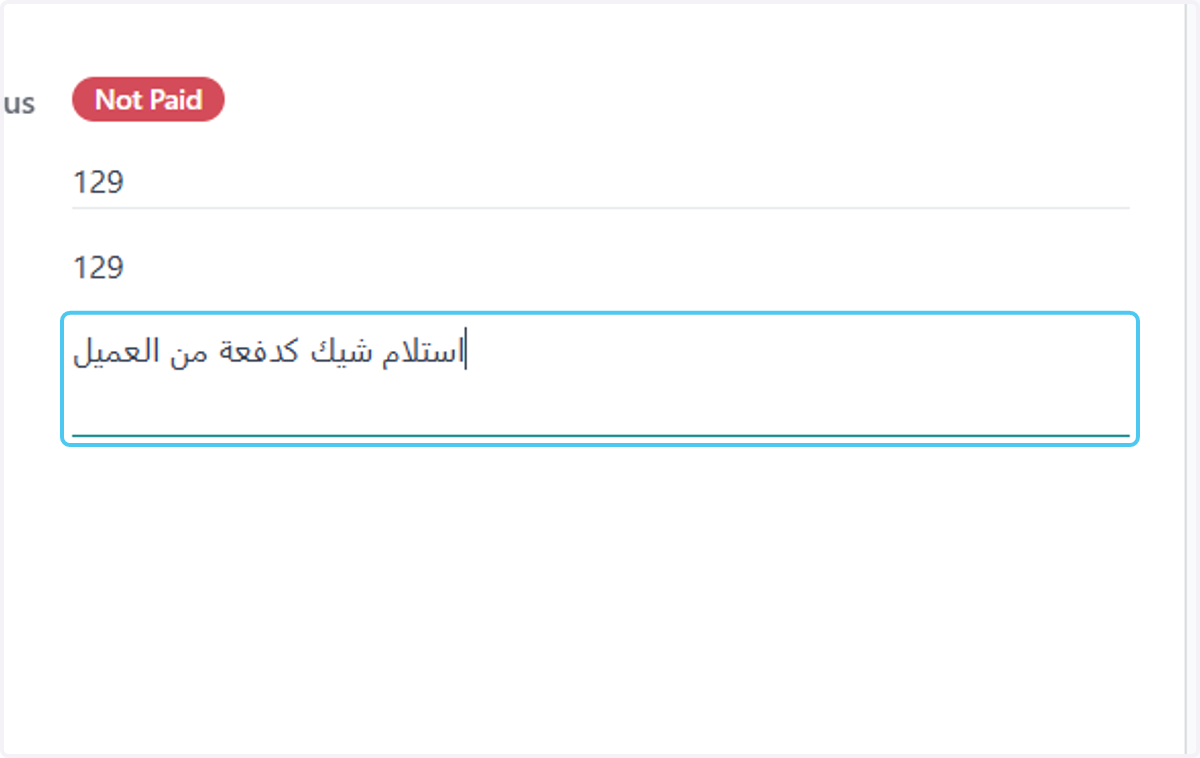
    Type "استلام شيك كدفعة من العميل"
  11. 11. This option is available if you do not want to have an intermediary account for the cheque.
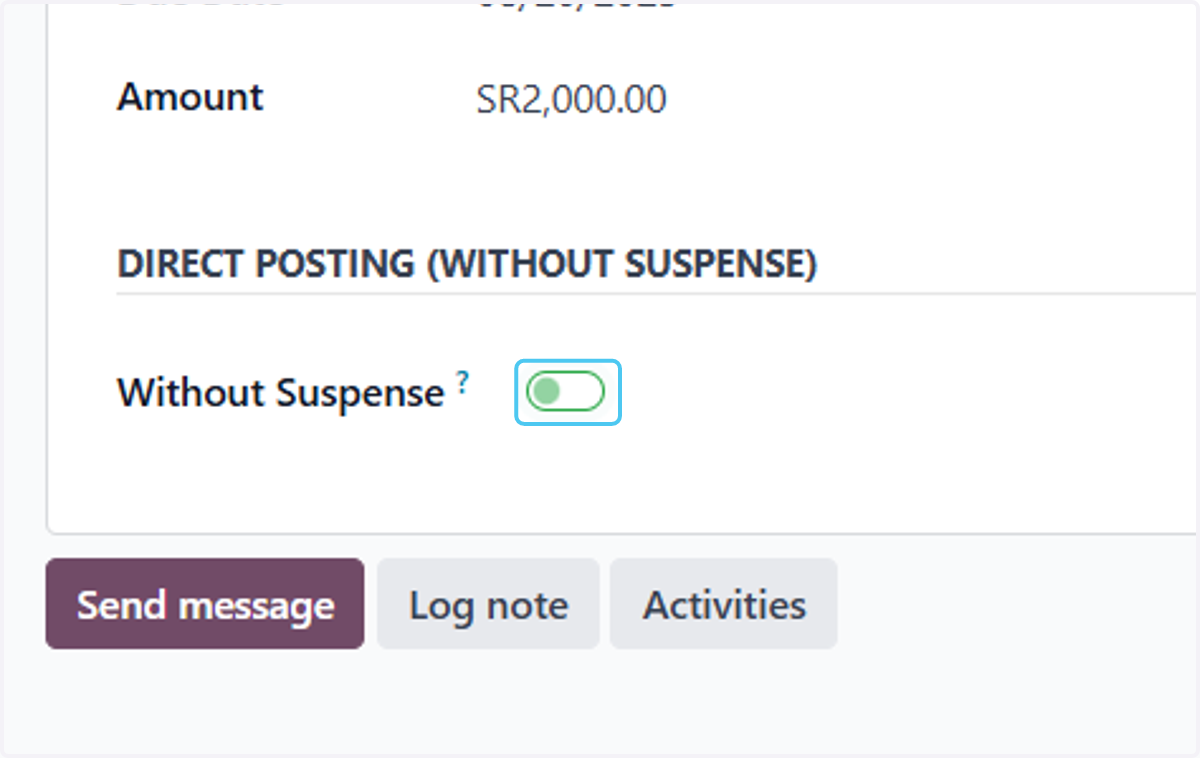
    This option is available if you do not want to have an intermediary account for the cheque.
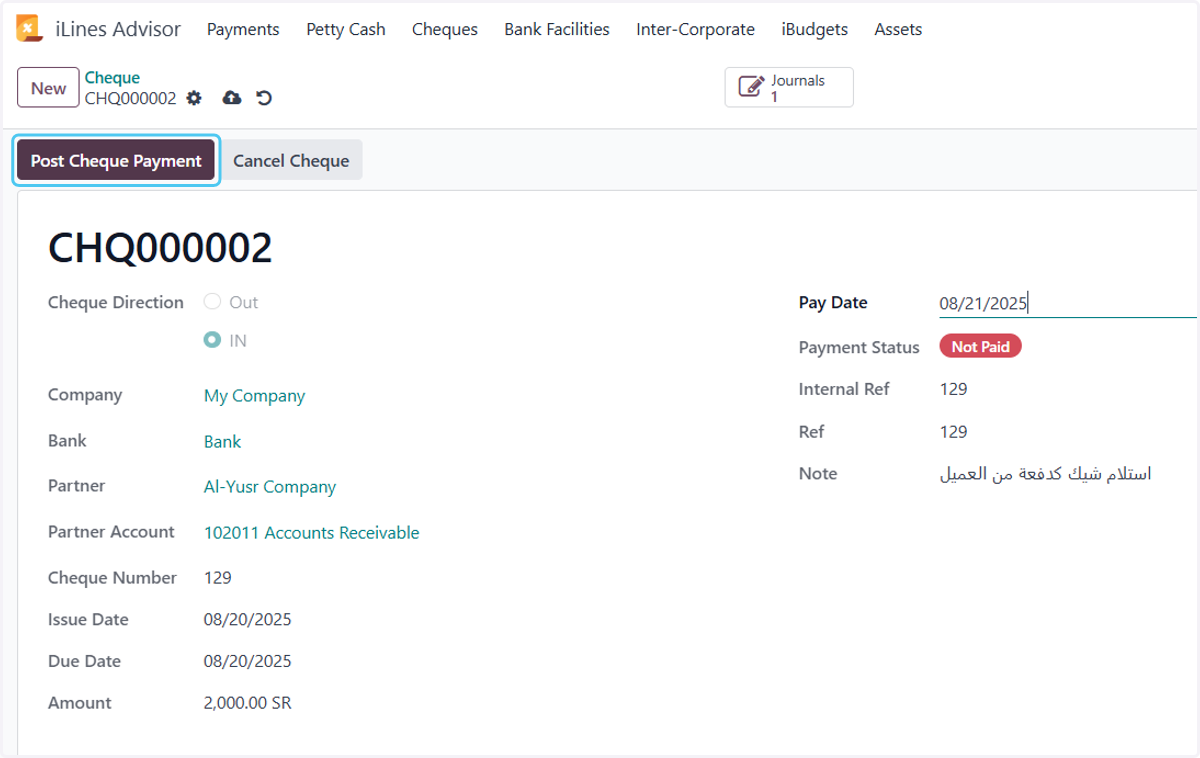
  12. 12. Click on Post Cheque Payment

    Click on Post Cheque Payment