Notes and Comments on Tracked Bills

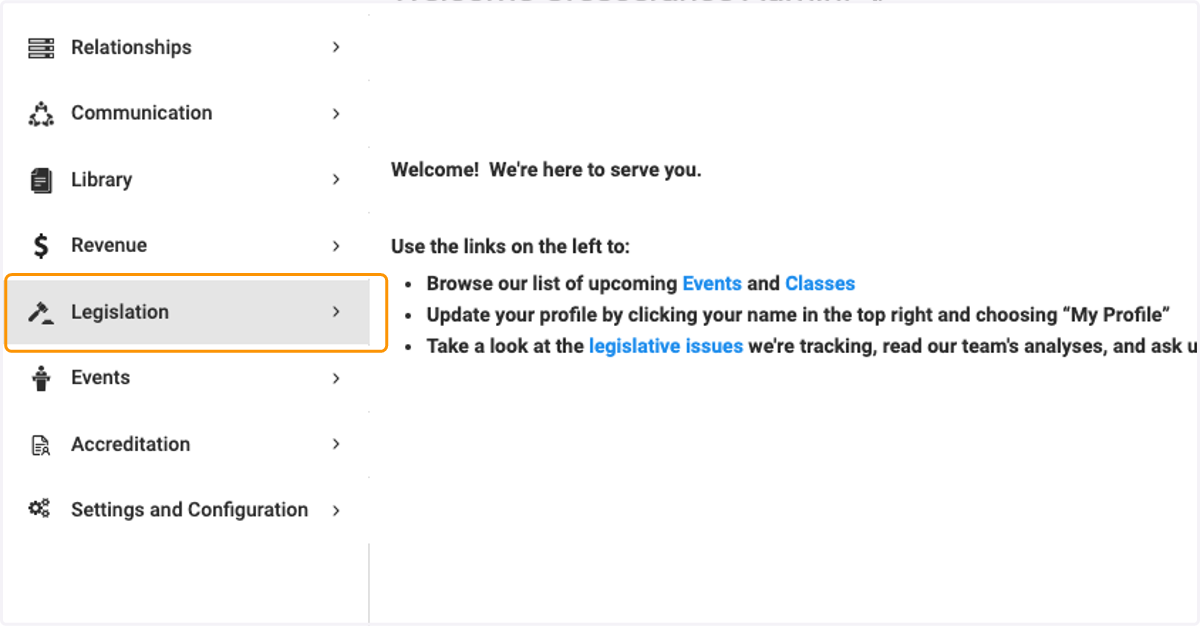
  1. 1. Click on Legislation

    Click on Legislation
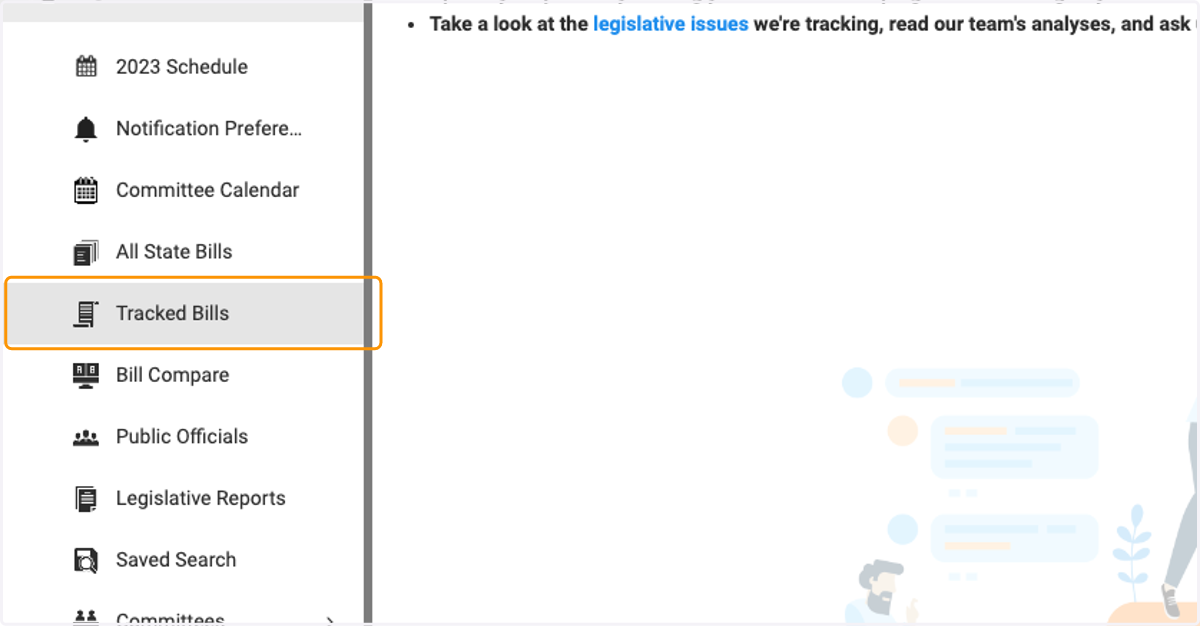
  2. 2. Click on Tracked Bills

    Click on Tracked Bills
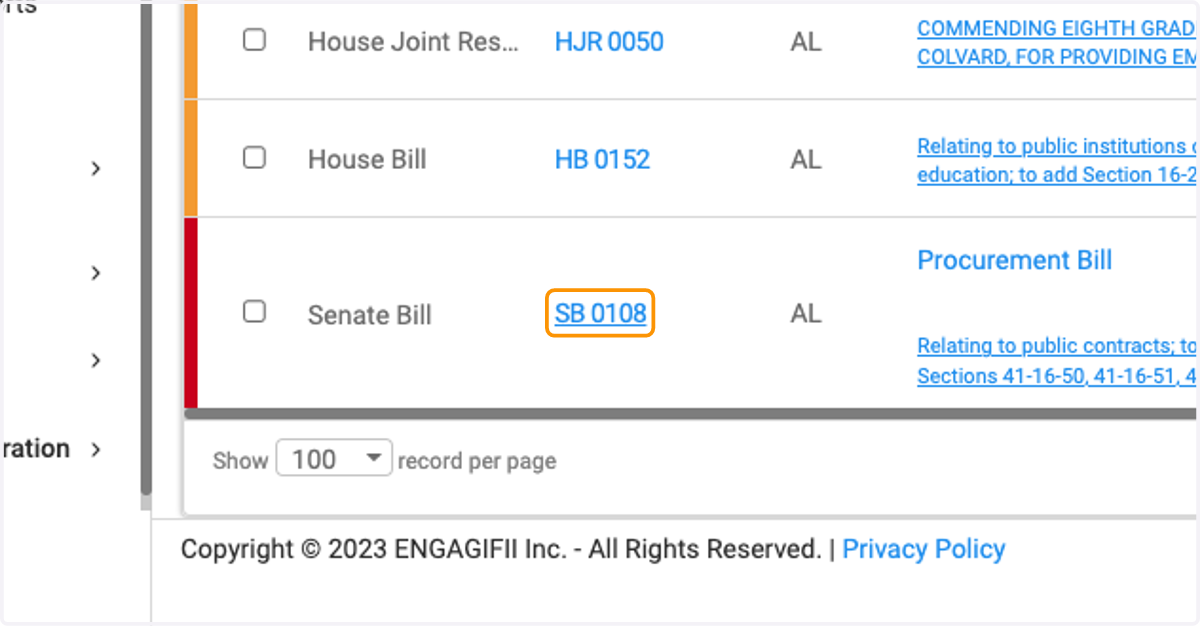
  3. 3. Click on the bill you need

    Click on the bill you need
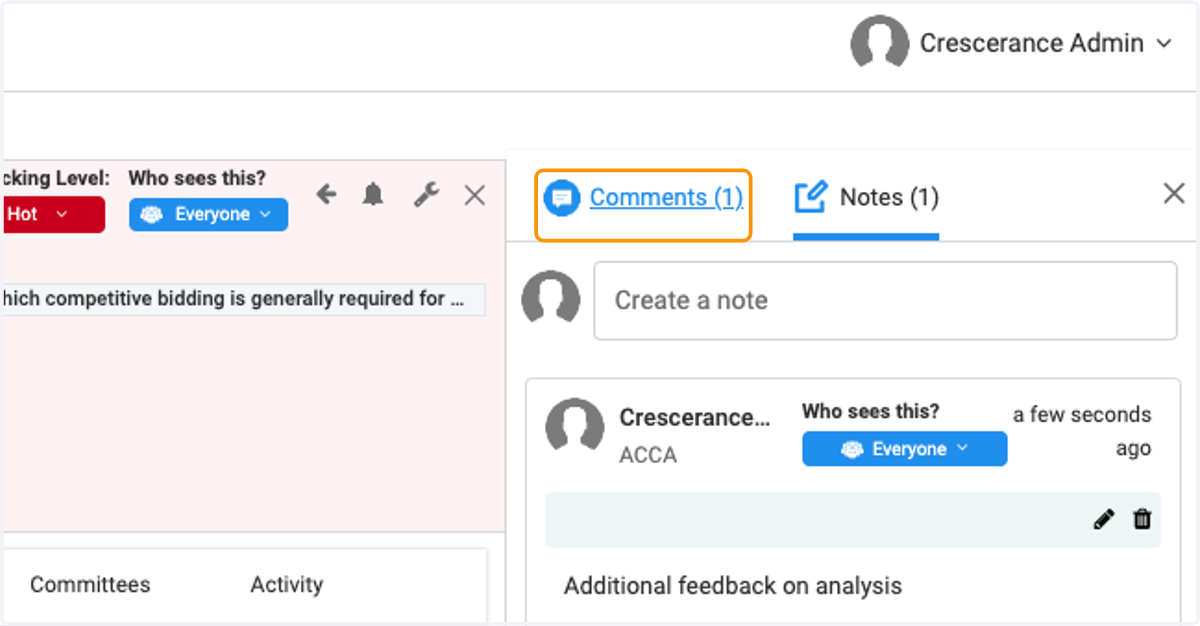
  4. 4. Click on Comments (1)

    Click on Comments (1)
  5. 5. You can view, like or dislike the previous comments as well as type a new comment in the Join the Discussion box
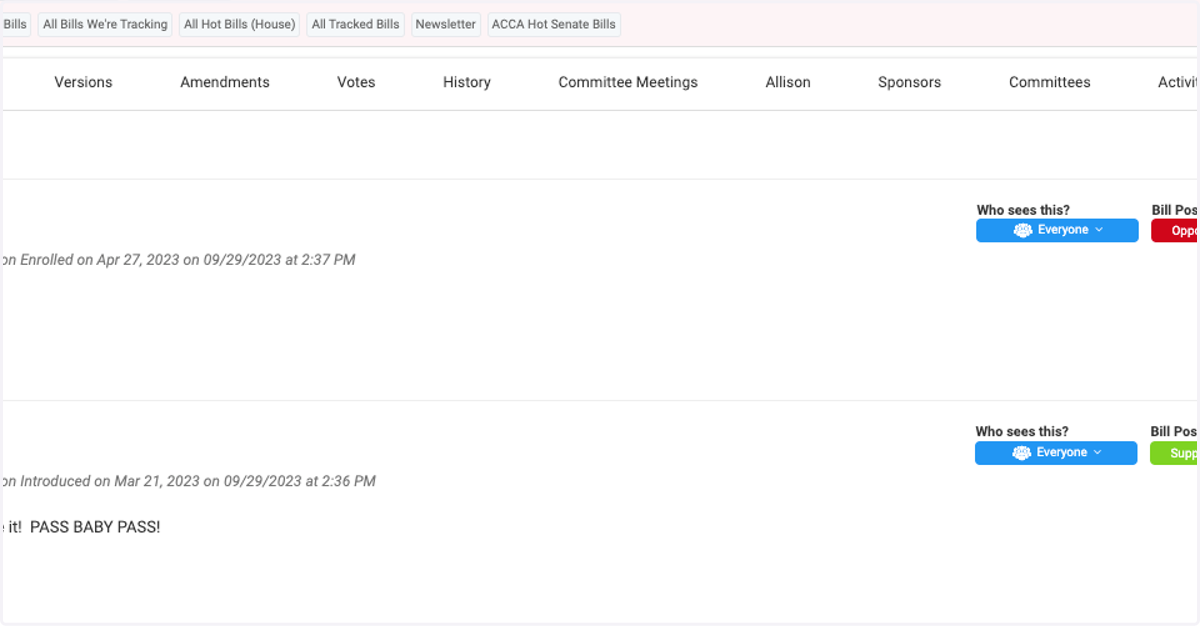
    You can view, like or dislike the previous comments as well as type a new comment in the Join the Discussion box
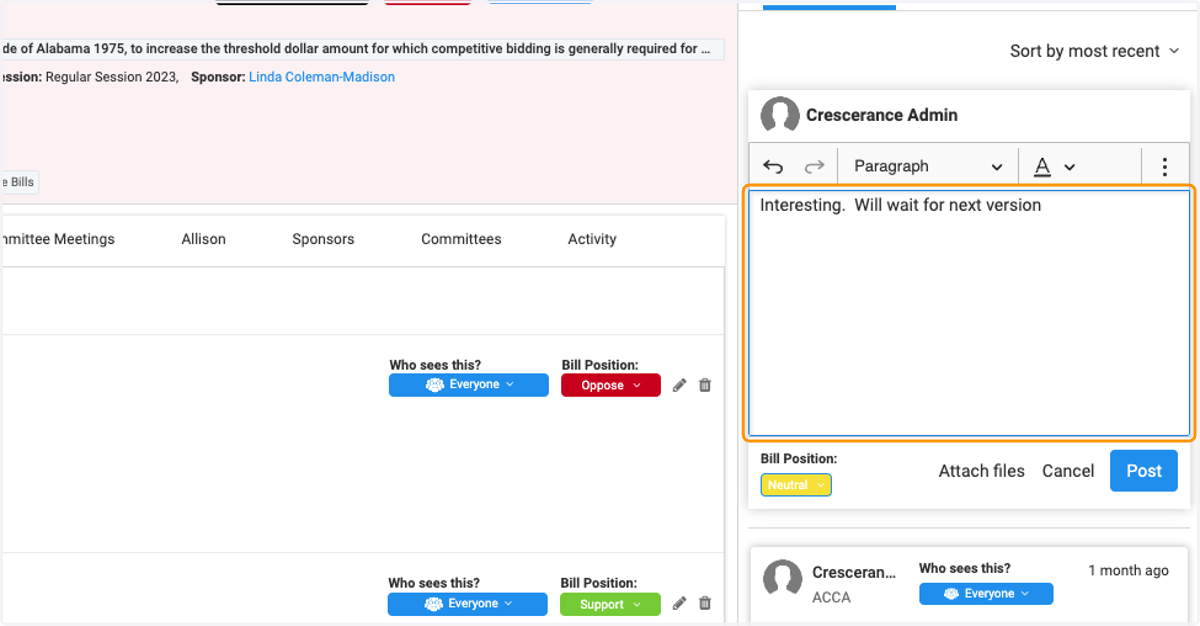
  6. 6. Type new comment in the text box

    Type new comment in the text box
  7. 7. Click on Attach files to add files
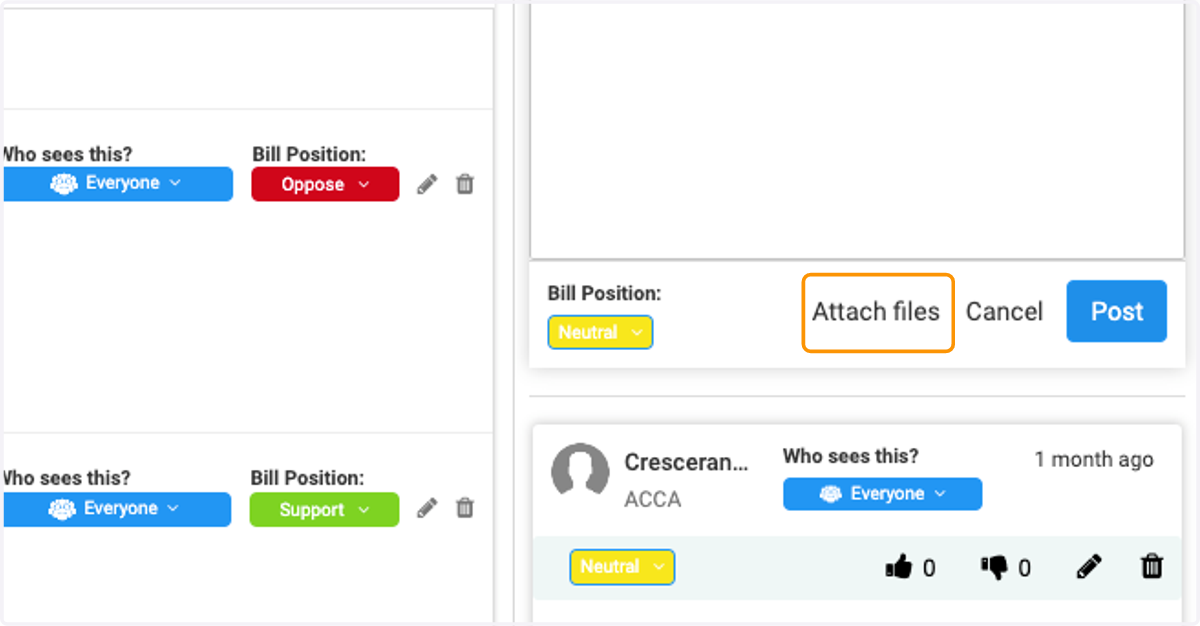
    Click on Attach files to add files
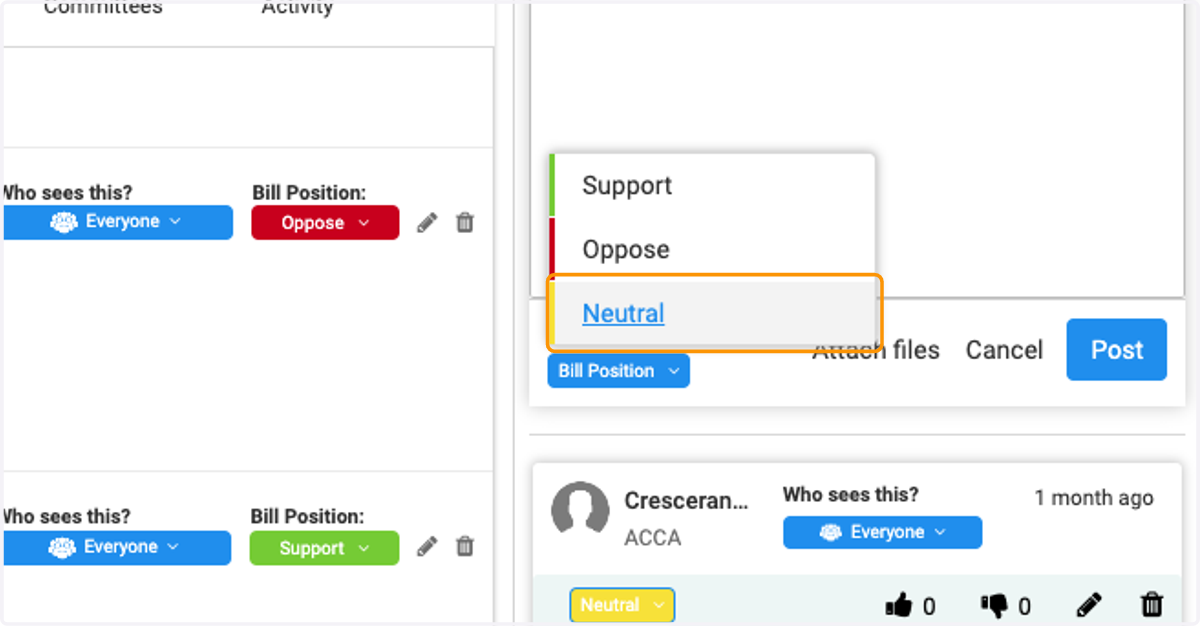
  8. 8. Select Bill Position

    Select Bill Position
  9. 9. Click on Post when you are ready to share
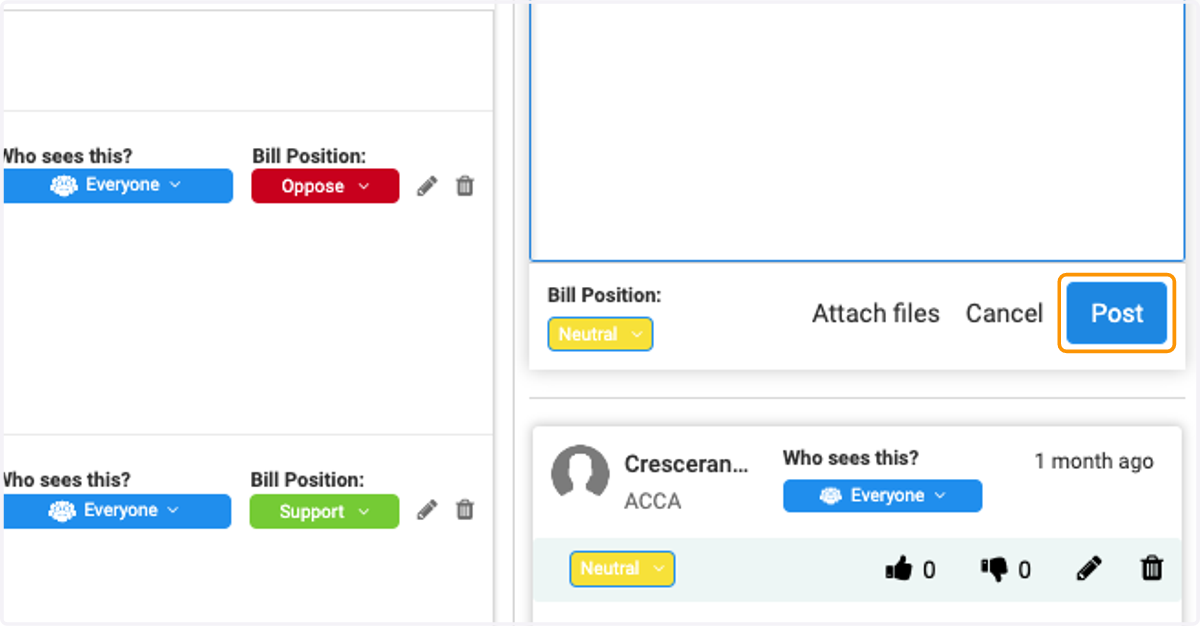
    Click on Post when you are ready to share
  10. 10. You can view replies to the comment
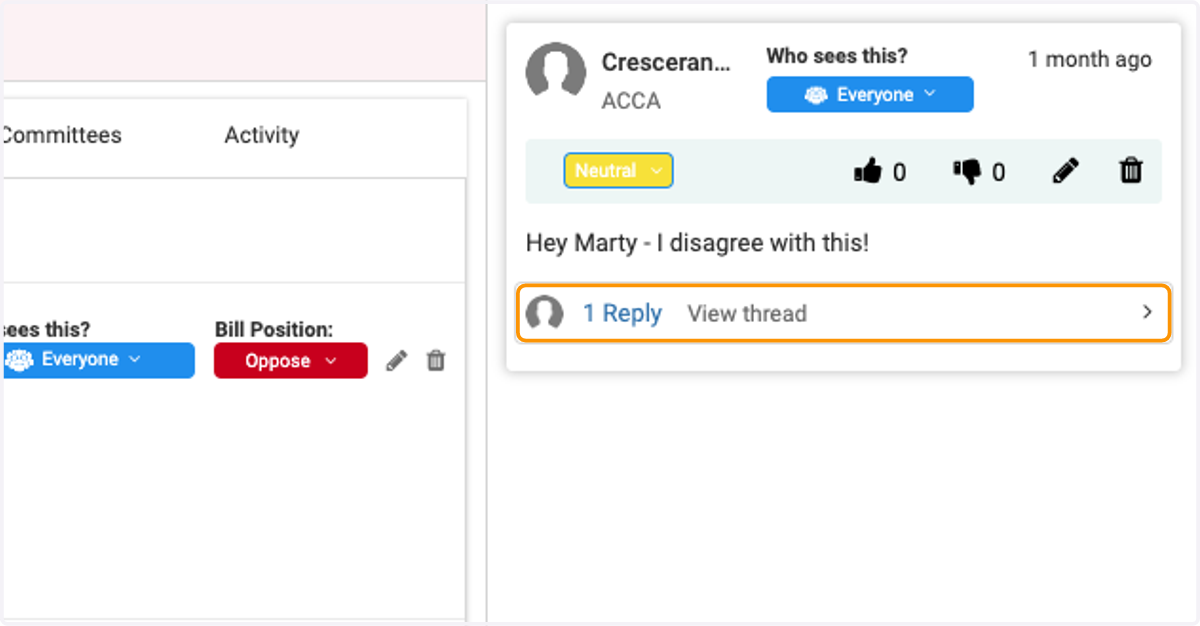
    You can view replies to the comment
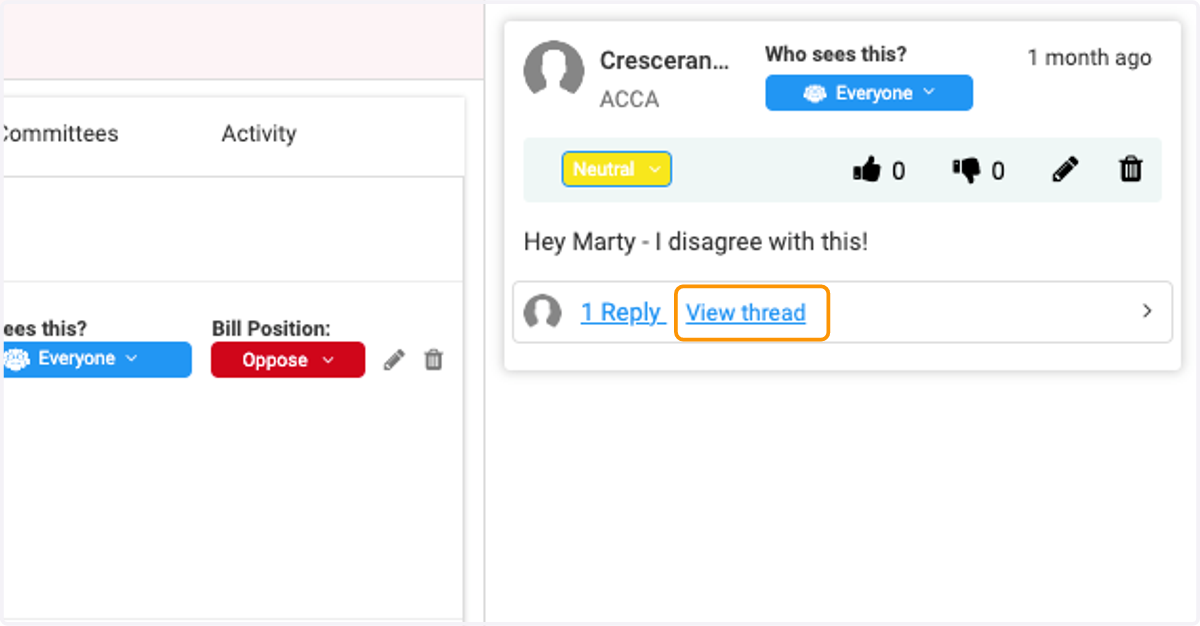
  11. 11. You can view the reply thread

    You can view the reply thread
  12. 12. You can determine who has visibility to your comment
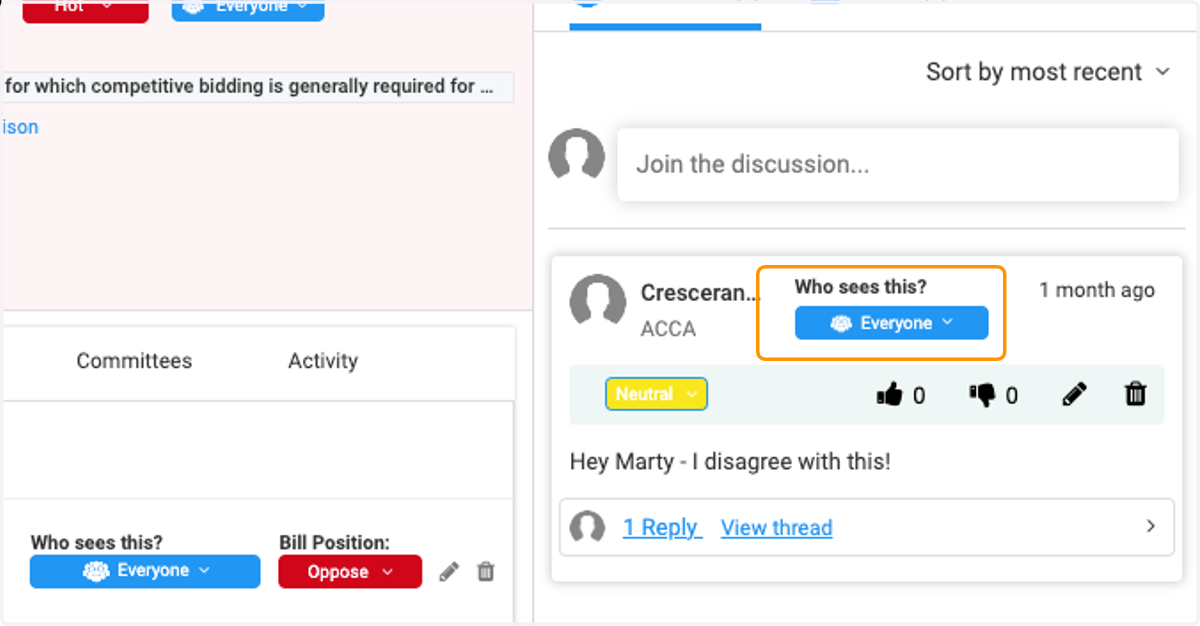
    You can determine who has visibility to your comment
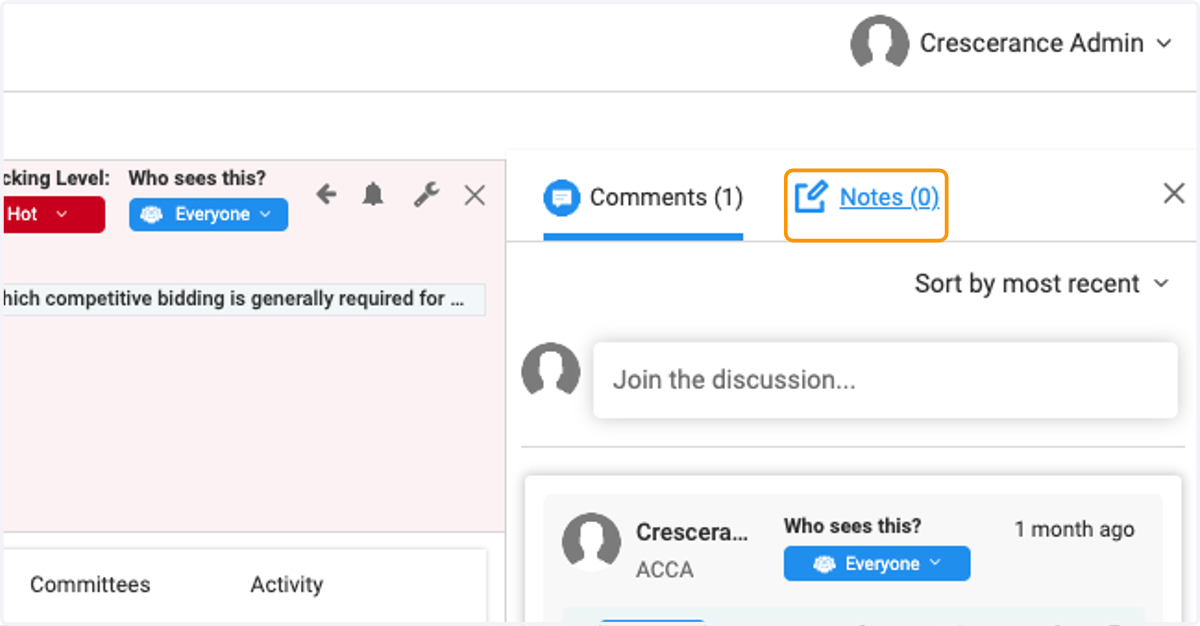
  13. 13. Click on Notes

    Click on Notes
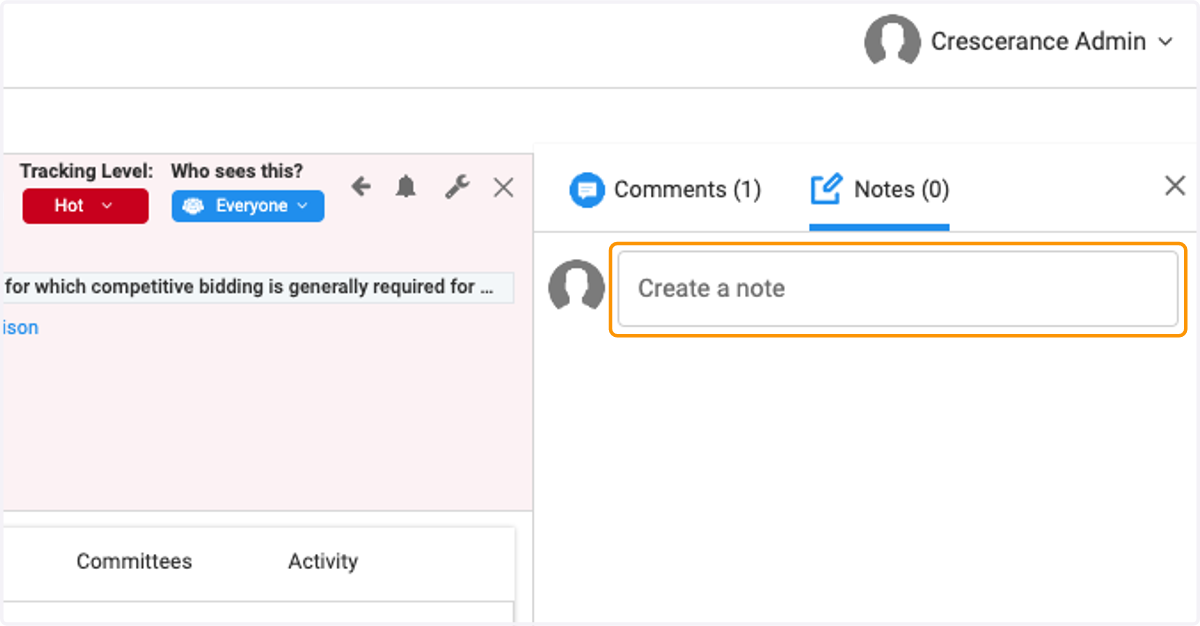
  14. 14. Click on Create a note

    Click on Create a note
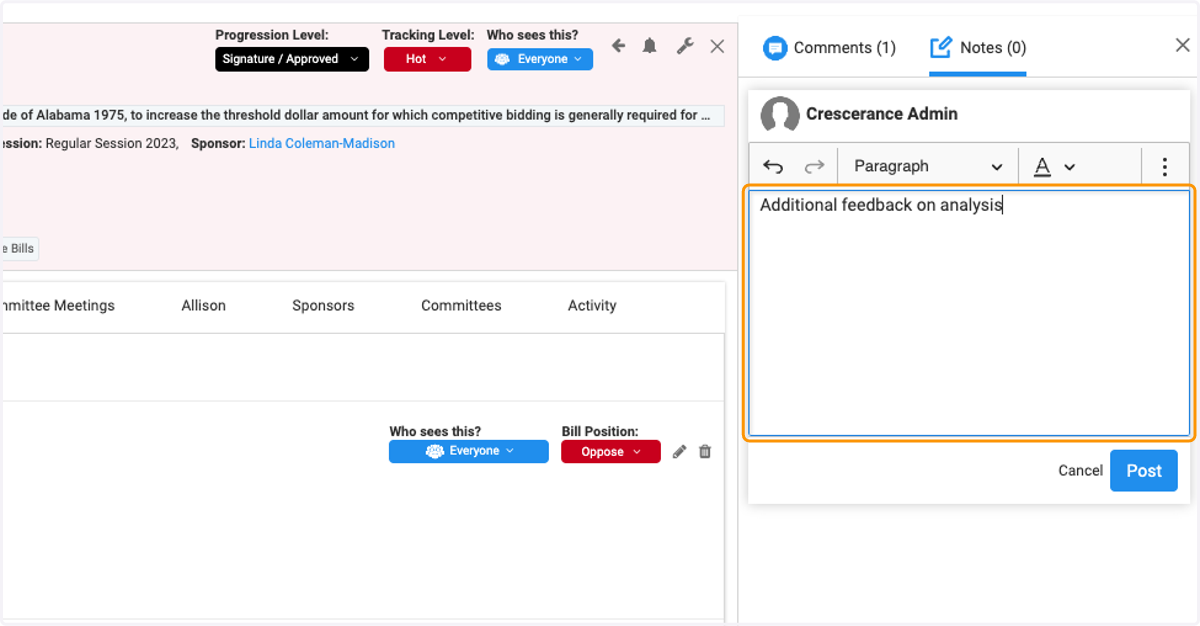
  15. 15. Type your note in the text box

    Type your note in the text box
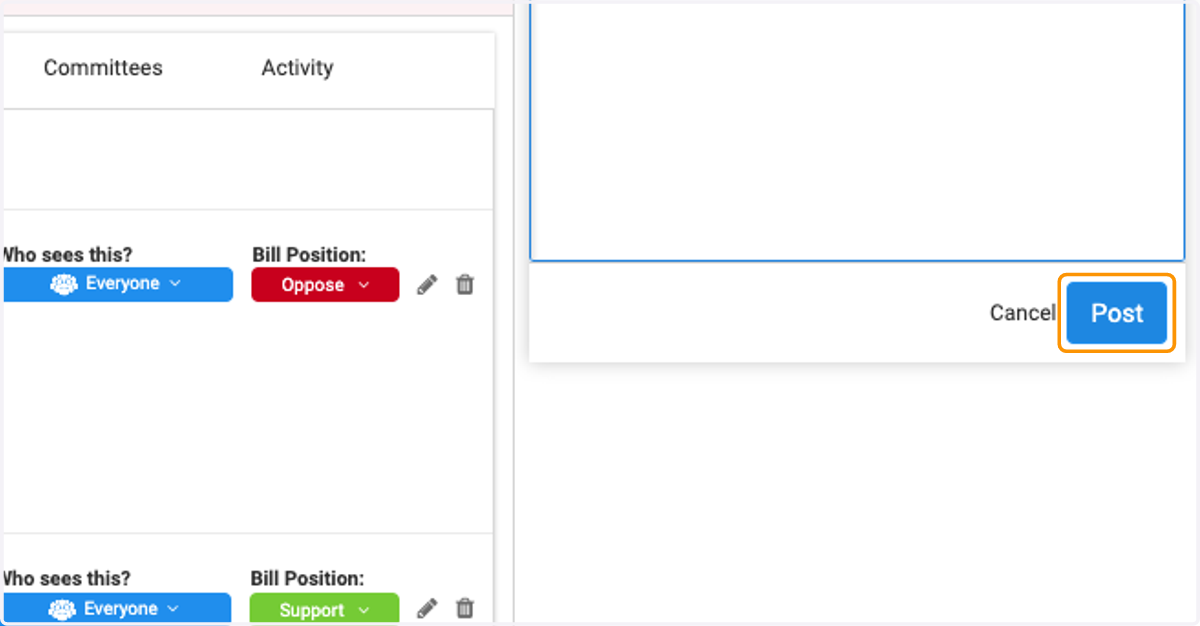
  16. 16. Click on Post

    Click on Post
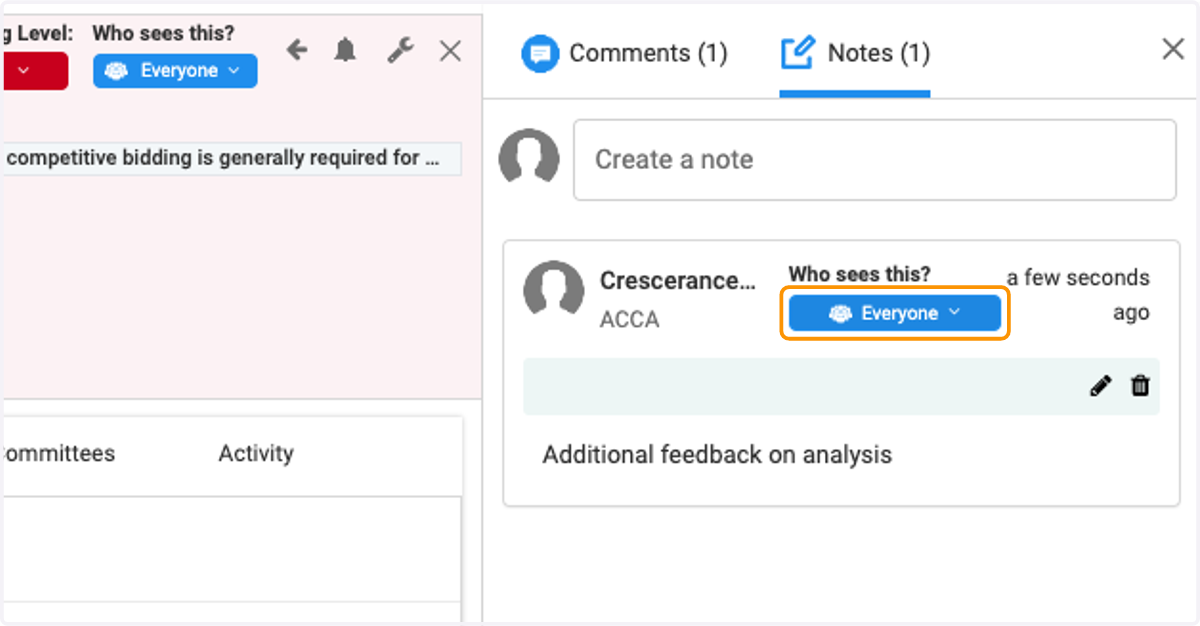
  17. 17. Determine who can see your note

    Determine who can see your note
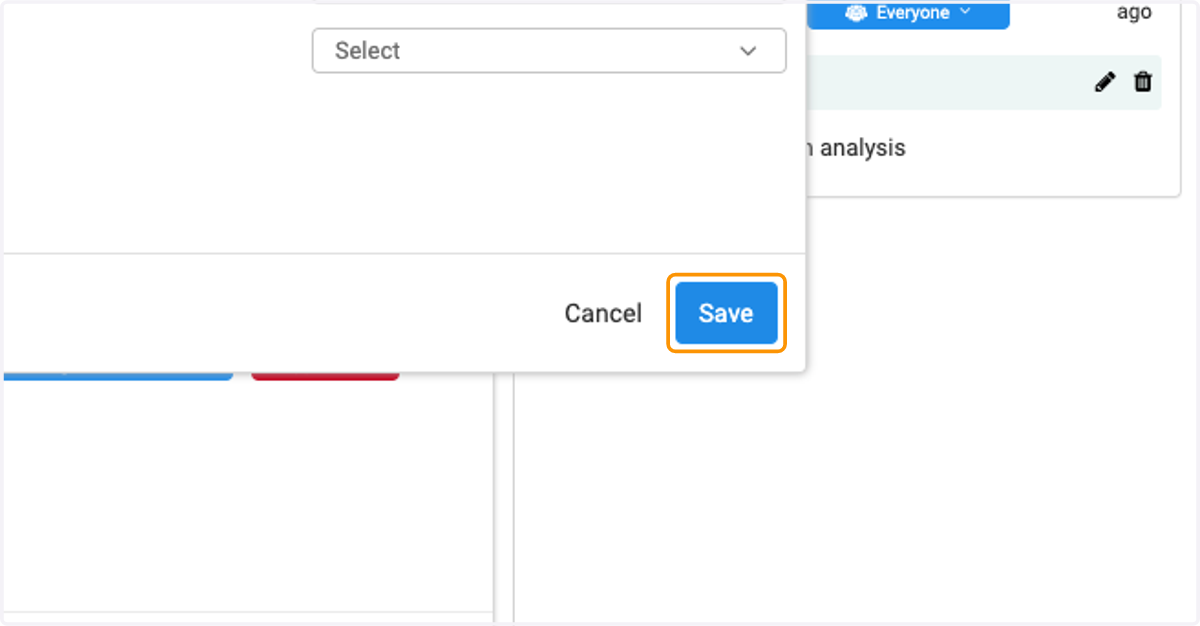
  18. 18. Click on Save

    Click on Save