How to Refund through Booking Manager
Club Director
1. Select Club Booking
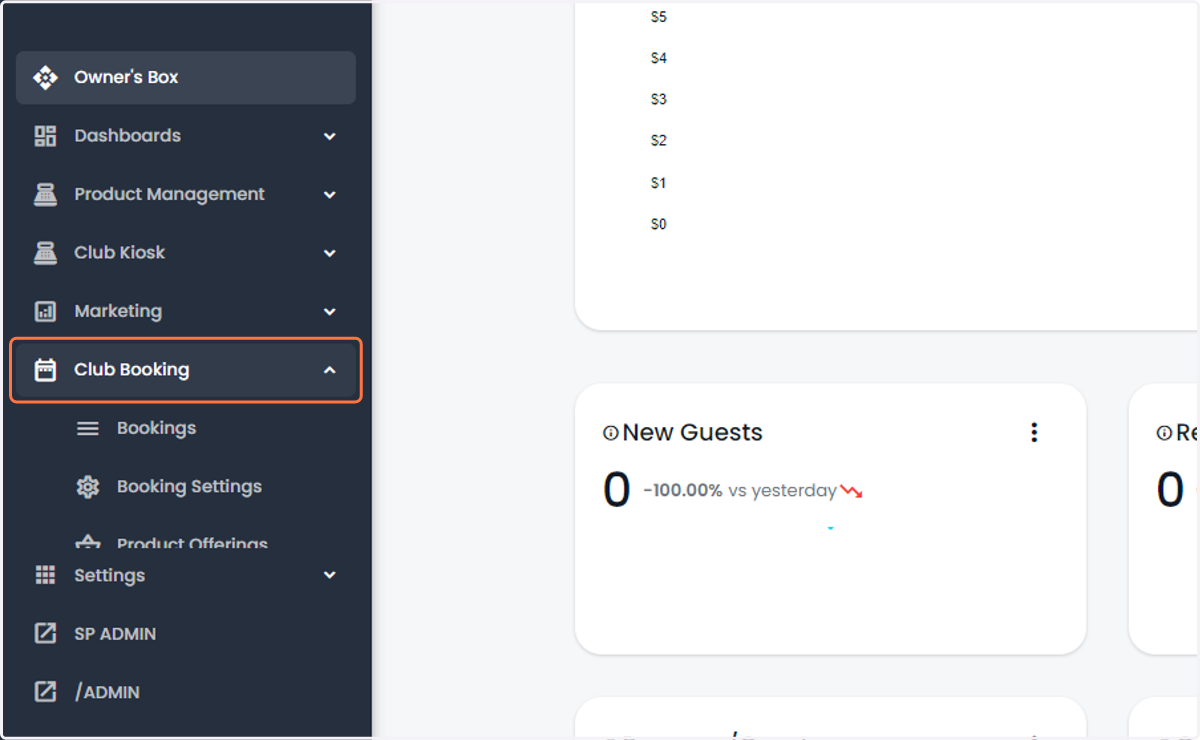
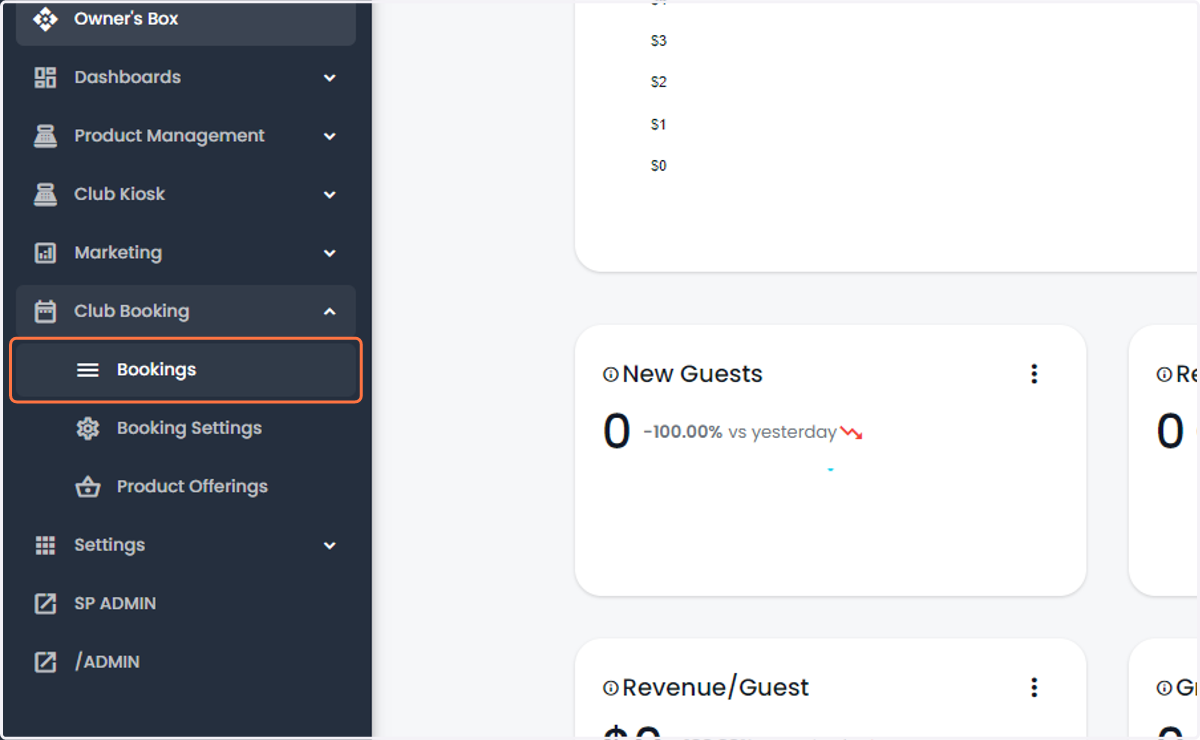
2. Select Bookings
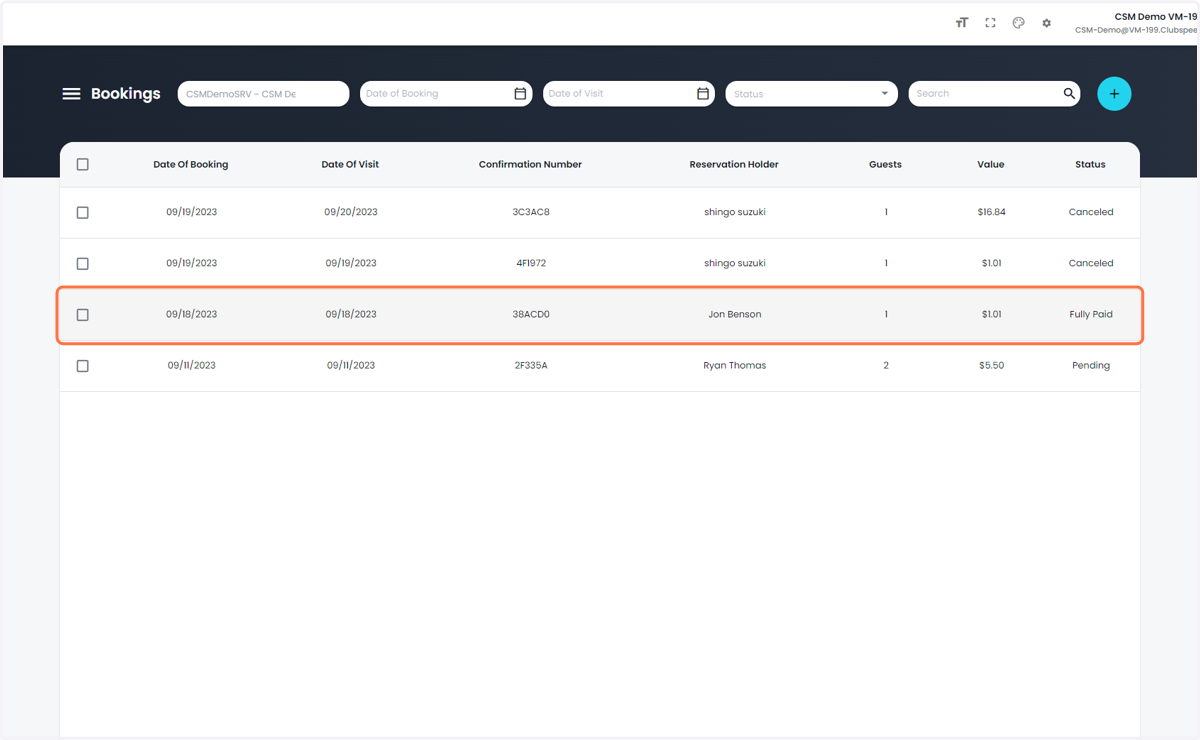
3. Select the Booking you would like to refund
4. Click on the 3 dots in the top right
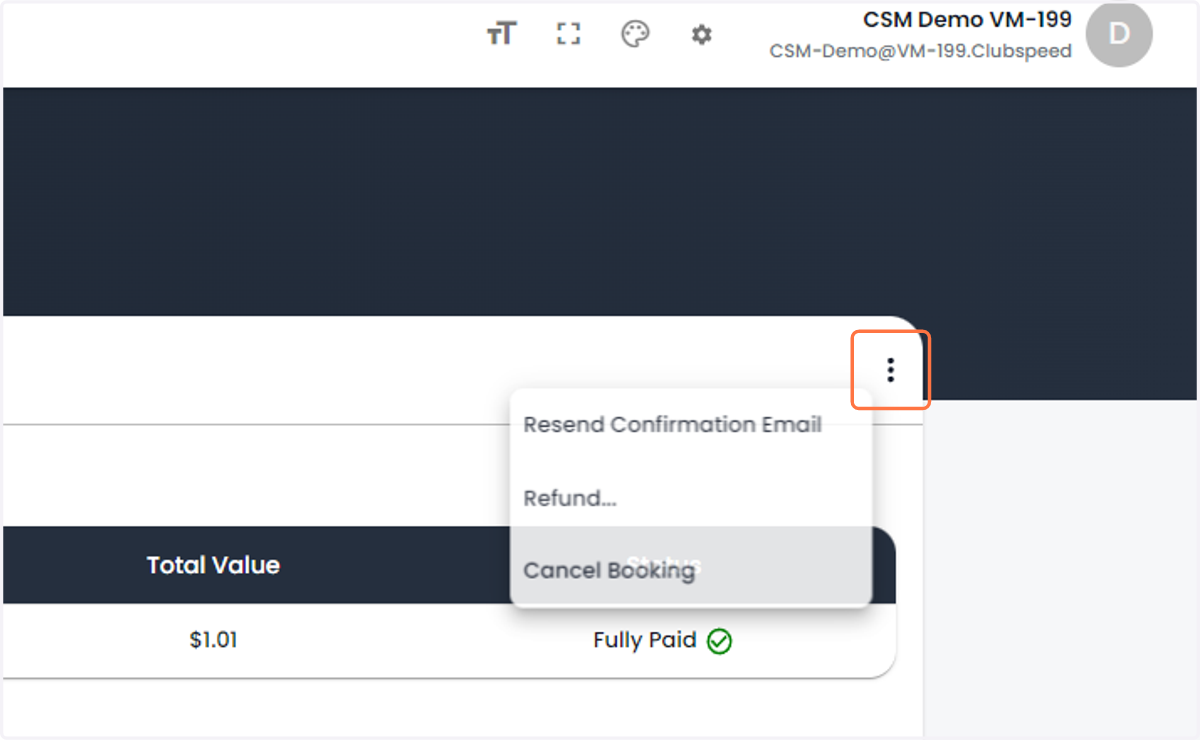
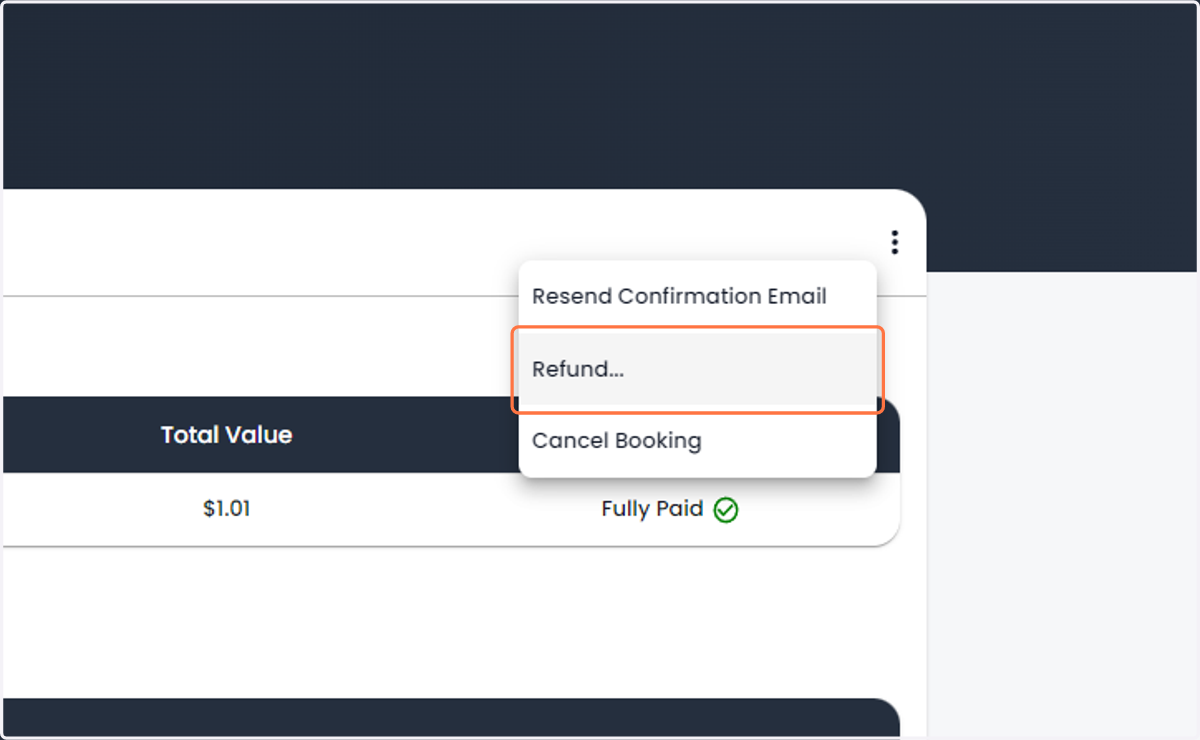
5. Click on Refund...
6. You will be presented this pop-up
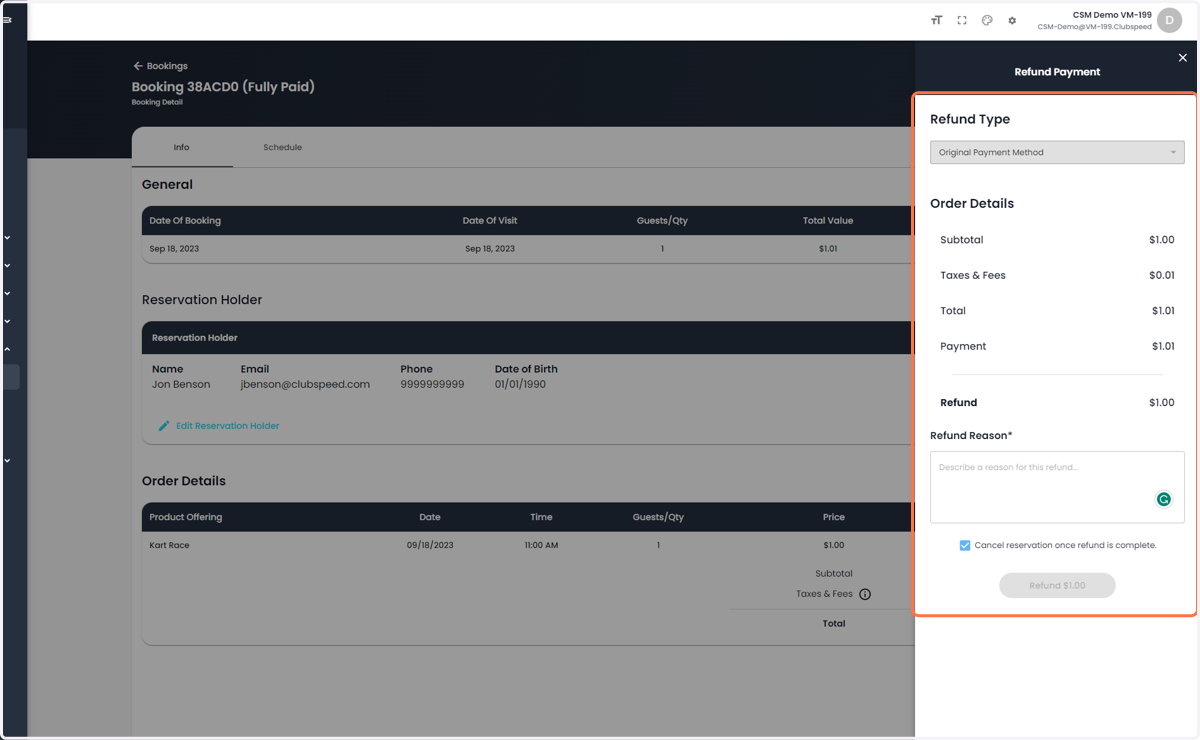
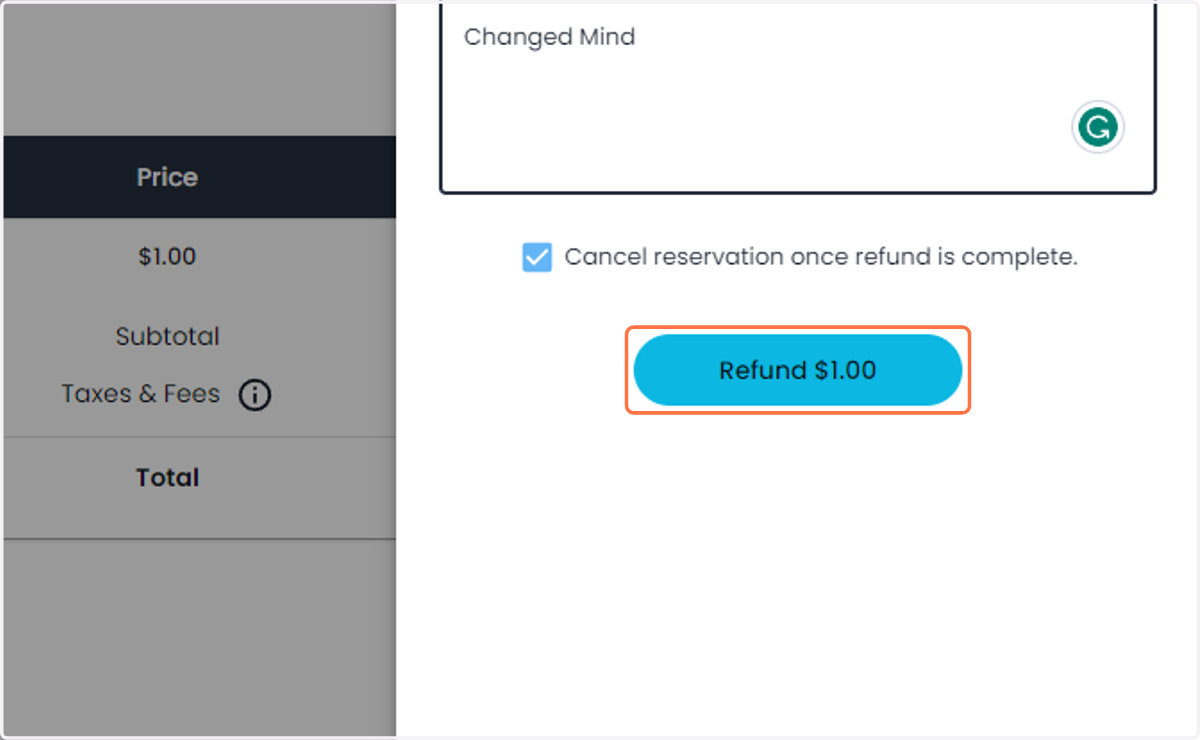
7. Enter a refund reasoning and choose if you want to cancel the reservation
Cancelling the reservation will remove it from the calendar as well and re-open availability if in the future
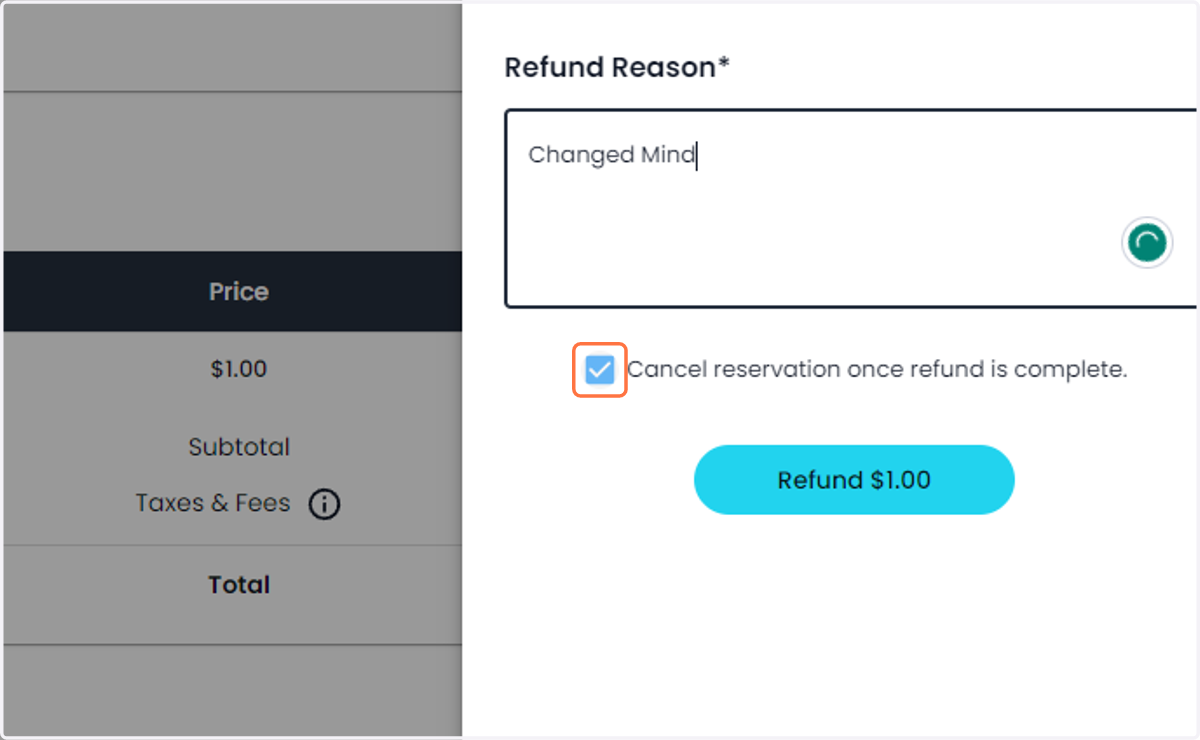
8. Click on Refund
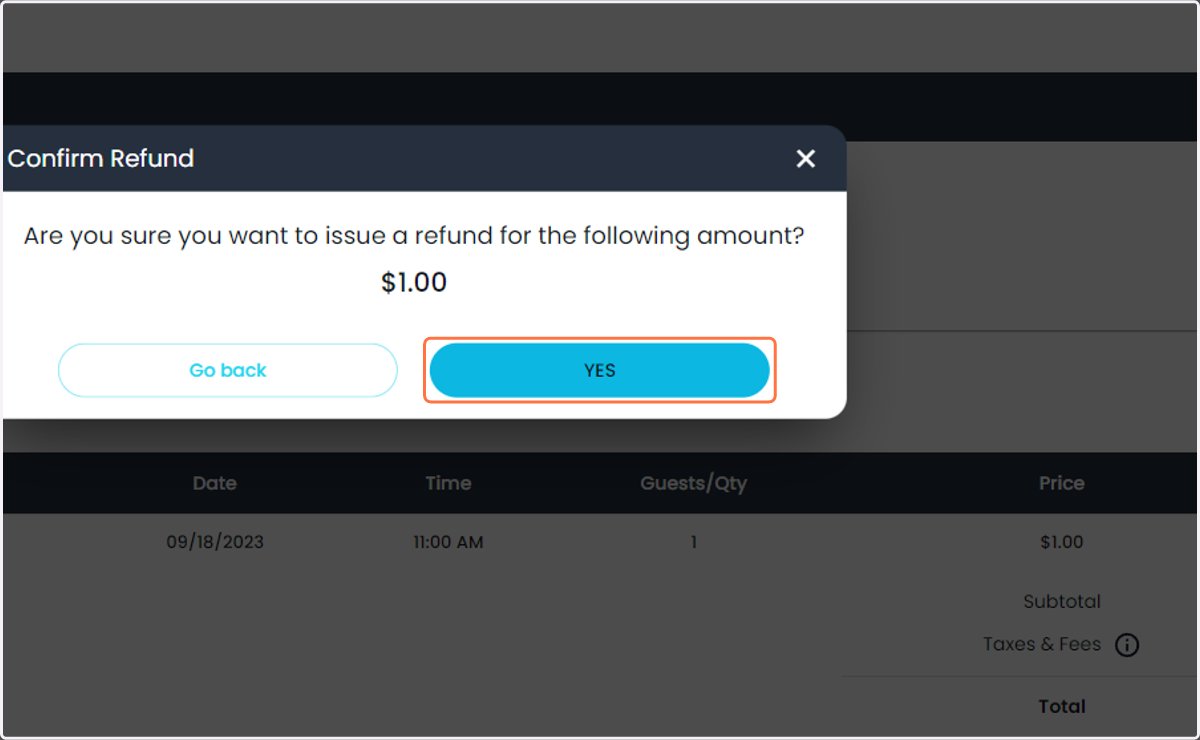
9. Confirm the refund by pressing Yes
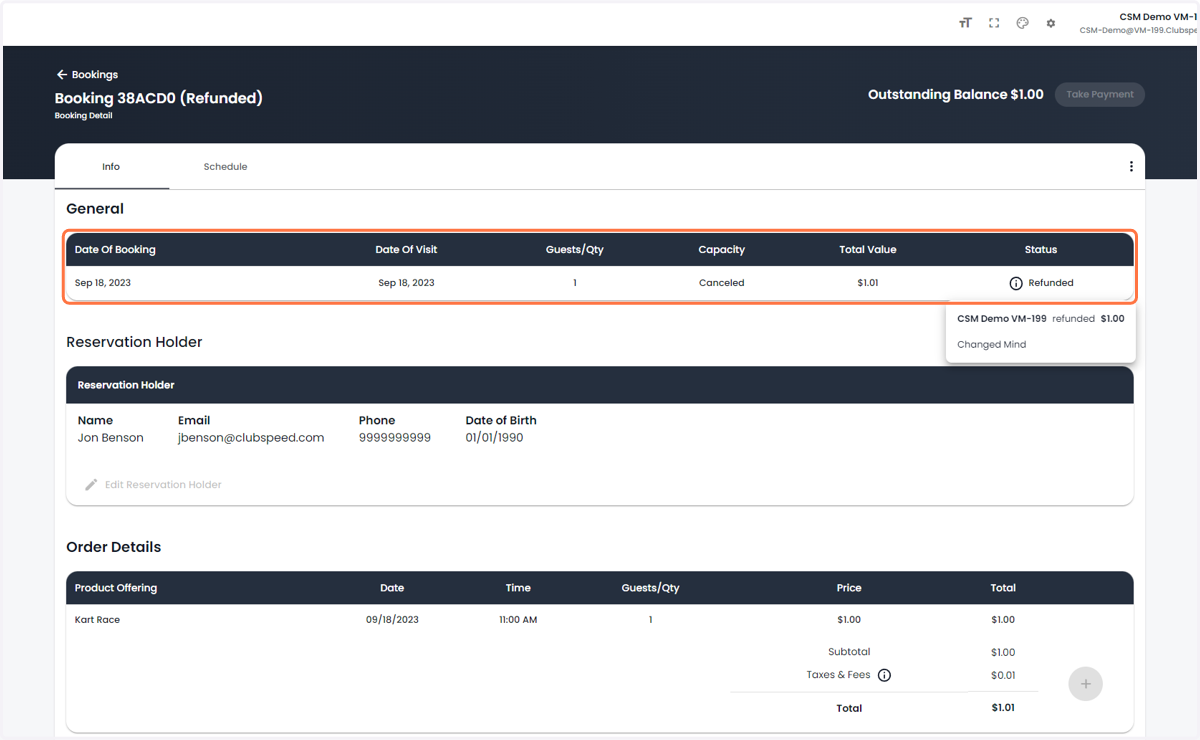
10. Booking status will now show Refunded