Bullhorn: Creating Distribution Lists
Bullhorn
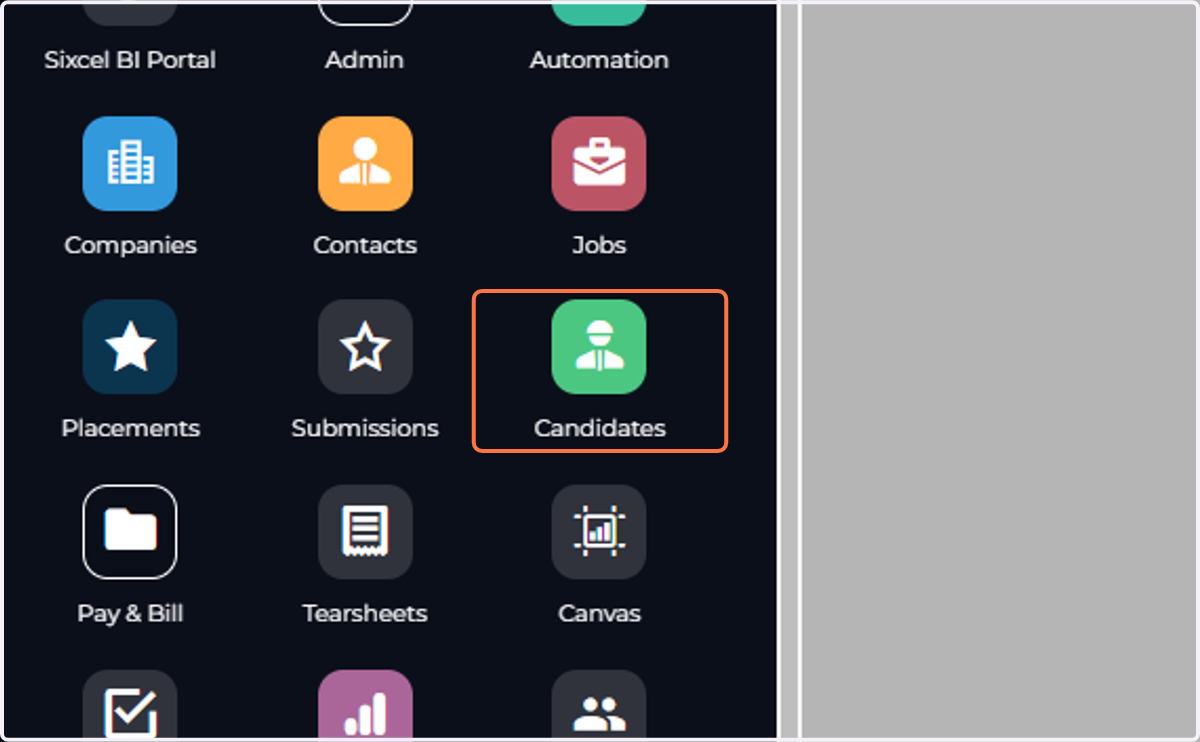
1. Click Menu Click on Candidates/Contacts
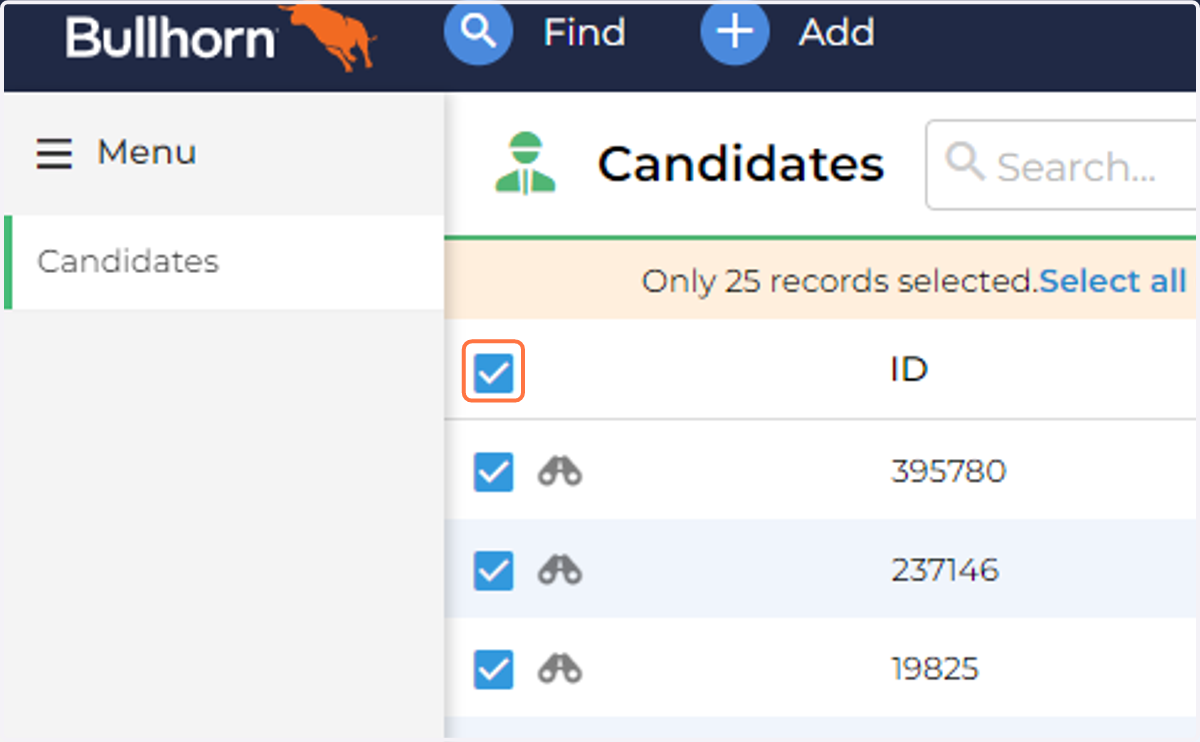
2. Create your list (filters, columns, advanced search) Select All
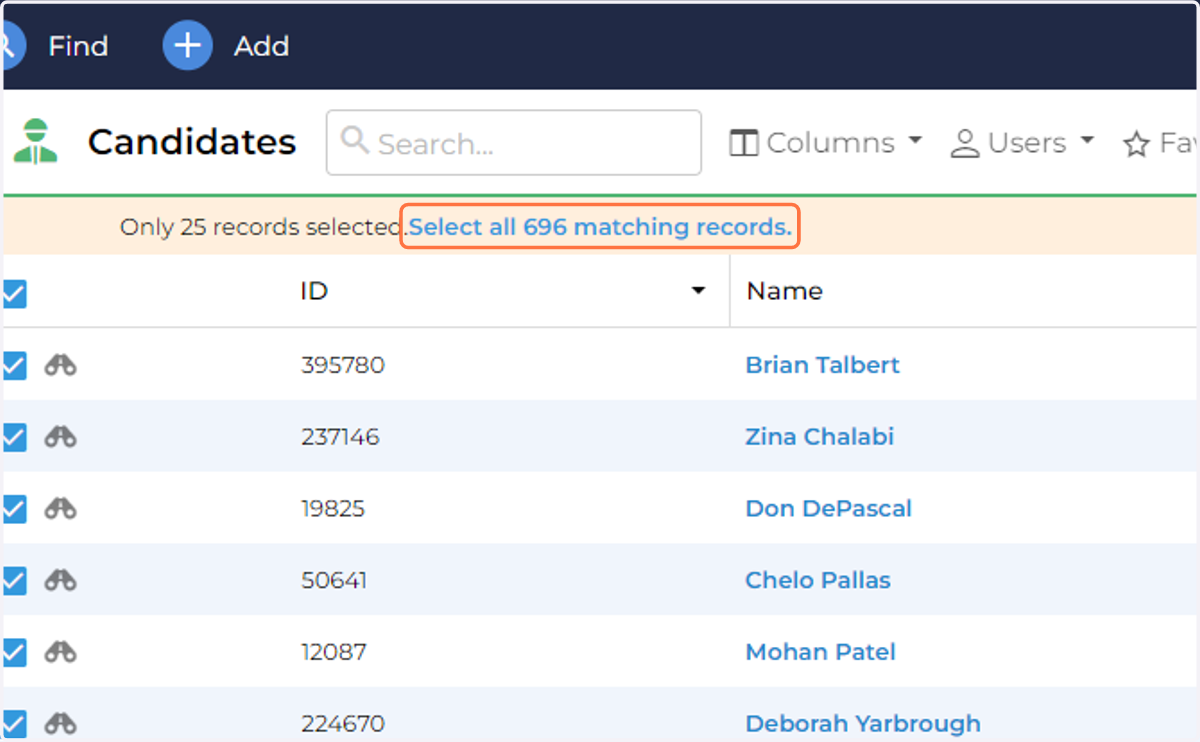
3. It will only select the first 25, make sure you click on Select all 696 matching records.
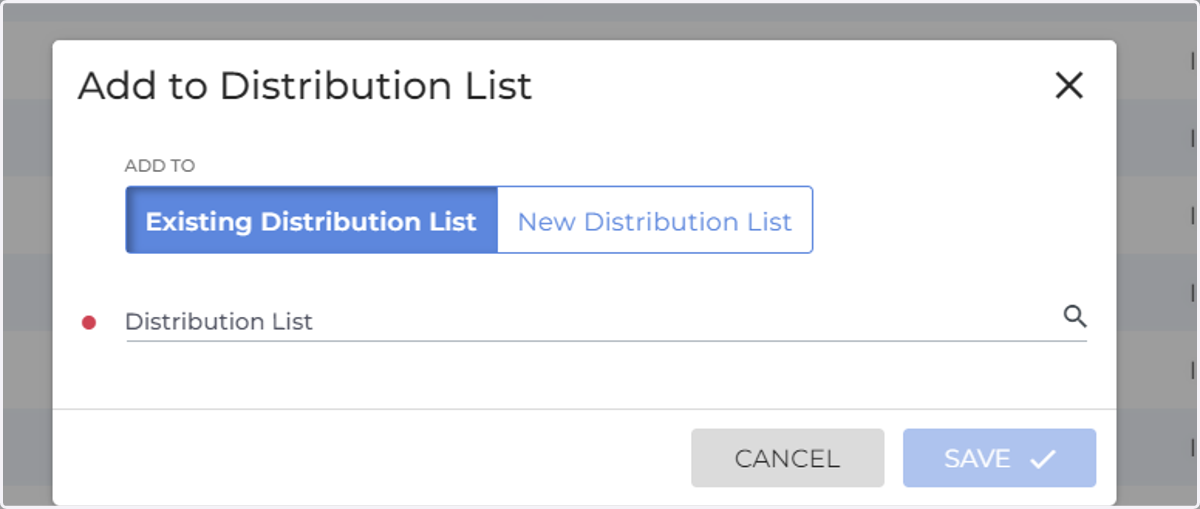
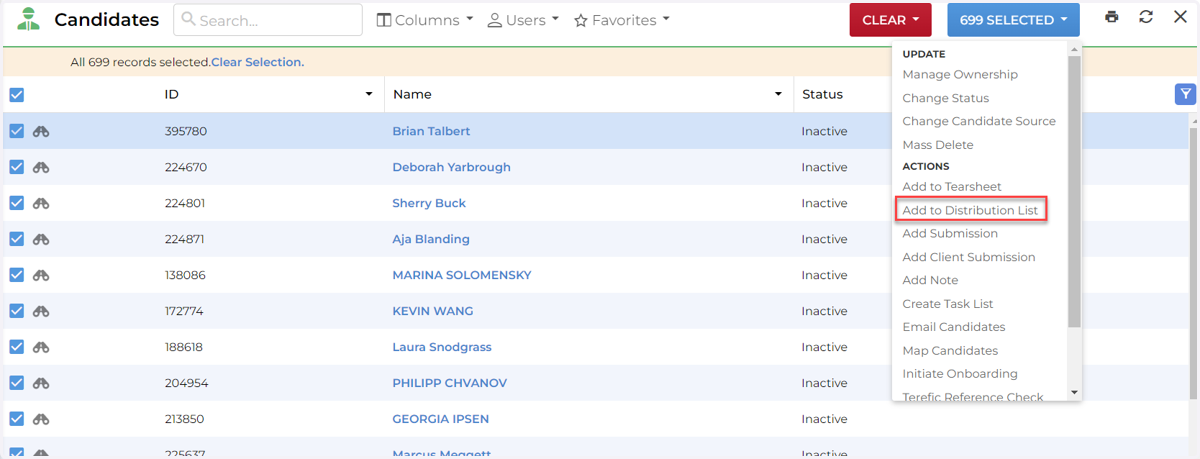
4. Click 699 Selected Click on Add to Distribution List
5. Choose Existing or New Add in the name of the Distribution List