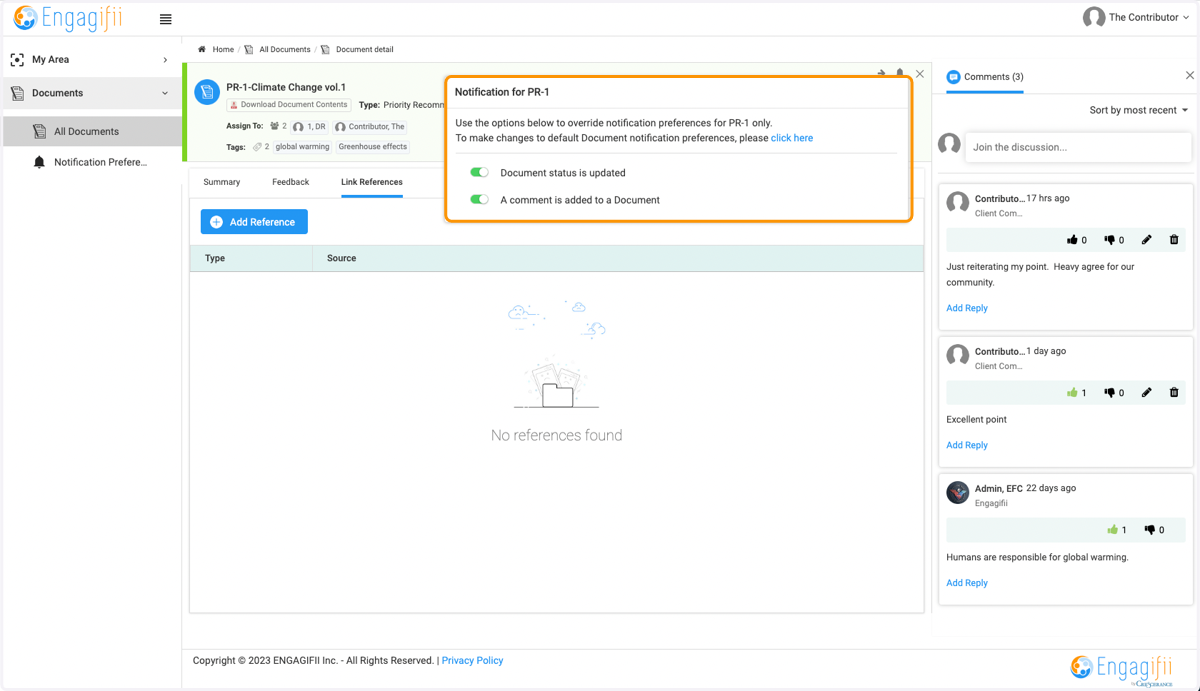
Customizing All Notification Preferences and Specific Documents
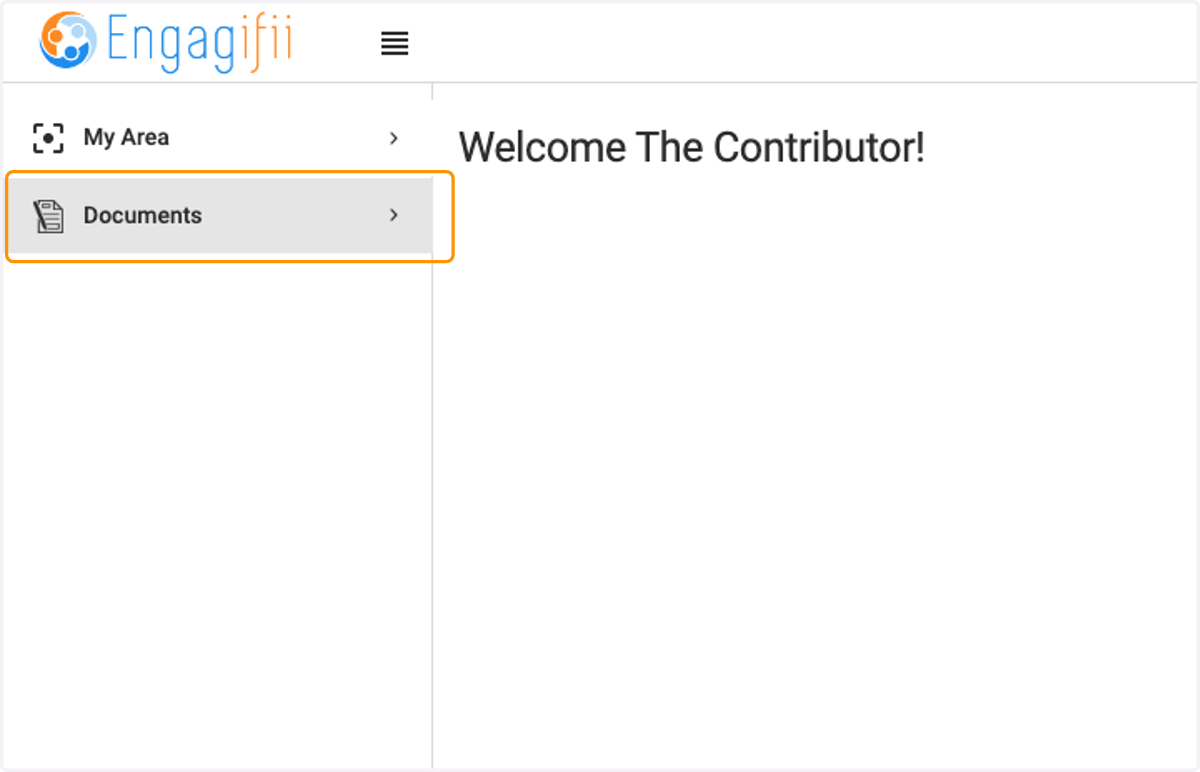
1. Click on Documents
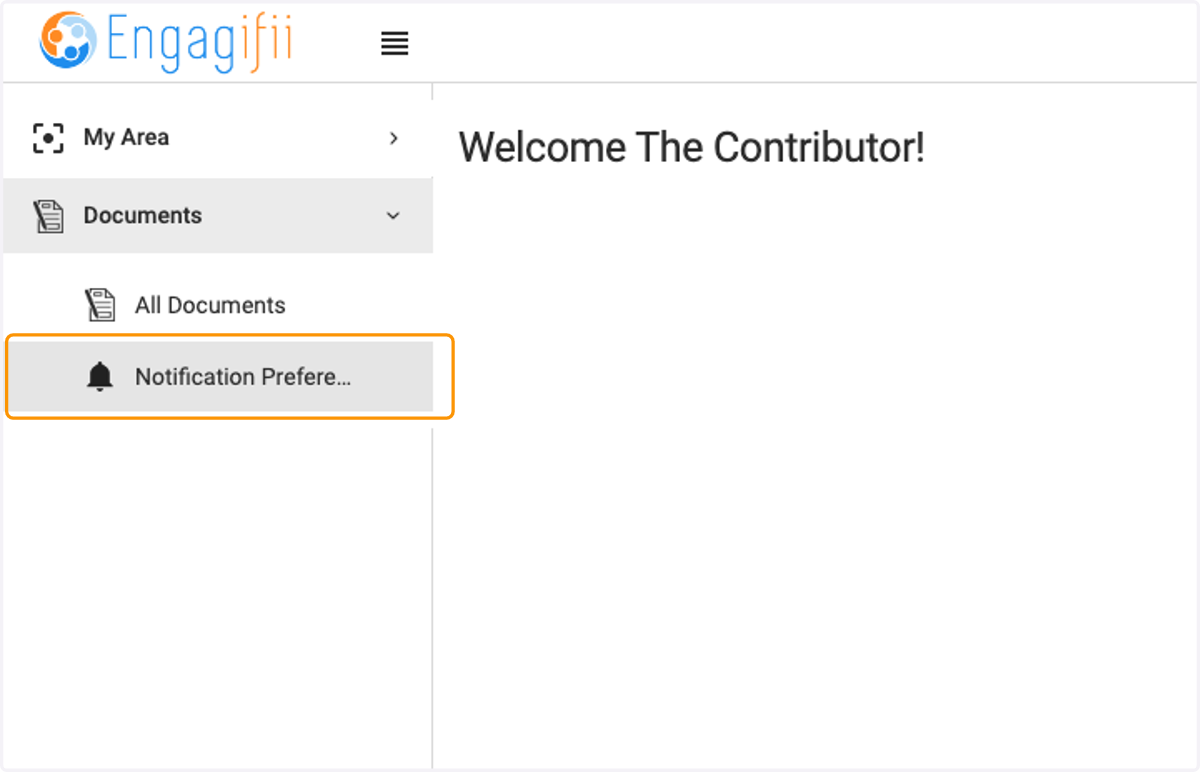
2. Click on Notification Preferences
3. Click on Toggles to turn on or off Notifications
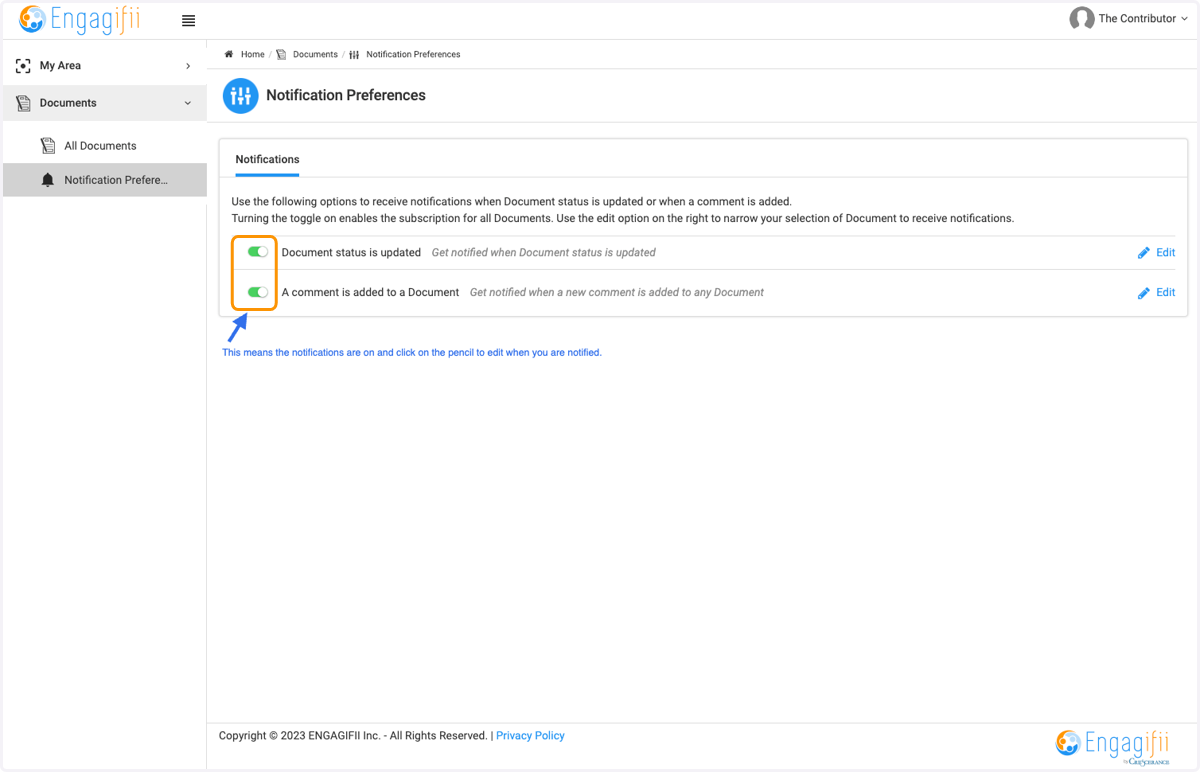
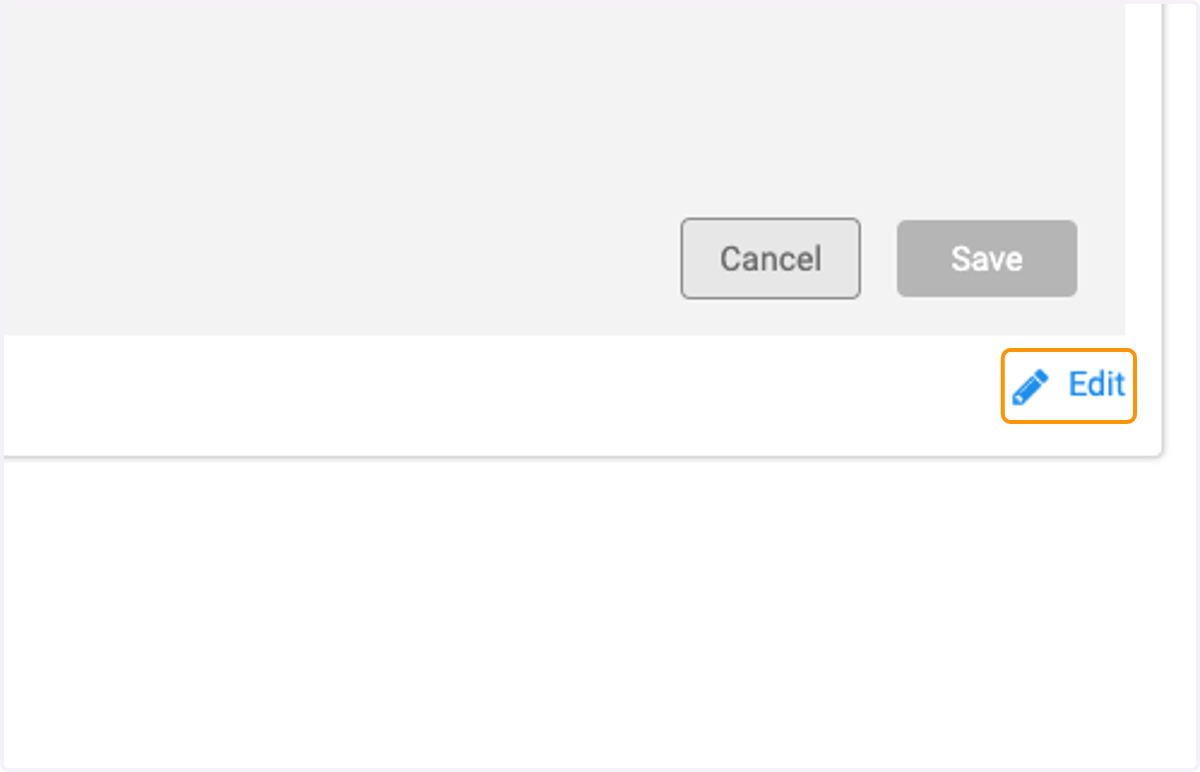
4. Click on Edit
5. Select your notification criteria for when a document status is updated or comment is added
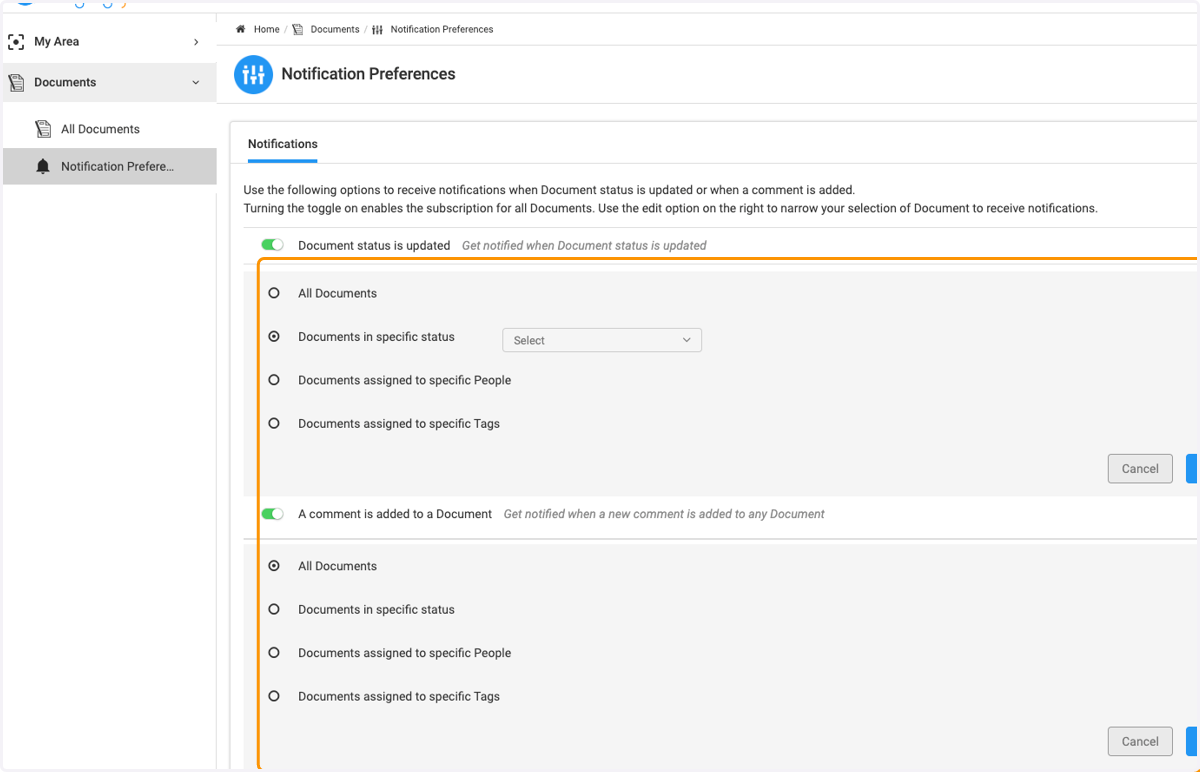
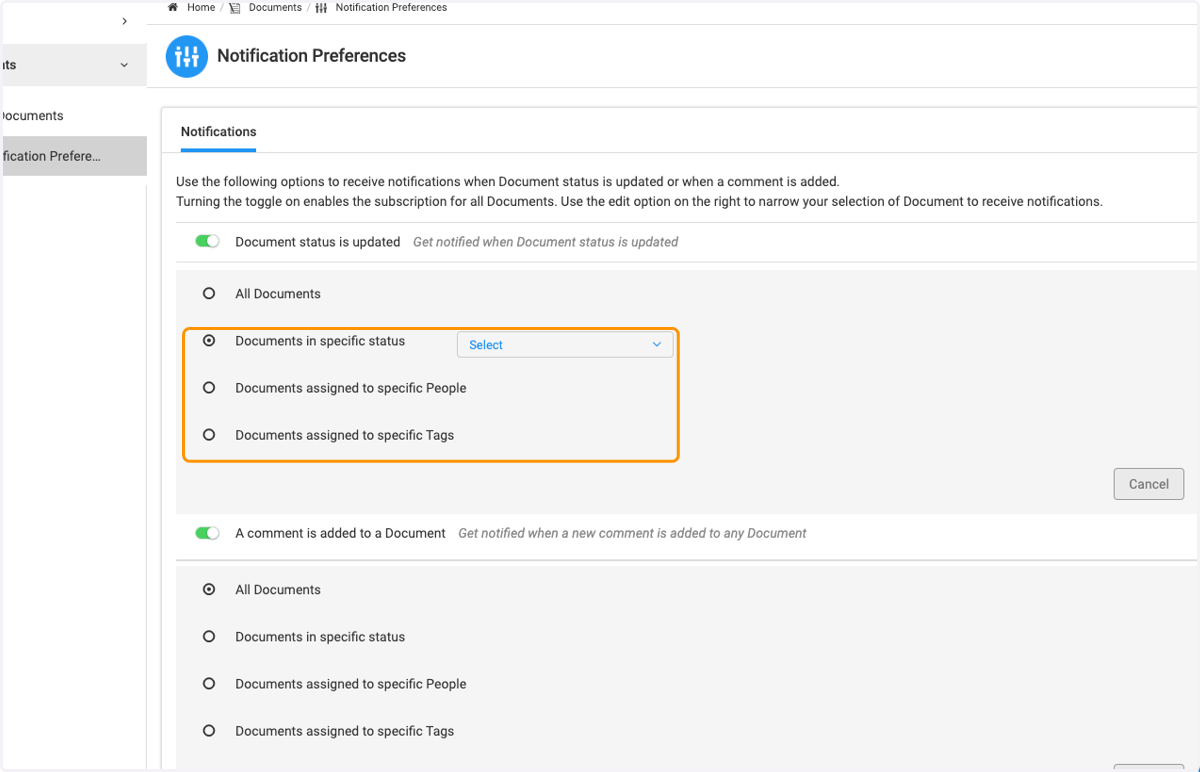
6. Click to chose your criteria based on Status, People or Tags
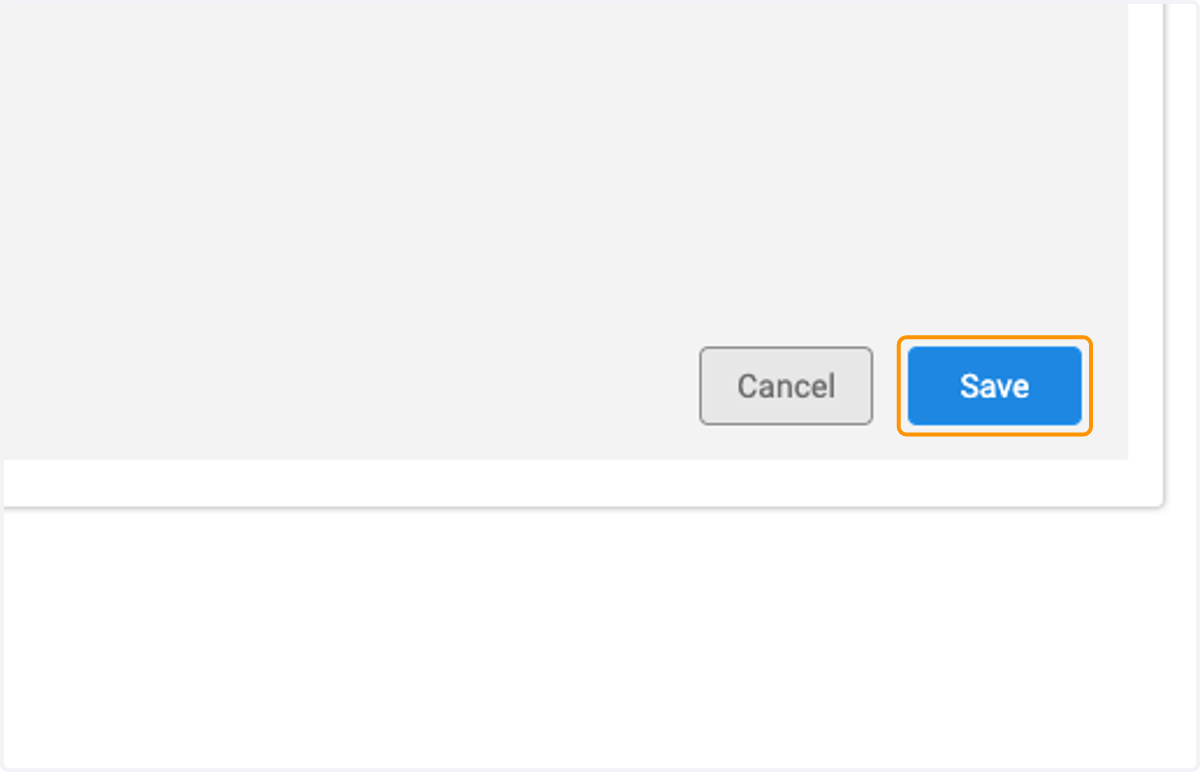
7. Click on Save once you have made your selections
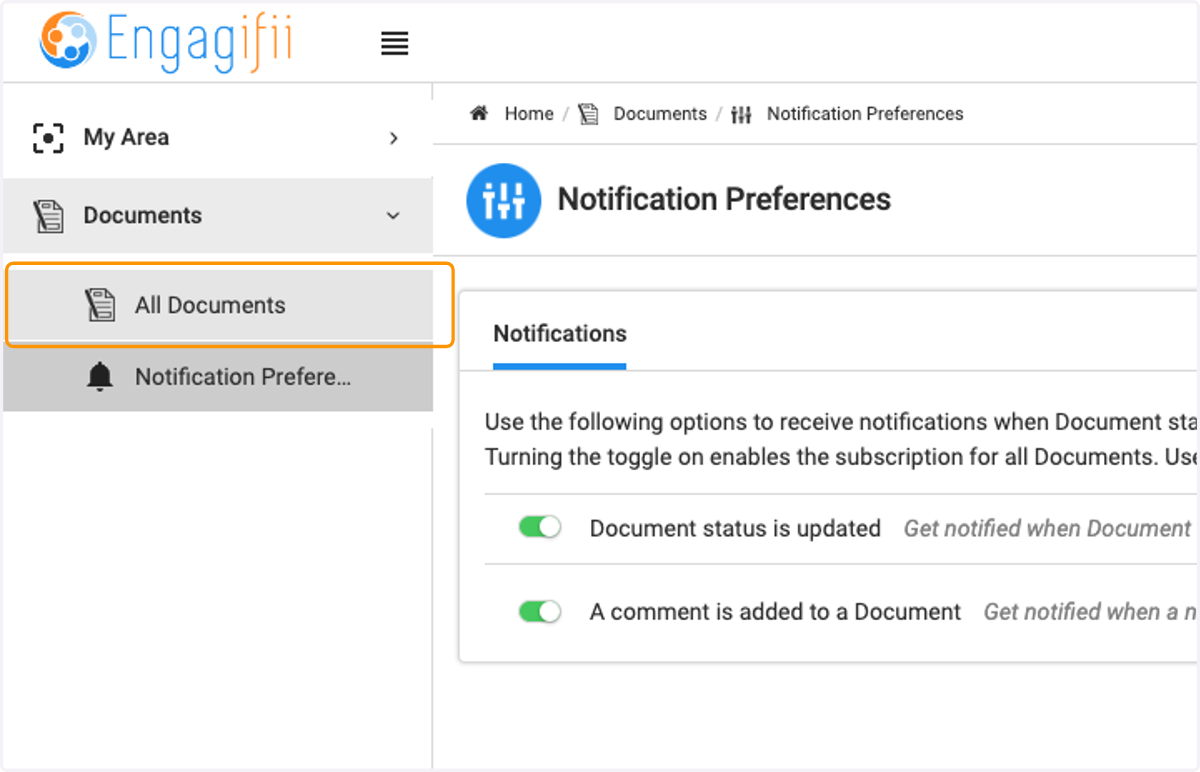
8. To modify notifications on an Individual Document, click on All Documents
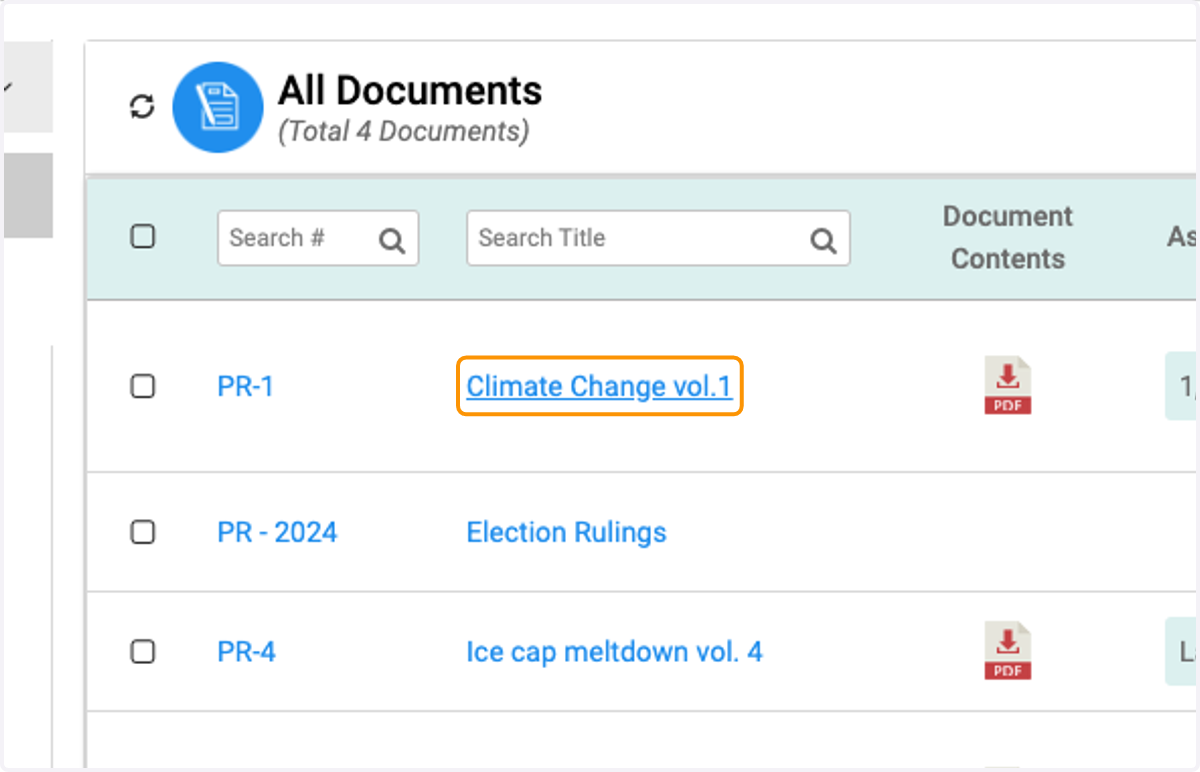
9. Click on the document
10. Click on the Bell Icon and update your preferences for that particular document
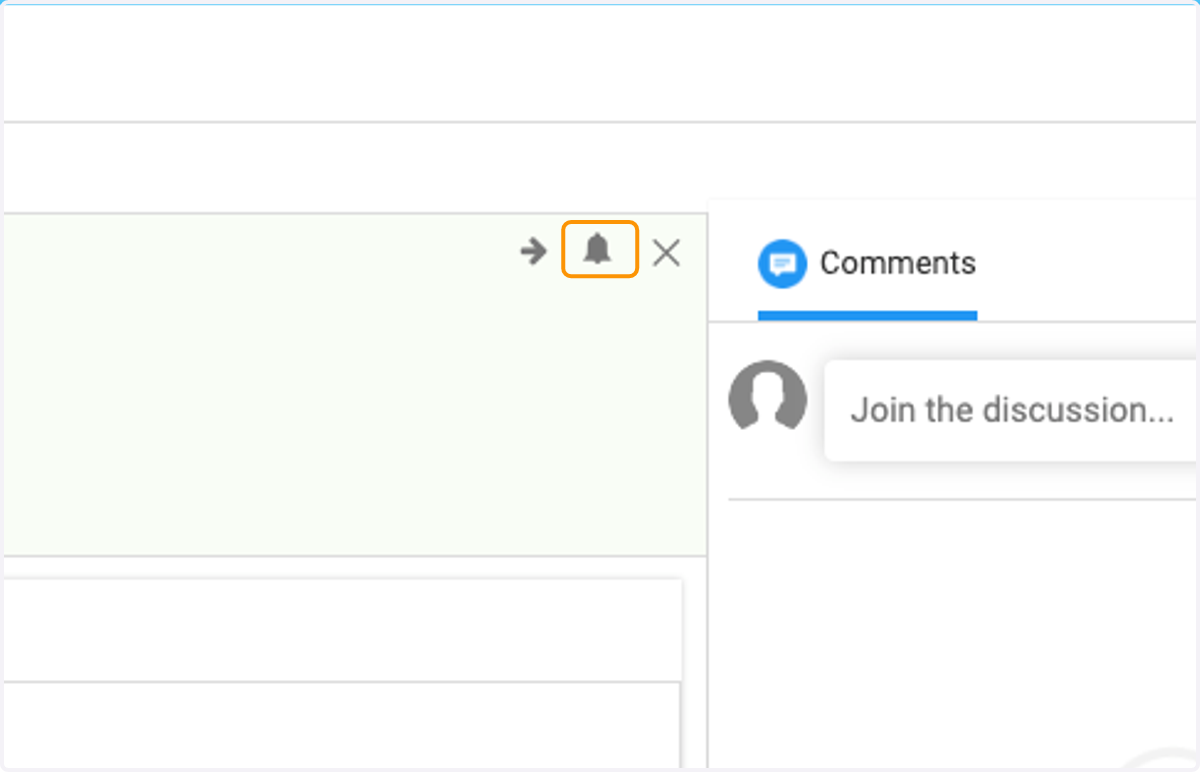
11. Update your notification preferences for this document only