Define the recipient of a form
WPForms Builder ‹ Flip Staging — WordPress
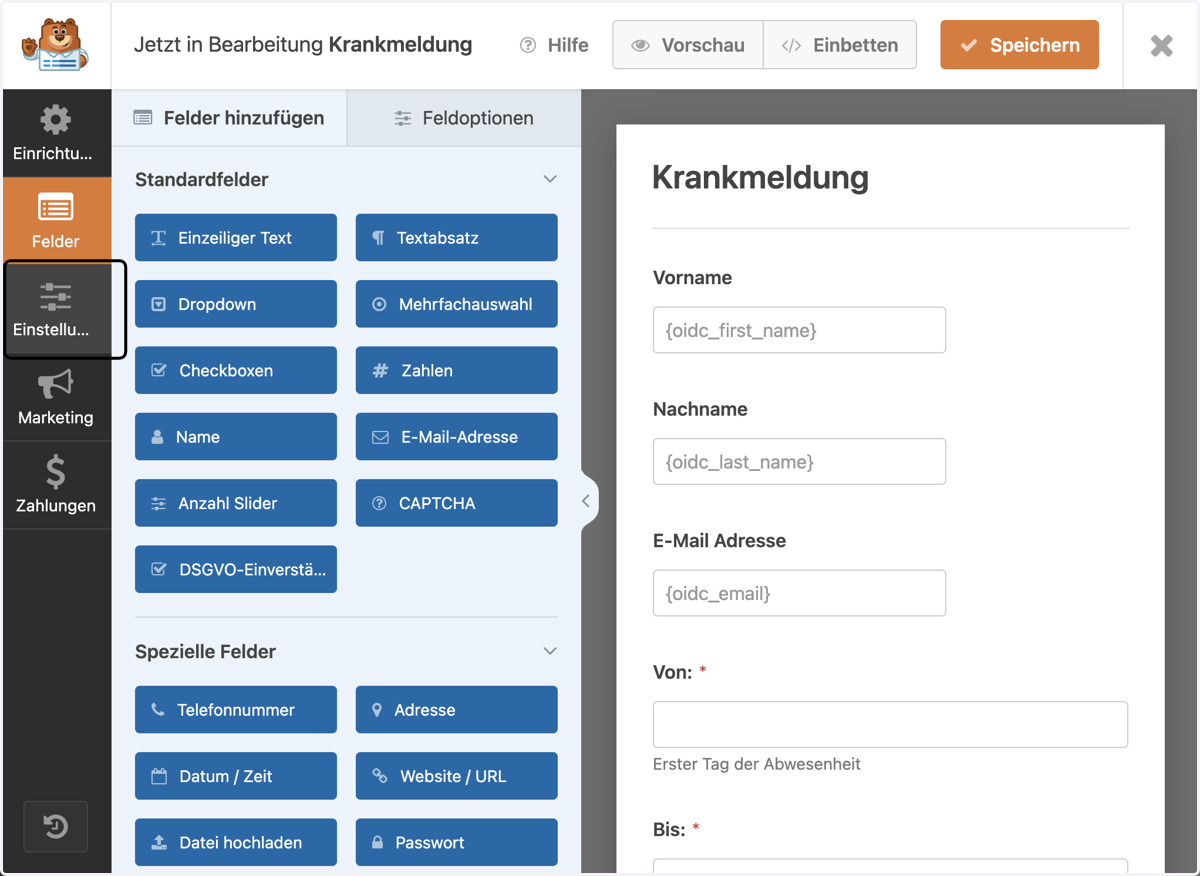
1. Click on Settings
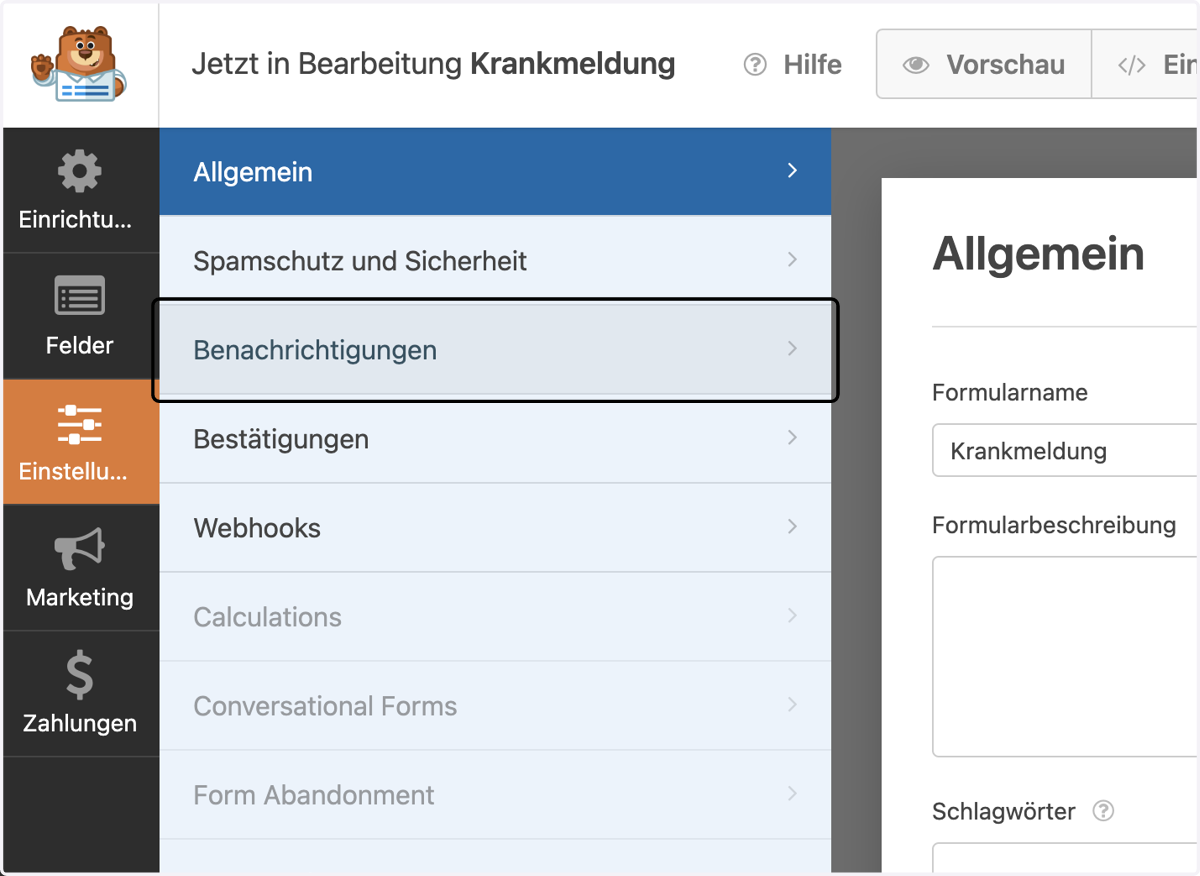
2. Select "Notifications"
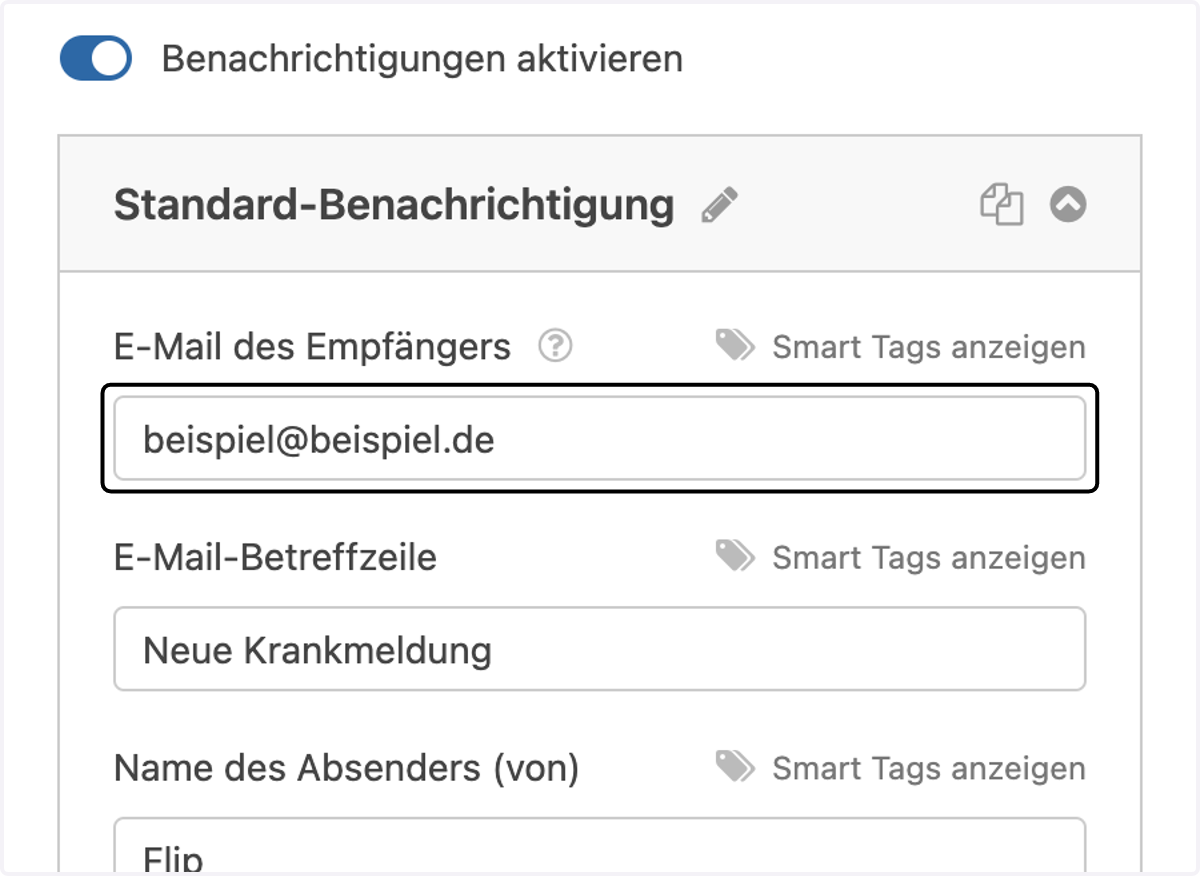
3. Enter the e-mail address to which the completed forms should be sent in the field.
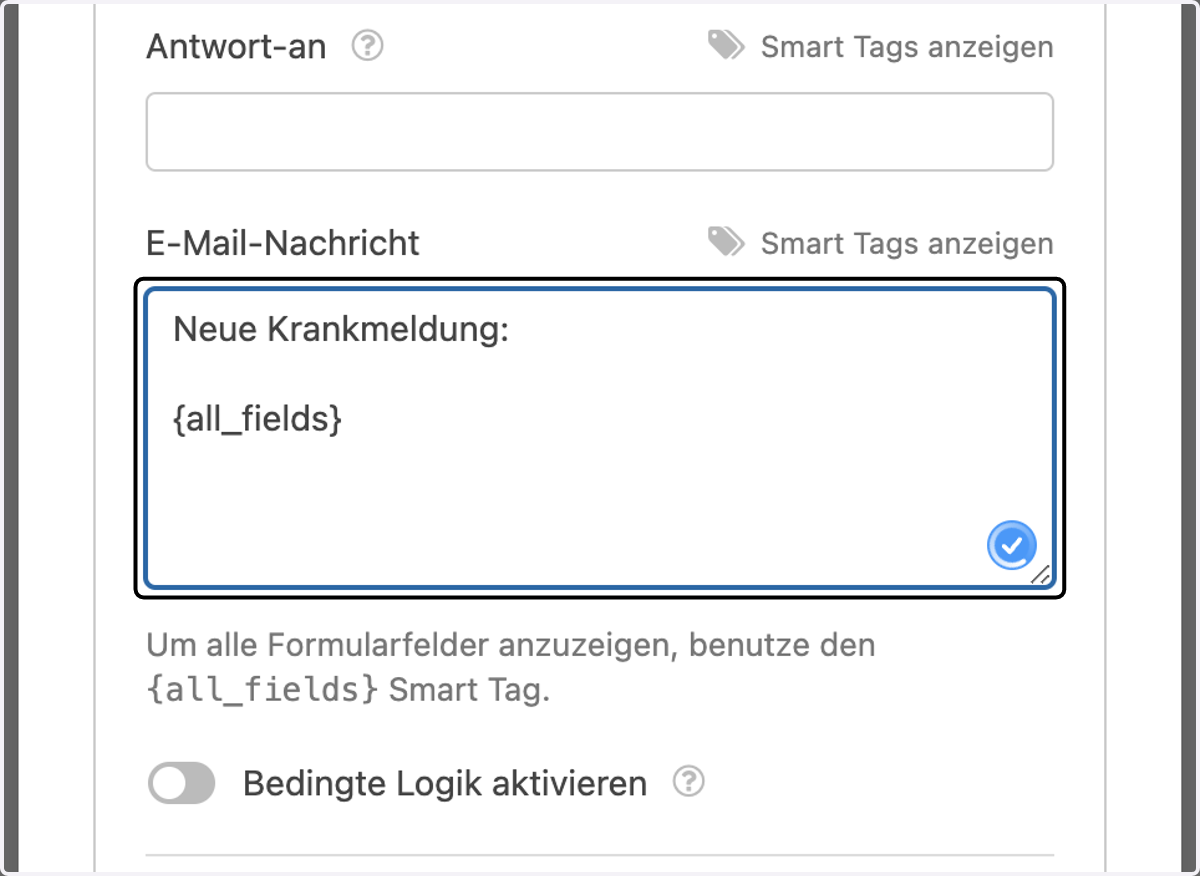
4. Adjust the content of the email if necessary. "{all_fields}" should be left as otherwise the content of the form will not be sent.
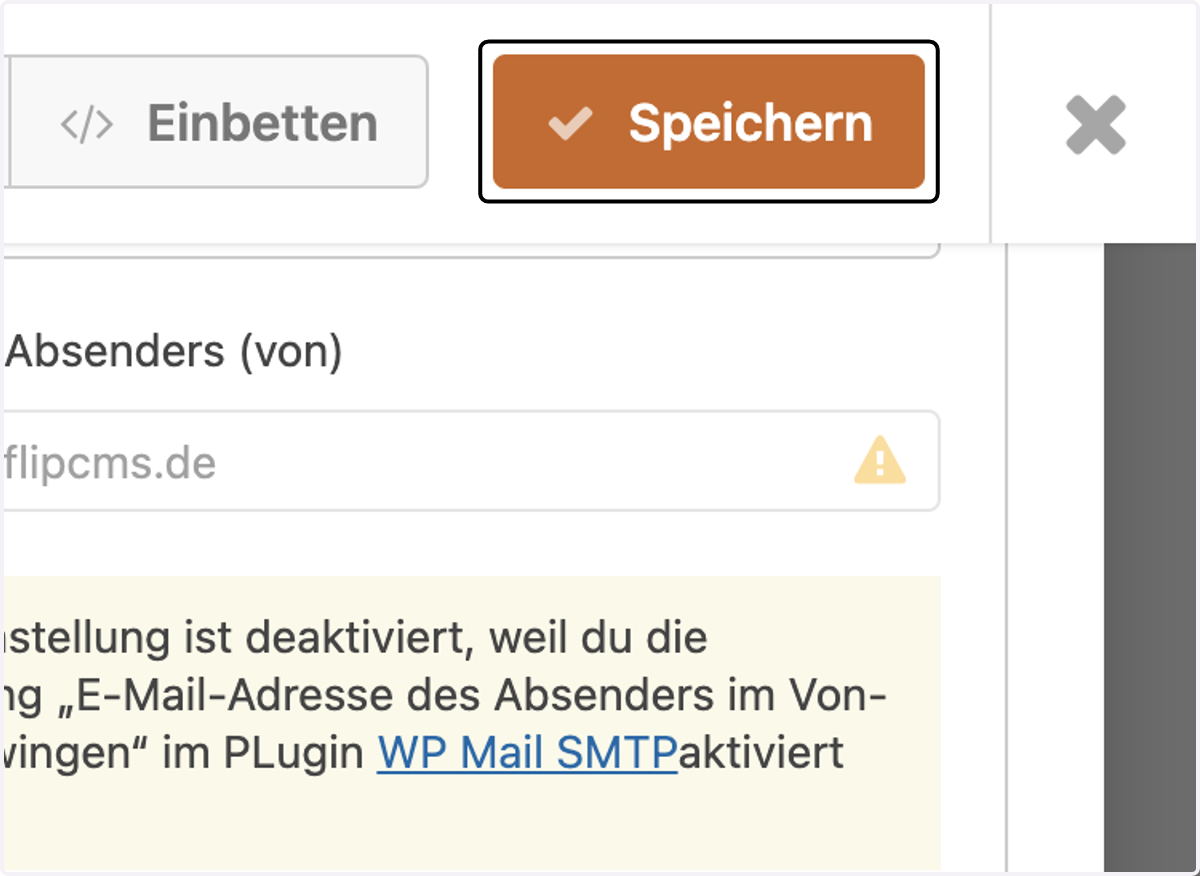
5. Select "Save" to finish