How to Print Feeding/Medication To-Do Lists Per Room/Assignment
****Follow these instructions if you need to print one feeding/medication list for all of the pets in one area/room. If you would like individual lists per pet, then select/print the full run card option instead.
Runloyal
1. Go to your RunLoyal Staff Portal in a Google Chrome Browser.
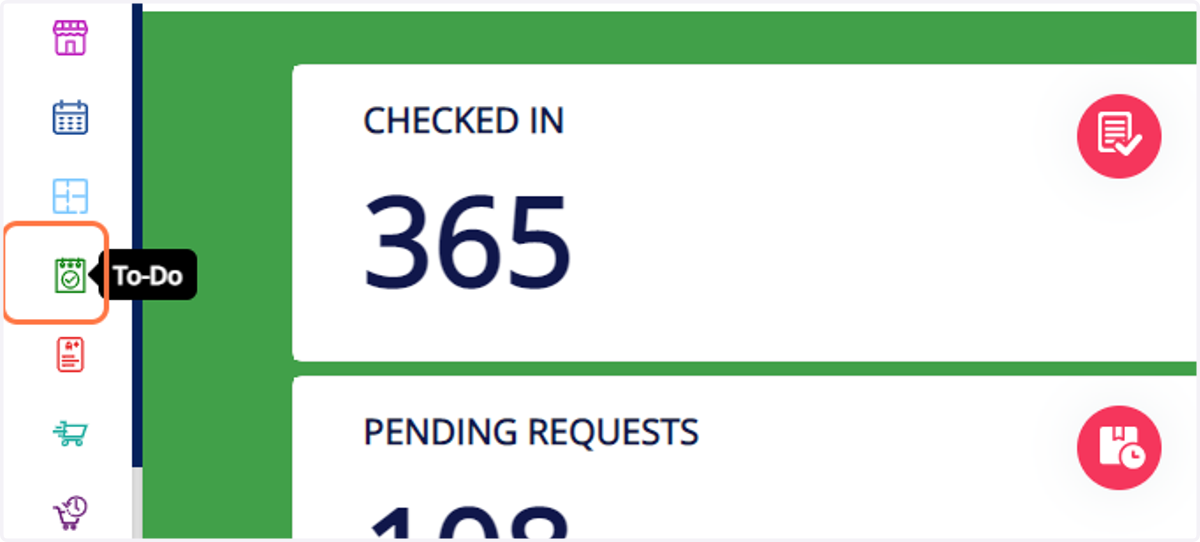
2. Click on the "To-Do" option at the left side of your dashboard screen.
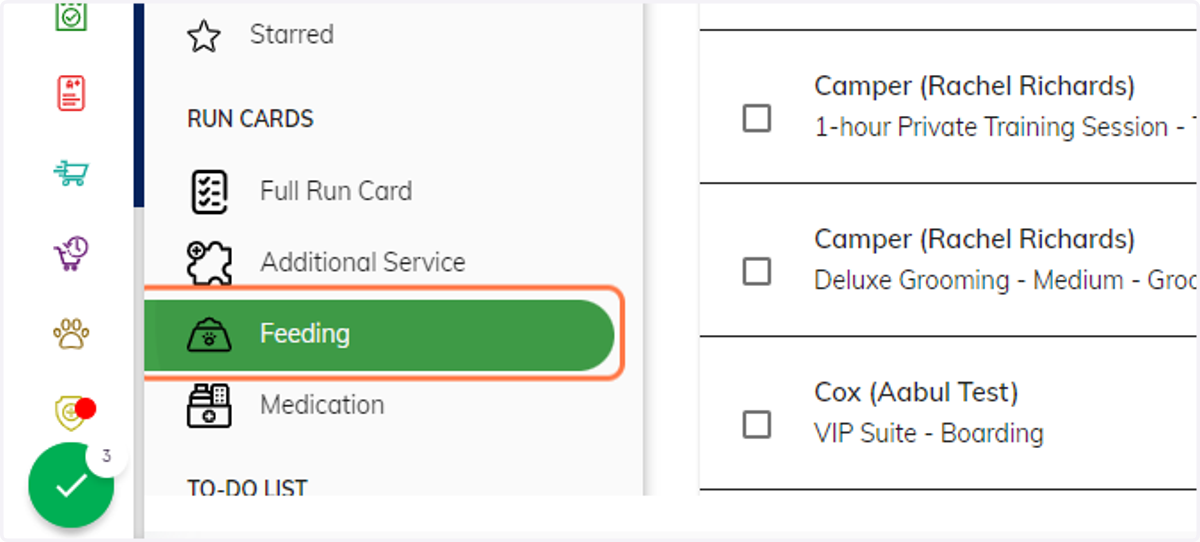
3. Click on the "Feeding" option.
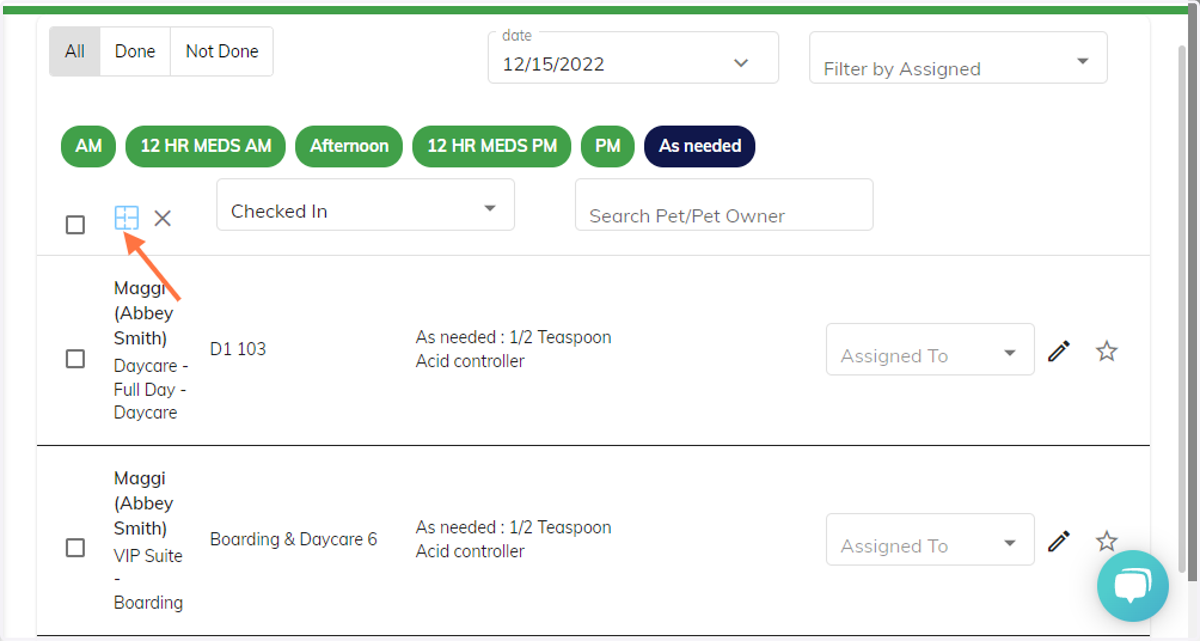
4. Select the "Visual Map" icon in the feeding screen.
***With this tool, you can select exactly which rooms/areas you would like information for.
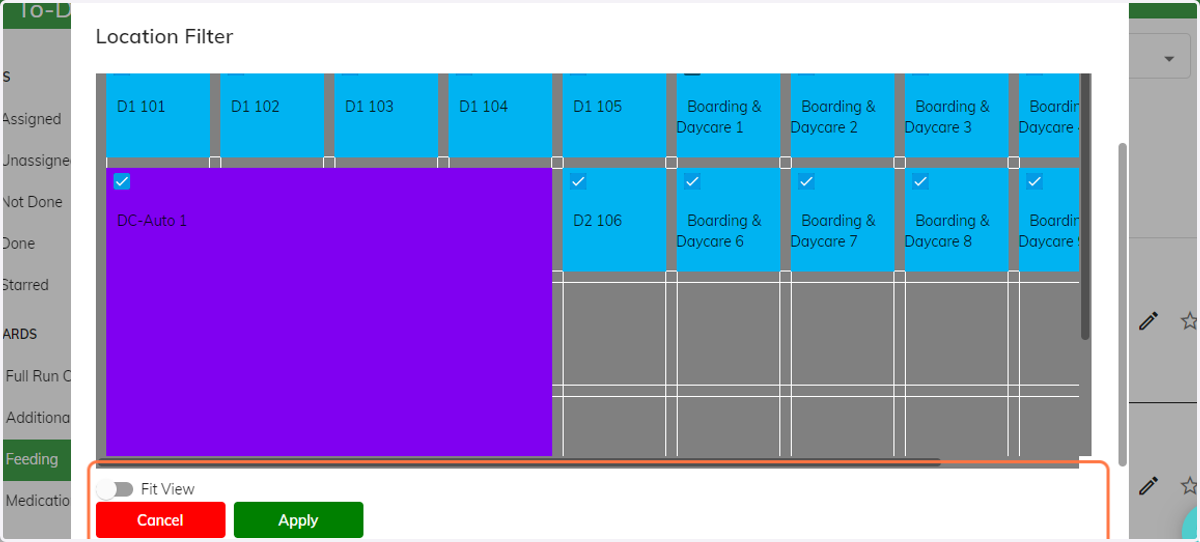
5. Check mark which areas you would like feeding information for.
All areas will be unselected by default, but it will automatically select the area if you hover over it. Once you have the associated areas needed, select apply to finalize.
Runloyal
6. If you would like all of the associated pets in one single report, then select the "check all" button. [see image example below.] and then select the "print" icon to view and/or print your feeding list.
***Once an area is selected, it will show you a brief summary of pets that will be included in the report. You now have the option to select certain pets or de-select certain pets individually. Please choose all of the associated pets before selecting the print button.
![If you would like all of the associated pets in one single report, then select the "check all" button. [see image example below.] and then select the "print" icon to view and/or print your feeding list.](https://images.tango.us/workflows/1f03d0e4-3838-4988-b363-366605f1609e/steps/b72dfd4a-582b-4bbb-b224-4908975dad3d/911de723-38f0-4fc0-9c30-f9b81ac0e1d1.png?fp-x=0.5000&fp-y=0.5000&w=1200&border=F4F2F7&dpr=1.00)
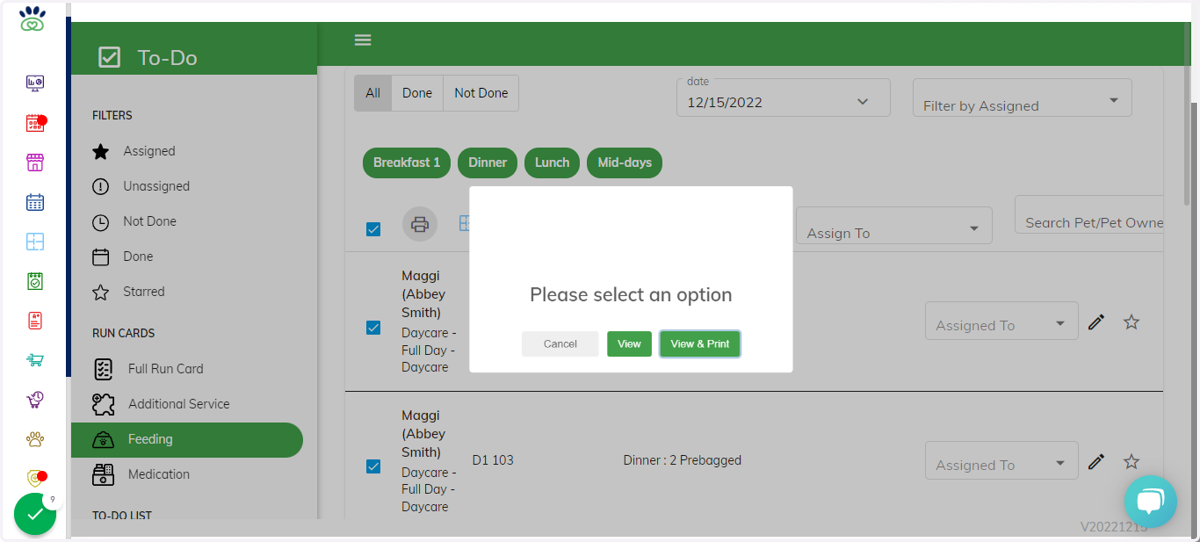
7. Once the print screen is selected, you have the option to print or view only.
Runloyal
8. You are able to perform the same steps for a medication list by selecting, "Medication" on the main to-do screen.
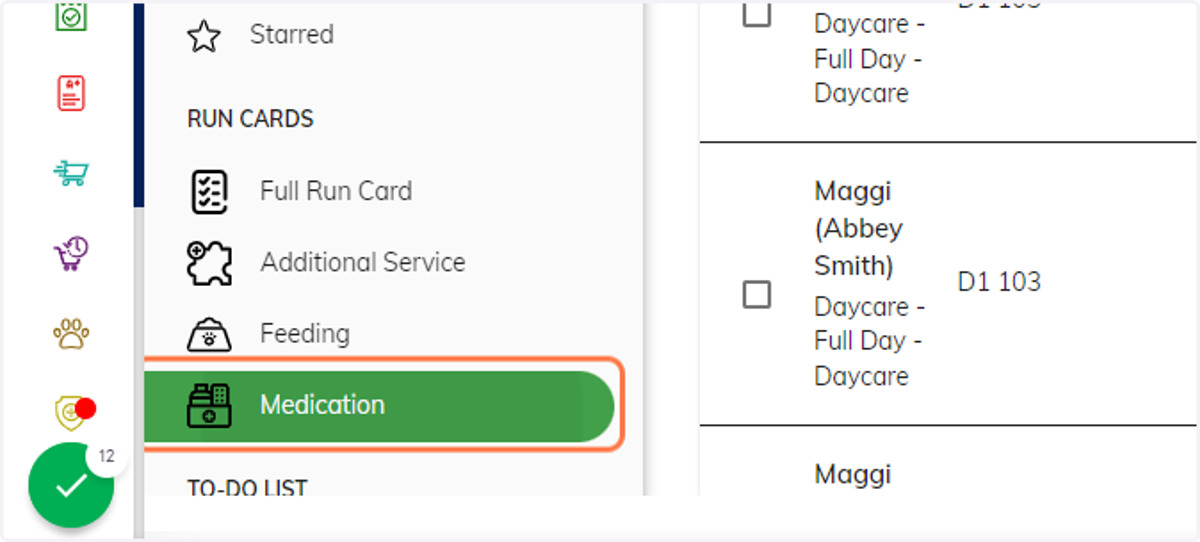
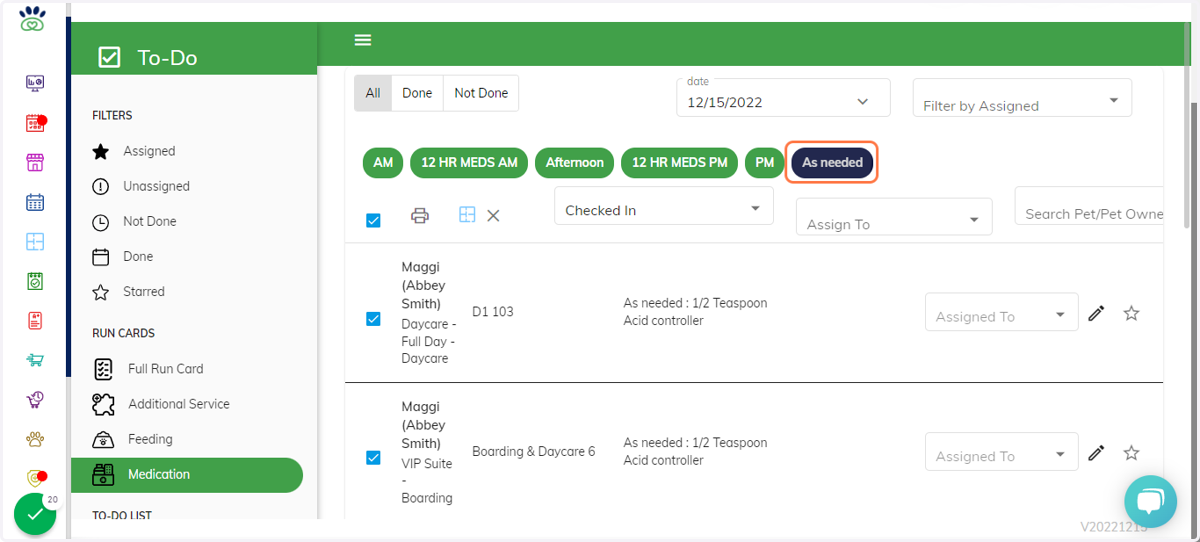
9. *** You are also able to specify which instructions you would like to print. For example, select "as needed" medications only(the selected option will turn blue). The system automatically chooses all options by default.
This can be done in the feeding tab as well.