Downloading by Scene

Scenic Route 2

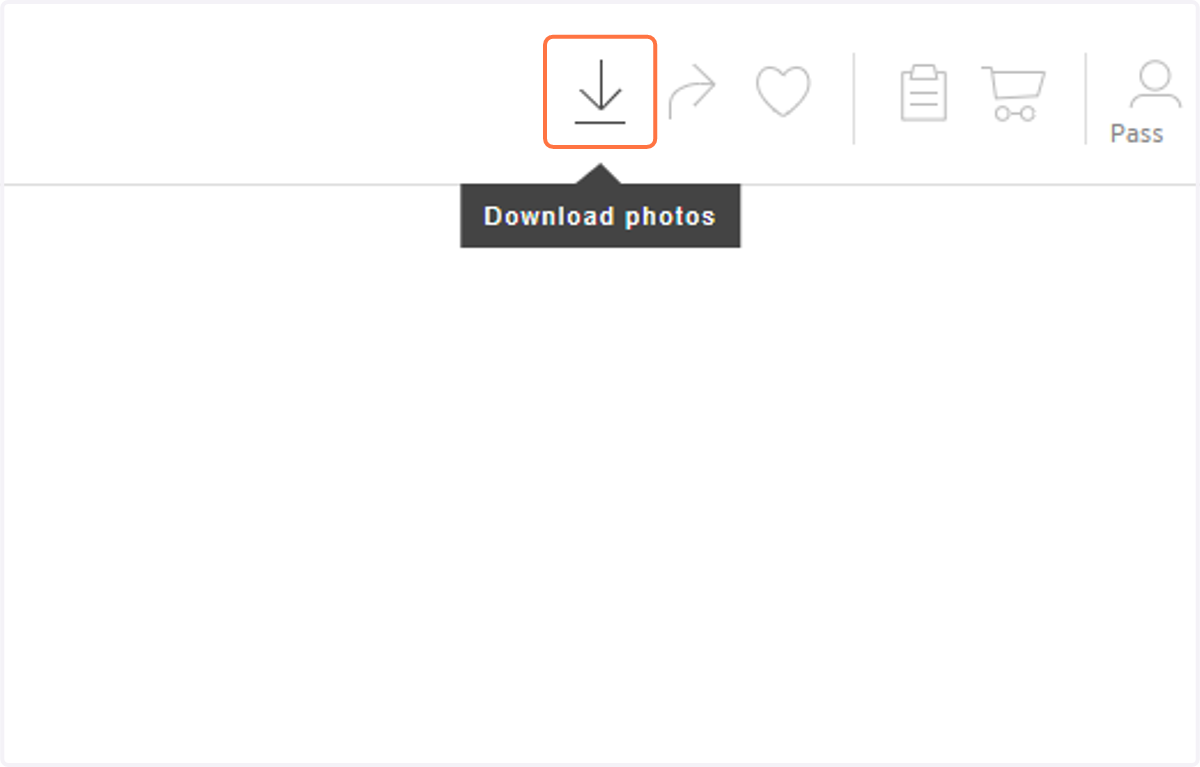
  1. 1. Click on the Download icon.

    Click on the Download icon.
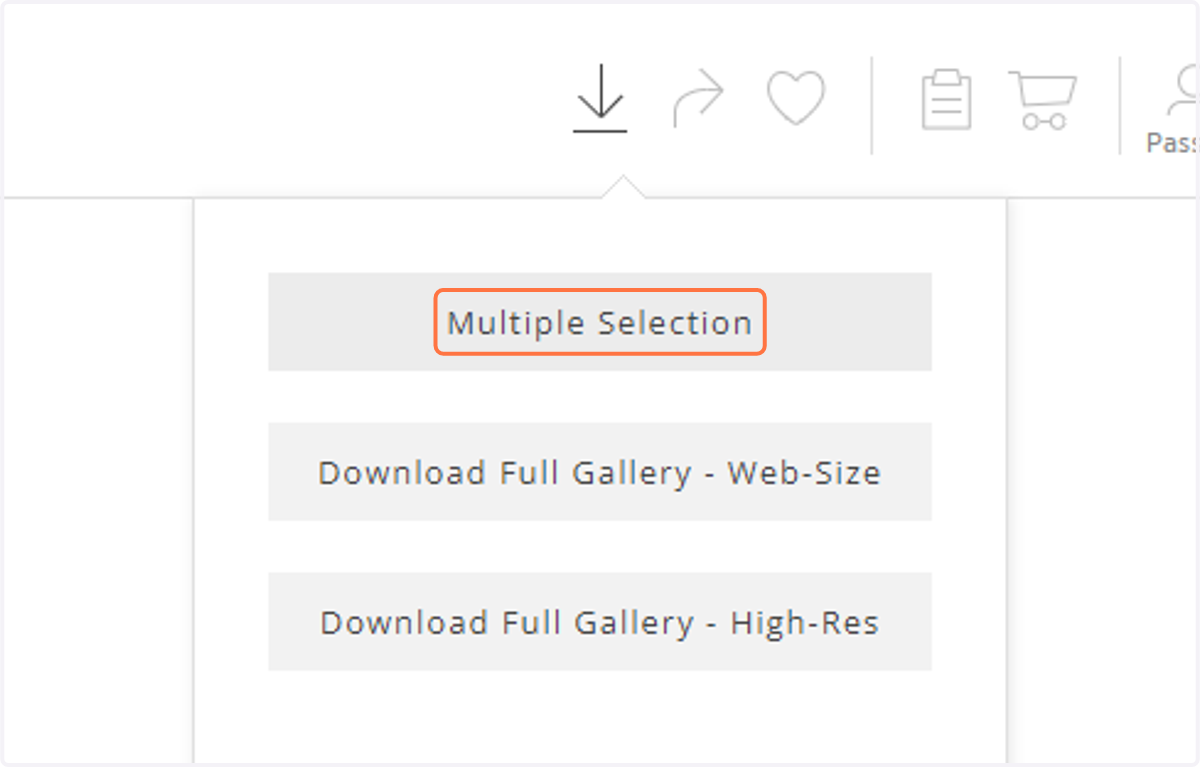
  2. 2. Click on "Multiple Selection".

    Click on "Multiple Selection".
  3. 3. Pick on the Scene you want to download.
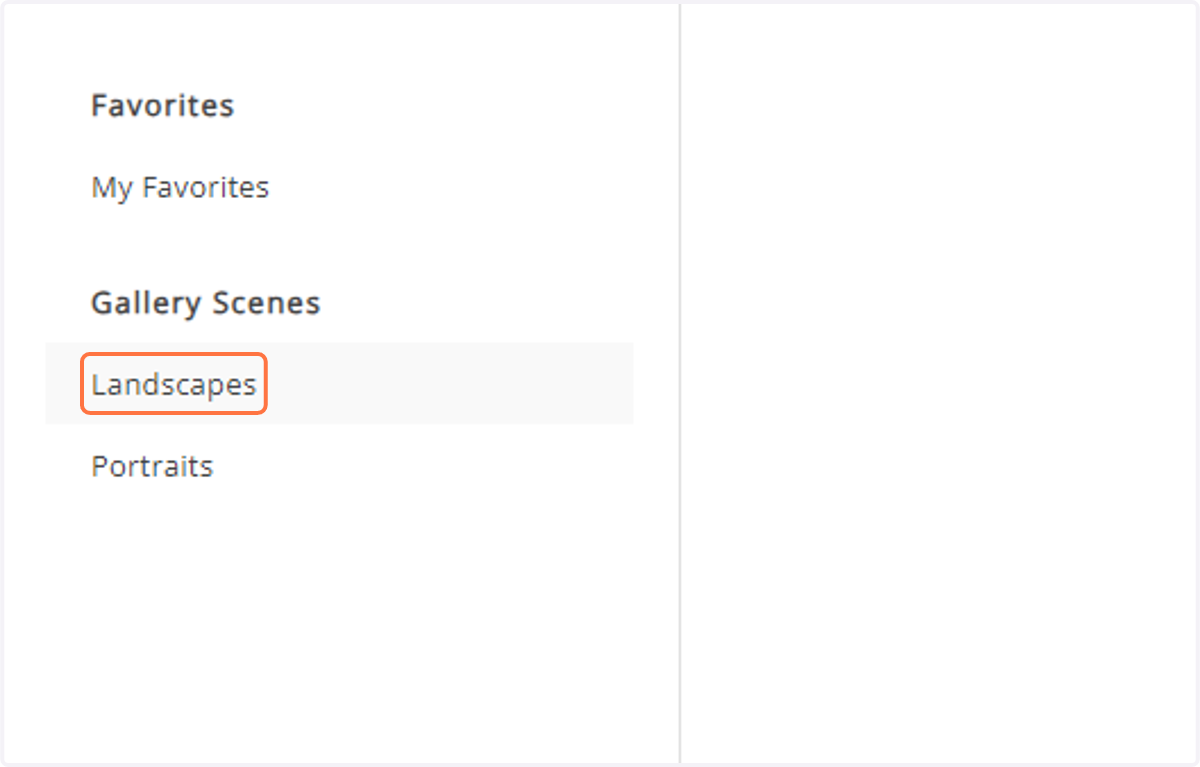
    Pick on the Scene you want to download.
  4. 4. You can choose to "Select All" or "Unselect All",
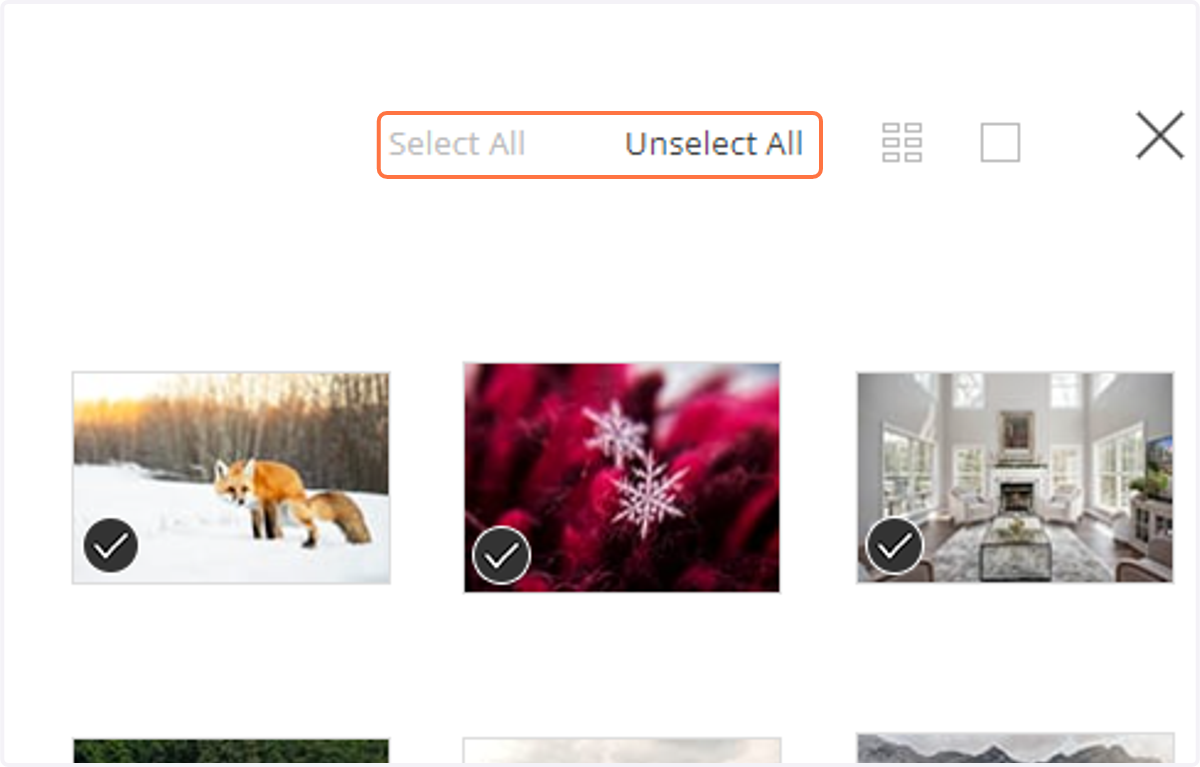
    You can choose to "Select All" or "Unselect All",
  5. 5. Or you can select and unselect individual photos.
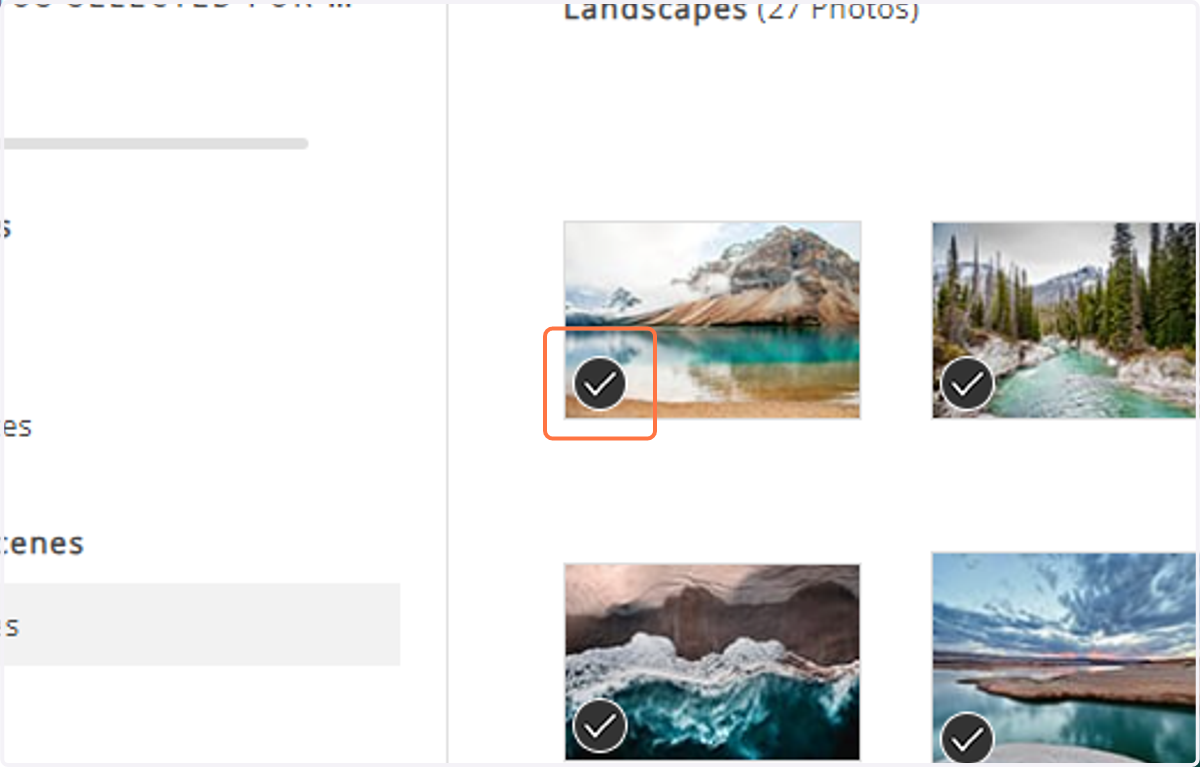
    Or you can select and unselect individual photos.
  6. 6. If the photographer has allowed multiple size options, select the size you would like to download.
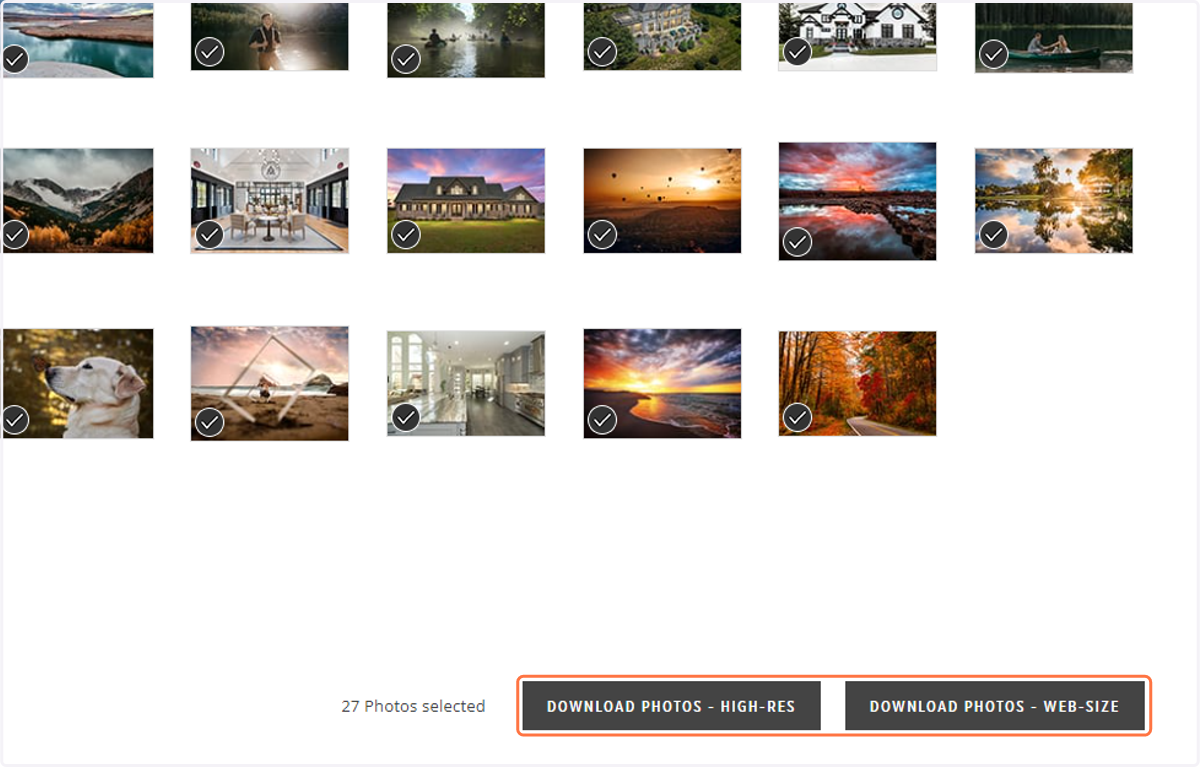
    If the photographer has allowed multiple size options, select the size you would like to download.
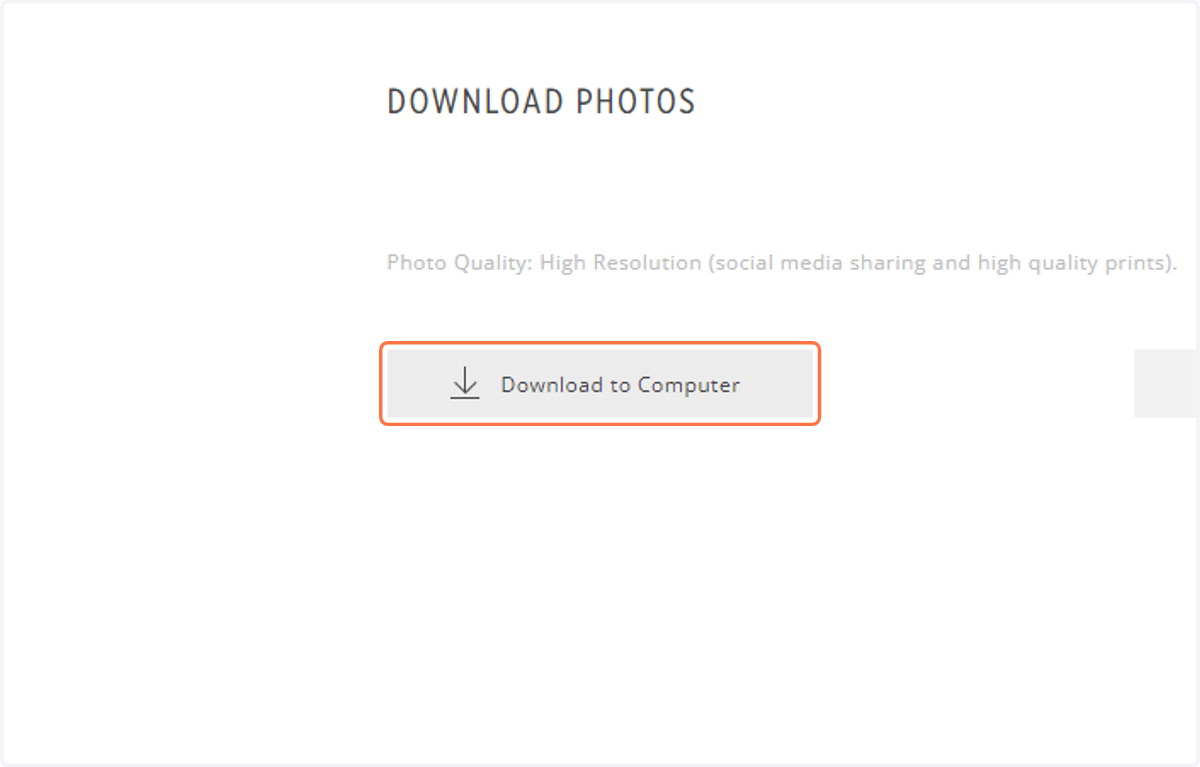
  7. 7. Click on "Download to Computer".

    Click on "Download to Computer".
  8. 8. To optimize download speed, images are grouped in a zip file(s). Click on "photos.zip" to begin the download to your computer.
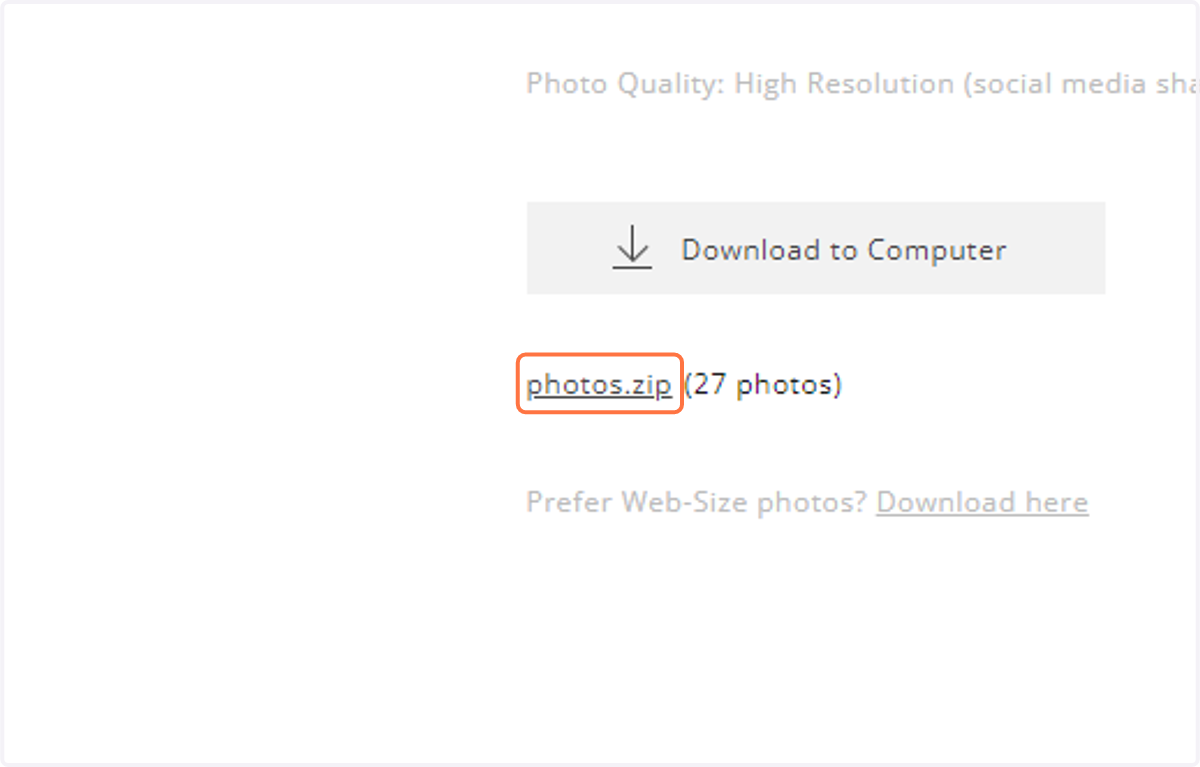
    To optimize download speed, images are grouped in a zip file(s). Click on "photos.zip" to begin the download to your computer.