How to Add Engrain SightMap Widget to Your Property Website
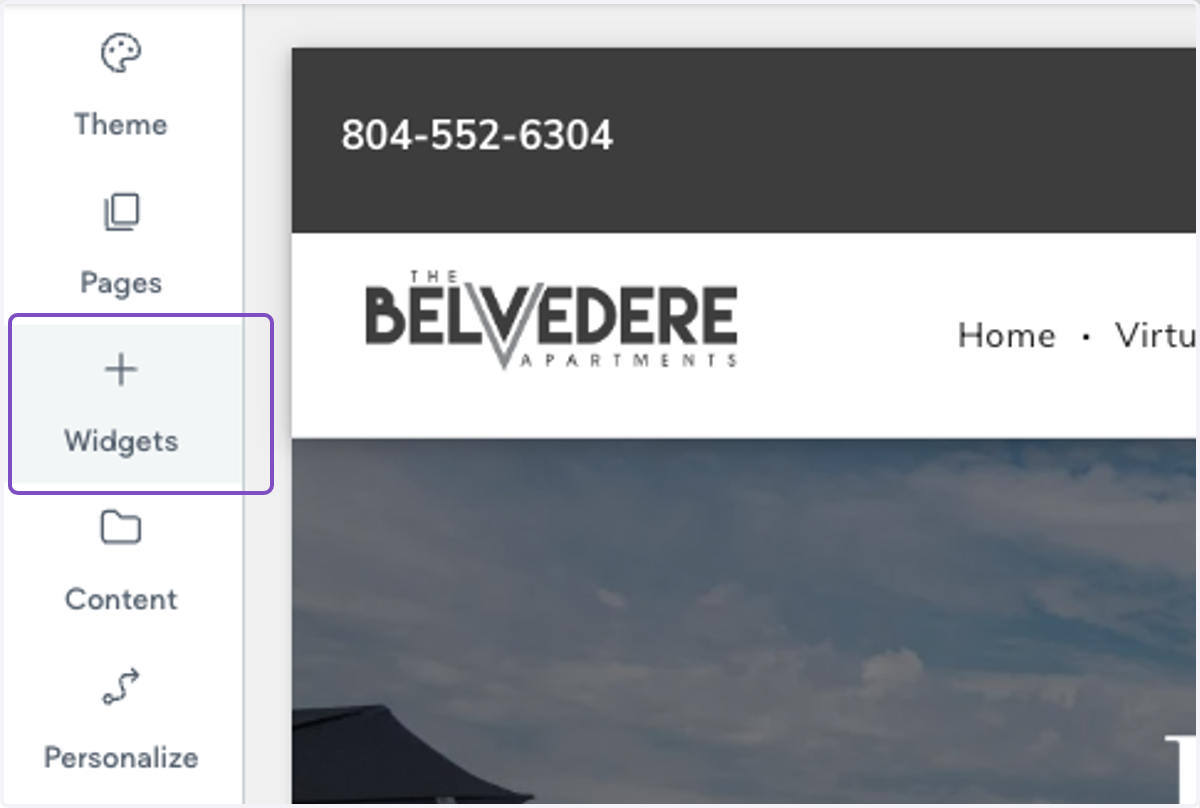
1. On your property website, click on Widgets
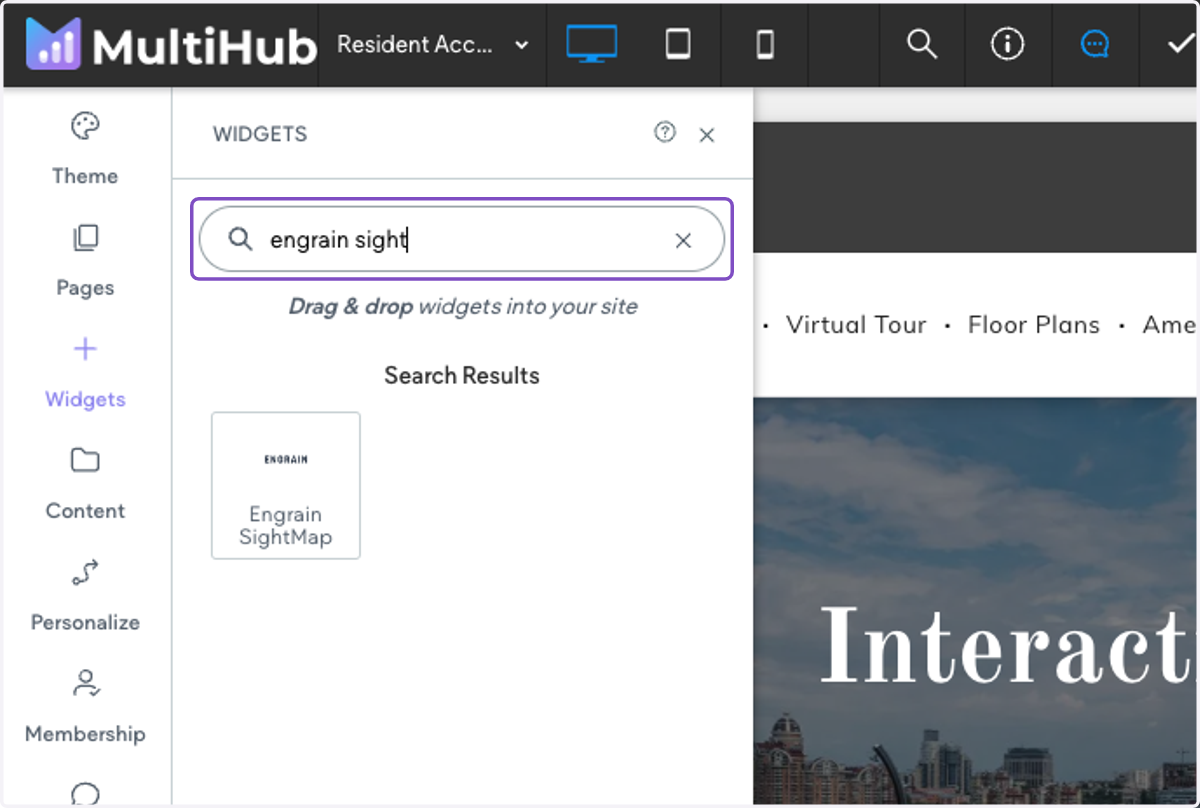
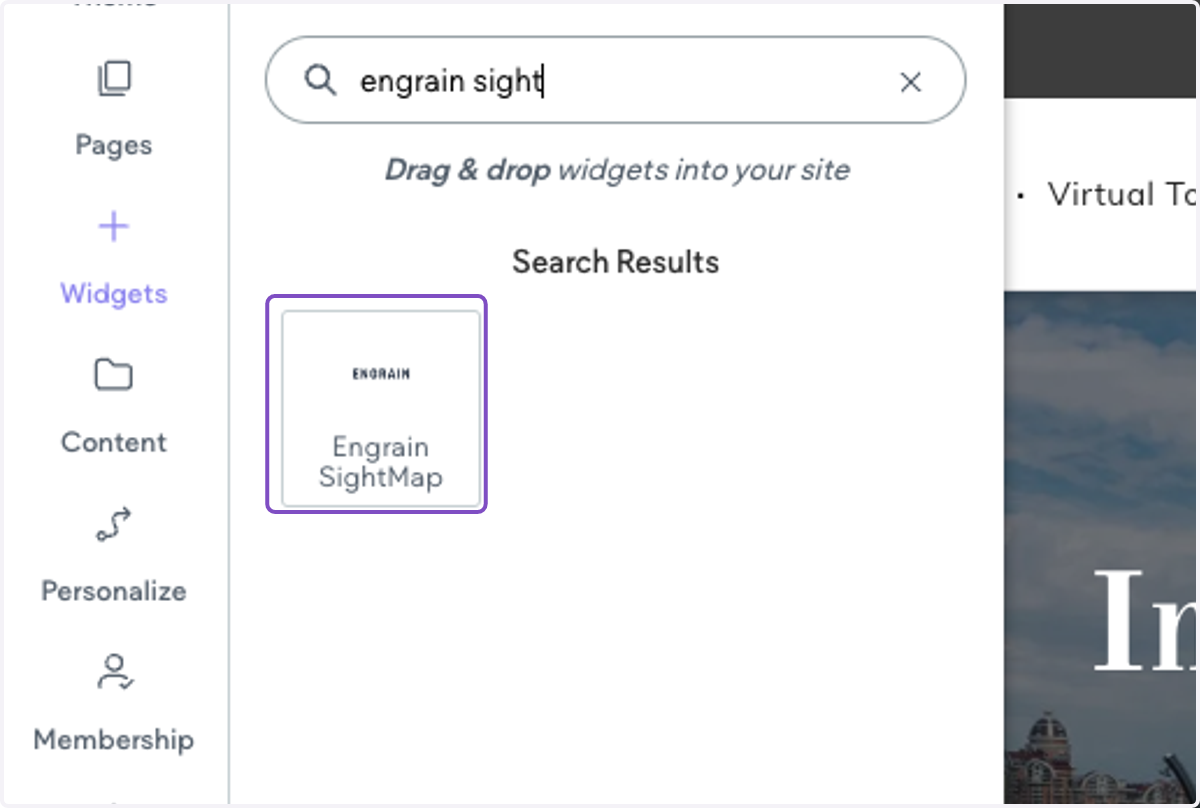
2. Search for Engrain SightMap
3. Drag the widget into a empty role within the builder on your desired page
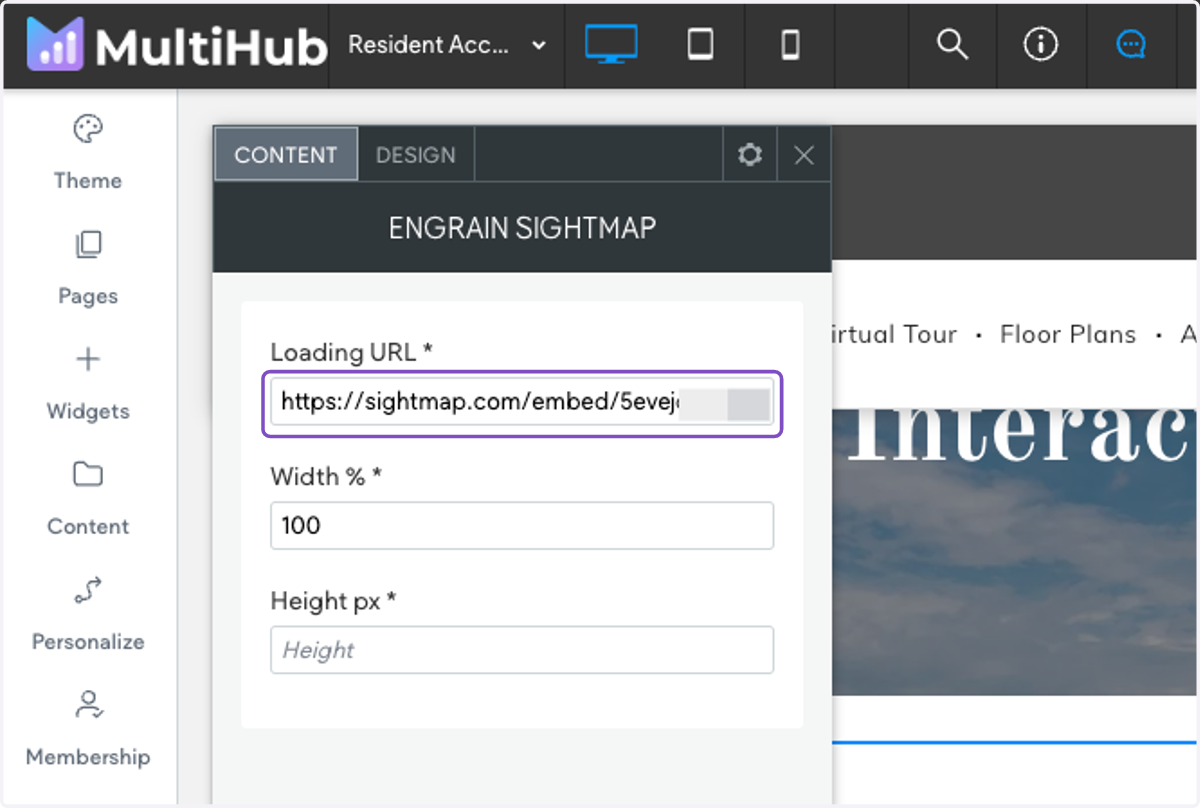
4. Paste in the SightMap embed URL.
Ex: https://sightmap.com/embed/12345abcde
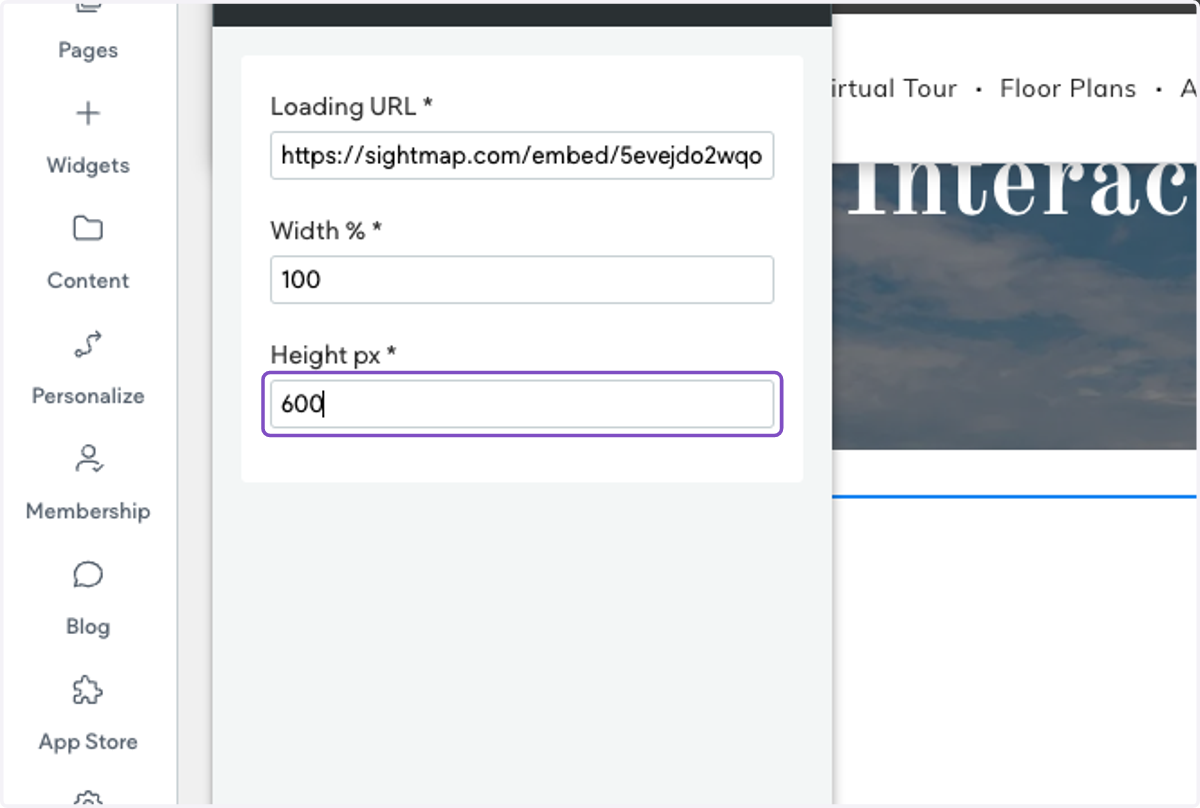
5. Change height to 600
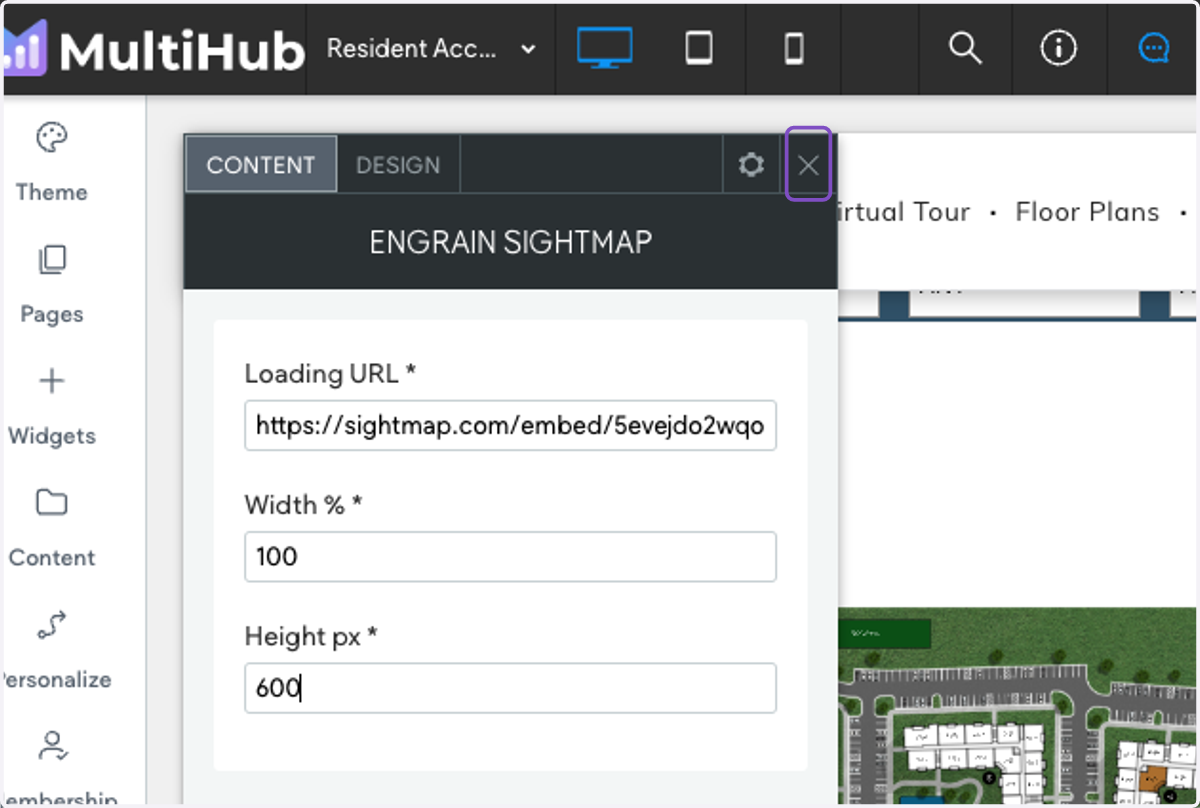
6. Exit out of the widget settings
7. Click on Row and select Edit Design
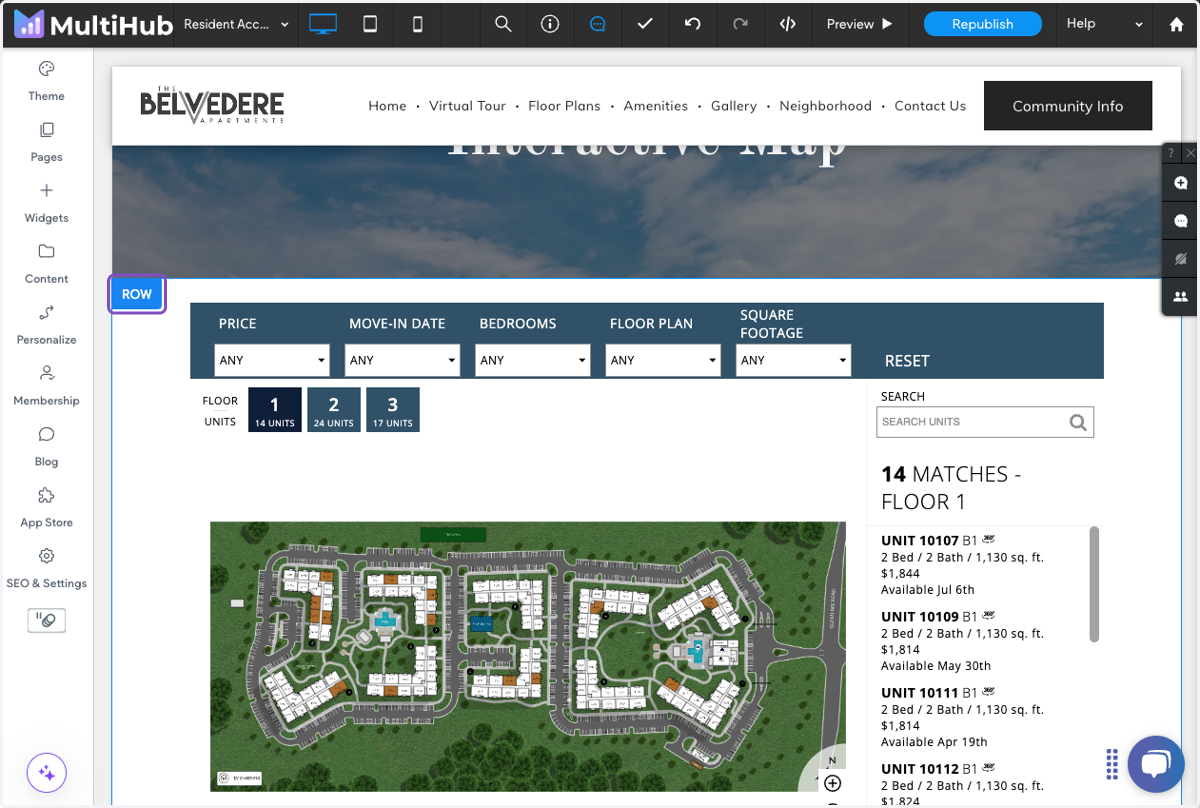
8. Toggle Full Bleed Row to on
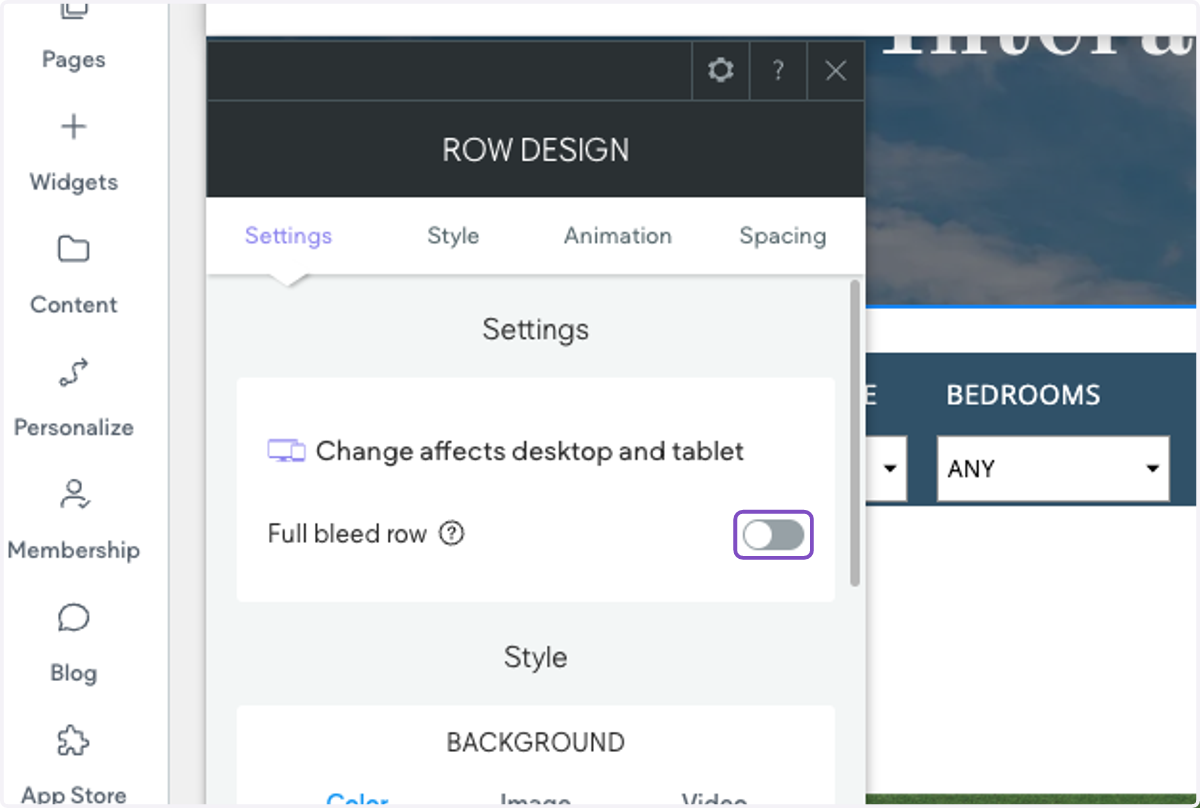
9. Now the interactive map should fill the page
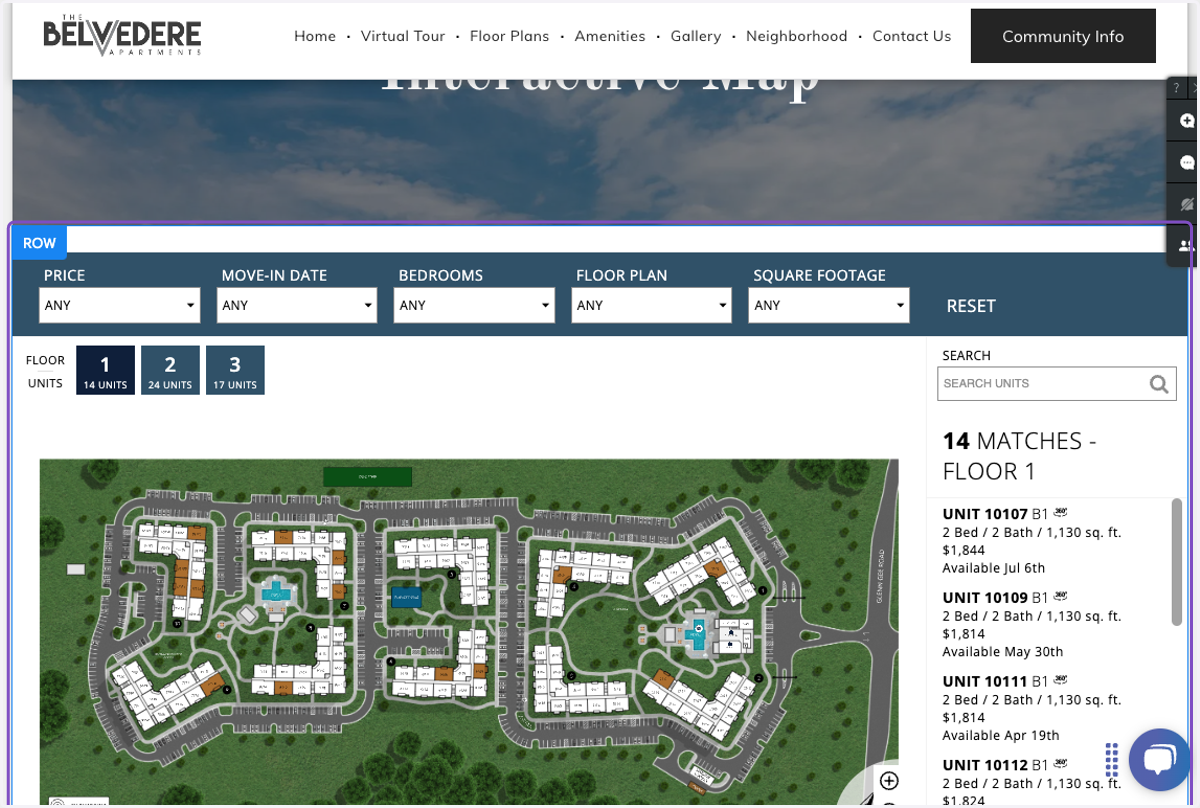
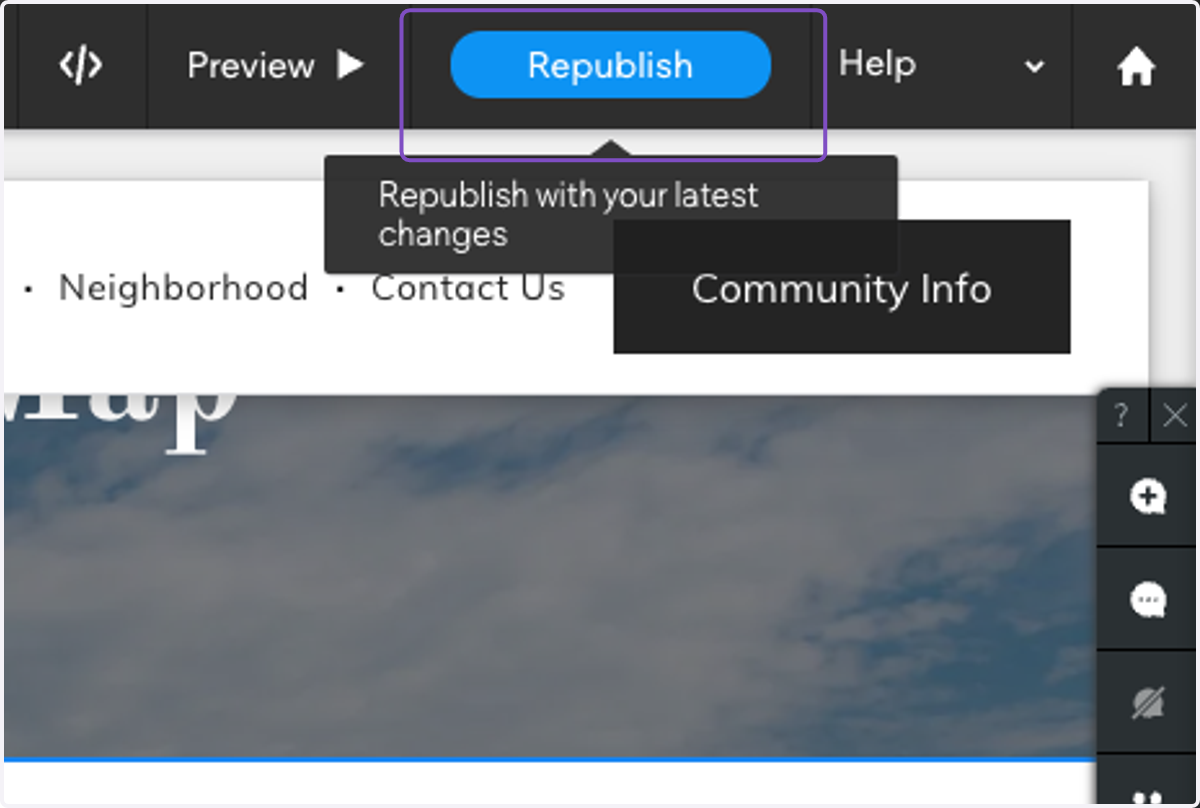
10. Click on Republish (or Publish) to send your changes live