Removing yourself from a Waitlist

Home | Student Housing Portal

Go to https://csueastbay.starrezhousing.com/StarRezPortalX/

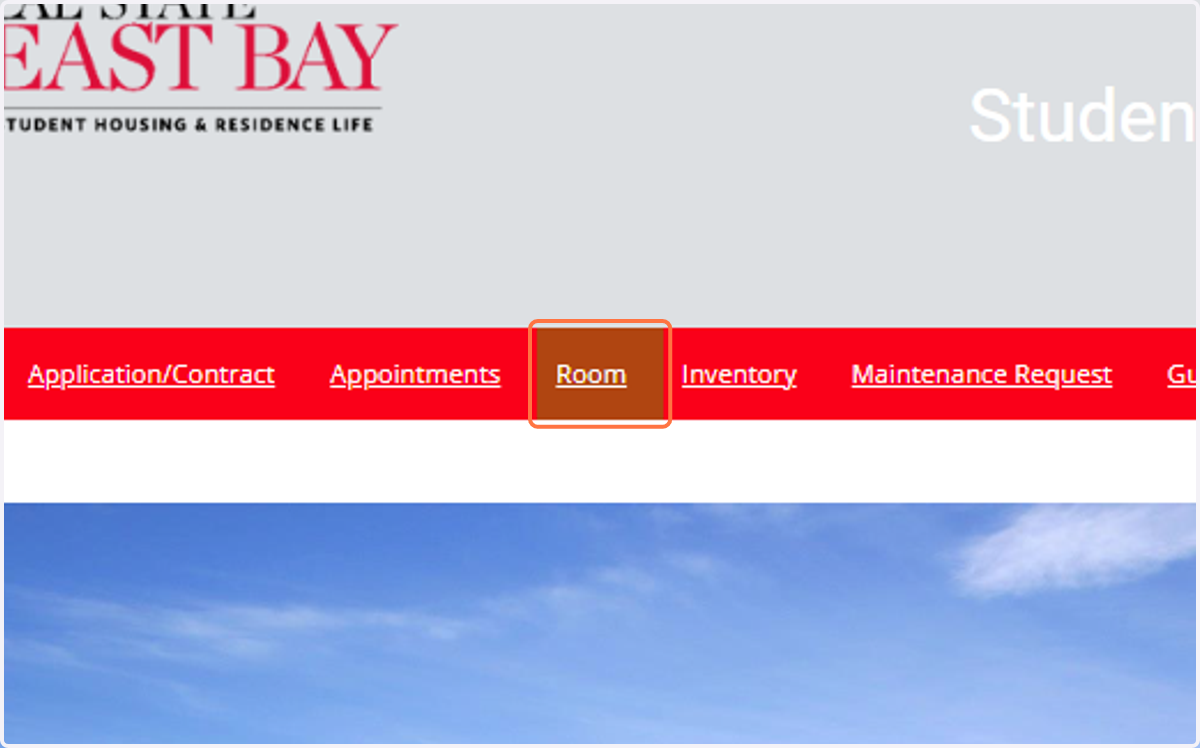
  1. 1. Click on Room

    Click on Room
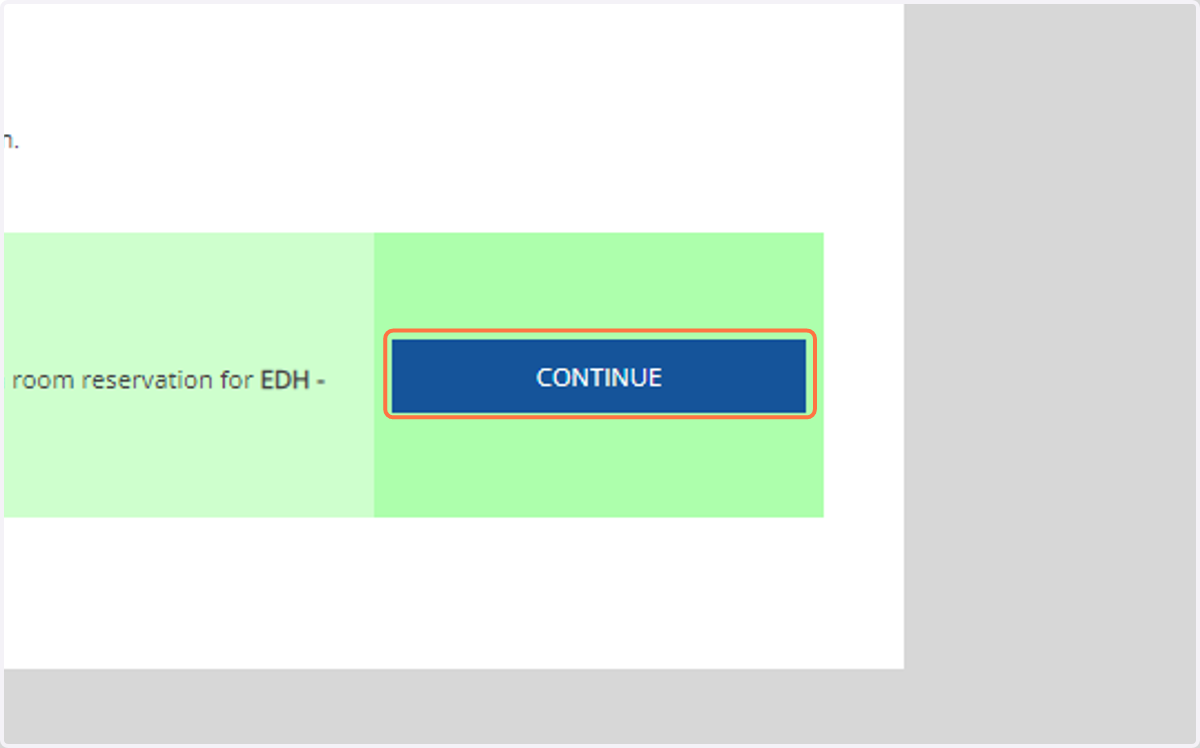
  2. 2. Click on Continue for your term

    Click on Continue for your term
  3. 3. Click on goto Additional Processes
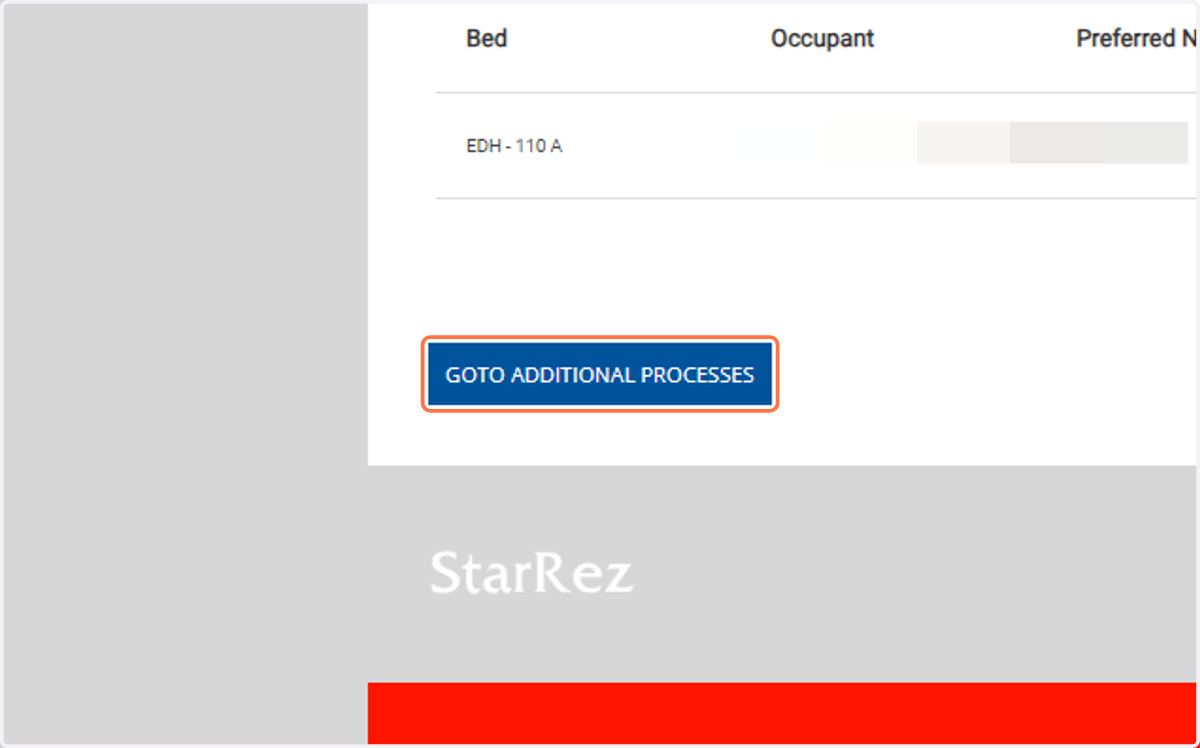
    Click on goto Additional Processes
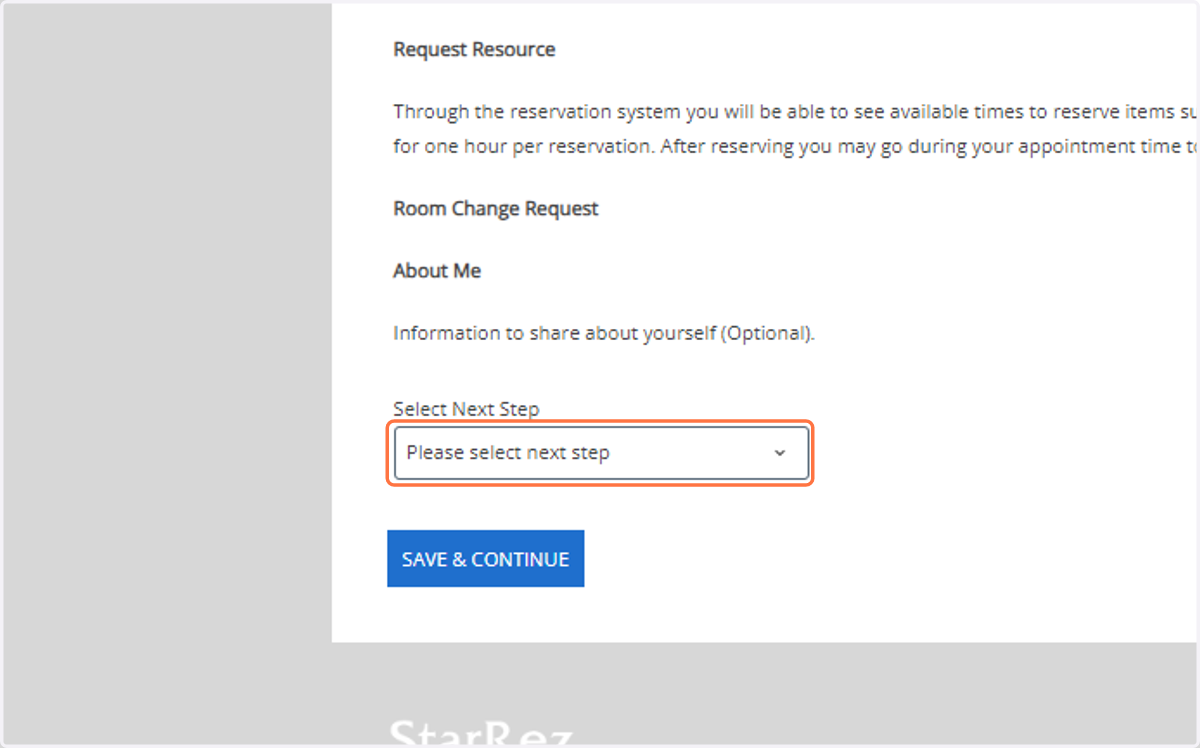
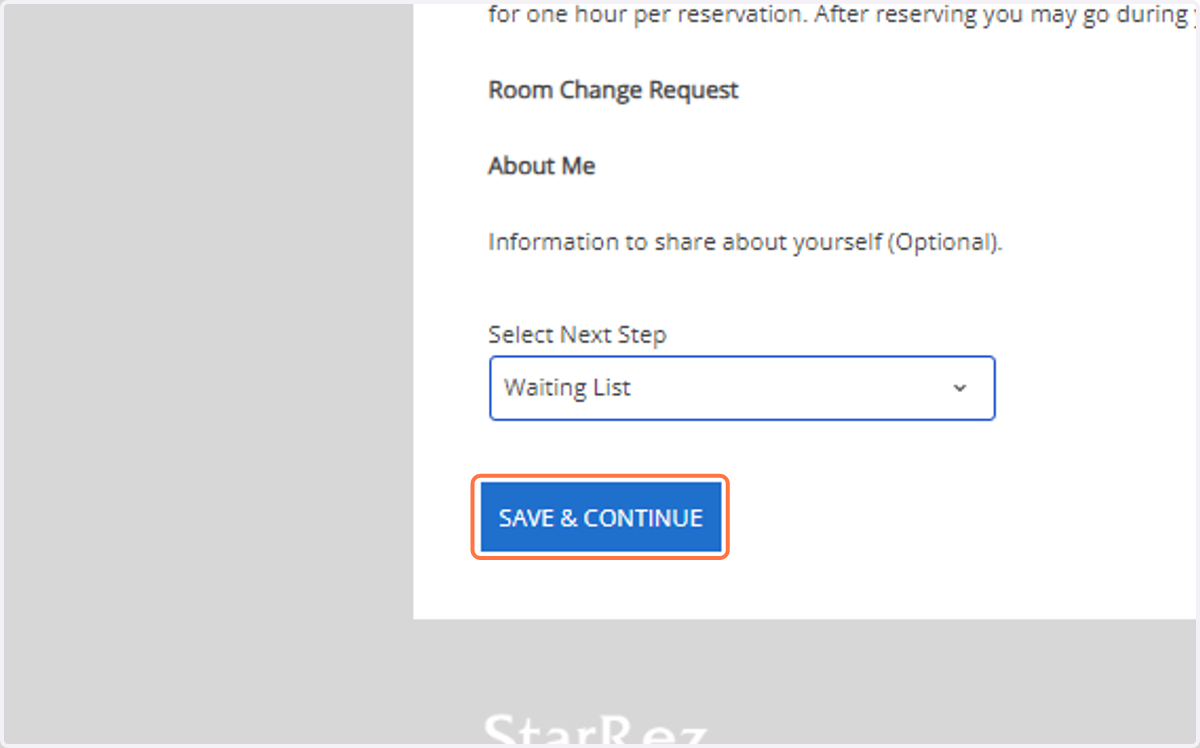
  4. 4. Click on Select Next Step

    Click on Select Next Step
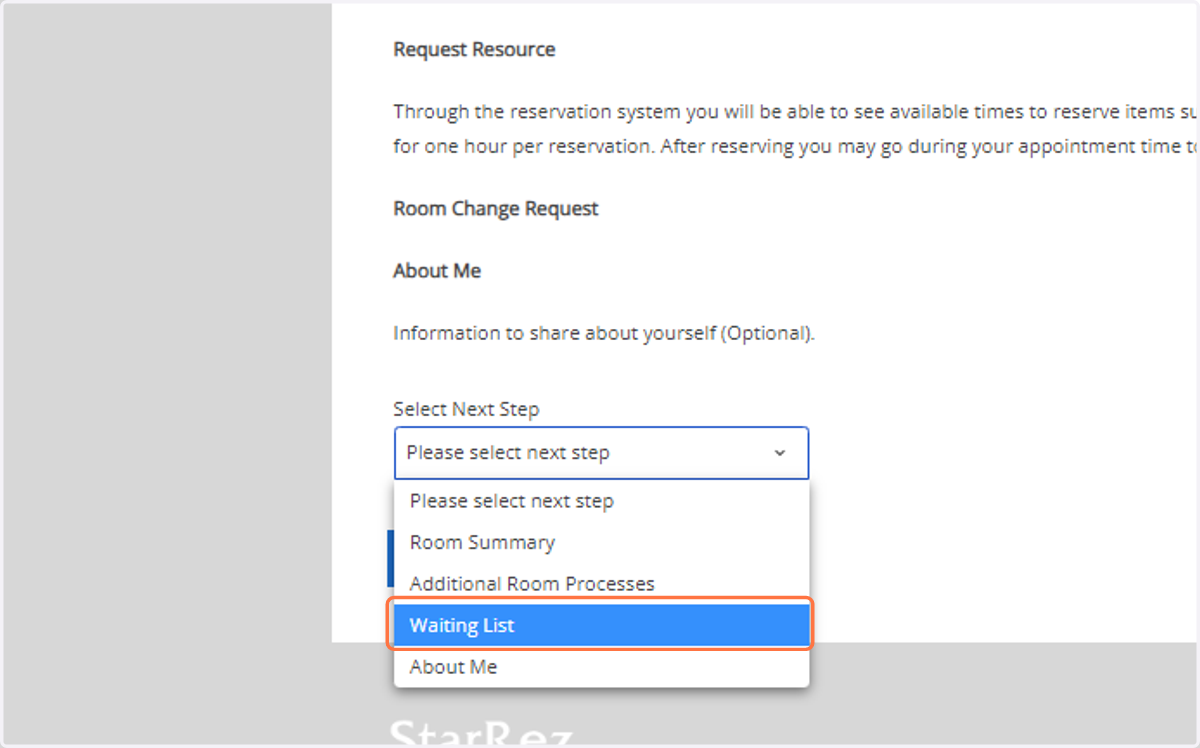
  5. 5. Click on Waiting List

    Click on Waiting List
  6. 6. Click on Save & Continue

    Click on Save & Continue
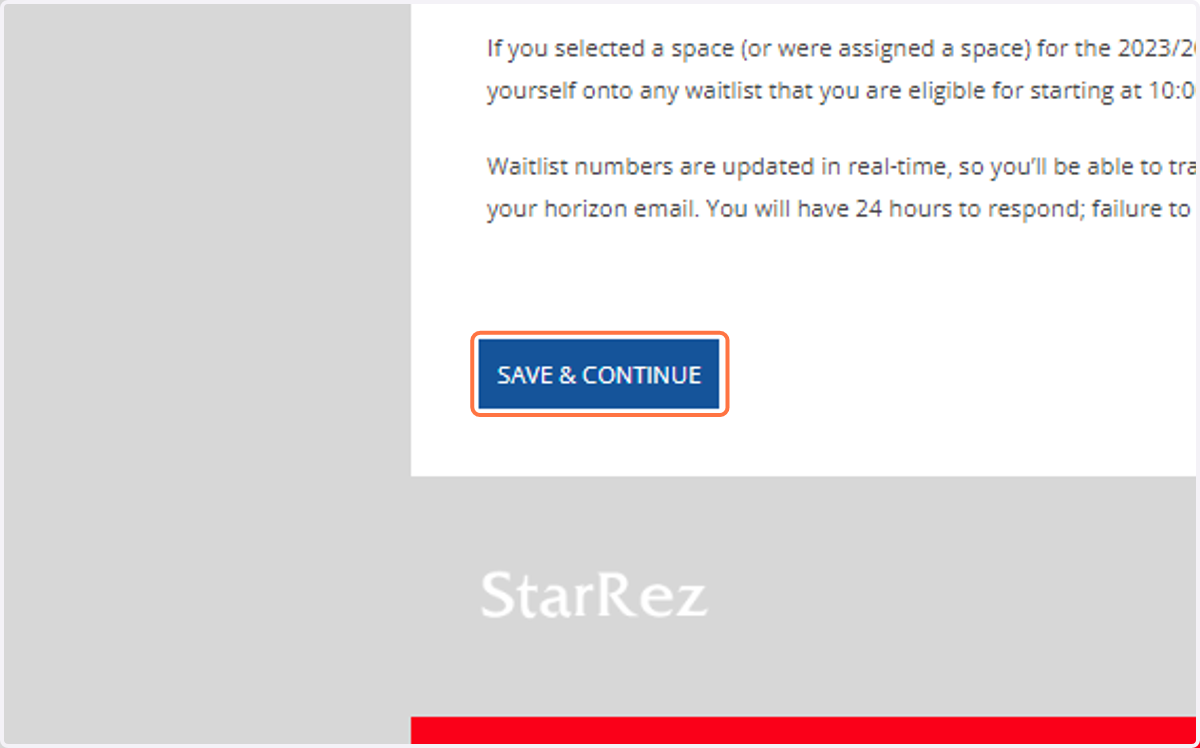
  7. 7. Click on Save & Continue

    Click on Save & Continue
  8. 8. Click on Delete from Wait list. WaitListOrder: 1. Description: Suites Double (1st Year Male).
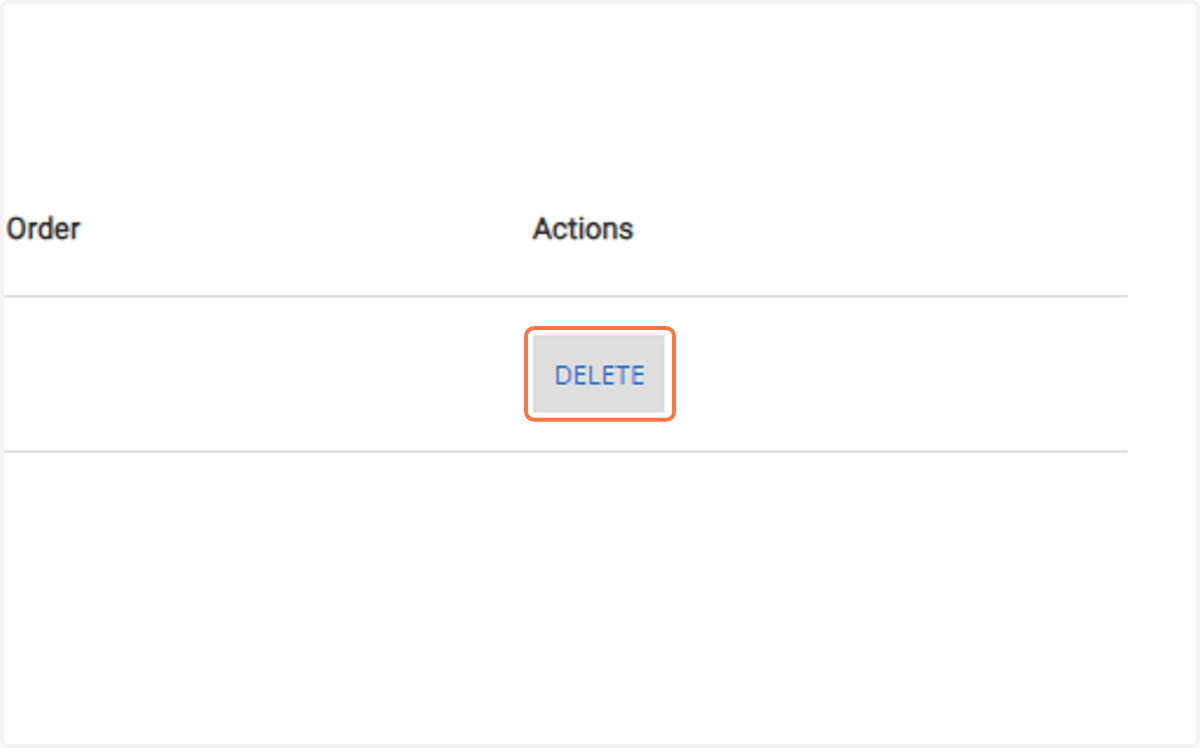
    Click on Delete from Wait list. WaitListOrder: 1. Description: Suites Double (1st Year Male).
  9. 9. You have successfully removed yourself from a waitlist.
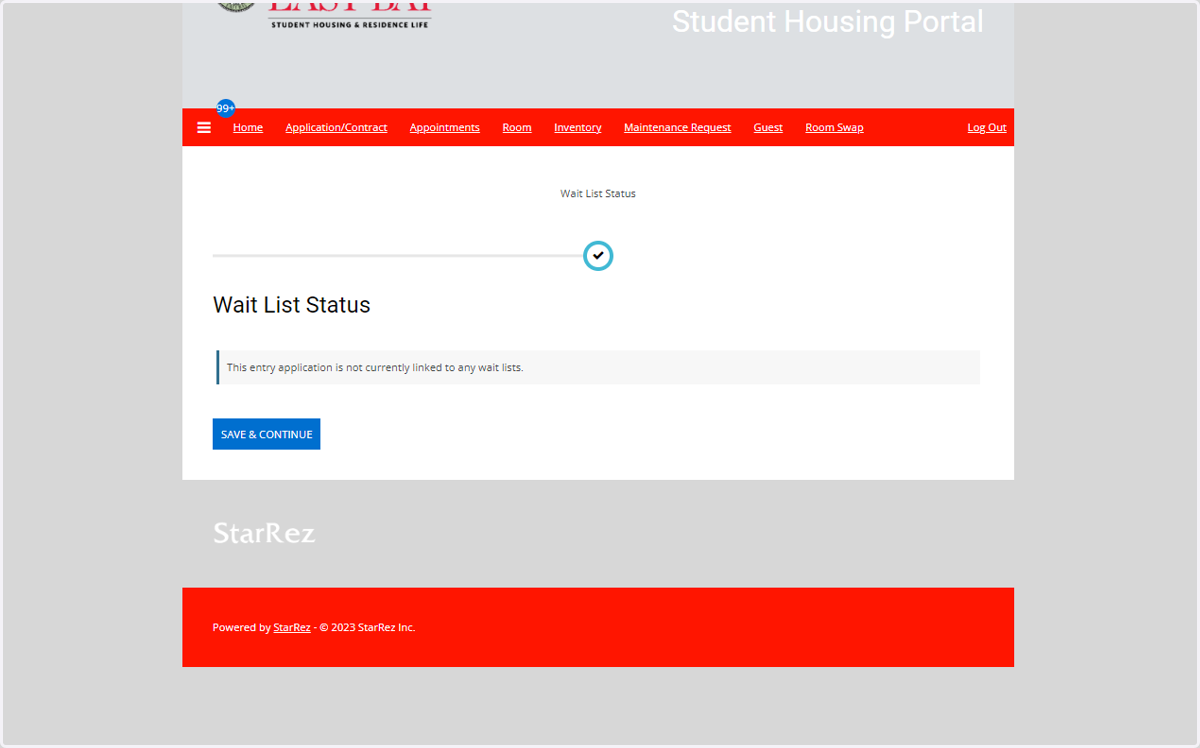
    You have successfully removed yourself from a waitlist.