Booked Report: Update
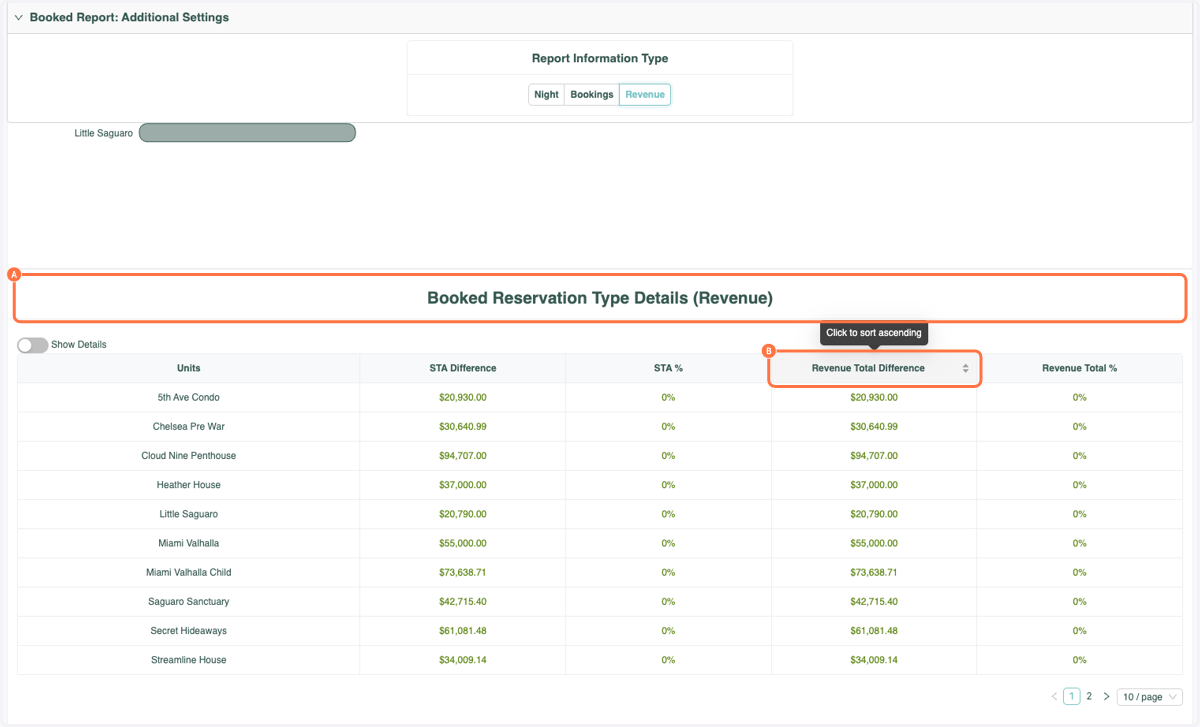
You can now sort by "Revenue Total Difference" when viewing the Booked Reservation Type Details under the Revenue Filter in the Booked Report!
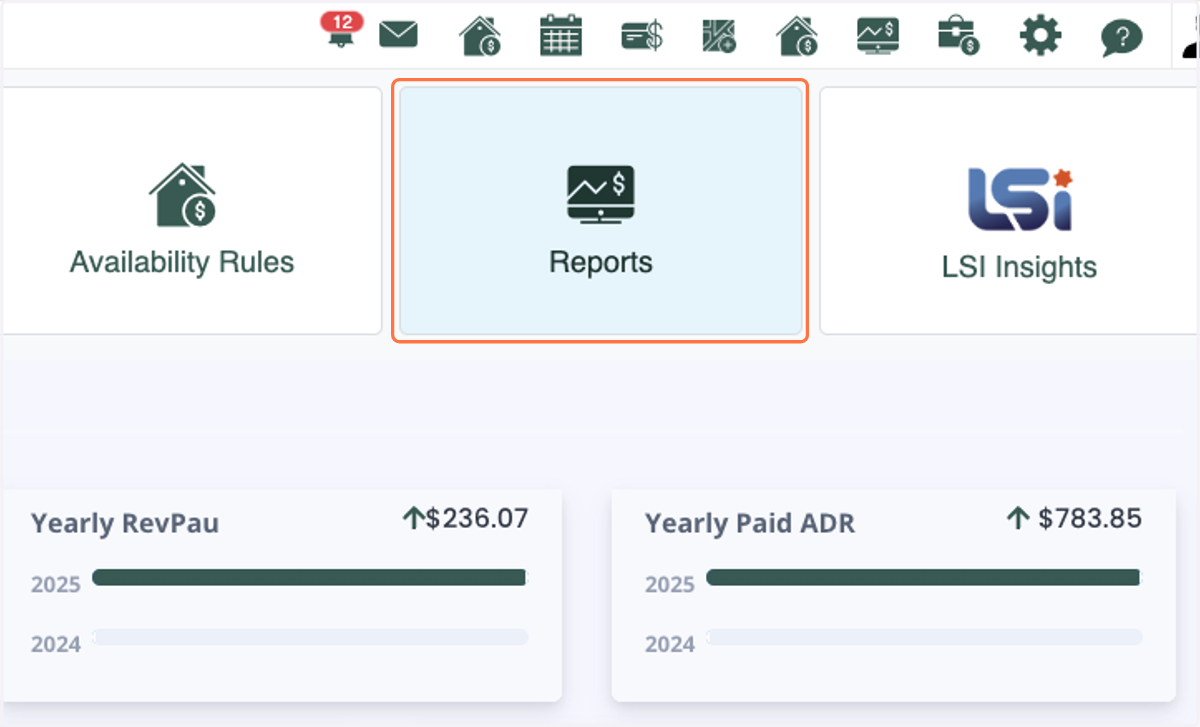
1. Click on Reports
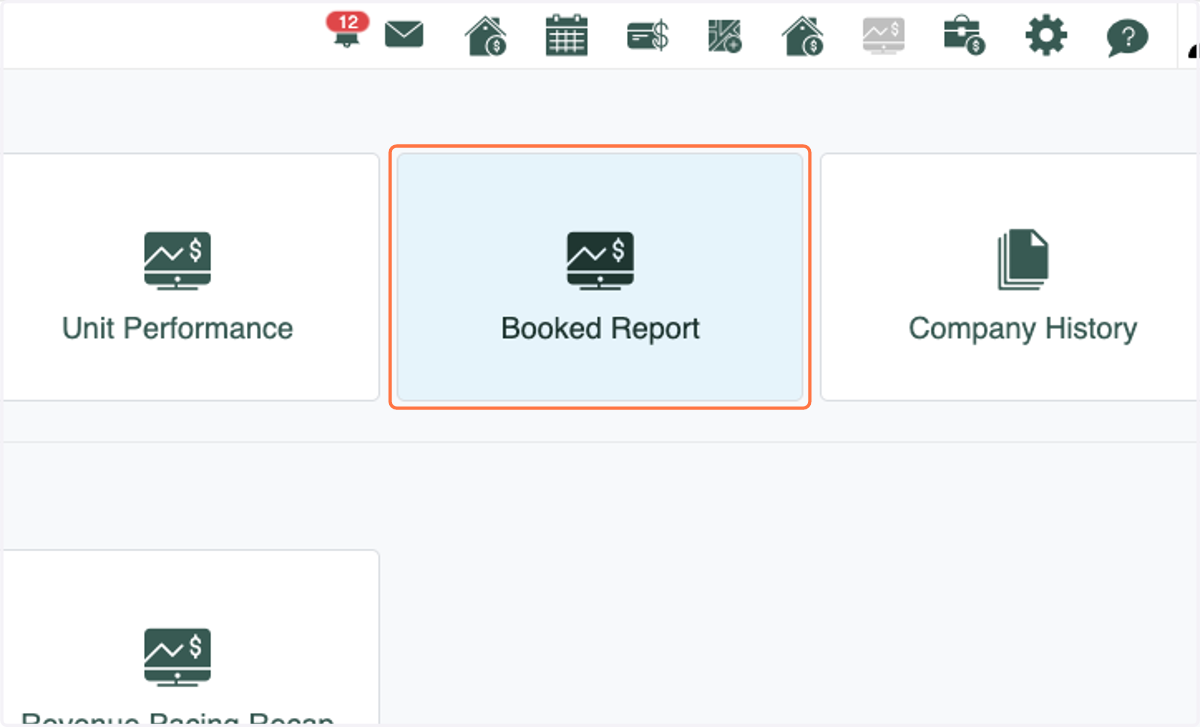
2. Click on Booked Report
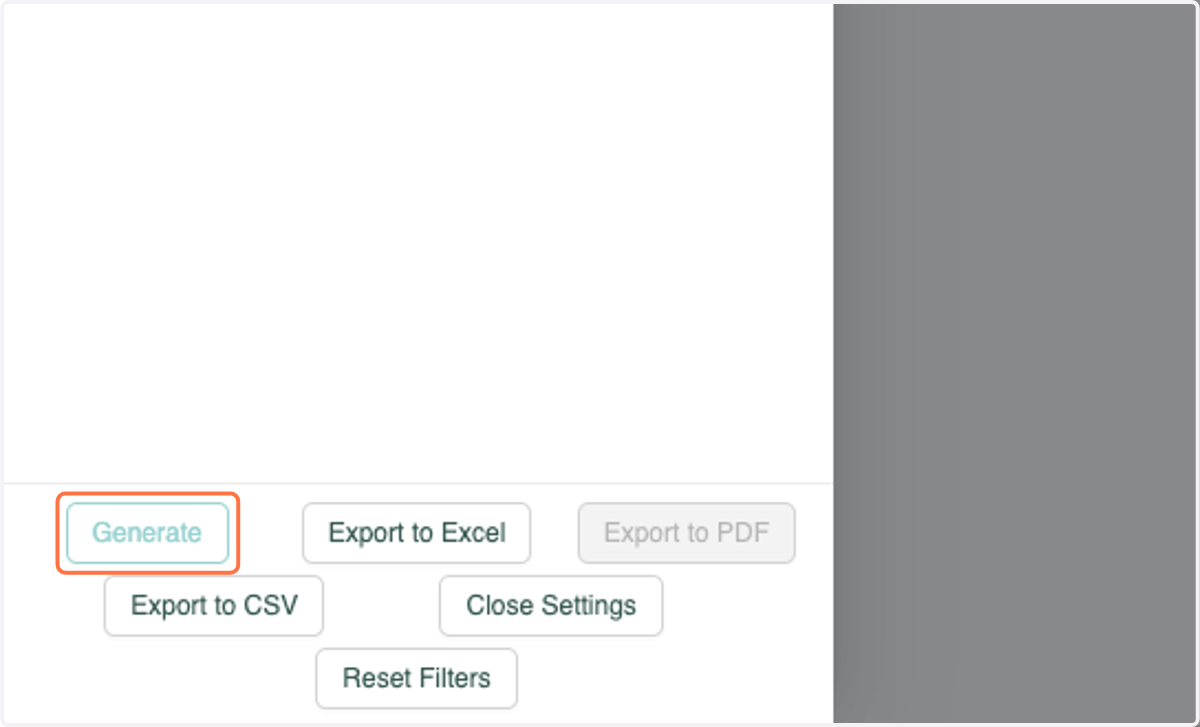
3. Click on Generate
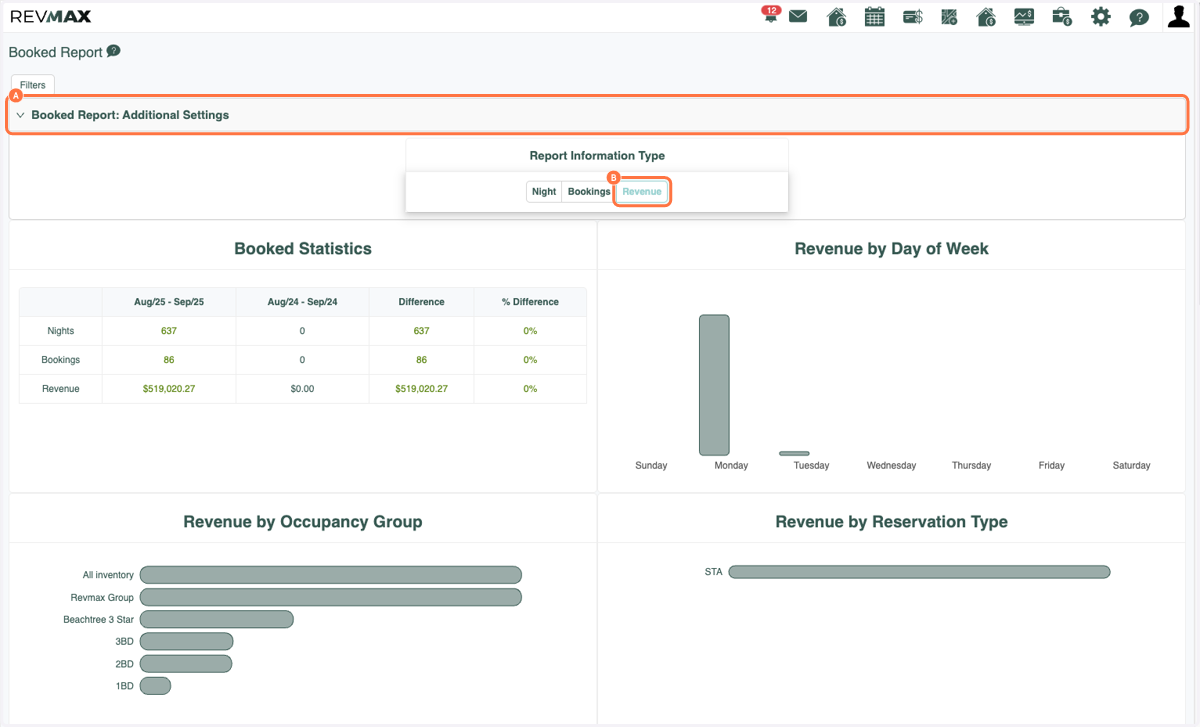
4. A. Click on Booked Report: Additional Settings
4. B. Select Revenue
5. A. Scroll to the bottom of the report under the "Booked Reservation Type Details" section
5. B. Click on the sort arrow to the right of Revenue Total Difference
*This will allow you to sort and view the difference in Revenue from this year to the previous year either by the largest or least amount of revenue.