Approving Non-PO Invoices
As a Director, you will receive invoices from Suppliers for which you haven't created a PO. This will be more common during the first few months after going live, however over several months, the number of non-PO invoices should decrease to almost none.
Go to your Homepage on BV Marketplace
1. Under your My to-do list, you will see a blue link on the right that will expand all of your to-dos in another screen. Click on the blue link. Note that your number will vary on how many to-dos you have in your queue.
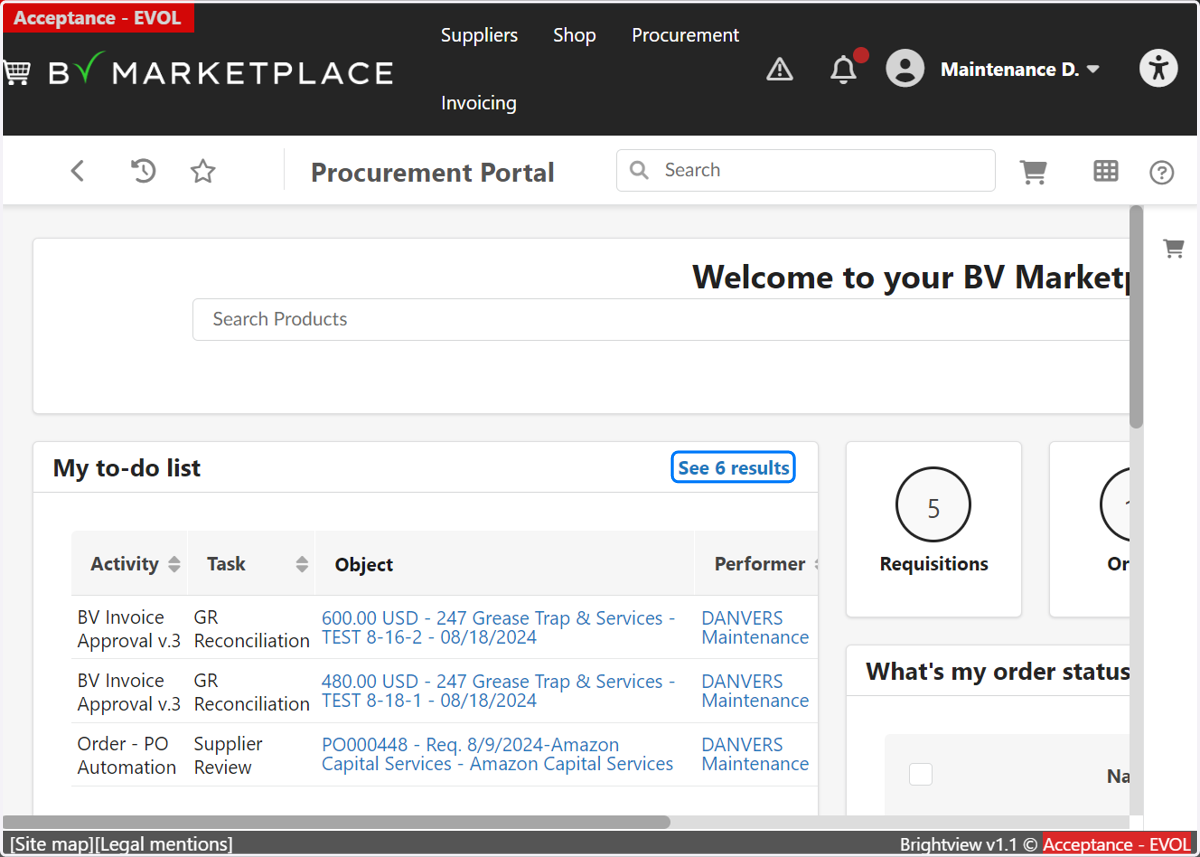
2. From your expanded to-do list, find the Activity that reads "BV Invoice Approval v.3" and the task that reads "Non-PO Validation." Click on the invoice under the column "Object."
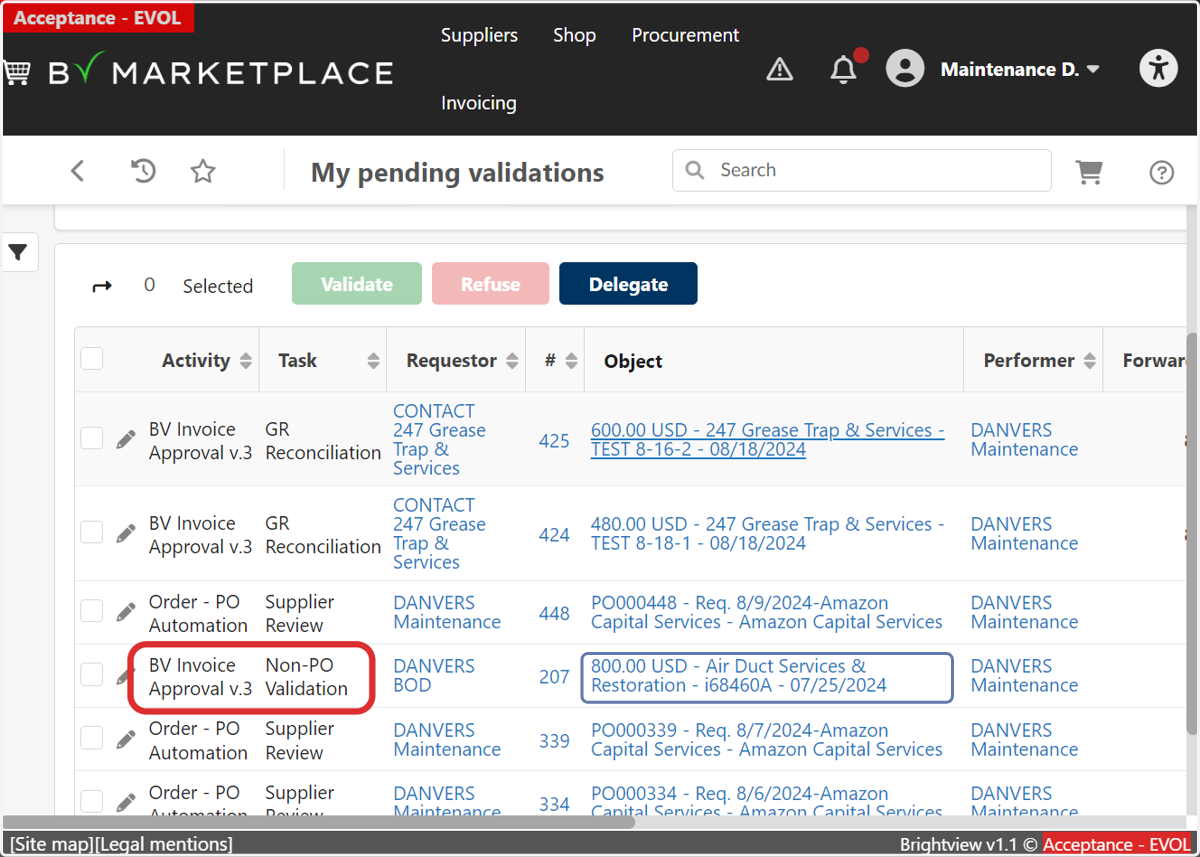
3. Once in the Invoice, scroll to the bottom and find the "Allocations" tab. Here you will have to verify the correct GL Code and commodity for each line item.
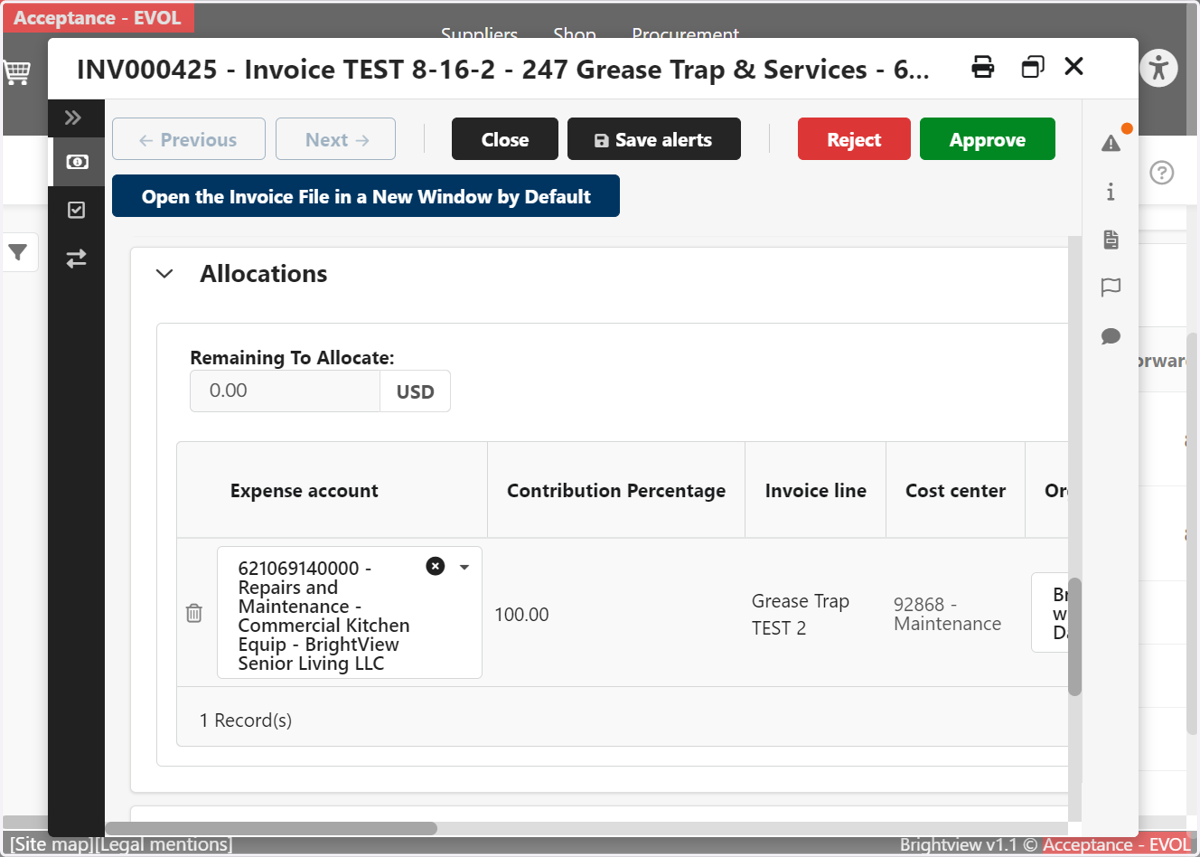
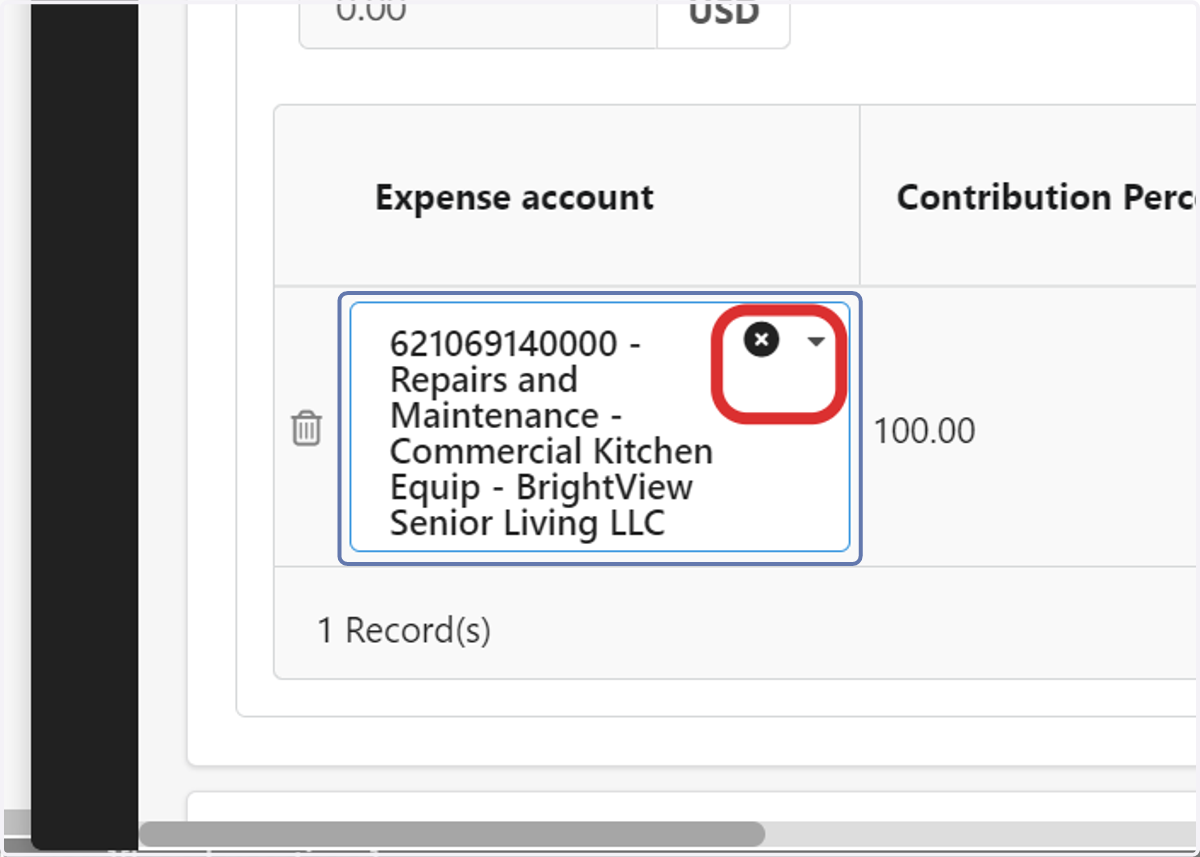
4. You can update the GL account by clicking the X
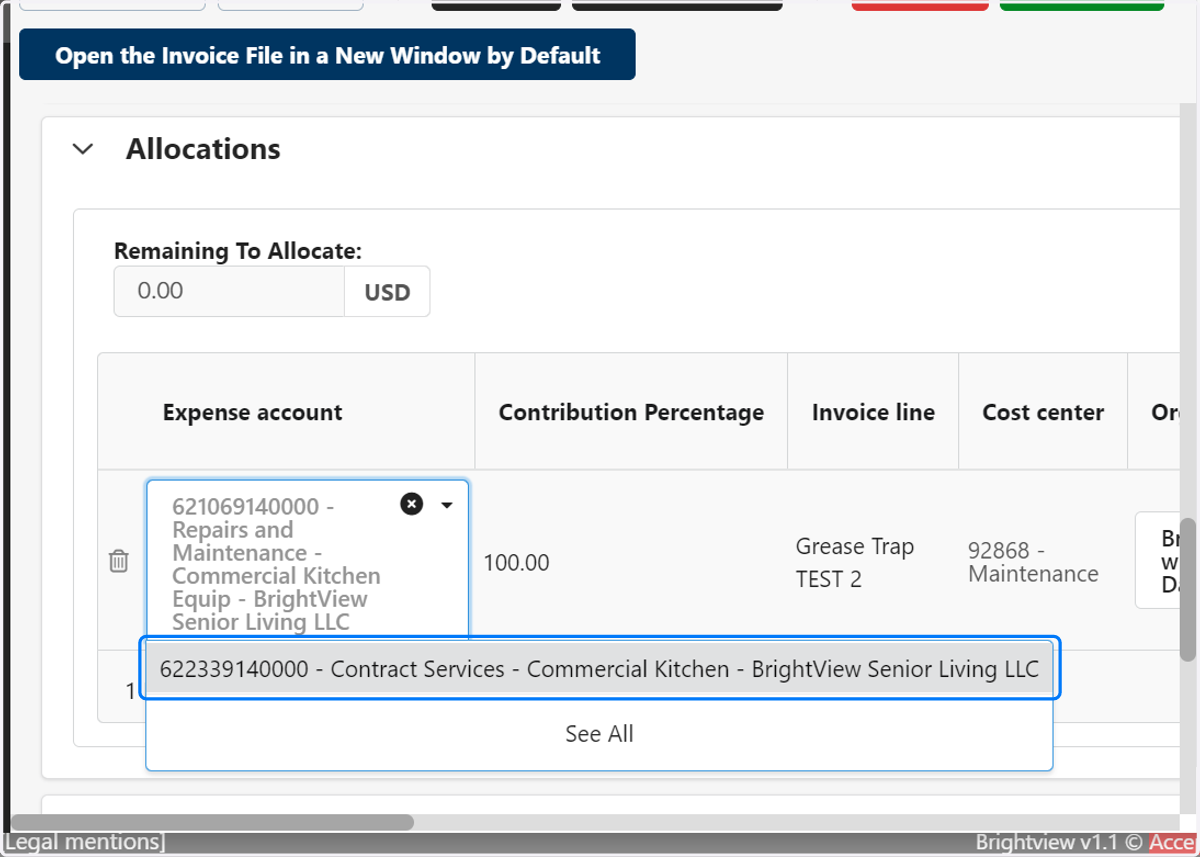
5. You can then select from the correct GL Code from the dropdown.
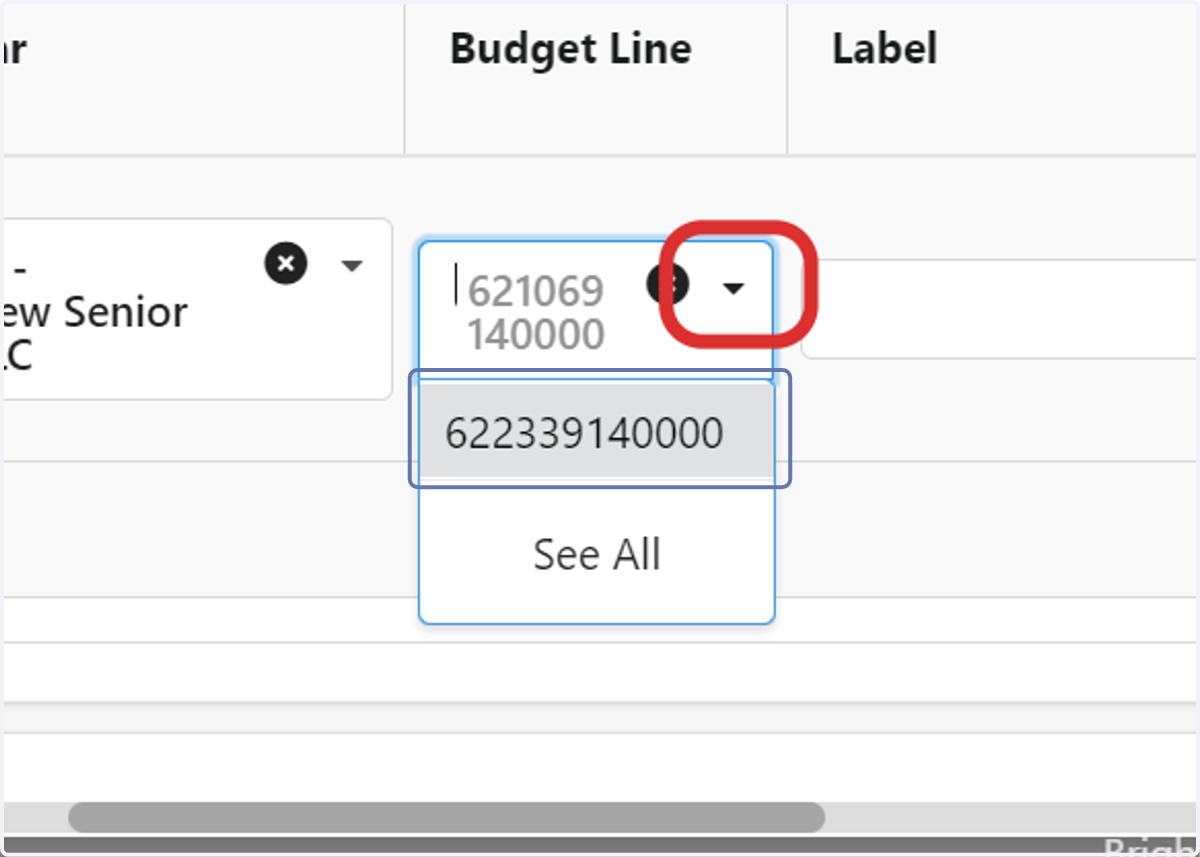
6. Once the correct GL code is submitted, you will then need to select the corresponding Budget Line.
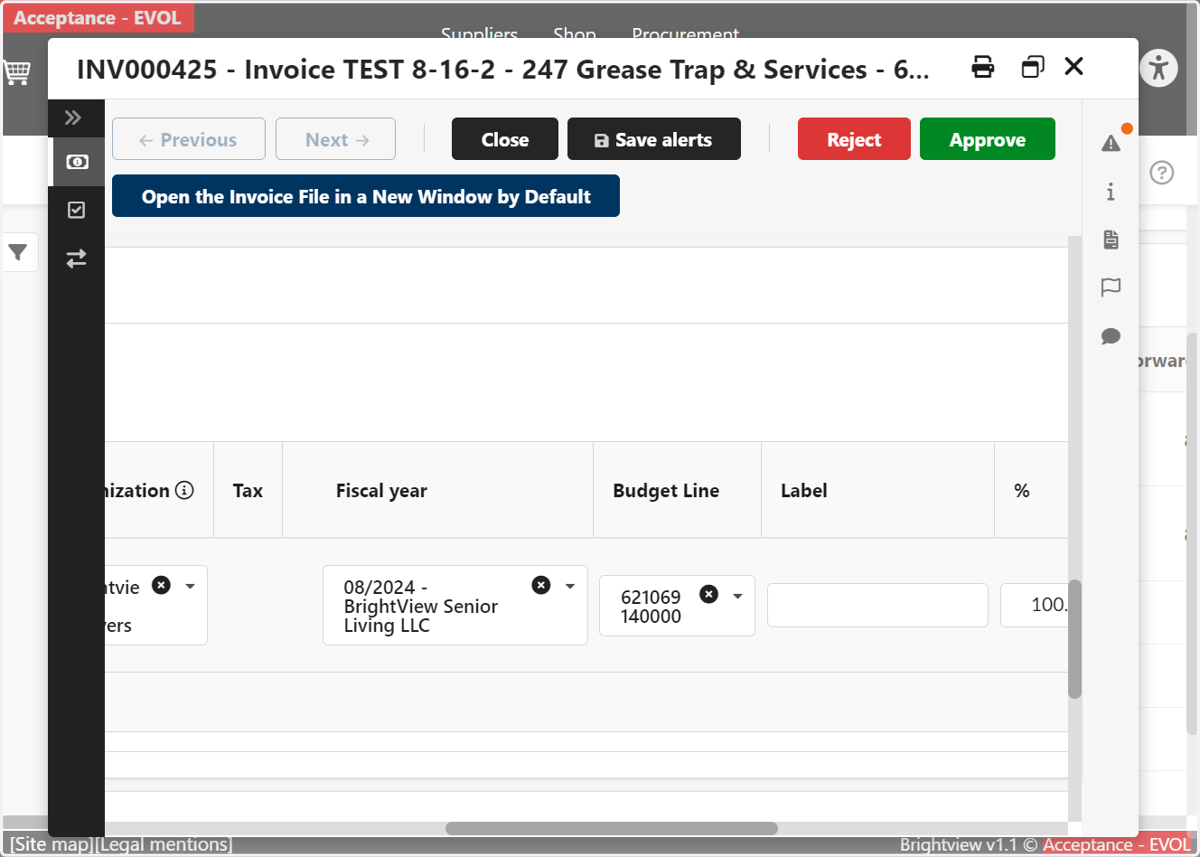
7. Click on Budget
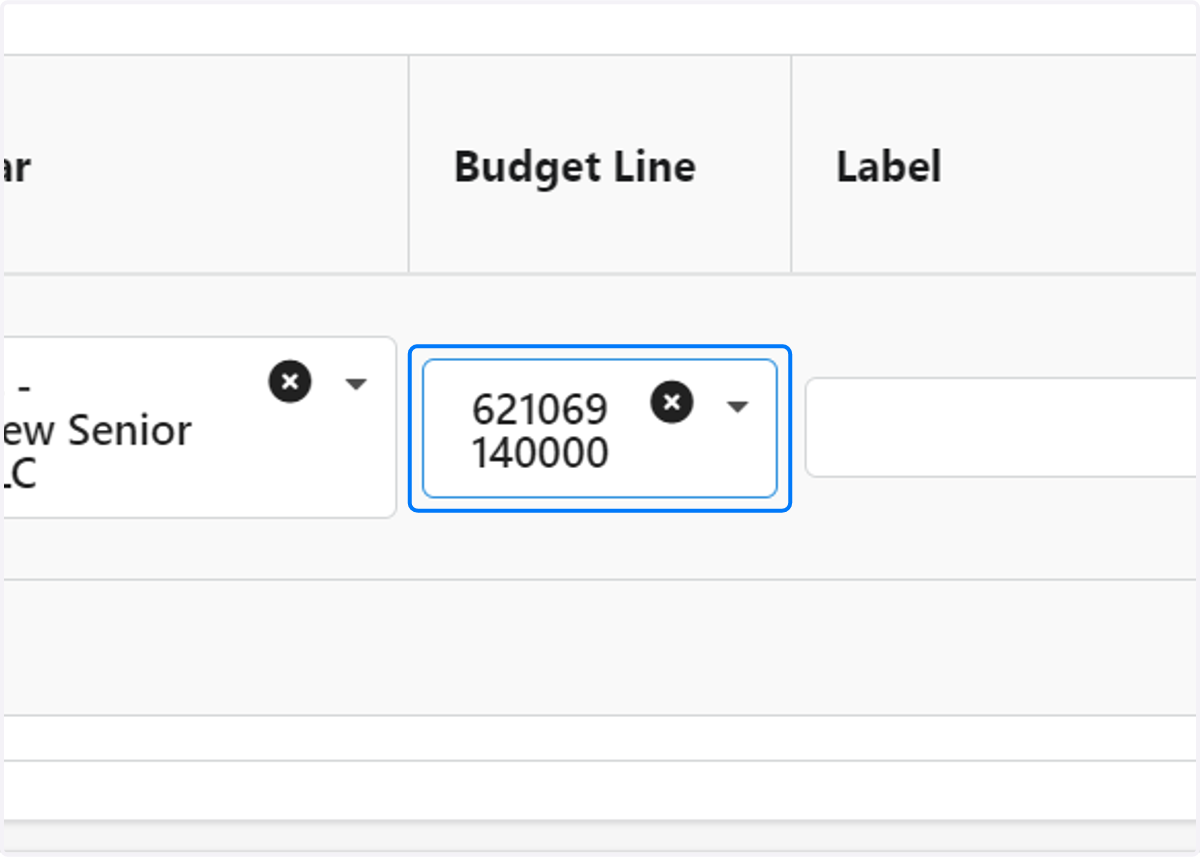
8. Click on the X
9. Scroll over and find the commodity column. Review and ensure the commodity is accurate for each line item.
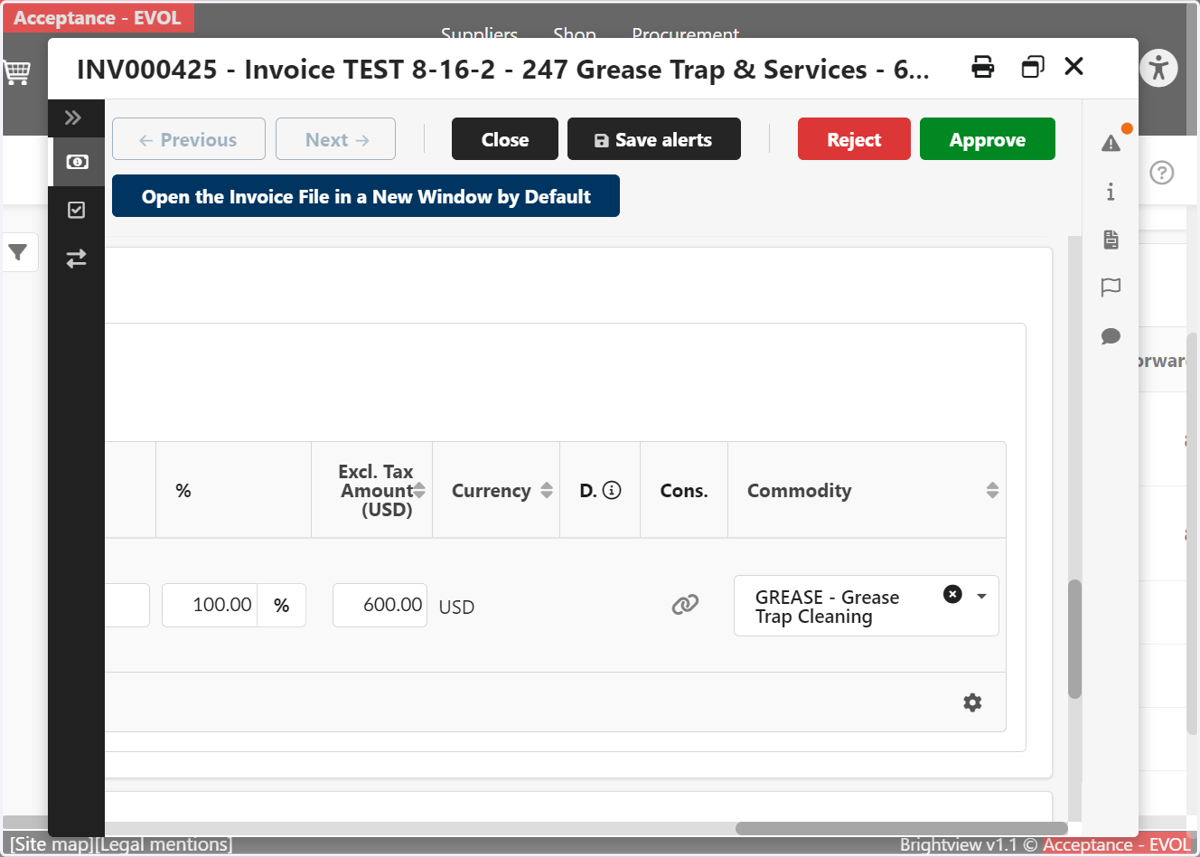
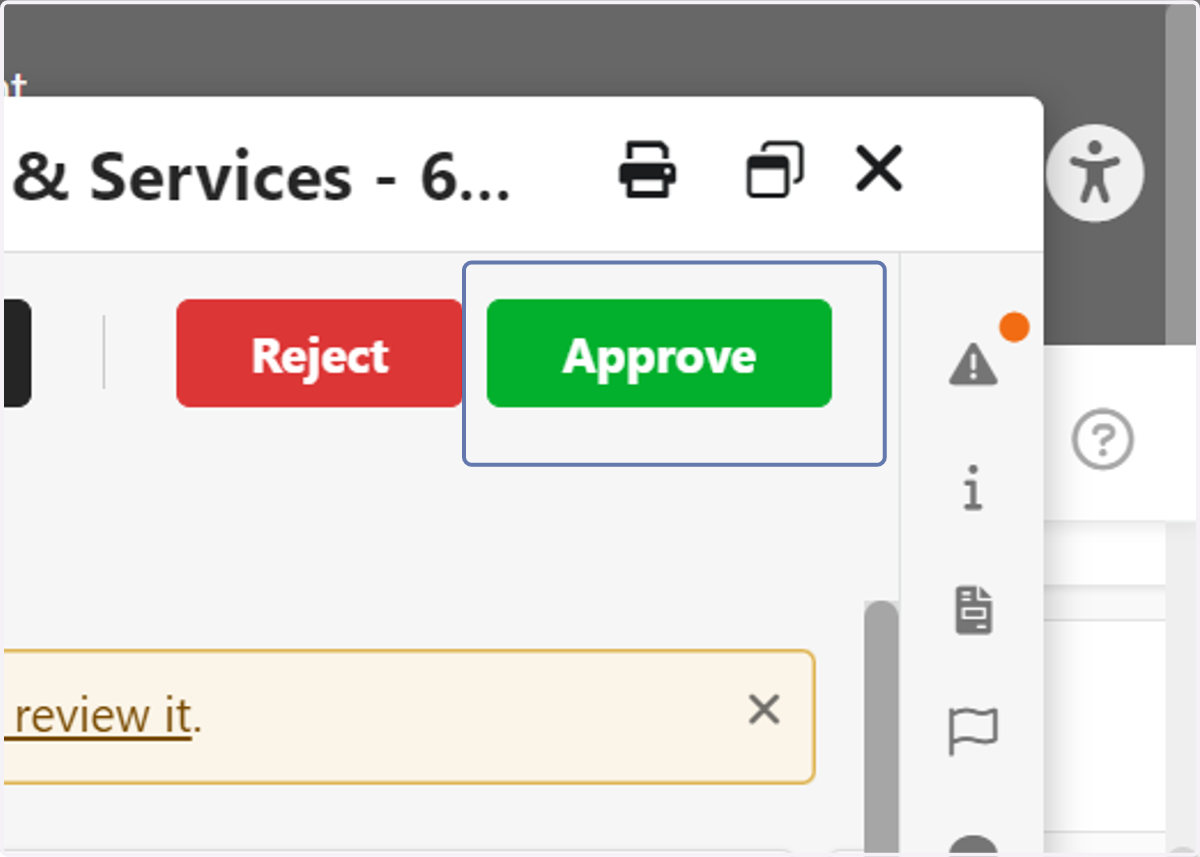
10. Click on Commodity
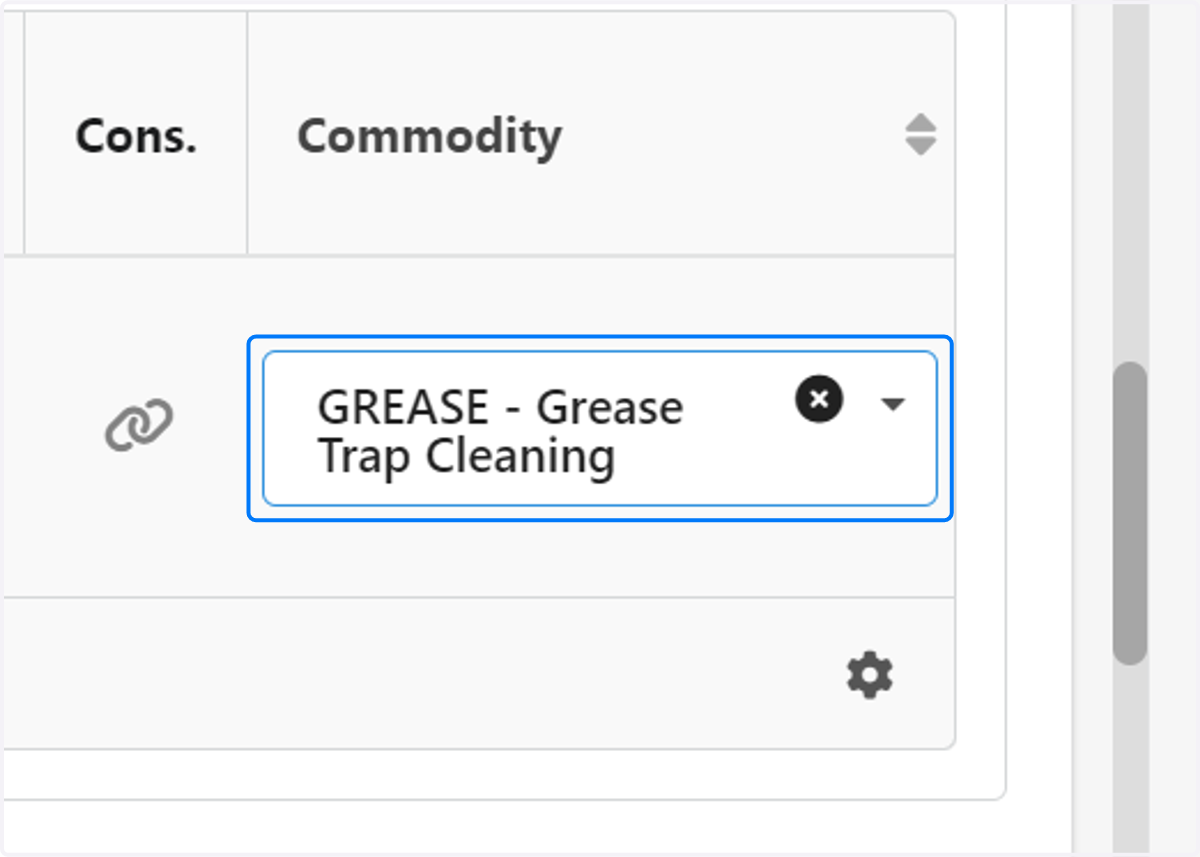
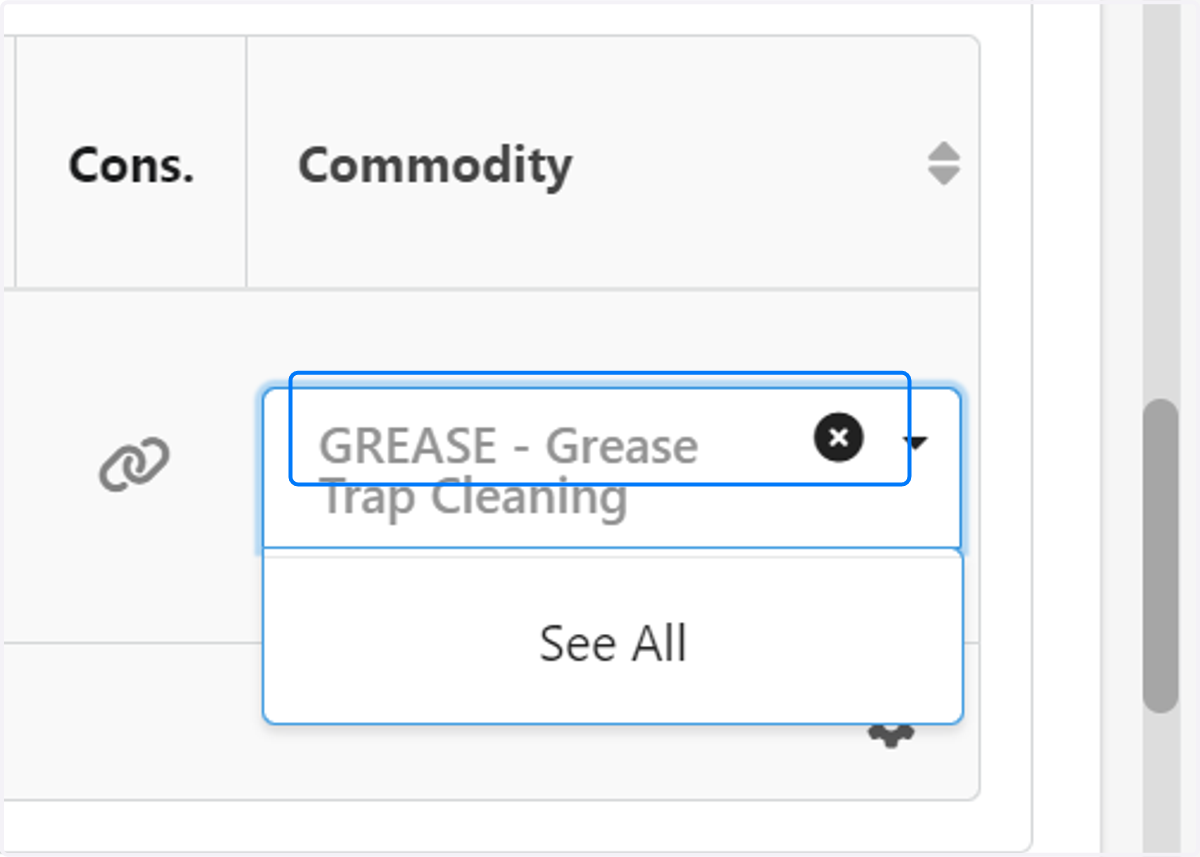
11. From the dropdown, select the correct commodity.
12. You can now click on Approve so that the invoice can be processed and paid