Create an experiment
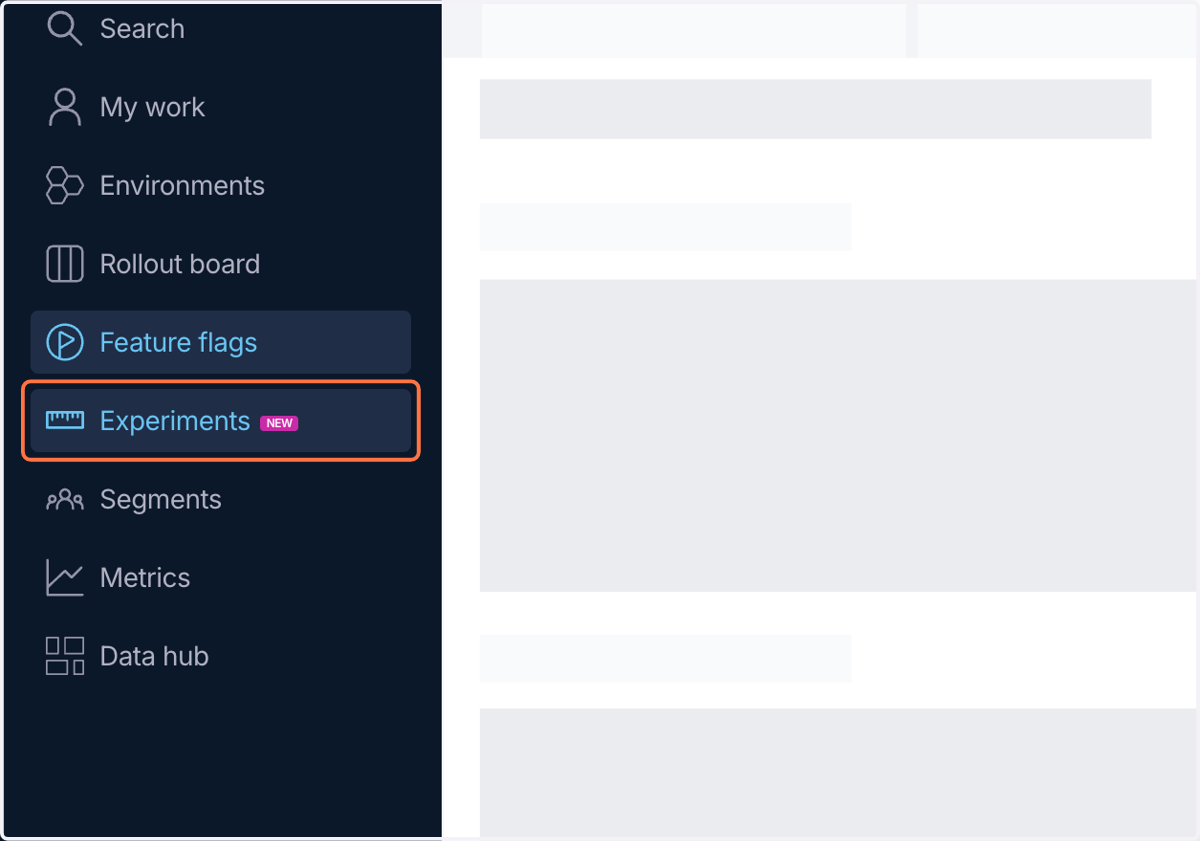
1. Click on Experiments
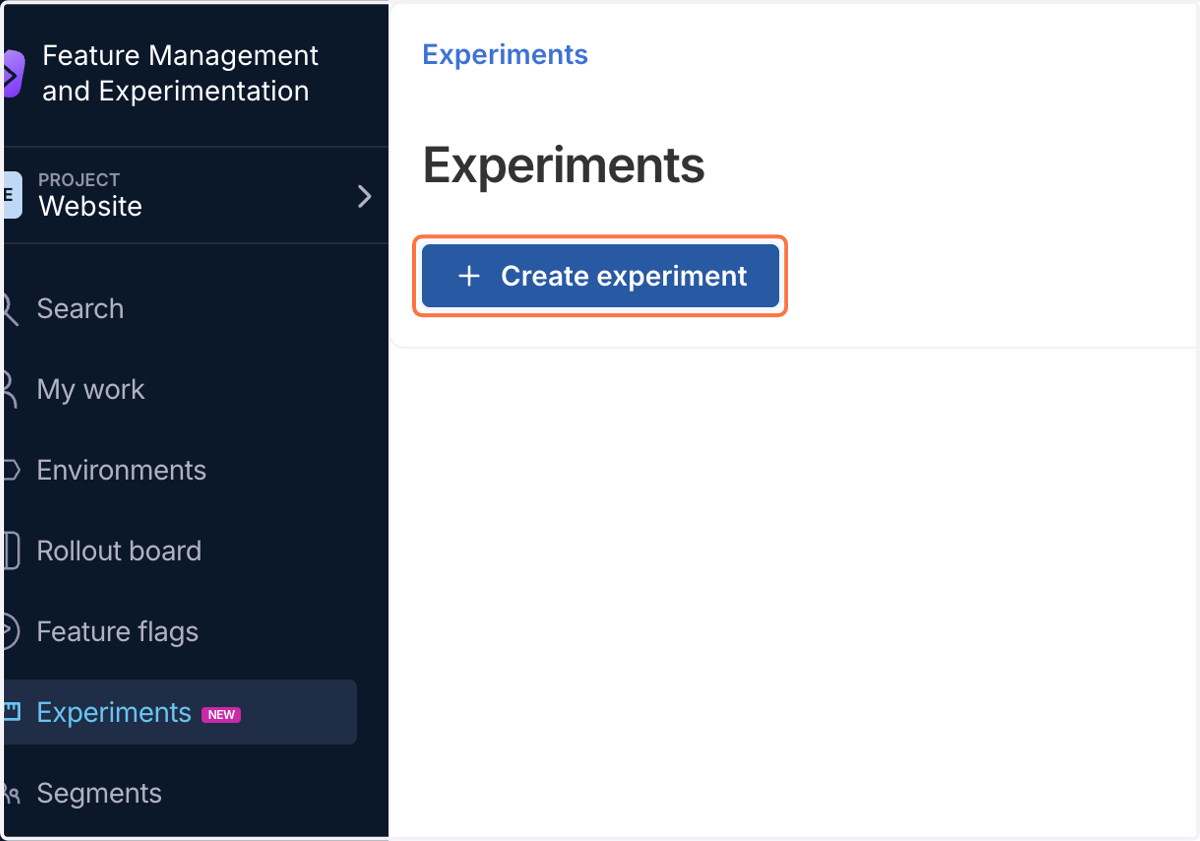
2. Click on Create experiment
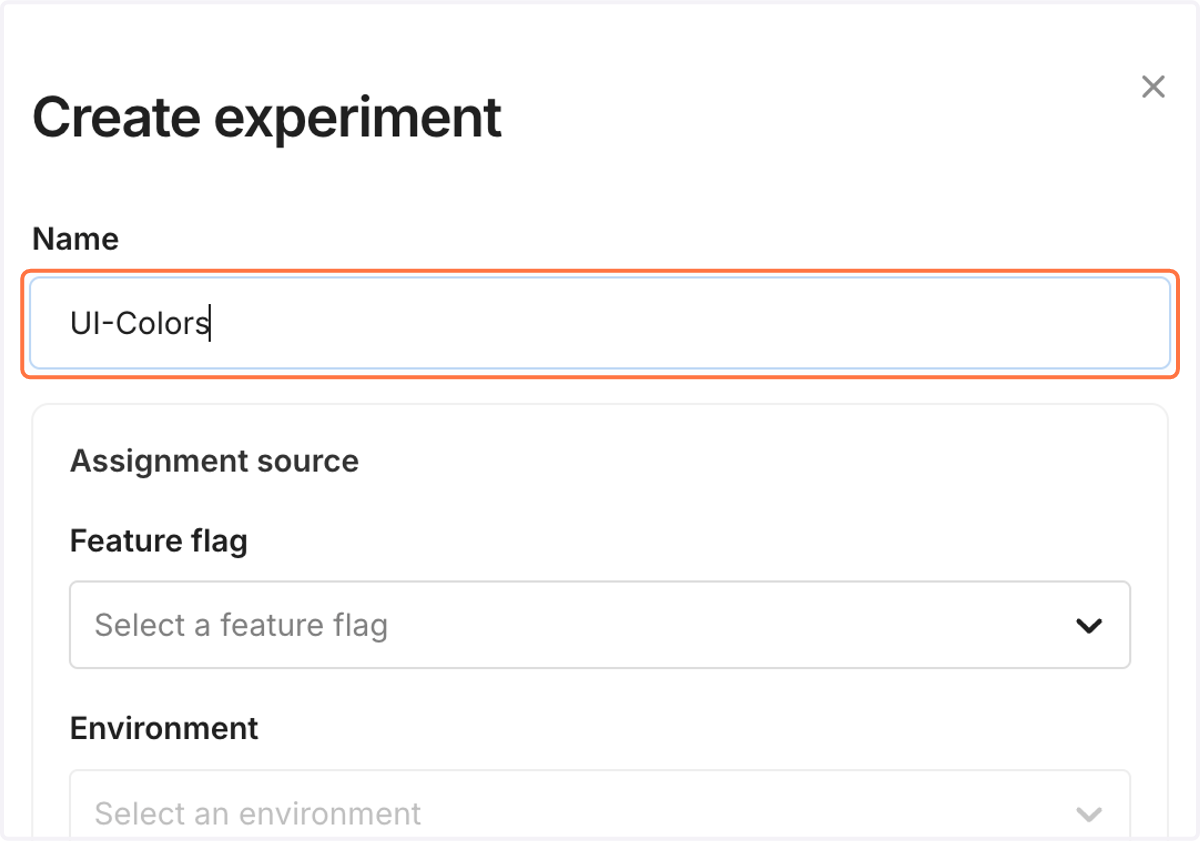
3. Type a name for the experiment
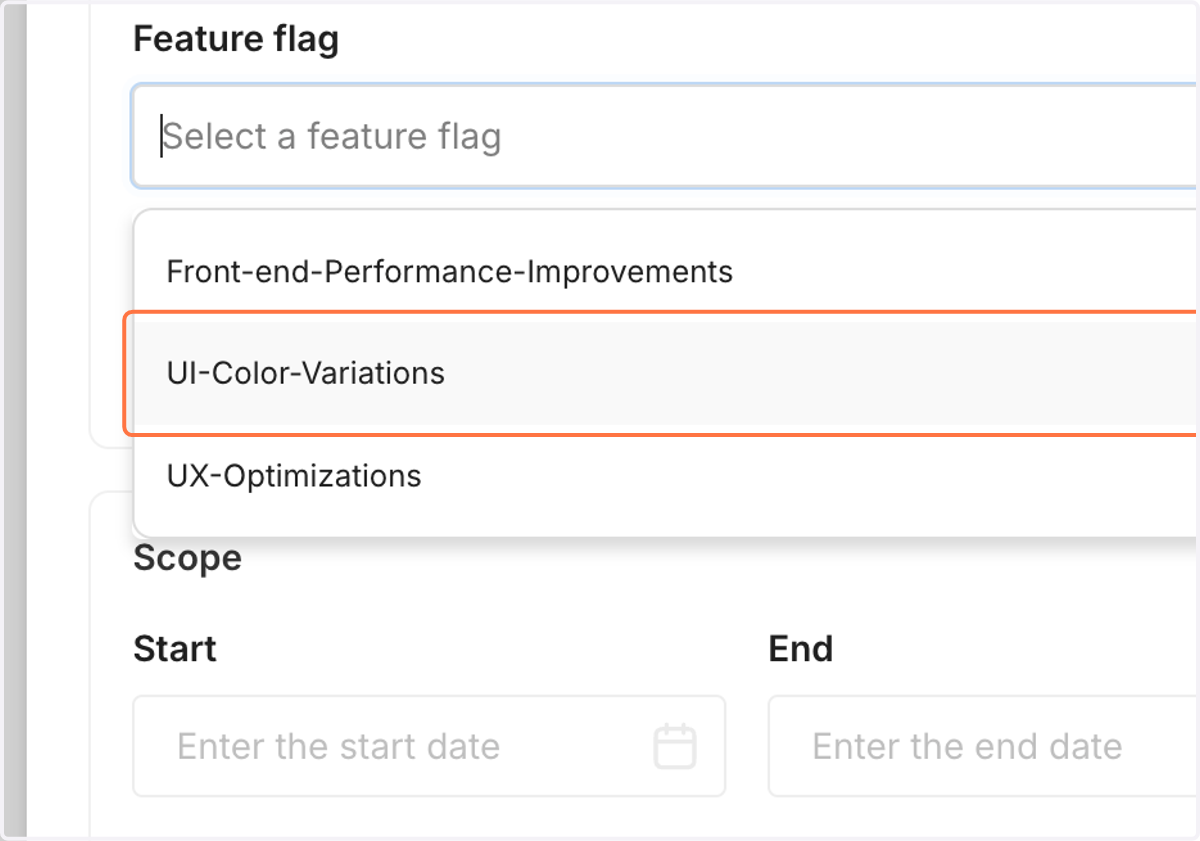
4. Select a feature flag as an Assignment source
Choose a feature flag that has targeting active (not killed).
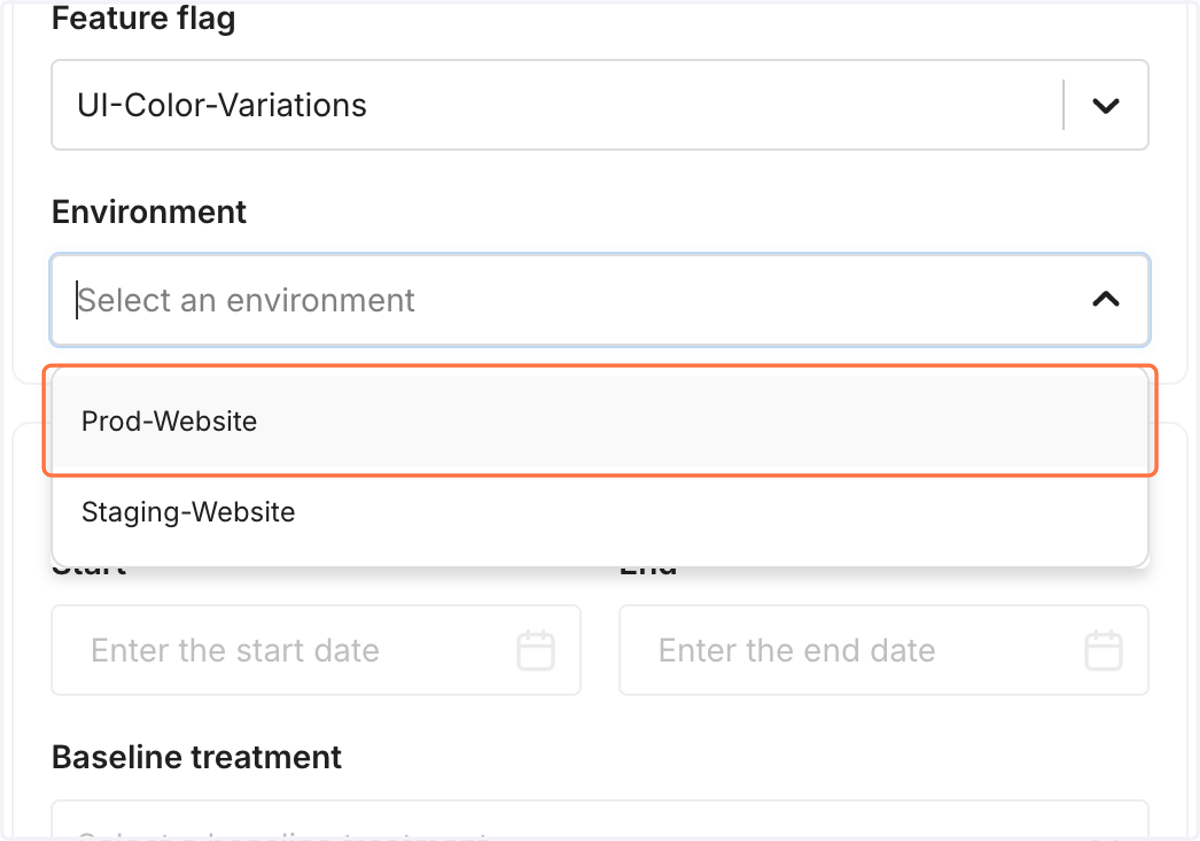
5. Select the feature flag Environment
Choose an environment for which the feature flag definition is initiated (valid environments are enabled in the dropdown).
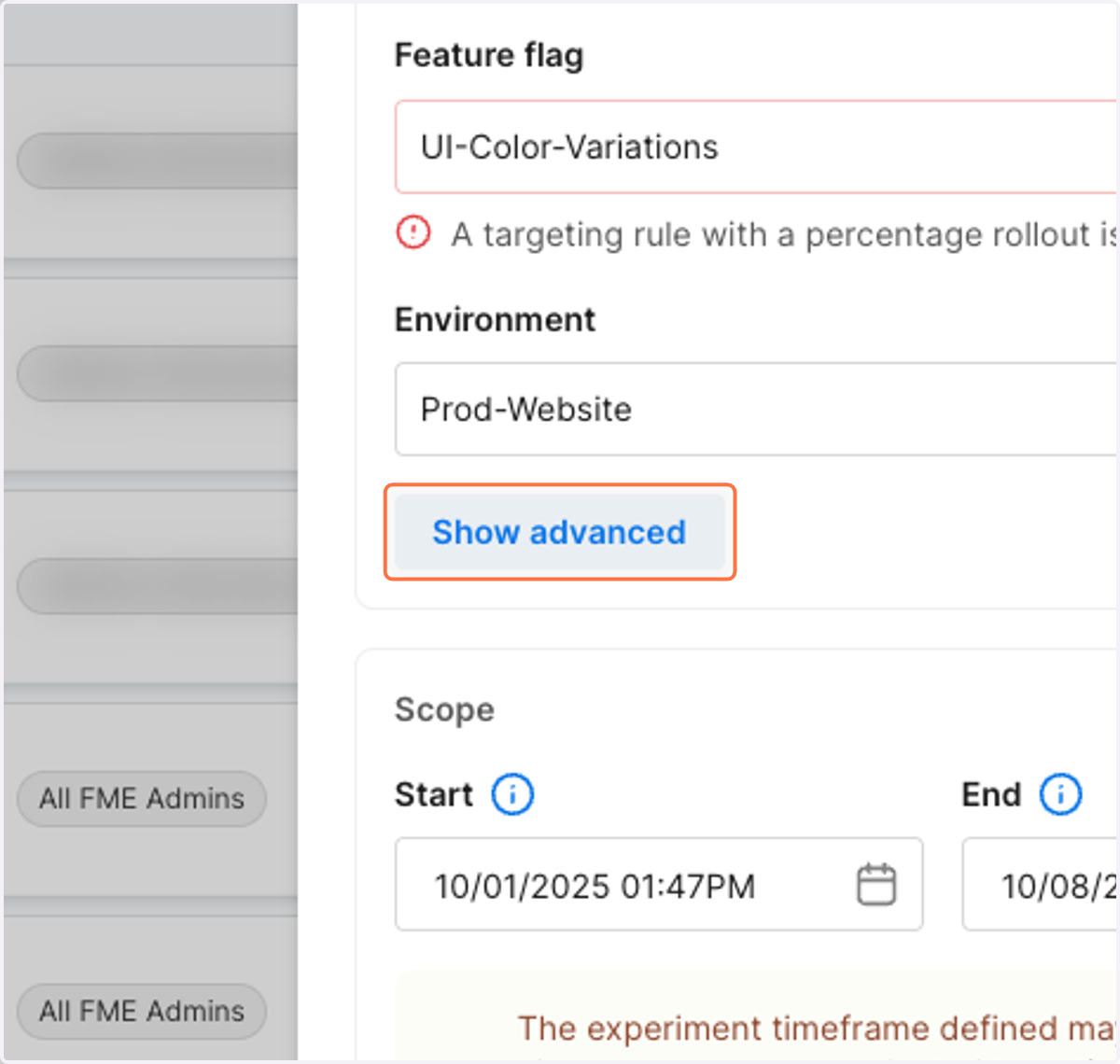
6. Click on Show advanced
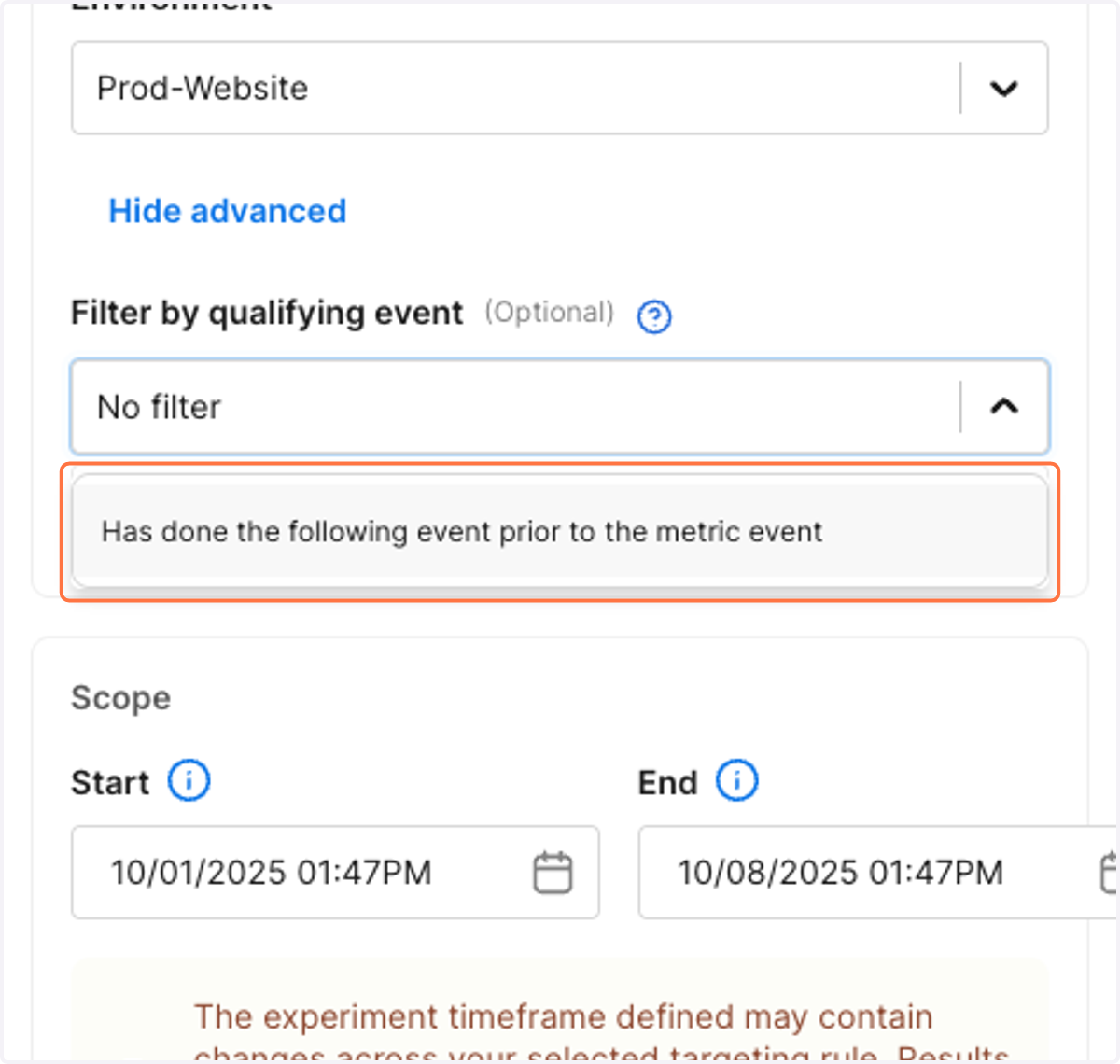
7. Click on Filter by qualifying event…
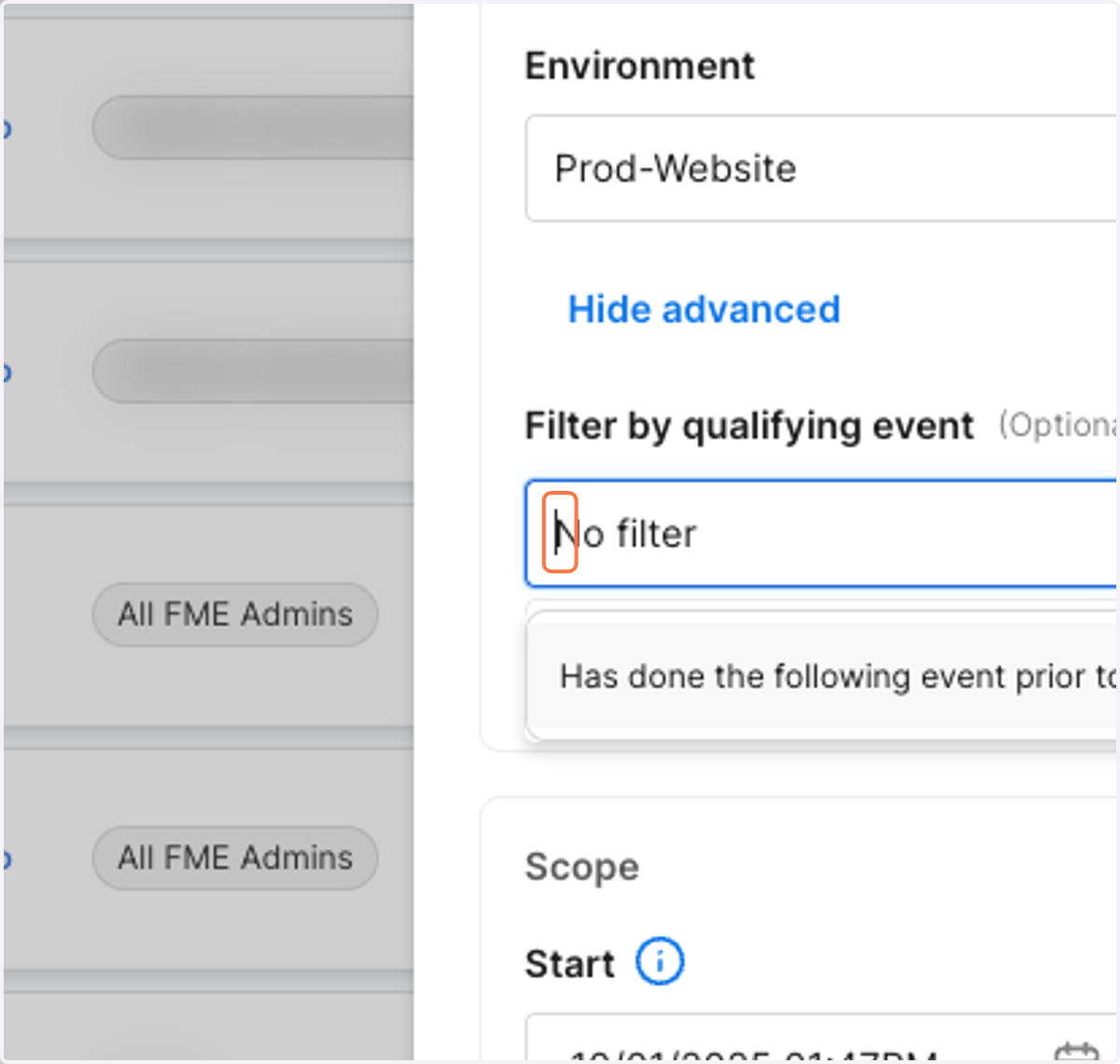
8. Select Filter by qualifying event…
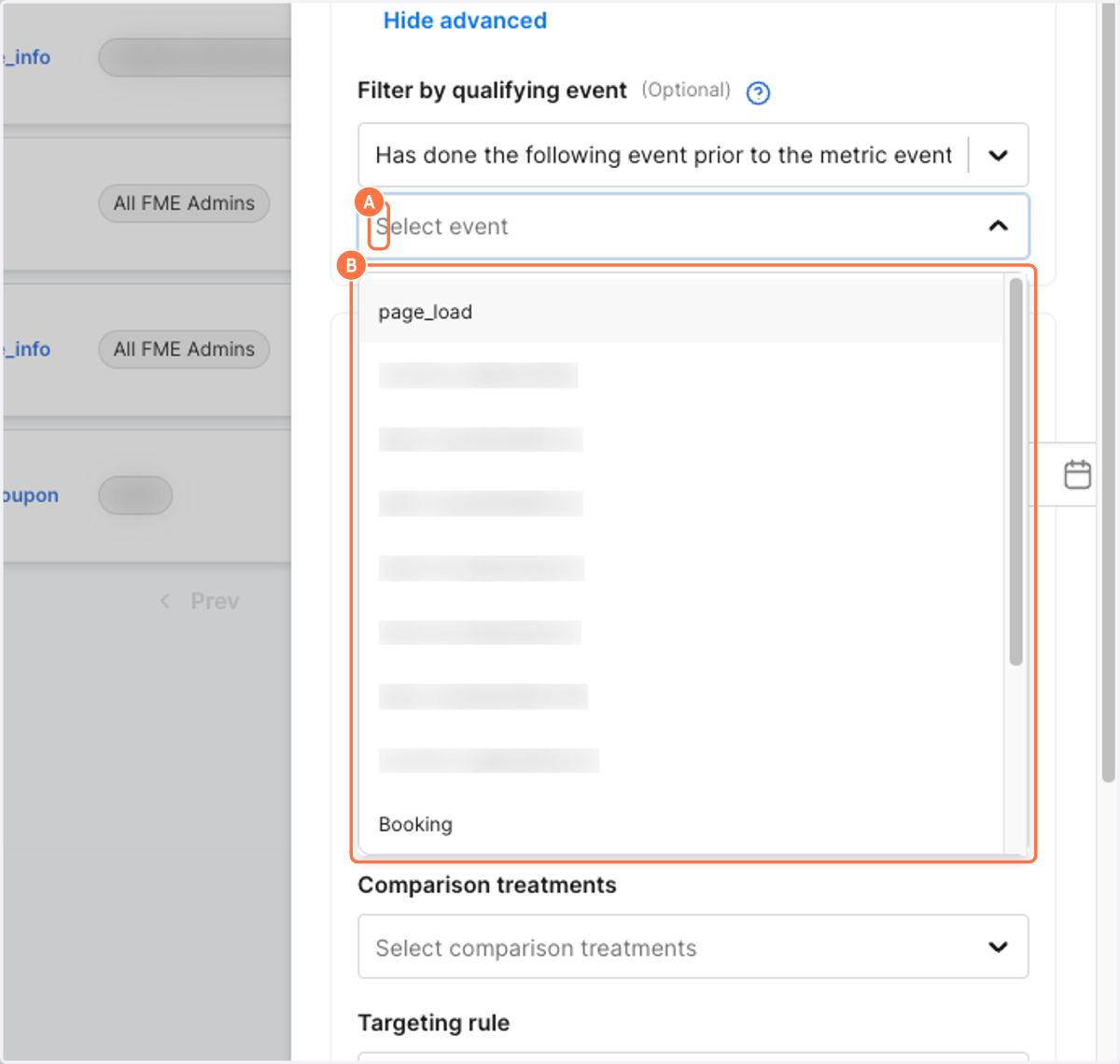
9. A. Click on Event name
9. B. Select Event name
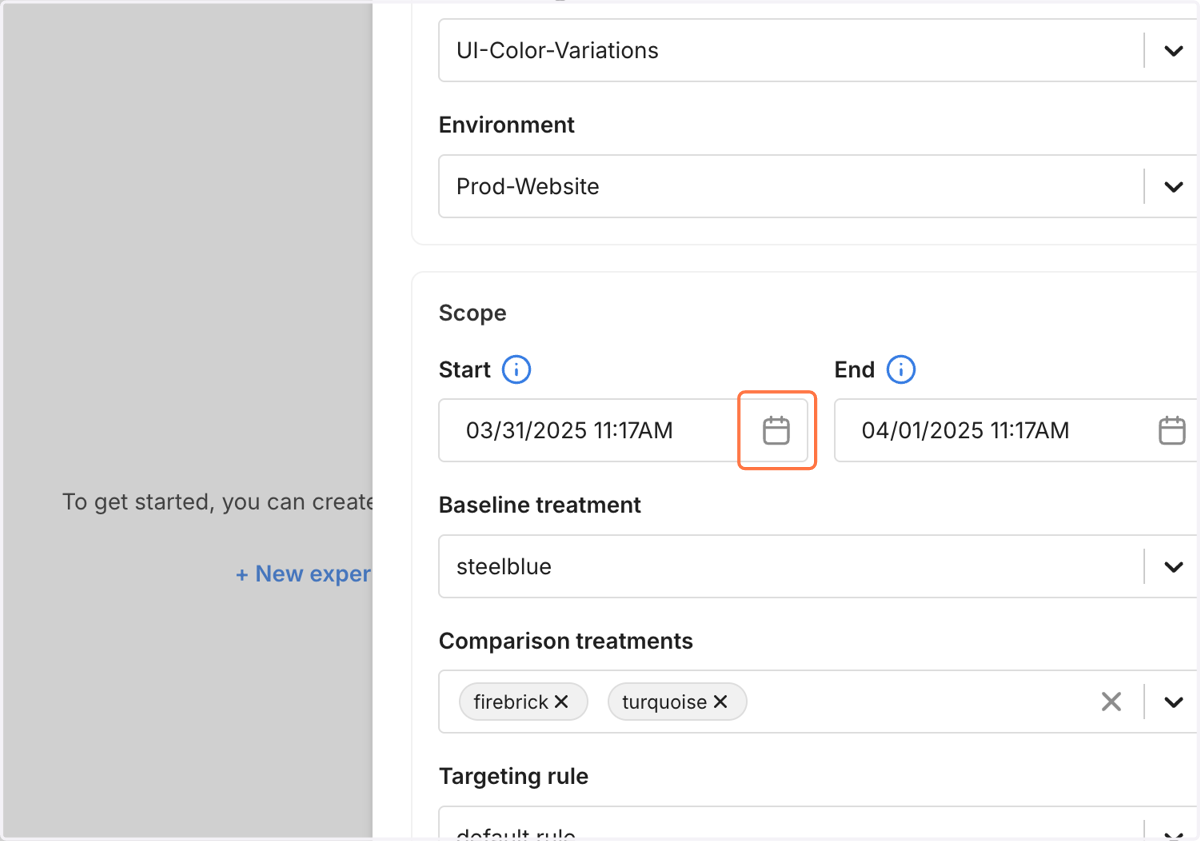
10. Select your experiment start date
Choose a start date on or after the date the feature flag was created.
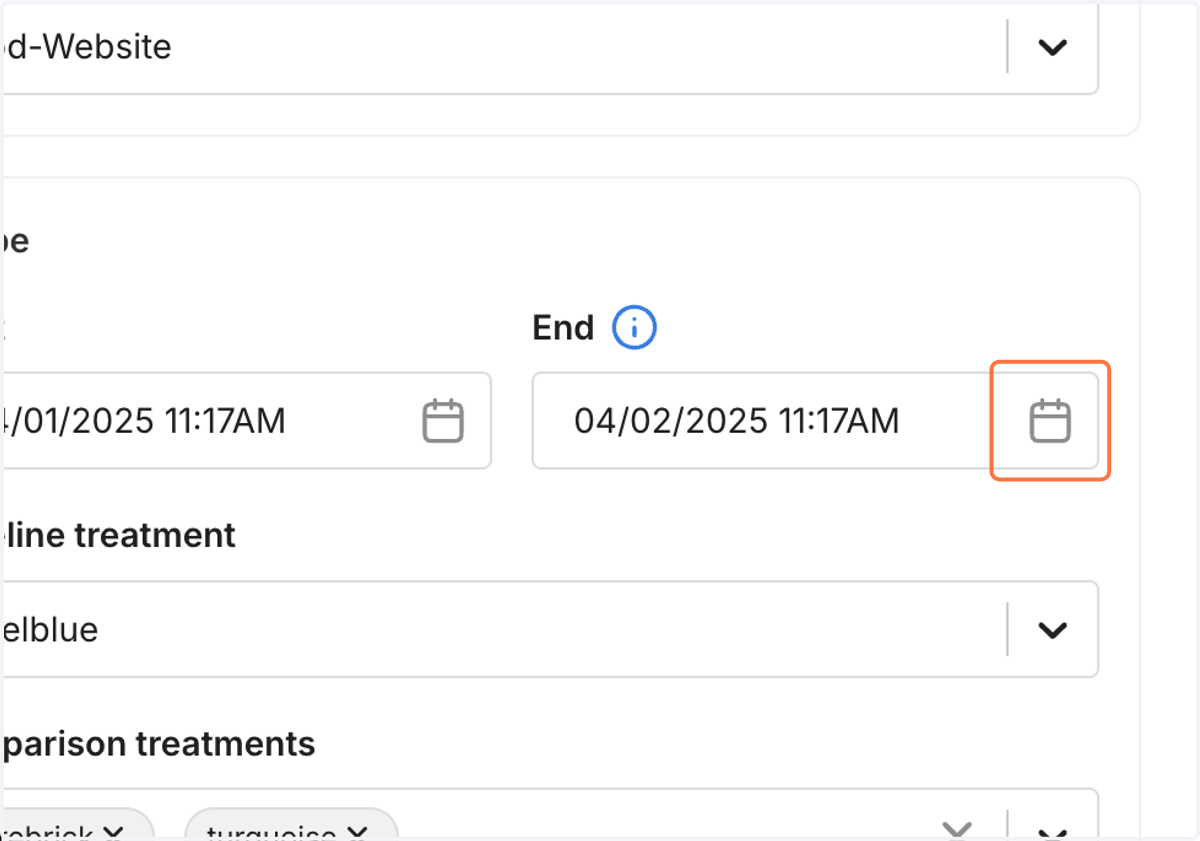
11. Select your experiment end date
12. Select a targeting rule
The targeting rule can be any rule with percentage distribution (other rules are disabled in the dropdown).
The
default rulelisted in the Targeting rule dropdown is the last rule in the Targeting rules section of a feature flag definition.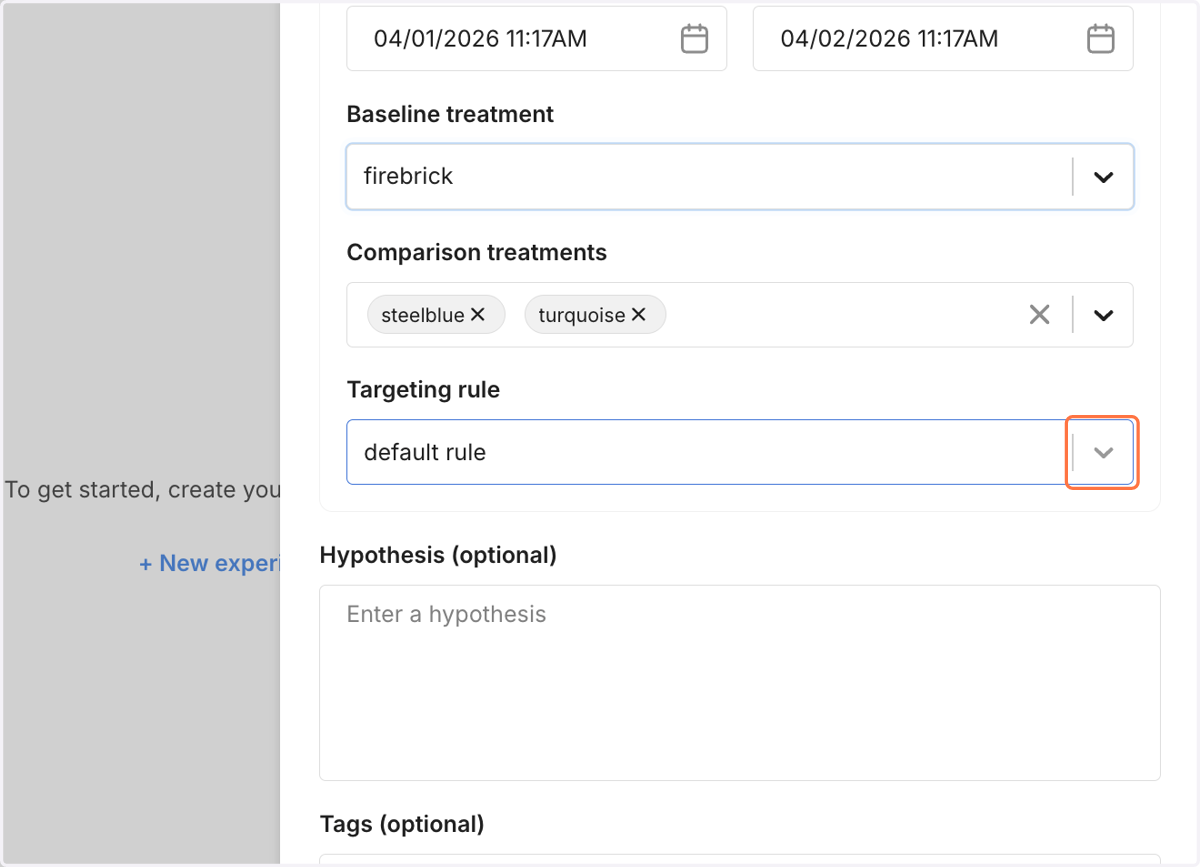
13. Write a hypothesis (optional)
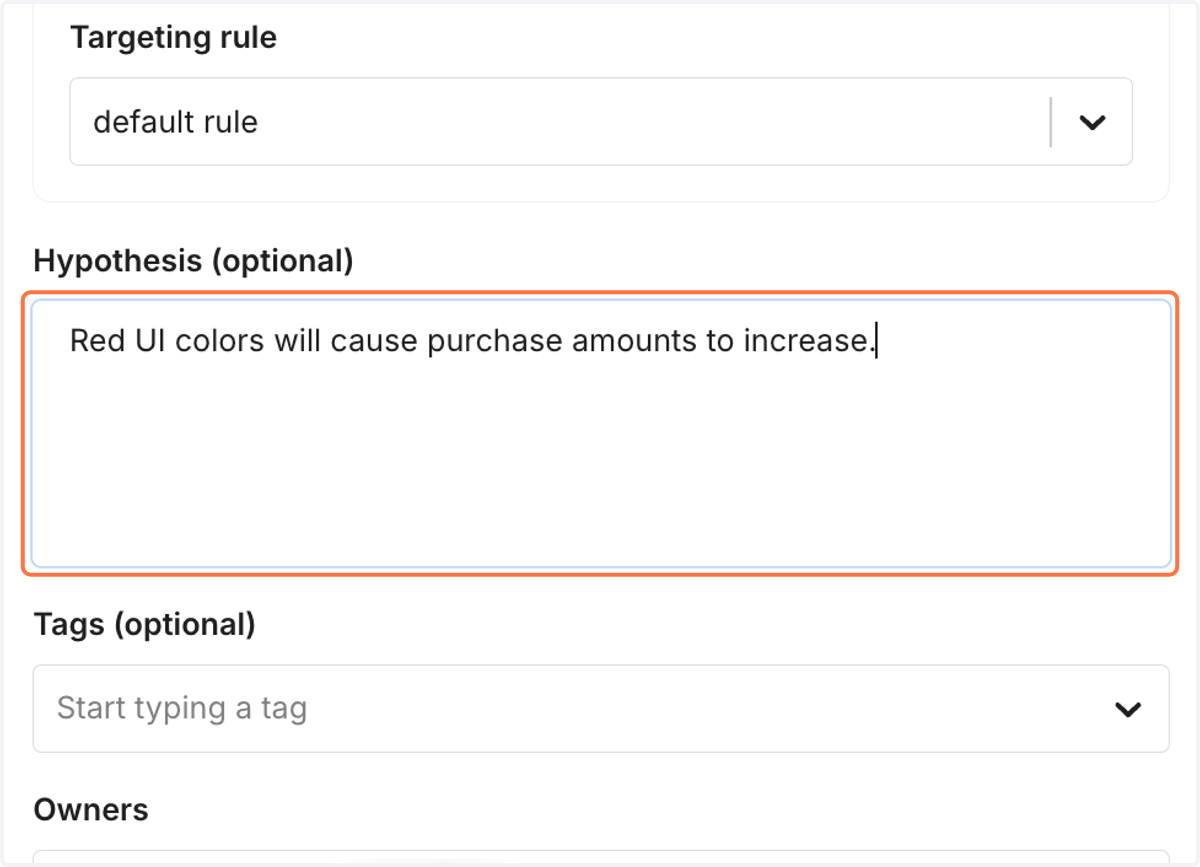
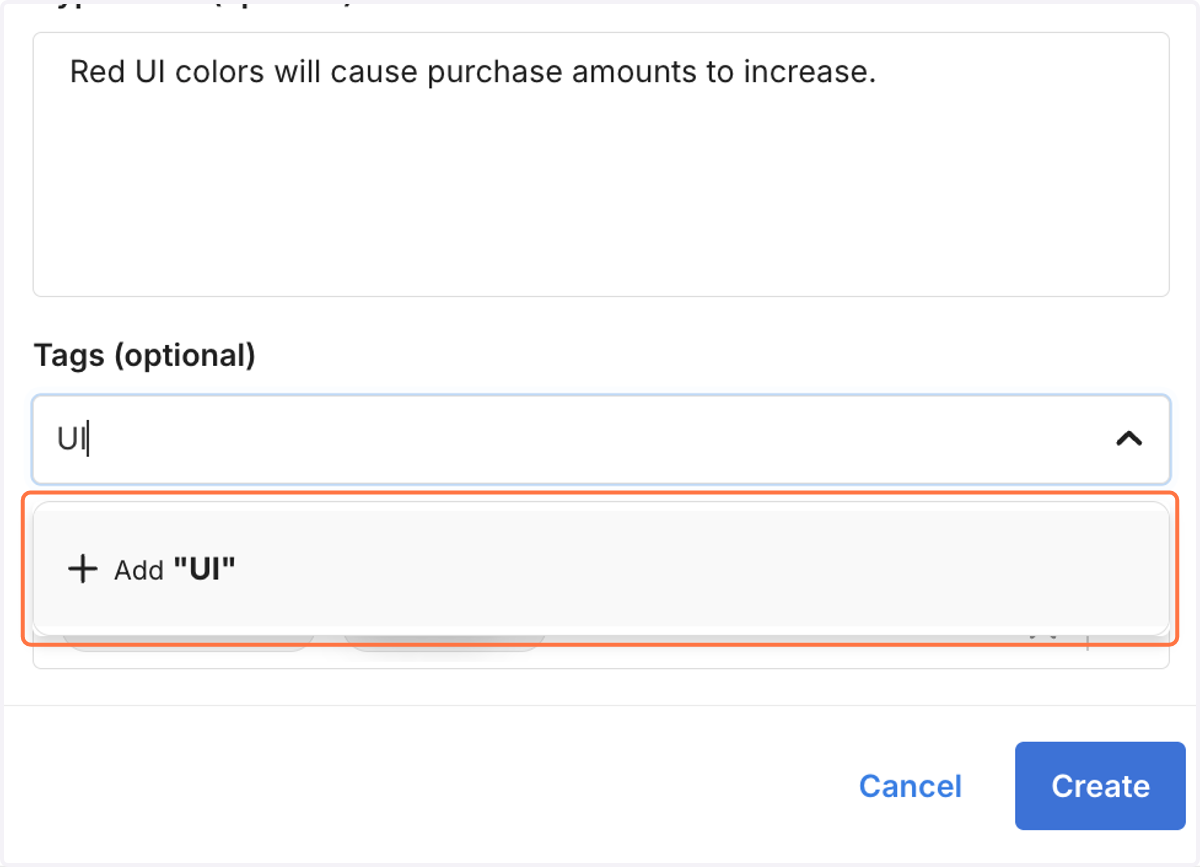
14. Select Tags (optional)
You can also create a new tag. Type the tag name in the text field, and select + Add "tag name" in the dropdown.
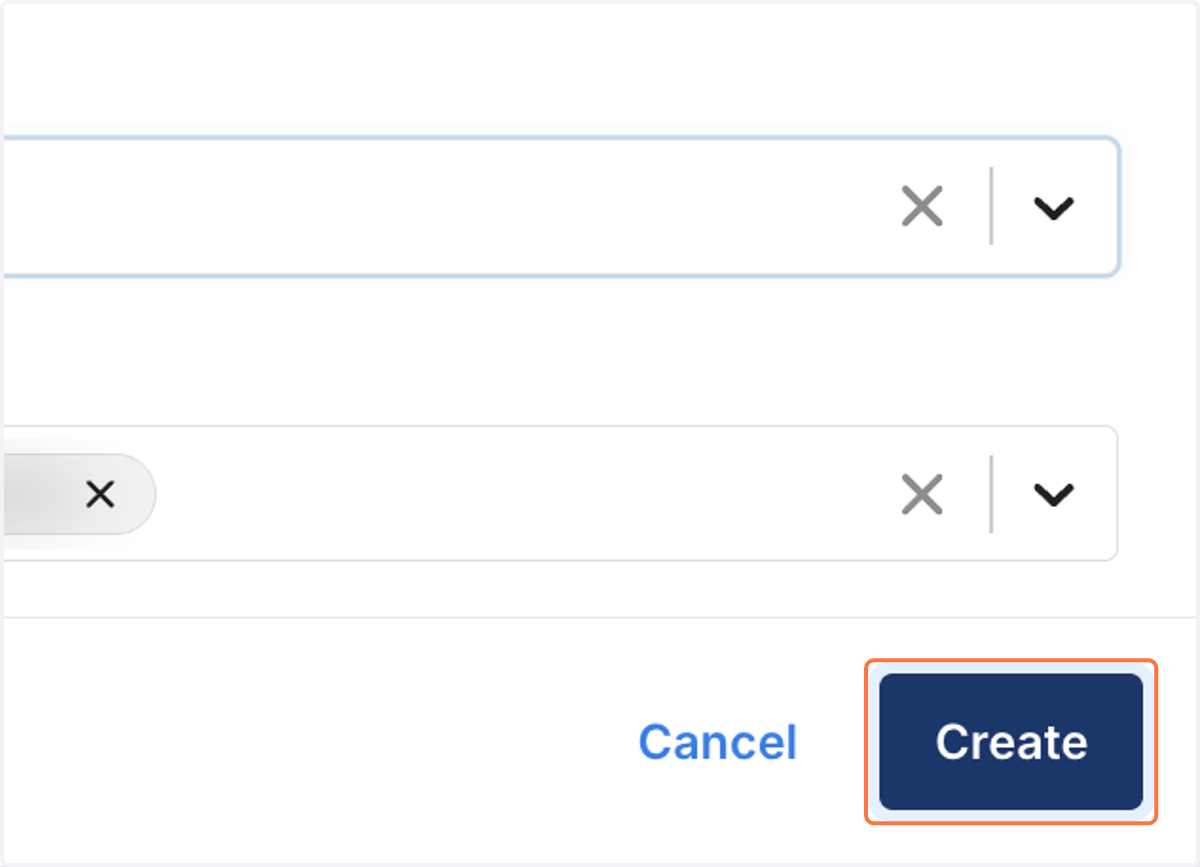
15. Click on Create
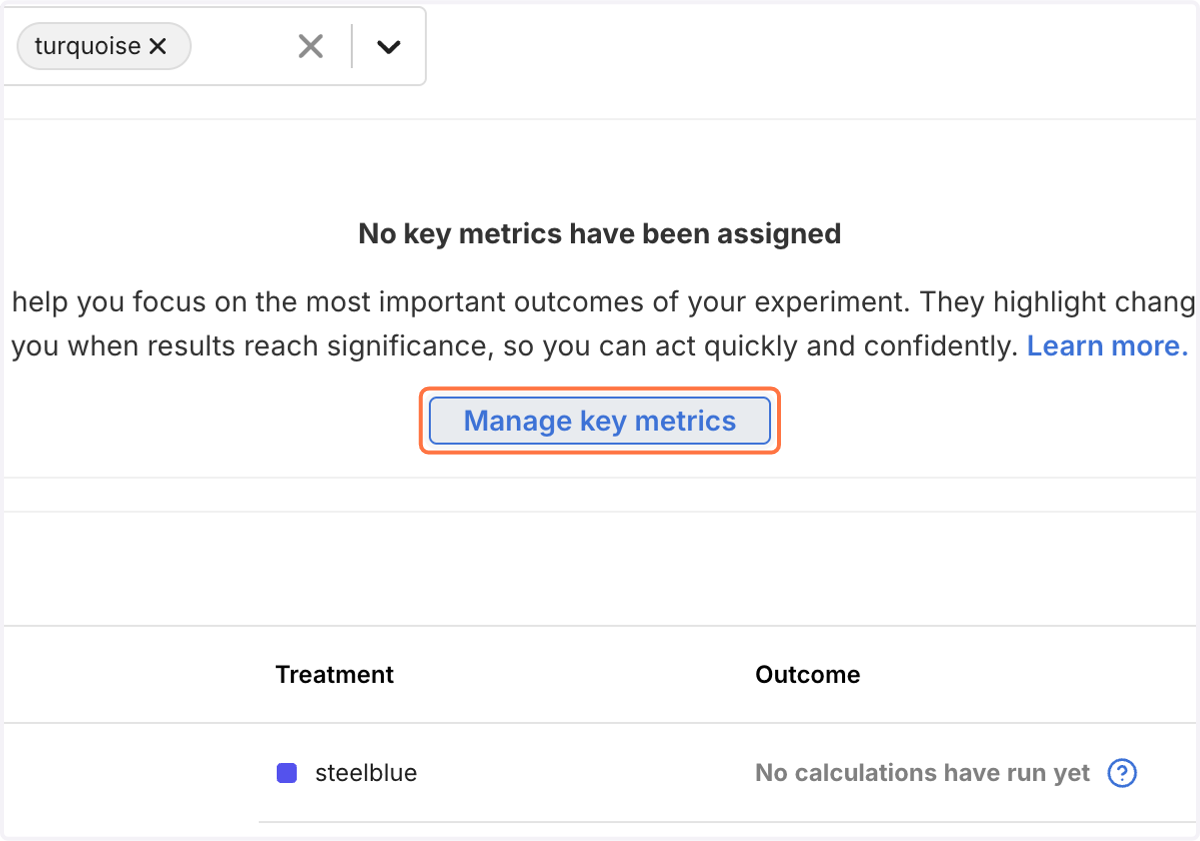
16. Click on Manage key metrics
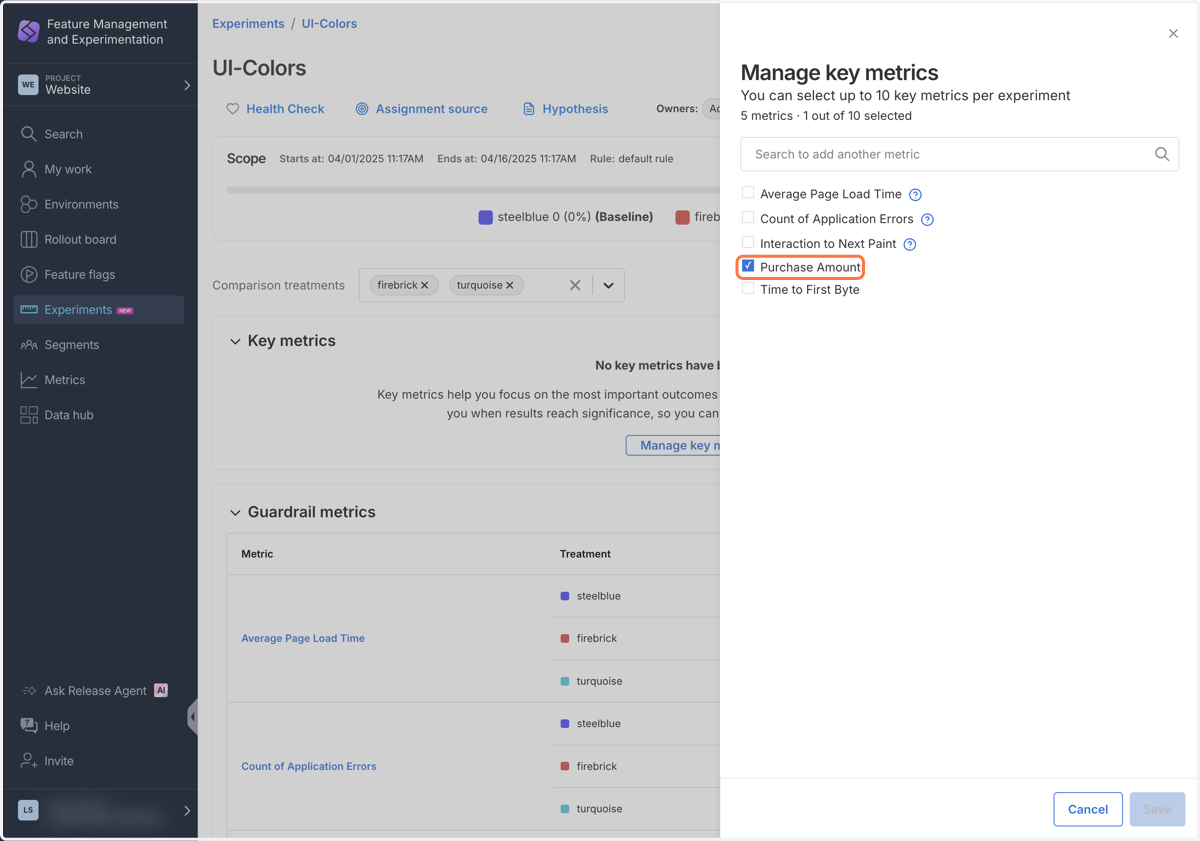
17. Select key metrics for the experiment
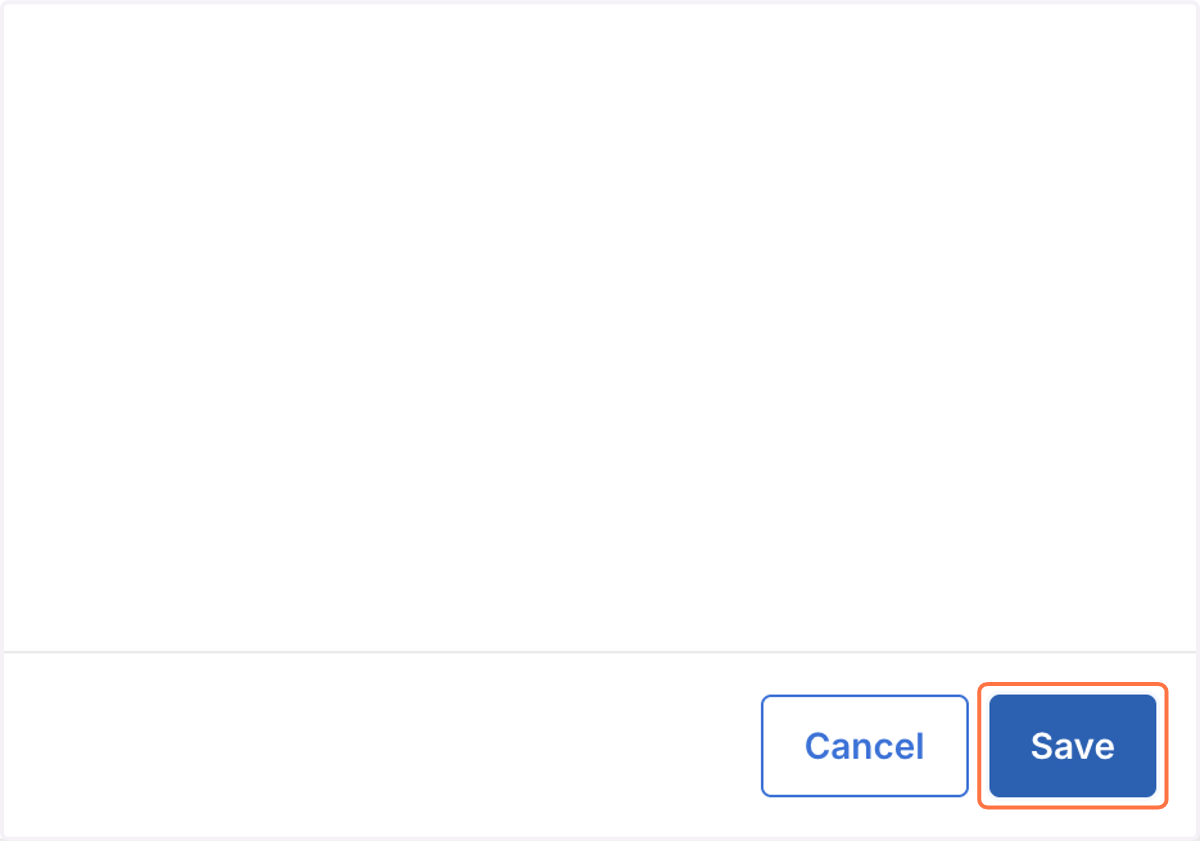
18. Click on Save
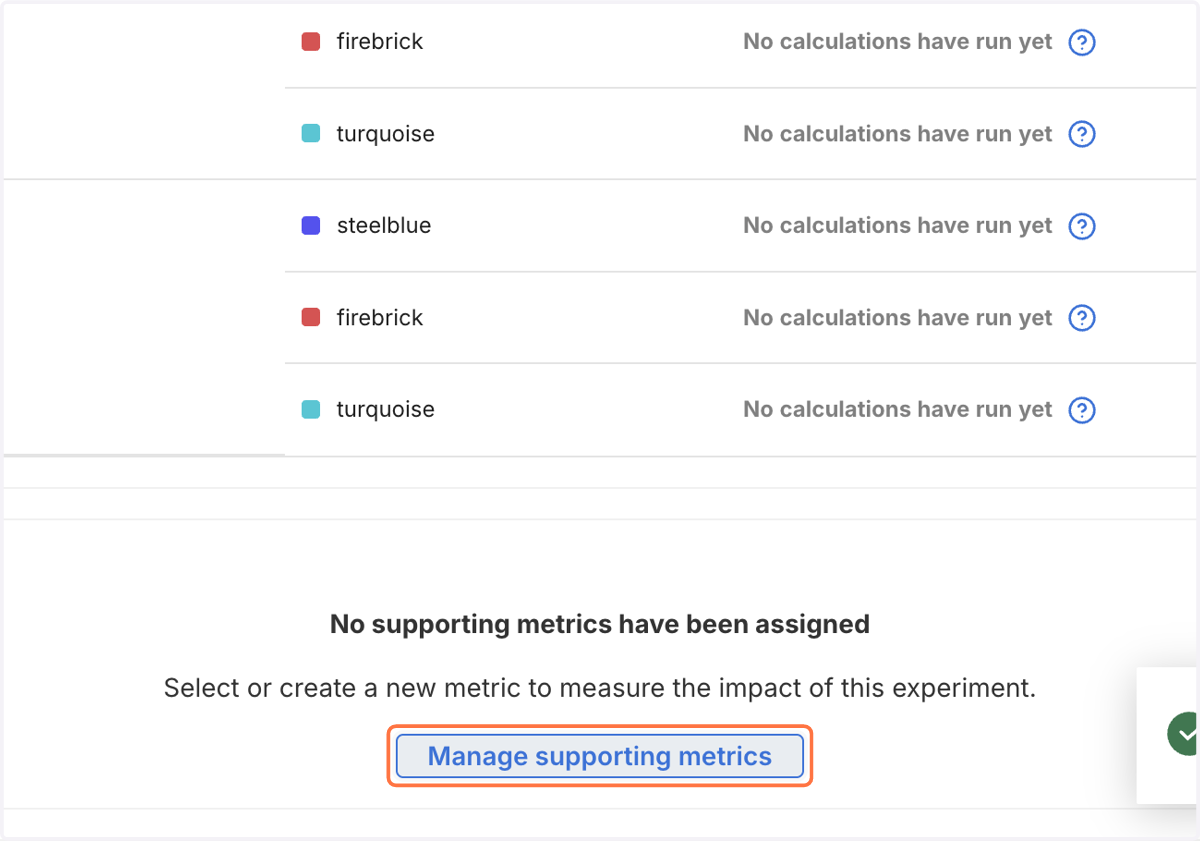
19. Click on Manage supporting metrics
20. Select supporting metrics for the experiment
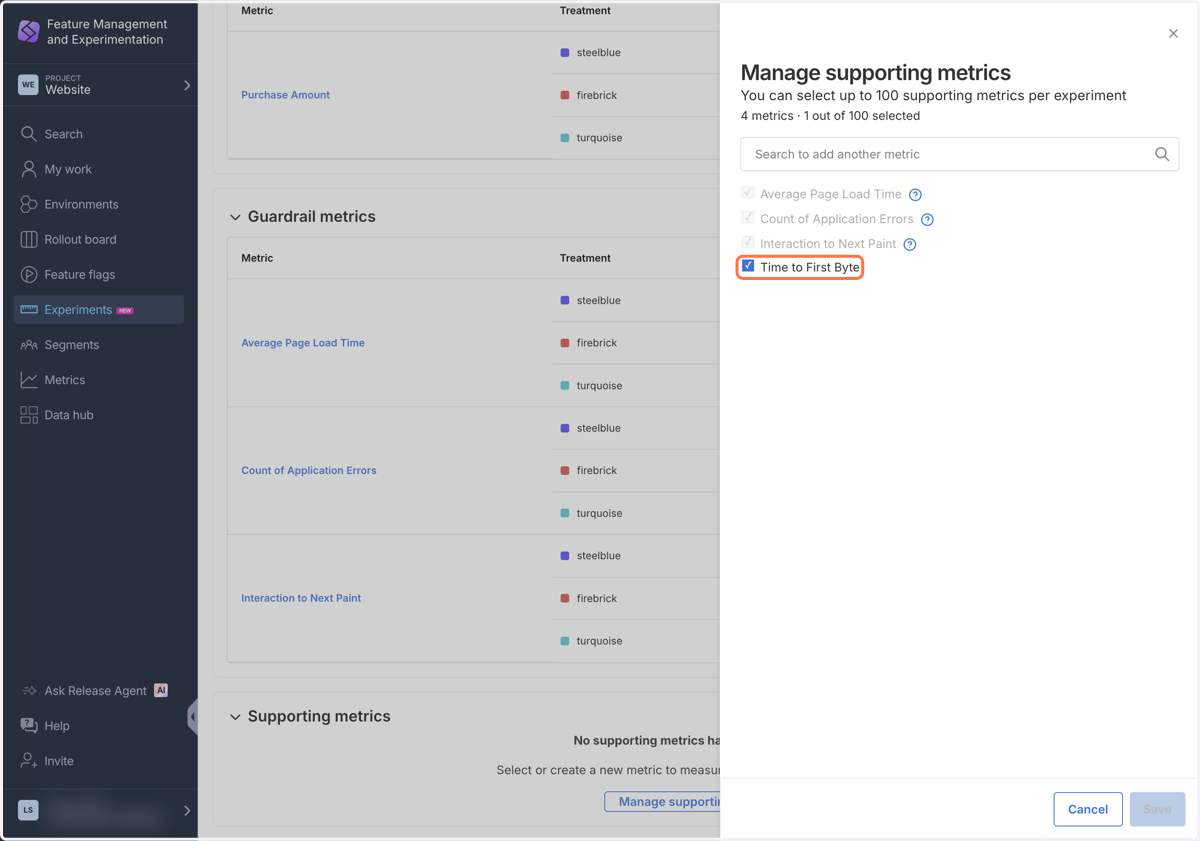
21. Click on Save