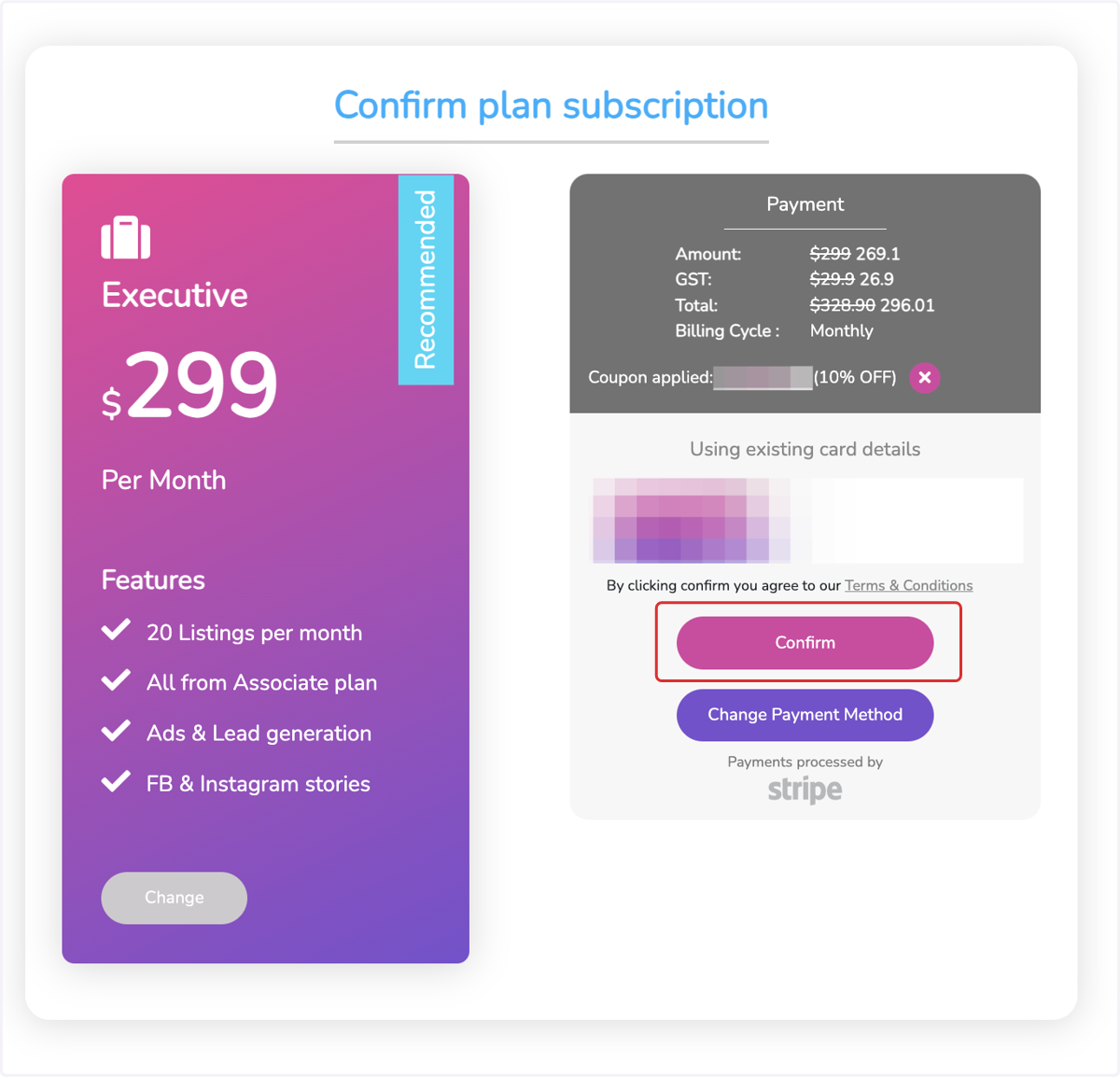
Applying a coupon
Dripflow.io | Dashboard
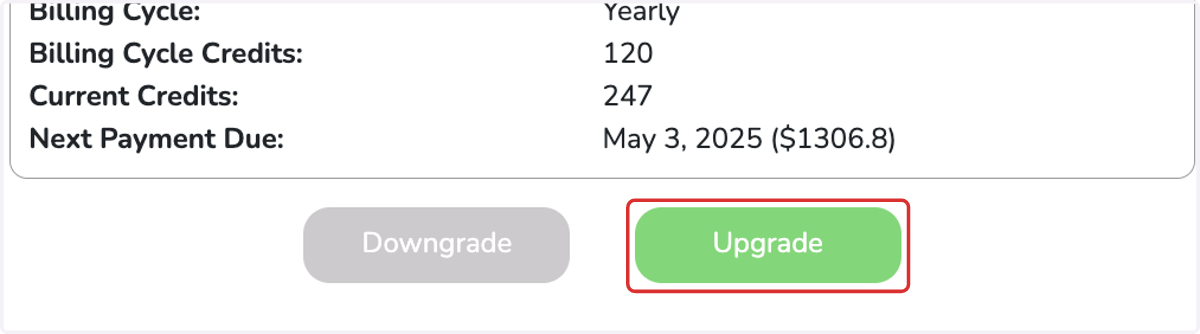
1. Click on Upgrade
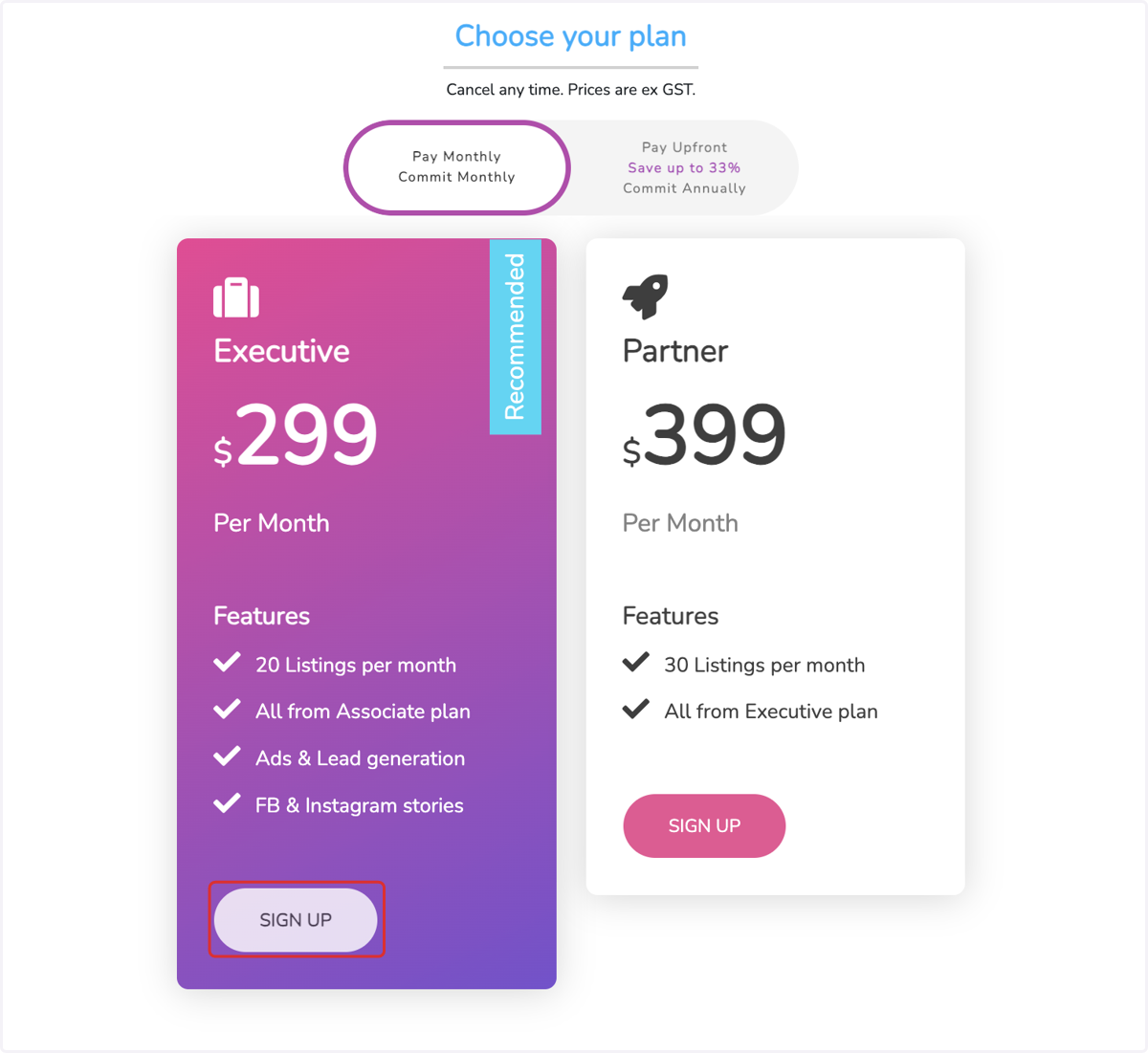
2. Click on SIGN UP
3. Click on 'Have a coupon?'
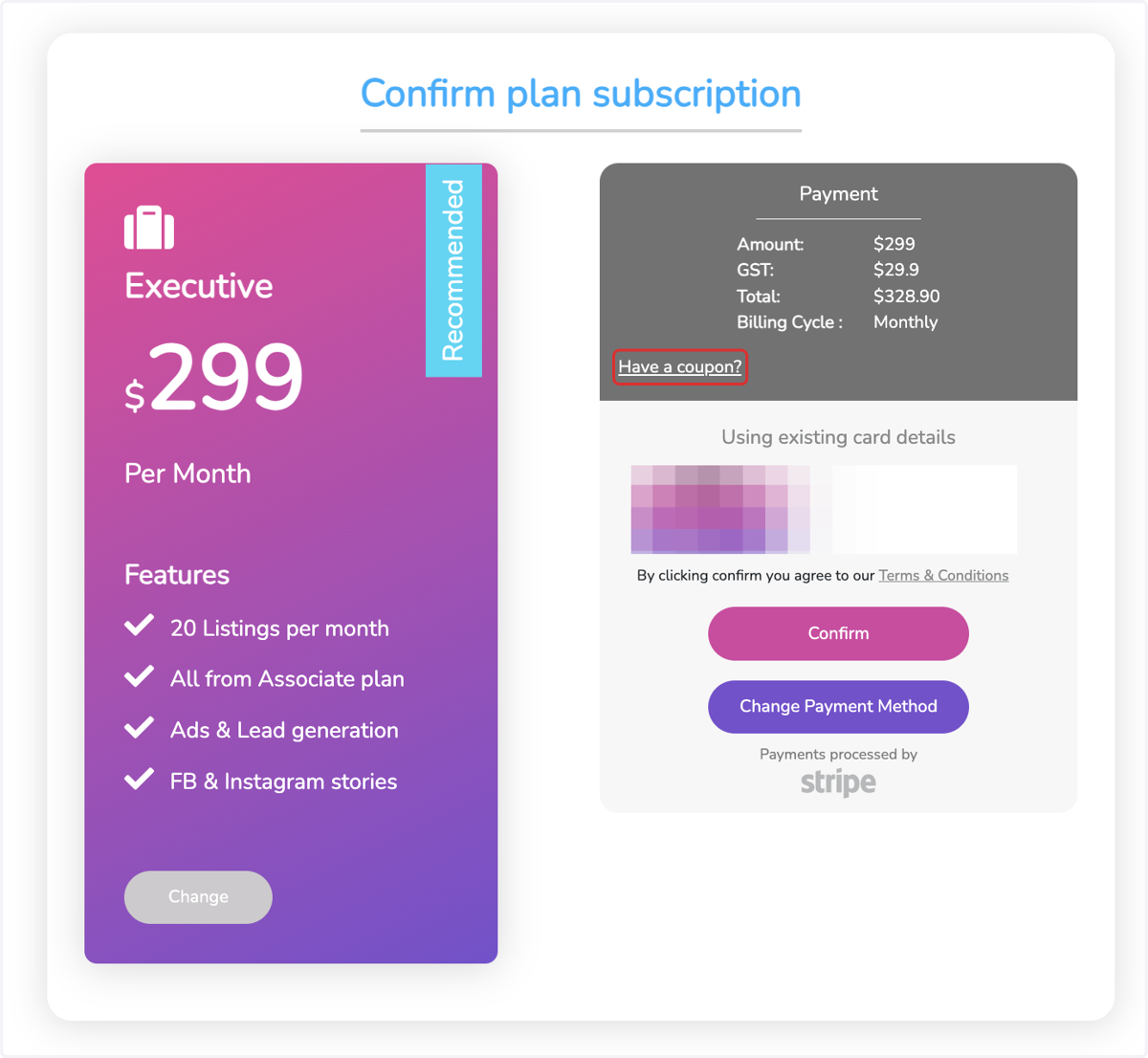
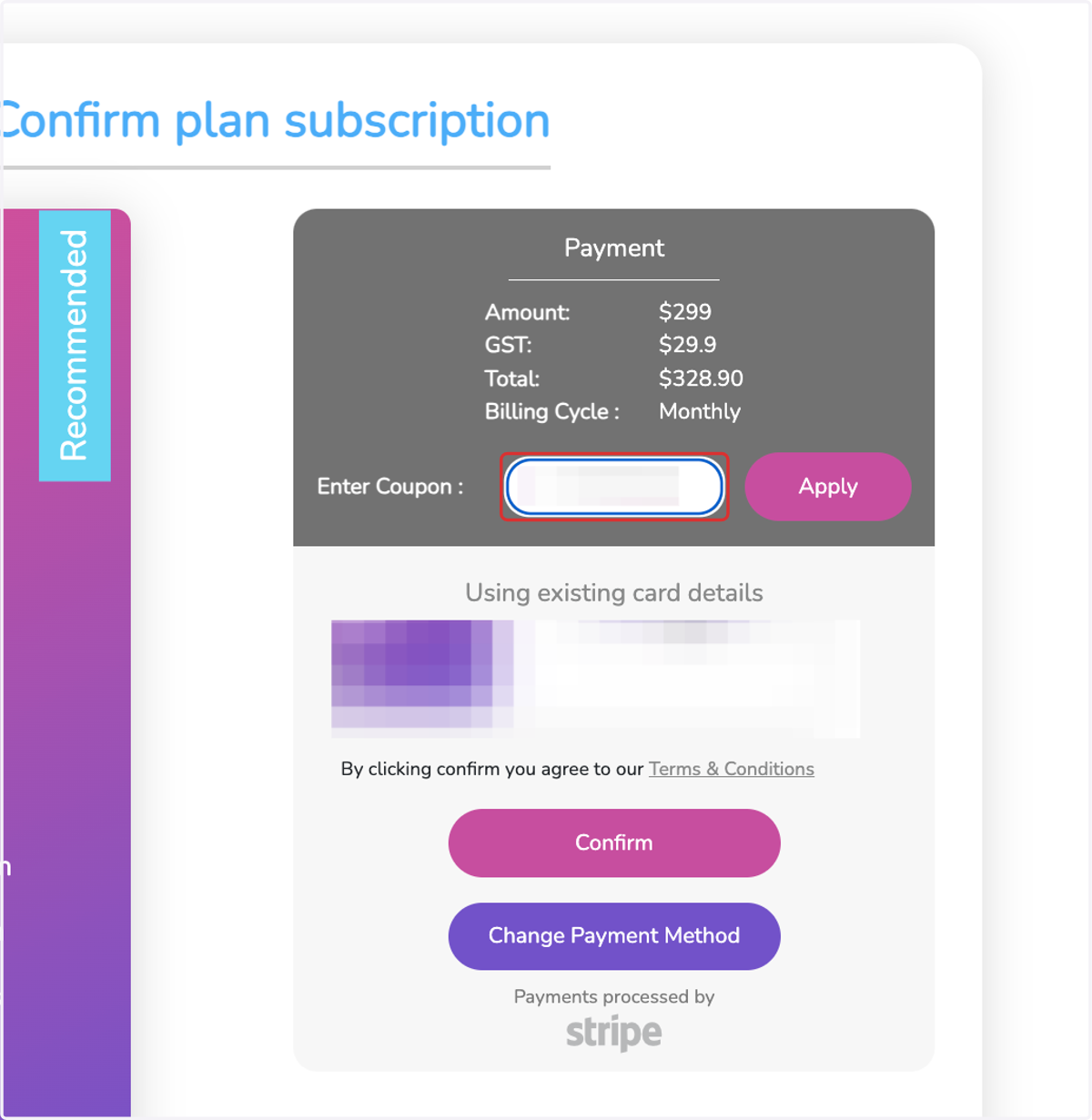
4. Enter your coupon
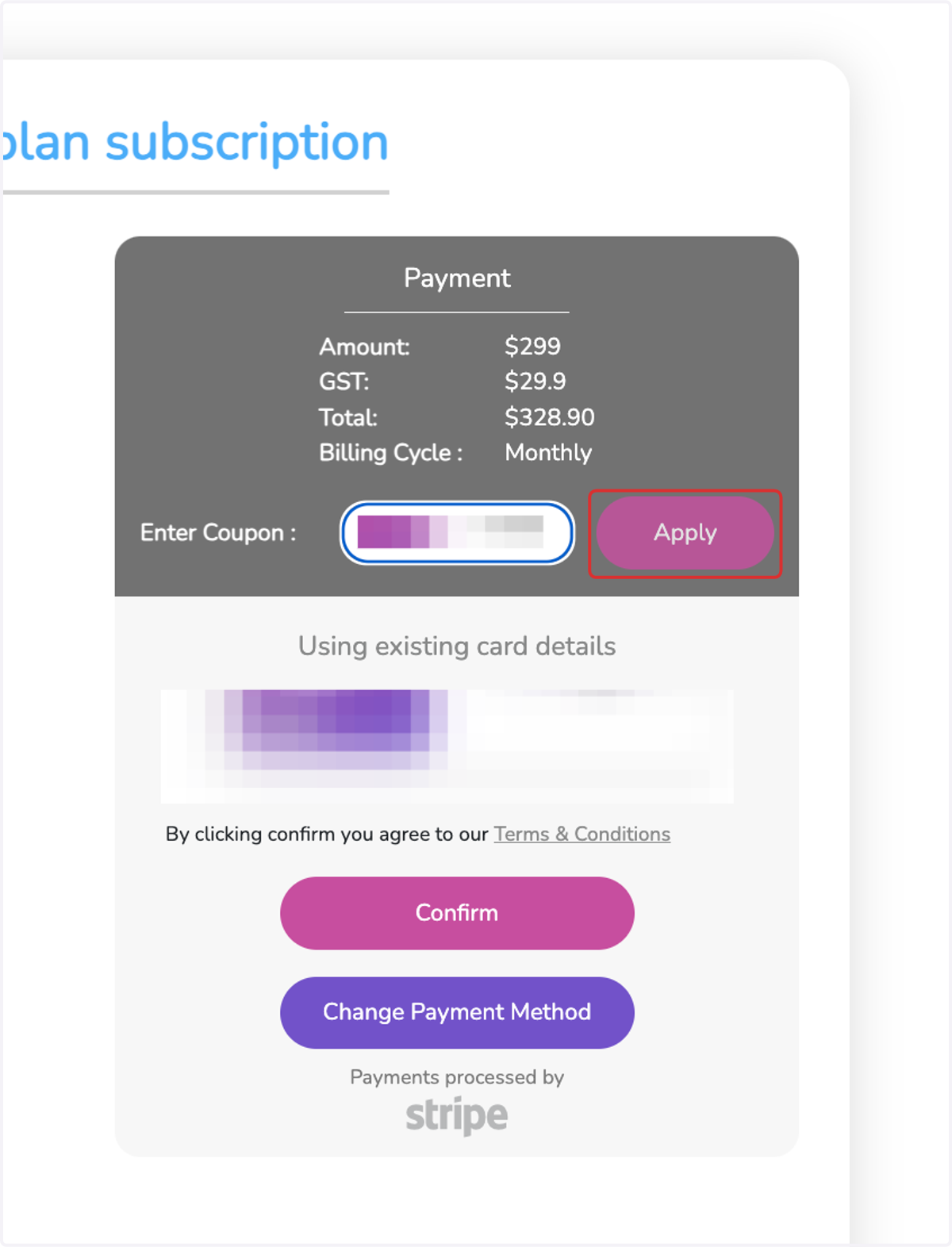
5. Click on Apply
6. Click on Confirm
If the coupon is valid, it will show the change in pricing and 'Coupon Applied'. Click confirm to continue to checkout.