Update AVC Pay Elements

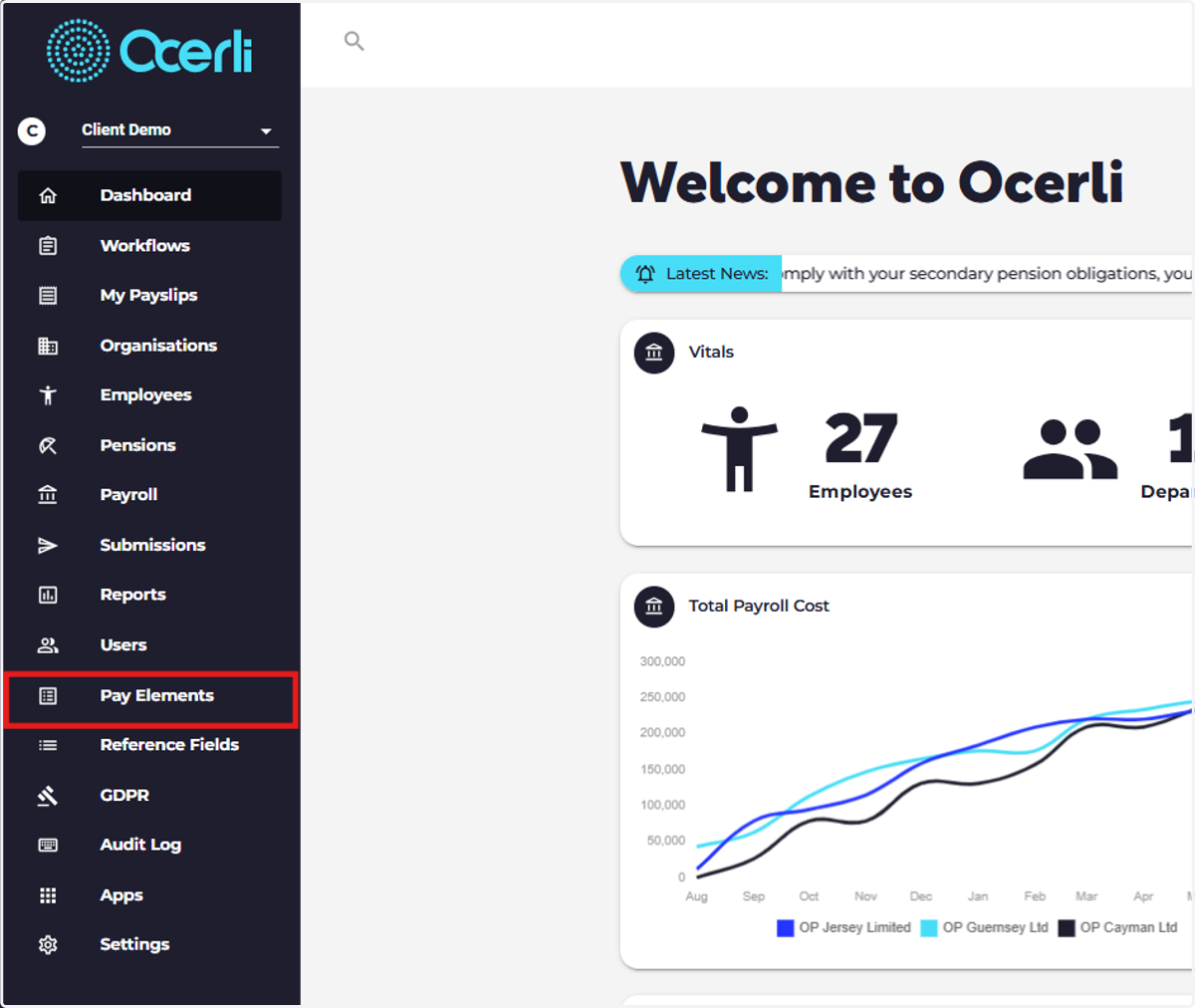
  1. 1. Click on 'Pay Elements'

    Click on 'Pay Elements'
  2. 2. Click on the pay element group you require, e.g. Deductions
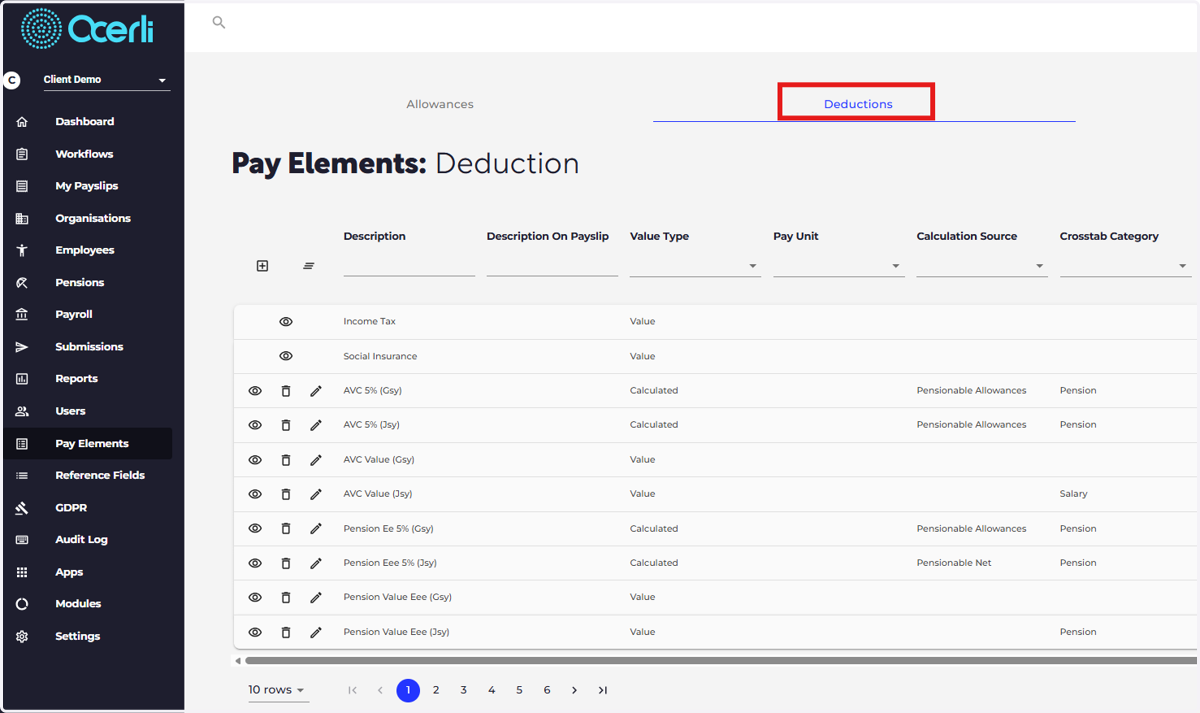
    Click on the pay element group you require, e.g. Deductions
  3. 3. Click the eye icon next to the pay element you wish to edit.
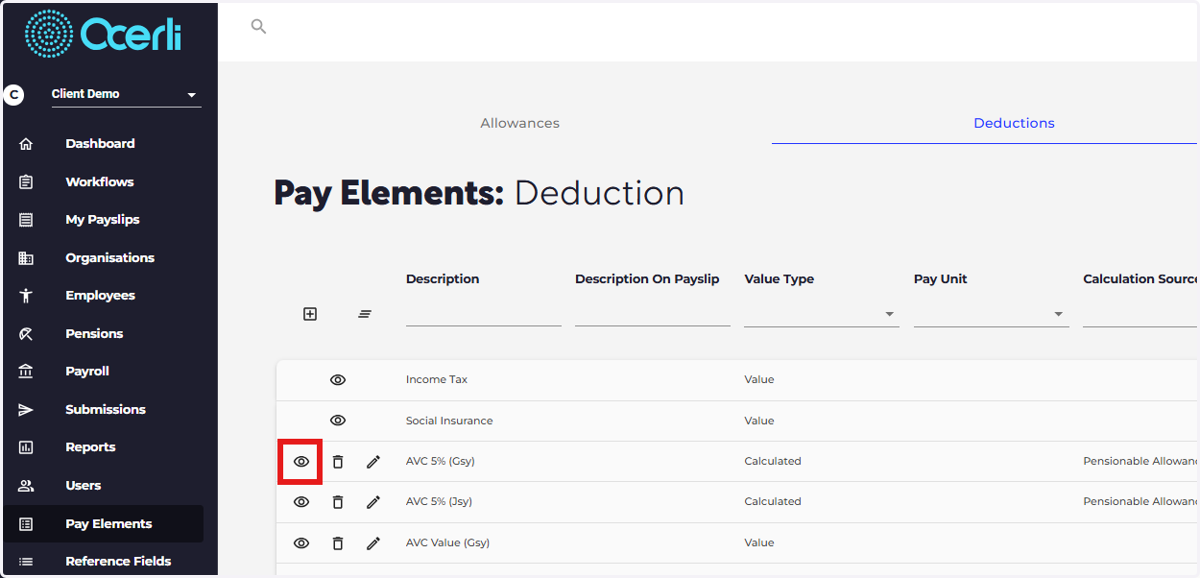
    Click the eye icon next to the pay element you wish to edit.
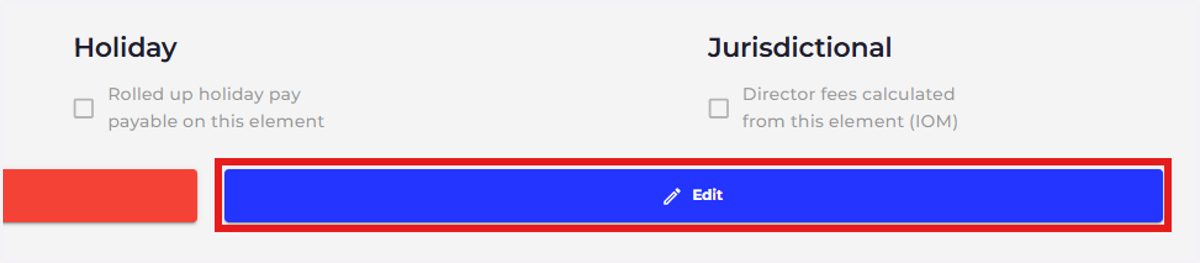
  4. 4. Click Edit

    Click Edit
  5. 5. Select the tick box next to 'Is Pension Additional Voluntary Contribution'
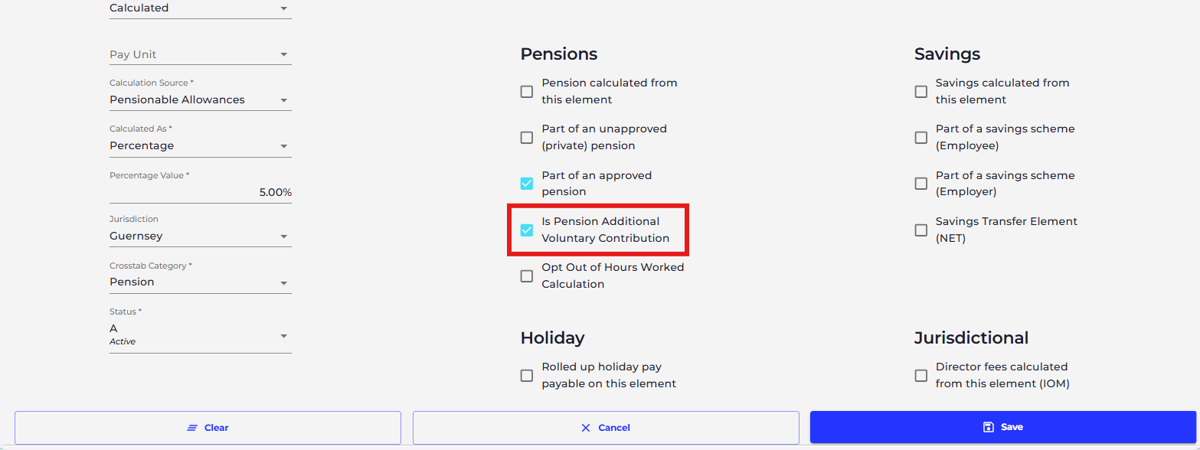
    Select the tick box next to 'Is Pension Additional Voluntary Contribution'
  6. 6. Select save once you have finished editing.
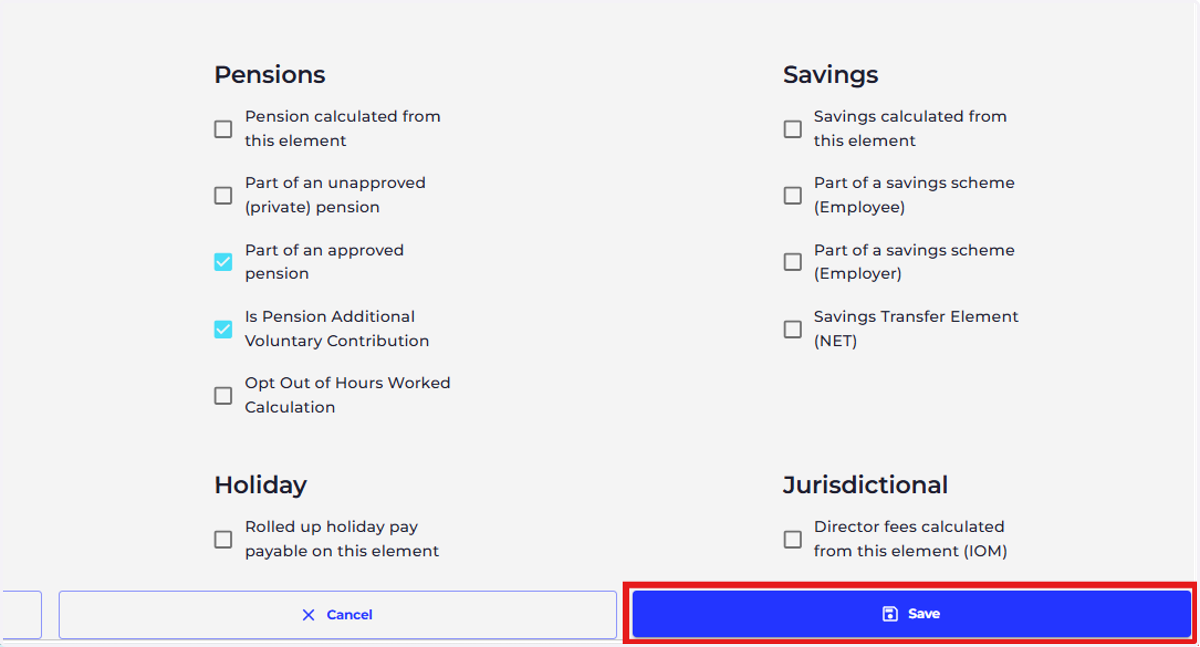
    Select save once you have finished editing.