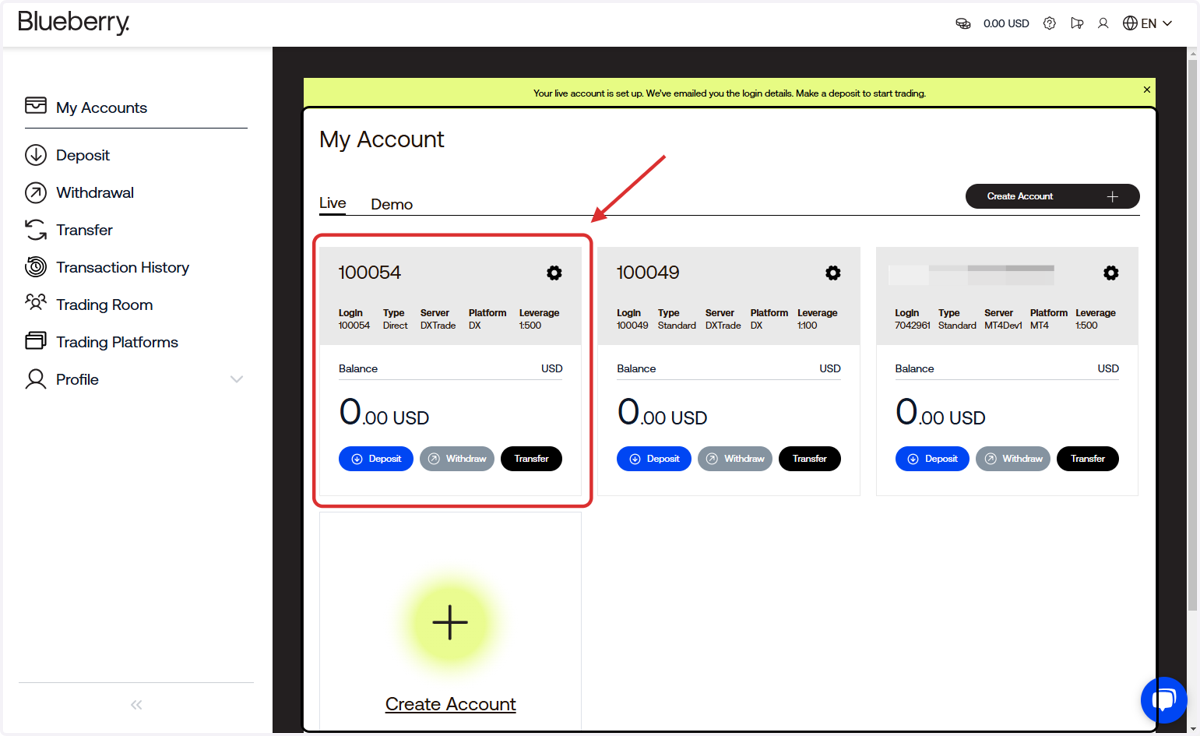
Blueberry X Registration Process
Blueberry.
1. Sign up using your email address
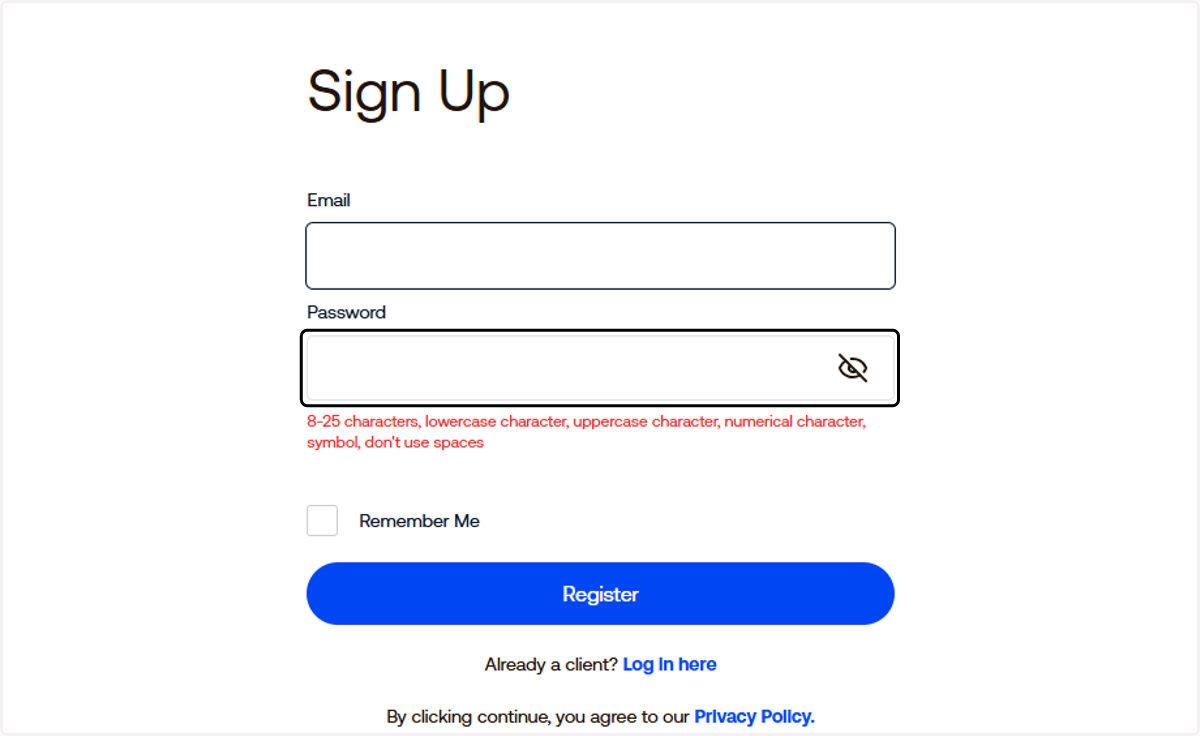
2. Choose your preferred password
8-25 characters, lowercase character, uppercase character, numerical character, symbol, don't use spaces
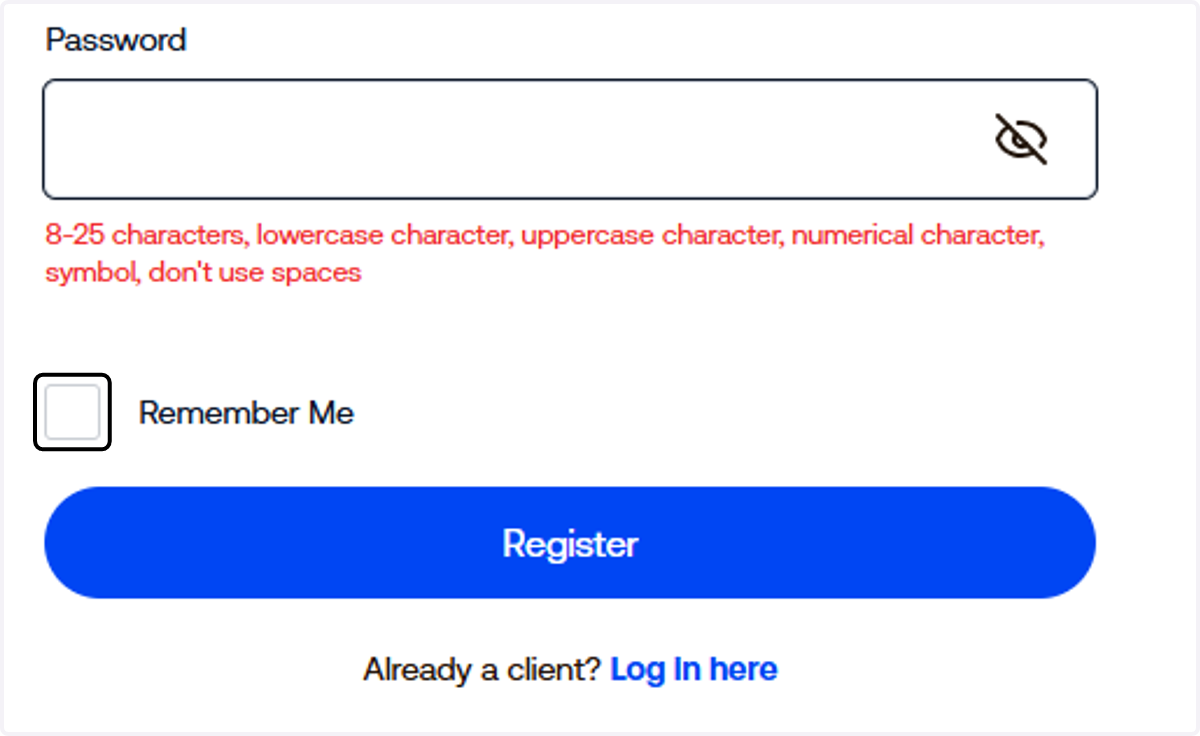
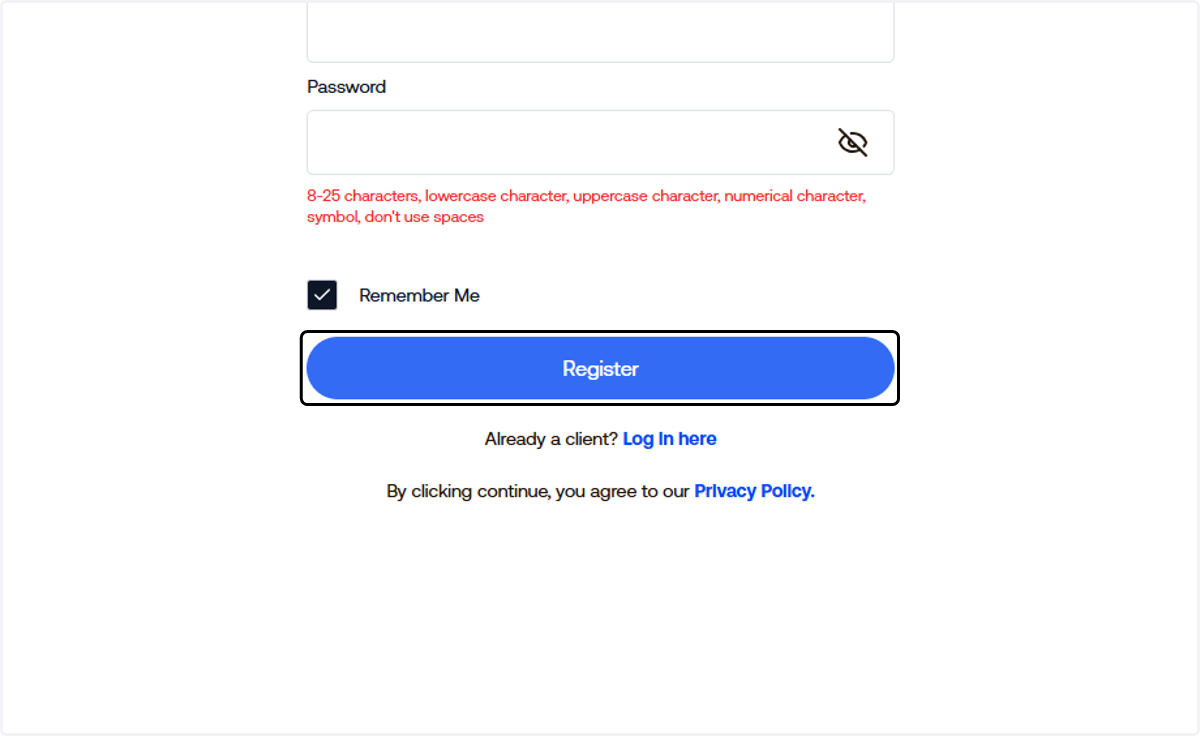
3. Click on Register
4. Select your country
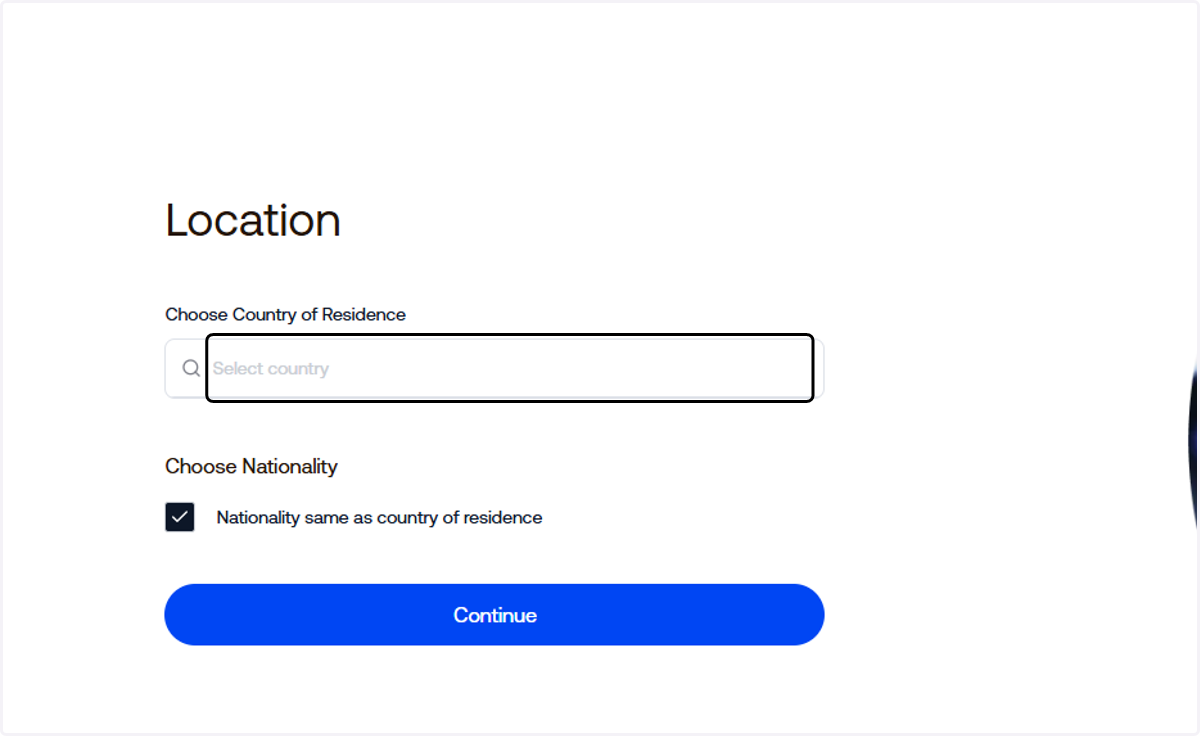
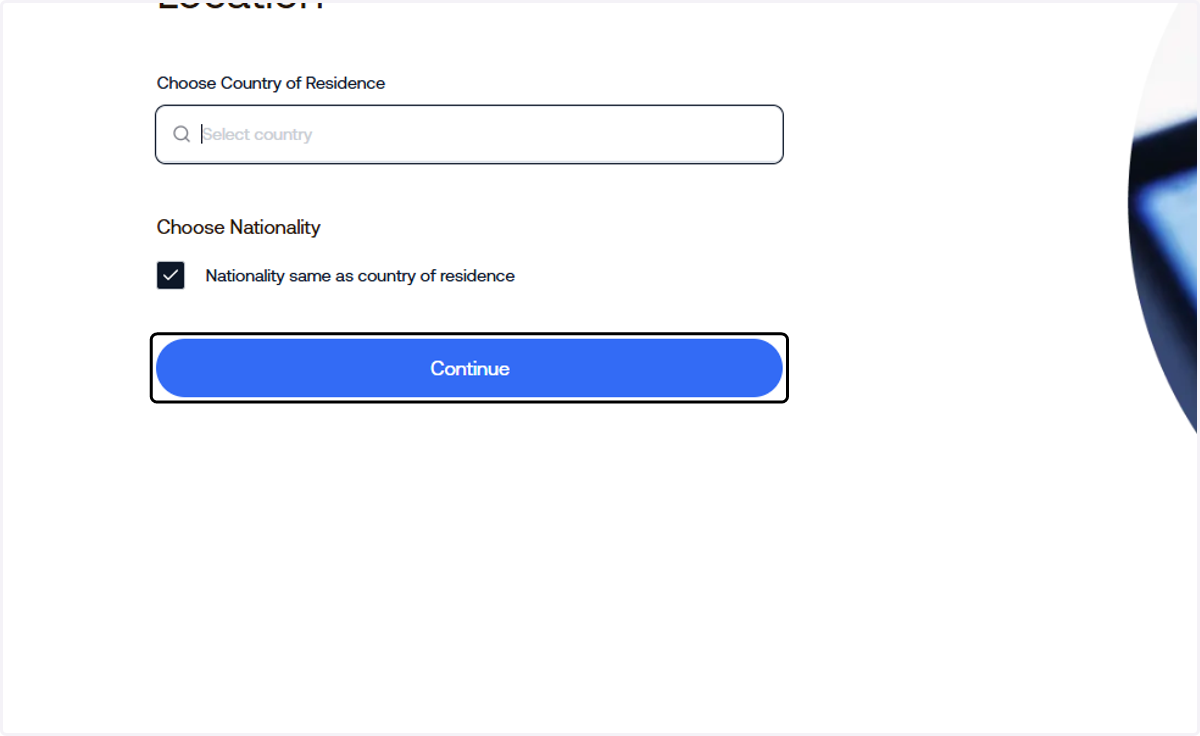
5. Click on Continue
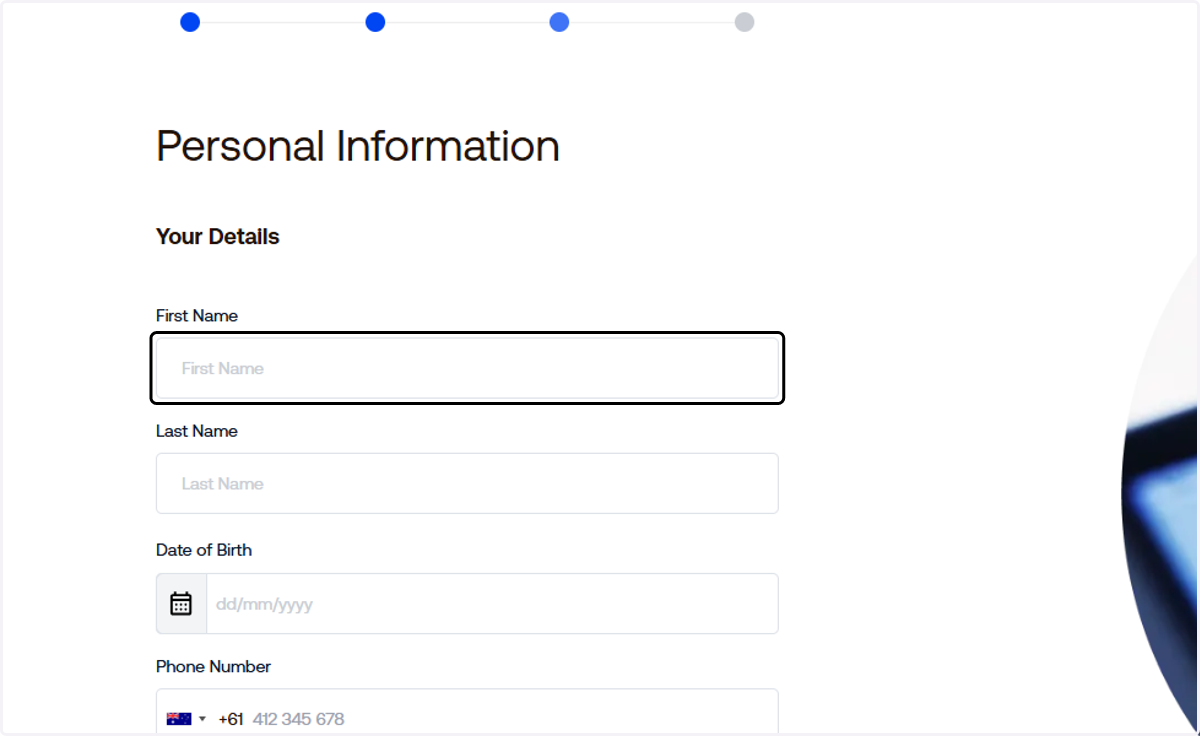
6. Input your personal information
7. Click on lastName
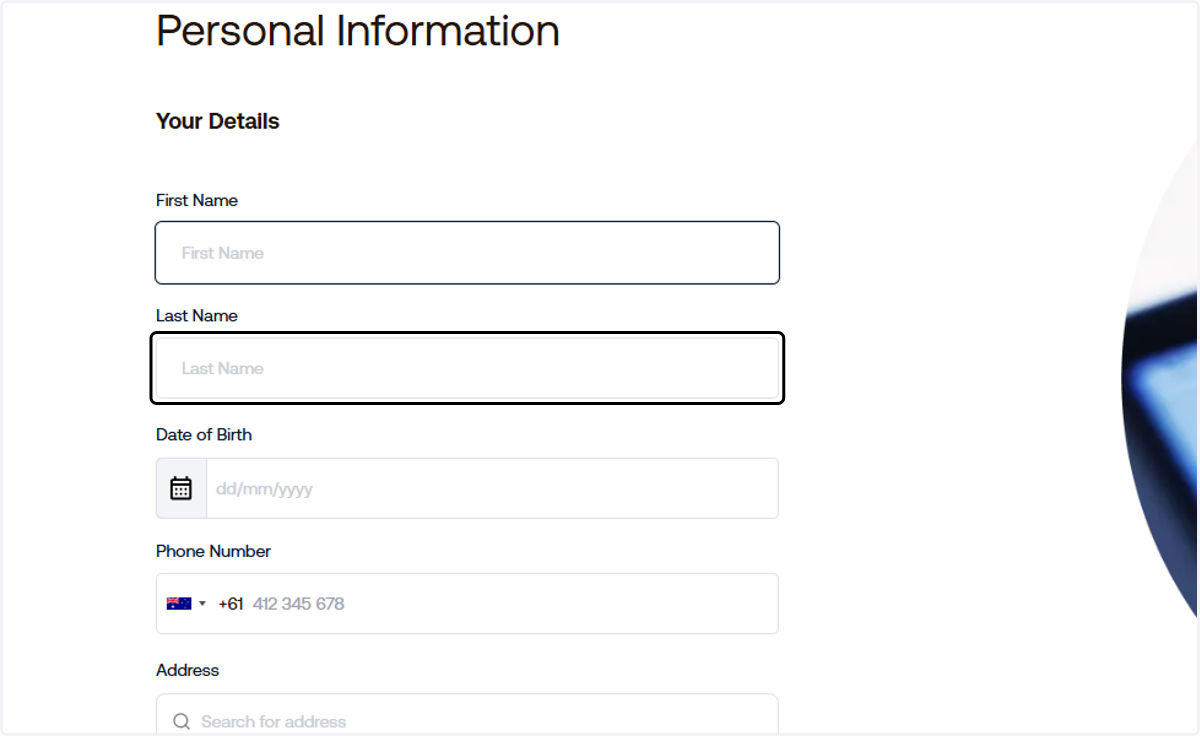
8. Search or manually type your address
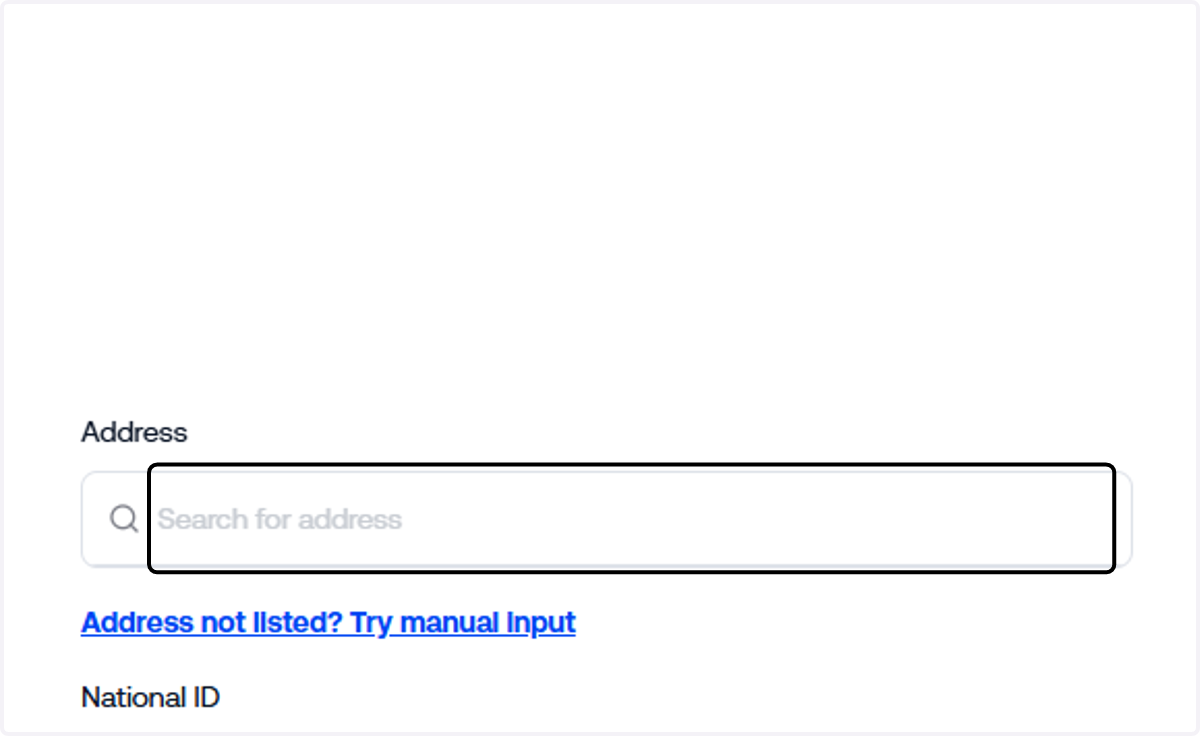
9. Enter you National Id
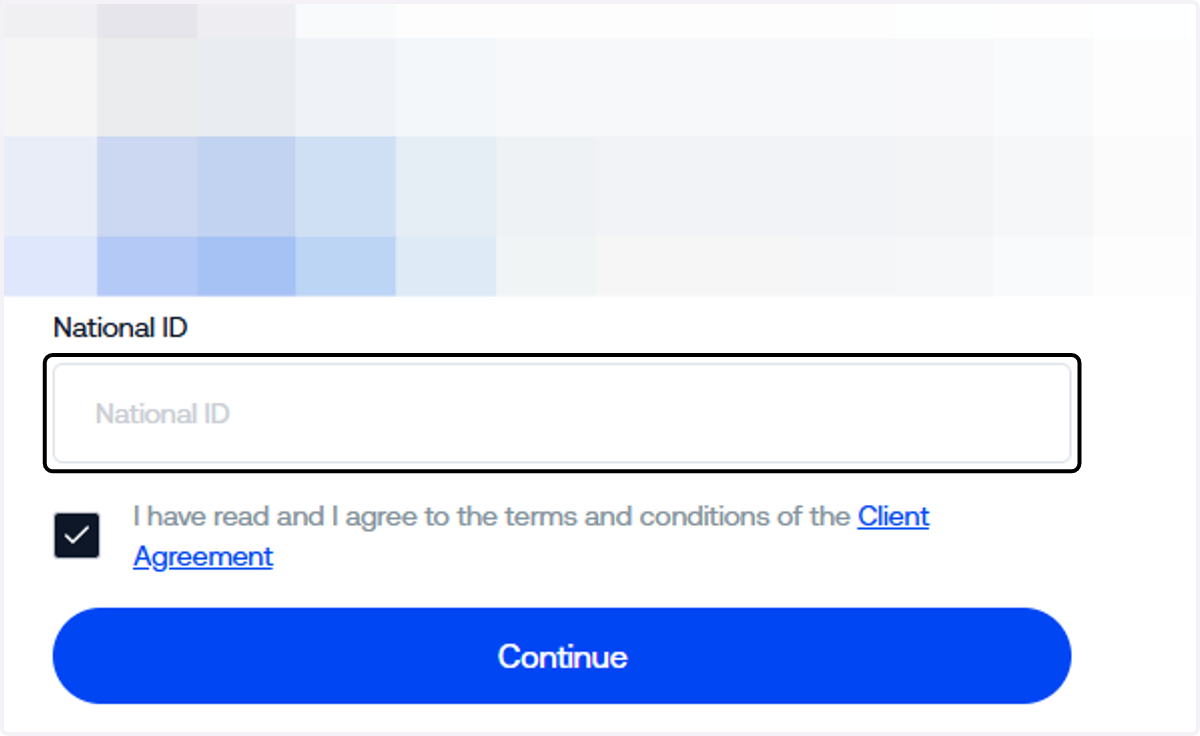
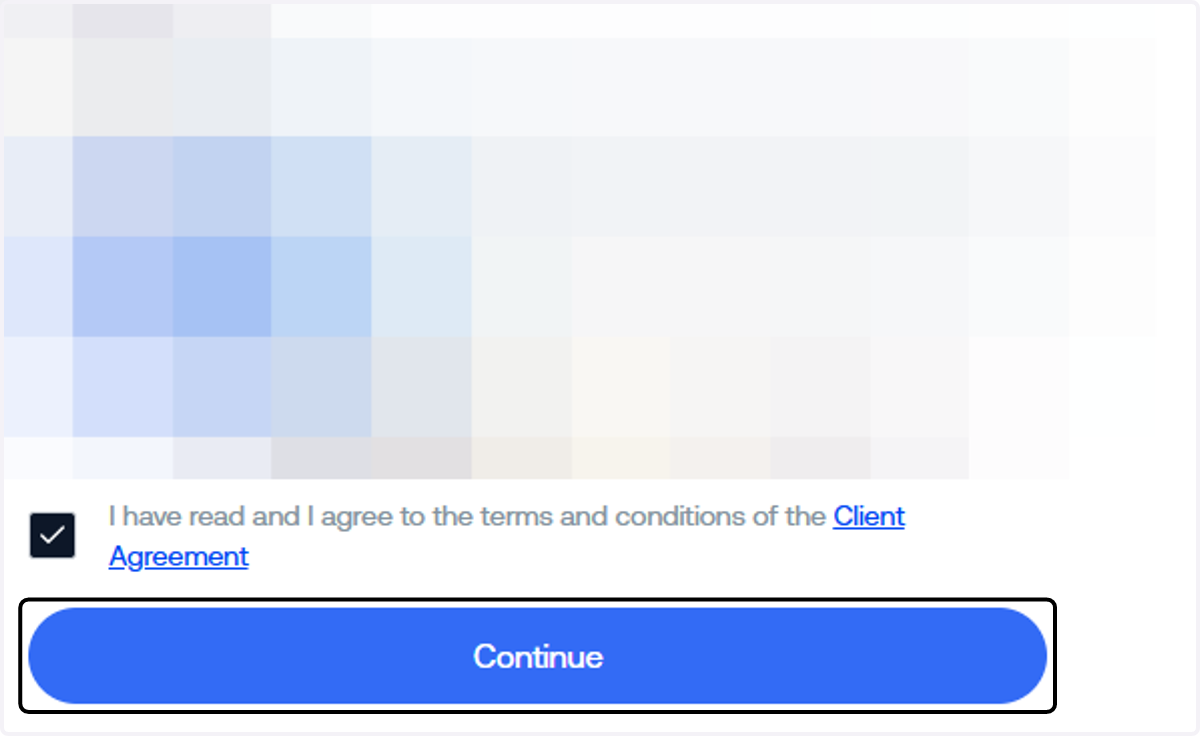
10. Read the "Terms & Conditions" then click "Continue"
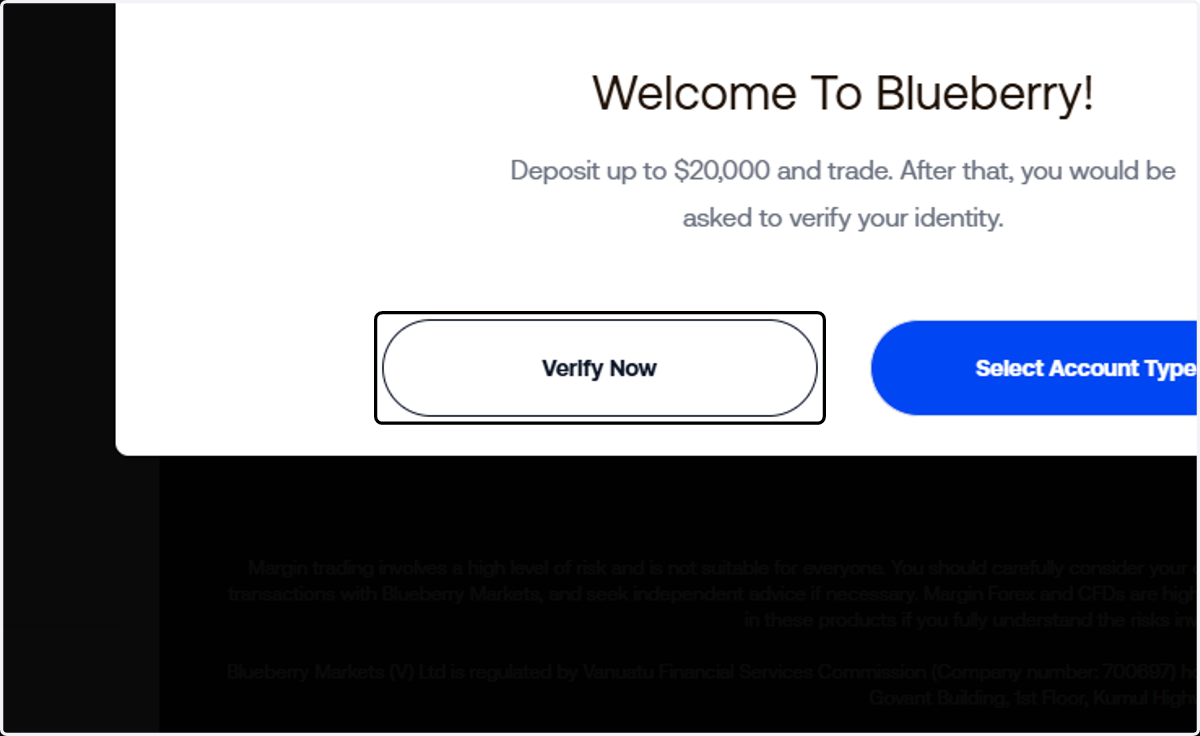
11. Click on Verify Now
12. Input your Employment Details
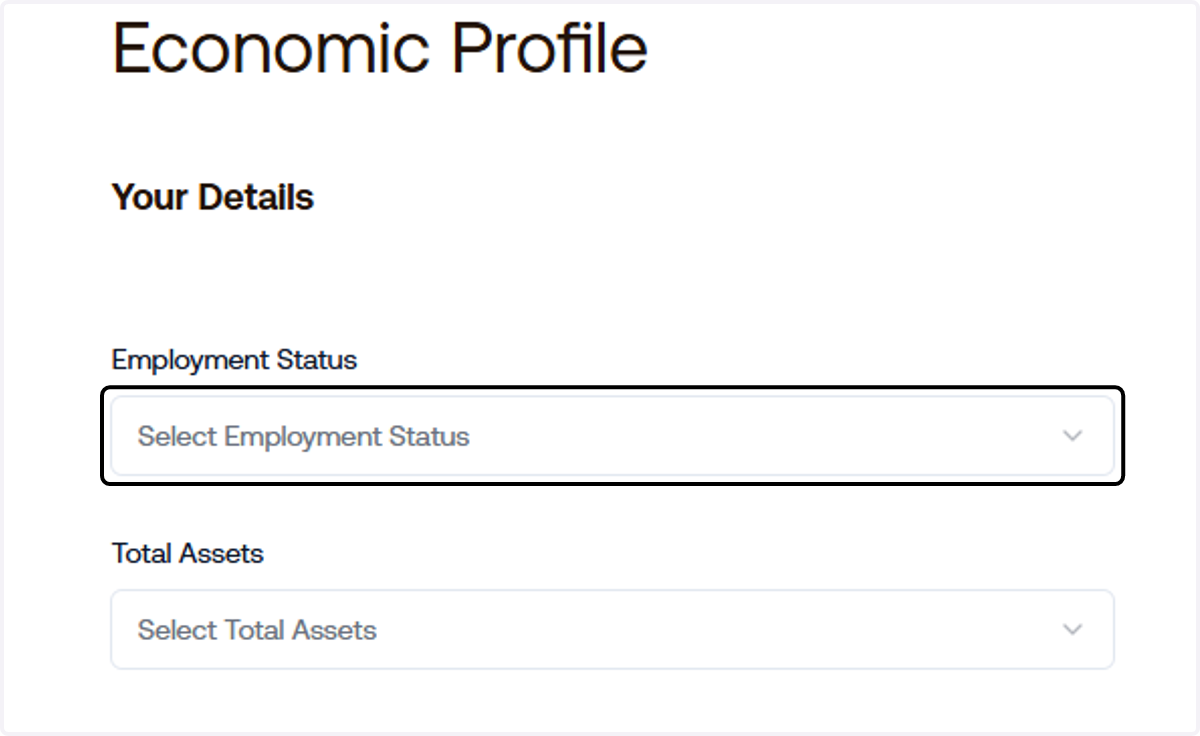
13. Input your Total Assets
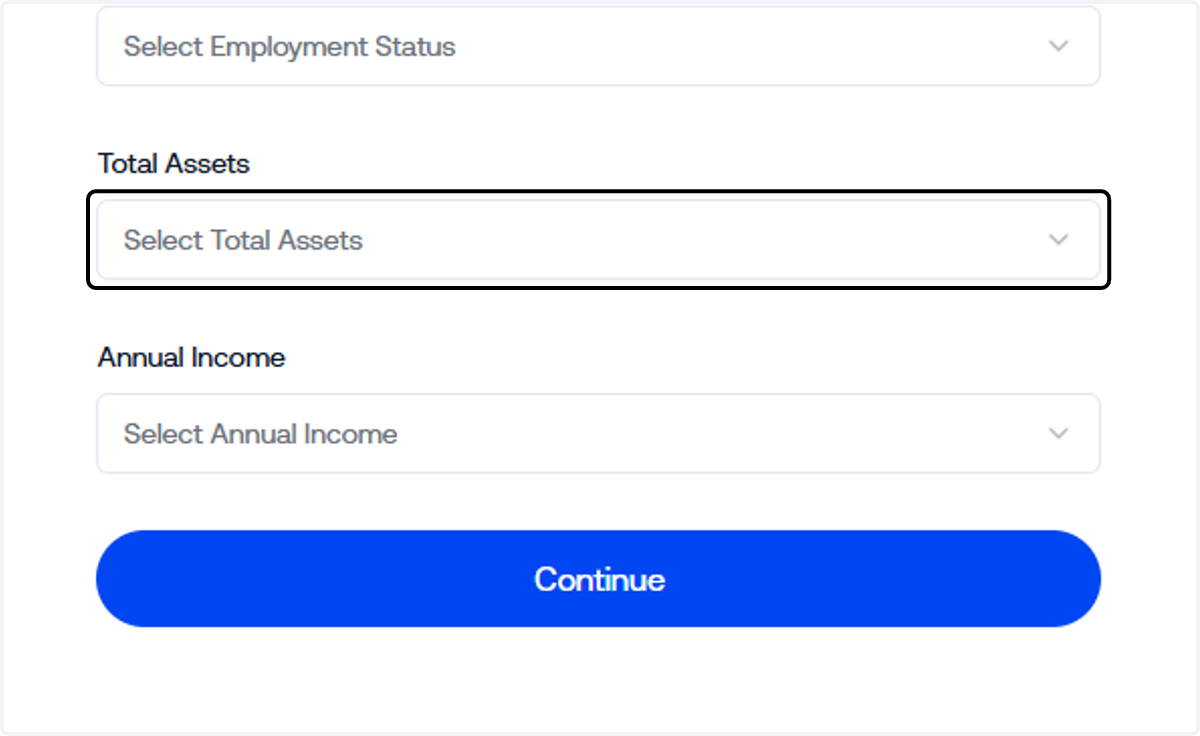
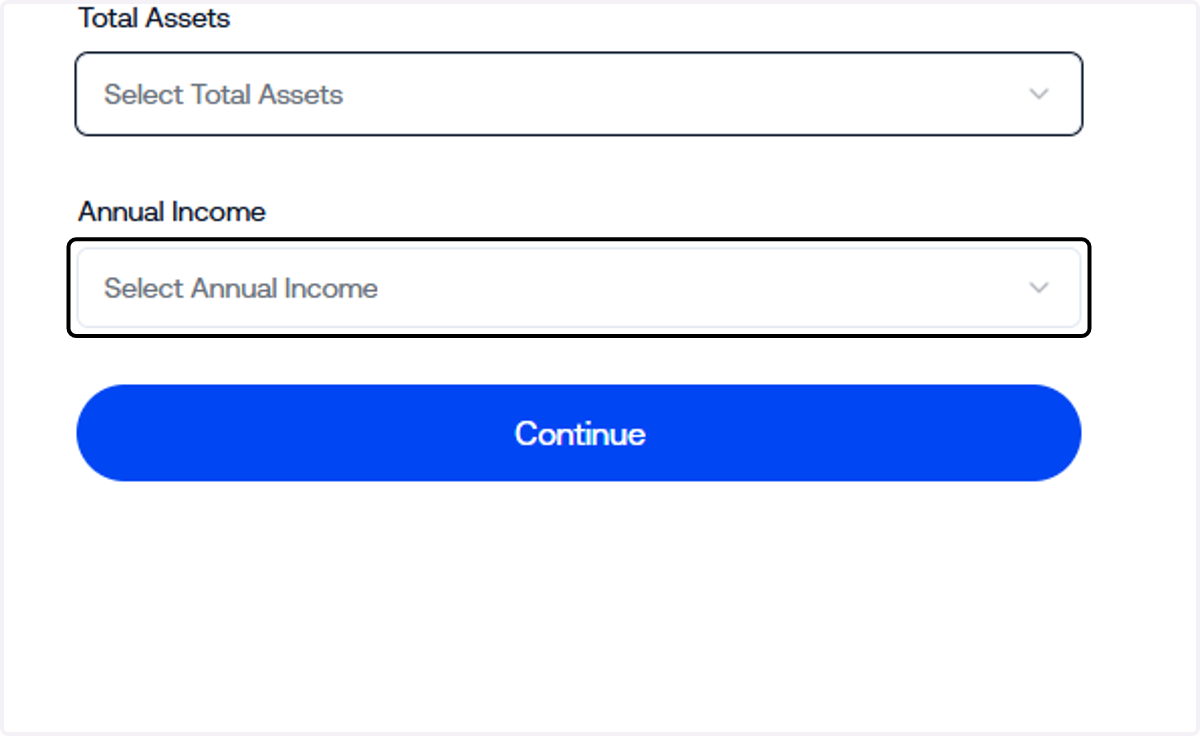
14. Annual Income
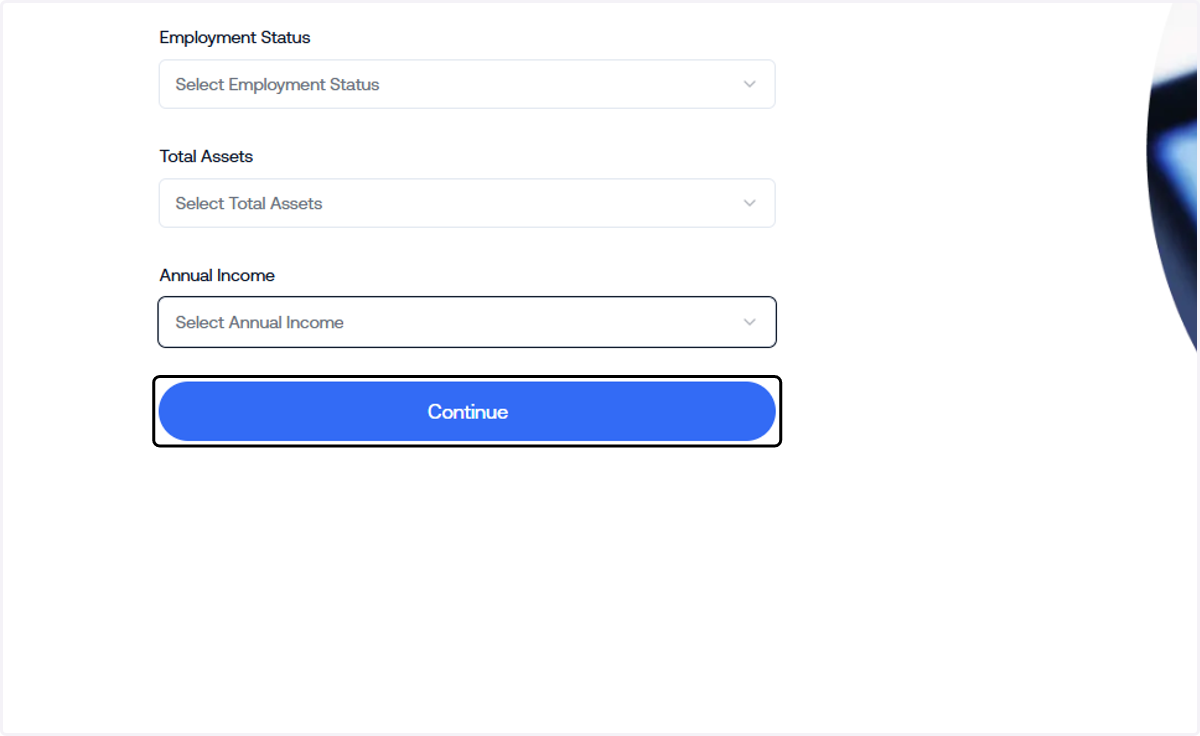
15. Click on Continue
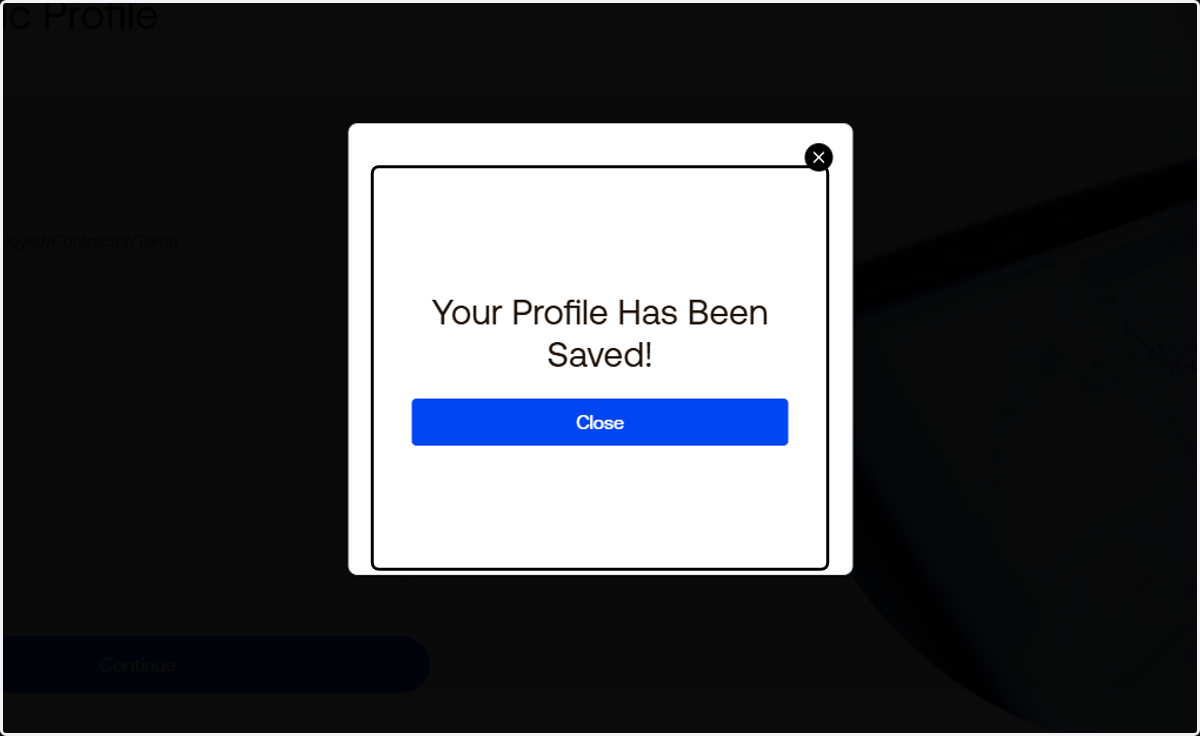
16. Click on Close…
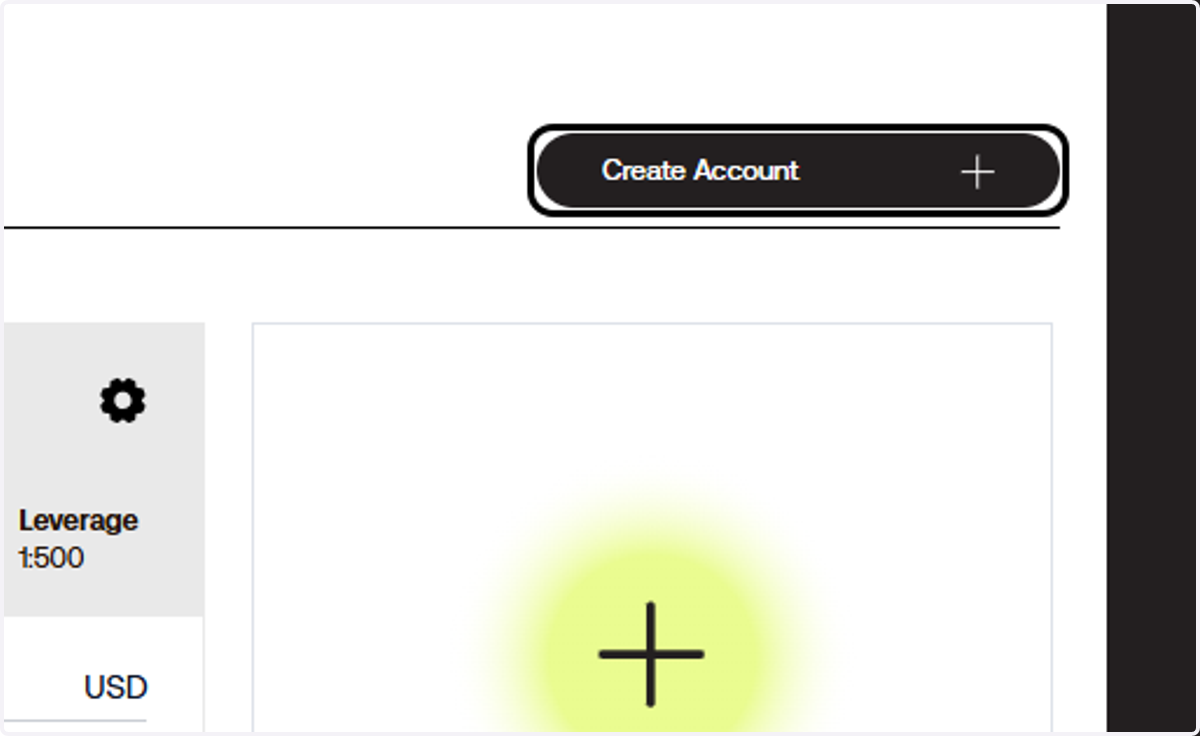
17. On your Client Portal, Click on Create Account
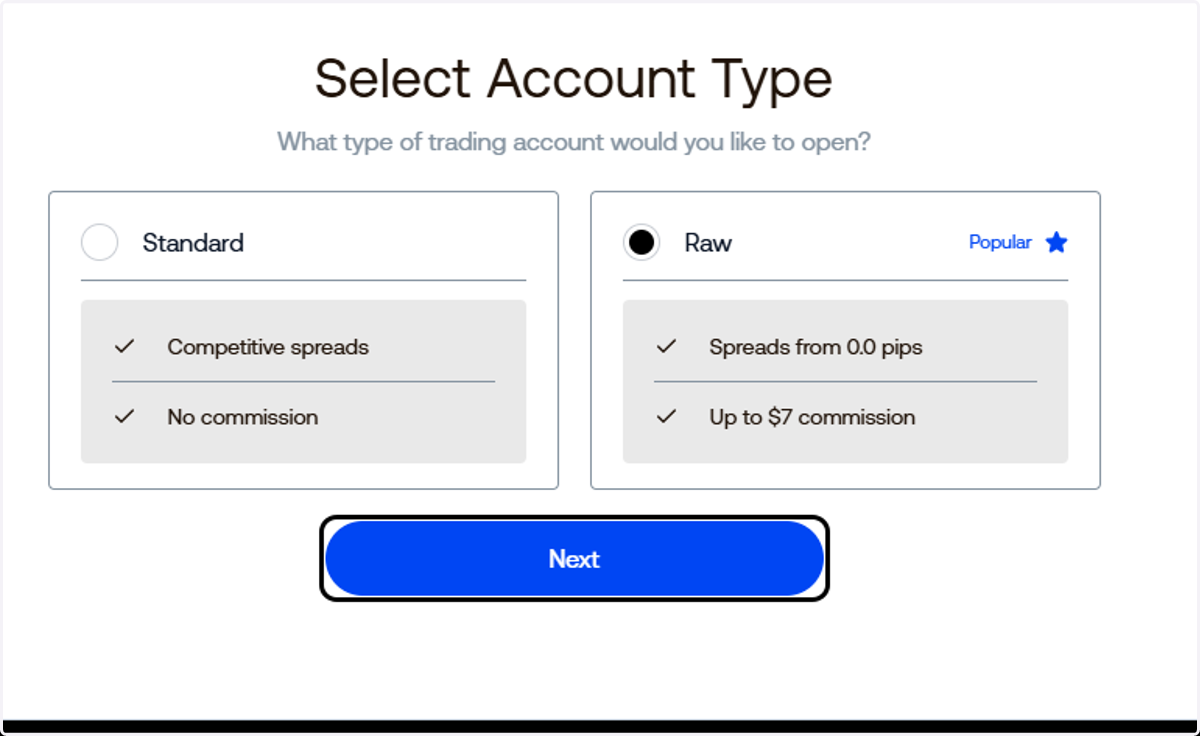
18. Select your desired account type, then click Next.
19. Select DX as your trading platform.
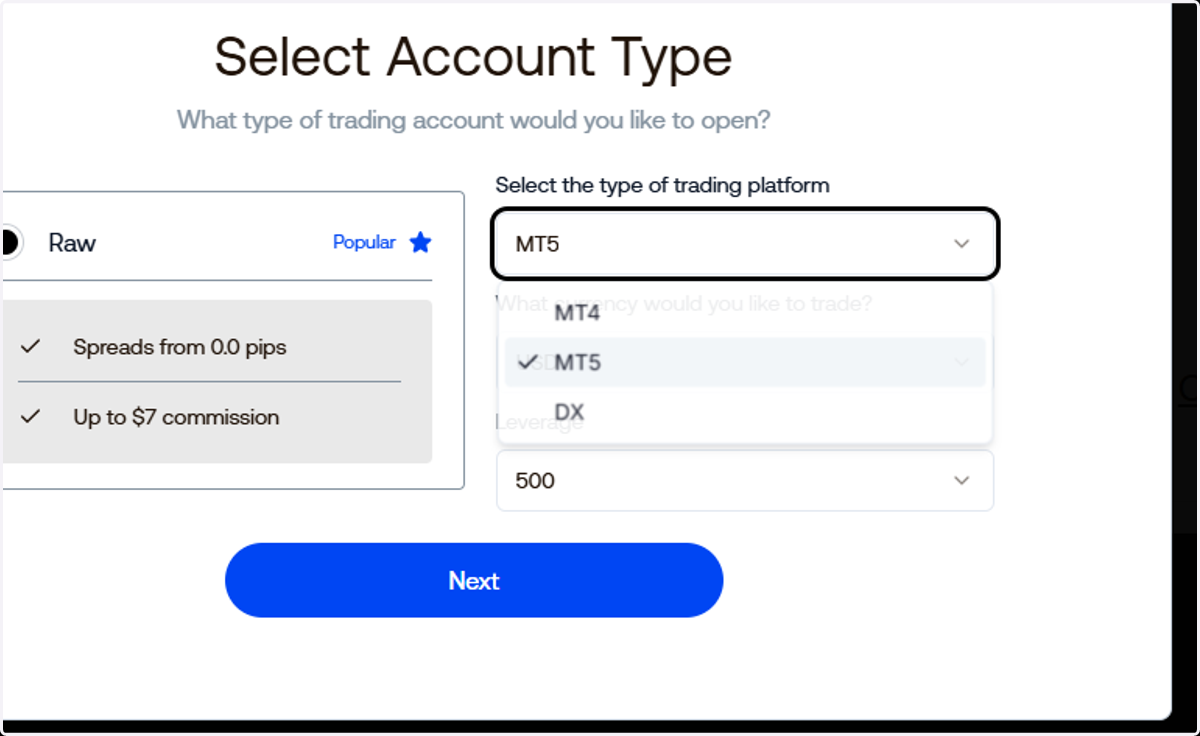
20. Untitled step
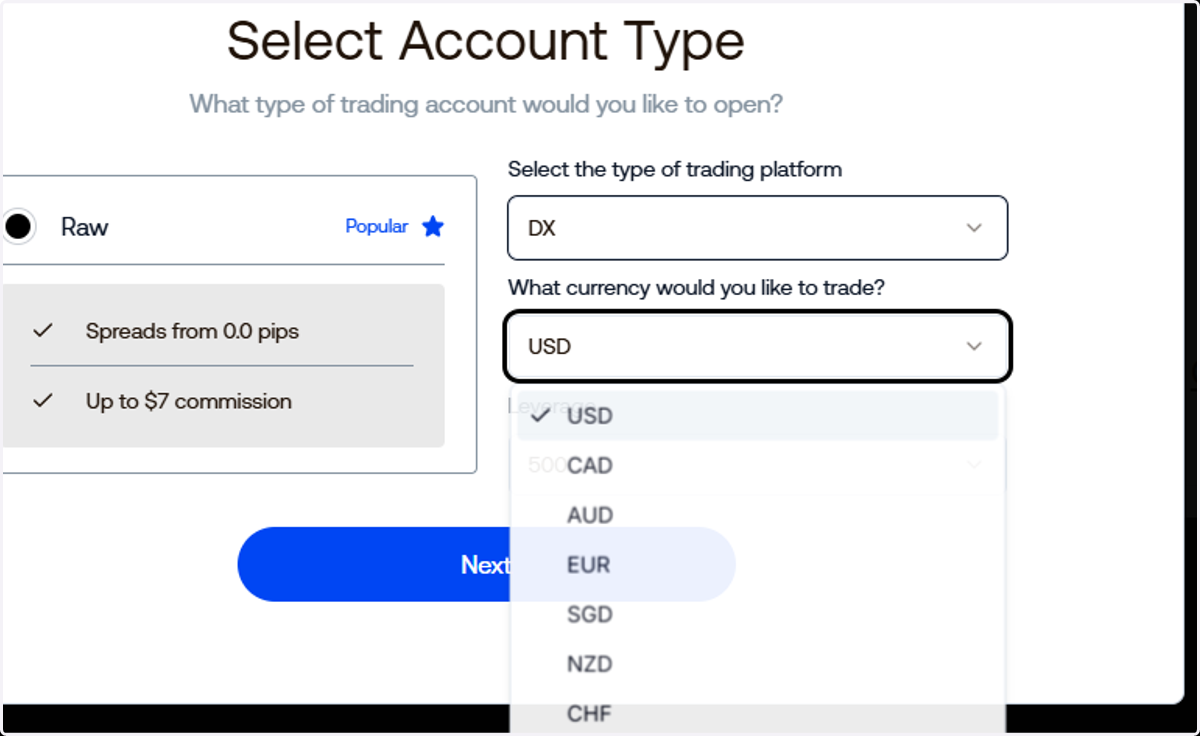
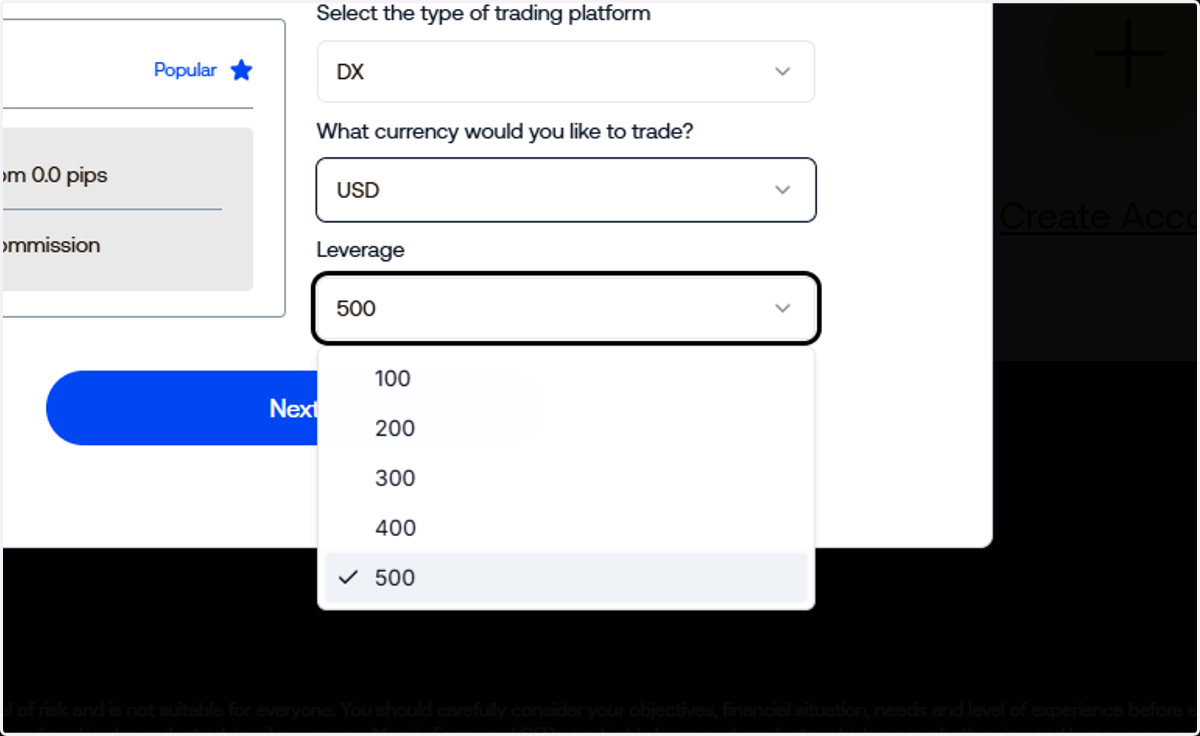
21. .. and your preferred leverage.
22. Click on Next
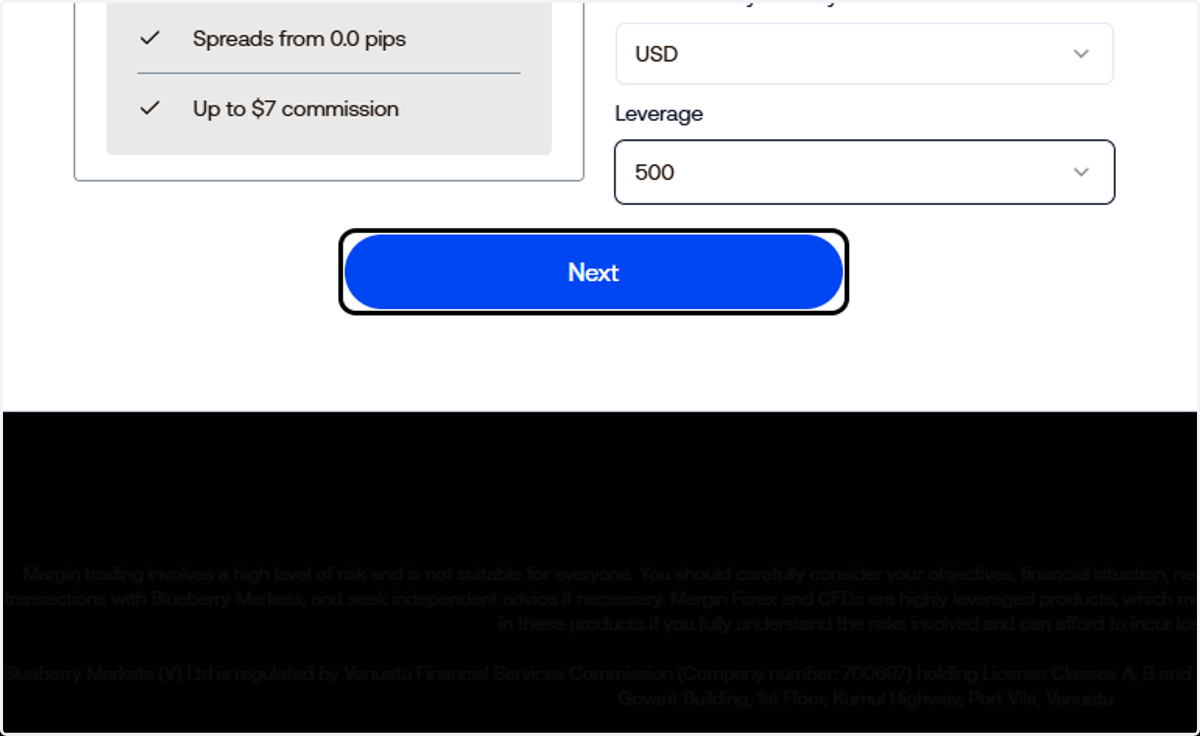
23. That's it! You have created your DX Trade account.